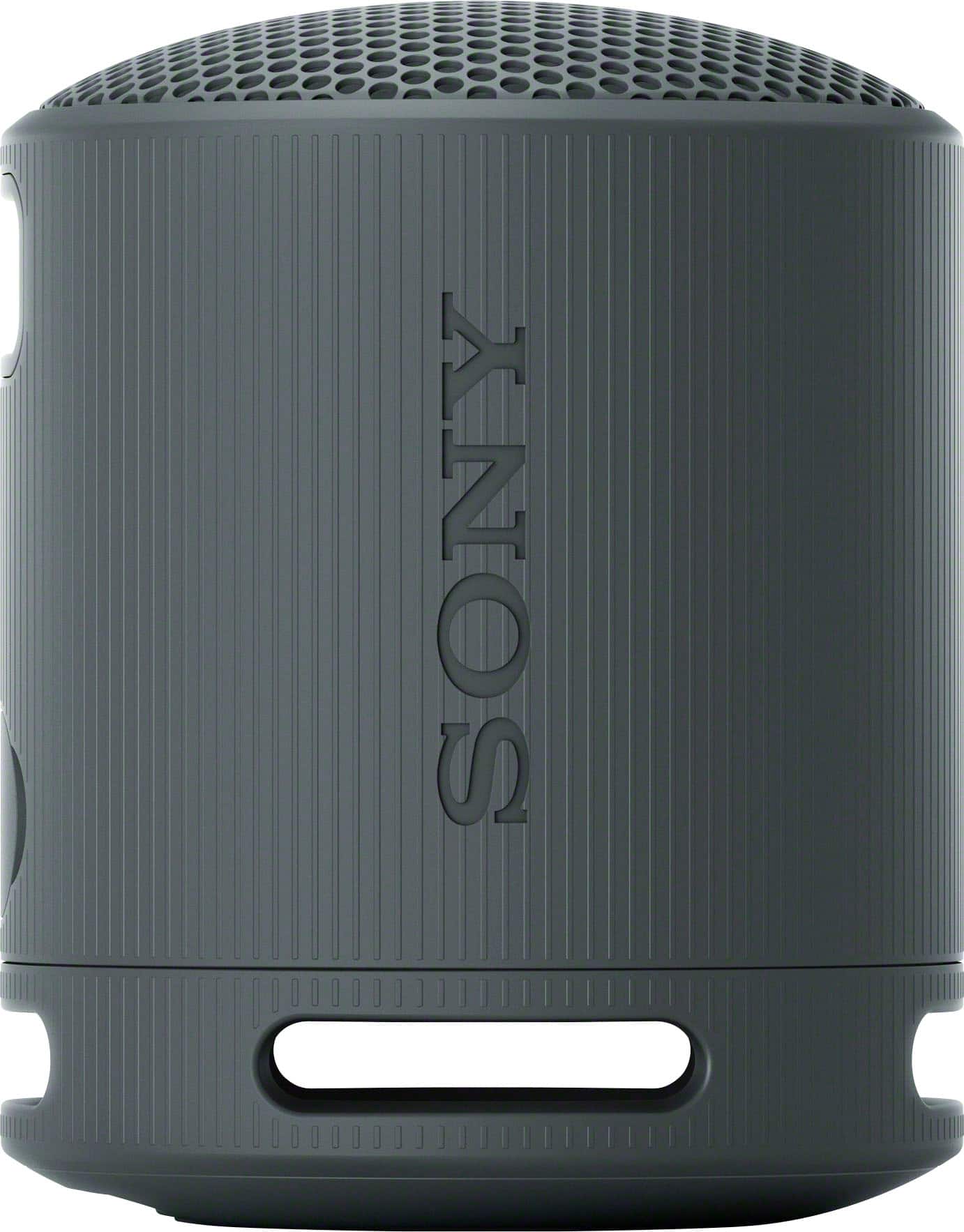
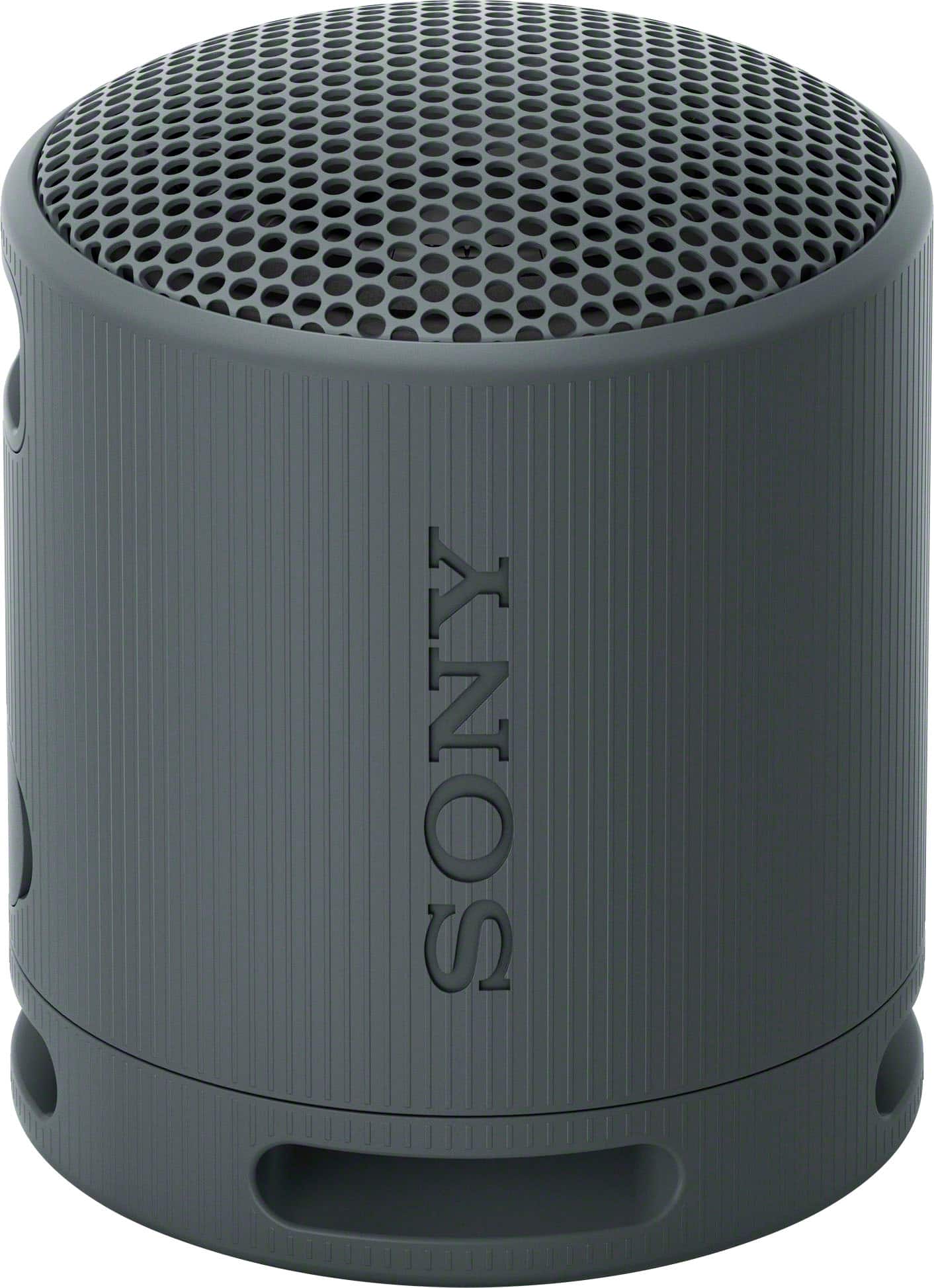
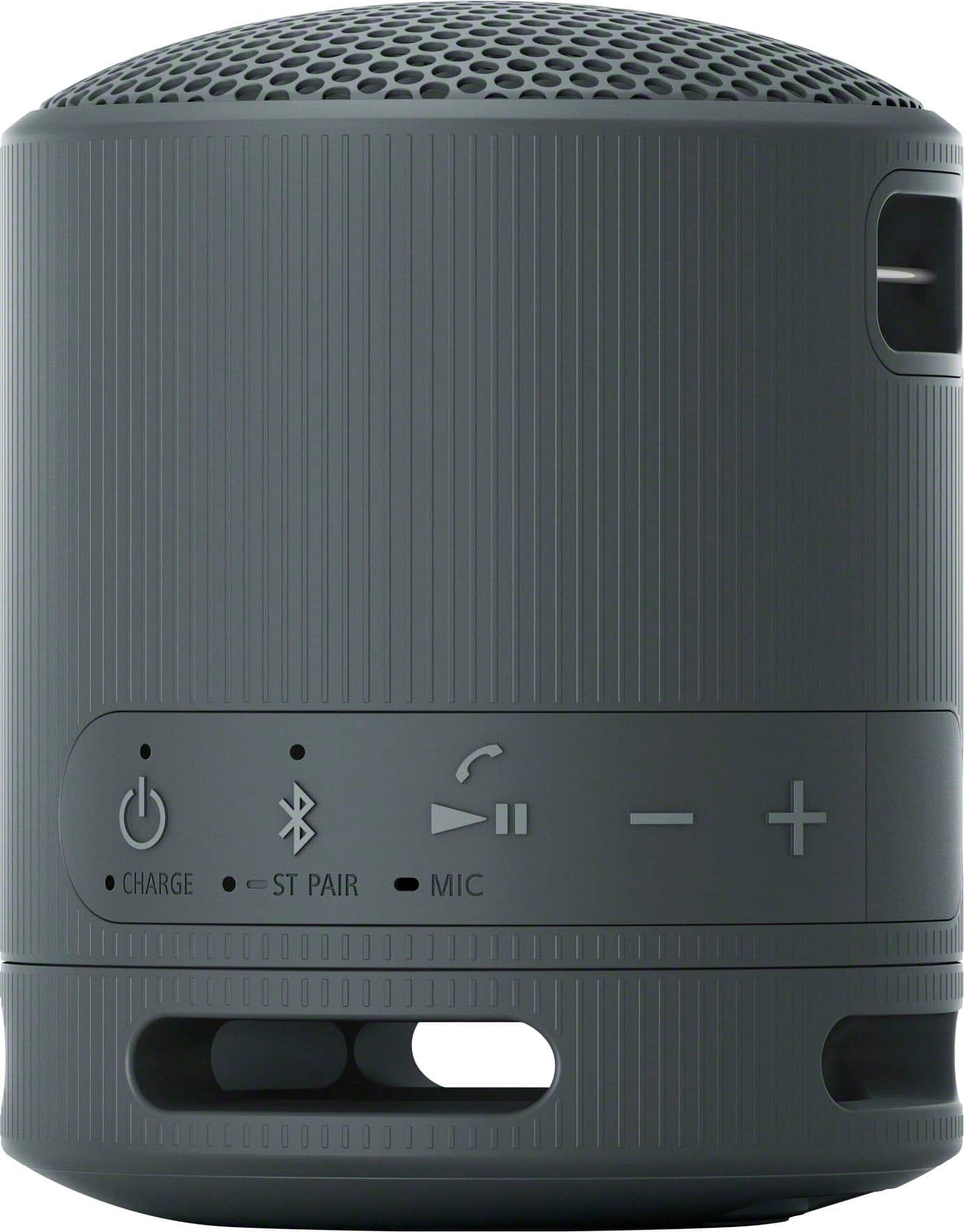
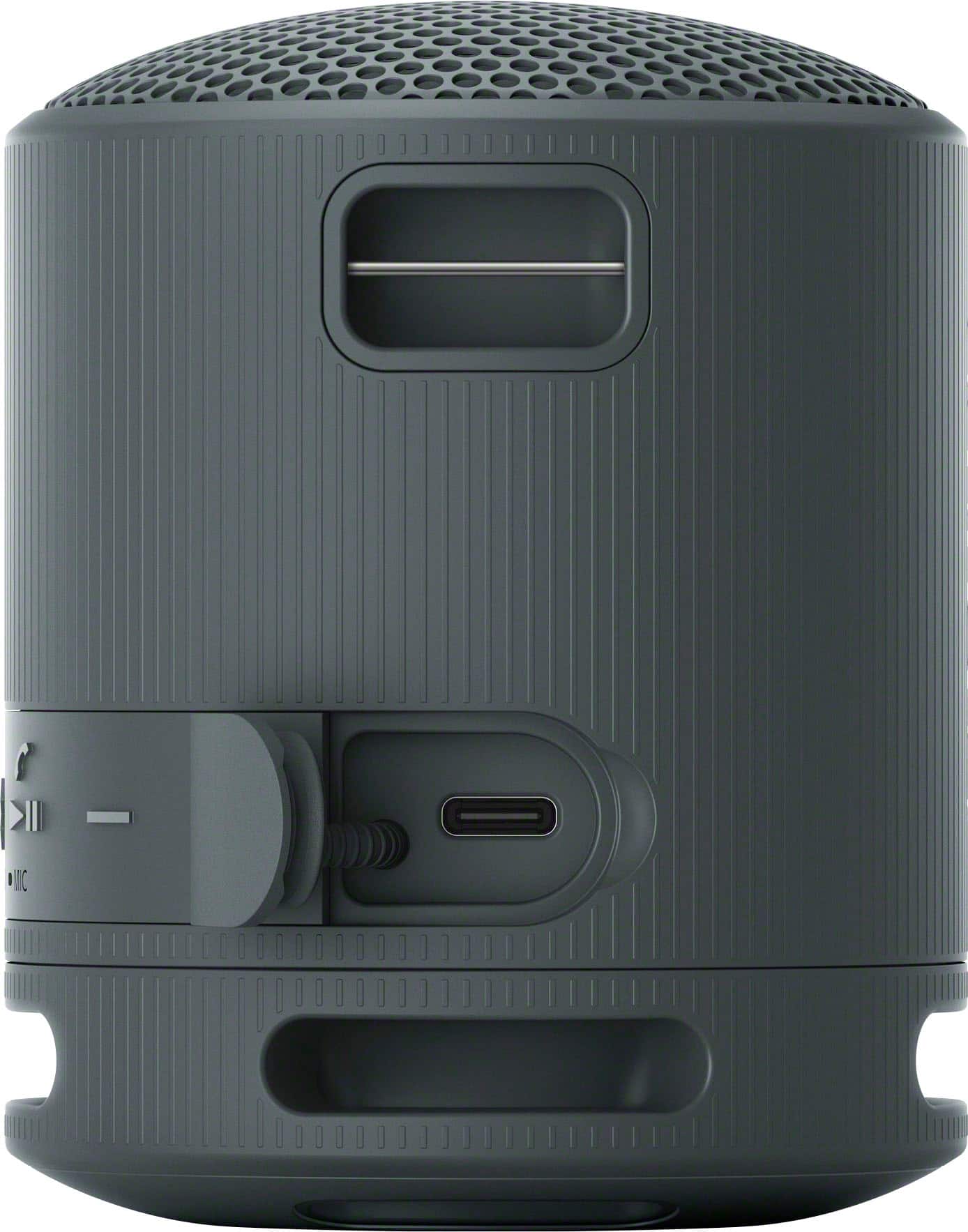
A:AnswerMy Sony XB100 is better than using the speaker on my iPhone because the volume can be adjusted to be much louder, and the clarity is very good.
A:AnswerYou connect to this speaker by using your i-phone bluetooth settings -- turn on the speaker - go to Bluetooth -- and allow it to discover the SRS-X then press connect to that device.
A:AnswerIt connected to my Sony A95L TV quite nicely with dual volume display for my HDMI connected BRAVIA Theater Quad and the SB100.
It also connected to my Sony A95G TV but the onscreen volume display and control is not as good.
A:AnswerHi Monique,
Thank you for contacting us! We're delighted to assist you with your inquiry about the SRS-XB100 speaker.
The SRS-XB100 portable wireless speaker can indeed be connected to a smart TV. It supports Bluetooth connectivity, which is commonly compatible with smart TVs that have Bluetooth functionality. To successfully connect, the TV must support the Advanced Audio Distribution Profile (A2DP) for audio streaming.
For comprehensive guidance on how to connect it to your TV, please follow this link: https://helpguide.sony.net/speaker/7856/v1/en/contents/TP1000946321.html#
We truly hope that you find this information valuable.
Thanks for considering Sony products.
Regards,
Stephanie
A:AnswerI purchased the speaker to test it with my TV/Sound System configuration.
Apparently, only one sound output can be active at a time. The Bluetooth speaker when turned on inhibits output to the Bravia Theater Quad and of course the Bravia Theater Quad inhibits output to the TV's speakers.
It would be MUCH BETTER if the TV allowed output to the Bluetooth speaker while also allowing the Bravia Theater Quad to fully function rather than toggling between the two outputs.
A:AnswerHello Saul,
Thank you for your question! We’d be happy to help. Yes, you can listen to Pandora or Sirius using your iPhone or iPad with the SRS-XB100 speaker. Simply connect your iPhone or iPad to the speaker via Bluetooth. Here’s how you can do it:
Ensure your speaker is in pairing mode. https://helpguide.sony.net/speaker/7856/v1/en/contents/TP1000946321.html
Turn on Bluetooth on your iPhone or iPad and search for new devices.
Select the SRS-XB100 from the list of available devices.
Once connected, you can start streaming Pandora or Sirius on your device, and the audio will come through the speaker. Thank you for choosing Sony!
Best regards,
-Fred