Questions & Answers
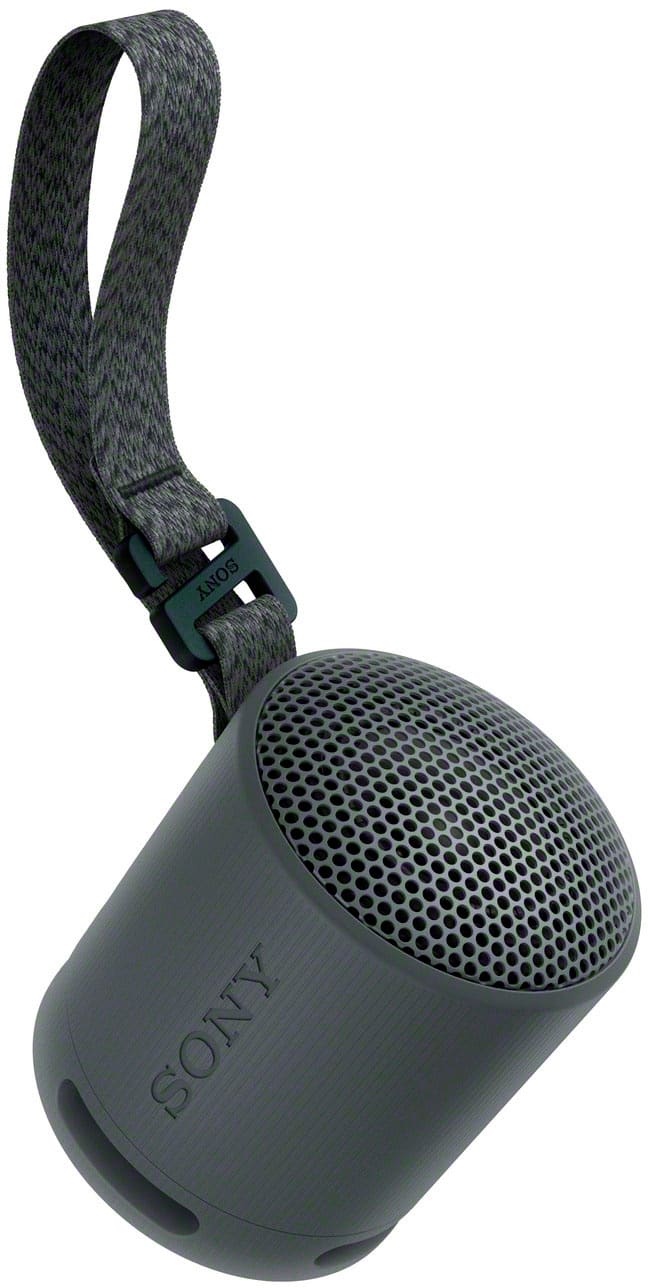
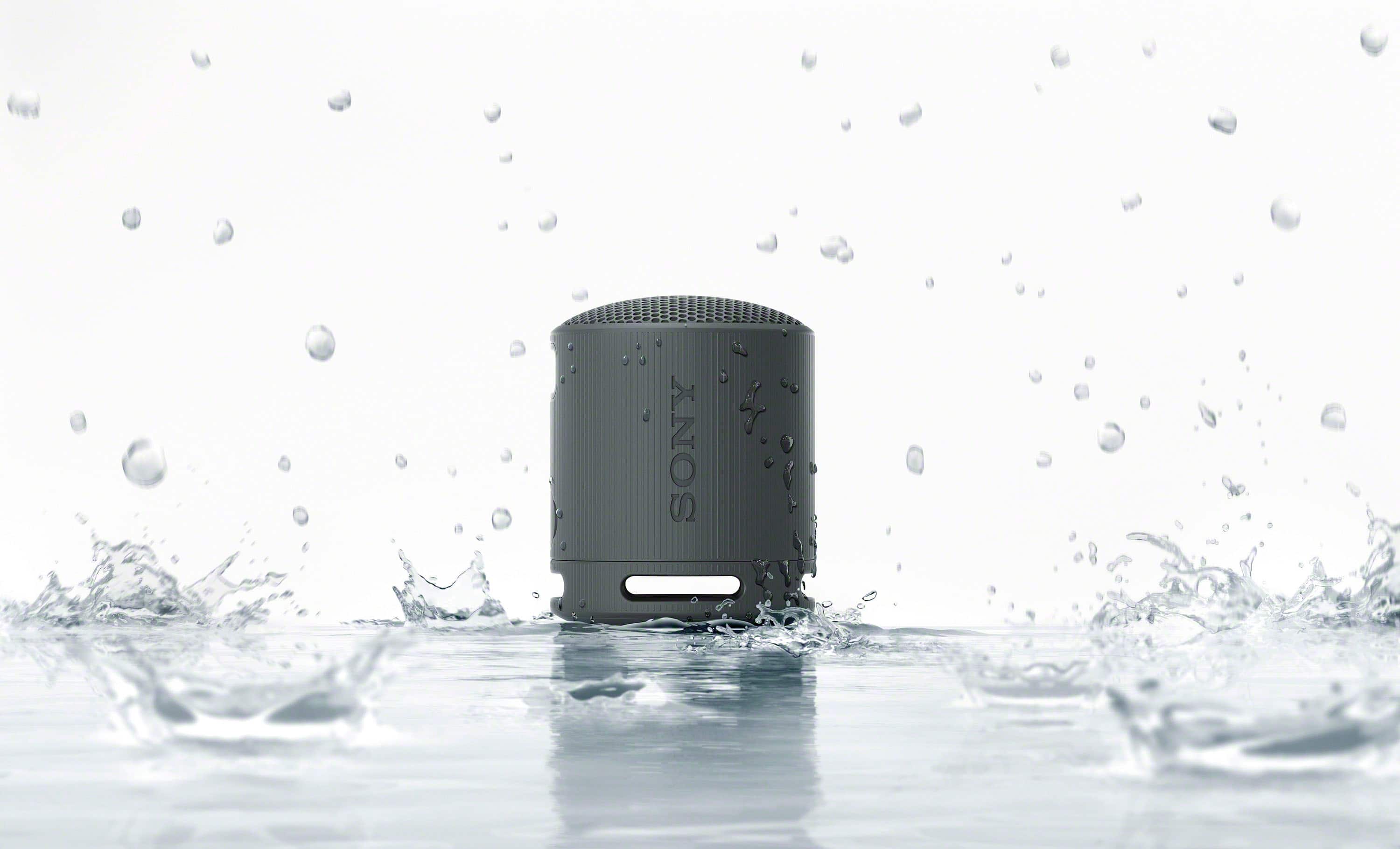
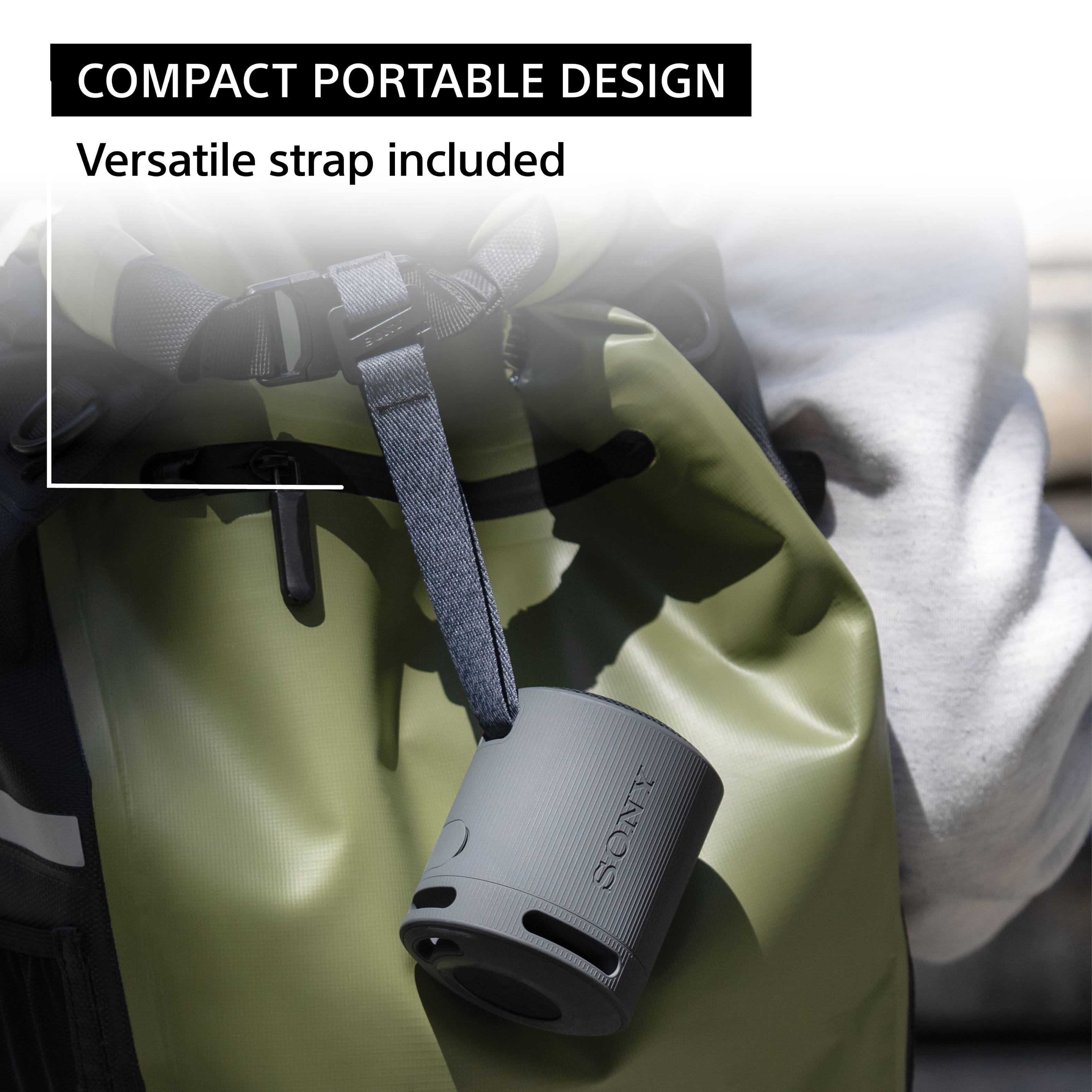

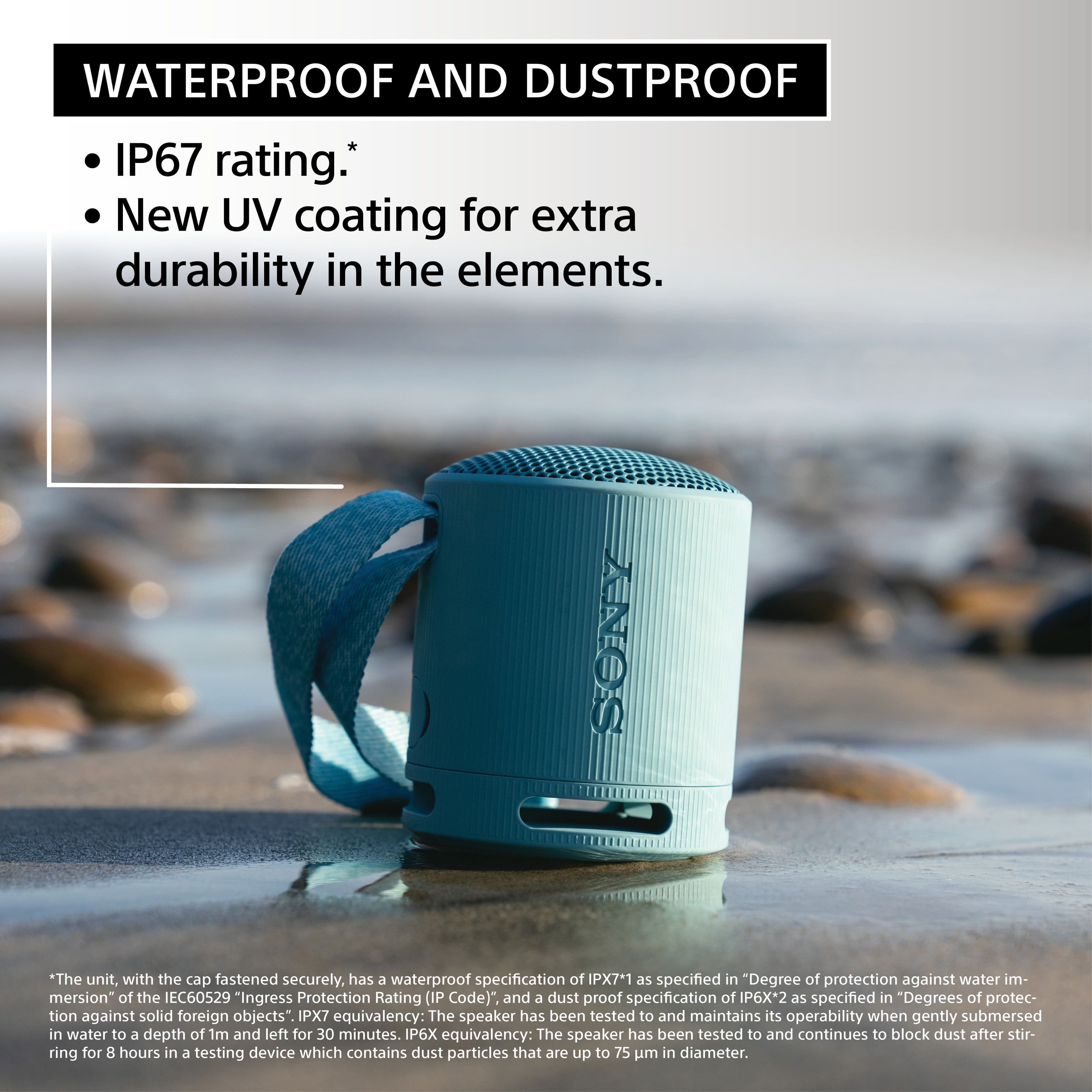
- Model:
- SRSXB100/B
- |
- SKU:
- 10413048
Q: QuestionHello, I lost my cord. Can I purchase a replacement? Thanks 😊
Asked by LDub123.
- A:Answer Hi LDub123, Thank you for the inquiry and we're sorry to hear what happened. Yes, you can order a replacement cord for your speaker. For us to better assist you, please email us at [email protected] with the following details: Name: Best Buy Username: Model Number: Issue: Telephone Number: -David
Answered by SonyListens
Q: QuestionHow many speakers can you connect to eachother? 2 or 4
Asked by Kups.
This question was asked about the related product: Sony - XB100 Compact Bluetooth Speaker - Black
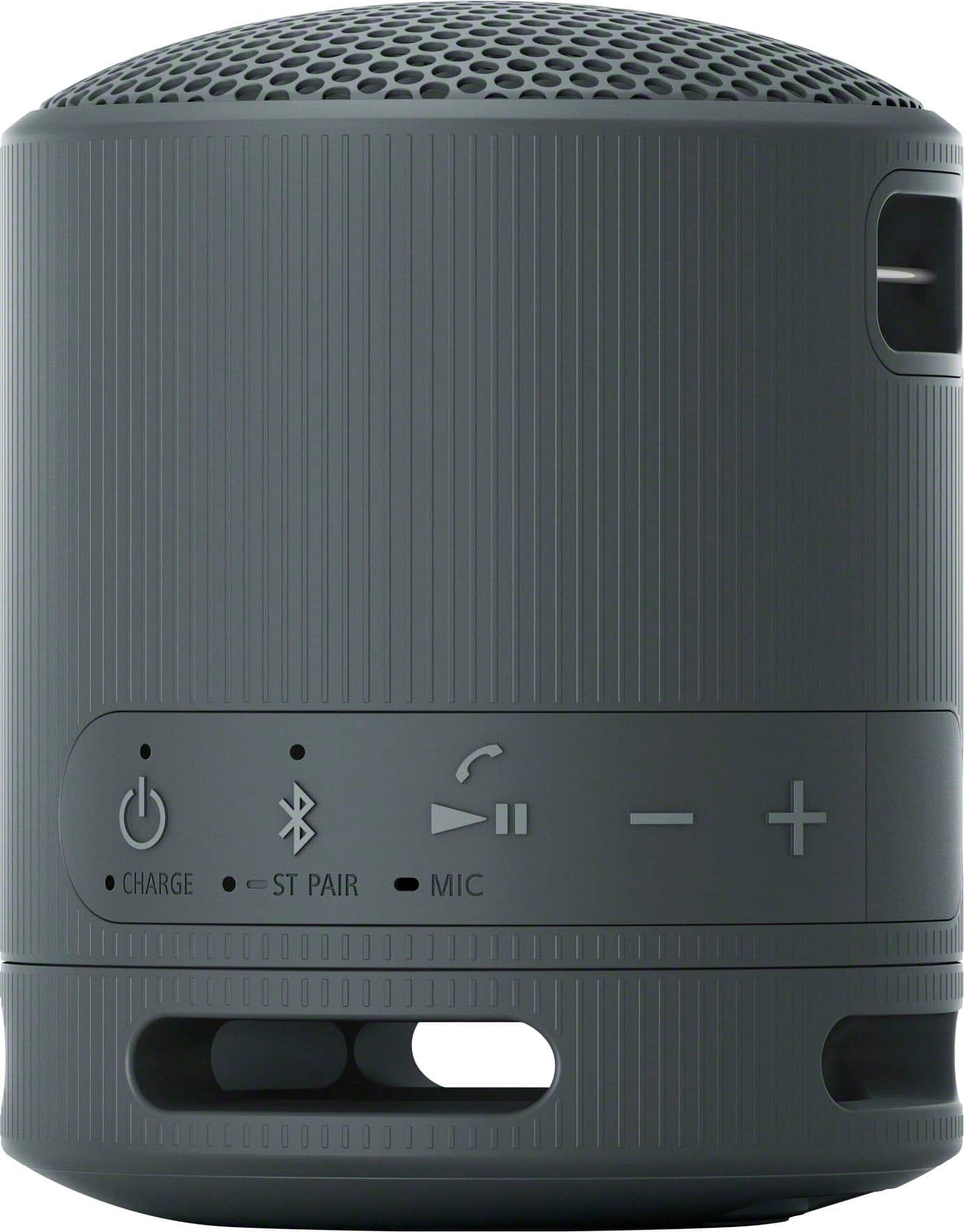
- A:Answer Hi Kups, Thank you for your inquiry! You can connect 2 SRS-XB100 speakers for the Stereo Pair function or stereo playback. To use the Stereo Pair function or stereo playback of the SRS-XB100, please refer to the steps below: 1. Place 2 speakers within 1 m (3.2 ft) each other, and then turn on both speakers. 2. On either one of the speakers, press and hold the(BLUETOOTH)/ST PAIR (Stereo Pair) button for about 2 seconds. 3. On the other speaker, press and hold the(BLUETOOTH)/ST PAIR (Stereo Pair) button for about 2 seconds. 4. Check the state of the indicator on each of the 2 speakers. When the speakers are connected by the Stereo Pair function, you hear voice guidance (Left/Right) from the speaker, then the ST PAIR (Stereo Pair) indicators on both speakers stay lit and the (BLUETOOTH) indicator on the second speaker turns off. 5. Operate the speaker of which the (BLUETOOTH) indicator is flashing to make a BLUETOOTH connection with your computer/BLUETOOTH device. When the BLUETOOTH connection is established, you hear the notification sound from the speaker and the activity of the (BLUETOOTH) indicator changes from flashing to lit. 6. Start playback on the BLUETOOTH device, and adjust the volume to moderate level. 7. Press the –/+ (volume) buttons on one of the speakers to adjust the volume. For more details, please visit the Help Guide of our SRS-XB100 ( can be found in Sony's support website) and search for "Listening to music wirelessly with 2 speakers (Stereo Pair function)." Note: • To use the Stereo Pair function, 2 SRS-XB100 speakers are required. • By connecting 2 speakers via a BLUETOOTH connection, you can enjoy more powerful sound. One speaker plays the sound on the left channel (left side), while the other speaker plays the sound on the right channel (right side) for stereo playback between the speakers. Get ready for powerful and clear sound from a compact body. The XB100 speaker is everything you need for life on the move. It’s durable, has plenty of battery and is perfect for listening at home or when out with friends. It’s the perfect all-rounder for however you like to listen. I hope this helps you, and thanks again for your inquiry! Best regards, Romeo
Answered by SonyListens
Q: QuestionDoes this speaker have the auto off function? If using battery for power, will it shut off automatically when not in use?
Asked by LucyLoo.
This question was asked about the related product: Sony - XB100 Compact Bluetooth Speaker - Black
- A:Answer Great question, LucyLoo! Absolutely, yes. The SRS-XB100 features an Auto Standby (power saving) function. In the event of the following, the speaker automatically turns off in 15 minutes to conserve the power of the rechargeable built-in battery. At the time of purchase, the Auto Standby function is set to on. • No operation on the speaker. • The hands-free function of the connected smartphone or mobile phone is set to off and the smartphone or mobile phone is not playing music (audio), nor is it being operated. For details, refer to the operating instructions supplied with the smartphone or mobile phone. • The connected BLUETOOTH device, such as a WALKMAN®, is not playing music (audio), nor is it being operated. To turn on/off the Auto Standby function: 1. Turn on the speaker. 2. Press and hold the (play)/(call) button and the – (volume) button simultaneously for about 5 seconds. - When the Auto Standby function is turned off, the(power) indicator flashes 3 times in green. - When the Auto Standby function is turned on, the(power) indicator flashes twice in green. Music is the soundtrack to our lives, and we want you to be able to enjoy your tunes wherever you are. So, we’ve packed powerful, clear sound into a portable body. If you love good music and listening with friends, the XB100 is your perfect partner. I hope you find this answer helpful, and thanks again for considering Sony! Best regards, Romeo
Answered by SonyListens

Q: QuestionHow many decibels does this speaker go up to?
Asked by AuntieMan.
This question was asked about the related product: Sony - XB100 Compact Bluetooth Speaker - Black
- A:Answer Hi AuntieMan, Thanks for your question. We apologize, the loudness measurement (dB) is not listed as part of the product’s specification. We can guarantee you that you will enjoy listening to XB100. Music is the soundtrack to our lives, and we want you to be able to enjoy your tunes wherever you are. So, we’ve packed powerful, clear sound into a portable body. If you love good music and listening with friends, the XB100 is your perfect partner. Additionally, the SRS-XB100 can also be paired with another SRS-XB100 if you want an even bigger sound! I hope this helps! Best regards, Romeo
Answered by SonyListens
Q: QuestionCan the speaker remain plugged into an AC outlet? I just need a small bluetooth speaker for my bedroom dresser.
Asked by ACPower.
This question was asked about the related product: Sony - XB100 Compact Bluetooth Speaker - Black
- A:Answer Yes. I've owned this and the XB13 for a couple years each and I sometimes use it while plugged in for several hours. I would say this is not ideal, probably degrading to the battery life if you do it continuously (I'm not sure though) but you might not care if you rarely need the battery feature anyway. You can use an app or special charger to charge only up to 90% to minimize that. Mine still last ~3 hours at high volume with constant use (full charge/discharge every day or two) for about 2 years. These speakers are really amazing sound quality and huge bass (adjustable eq with app) especially for the size. I recommend over the similar competitors, there's just no contest!
Answered by joyj
Q: QuestionCan I hook up my iPod to this speaker?
Asked by Anonymous.
This question was asked about the related product: Sony - XB100 Compact Bluetooth Speaker - Black
- A:Answer I think you can hook it up to our iPod I don’t know
Answered by VinneyL
Q: QuestionIt is hard to connect with my Android phone. Can you tell me why?
Asked by Anonymous.
This question was asked about the related product: Sony - XB100 Compact Bluetooth Speaker - Black
- A:Answer No
Answered by VickyS
Q: Questionis this speaker parible to another speaker
Asked by jock.
This question was asked about the related product: Sony - XB100 Compact Bluetooth Speaker - Black
- A:Answer Yes it is!
Answered by GuillermoP
Q: QuestionI bought the Sony XB100 but cannot get Windows 11 to recognize it. Will this speaker connect to Win11?
Asked by operasinger.
This question was asked about the related product: Sony - XB100 Compact Bluetooth Speaker - Black
- A:Answer Hi operasinger, The Sony SRS-XB100 can connect to Windows 11, as it is equipped with Bluetooth version 5.3 and supports various profiles including A2DP, AVRCP, and HFP, which allow seamless pairing with Windows 11 devices. If it does not connect, check this out: https://helpguide.sony.net/speaker/7856/v1/en/contents/TP1000946306.html -Aldair
Answered by SonyListens
Q: QuestionHow many watts?
Asked by Dekaree.
This question was asked about the related product: Sony - XB100 Compact Bluetooth Speaker - Black
- A:Answer 10 Watts
Answered by Source28x
