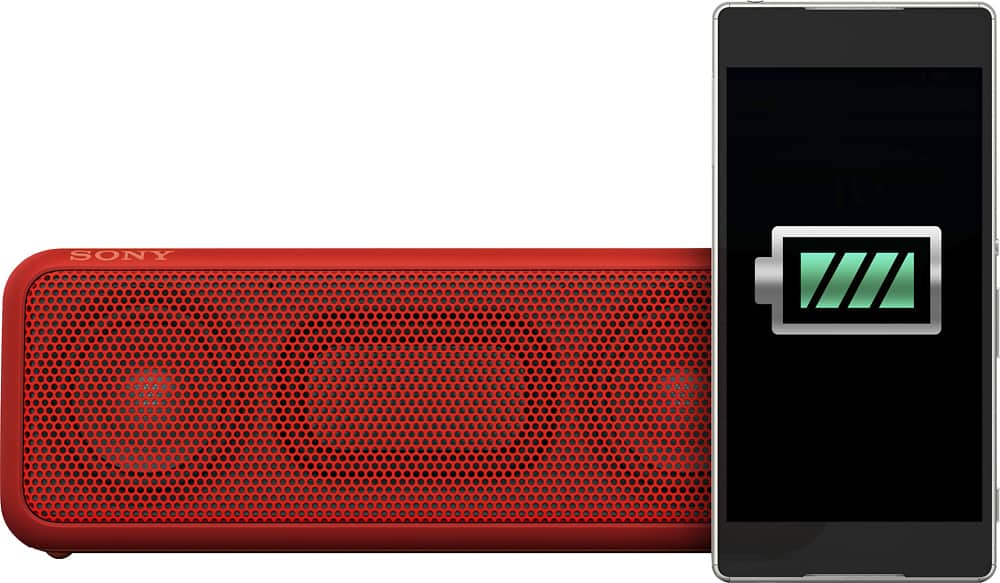
A:AnswerYou cannot read the amount of charge left in the battery.
Please note:
Like many new electronic items on the market today, you cannot replace the battery. These lithium ion batteries are sure powerful, but what happens when you can no longer get them to take a charge? This happens eventually to all rechargeable batteries.
The one good thing is that when this happens, you can still run the speaker off of house current with the wall wart.
I notice that one of the major makers of Android smart phones is going with the non - replaceable battery.
Glad I stuck with my Note 3. Bought 2 extra batteries and with the MICROSD card, I've got a cell phone to last me several more years (until they come out with a foldable phone-tablet).
Maybe if we all start buying just electronics with replaceable batteries, the market will listen.
I hate to think of hundreds of millions of devices that end up environmentally choking up landfills, just because the non-replaceable battery limited the units life to a year or two.
Buy with your mind.
Get a unit you can replace the battery in.
A:AnswerHi! Yes. By connecting two SRS-XB3 speakers via BLUETOOTH, you can play audio in either stereo mode (stereo sound) or double mode. You can check this link for more info: http://helpguide.sony.net/speaker/srs-xb3/v1/en/contents/TP0001030926.html
-Anthony
A:AnswerHi Momo11, Yes, if your desktop computer supports Bluetooth connections. Check this link for more details: http://helpguide.sony.net/speaker/srs-xb3/v1/en/contents/TP0001043124.html. Regards, Vincent
A:AnswerHello! No, it is not supported, currently the units that are compatible with your sound bar are Portable speakers: SRS-HG1, SRS-ZR5, SRS-ZR7. For more details on how to connect the units, please visit the following link: https://us.en.kb.sony.com/app/answers/detail/a_id/75516 ~Jeannette
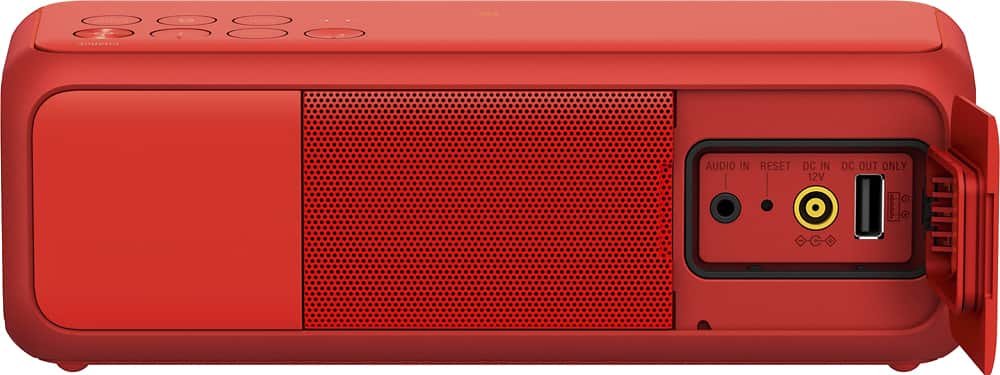
A:AnswerHi Makalasplace, this can be connected to the TV using an audio cable to be plug into the headphone jack out or audio out port at the rear. ~Erin
A:AnswerI have this speaker with the the SongPal App (v 3.6) installed on my android phone. When attempting to add the speaker to app, the speaker connects to the phone but the app does not recognize it nor adds it to the list. I added the speaker through NFC and then again by Bluetooth setup; unpaired the device & hit the reset button on speaker and added again without success.
The app has a very poor rating in the Google Play store.
A:AnswerHi Bonn, You may try to follow the steps from this link to isolate the issue: http://helpguide.sony.net/speaker/srs-xb3/v1/en/contents/TP0001026156.html
Regards,
Vincent
A:AnswerHi, Peacefulash, Kindly send us an email at [email protected] so we can help you with your concern. Do not forget to include the exact model number of your unit.
Best regards,
Vincent
A:AnswerI think you need to use AC adaptor supplied by Sony to make sure your speaker won't be damaged. Unless you are sure the current and voltage match the AC adaptor supplied with the speaker.