Appliances Memorial Day SaleFree delivery. Ends 6/3. Terms apply.Shop now

Main Content

Questions & Answers

$44.99
Save $5
The comparable value is $49.99
Page Showing 41-60 of 92 questions
  • QuestionIs this headphone can connect in an airplane phone jack

    Asked by Noel.

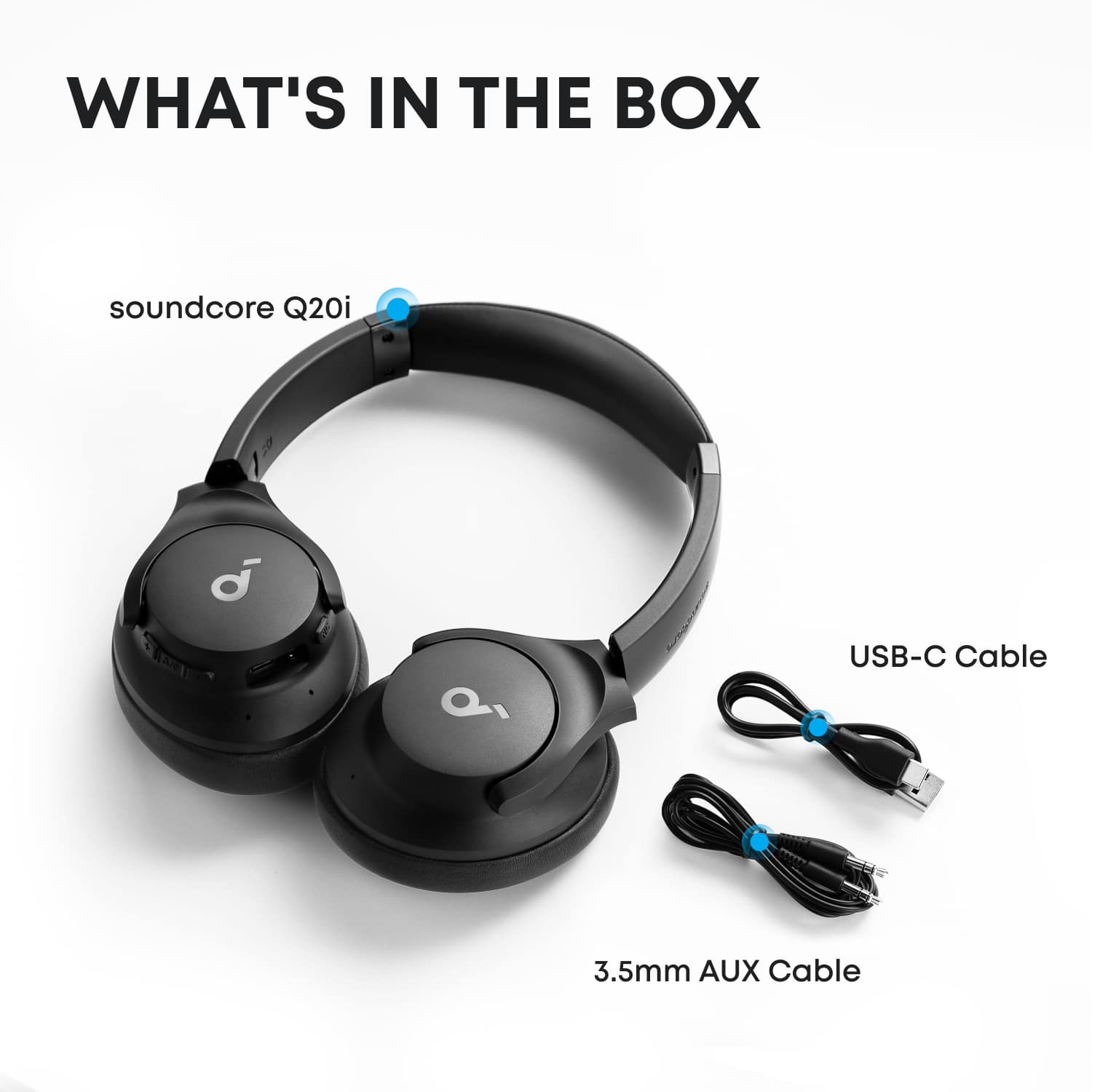
    • Answer Thanks for your interest in our products. Yes, Q20i will come along with an aux cable, which allows you to connect them in a jack. Please feel free to contact us via [email protected] with your order information and problems. We will always be more than happy to help you.

      Answered by Soundcore Team

  • QuestionDo these headphones have a built in microphone?

    Asked by Anonymous.

    • Answer Thanks for the message. Yes, Q20i has a built-in microphone. Please feel free to contact us via [email protected] if there is anything we can help you with.

      Answered by Soundcore Team

  • QuestionDo these headphones have 3D surround sound?

    Asked by Erdwin.

    • Answer Yes but it’s not too noticeable. If you’re watching a car video and a car flies by then you’ll notice

      Answered by MUATH

  • QuestionDo the headphones come fully charged

    Asked by Rick.

    • Answer Like 60% ish

      Answered by MUATH

  • Questionhow do i turn them off

    Asked by bubba.

    • Answer The same button that you use to pause the music you would just hold that button

      Answered by SAVION

  • QuestionHow do these compare to Sony MDR-XB950B1

    Asked by Anonymous.

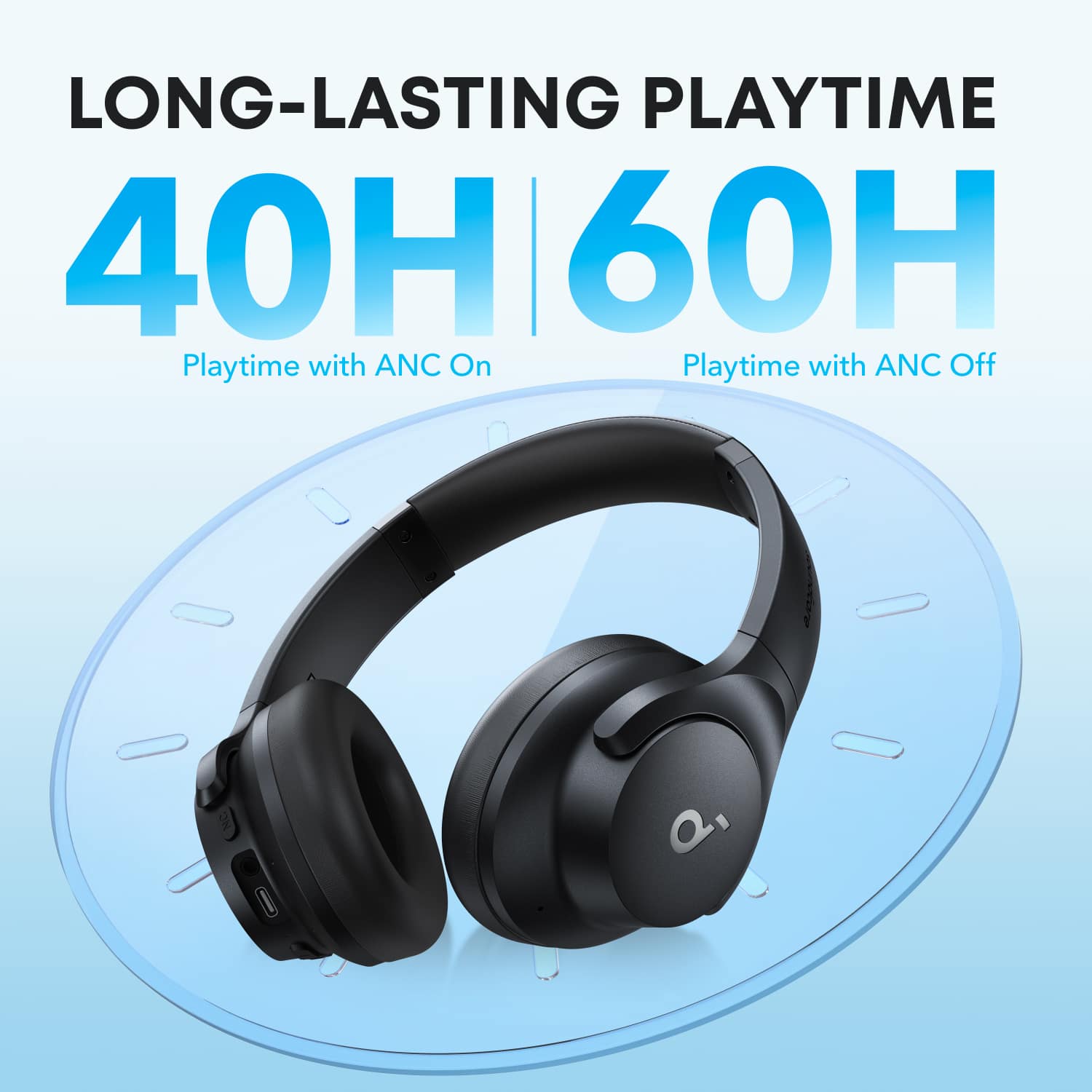
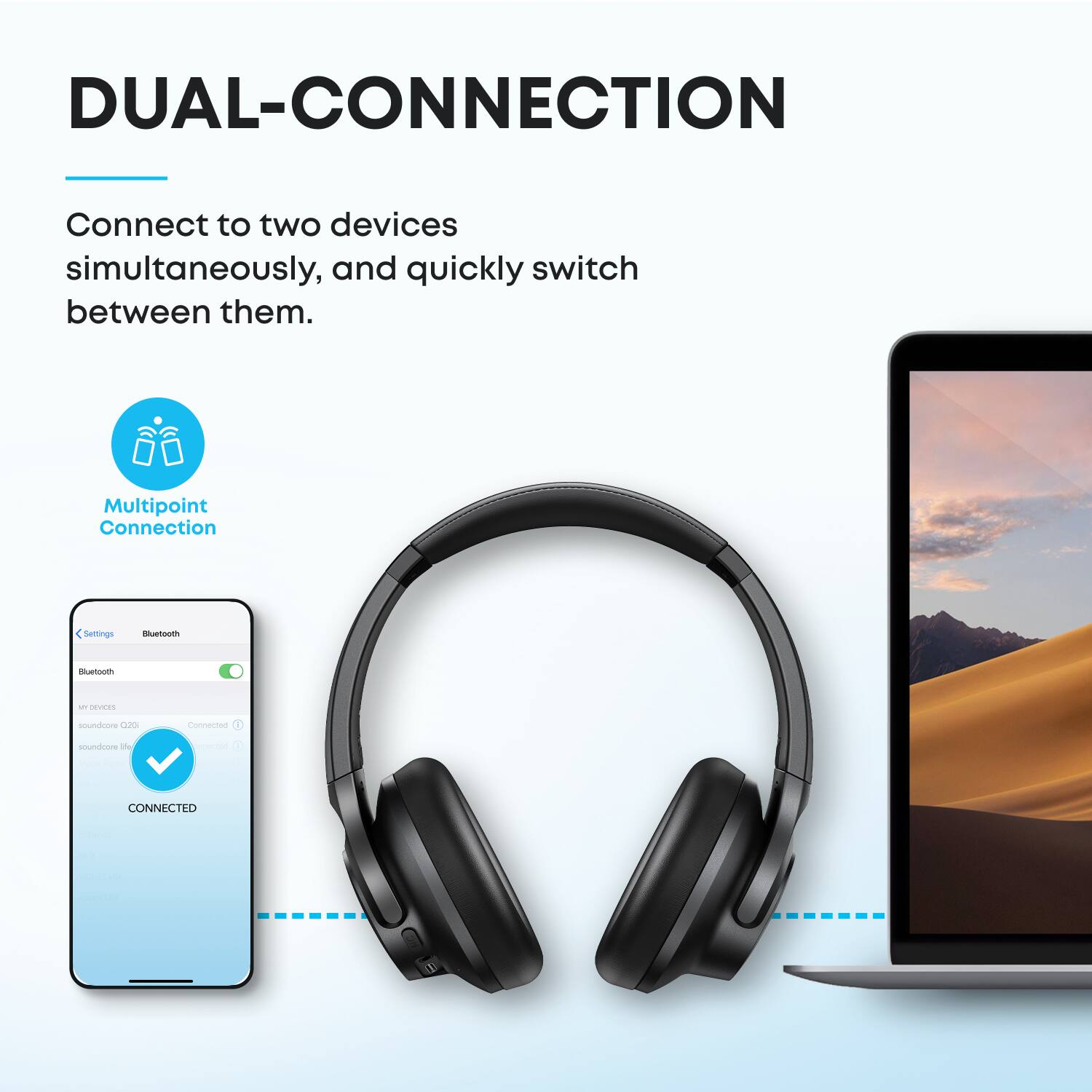
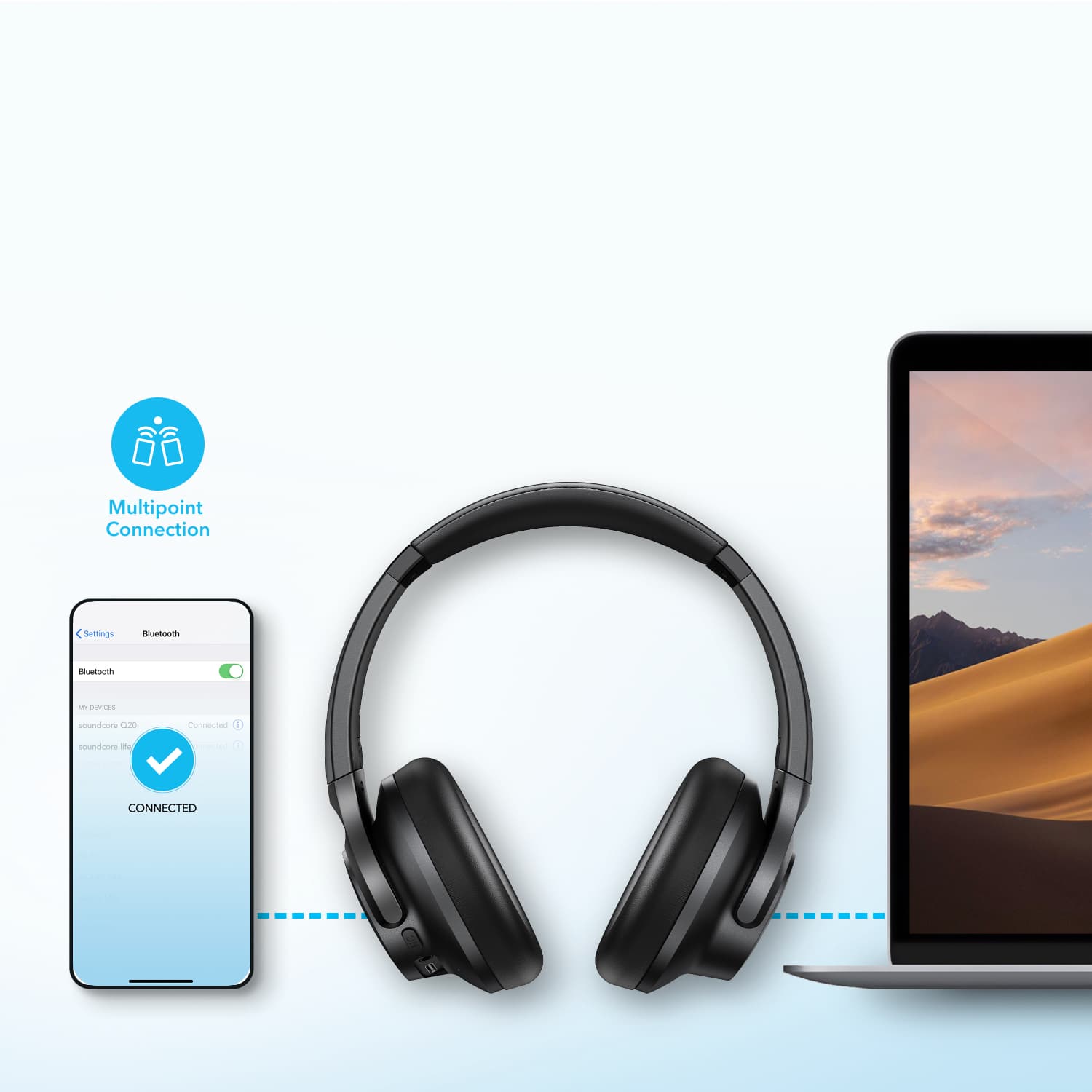
    • Answer The Sony MDR-XB950B1 is an older headphone designed purely for powerful, rumbling bass (Extra Bass). It does not have active noise cancelling and uses older technology (Micro-USB, Bluetooth 4.x). The Soundcore Q20i is a modern headphone that prioritizes versatility. It offers Active Noise Cancelling, much longer battery life, modern features like USB-C charging and multipoint Bluetooth, and a more balanced sound profile that still delivers good bass but doesn't overpower everything else.

      Answered by Soundcore Team

  • QuestionCan these be used on a pc and a playstation5?

    Asked by Dezzy.

    • Answer The Anker Soundcore Q20i Over-Ear Headphones can generally connect to devices like PCs or gaming consoles, including the PlayStation 5, either via Bluetooth or a wired connection using the audio jack. However, ensure your PlayStation 5 supports external Bluetooth audio devices, as not all gaming consoles allow direct Bluetooth connectivity. If Bluetooth isn't supported, you can use a 3.5mm audio cable (if provided with your headphones) to connect them to the controller of your PlayStation 5. For PC use, these headphones should function normally over Bluetooth or with a wired connection, depending on your PC's specifications and audio output options.

      Answered by Soundcore Team

  • QuestionCan you answer and make calls using Bluetooth

    Asked by Anonymous.

    • Answer Yes

      Answered by user577009

  • QuestionDoes it come with an aux 3.5mm cord also?

    Asked by cris.

    • Answer Yes it does

      Answered by SAVION

  • QuestionAre this can take phone calls?

    Asked by Anonymous.

    • Answer Yes, the Soundcore Q20i Over-Ear Headphones can take phone calls. They include a built-in microphone for call functionality when in Bluetooth mode. However, please note that while the call quality is clear for human voices, ambient noise might be present, especially in busy environments.

      Answered by Soundcore Team

  • QuestionCan you use these on a tv

    Asked by Anonymous.

    • Answer Yes

      Answered by Anonymous

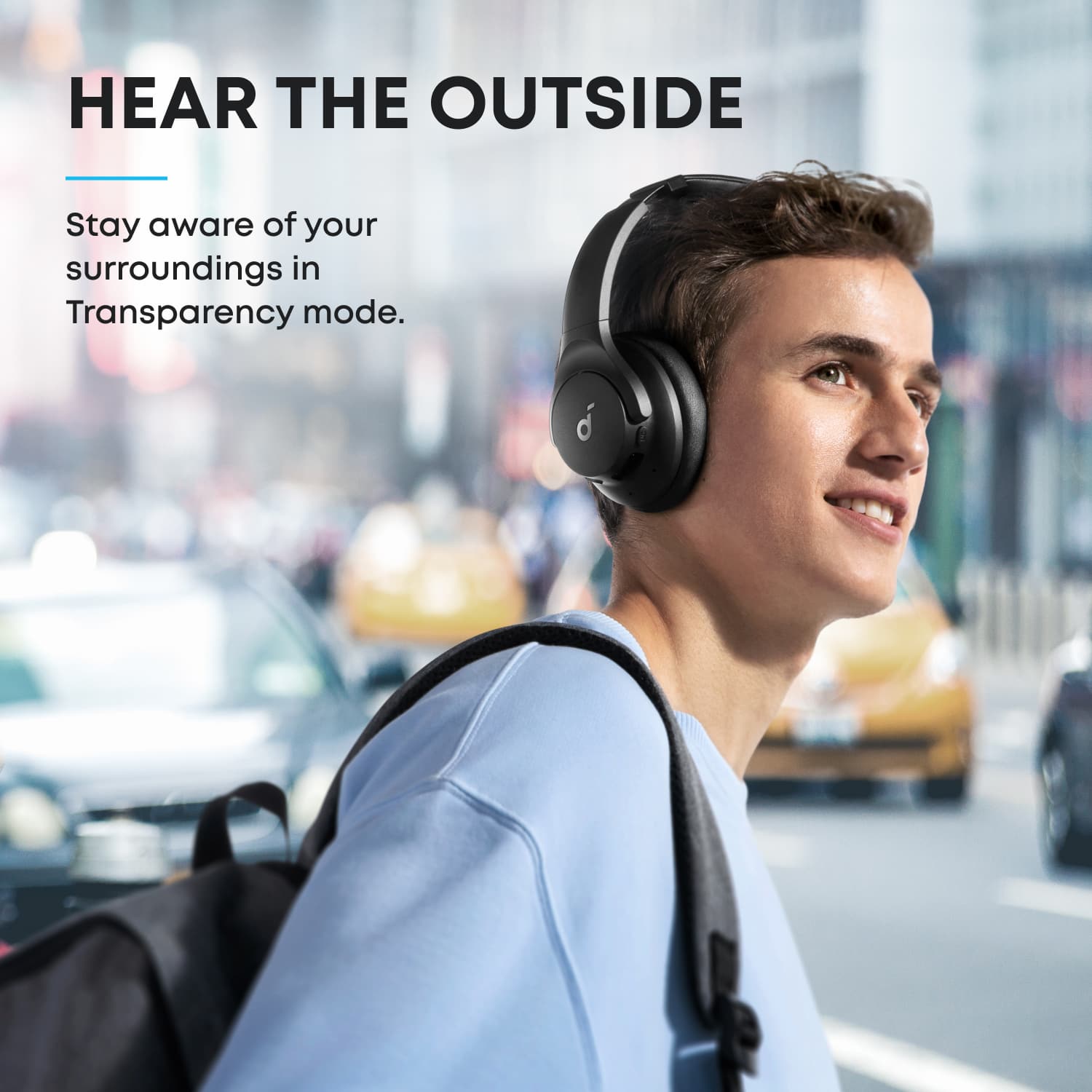
  • QuestionI play flute and the high pitches are annoying and causing headaches. Can I just reduce the noise but not cancel so much that I can’t hear the other people?

    Asked by Lolo.

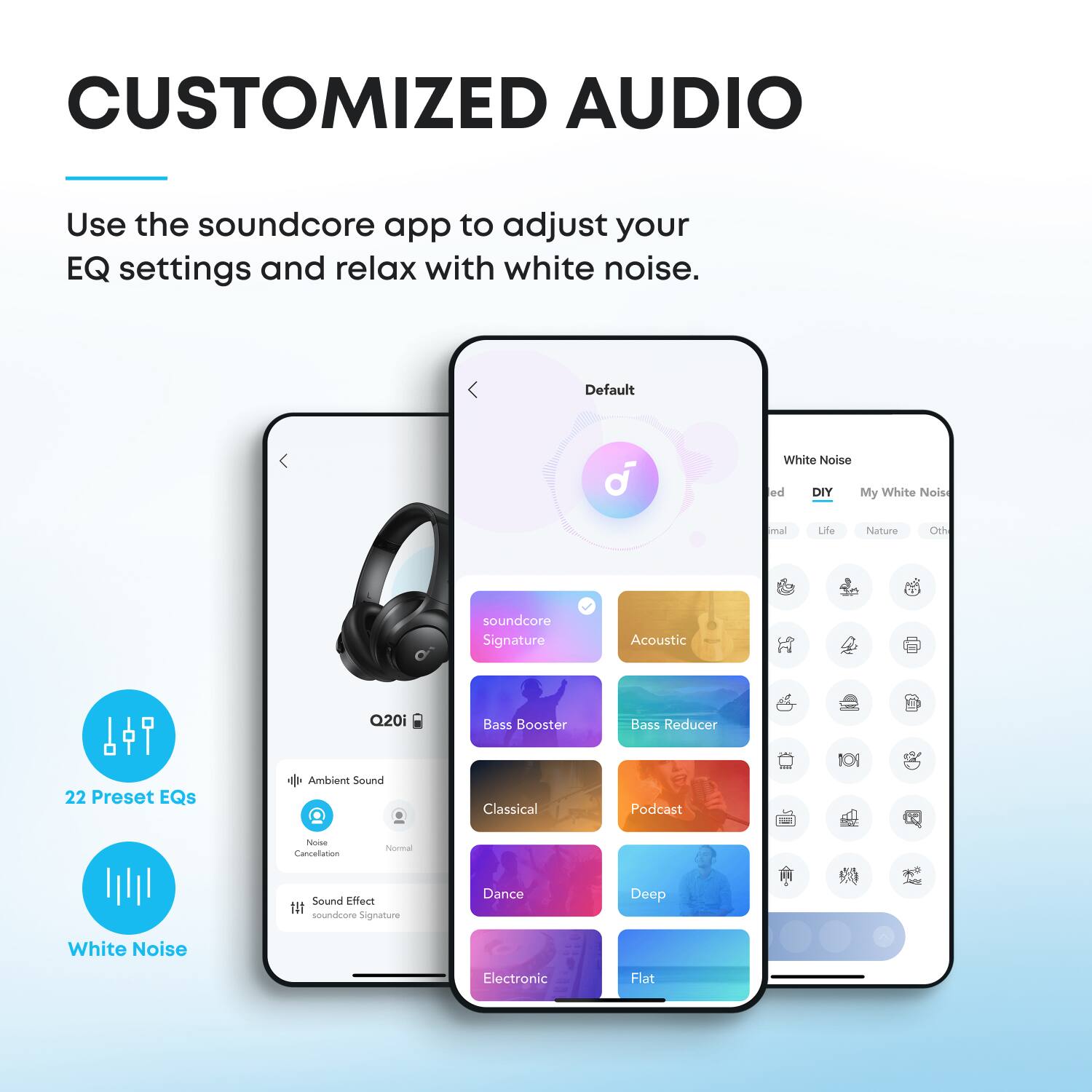
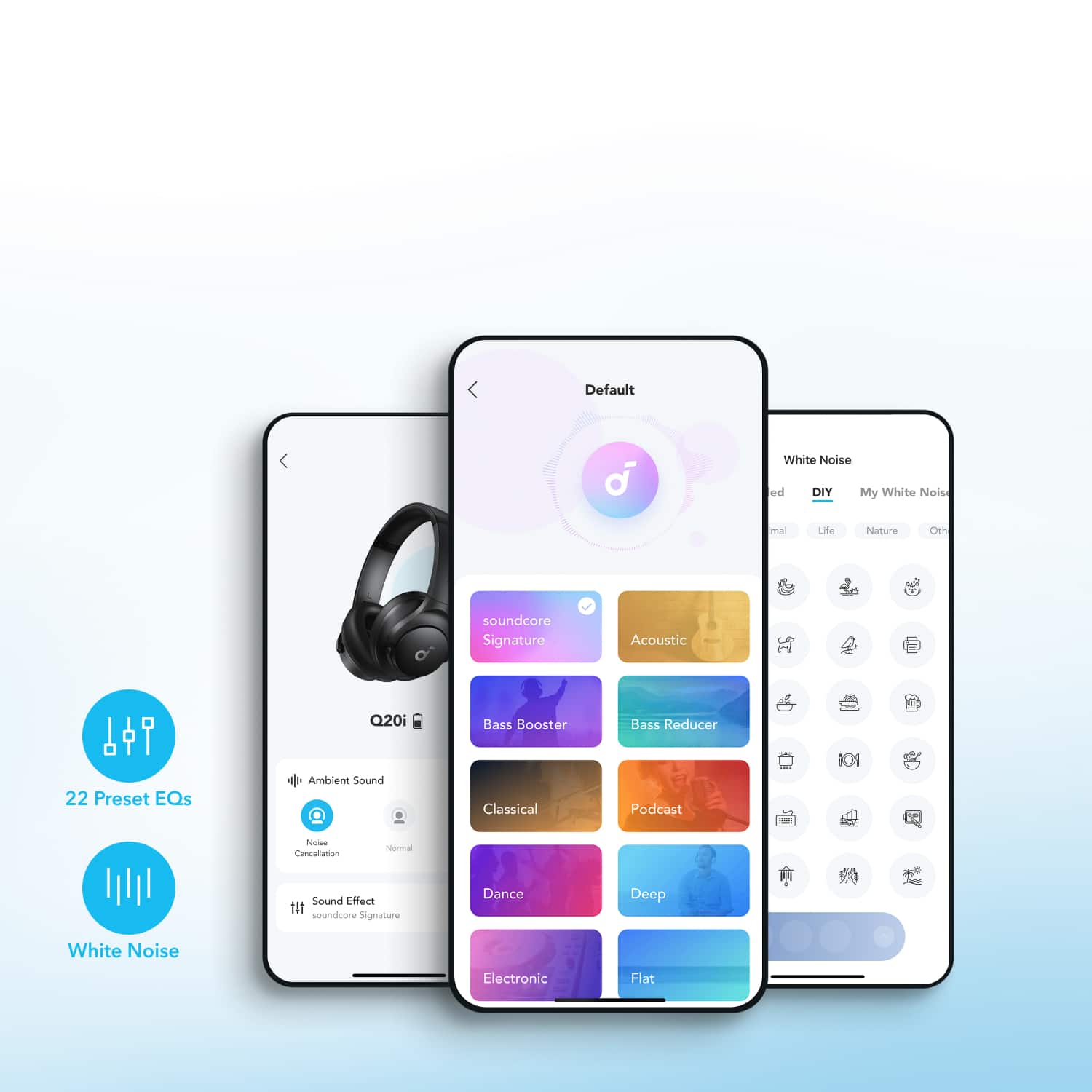
    • Answer Yes and you can also change the equilizer to balance out the pitch...reduce the way its received.

      Answered by Trey

  • QuestionAre these compatible with samsung android phones? Can they be used while operating loud machinery such as a lawnmower?

    Asked by Becc.

    • Answer Yes! they are compatible with Android, and I love using them when I mow the lawn at home because the noise of the mower is very annoying, I totally recommend them
      Answered by BLADIMIRG

  • QuestionCan I pair with my smart TV?

    Asked by Rich.

    • Answer If your TV is Bluetooth capable. Otherwise, get a Bluetooth USB adapter to plug into your TV.

      Answered by user758044

  • QuestionWhat’s in the box included?

    Asked by Anonymous.

    • Answer Headphones, charging cable, and aux cable.

      Answered by user758044

  • QuestionAre these headphones true wireless

    Asked by Obee0124.

    • Answer Yes

      Answered by GlennR

  • QuestionAre they true wireless

    Asked by Anonymous.

    • Answer yes, no wire required

      Answered by AmoneeJ

  • QuestionI’ve followed instructions to turn off mono and set the balance to the center but didn’t fix the sound. What else can I do?

    Asked by 11111.

    • Answer Based on the knowledge retrieved, here are some steps you can try to fix the sound issue with your Soundcore Q20i headphones when the balance is already set to the center: Clean the Hardware: Remove the ear tips from the headphones and gently clean the metal filter mesh. Use a Q-tip with a small amount of rubbing alcohol to clean the surfaces. Make sure the cleaning is thorough, as debris or dirt can affect sound quality. Reset the Headphones: Perform a reset by following these steps: Place the earbuds into their charging case and ensure the case remains open. Hold the button on the back of the charging case for 10 seconds until the LED flashes white rapidly three times, signaling that the reset is successful. Test on a Different Device: If possible, pair the headphones to a different Bluetooth device to determine if the problem is device-specific. Recheck the Audio Source: Ensure that the audio source (e.g., music, app) you’re using has clear and balanced audio so that no distortion is coming from the source itself. Customize EQ Settings: Use the Soundcore app to set or adjust the equalizer (EQ) to fine-tune the sound per your preference. By following these tips, you should be able to improve your headphones’ sound. Make sure to test after completing each step. If the issue still persists, you may need to explore other solutions.

      Answered by Soundcore Team

  • QuestionHow do you pair this earphones with your phone?

    Asked by Dede.

    • Answer Bluetooth connectivity. Have bluetooth open on your phone and turn on the headset.

      Answered by ZacheryN

  • QuestionIf im listening to music on moderate volume can outside people hear my music like some other brands?

    Asked by Rainn.

    • Answer Absolutely not. Supreme accordance, in all areas.

      Answered by DavidS