A:AnswerIn general, it's a pretty good head phone for the price range. That being said, however, if people around you start talking very loudly, you still hear it even with the noise cancellation being on.
A:AnswerThe key difference between the Soundcore Life Q20 and Q20i lies in their additional features, especially focusing on microphone clarity and related functions. While both models share much of the core design and capabilities, the Q20i adds better call functionality and enhanced clarity of the human voice in Bluetooth call mode, which might not exist in the Q20 model or is less optimized.
A:AnswerNo, unfortunately. This was a big disappontment for me. On the other hand, these hearphones are relatively inexpensive. Seems to cost consideranly more to get the feature that we are looking for.
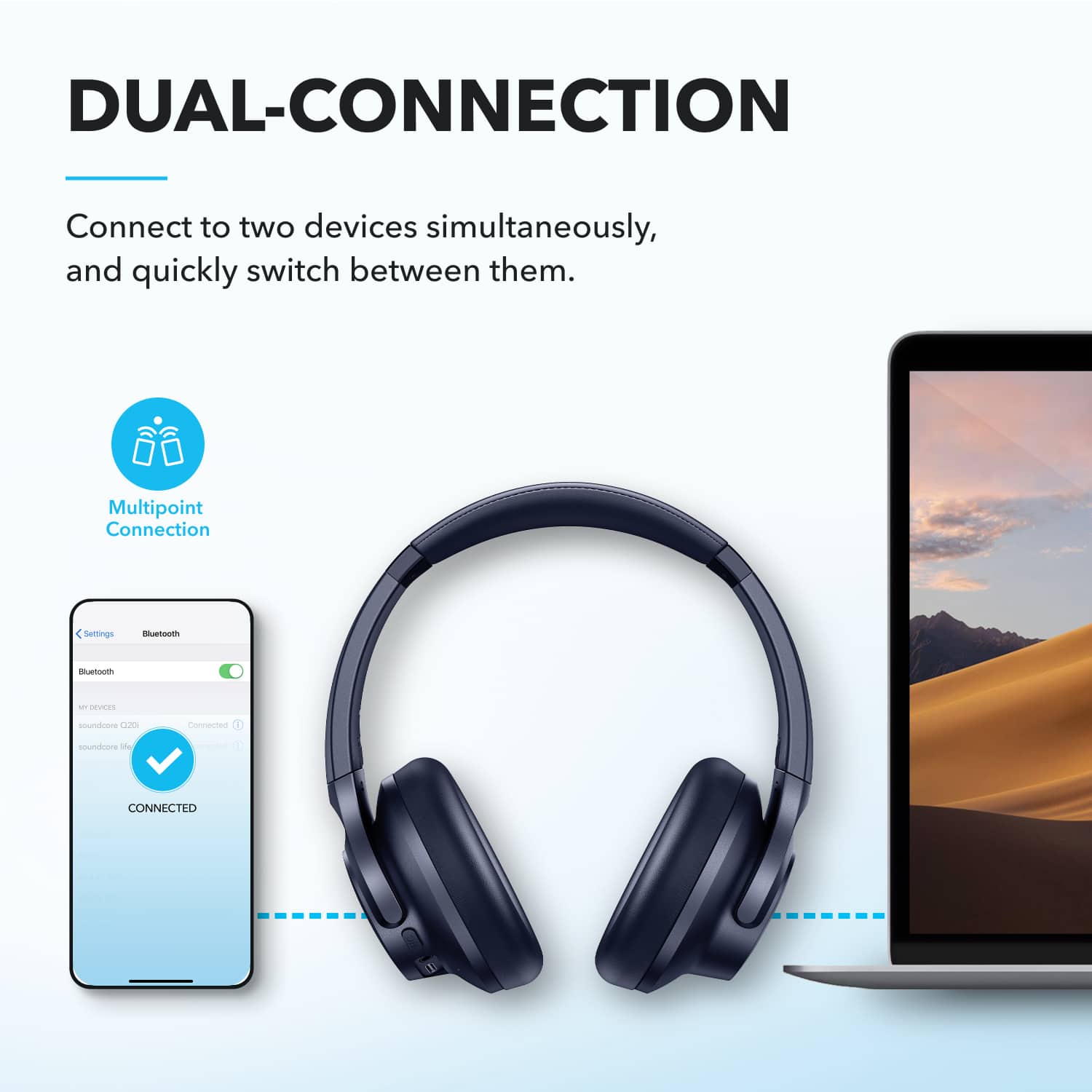
A:AnswerYes, the Soundcore by Anker Q20i headphones come with a multi-point connectivity feature. This allows the headphones to pair and connect to two devices simultaneously, enabling seamless switching between them without the need to disconnect and reconnect manually.
A:AnswerThe Soundcore by Anker Q20i Over-Ear Headphones are compatible with any device that supports Bluetooth connectivity, including Motorola Android phones. So yes, you should be able to use them with your Motorola phone.
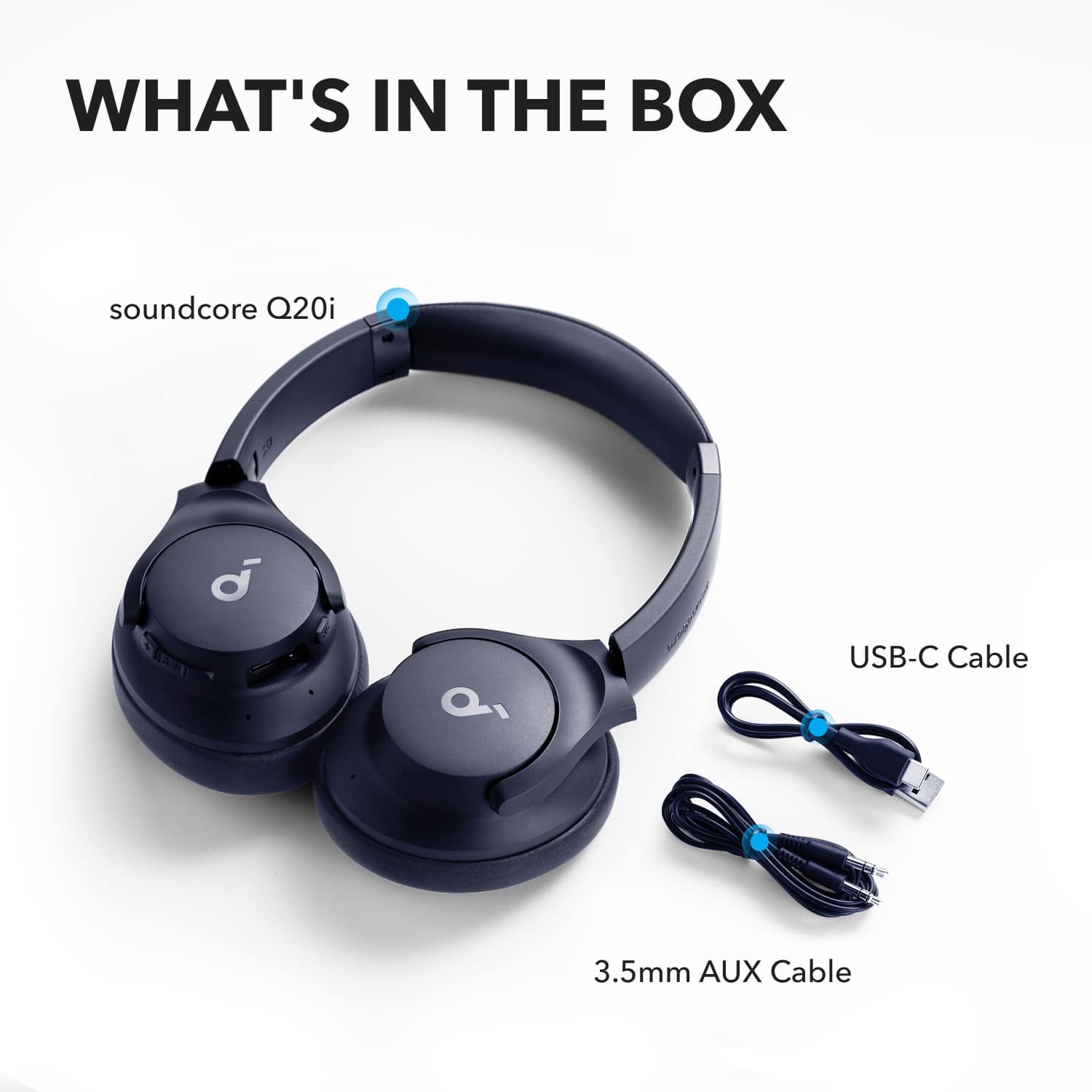
Regarding the carrying case, I couldn't find specific confirmation about whether the Q20i headphones come with a carrying case in the description provided. If the product listing mentions that a carrying case is included, it should come with the package.
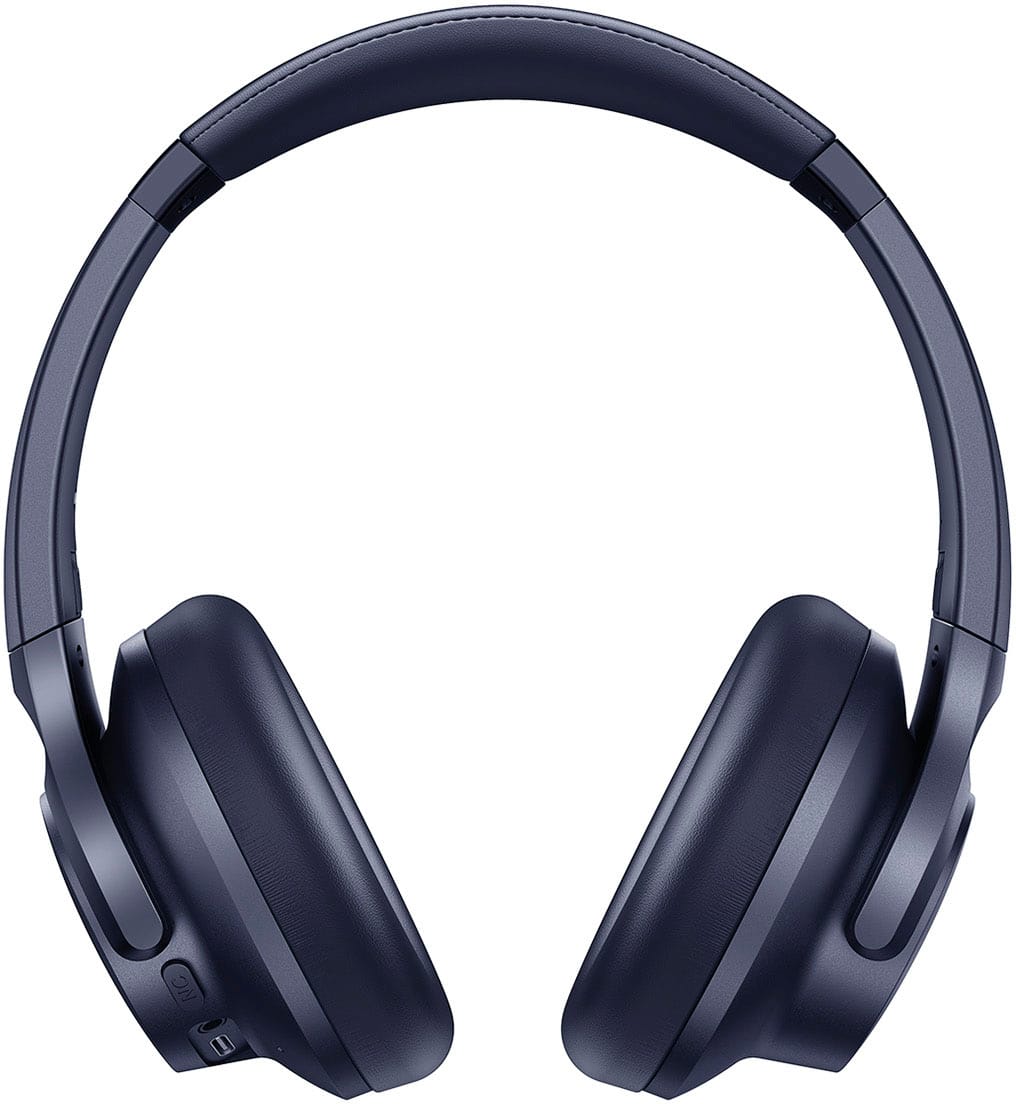
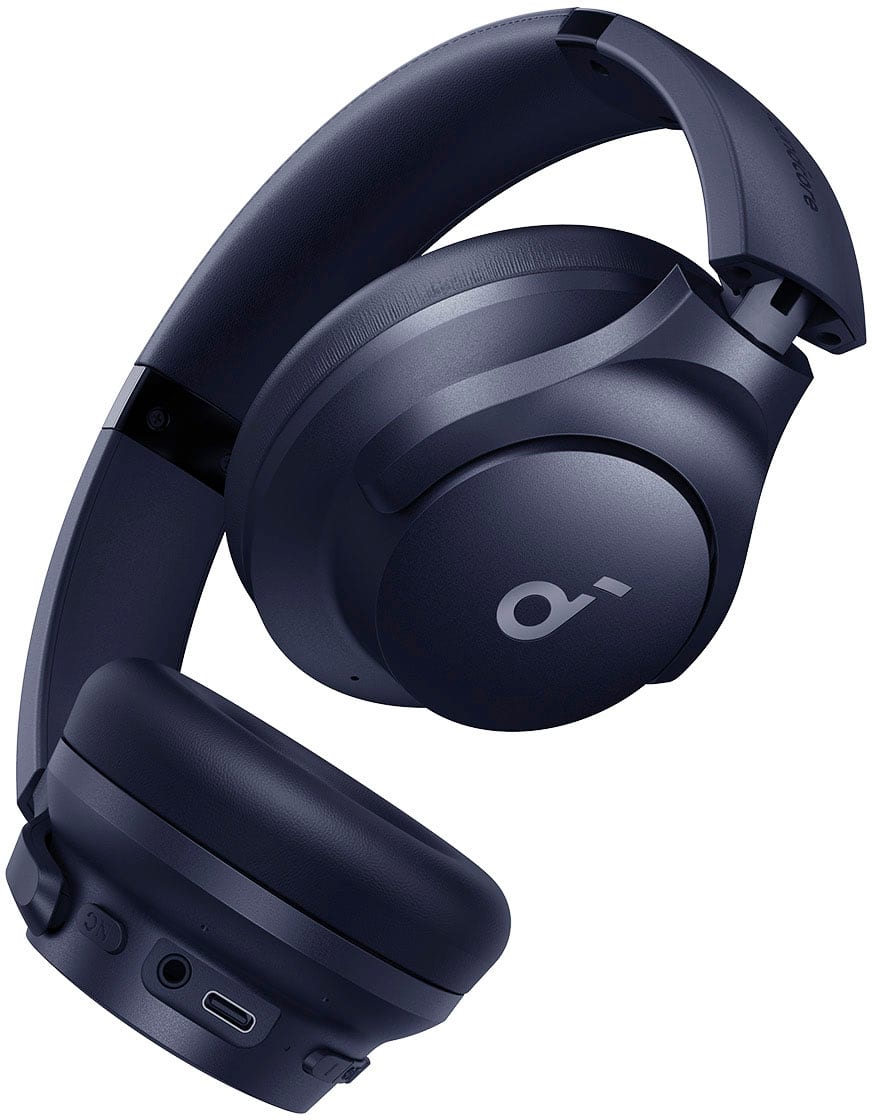
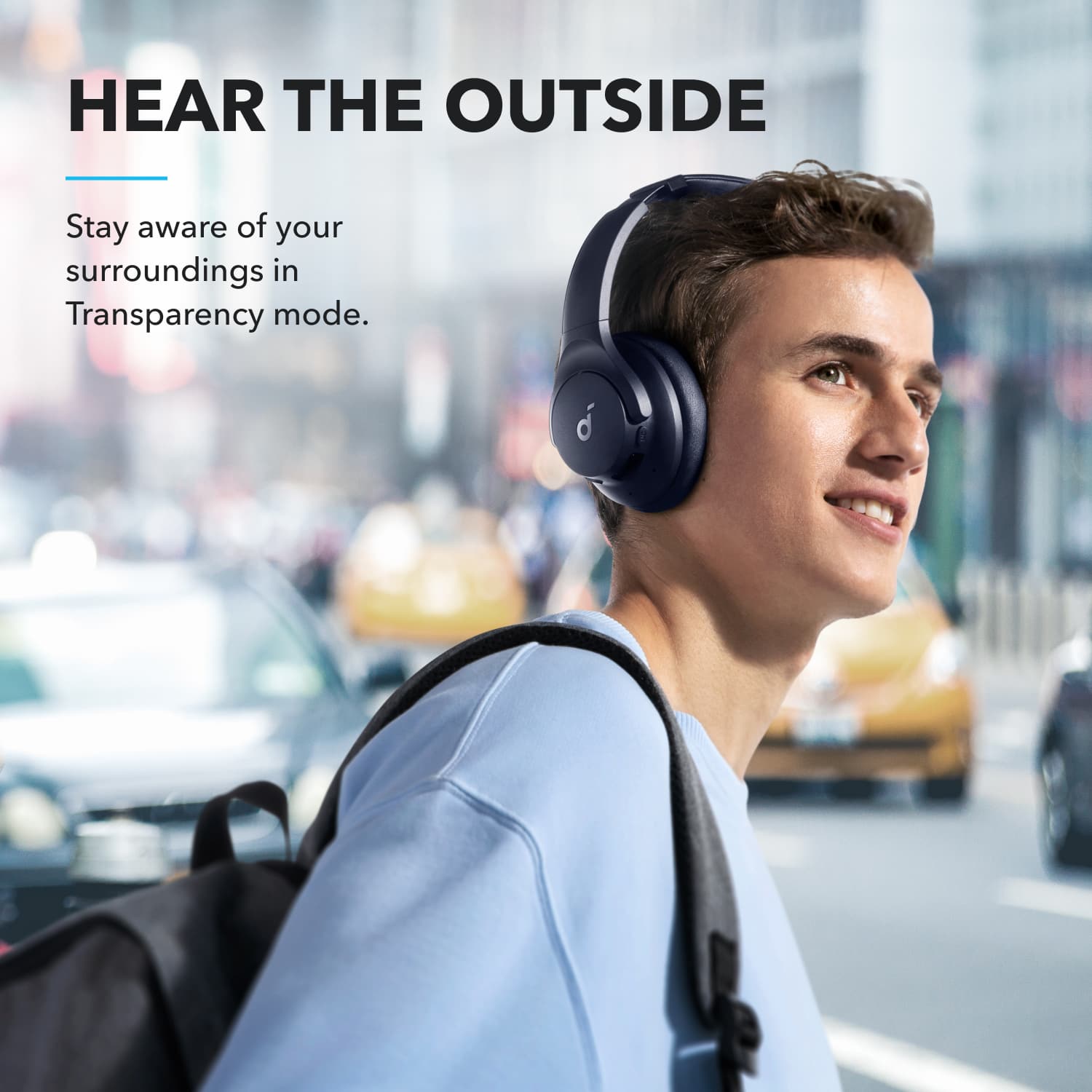
A:AnswerYes, you can use the noise-canceling feature of the Soundcore Q20i headphones without listening to music at the same time. To enable the noise-canceling function, simply press the NC button on the headphones. You can toggle between "ANC," "Normal," and "Transparency" modes. This can be done without needing to play any music.
A:AnswerTo perform a hard reset on your Soundcore Q20i headphones:
Ensure the headphones are in the pairing state.
Long press the power button and the volume + button simultaneously for 5 seconds.
This will clear the Bluetooth pairing information and reset the headphones.
This should help resolve issues like connectivity problems or audio glitches.
A:AnswerThe information provided does not mention whether the Soundcore Q20i True Wireless Noise Canceling Over-the-Ear Headphones support aptX Low Latency. Based on the details provided, this feature is not explicitly listed among the headphone specifications or functionalities.
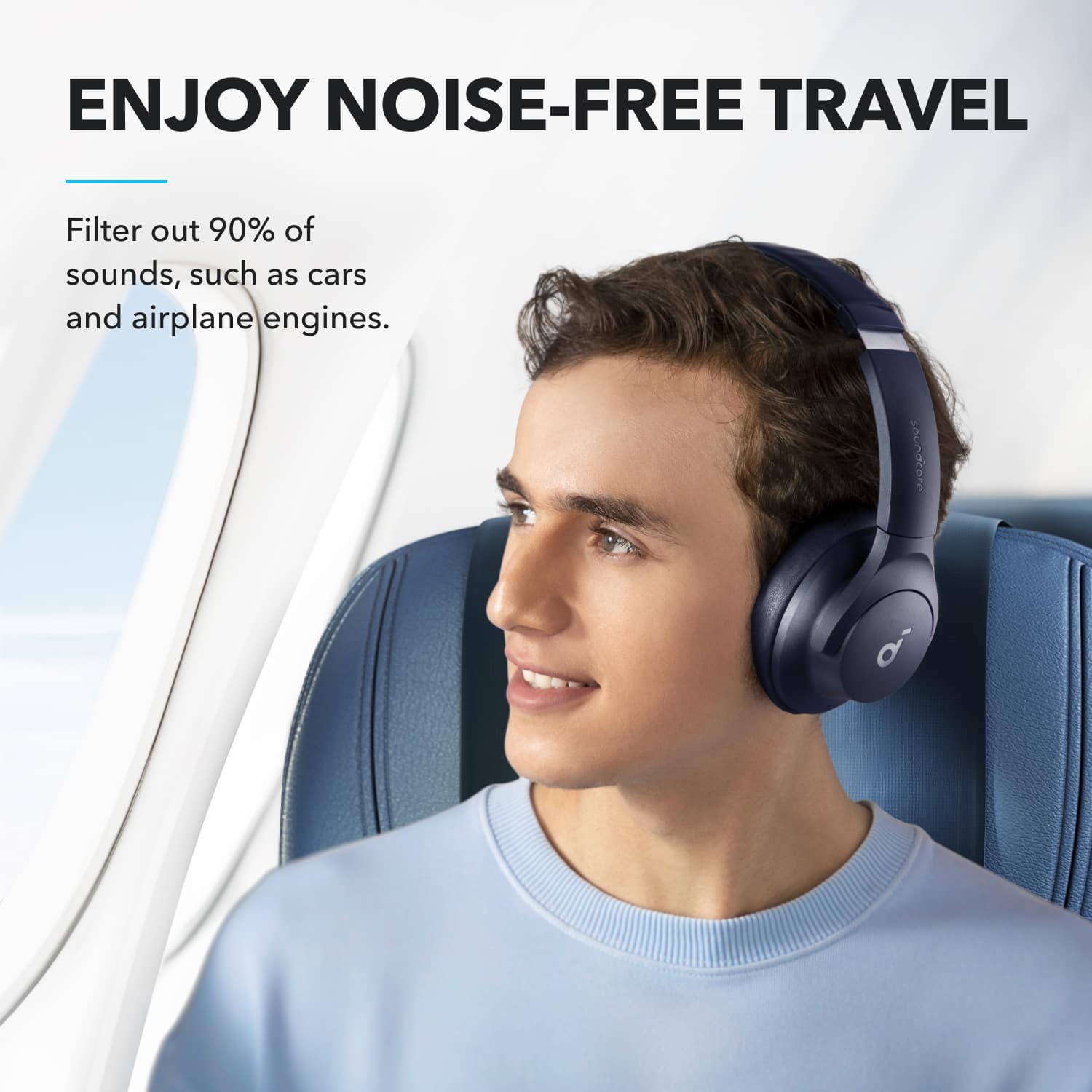
A:AnswerThe Soundcore Q20i headphones' noise cancellation is primarily designed to eliminate low-frequency noises, such as the roar of airplane engines, but it does not provide complete silence. Human voices and certain higher-frequency sounds may still be audible. This feature helps reduce environmental noise effectively, particularly in situations like planes, improving your listening experience but not completely isolating all sounds.
For the best noise cancellation experience, ensure that you are wearing the headphones correctly and activate the "Active Noise Cancellation" mode to optimize their performance.