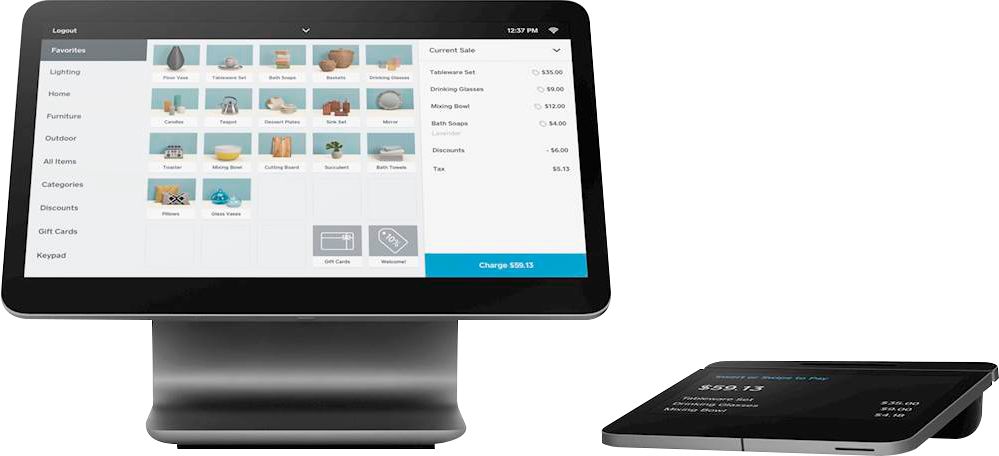
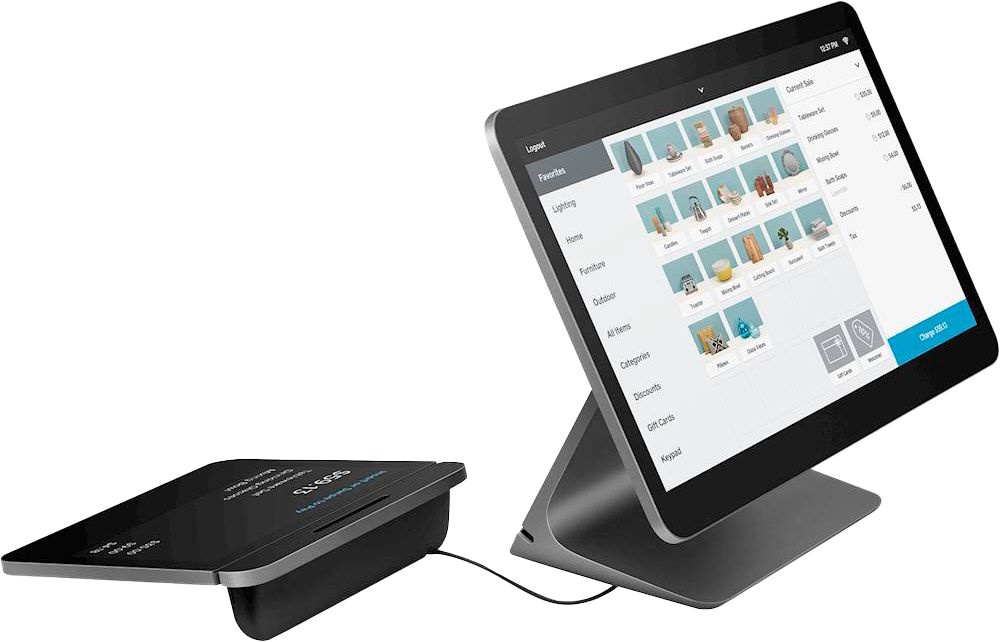
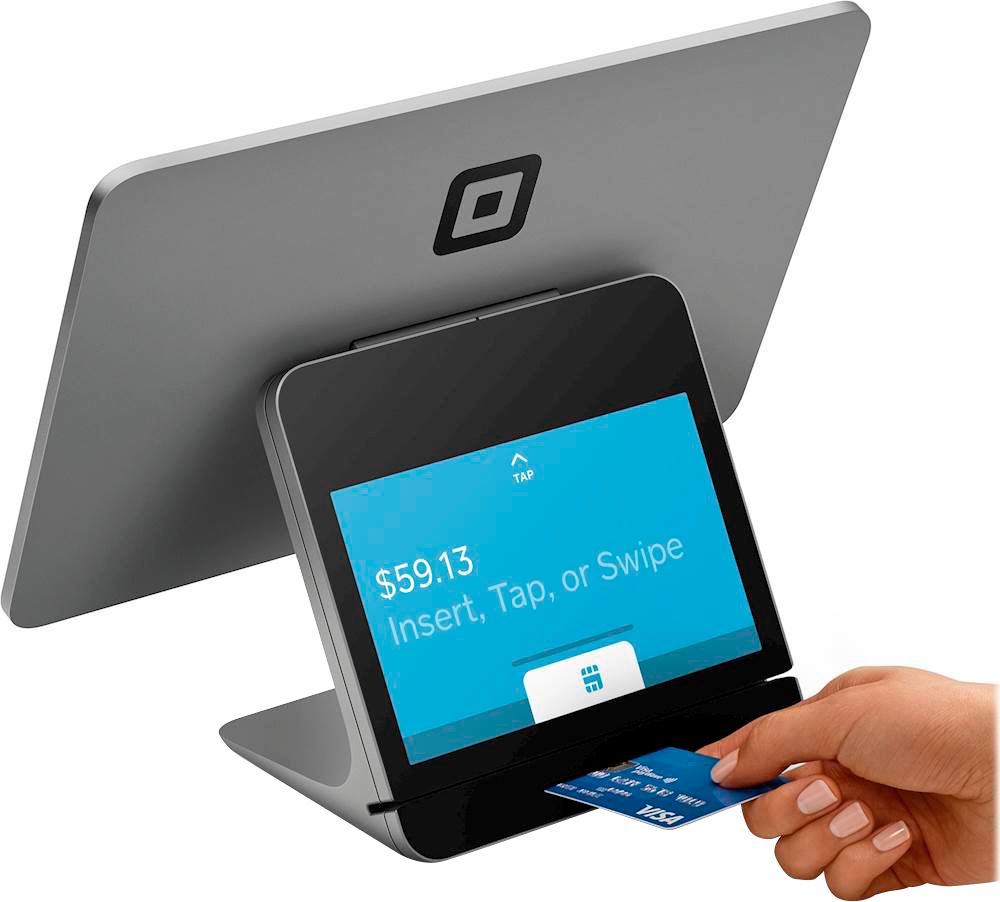
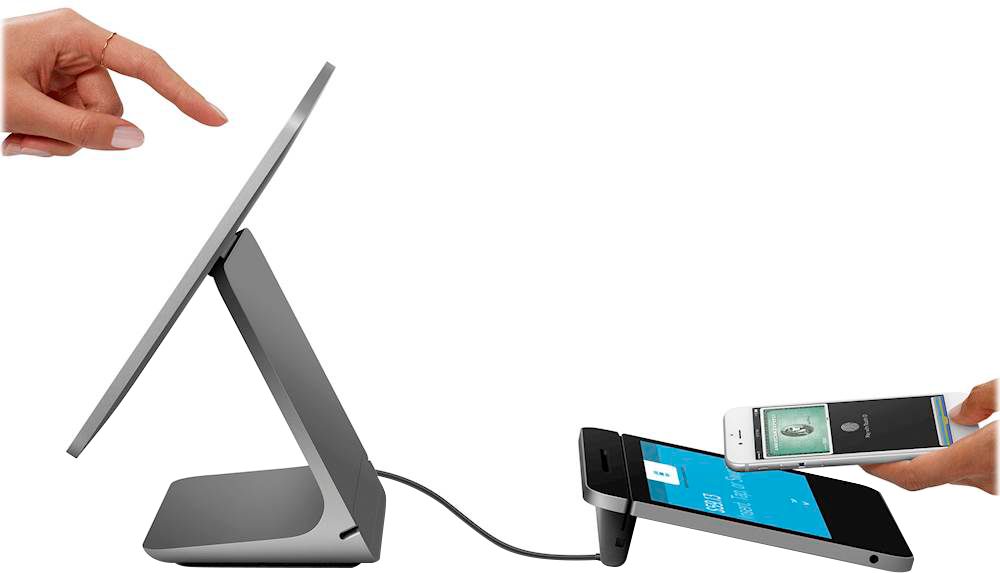
A:AnswerSquare Point of Sale software is free to use on Square Register, with no setup or monthly fees. You only pay when you process a card payment. Learn more about our processing fees here: https://squ.re/40Ygejo. Square also offers various Point of Sale and Online Payment solutions tailored to different industries and business needs, like Square for Retail, Square Appointments, Square Online, and Square Invoices. Each solution includes a free plan and tiered subscription options. For more details, visit our Support Center: https://squ.re/4cHiAWI.
A:AnswerThe Square Register requires power and an active internet connection to function properly. This can include a traditional Wi-Fi network, a portable Wi-Fi device (sometimes referred to as a Mi-Fi), or ethernet cable. If your internet connection becomes interrupted, you can temporarily accept offline payments and upload them once you have a stable connection. Read more about offline payments here: https://squ.re/4dtYikA.
A:AnswerSquare Point of Sale on Square Register includes free inventory management tools to help keep a clear count of stock in your item library, and manage your inventory from anywhere. Learn more here: https://squ.re/4cEK6U1. If you’re looking for advanced inventory management features, check out our Square for Retail plans: https://squ.re/3YVYHY7.
A:AnswerWe're happy to help, but we're not sure we fully understand your question. Please send us a DM via social media so we can gather more details about your question.
Instagram: https://bit.ly/2AkVAzr
Twitter: https://bit.ly/3QaxImC
Facebook: https://bit.ly/31oblB8
We'll be sure to follow up as soon as possible.
A:AnswerOur Square Register can not be liked with Apple or Android devices at this time. Feel free to share a suggestions in our Ideate Room here: squ.re/ideate - Our Product Team keeps an eye on this forum as they are constantly improving our products based on feedback like this.
A:AnswerWhen you purchase the Square Register the software is available as well. If you have any further questions on how to use your device or our software you can reach Customer Support at 1-855-700-6000 squ.re/contactsqsupport. We are always happy to help.
A:AnswerWe're unable to add a direct link here in our reply, but you can find compatible 3rd party hardware by visiting hardware accessories within the Square shop! Also, feel free to reach out to Support if you encounter any difficulty squ.re/contactsqsupport.
A:AnswerSince Internet options vary by device and geographic location, among other factors, we cannot recommend a specific Internet solution for you. If you have additional questions about what will work best for your business, we recommend speaking to a network specialist or your wireless provider. Reach out here if you have any further questions: squ.re/contactsqsupport.
A:AnswerYeah it works without Ethernet connection,I connect mine via hotspot to a phone and it works perfectly well (you can also accept payments offline.)Also you can choose which payments to accept cash etc. I personally have a manual register which isn’t connected to my square
A:AnswerSquare Online works with most hosts, domain registrar's. Many sellers also use us to process payments on their e-commerce sites, API integration, however, is not guaranteed.
A:AnswerAt this time a single Bank Account can be linked per Square Location. However, you can manage multiple locations from a single Square Register. You can learn more about Location Management here: http://squ.re/CreateLocation
A:AnswerAlthough we don't have a Square branded cash drawer at the moment, you can still find compatible cash drawers that you can connect to your register. Ask your experts at a store for compatible accessories!