A:AnswerNo, Kodi isn’t compatible with Roku devices but you can mirror a device that DOES have Kodi on it to cast it through your Roku device! Amazon sticks can get Kodi installed onto them but it is something you have to have done by a private person/company! I’d avoid amazon now though since you won’t be able to get YouTube with any of their items after January 1, 2018!
A:AnswerYes, but you need to do a couple of things.
https://support.projectalpha.com/hc/en-us/articles/115010288628-Can-I-watch-Alpha-on-Xbox-One-PS4-or-Roku-
A:AnswerNothing! The only cost is for the Roku and internet service provider. There are some sites on the web that will install it for a fee. DON'T!!! It's a scam and if you just follow the instructions it is much easier and cheaper.
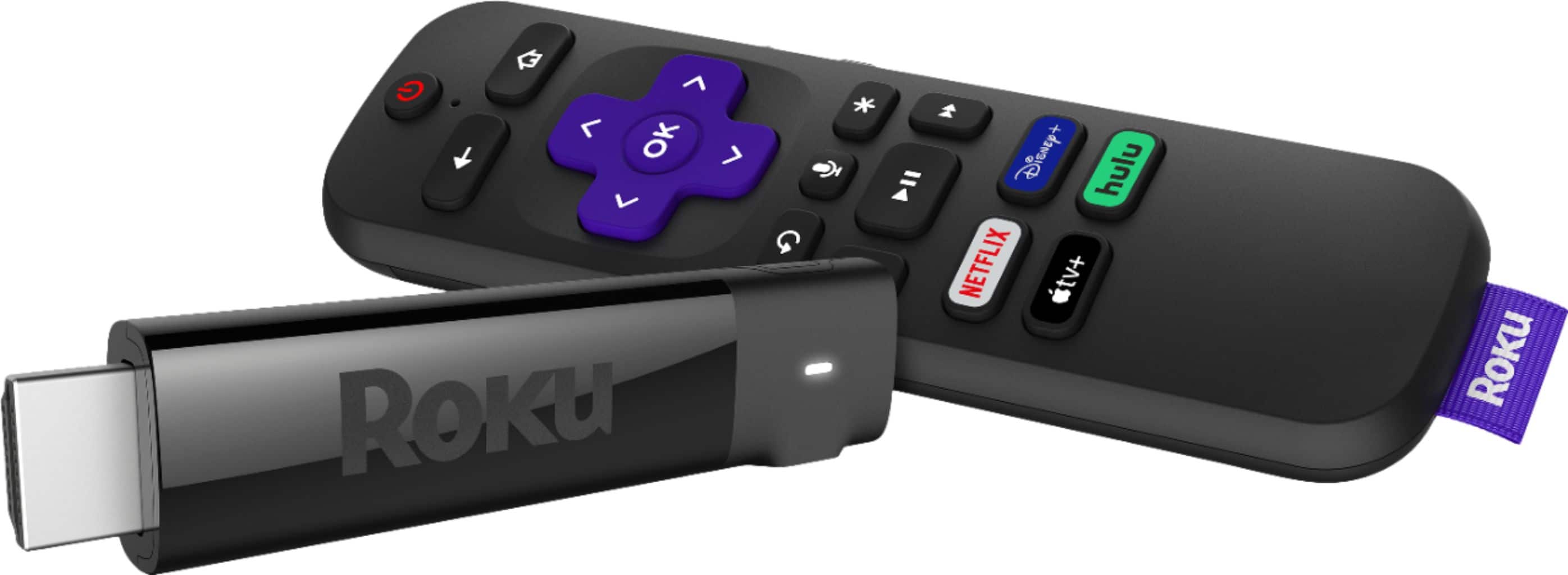
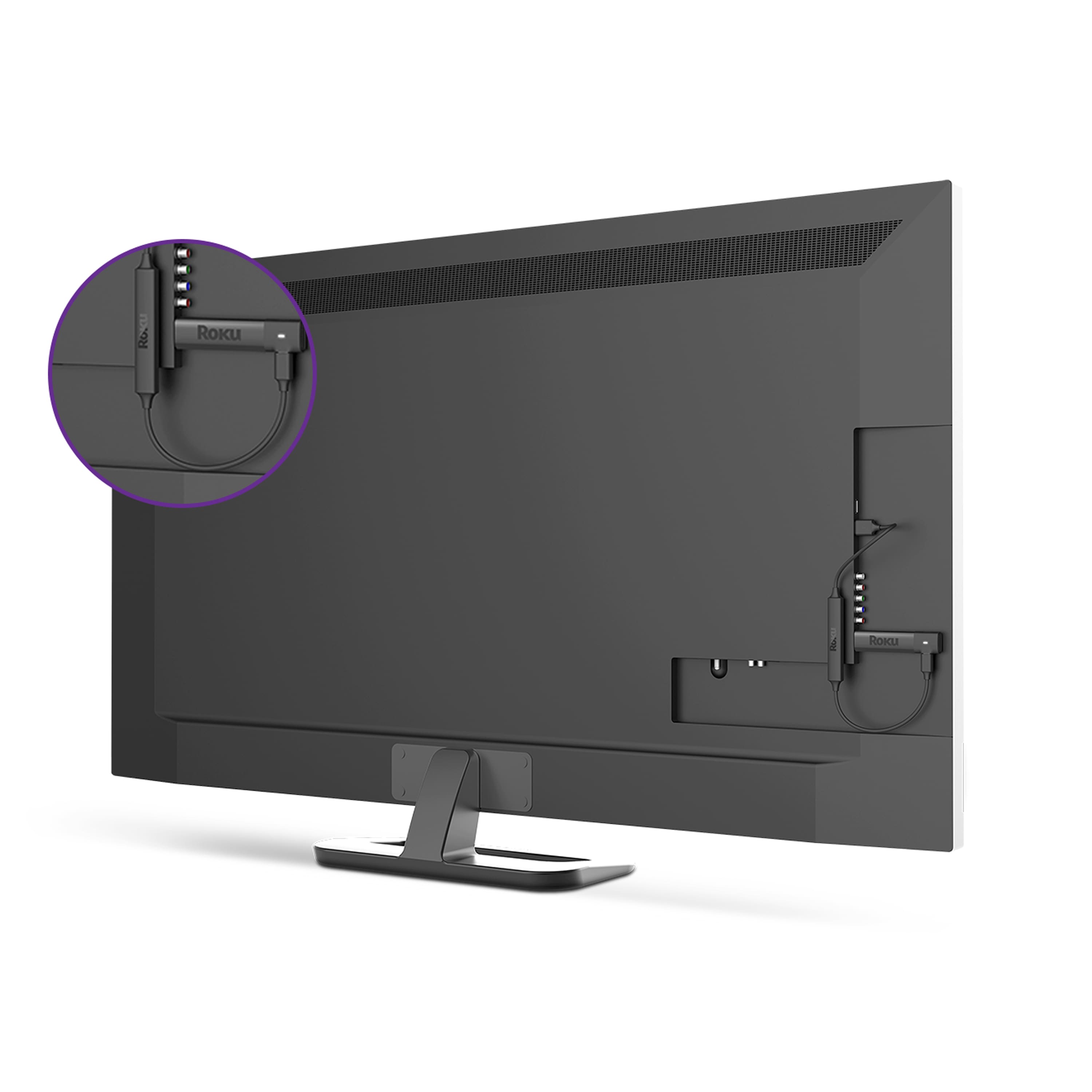
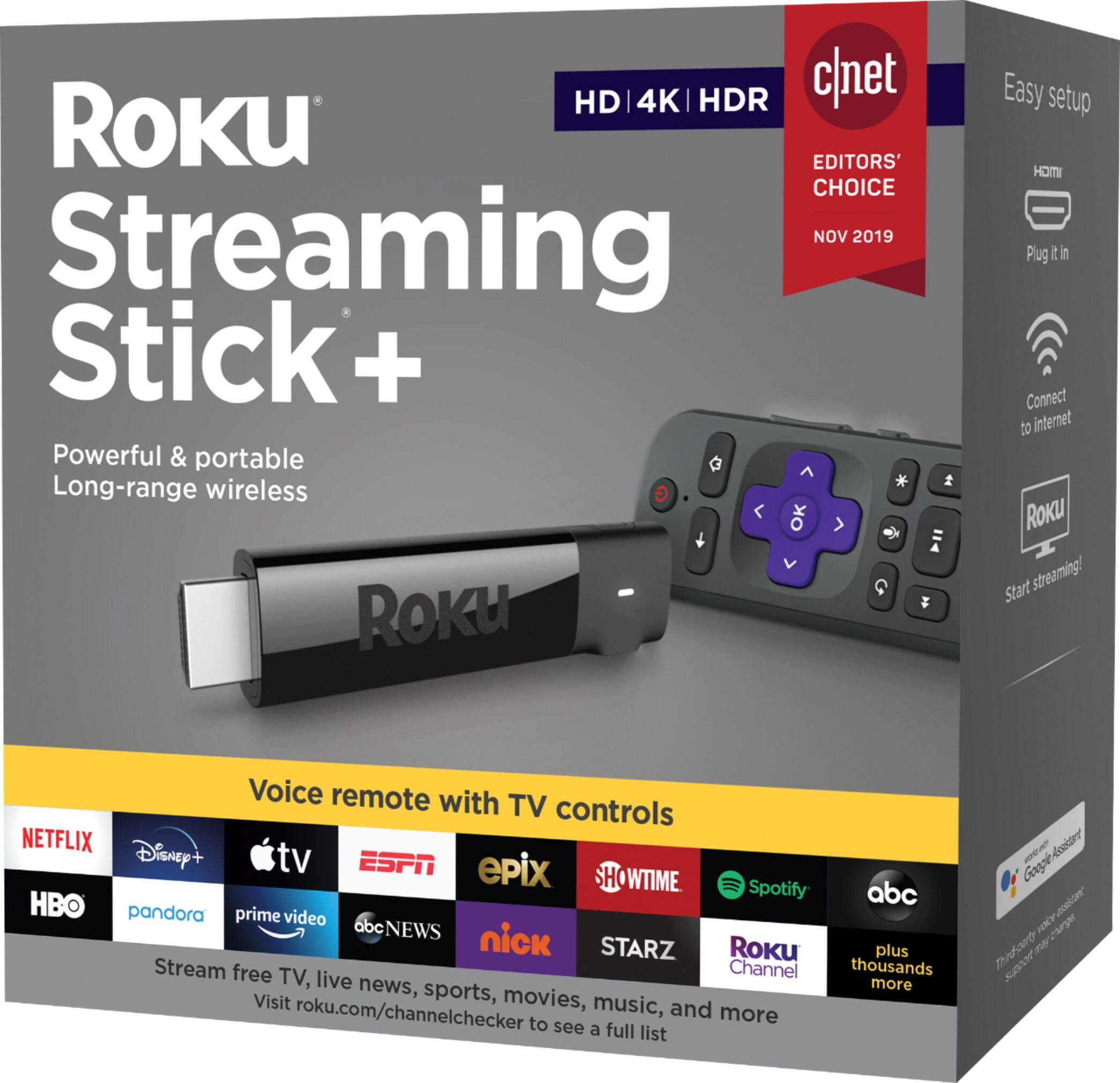
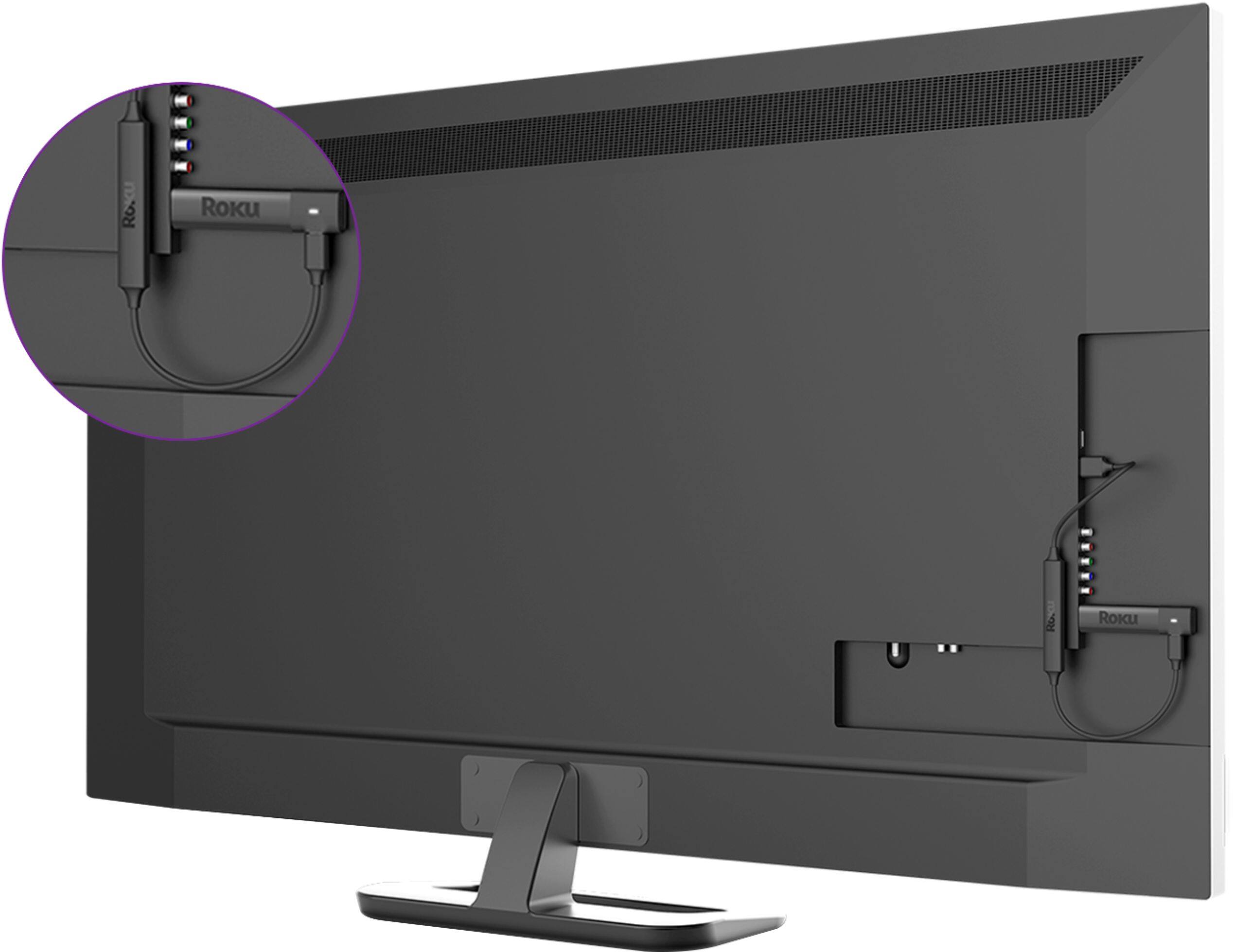
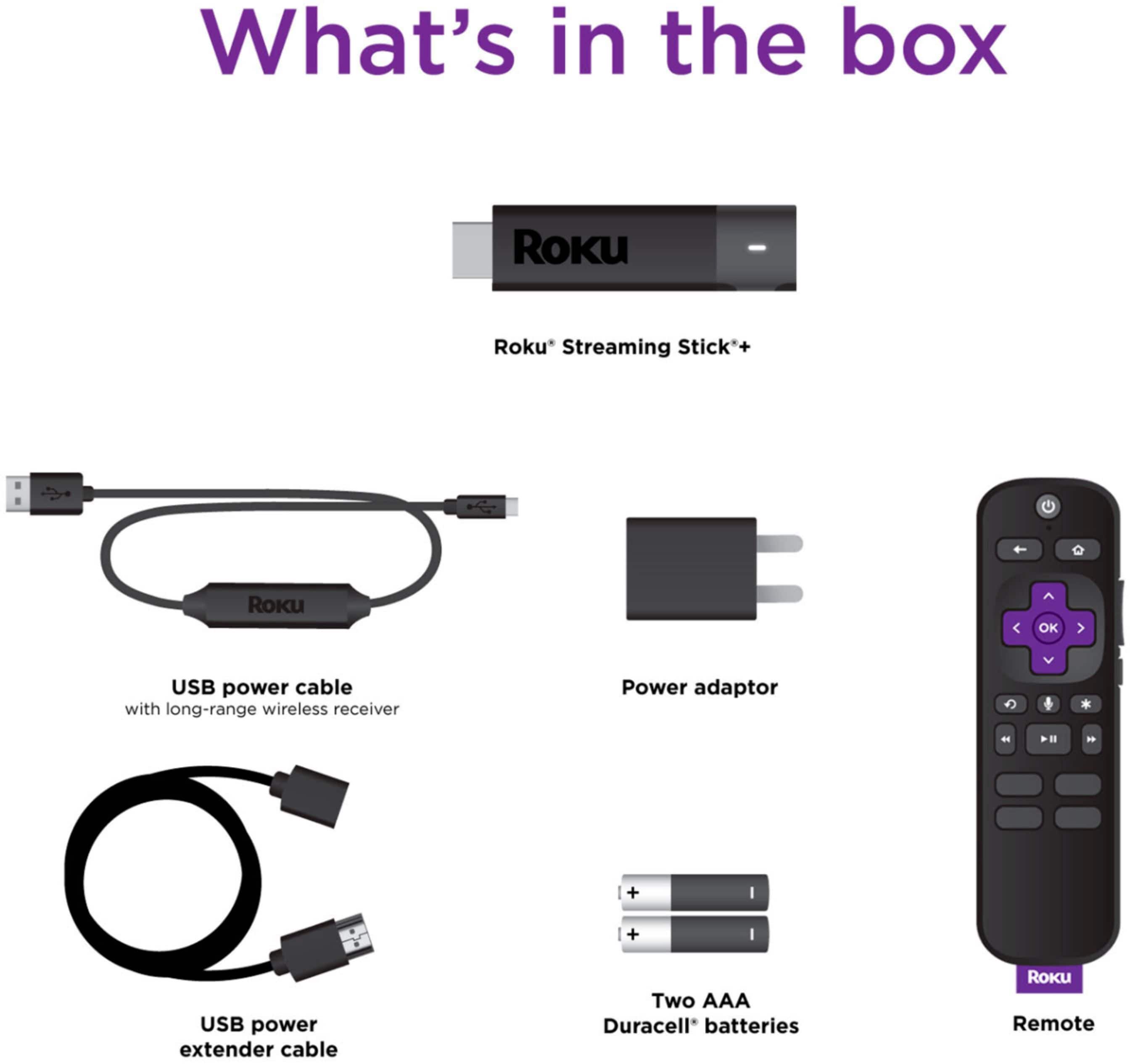
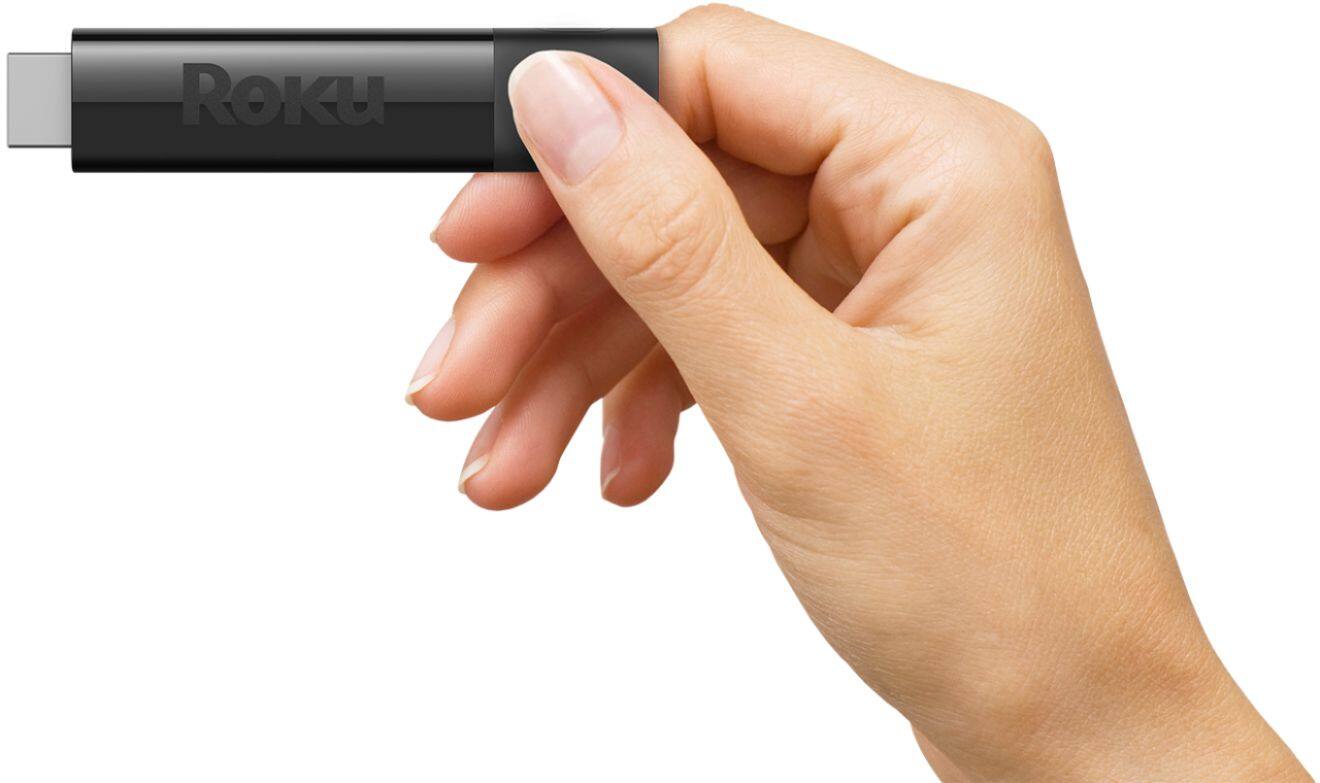
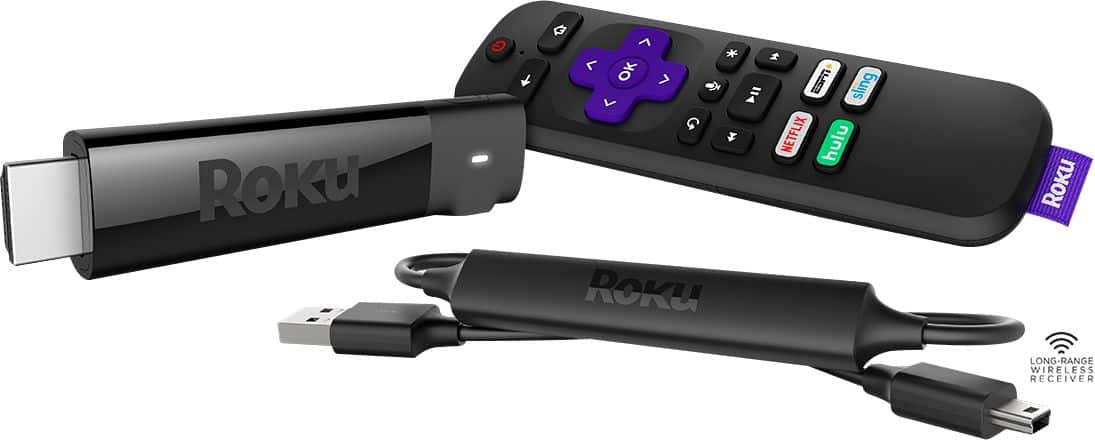
A:AnswerHi! Roku Streaming players including the Roku Streaming Stick + can be connected to any TV with an HDMI® connection. In order to connect your Roku Streaming Stick + to your PS4 the console would need to have an HDMI input. Your Roku Streaming Stick + may work on a hotspot, however for the highest possible quality when streaming movies and TV shows, we recommend you connect your Roku Streaming Stick + to a high-speed internet connection.Roku streaming devices perform well with most home broadband services like DSL, fiber, or cable internet. Movies and TV shows streamed in higher picture quality formats like 4K Ultra HD or HDR require even higher internet speeds.
A:AnswerYes you can load the Xfinity Stream beta app on Roku. You get all of the same channels you are used to seeing using the Xfinity box, but you lose the ability to channel surf as easily.