A:AnswerI have a Samsung tv and Bluetooth Samsung sound bar. I simply paired the remote with the TV and it controls the sound bar as well.
Did t have to do anything other that initial Roku set up
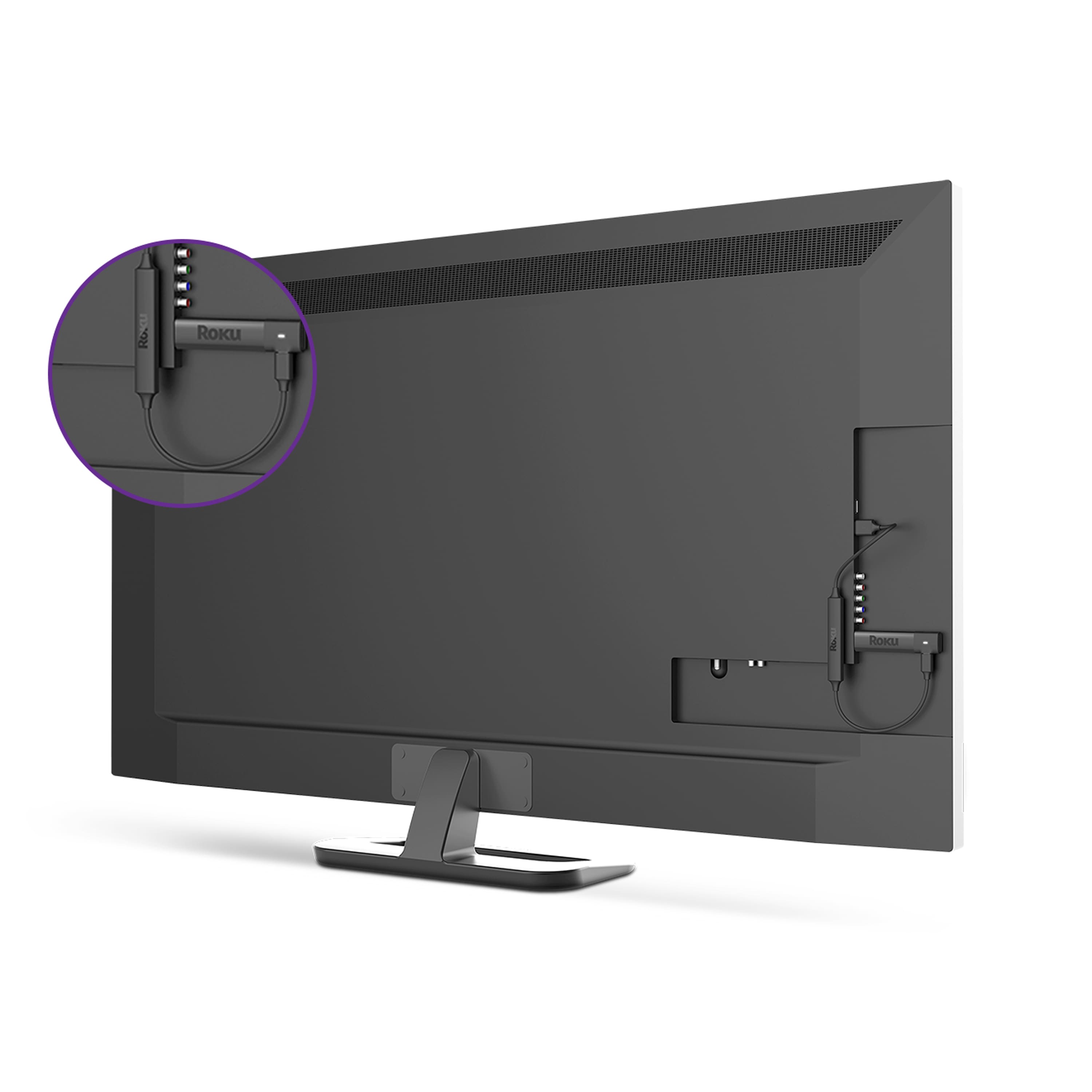
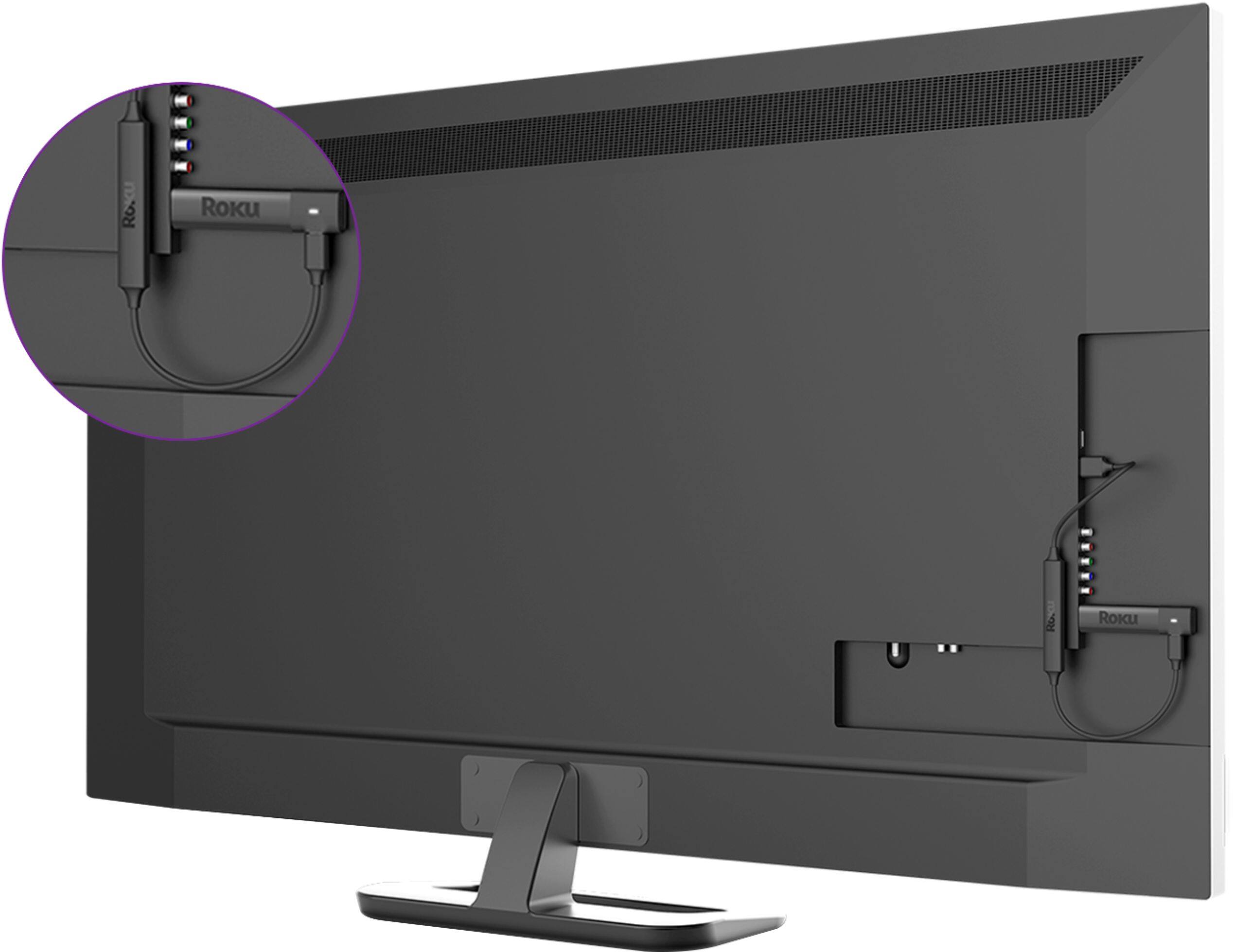
A:AnswerGo on ebay. There's a seller there that will sell you a special attachment but it cost approx. $50. I have an old set too but decided not to invest the money and am going o get rid of the TV even though it works great.
A:AnswerHave not tried on computer monitor. Bought the second Ruko stick + because it eliminates using two remotes (controls TV volume and power plus changes channels).
Only issue Ruko has an addition charge if you have 5 or more Rukos, we do since we have 2 homes.
A:AnswerYes it will work on non smart TVs. As far as Spectrum channels, I'd go on Roku's website and see what apps are available. There are a lot of them, but I'm not familiar with Spectrum to comment on that.
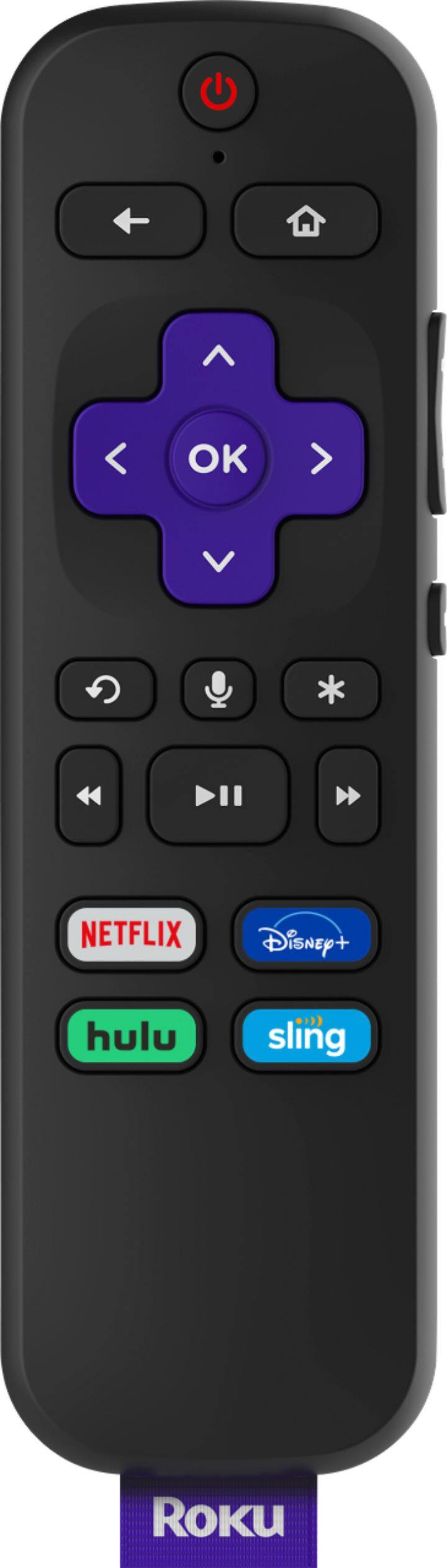
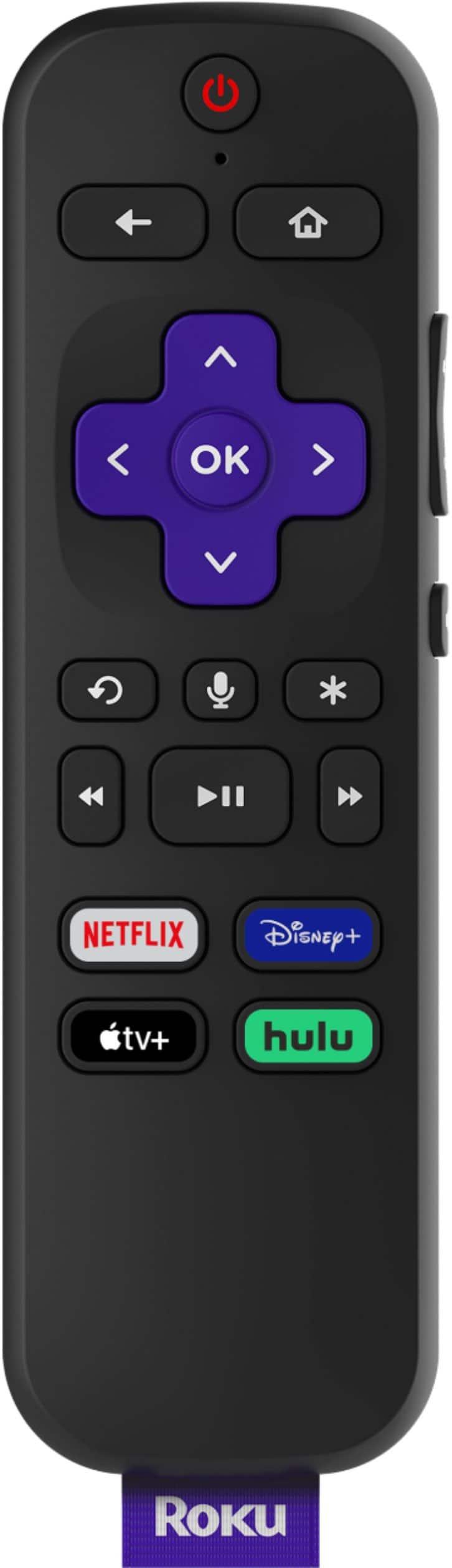
A:AnswerIf you press the left arrow button, it will bring up the channels. Then you can press the up or down arrow button to scroll through the channels. When you see the channel you are looking for, press the OK button.
A:AnswerI think it depends on your router...
I have an OLD linksys router... like 10 years old at least...gag.
My understanding is there is a mesh type of router which is supposed to be incredibly strong. I may upgrsde... but for now my old router is in th he library... a closet, bathroom, kitchen a d dinning room between... and still get good connection ... I can also use my tablet or cell while watching movies.