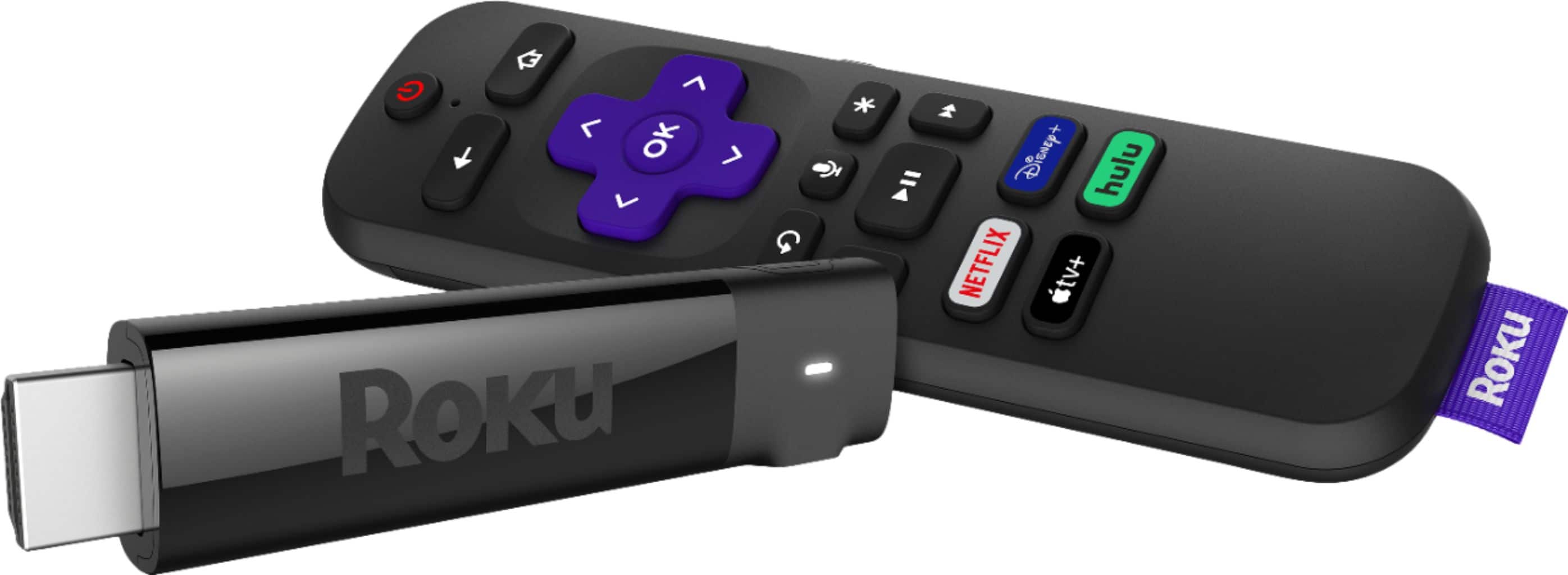
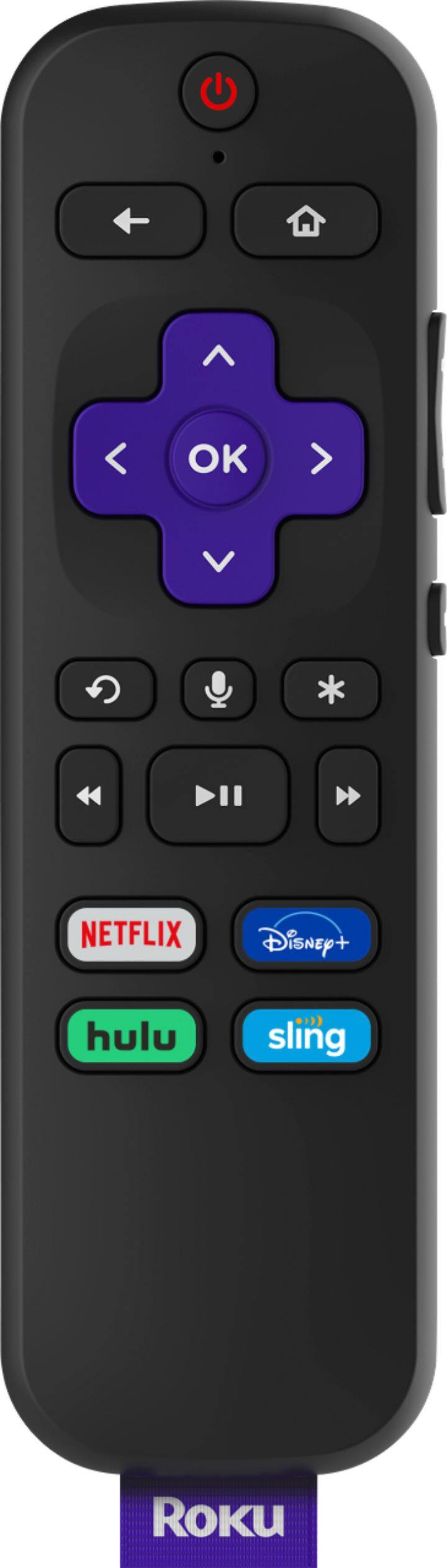
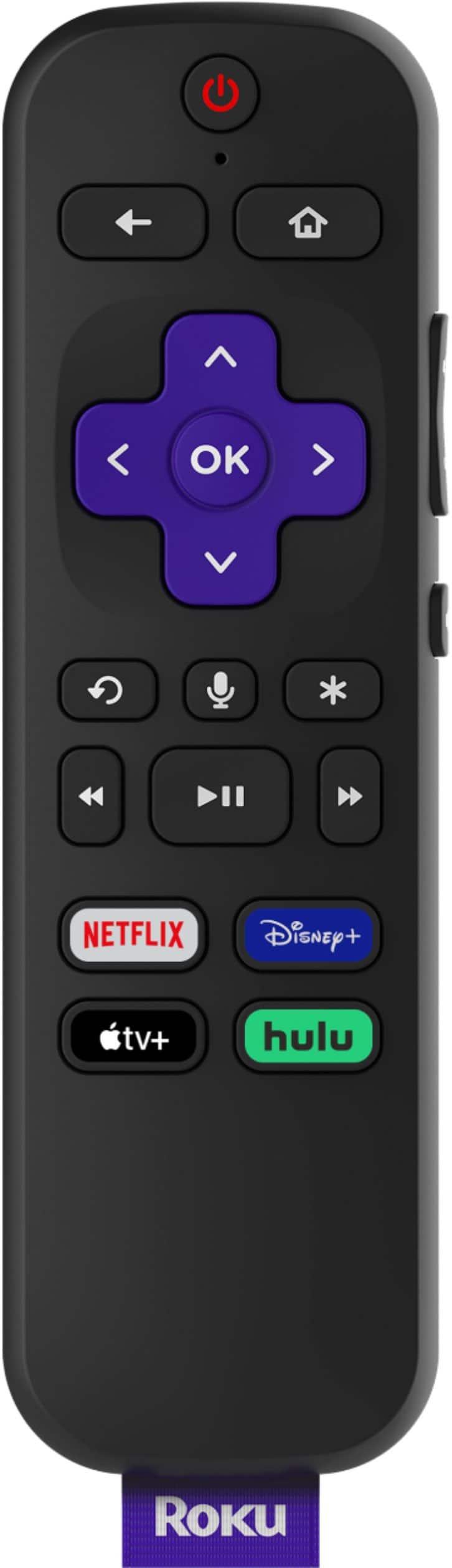
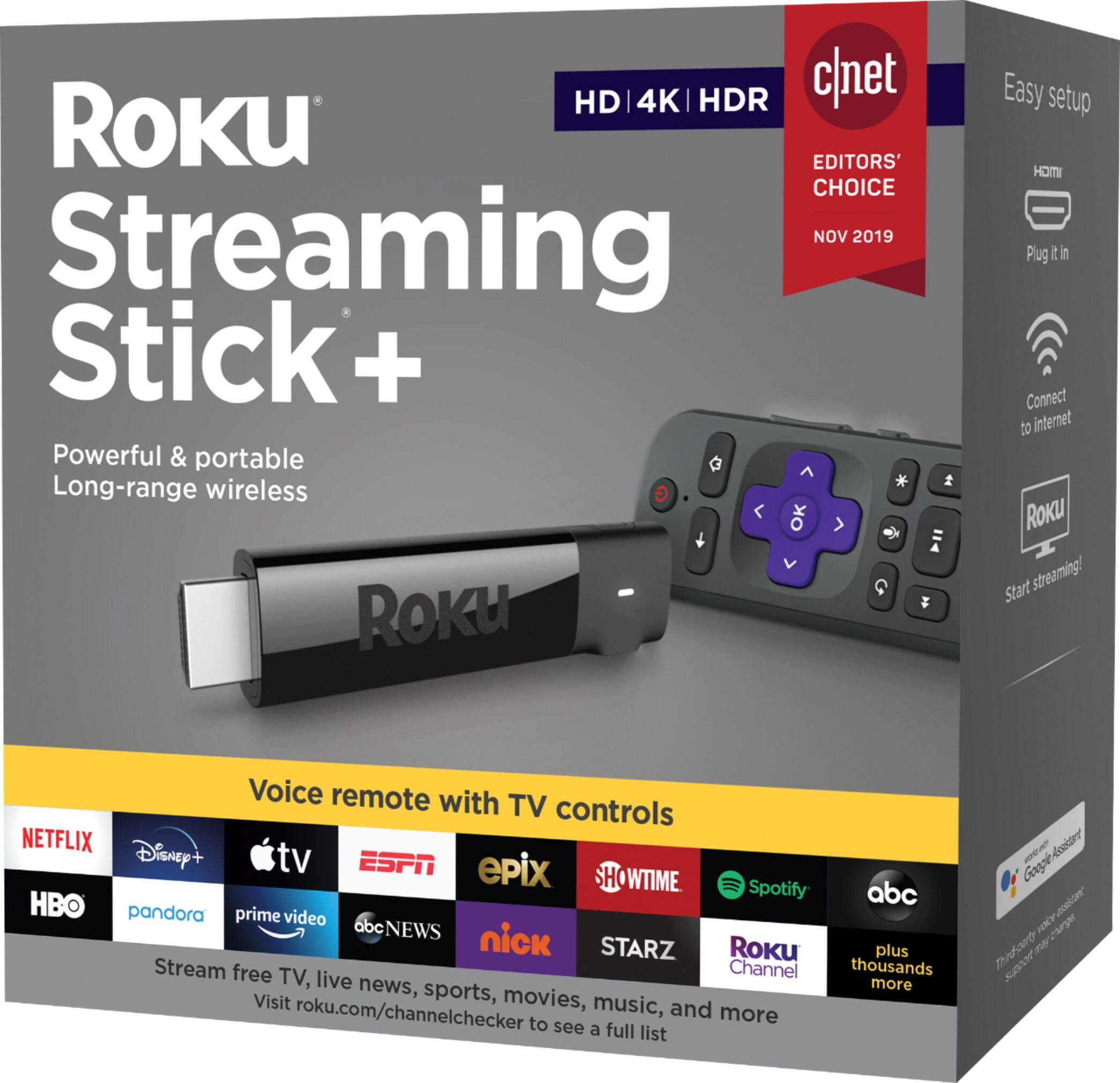
A:AnswerThis Roku does allow to speak to the TV to change channels. I have only used it once so can't really say how well it worked. It worked great during the setup.
A:AnswerIf you have wireless internet (or wired with some Roku models) - you can use it for television. Period. If you are wondering if the Direct TV Now app is available, the answer is yes. It certainly is.
A:AnswerIf you mean something like Google Chrome, no. It has a search bar to find what you are looking for, like YouTube or other streaming option or network. But you cannot connect to the internet with this. It has menus to see what is available on Roku. It is very easy to use.
A:AnswerMost likely not. Roku doesn’t do that.
You mention a PC. 5”This means not a Mac and likely not Linux. Microsoft does make a wireless streaming device that connects to HDMI and gets power over USB. It works ok. Do not expect to stream video or any games. Presentations are just about the best use case for that device.
If you can do wired, there are cables you can find online that can convert the DVI connection on most computers to HDMI. Be sure that the cable can have DVI as the source. You will not get sound, but image quality and the latency will be good for video and gaming. Some cords may have a 3.5mm audio jack to integrate sound into the HDMI connection. The corded option is the best recommendation.
A:AnswerI have Spectrum cable TV and I have a Roku streamng stick, which I bought about one month ago. I cannot answer your question. You have to subscribe (i.e., pay) to other channels to get anything of value it seems. But I do have one channel that I downloaded for free which works with Spectrum.
A:AnswerI use my Logitech Harmony remote to control my Roku Ultra, Denon receiver and LG TV and LG Blu Ray player so I am fairly confident it would work for your situation as well. Logitech has an enormous list of devices it can control but it does take some time and thought to configure the remote. I would suggest looking at the upper end Logitech Harmony remotes that have the most features and functionality. Realize that this isnt cheap and wrapping all that control into a single remote does take some effort.
A:AnswerDepends what you want for TV viewing. DirectTV has quite a number of options for local, regular, and pay-per-view channels. Roku sticks are attached to a SmartTV and then you can sign up for Netflix, Amazon Prime, Hulu, BritBox, or a number of other streaming services. Each has their own subscription fee and option.
What you need to do is make a list of what you like to watch and compare it to the various options and their prices. Then you can make an educated purchase. Be sure you have a SmartTV.
A:AnswerYes, you would need 2 Rokus to watch on 2 TVs simultaneously. However, the streaming sticks are so small and easily portable that you could easily move the Roku unit from TV to TV if you are only watching one at a time.
A:AnswerYou could use an antenna to get local channels on your TV, but that method has nothing to do with Roku. There are some over-the-top services which offer different combinations of local channels that you could access on a Roku, for example DirectTV, Sling TV, and YouTube TV.