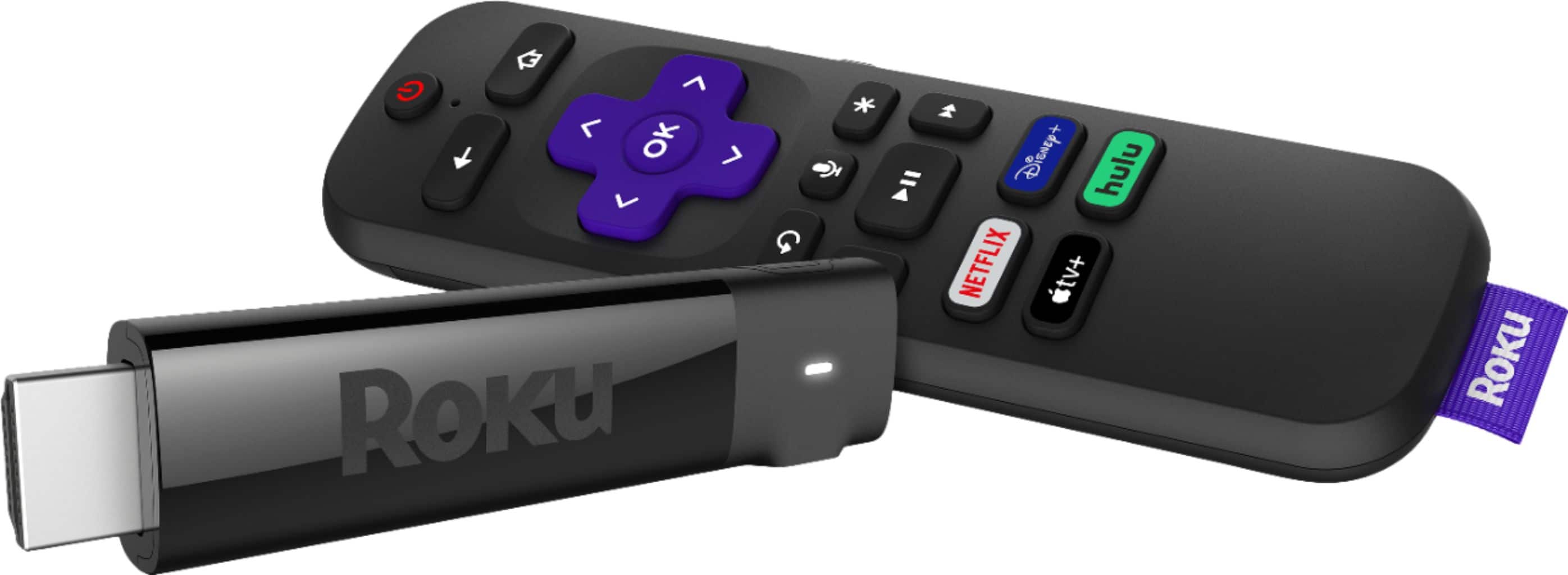
A:AnswerThe Spectrum TV App is a mobile application that allows you to watch live TV and On Demand content at no additional charge from your mobile device. ... The Spectrum TV App on connected devices: The Spectrum TV App can be used with your Roku, Samsung Smart TV and Xbox One.
Stream TV App - TV Shows, Live TV, & Movies | Spectrum TV App
https://www.spectrum.com/cable-tv/spectrum-tv-app.html
How to Add the Spectrum TV App to Roku
Make sure your Roku account is activated and is connected to the Internet.
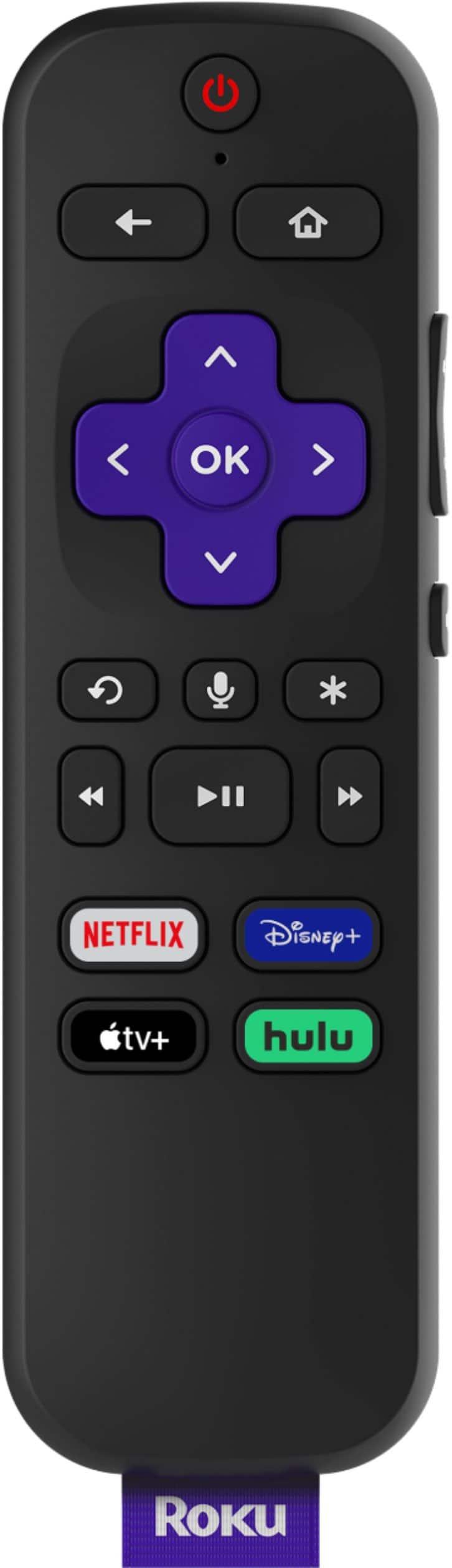
Using your Roku remote, go to the Roku Channel Store and find and install the Spectrum TV app.
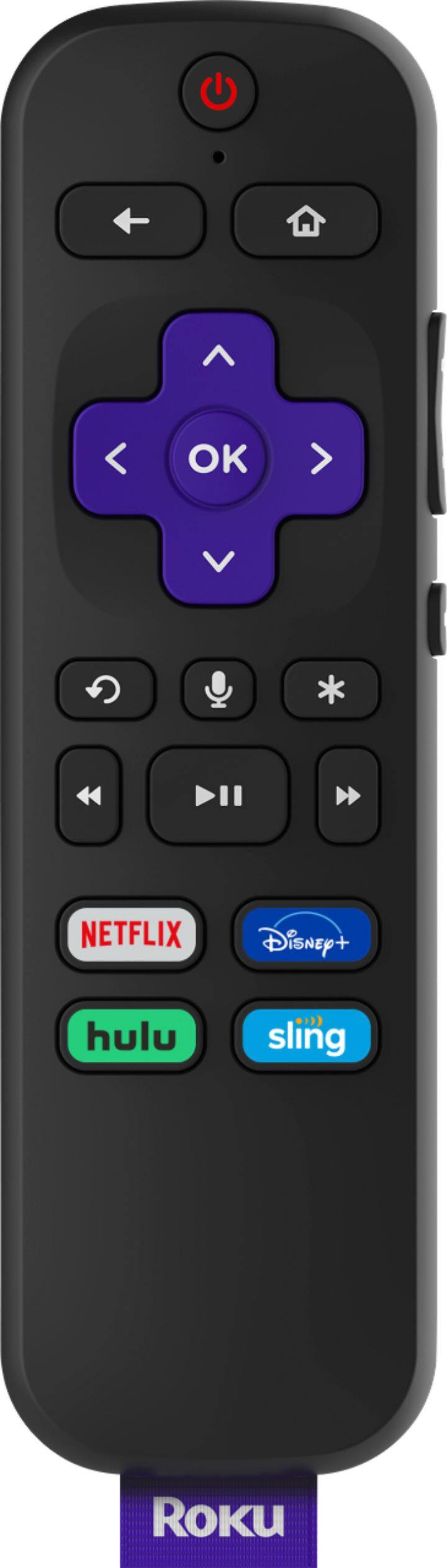
Sign in using the arrow keys and the OK key on your remote to use the virtual keypad.
Select I Agree to accept the License Agreement.
How to Add the Spectrum TV App to Roku - Spectrum.net
A:AnswerSo no, you don't need a Smart TV to use a streaming player. However, if you have a Smart TV, you still may want to use a separate player because, generally speaking, the TVs often don't support as many apps as the players do. ... So the Roku 1 is a good choice if you have an older TV that doesn't have HDMI ports.Nov 16, 2017
Reader Question: Do You Need a Smart TV To Use a Streaming ...
https://techforluddites.com/reader-question-do-you-need-a-smart-tv-to-use-a-streaming
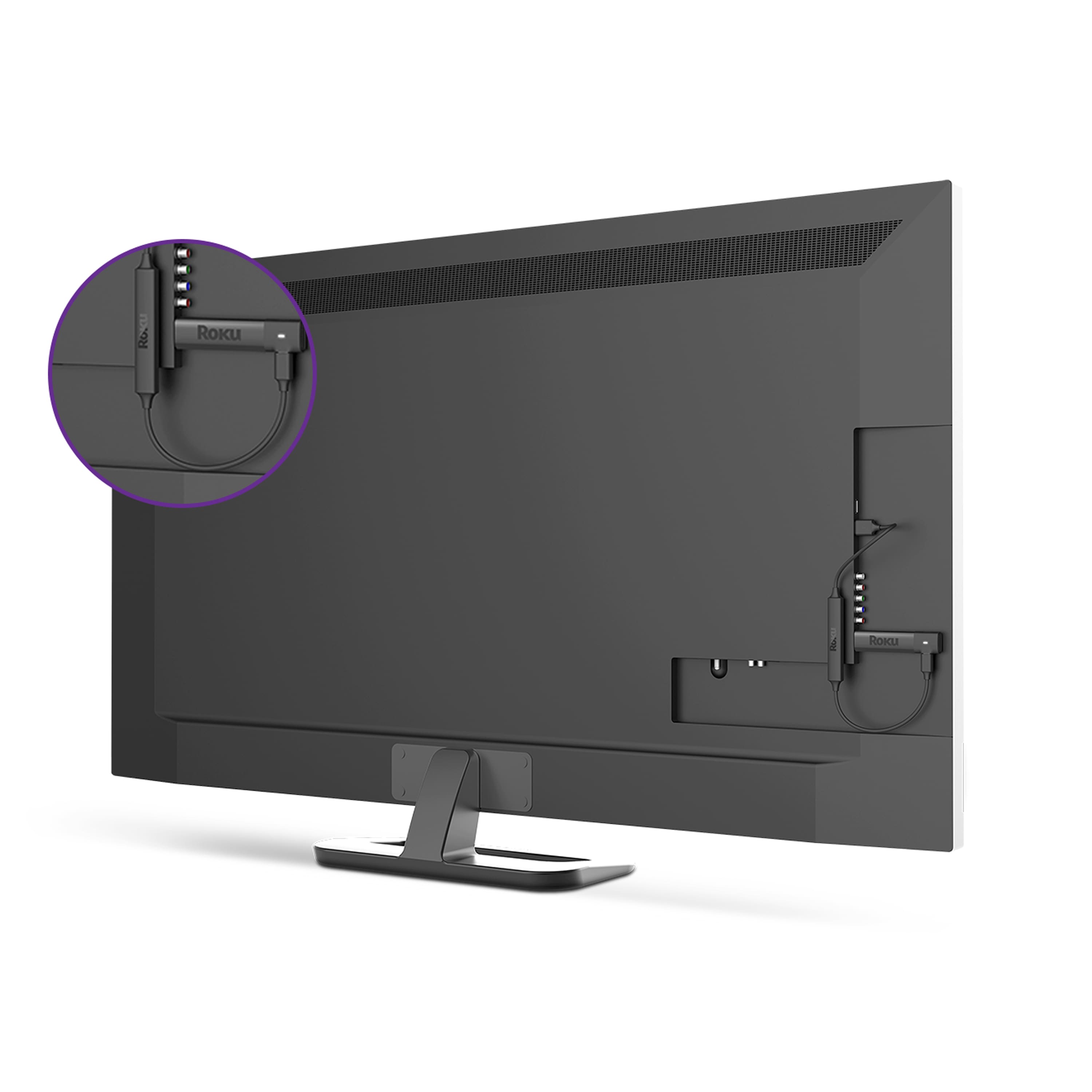
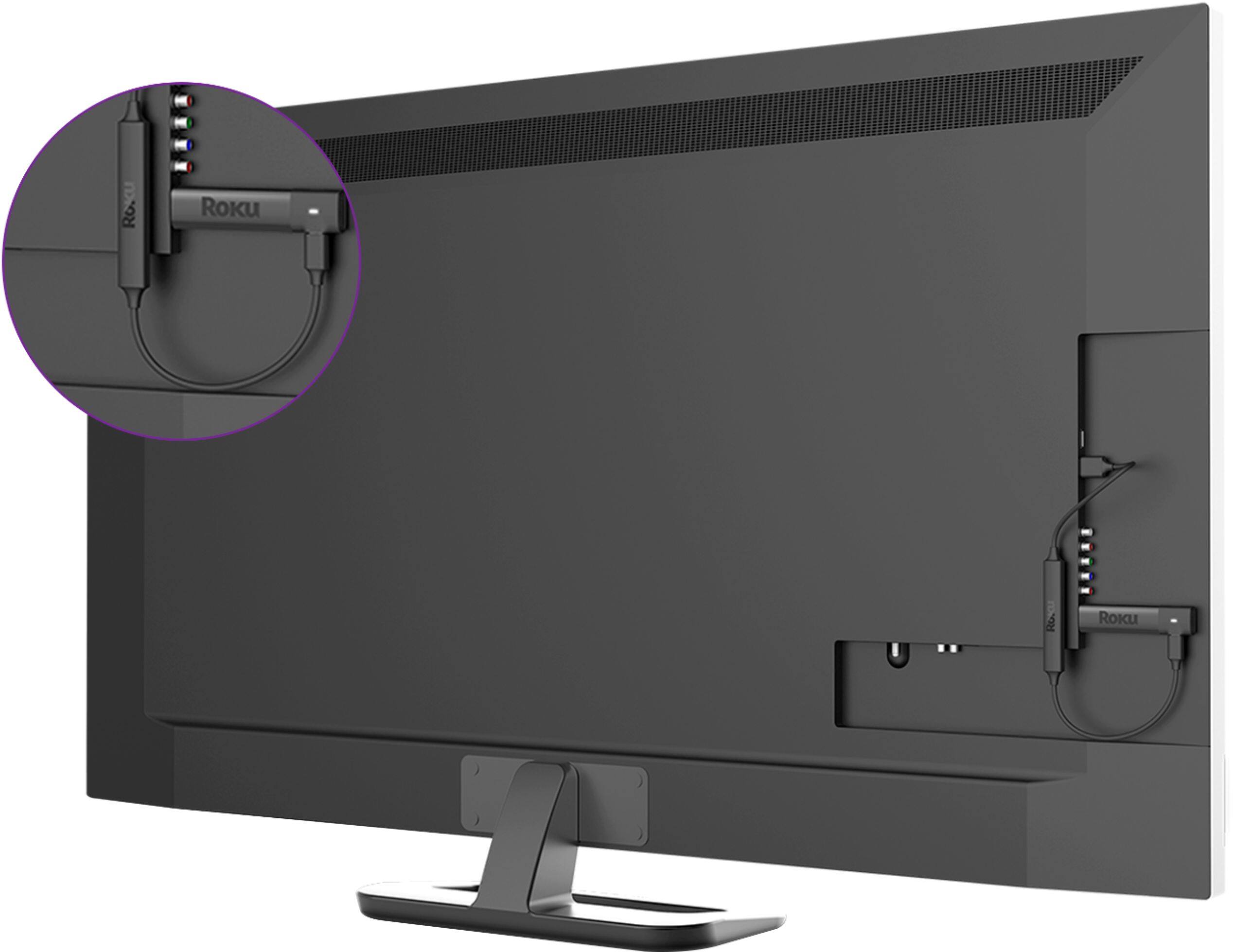
The Roku Express+ works on TVs with no HDMI connection; it uses composite inputs instead (though both composite and HDMI cables are in the box). This means you can now turn your older TV into a smart streaming TV.Nov 22, 2016
A:AnswerYes, the MLB Network app is included on the Roku, but you will have to pay a monthly fee to the MLB Network for access to receive their channel.
A:AnswerWhen I signed in connecting my WiFi to Roku, I had the option to see or hide my password to connect. That was the only time I used my password for WiFi, it remembers. When you sign into Roku on line, you put the code that is displayed on your TV into the section on the online registration. Same as you would signing into Amazon Prime Videos, etc. You only sign into your apps once. It remembers.
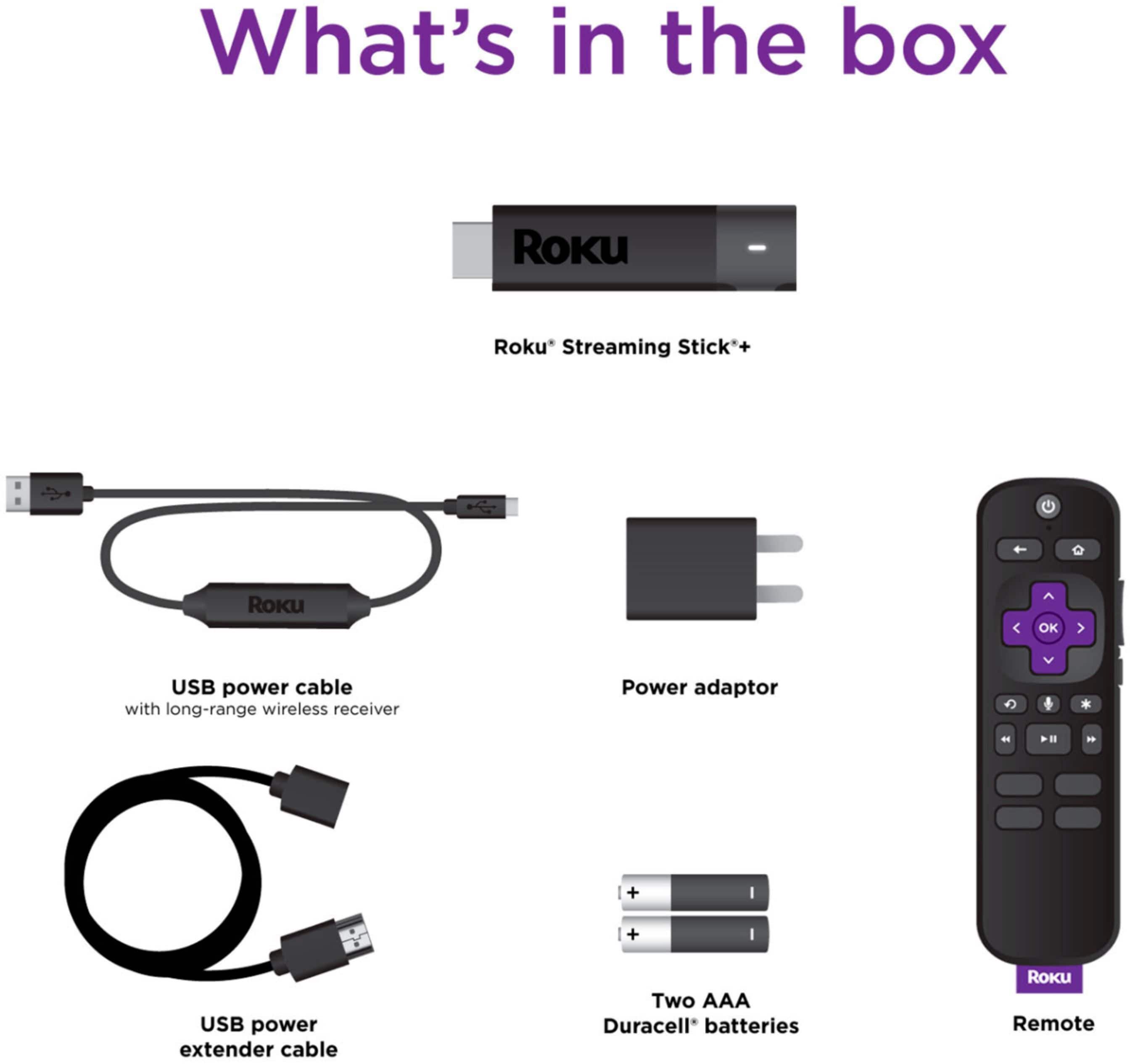
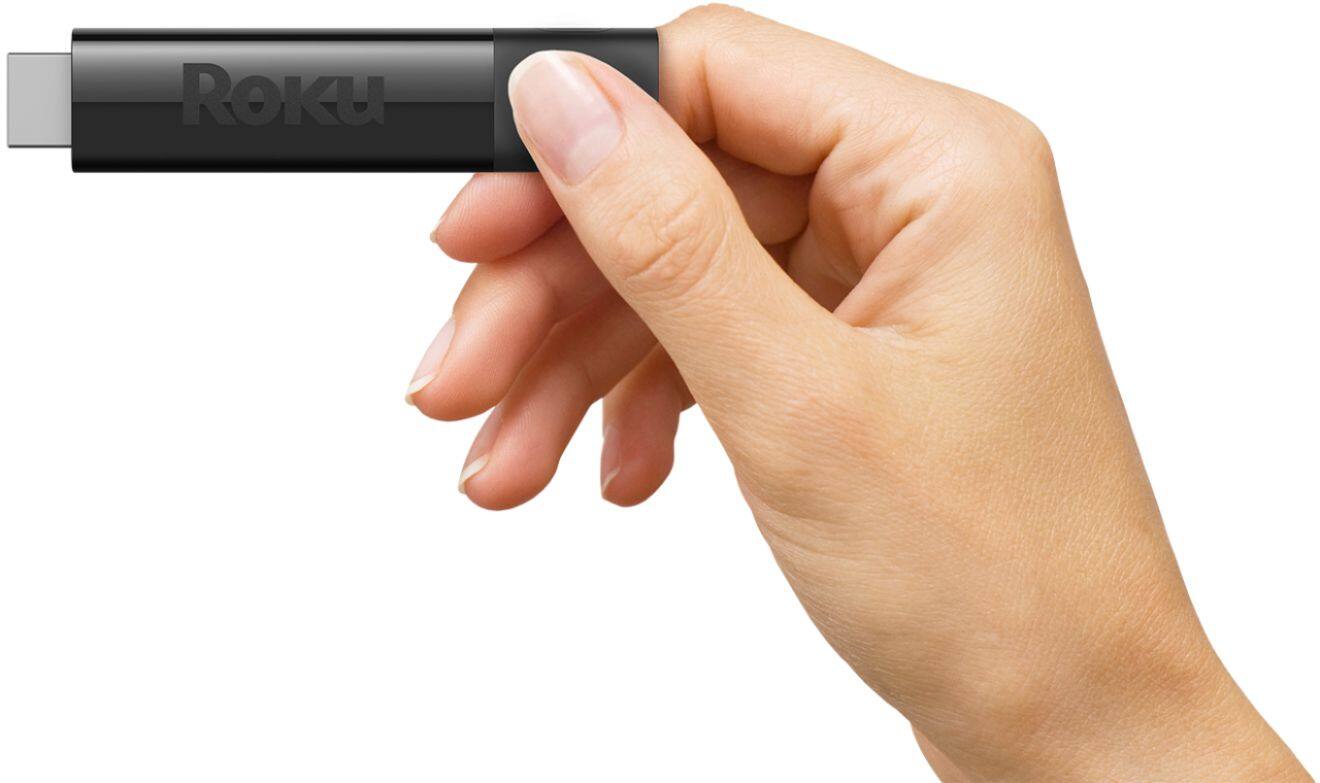
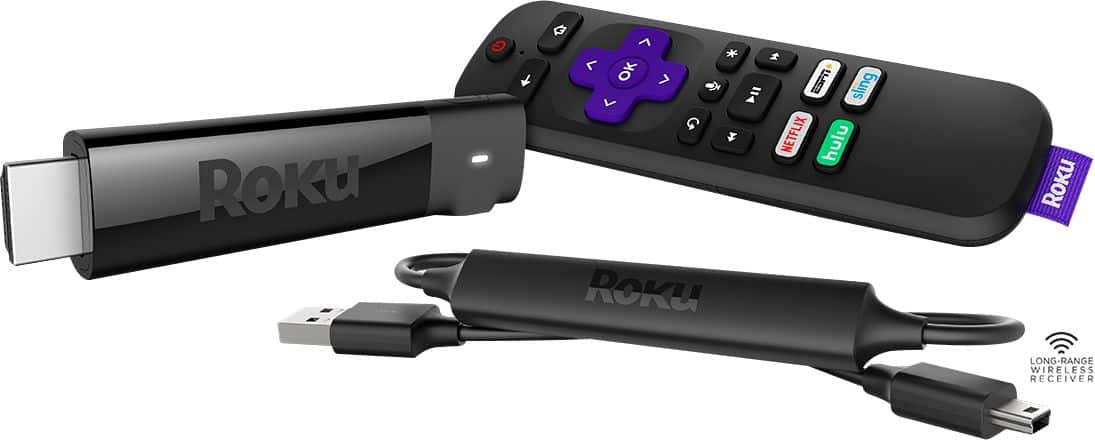
A:AnswerNot sure what this means, the roku sticks plug directly into an hdmi port , so no adapter is needed, unless your device has an oddly Place hdmi port.
A:AnswerI am confused by your question. I am guessing that you have the Sling Box unit that would stream you home TV to your laptop/pc wherever you are through the internet - correct? If so, you can get the Sling stream to your Roku but it will require a few more steps. The Roku accepts a "cast" from a pc/laptop - First access the web on your laptop/PC. Once online access your Sling stream. If your laptop can cast a wireless signal (Newer ones from the last three years usually can do this) you can cast the Sling by accessing the stream on your PC as usual and then "Casting" the signal to the Roku. For far more specific information on casting - search for Cast to Roku online. Good luck
A:AnswerYour tv must have HDMI/USB capability; I have a dumb tv that became a smart tv with Roku Express + using USB/HDMI; haven’t tried the streaming stick on it.
A:AnswerRoku currently does not have a remote with Mute, sadly. Which is why my wife still has the TV remote next to her, too. And the remotes being Bluetooth, about the only remote I am aware of is the Harmony Hub to control a Roku Stick that has the TV Power & Volume buttons. $$$
Amazon I think is the first with a Mute button, it's on their newest Fire Stick.