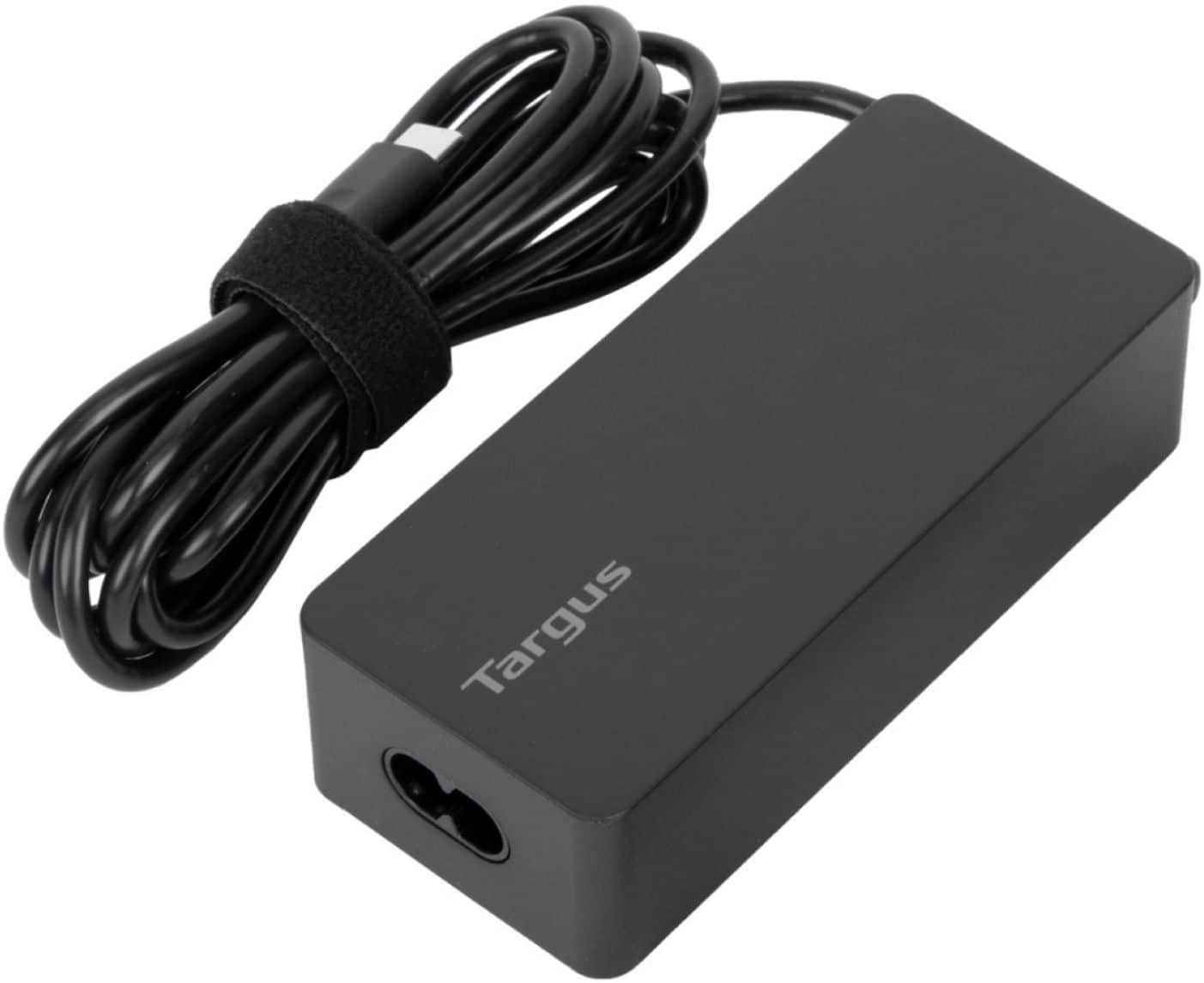
A:AnswerWe would need more information to verify compatibility. However, if the laptop has a USB-C port that supports power delivery and the laptop doesn't require more than 65W to power than this may work for it. To confirm please reach out to our support team with the full make and model of the laptop. They can be reached at 877-482-7487 Monday thru Friday 10 AM to 7 PM EST.
A:AnswerBased on the specs for the Toshiba Satellite L675 Laptop this USB-C type charger will not work. Please reach out to our support team at 877-482-7487 Monday thru Friday 10 AM to 7 PM EST. They will be happy to check compatibility for you.
A:AnswerPlease reach out to our customer support team at 877-482-7487 Monday thru Friday 10 AM to 7 PM EST with your full computer model. They will be happy to check compatibility for you.
A:AnswerPlease reach out to the place of purchase for assistance with a label. You may contact Targus Customer support for assistance with finding a charger that will work with your device. We can be reached at 877-482-7487 Monday thru Friday 10 AM to 7 PM EST.
A:AnswerYes, it will but it will work so hard to try to provide the amount of power that the computer actually calls for it may cause the adapter or the computer to have an adverse reaction. We recommend one that is closer to the actually requirements of your gaming computer to avoid any issues.
A:AnswerThe Targus 65W USB-C/USB-A Laptop Charger is designed to work with most laptops that charge via USB-C. If your HP Laptop 15-ef1xxx supports USB-C charging and requires 65W or less, then this charger should be compatible. If the laptop uses a proprietary charger or requires more than 65W, it may not charge properly.
For confirmation, we suggest checking your laptop’s power requirements in the user manual or on the original charger label. You can also reach out to Targus support at 1-877-482-7487 or us.support@targus.com for additional help.
A:AnswerThe Targus 65W USB-C/USB-A Laptop Charger is designed to work with most laptops that charge via USB-C. If your HP Chromebook supports USB-C charging and requires 65W or less, then this charger should be compatible. If the laptop uses a proprietary charger or requires more than 65W, it may not charge properly.
For confirmation, we suggest checking your laptop’s power requirements in the user manual or on the original charger label. You can also reach out to Targus support at 1-877-482-7487 or us.support@targus.com for additional help.
A:AnswerThe Targus 65W USB-C/USB-A Laptop Charger is designed to work with most laptops that charge via USB-C. If your Dell Latitude 7340 laptop supports USB-C charging and requires 65W or less, then this charger should be compatible. If the laptop uses a proprietary charger or requires more than 65W, it may not charge properly.
For confirmation, we suggest checking your laptop’s power requirements in the user manual or on the original charger label. You can also reach out to Targus support at 1-877-482-7487 or us.support@targus.com
for additional help.
A:AnswerThe 65W USB-C Laptop Charger is compatible with many USB-C–enabled laptops, including select HP models. To confirm compatibility with your HP ENVY x360, we’ll need the exact model number of your laptop to verify power requirements. Please reach out to us at targus.com/support or call 1-877-482-7487 (Mon–Fri, 7am–4pm PST) and we’ll be happy to check for you.
A:AnswerThe 65W USB-C Laptop Charger is compatible with many USB-C–powered laptops, but to confirm for your ASUS ROG Zephyrus, we’ll need the exact model number to verify the power requirements. Please contact Targus Customer Support at 1-877-482-7487 (Mon–Fri, 8 a.m.–4 p.m. PST) or visit targus.com/support for assistance.
A:AnswerThank you for your question! The Targus 65W USB-C Laptop Charger may work with the Dell Precision 3571 if your laptop charges via USB-C Power Delivery and doesn't require more than 65W. However, many Precision models are designed for higher power—typically 90W or more—so this adapter may not deliver sufficient power for full performance or charging under heavy use.
We recommend checking the original charger’s power output or your laptop's specifications. If you need further assistance, feel free to reach out to Targus Support at support.targus.com or by phone at 877-482-7487 (US/Canada). We're happy to help confirm compatibility.