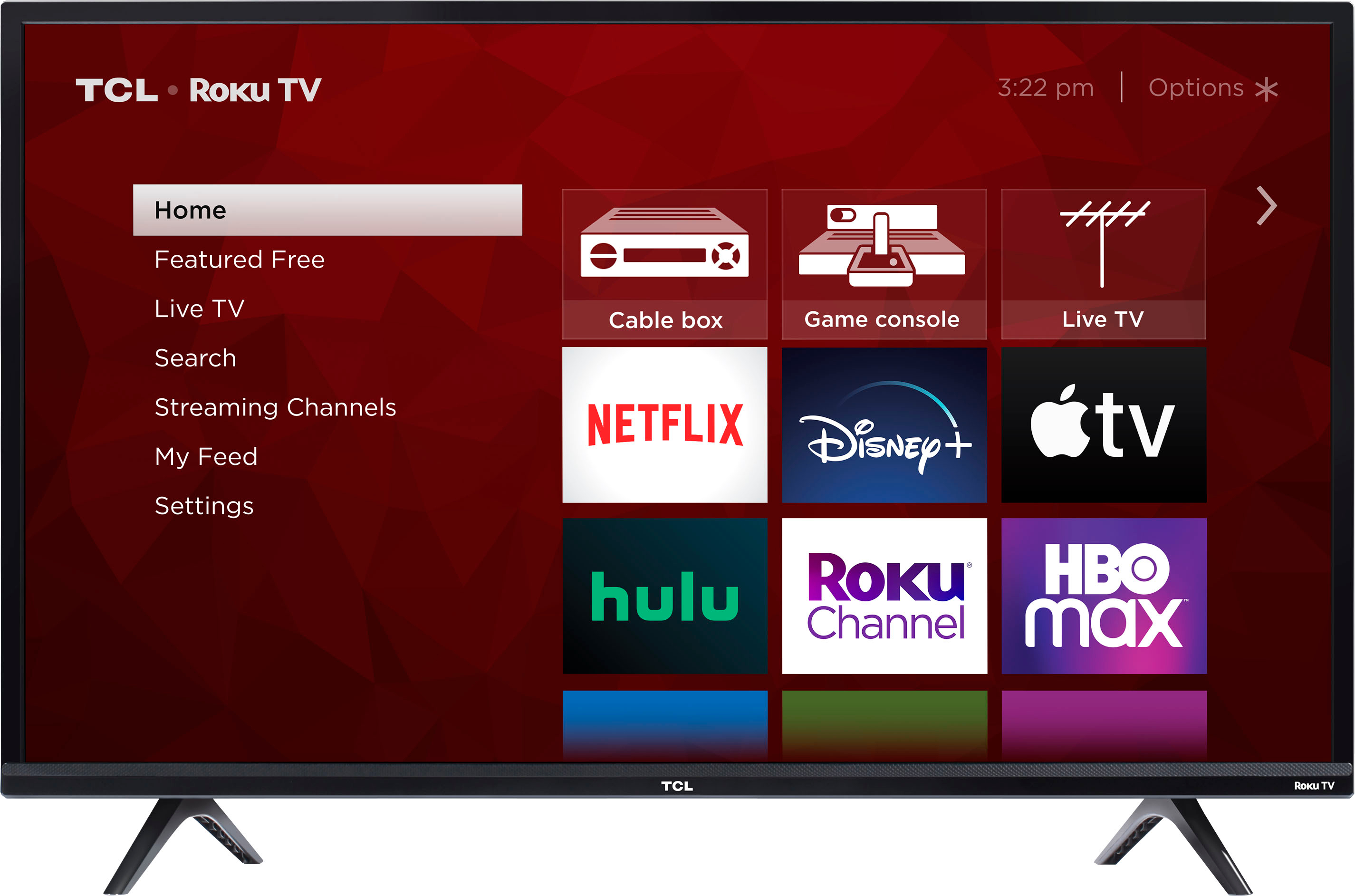
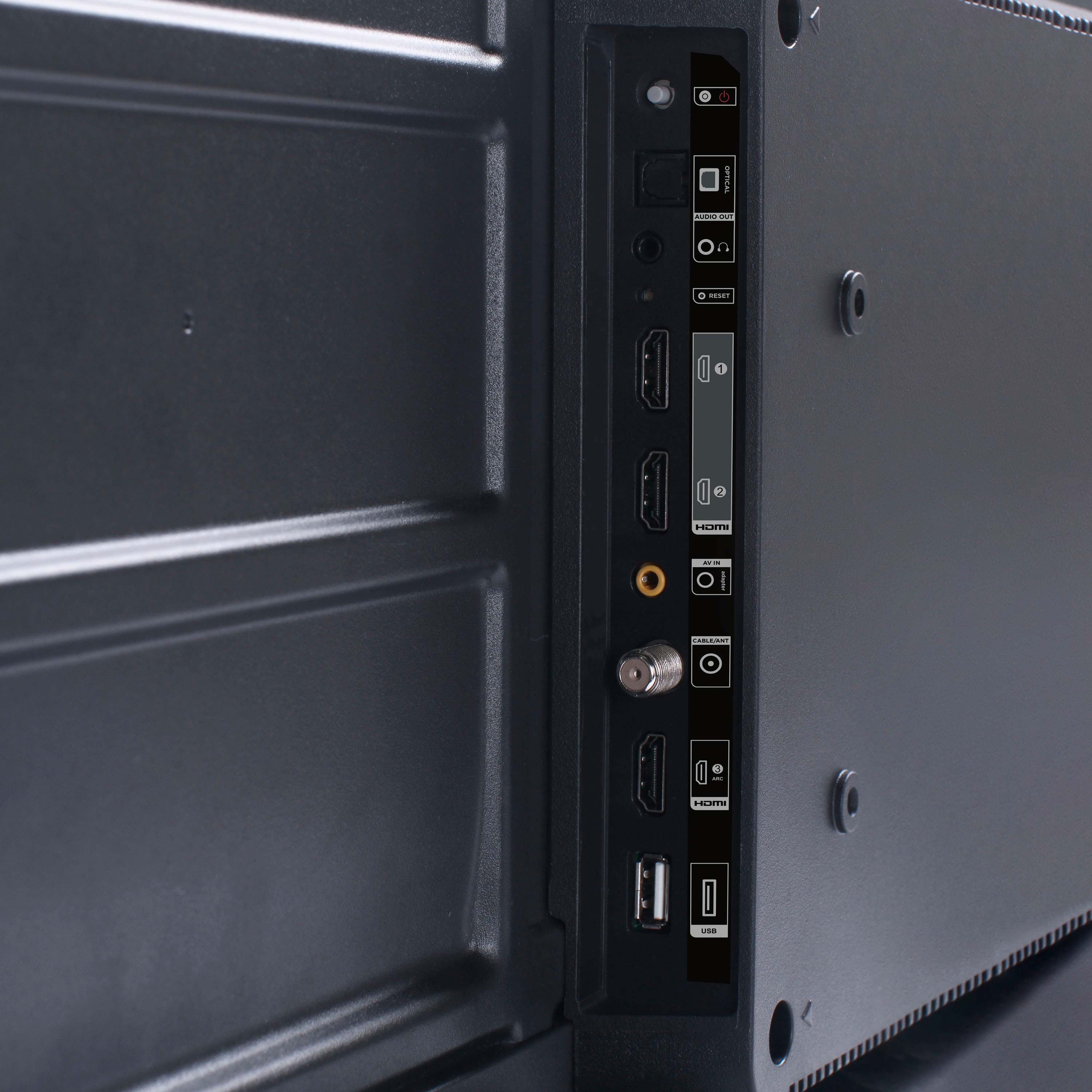
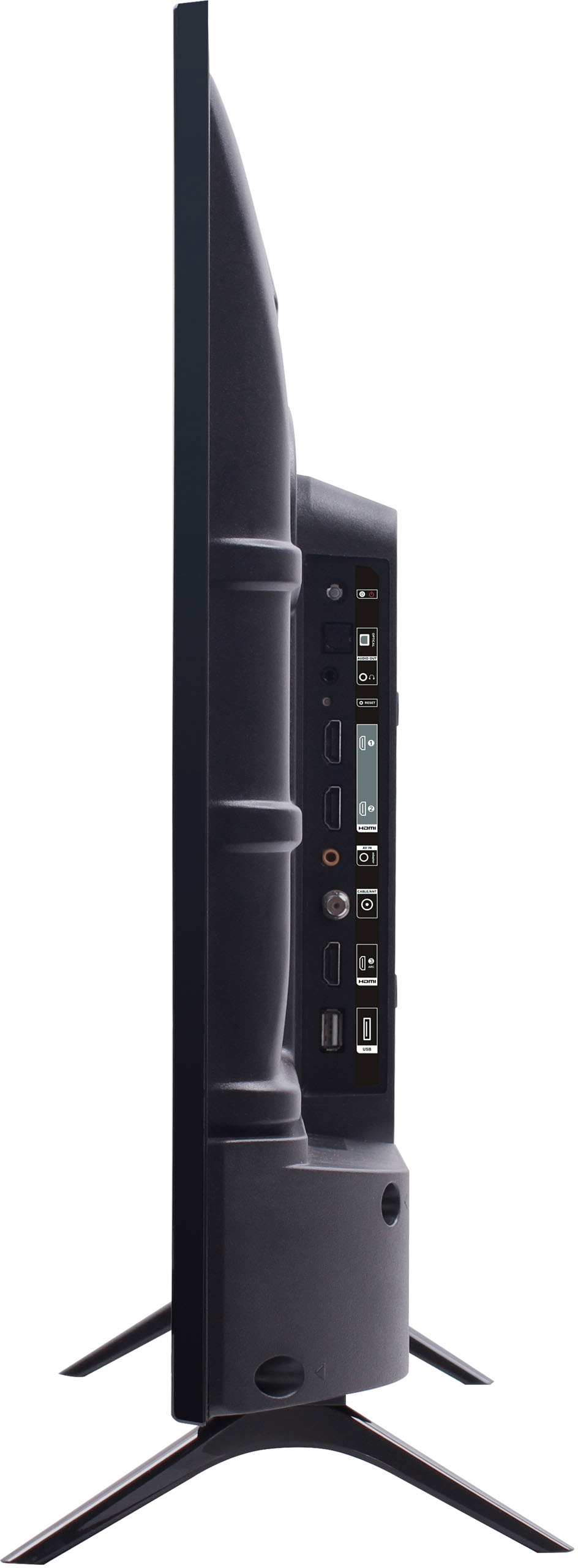
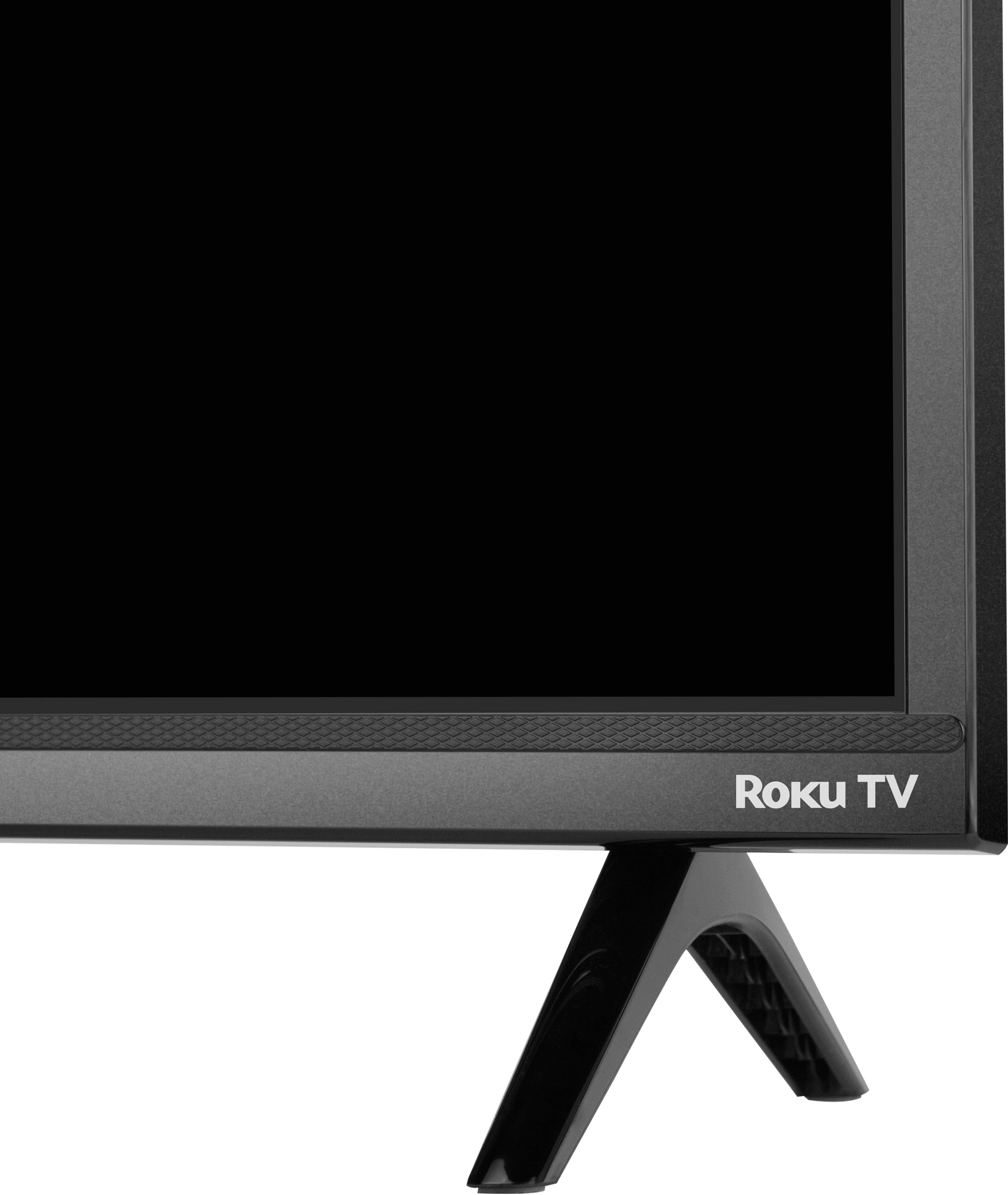
A:AnswerThis TCL Roku TV has the ability to connect to the Internet via WiFi. It does not feature an Ethernet port. Hope this helps! Thank you, TCL Customer Support
A:AnswerThis TCL TV has a coaxial located on the back of the TV near the other inputs. By connecting an antenna you can receive over-the-air channels. However, the reception depends on the signal strength. Hope this helps! Thank you, TCL Customer Support
A:AnswerYou can loop images via the USB port. Once your USB is connected either launch it or go to the Roku Media Player app. Go to Video and select the USB. You need to put all videos you want to loop into one folder, then highlight the folder, then hit the “circle back” button (to the left of the asterisk “*” button). It will then loop all the videos in the folder(but you can’t mix pictures/videos together). Hope this helps! Thank you, TCL Customer Support
A:AnswerOur TCL Roku TVs do not currently support Bluetooth. However, you can download the free Roku app on your smart phone or tablet to use voice search, voice control, and experience private listening. To enjoy private listening you simply click private listening in the app, and attach headphones to your smart phone or tablet. Or you can use the 3.5 mm headphone jack in the back of the TV to connect standard headphones. Hope this helps! Thank you, TCL Customer Support
A:AnswerThis TCL TV features various inputs that can be used to connect external devices like a satellite dish or cable box. Hope this helps! Thank you, TCL Customer Support
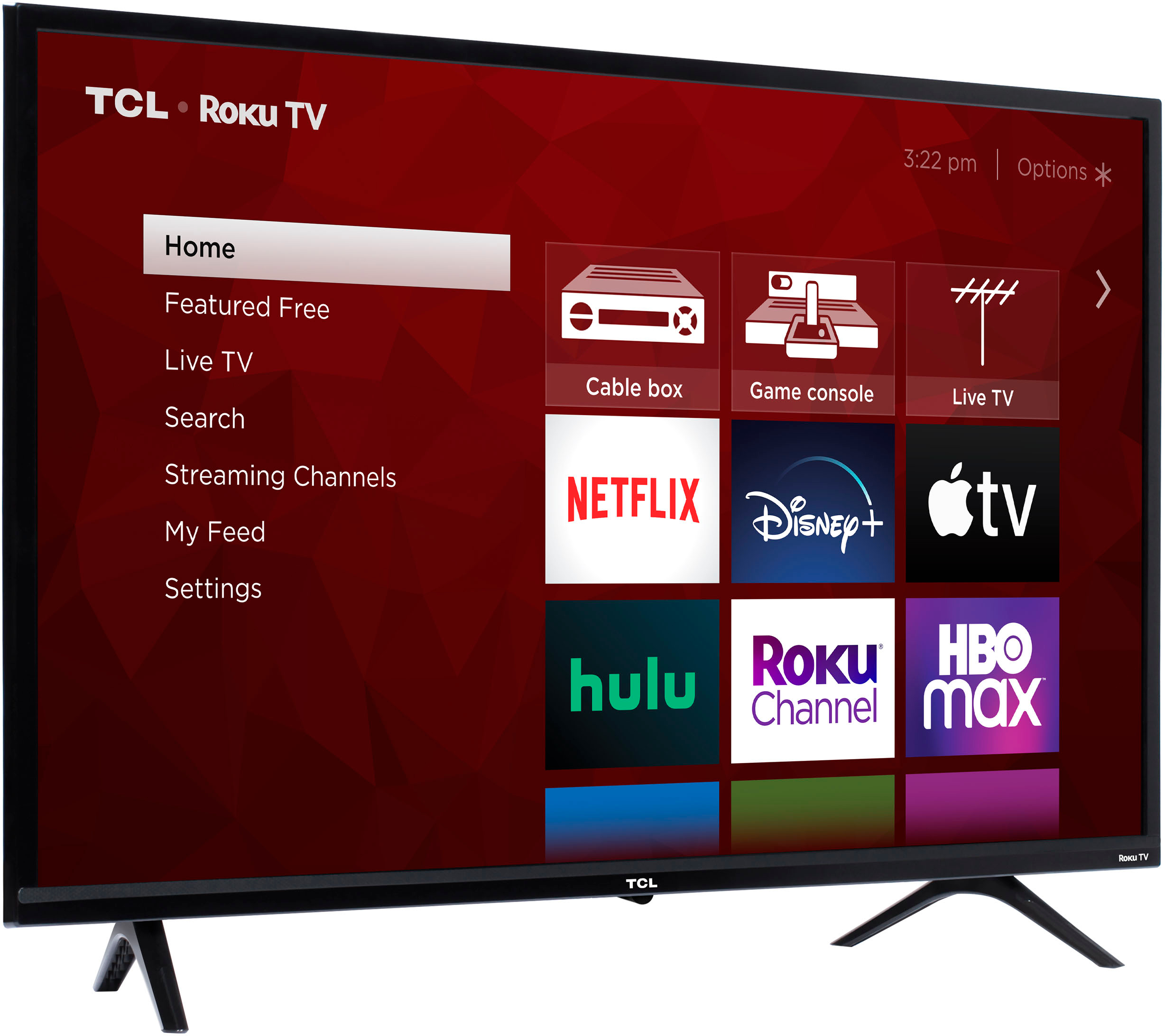
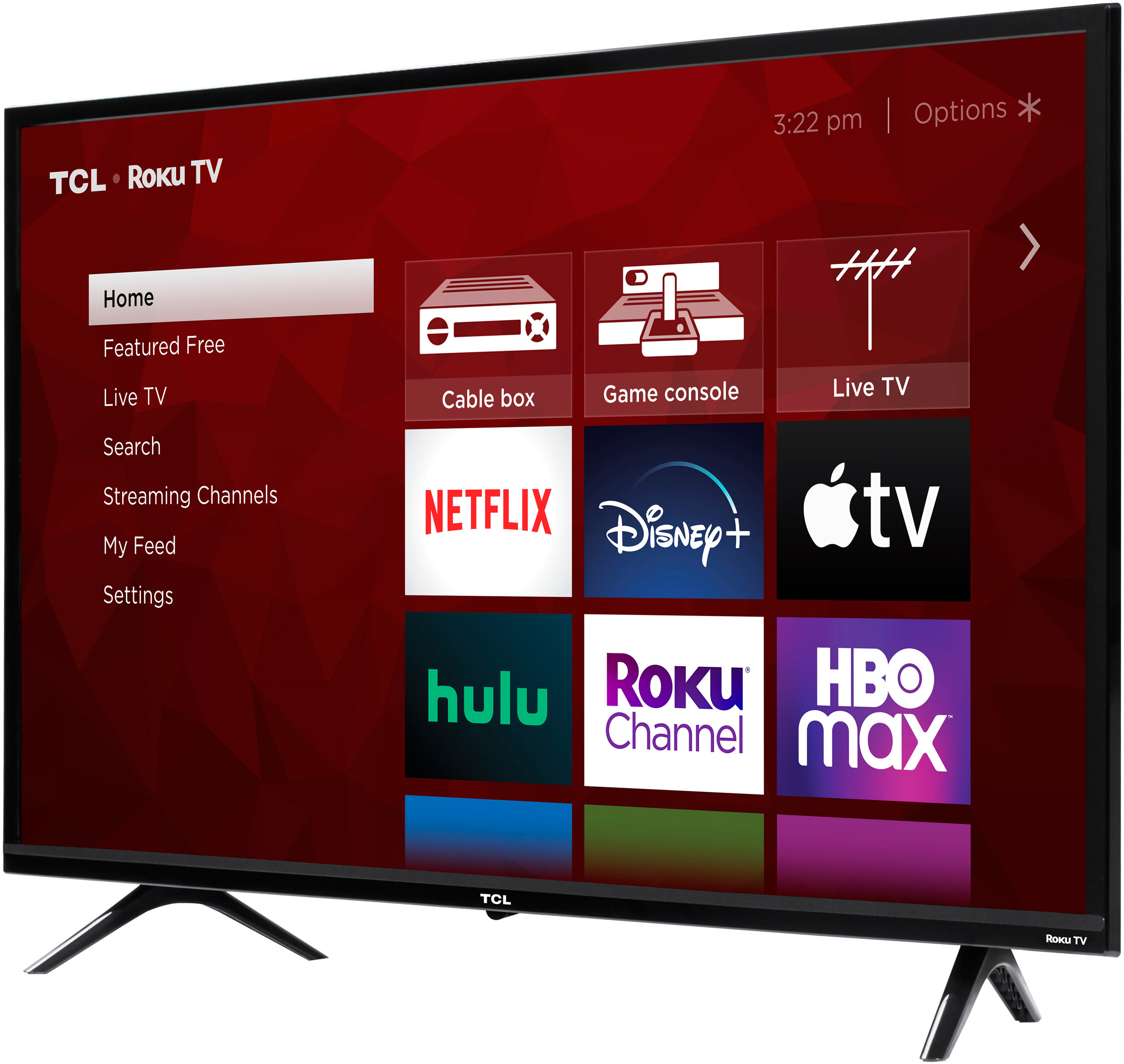
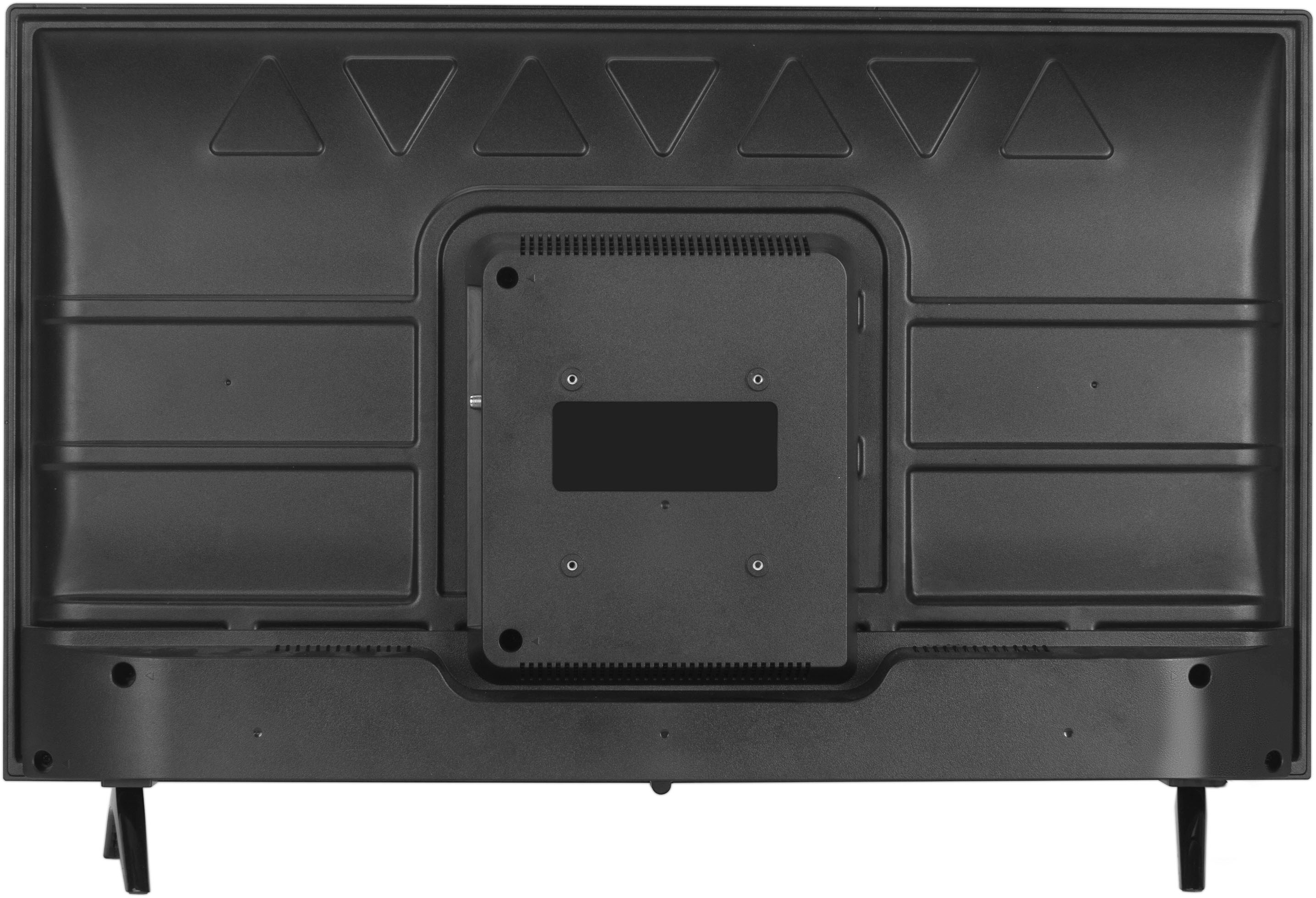
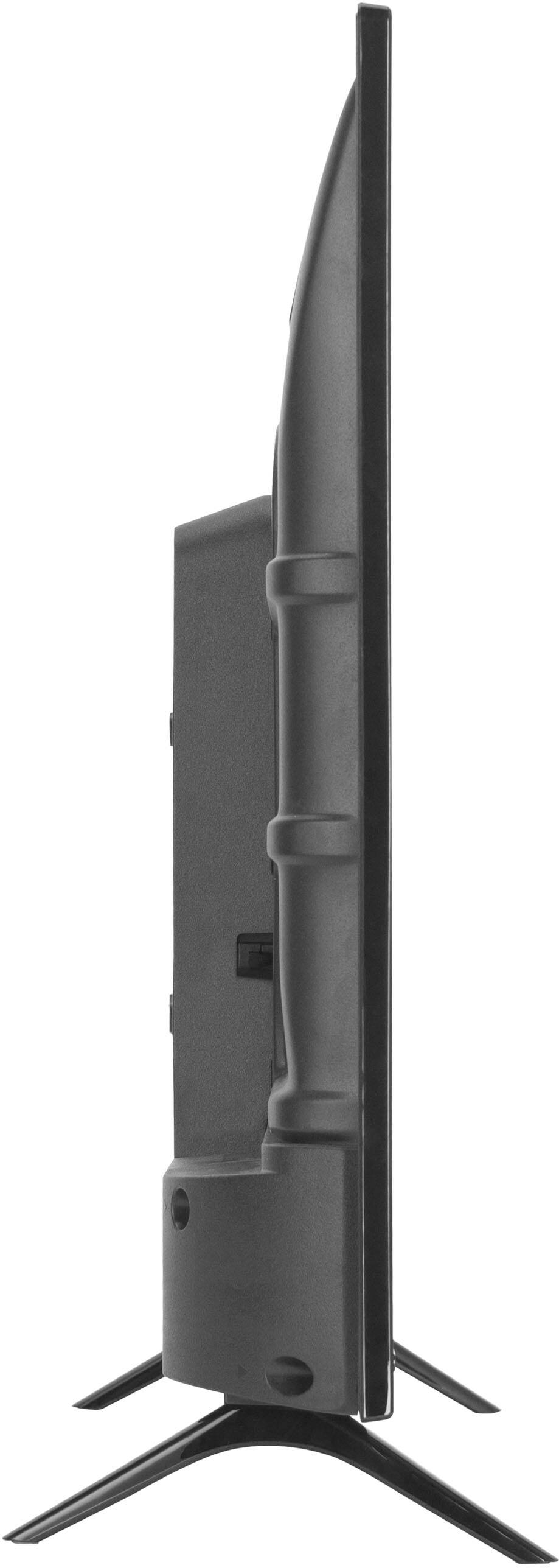
A:AnswerWith the feet attached, the dimensions for this 32 inch TCL TV are as follows: (W x H x D) 28.8" x 18.9" x 7.1". Hope this helps! Thank you, TCL Customer Support
A:AnswerThis TV comes with a standard Roku TV remote which does not feature a mic. However, you can download the free Roku mobile app on your Smartphone or tablet to use as a remote. Through the Roku mobile app, you gain access to power toggle, volume toggle, private listening, voice search, and more. Hope this helps! Thank you, TCL Customer Support
A:AnswerWhat "over the air" TV stations a TV can receive depends on many variables including the size and design of the antenna, antenna height, topography between the TV and broadcast towers, foliage within 500' of the antenna etc. Check antennaweb.org or rabbitears.info. Plug in the address and see what TV stations are available.
A:AnswerThis TCL Roku TV is designed and engineered to be used within the US. You can go to channelstore.roku.com/browse to see what streaming channels and apps are offered through the Roku Channel Store. To search for a specific channel you would simply want to enter that information into the search section. Hope this helps! Thank you, TCL Customer Support
A:AnswerThis TCL TV features various inputs that can be used to connect external devices like a cable box. Hope this helps! Thank you, TCL Customer Support
A:AnswerThis TCL TV features various inputs that can be used to connect external devices like a DVD player. Hope this helps! Thank you, TCL Customer Support