A:AnswerWhile we can not recommend a specific web browser, there are various web browsers that can be downloaded through the Play Store. Hope this helps! Thank you, TCL Customer Support
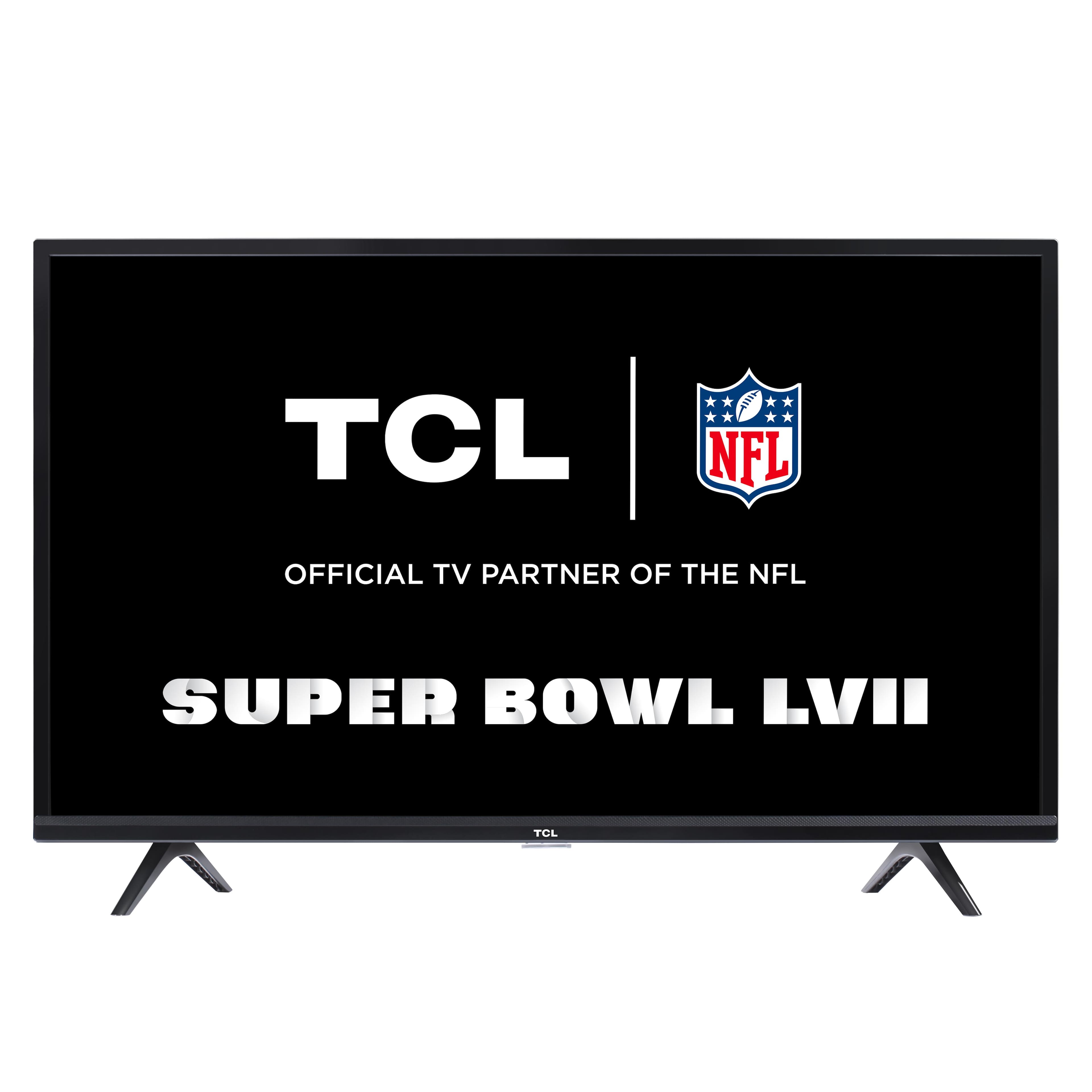
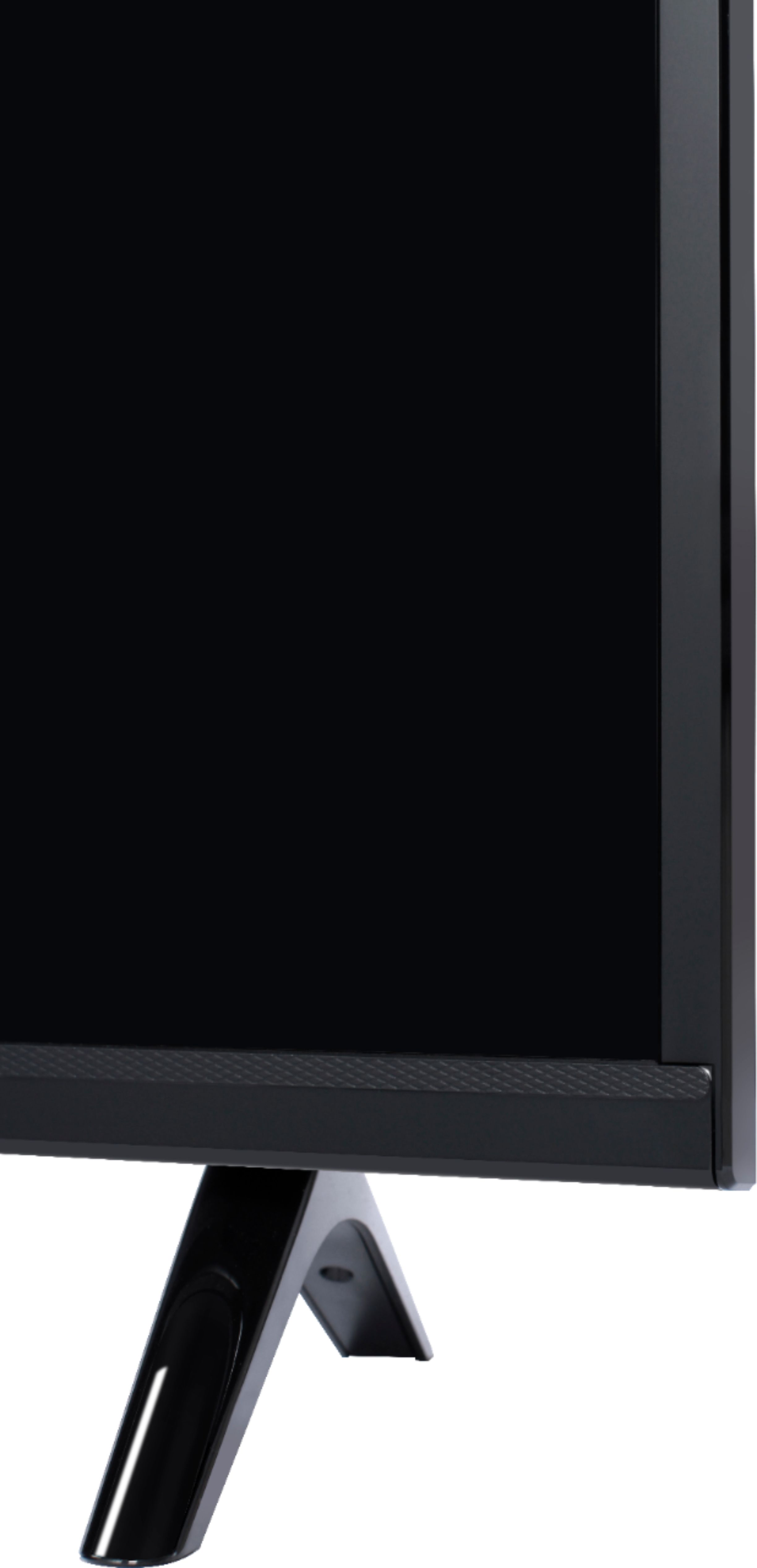
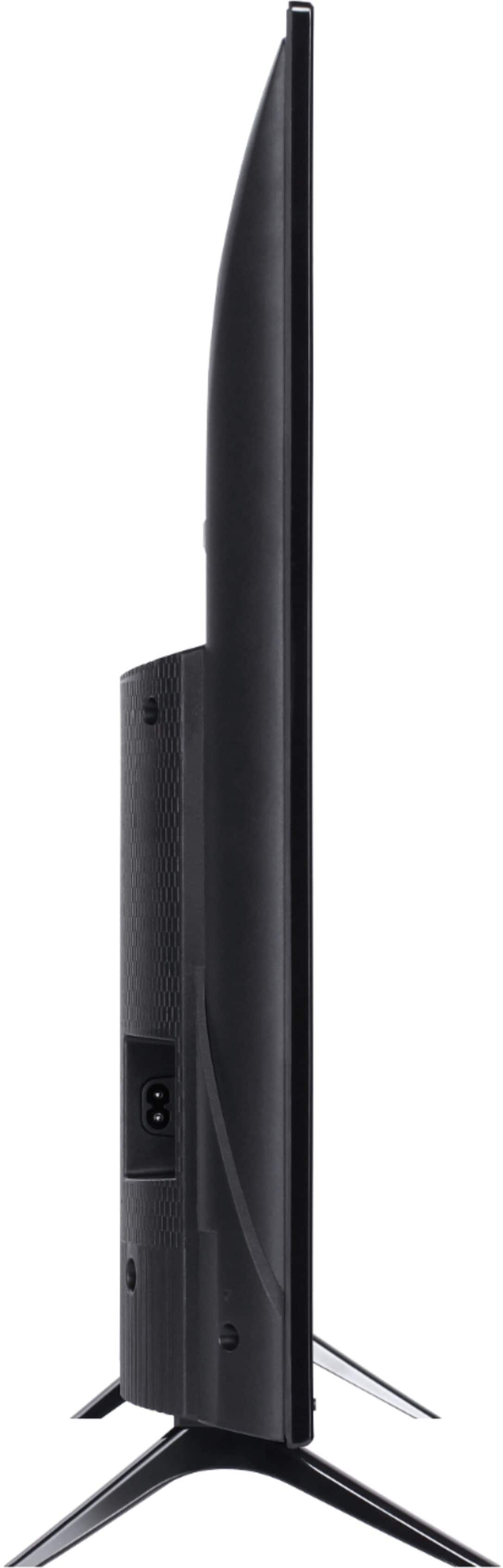
A:AnswerWith the feet attached, the dimensions of this TV are as follows: (W x H x D) 28.8" x 19.1" x 7.1". Hope this helps! Thank you, TCL Customer Support
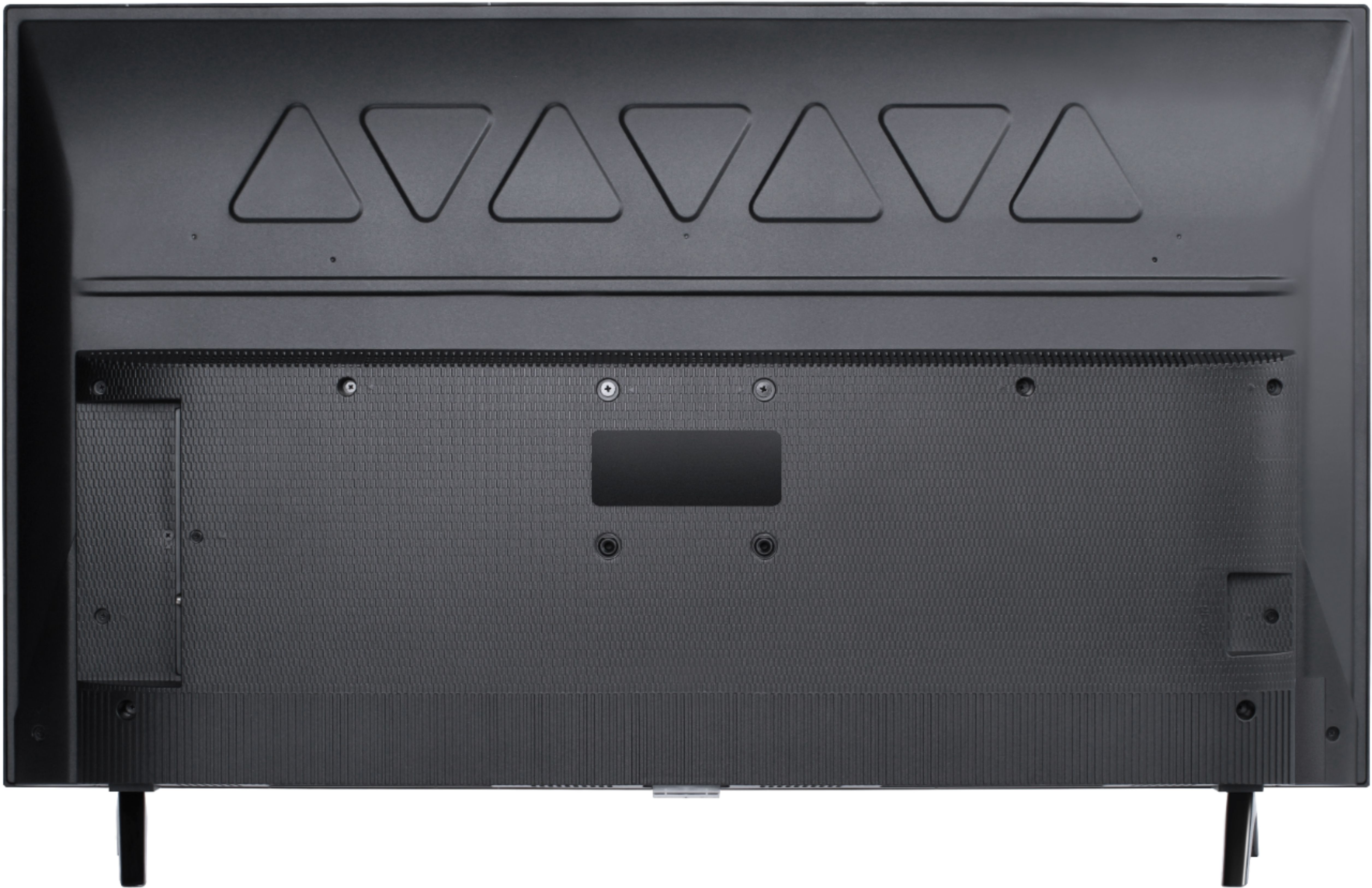
A:AnswerBoth the 32 inch and 40 inch TCL Android TVs are compatible with most wall mounts that support a 100mm x 100mm VESA mounting pattern. Hope this helps! Thank you, TCL Customer Support
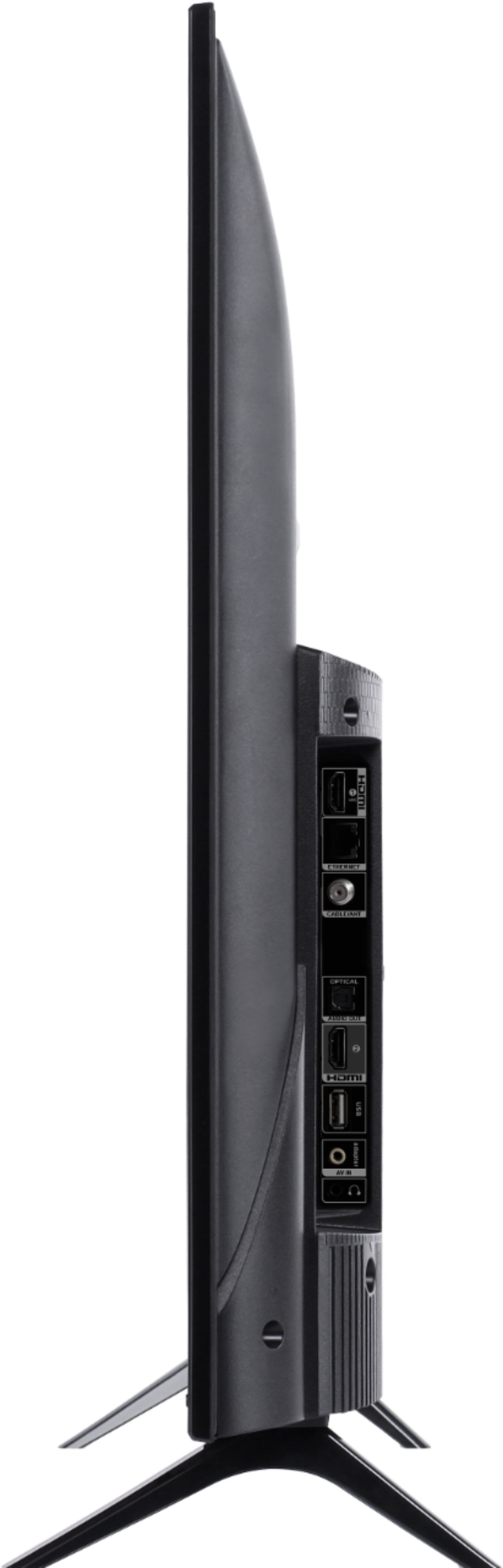
A:AnswerYou can use any compatible headphones with this TCL Android TV. In addition to the headphone jack on the back of the TV, this TV also supports Bluetooth. Hope this helps! Thank you, TCL Customer Support
A:AnswerThis TCL Android TV has 1 USB port. It supports the following languages: English, French, and Spanish. Hope this helps! Thank you, TCL Customer Support
A:AnswerOur TCL Android TVs feature a built-in Chromecast which allows you to cast content from your phone to the TV. Hope this helps! Thank you, TCL Customer Support
A:AnswerOur TCL Android TVs do indeed support Bluetooth and can be paired with compatible audio devices that also support and pair via Bluetooth. You can also visit https://support.tclusa.com/connecting-bluetooth-devices-to-my-android-tv for more information. This feature can be used for other content in addition to music. Hope this helps! Thank you, TCL Customer Support
A:AnswerThis TCL Android TV has a coaxial located on the back of the TV near the other inputs. By connecting an antenna you can receive over-the-air channels. However, the reception depends on the signal strength. Hope this helps! Thank you, TCL Customer Support
A:AnswerWe're truly sorry to hear about your experience as this does not sound normal for one of our TVs. In order for us to better assist, please reach out to us at tclsocial@tcl.com with your contact information and a description of what you need help with. Thank you, TCL Customer Support
A:AnswerDoes your Wi-Fi require an authentication once you log in? For example when you use Best Buy’s in store Wi-Fi, before the internet will not work until your browser is ‘hijacked’ and you click ‘CONNECT’ and accept their terms of use. If that is the case, as far as I’m aware, AndroidTV will not work without talking to the Wi-Fi administrator and them putting a release in their firewall for the MAC address of your TV… I’m not 100% certain about a Roku TV as I hate that platform and have never tried to connect it to any Wi-Fi… But in that situation, nothing is going to work until you ‘log-in’ even if you’re connected to the Wi-Fi signal…
A:AnswerWhile we can not recommend a specific web browser, there are various web browsers that can be downloaded through the Play Store. A web browser can be to surf the web. Hope this helps! Thank you, TCL Customer Support
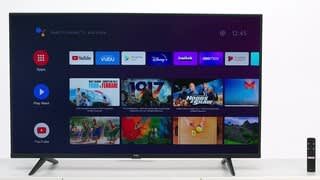
A:AnswerThis TV features enough storage to download your favorite streaming apps. This TCL Android TV features an Android operating system with access to 5,000+ apps with over 500,000 TV shows and movies available through the Google Play Store. Hope this helps! Thank you, TCL Customer Support
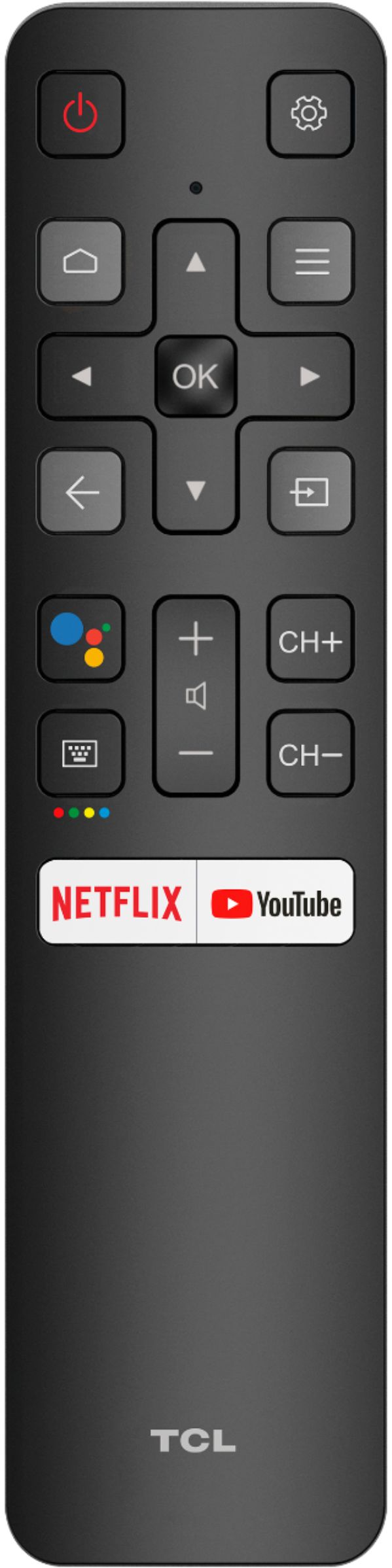
A:AnswerTo access the sleep timer you would press the remote menu button from any input or from the home screen navigate to: Settings -> Screensaver -> Put TV to Sleep. Then select your time option. Hope this helps! Thank you, TCL Customer Support
A:AnswerTo access the guide press the gear button on the TV remote, select Channel and then press OK. Use the navigational buttons to scroll down and select EPG and press OK. Hope this helps! Thank you, TCL Customer Support