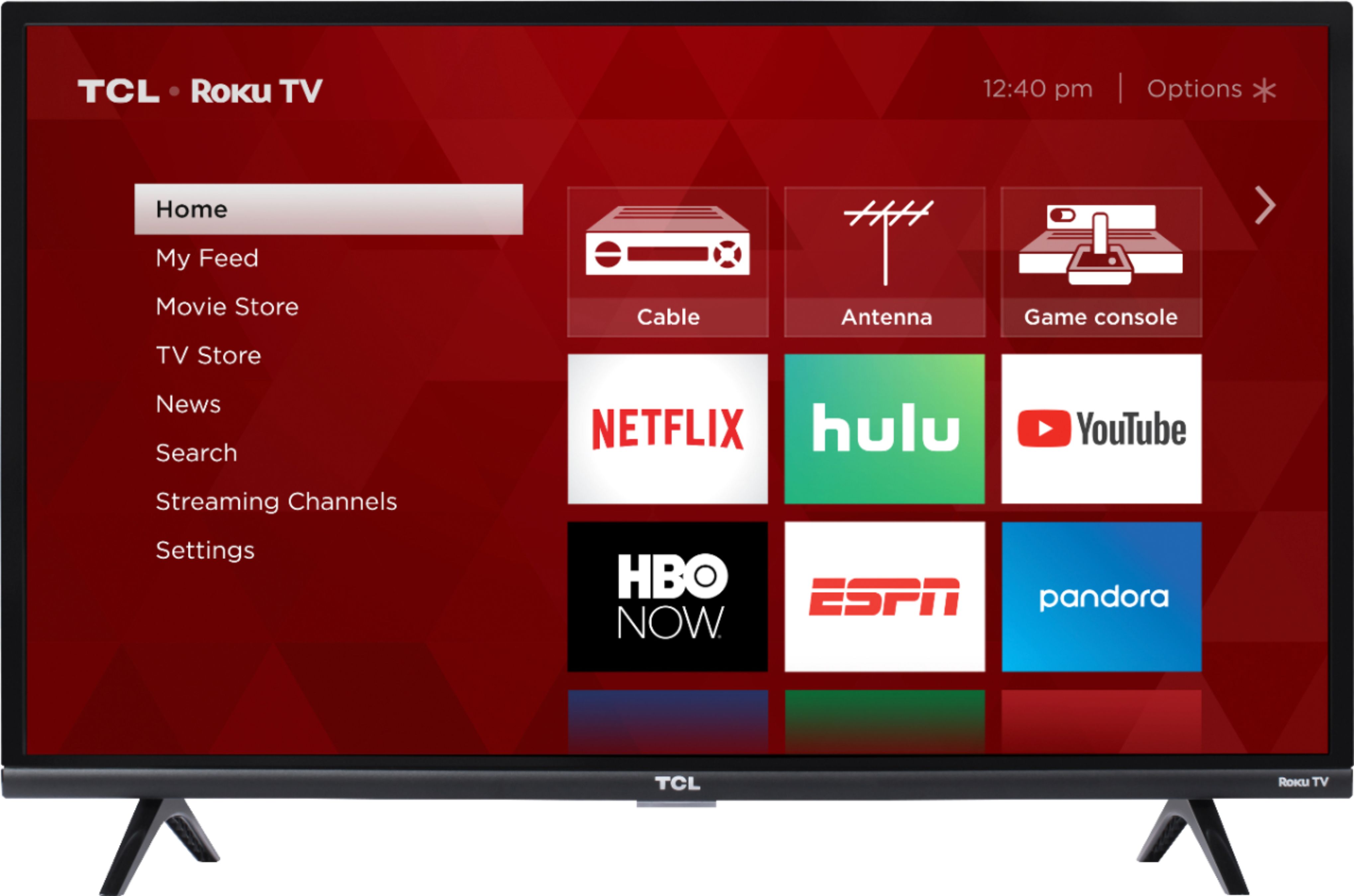
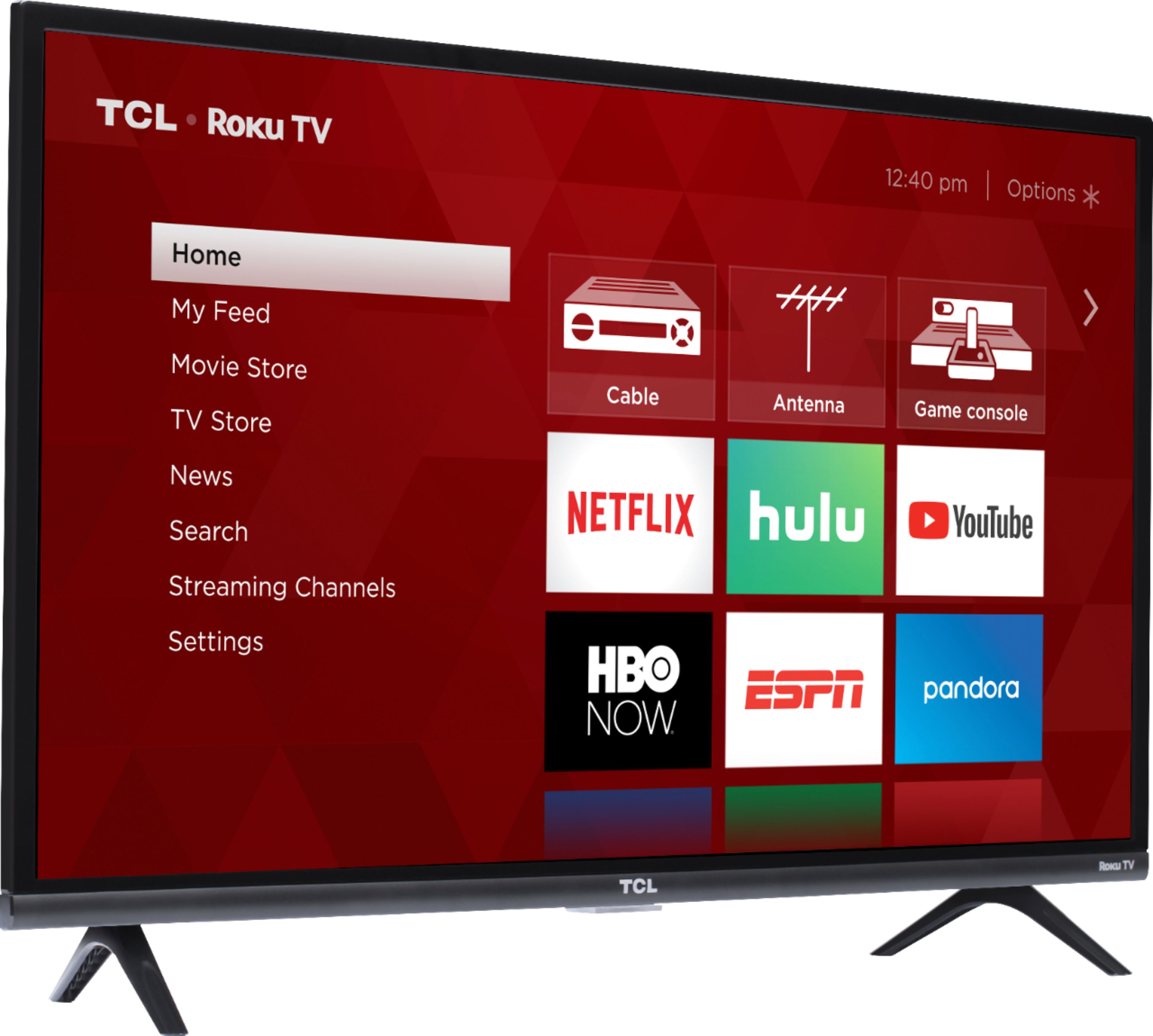
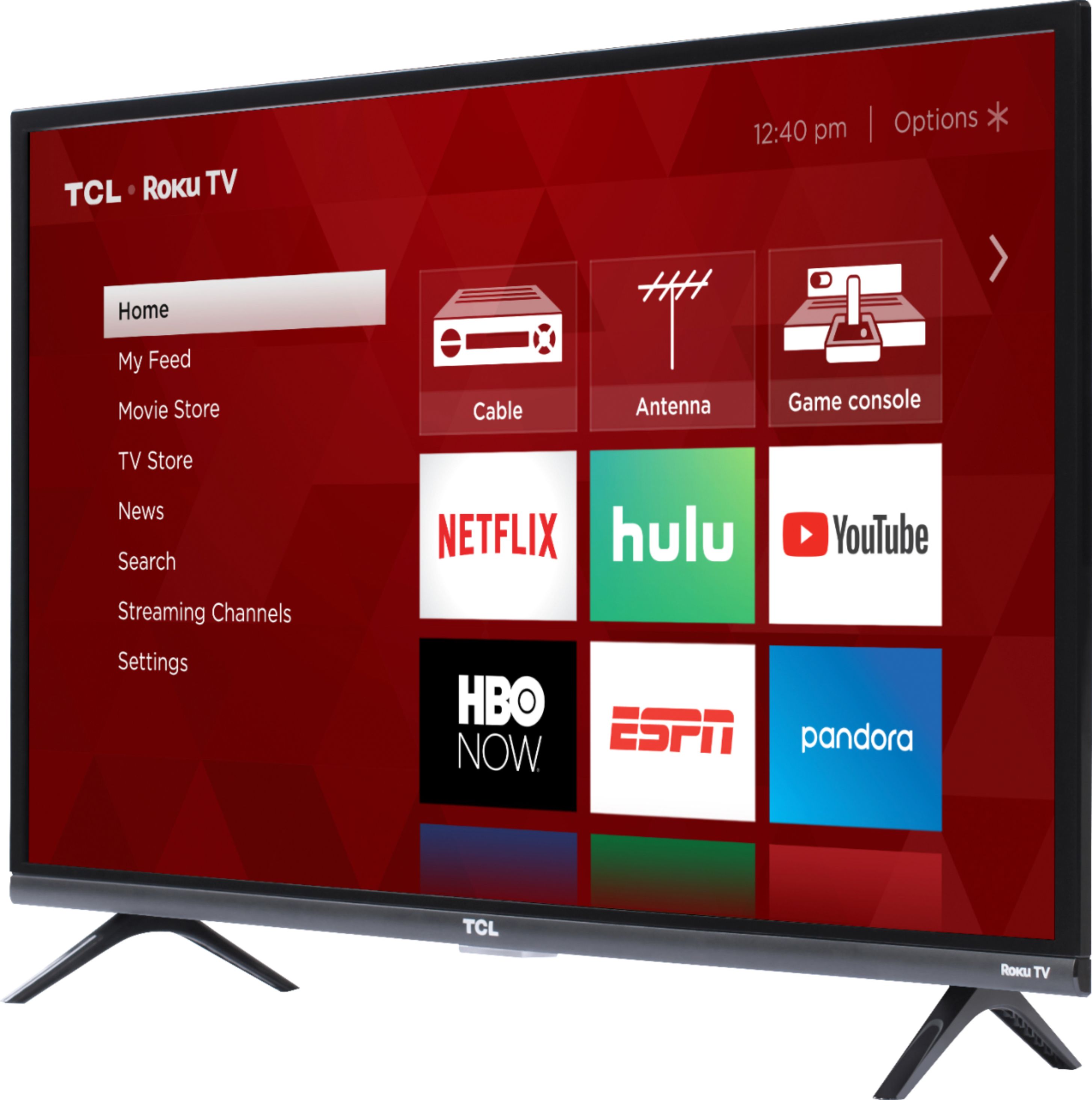
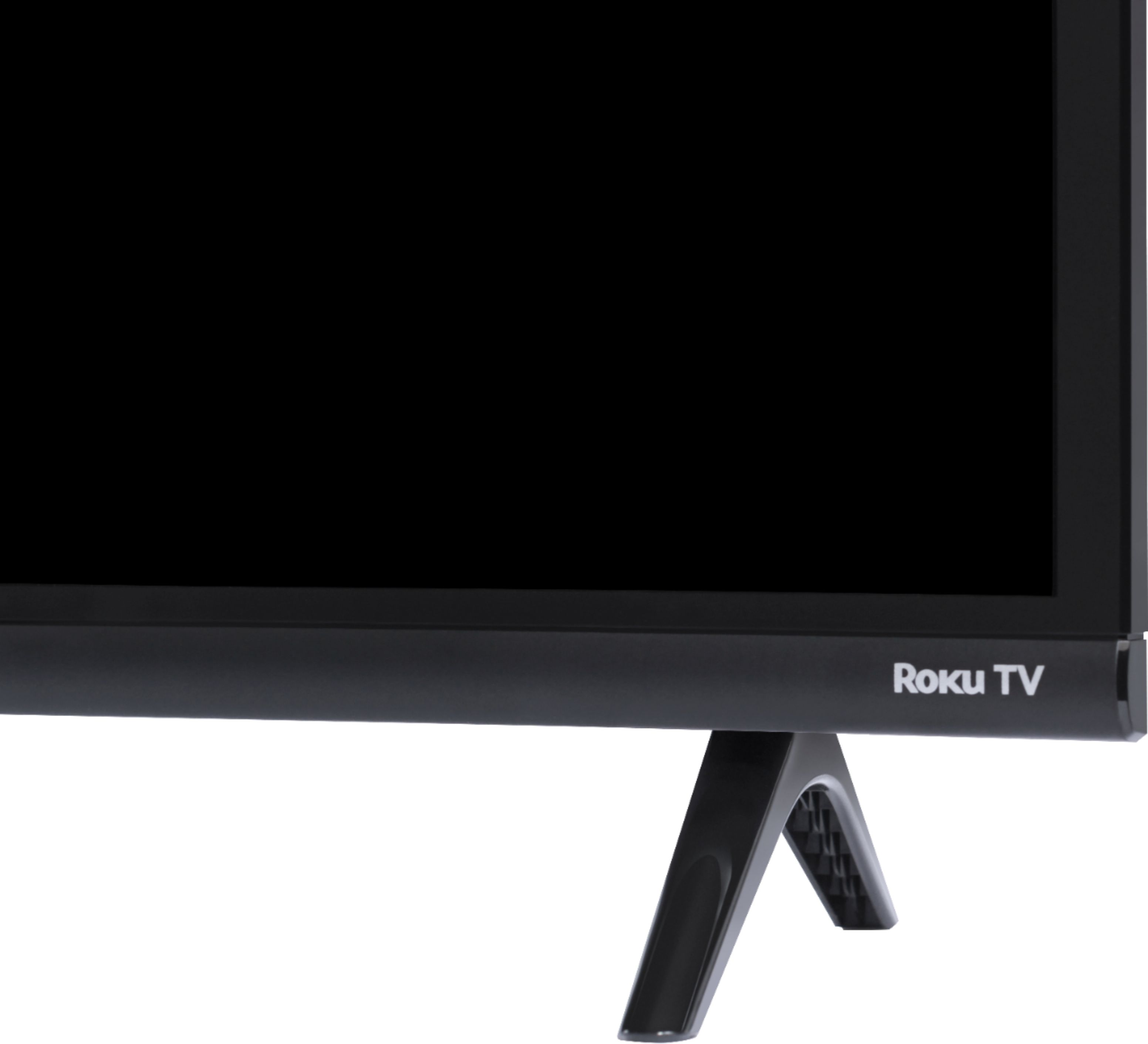
A:AnswerIn order to use the smart features of this TCL Roku TV, you would need to complete the guided setup. This includes connecting to the Internet via WiFi, creating a Roku account (completely free), and activating the TV (completely free). However, if you just want to use this TV as a traditional TV by connecting external devices through the various inputs and not use the smart features, you can elect to not connect this TV to the Internet at startup. You will still have access to all of the inputs and features of a traditional TV. Hope this helps! Thank you, TCL Customer Support
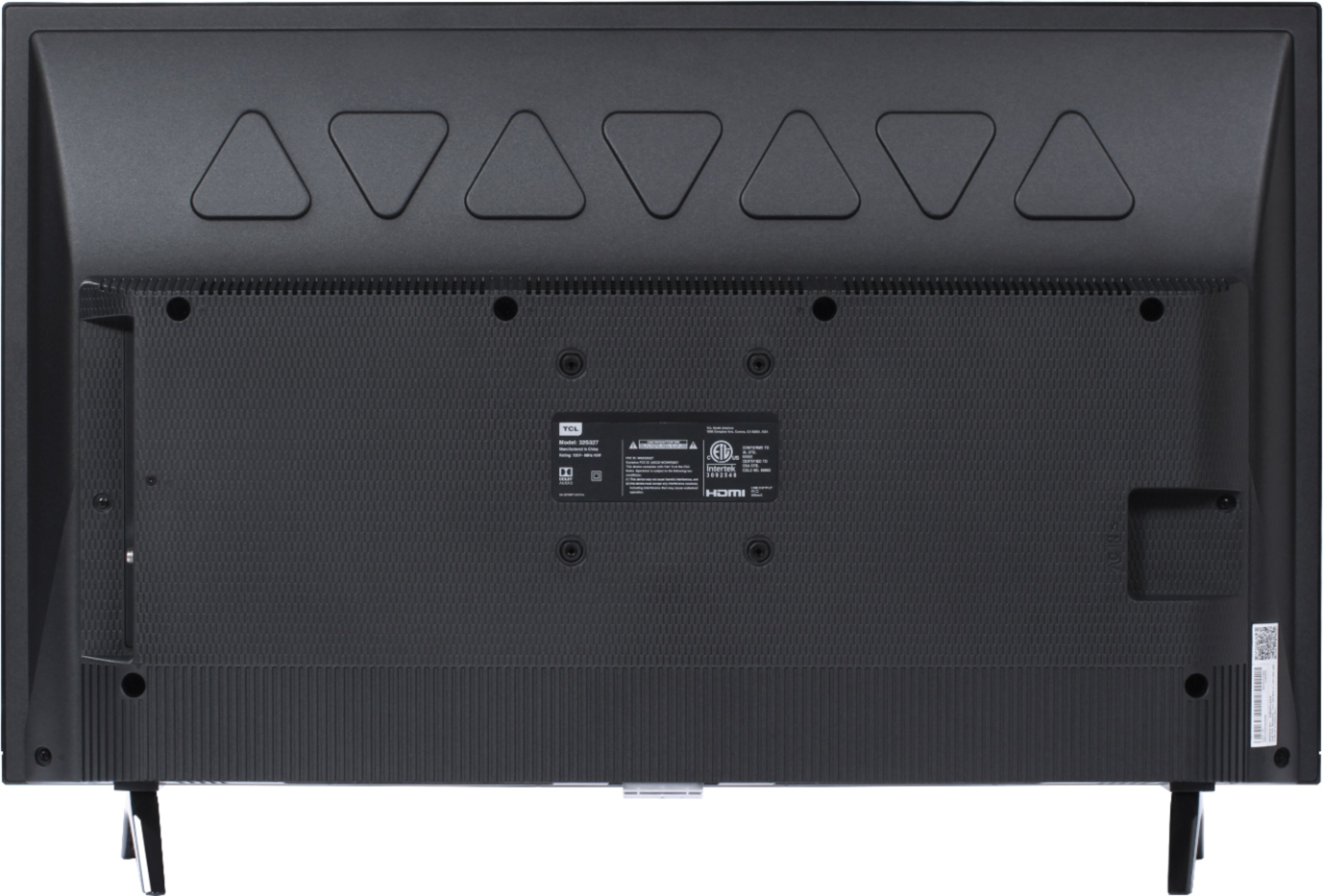
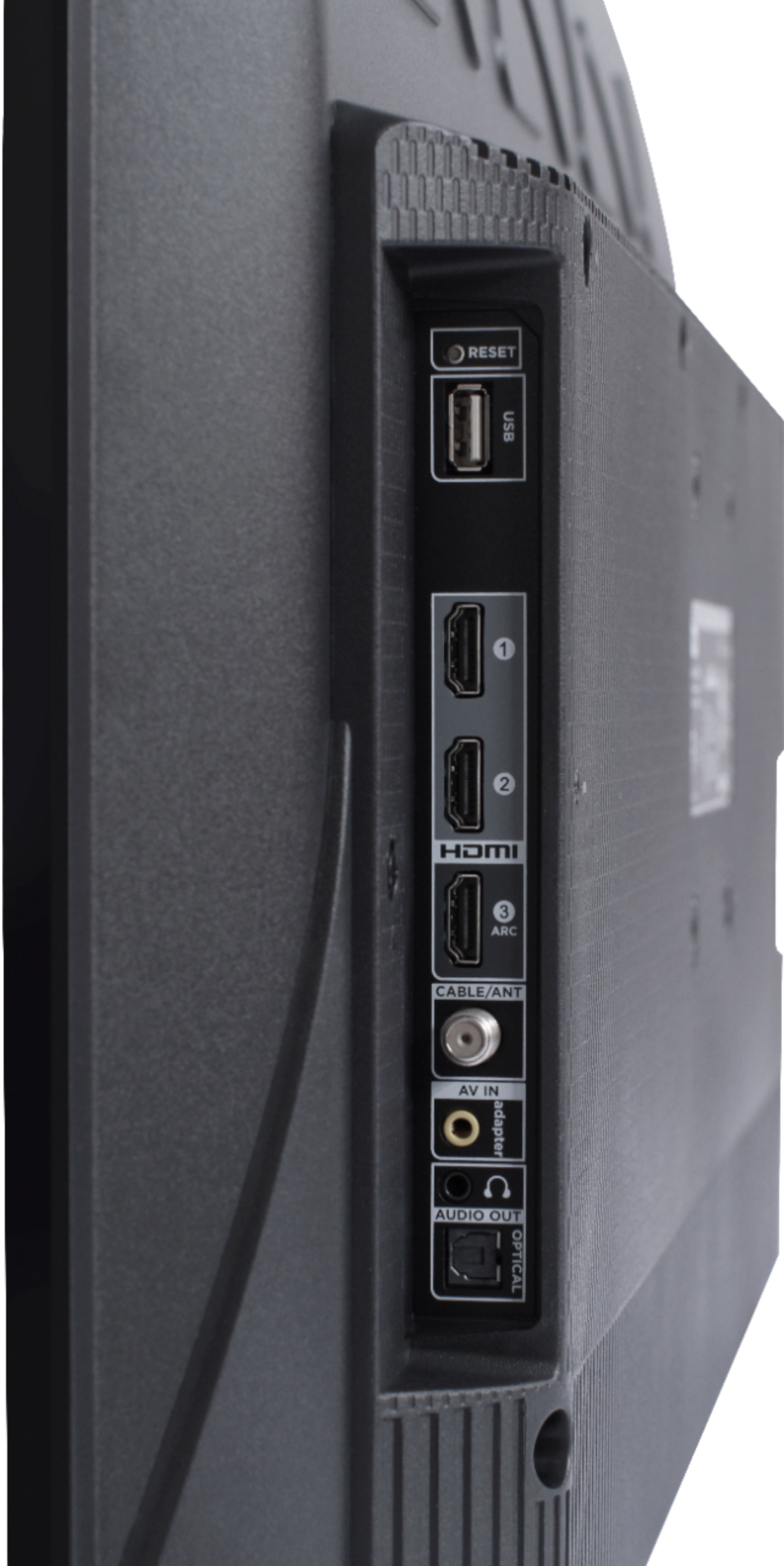
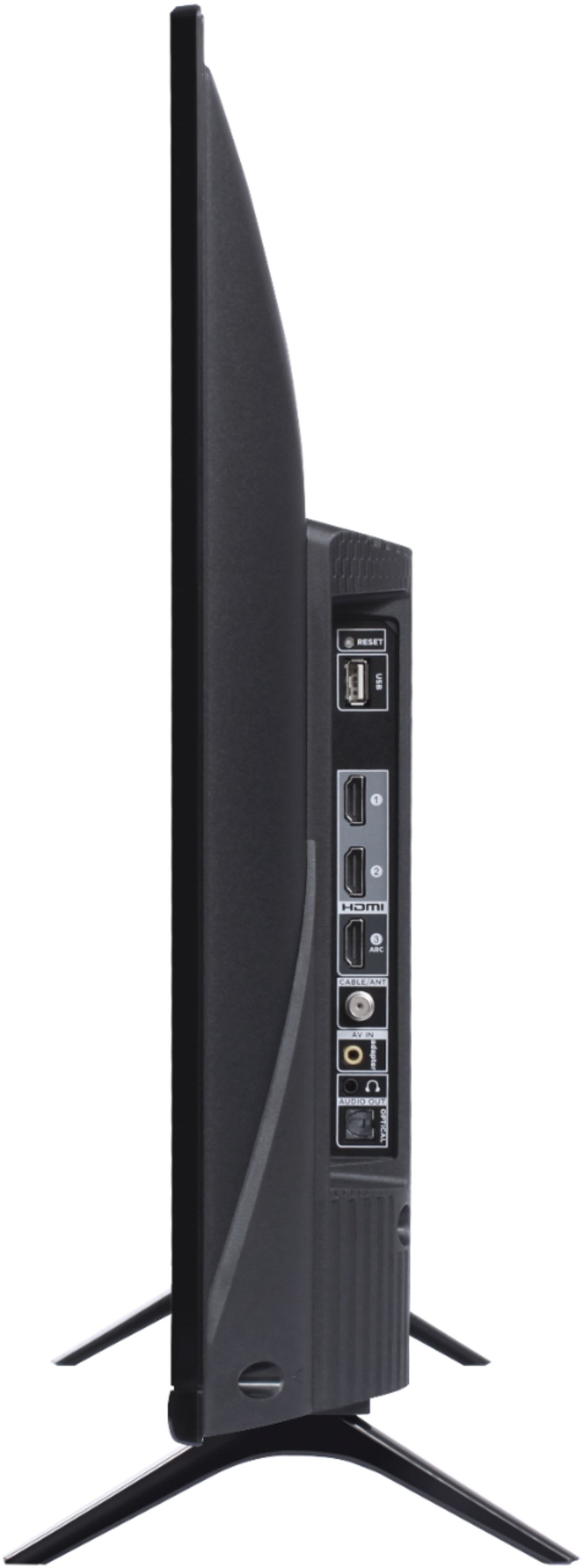
A:AnswerThe composite connection for this TCL TV is a single input located on the back of the TV near the other inputs. You would need to use an adapter to connect the traditional red/white/yellow cables you are used to seeing. The adapter would need to be purchased separately. The red and white connectors are for audio. Hope this helps! Thank you, TCL Customer Support
A:AnswerI have total tech-support, and I absolutely love it! If you have a screen that won’t come on, I would take it over to them and find out what’s wrong
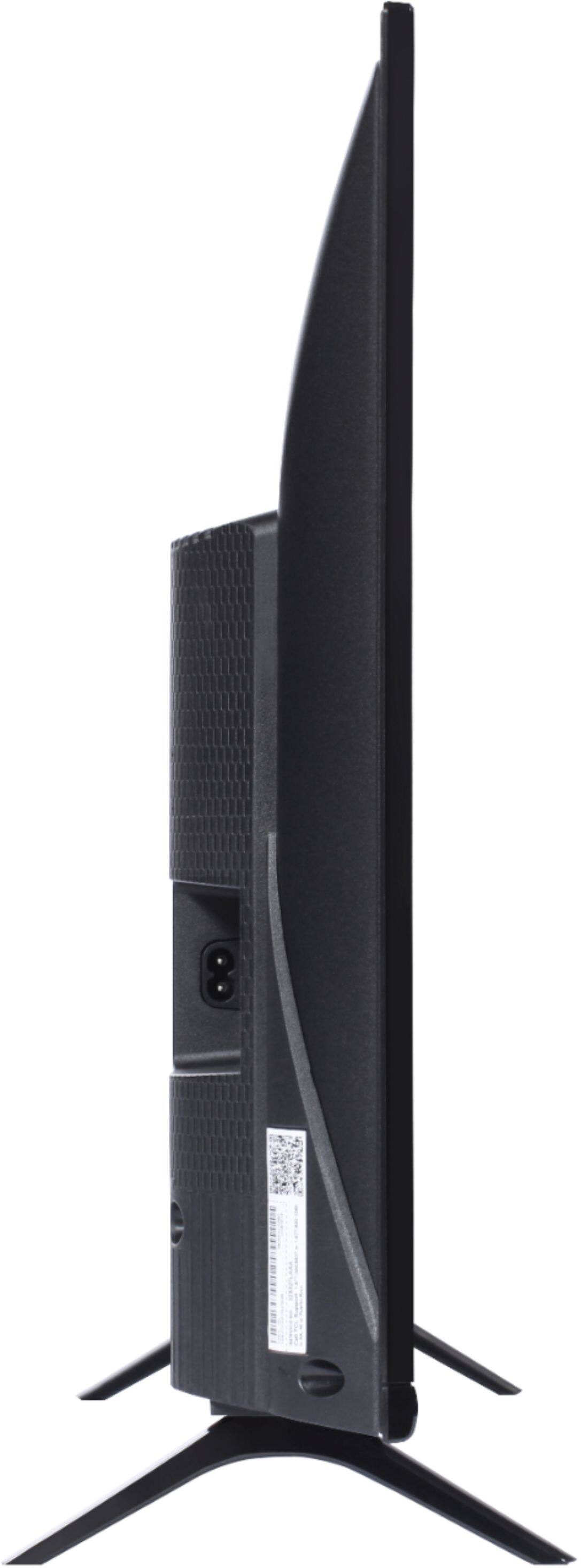
A:AnswerAbsolutely. Someone else reviewed that the length was longer than labeled but nah it's fine. I just measured it and the legs max at 24" end to end. My spot to place it is 30" max for it to fit and I have 3" left on both sides of the legs.
A:AnswerThis TV should indeed support AirPlay and HomeKit. You can visit https://support.roku.com/article/360057488733 for more information. Hope this helps! Thank you, TCL Customer Support