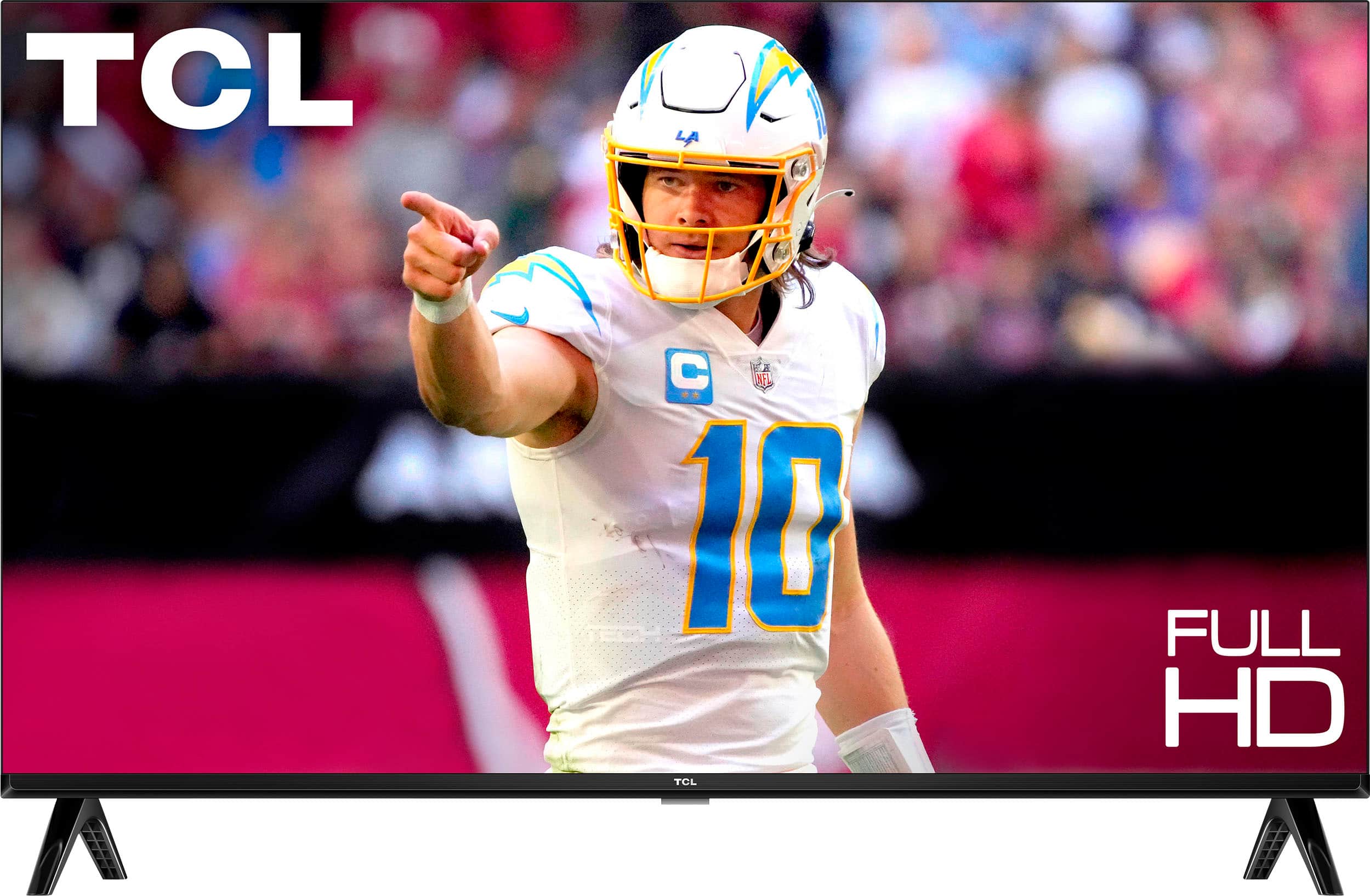
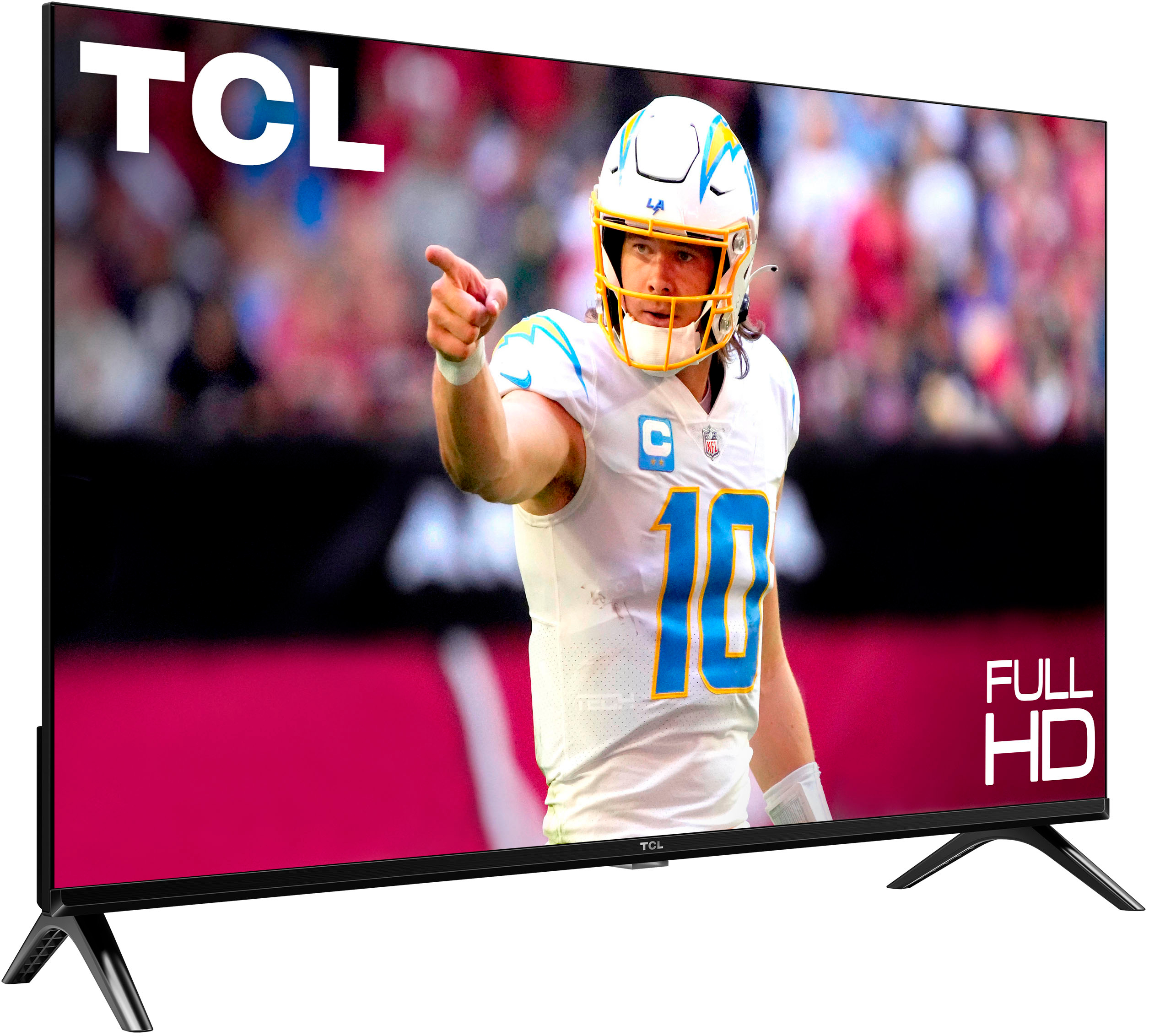
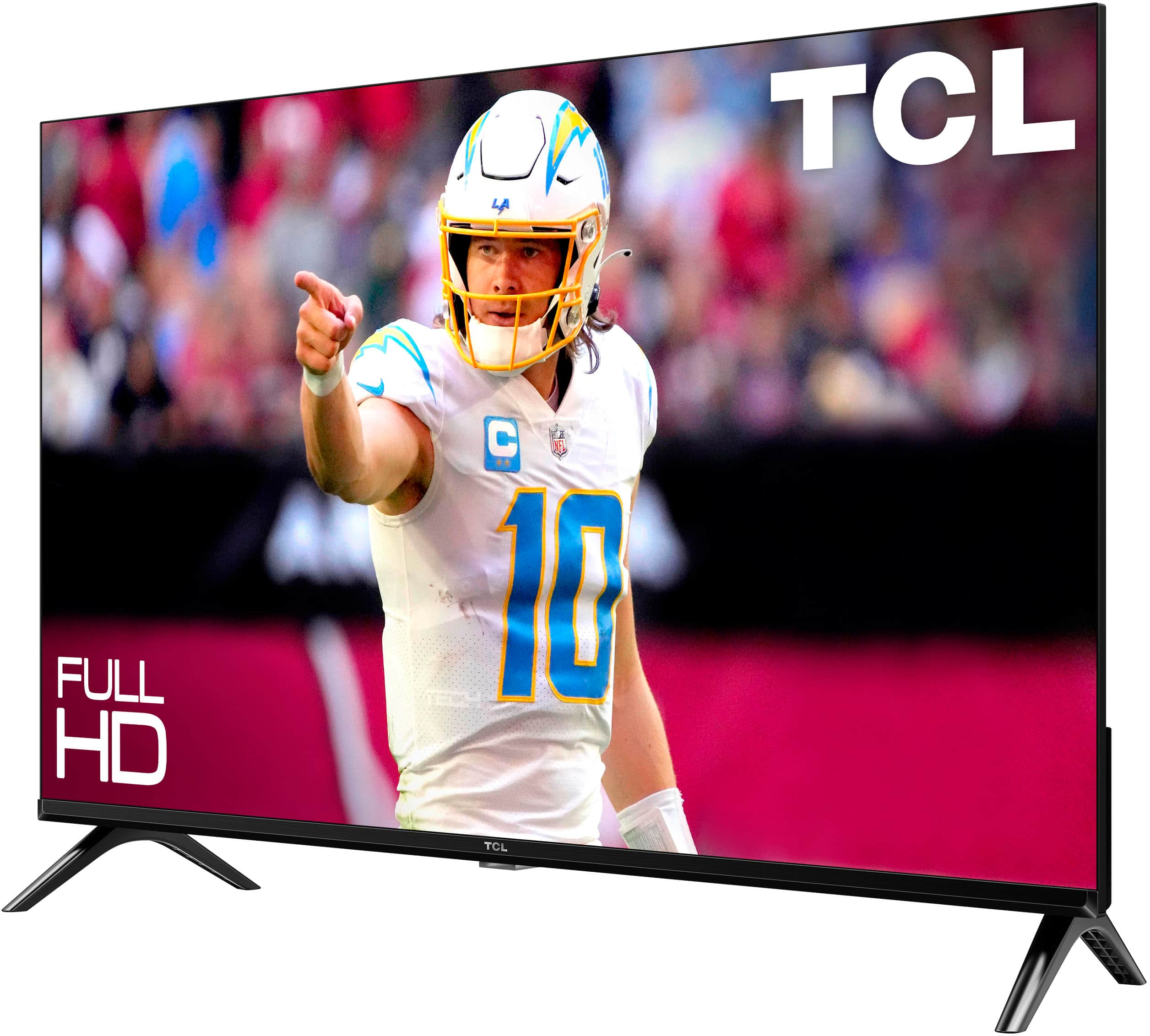
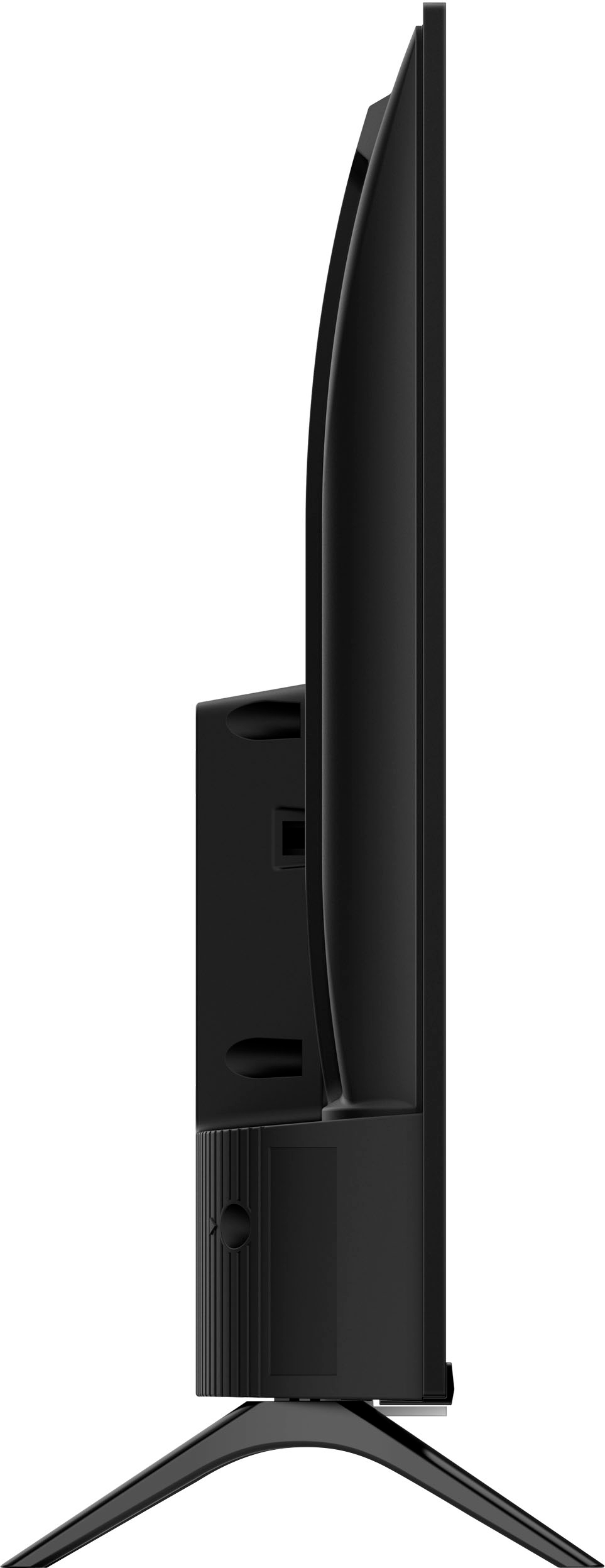
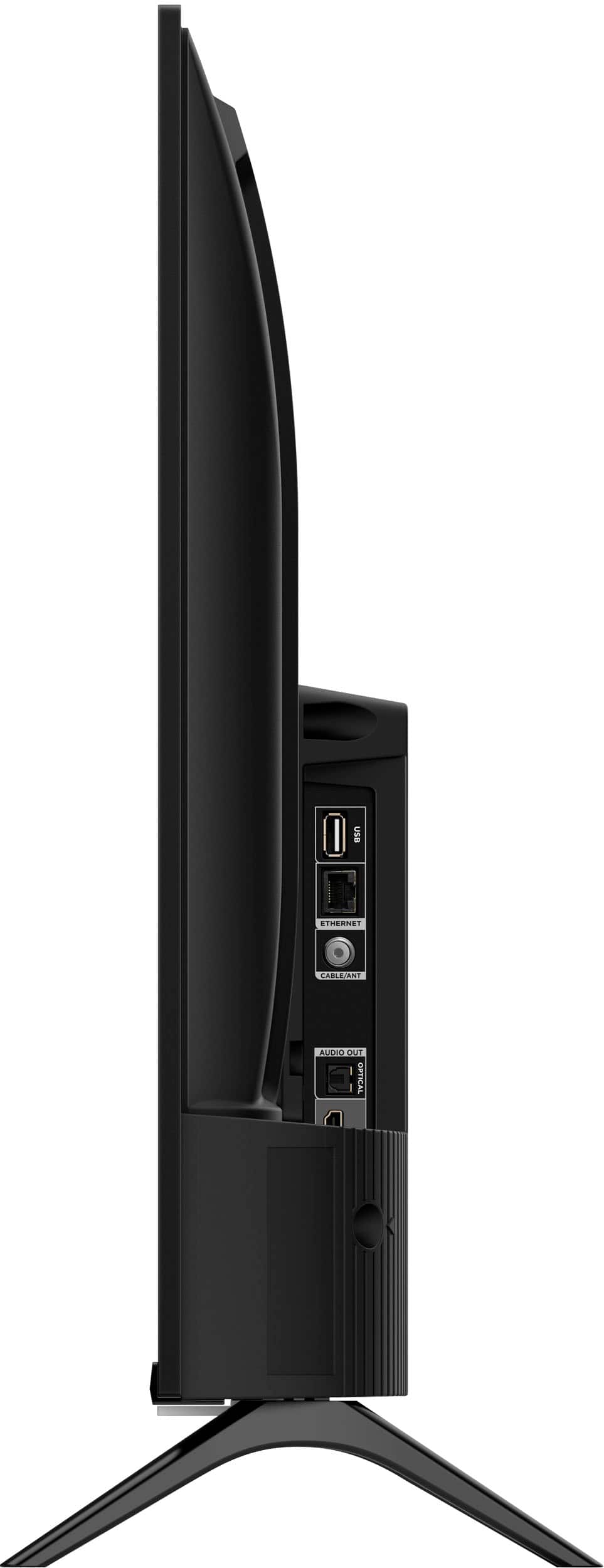
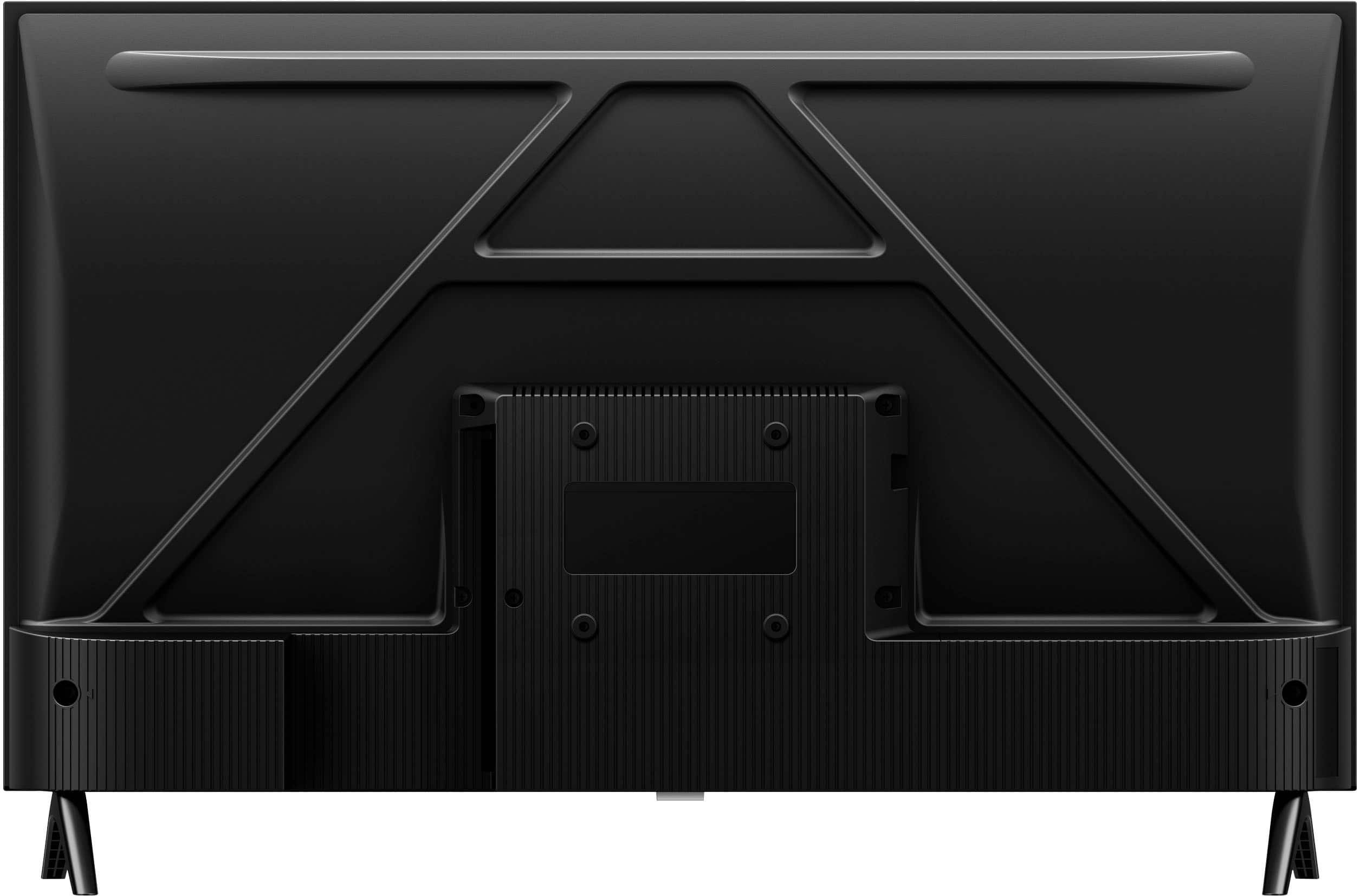
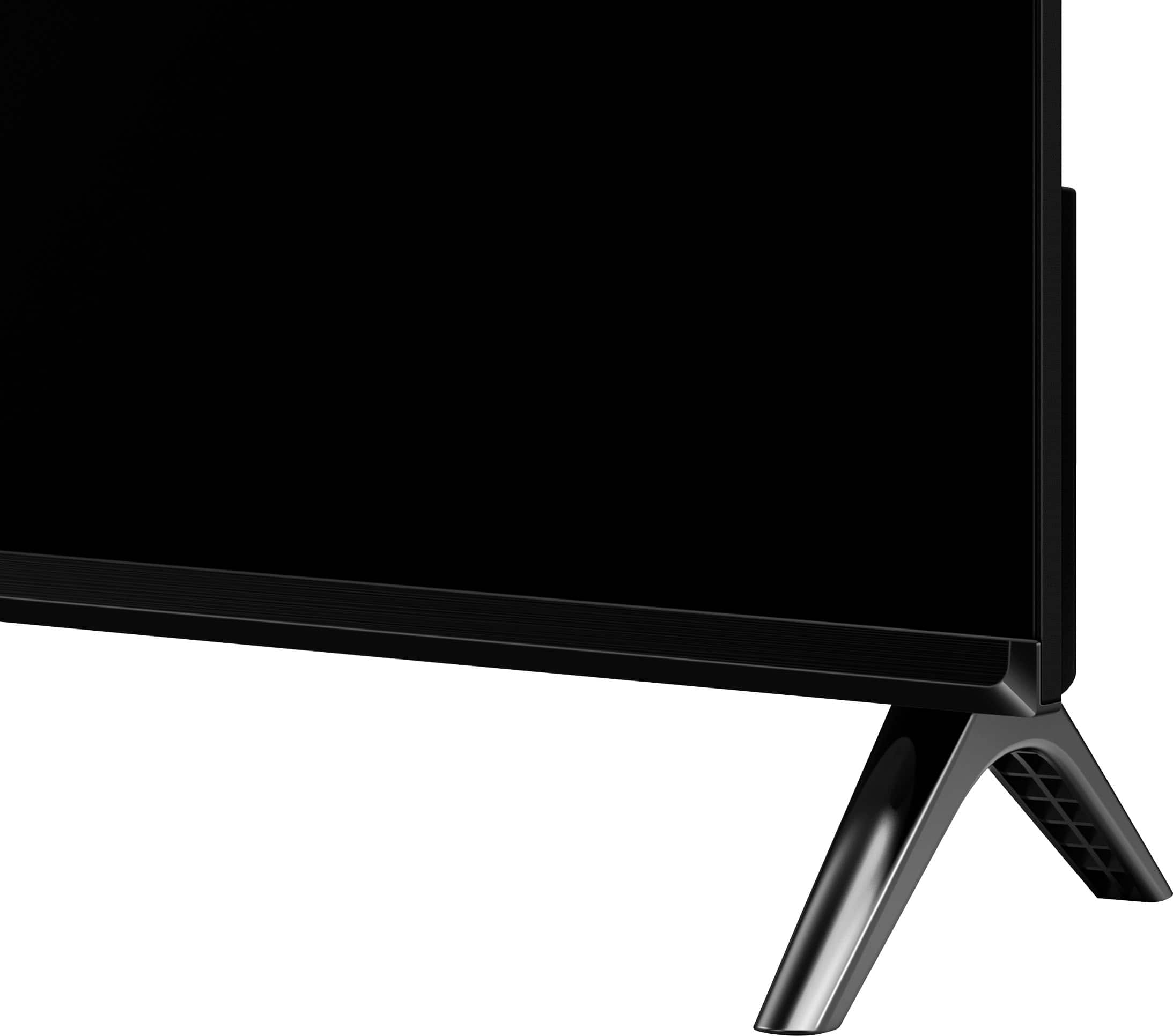
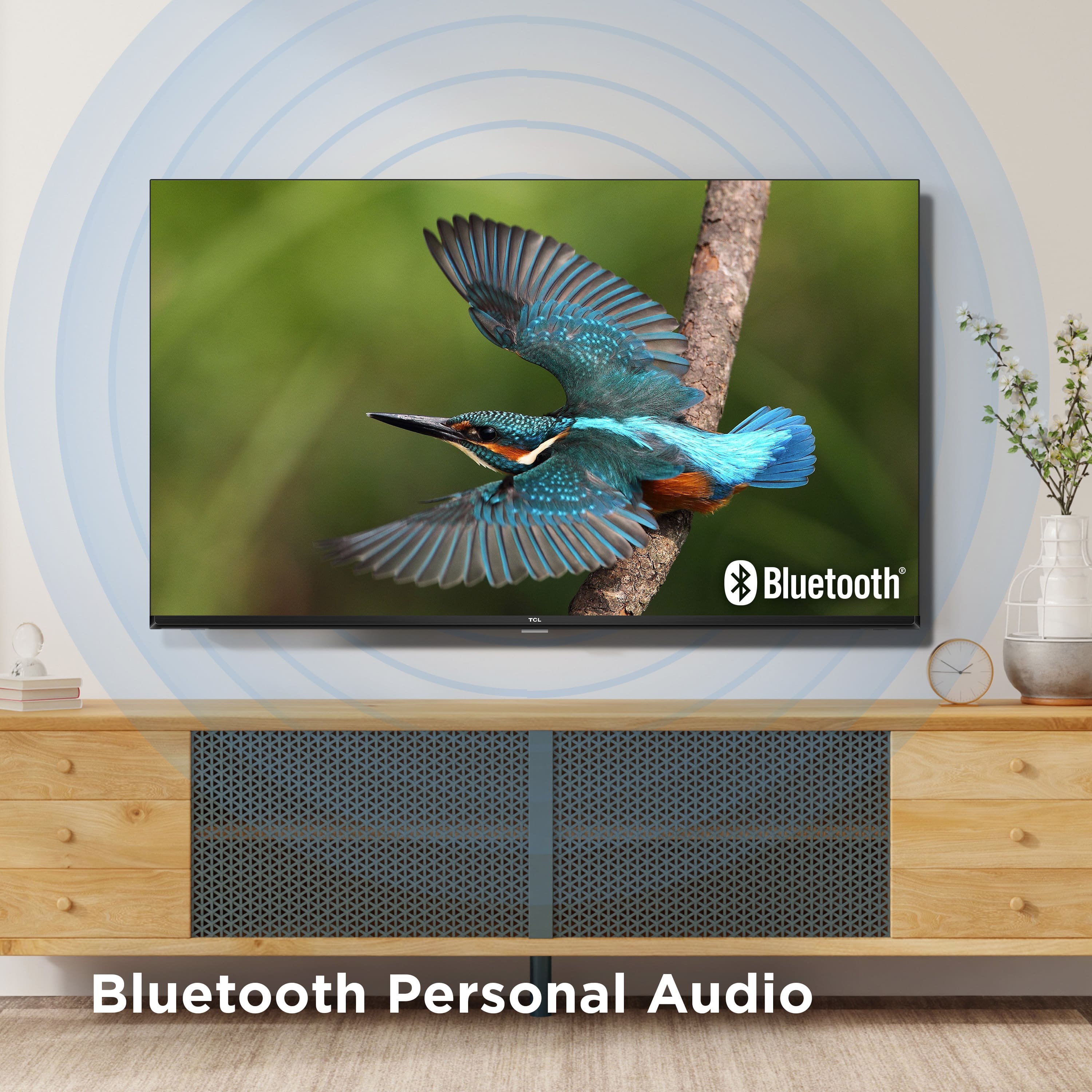
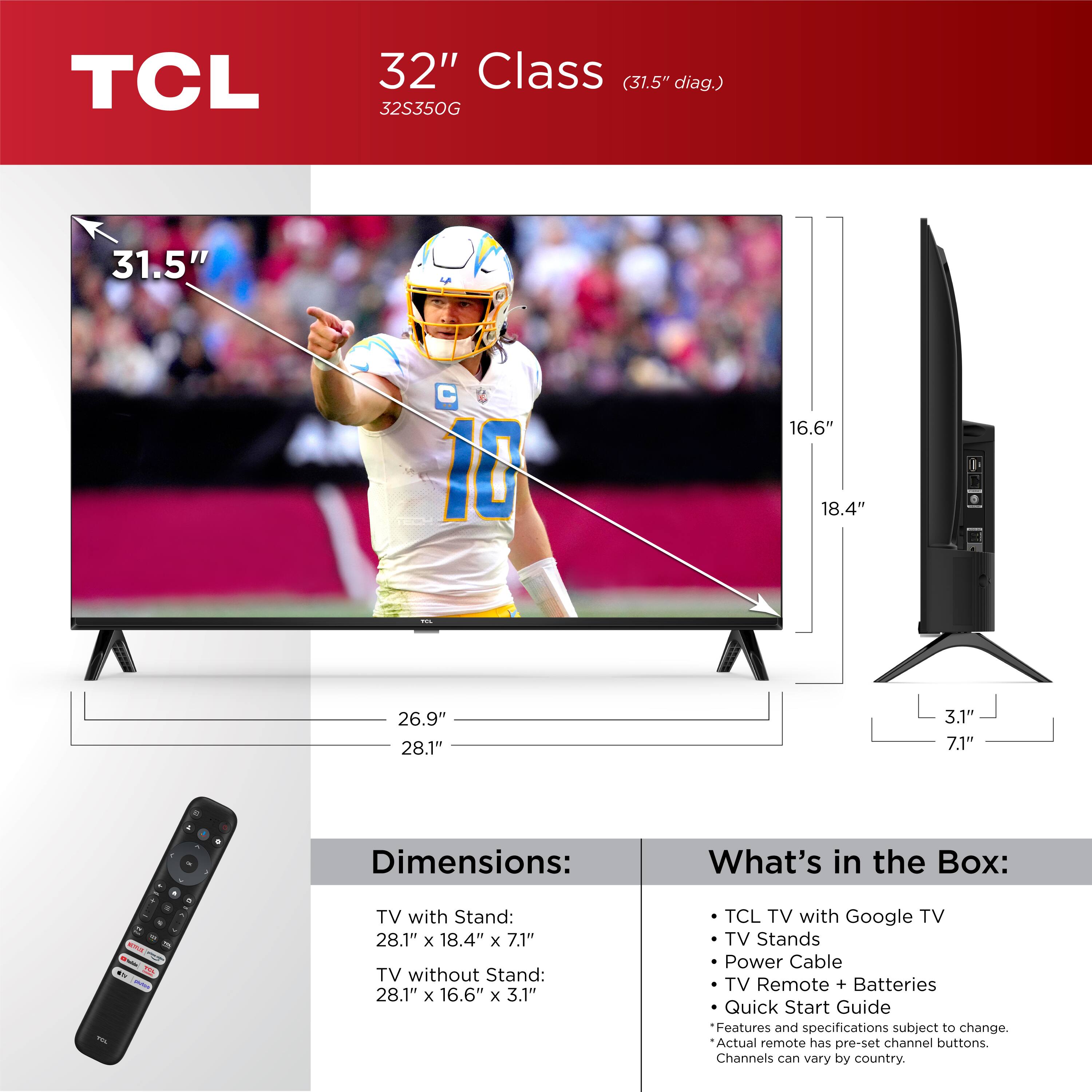
A:AnswerWithout the feet attached, the dimensions of this TV are as follows: (W x H x D) 28.1" x 16.6" x 3.1". The speakers are located along the lower portion of the TV. Hope this helps! Thank you, TCL Customer Support
A:AnswerIf you have the remote for the TV, you should be able to change any settings previously used. I know its a smart TV, but I plug an Apple TV into the HDMI port and use that to operate the TV.
But you should be able to completely input your info using the remote provided. i would search for a YouTube video on setting up the TV. This has helped me on several different occassions. I've had no issues with the TV.
A:AnswerOur TCL TVs featuring Google TV come with Chromecast built-in. Casting to your TV is a simple way to enjoy photos, videos, music, and other content on the big screen. You can watch entertainment from a laptop, tablet, or mobile device. If your Bike is compatible with Chromecast, you should be able to cast to the TV. Hope this helps! Thank you, TCL Customer Support
A:AnswerCheck this out: https://www.amazon.com/Perlegear-Universal-Tabletop-Adjustable-400x400mm/dp/B0BVLN8R4R/ref=sr_1_2_sspa?crid=1WML7IRMDEI9Z&keywords=tv+lift+stand&qid=1699712801&sprefix=tv+lift+stand%2Caps%2C124&sr=8-2-spons&sp_csd=d2lkZ2V0TmFtZT1zcF9hdGY&psc=1