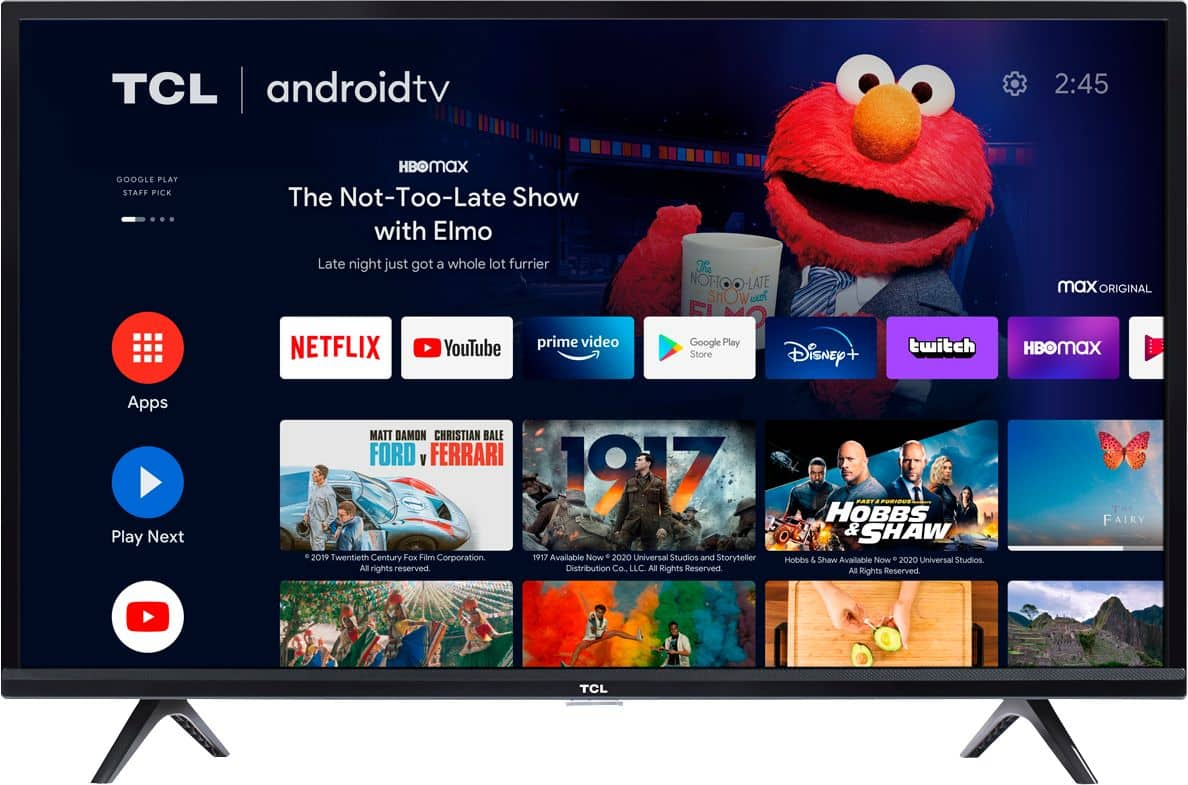
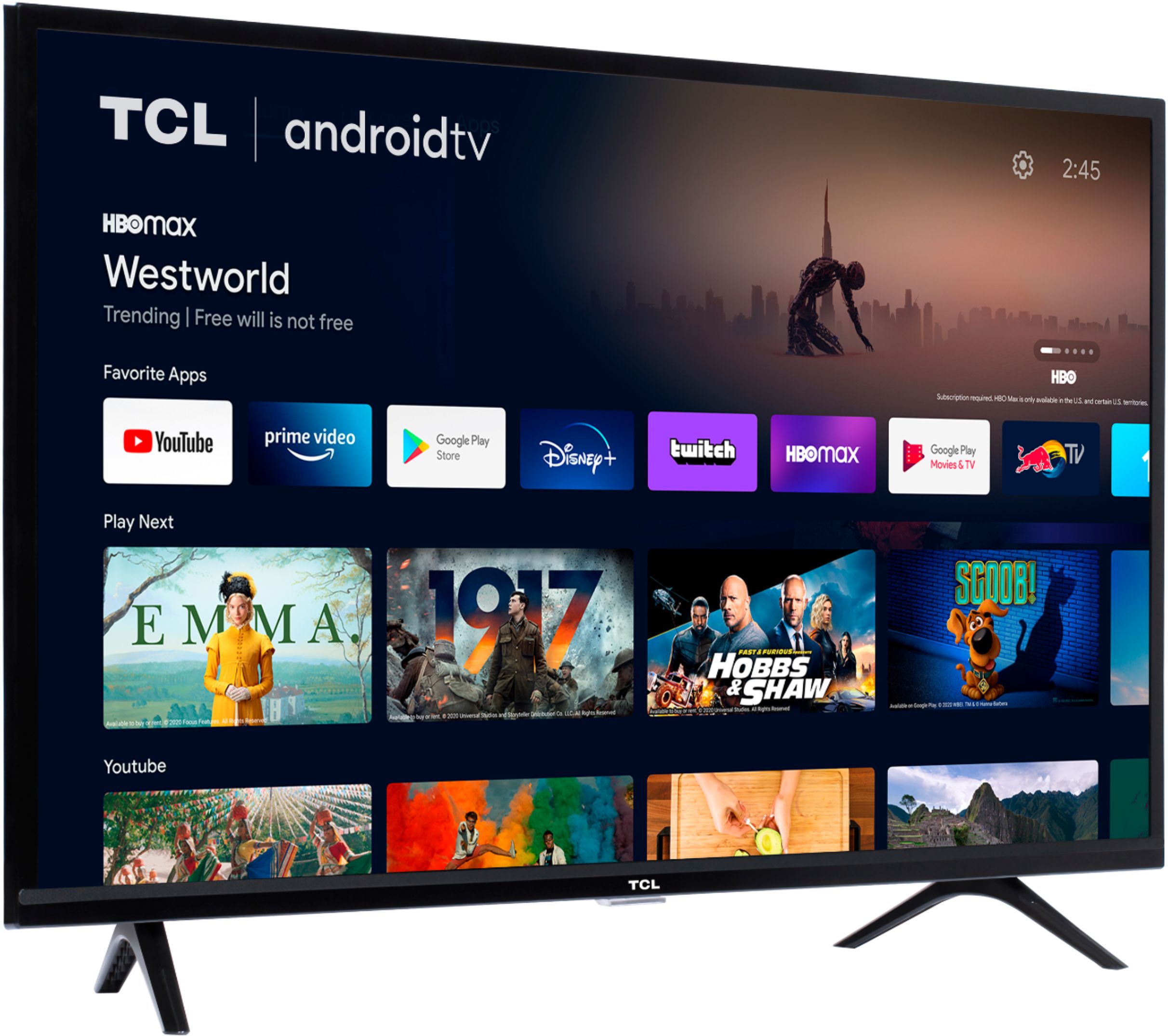
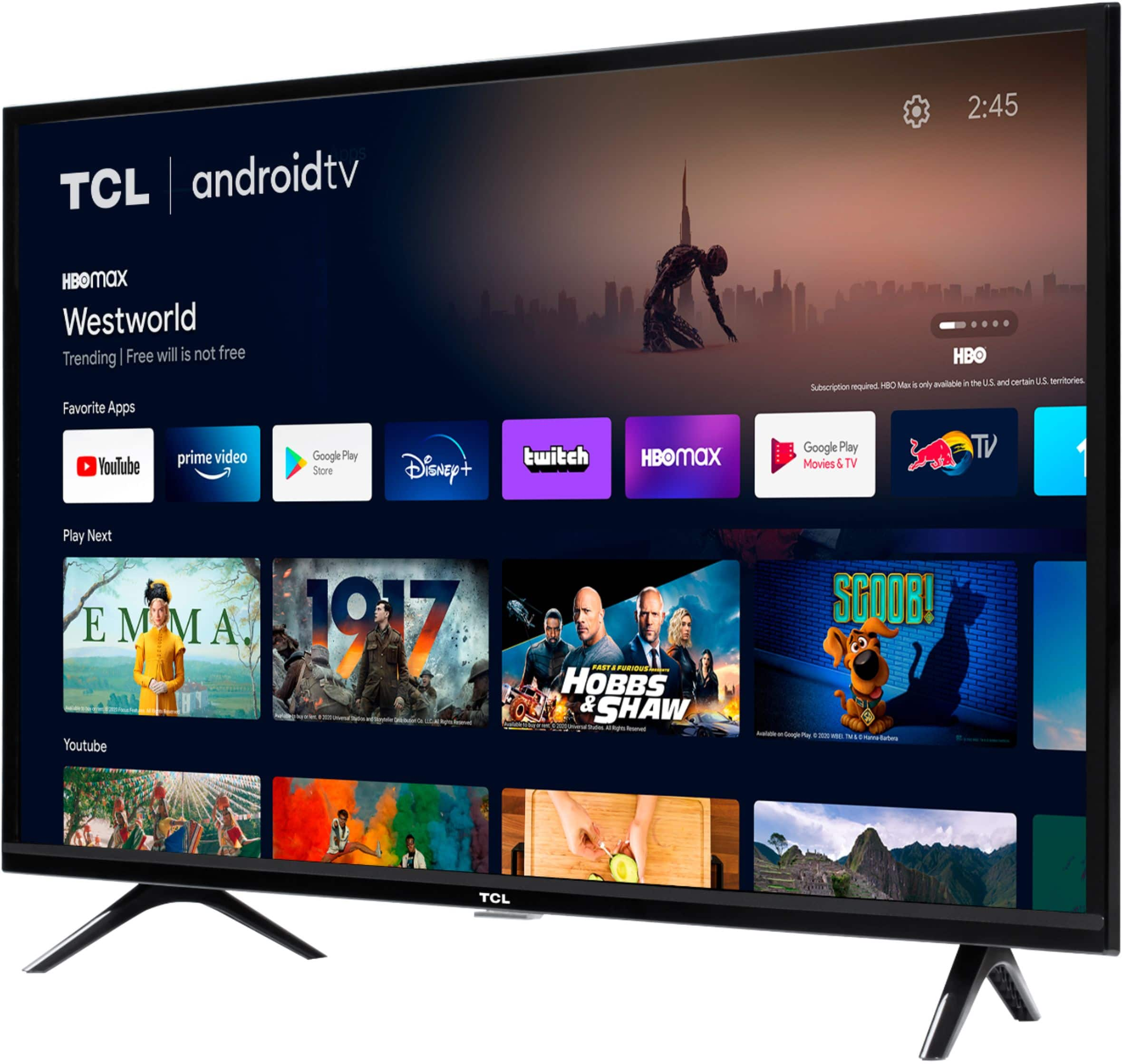
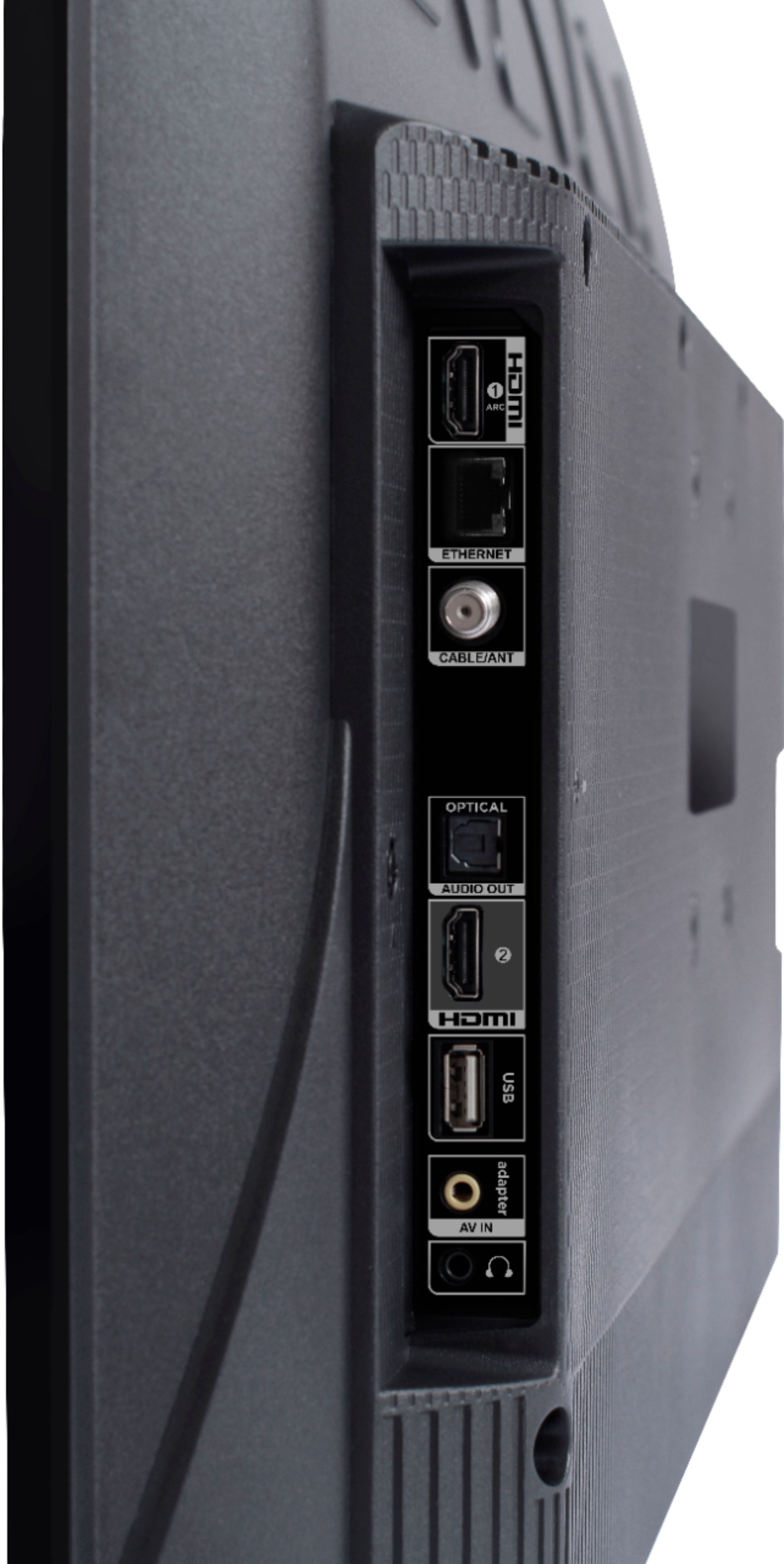
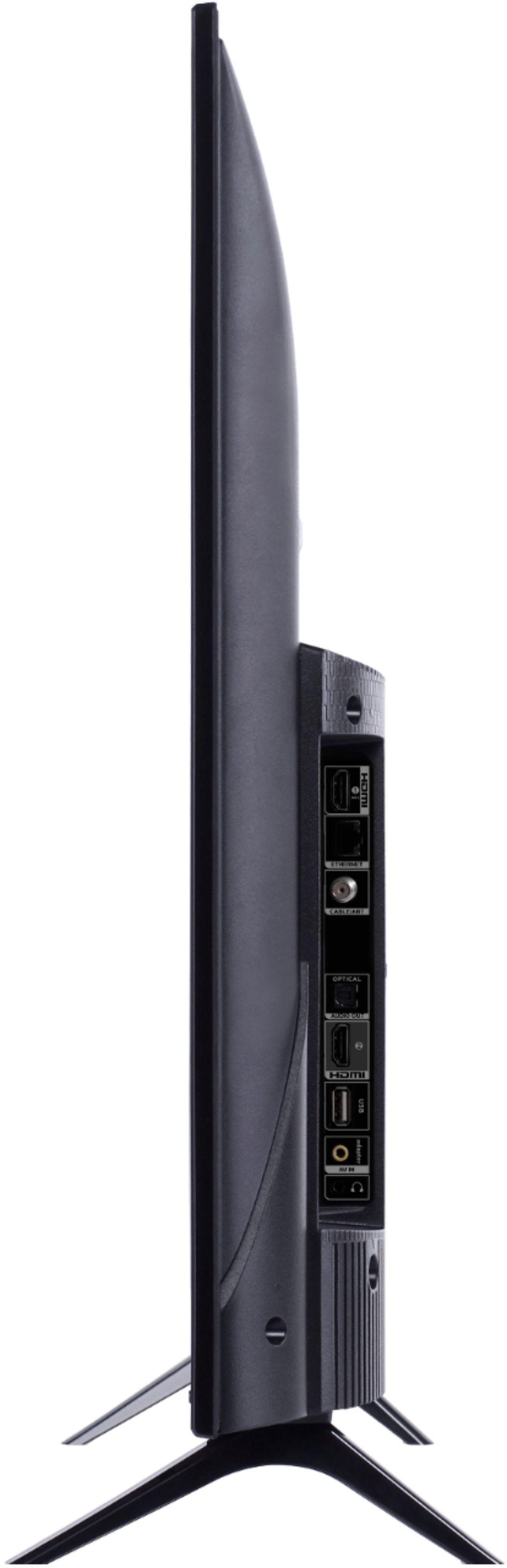
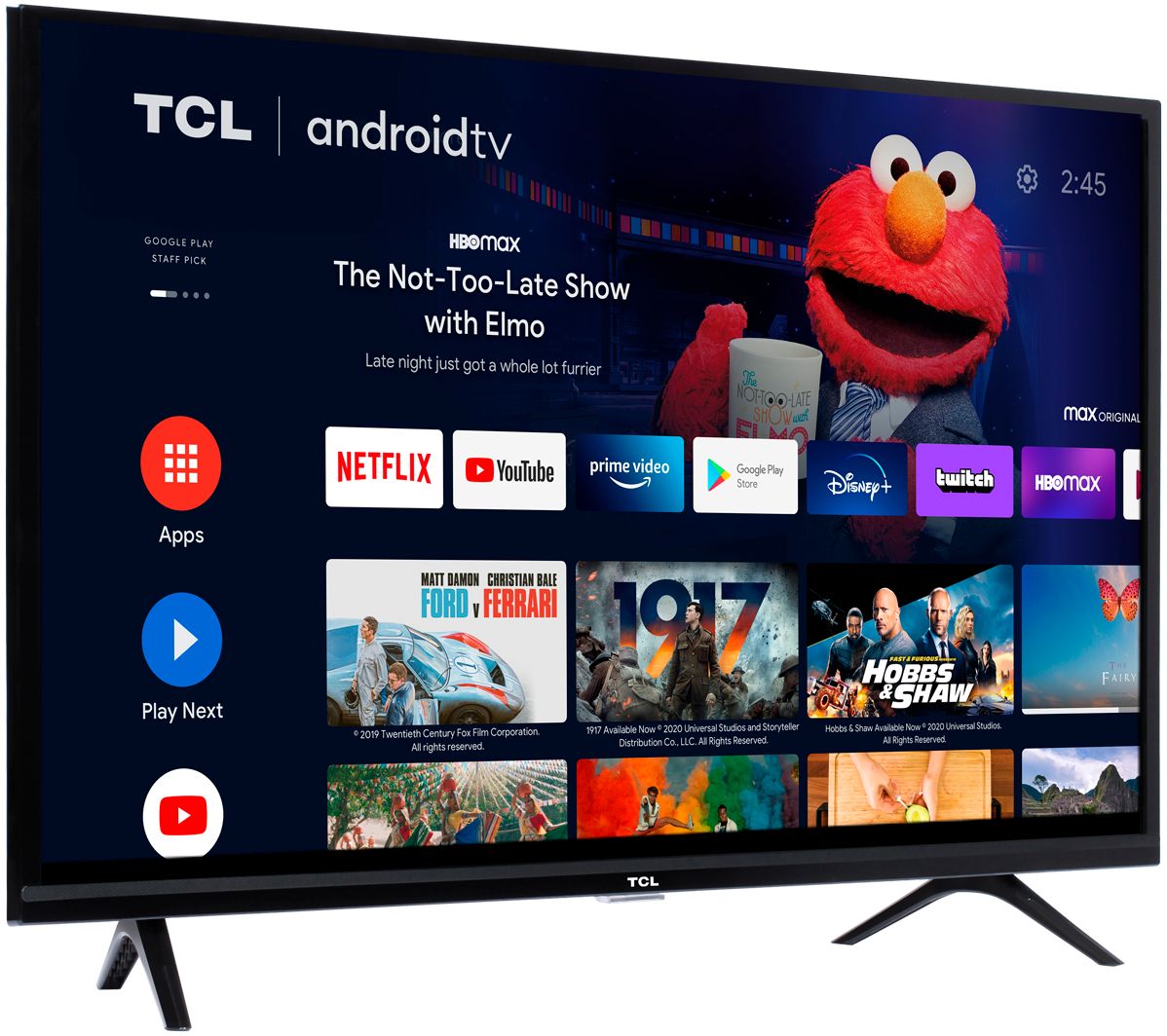
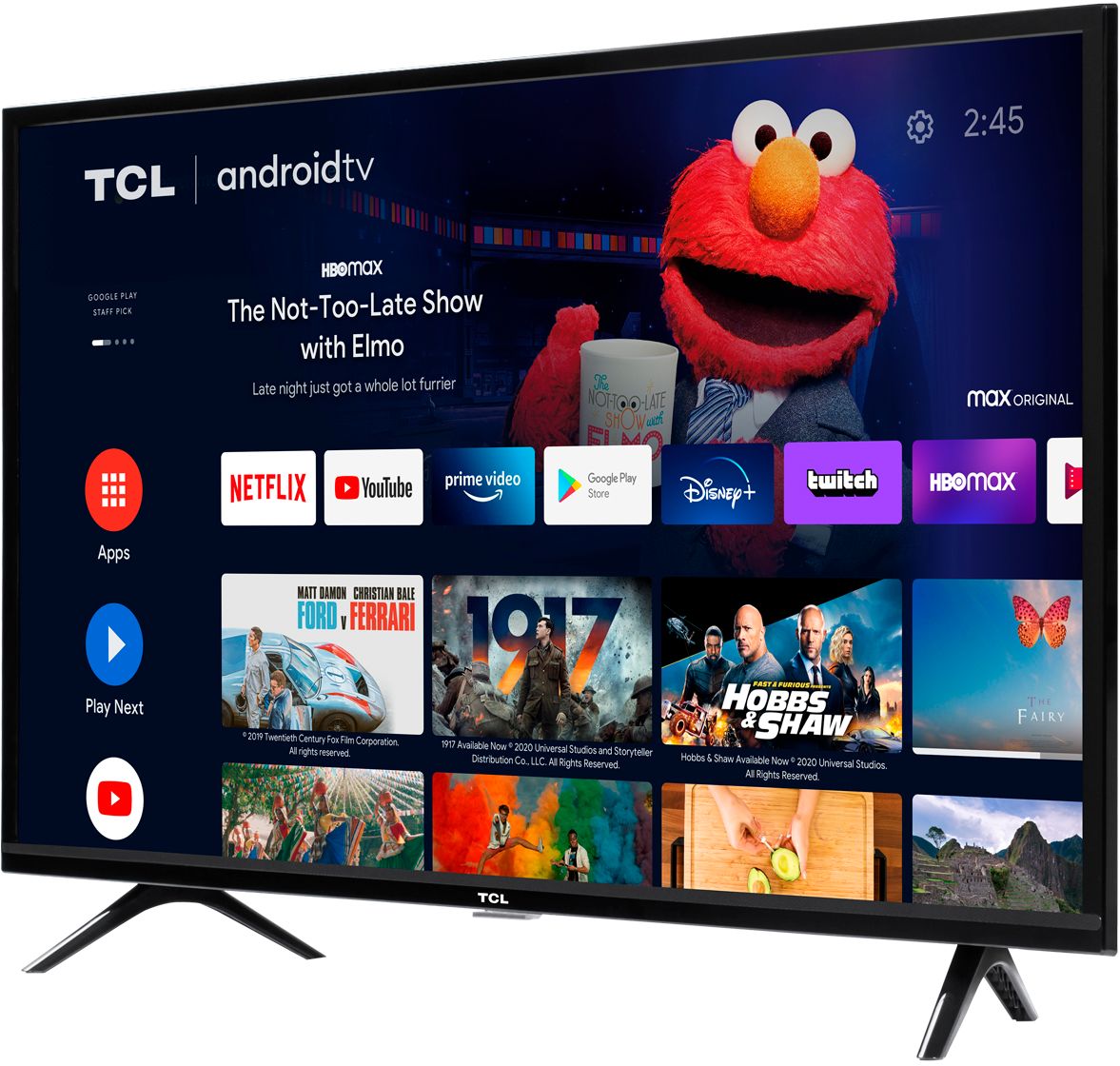
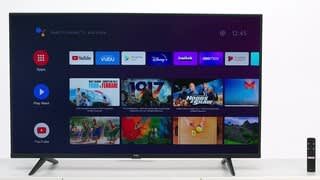
A:AnswerTCL Android TVs have access to thousands of streaming channels, and over 500,000 movies and tv episodes to fulfill almost any streaming need. This TV also includes 2 HDMI ports to connect external devices, such as that of an AppleTV or Firestick. Hope this helps! Thank you, TCL Customer Support
A:AnswerOur TCL Android TVs do indeed support Bluetooth and can be paired with compatible audio devices that also support and pair via Bluetooth. You can also visit https://support.tclusa.com/connecting-bluetooth-devices-to-my-android-tv for more information. Hope this helps! Thank you, TCL Customer Support
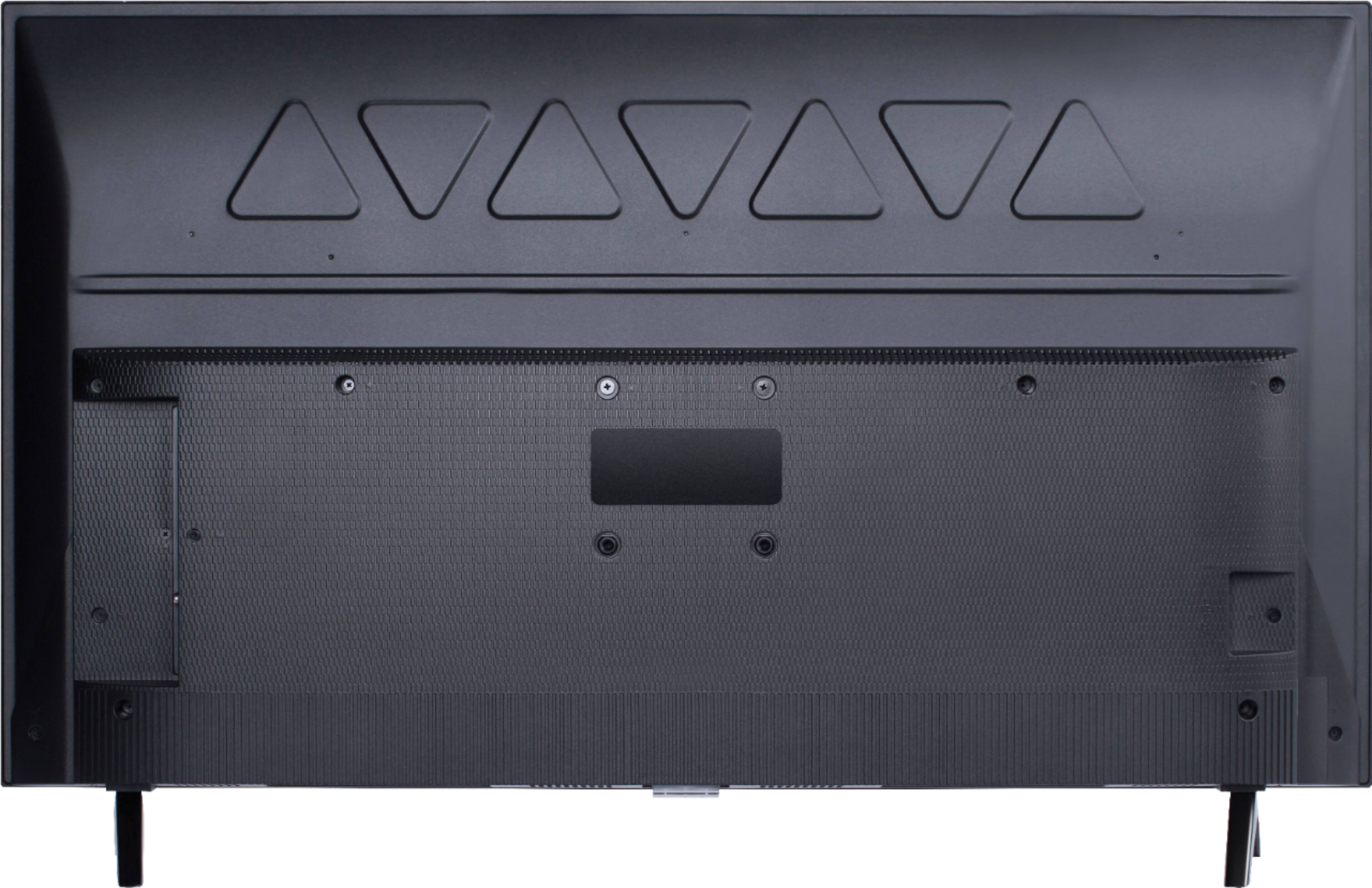
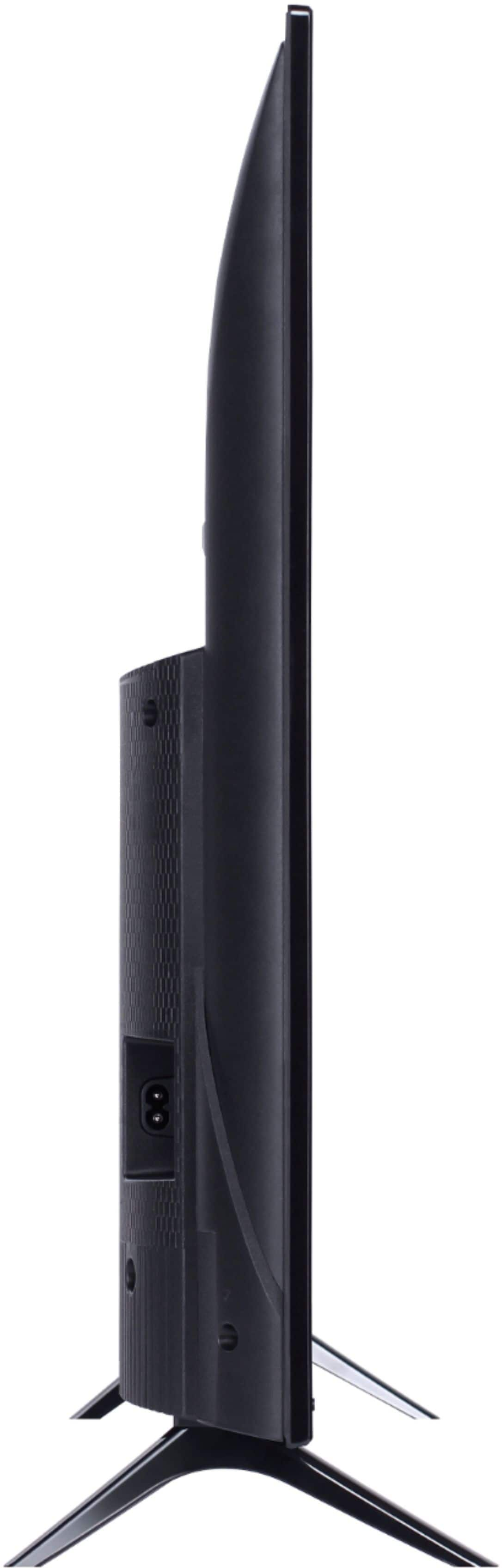
A:AnswerThis TCL Android TV is compatible with most wall mounts that support a 100mm x 100mm VESA mounting pattern. You can also visit https://support.tclusa.com/283050-how-to-choose-the-correct-wall-mount for more information on mounting. Hope this helps! Thank you, TCL Customer Support
A:AnswerCurrently, the Spectrum TV streaming channels is not available through the internal streaming apps on this TCL Android TV. Hope this helps! Thank you, TCL Customer Support
A:AnswerI'm not sure why TCL is hiding this information from customers as the SoC in this TV is decent for the price range. AIDA64 is reporting this as a Quad Core processor with a Mali-470 (MP4?), 2GB RAM and 16GB Storage(11GB Available). The only SoC I can find that matches this config is the Realtek RTD1395. This makes it very close to the Mi Box S performance wise but the TCL is smoother moving around the interface and during video playback due to better firmware.
A:AnswerYou can visit https://www.tclusa.com/products/home-theater/3-series/tcl-32-class-3-series-hd-led-android-smart-tv-32s330 for all currently available information. Hope this helps! Thank you, TCL Customer Support
A:AnswerCurrently, we do not have any additional information other than that what was announced in our press release early last month. You can visit https://www.tclusa.com/press-releases/tcl-launches-first-televisions-with-android-tv-in-the-u-s- for our press release. Any new information will be provided through our website as well as our social media accounts. Hope this helps! Thank you, TCL Customer Support
A:AnswerThis TCL Android TV is compatible with most soundbars and can be connected via HDMI ARC, Optical, or the 3.5mm headphone jack. Hope this helps! Thank you, TCL Customer Support
A:AnswerThere is a setting found in the TV settings under "Channel" that will allow you to pause live antenna TV. We recommend using a 16g USB flash drive. You can visit https://support.tclusa.com/android-tv-how-to/adjusting-tv-settings-on-a-tcl-android-tv for more information regarding setting for this TCL Android TV. Hope this helps! Thank you, TCL Customer Support
A:AnswerThis TCL Android TV features a 120 CMI. Although we do not have exact numbers, we can say that the input lag is relatively low. This TV features a dedicated gaming mode that helps to provide a low input lag. Hope this helps! Thank you, TCL Customer Support
A:AnswerOur TCL Android TVs do indeed support Bluetooth and can be paired with compatible audio devices that also support and pair via Bluetooth. You can also visit https://support.tclusa.com/connecting-bluetooth-devices-to-my-android-tv for more information. Hope this helps! Thank you, TCL Customer Support
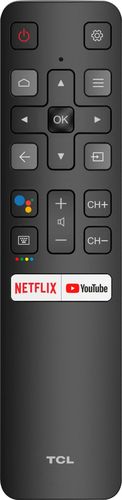
A:AnswerWithin each TV series there are different sizes and models available. These models can have differences in their physical/cosmetic design or remote controls. However, the features and capabilities remain the same. Hope this helps! Thank you, TCL Customer Support
A:AnswerAll TCL TVs are assembled at one of several factories that are located globally. We are proud of the fact that we are one of only three TV manufacturers globally who is what’s called “vertically integrated”, meaning everything inside a TCL TV is TCL components! Thank you, TCL Customer Support