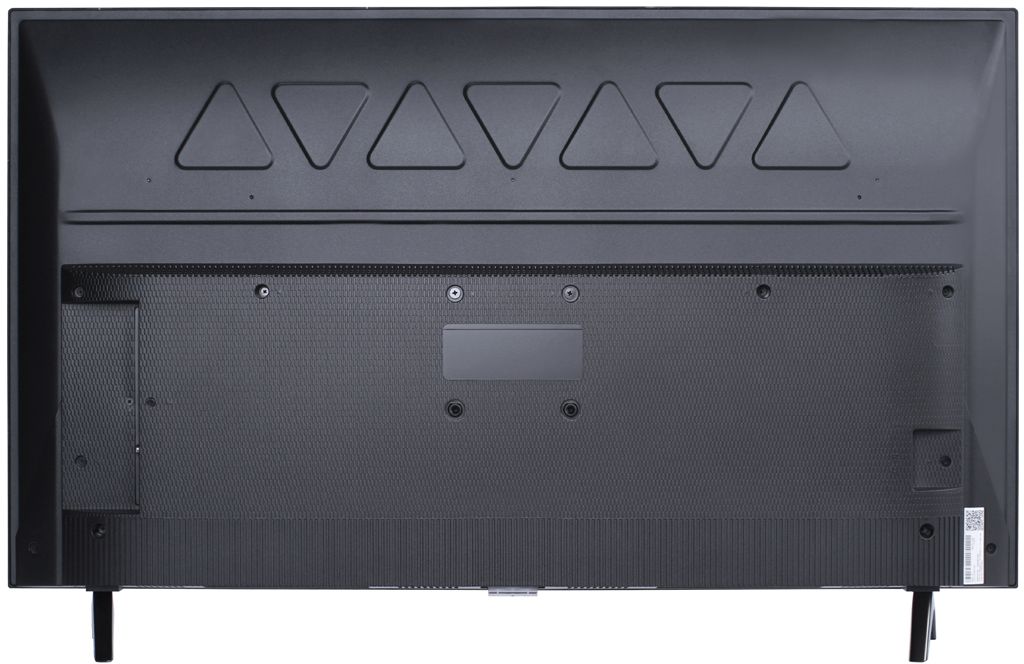
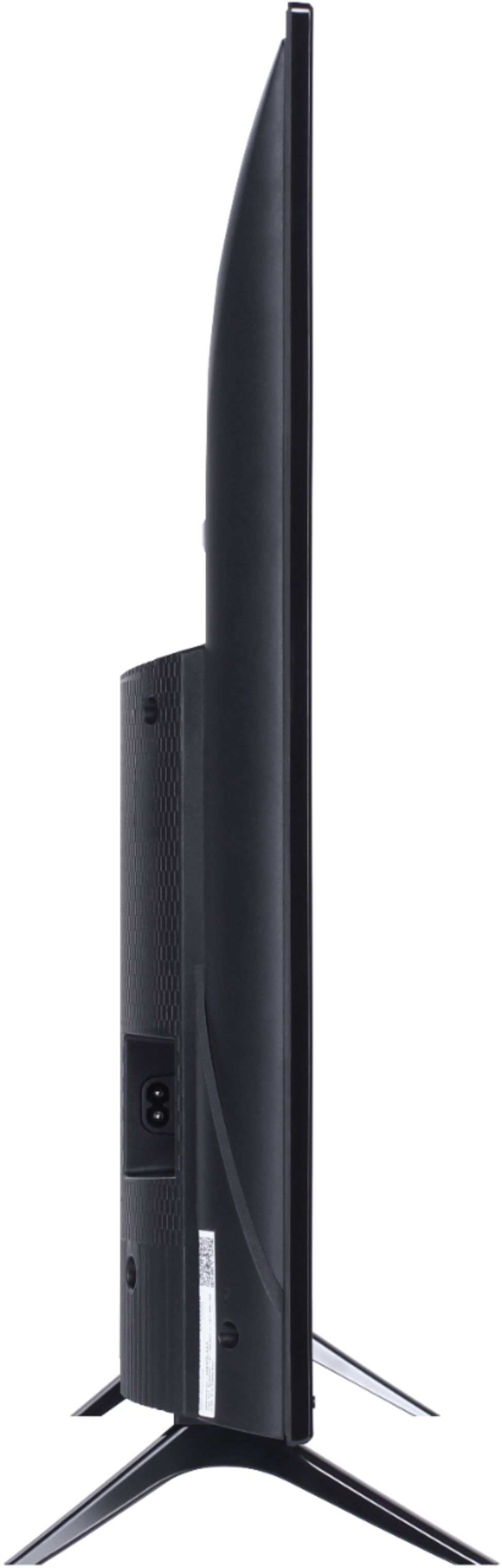
A:AnswerThis TCL Roku TV is compatible with most mounts that support a 100mm x 100mm VESA mounting pattern. Hope this helps! Thank you, TCL Customer Support
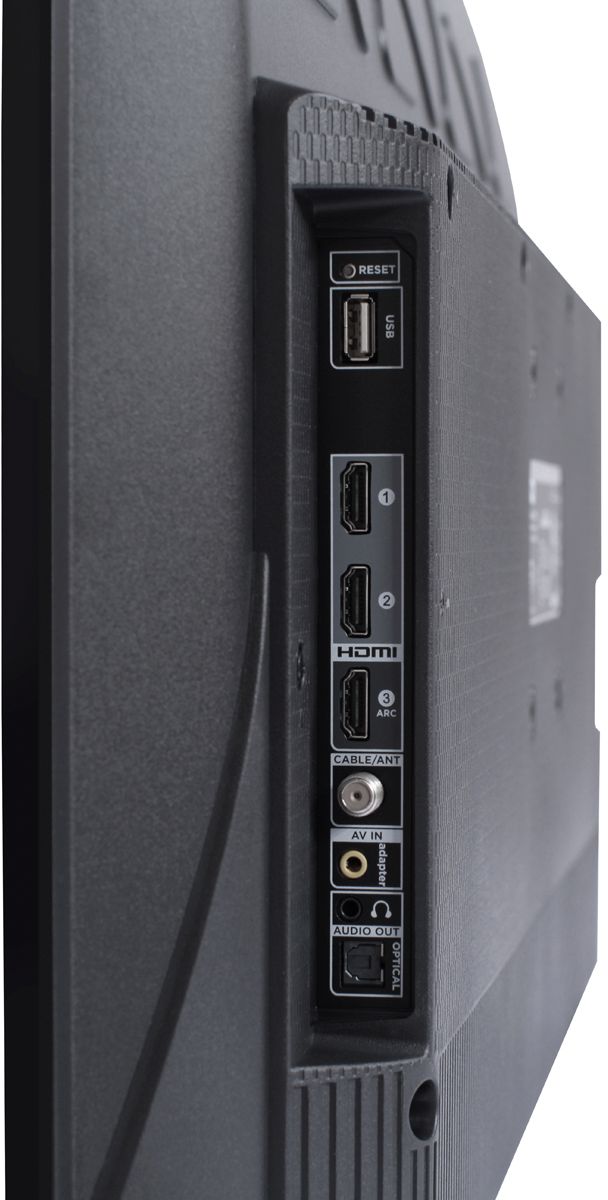
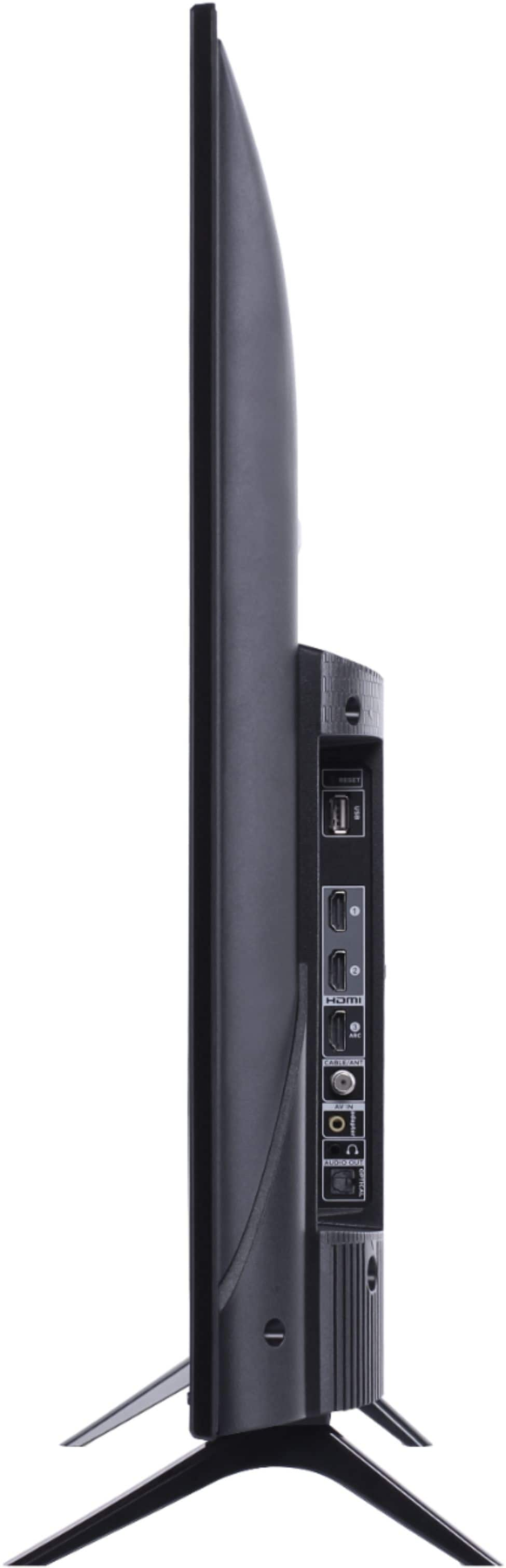
A:AnswerCurrently, our TVs do not support Bluetooth. If you are trying to connect a sound bar or speakers you can use the Optical port, or the HDMI ARC port. For Headphones, there is a Headphone jack on the back of the TV, or you can download the Free Roku app for private listening. Hope this helps! Thank you, TCL Customer Support
A:AnswerAbsolutely! The YouTubeTV streaming channel is one of the thousands of streaming channels offered through the Roku Channel Store. You can also visit www.roku.com/whats-on to see other streaming channels Roku offers. Hope this helps! Thank you, TCL Customer Support
A:AnswerOur TVs are compatible with most Universal and cable remotes. Many Universal and cable box remotes can be programmed to control certain features on the TV. You can visit https://support.tclusa.com/tv-remote-codes for more information. Hope this helps! Thank you, TCL Customer Support
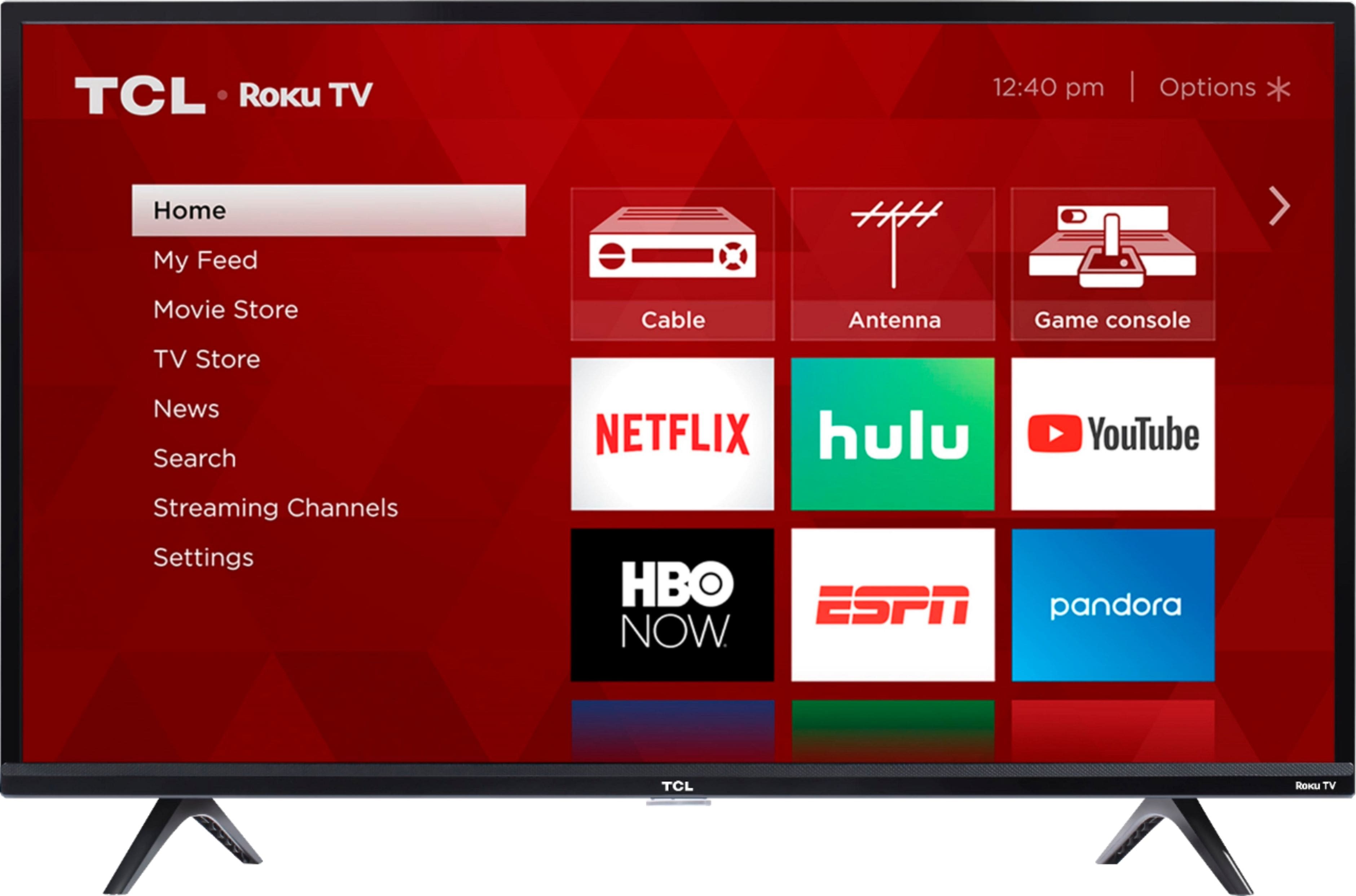
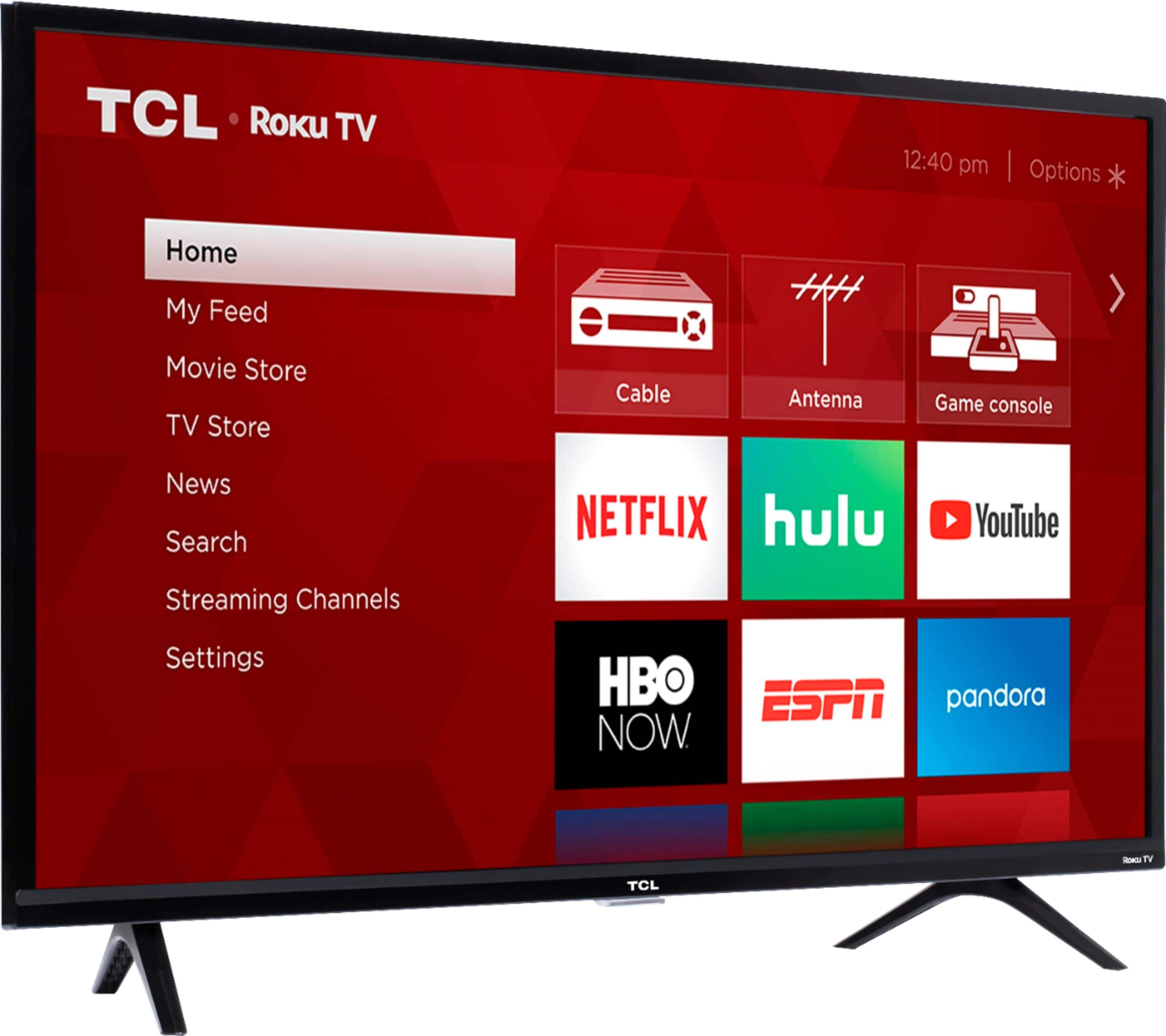
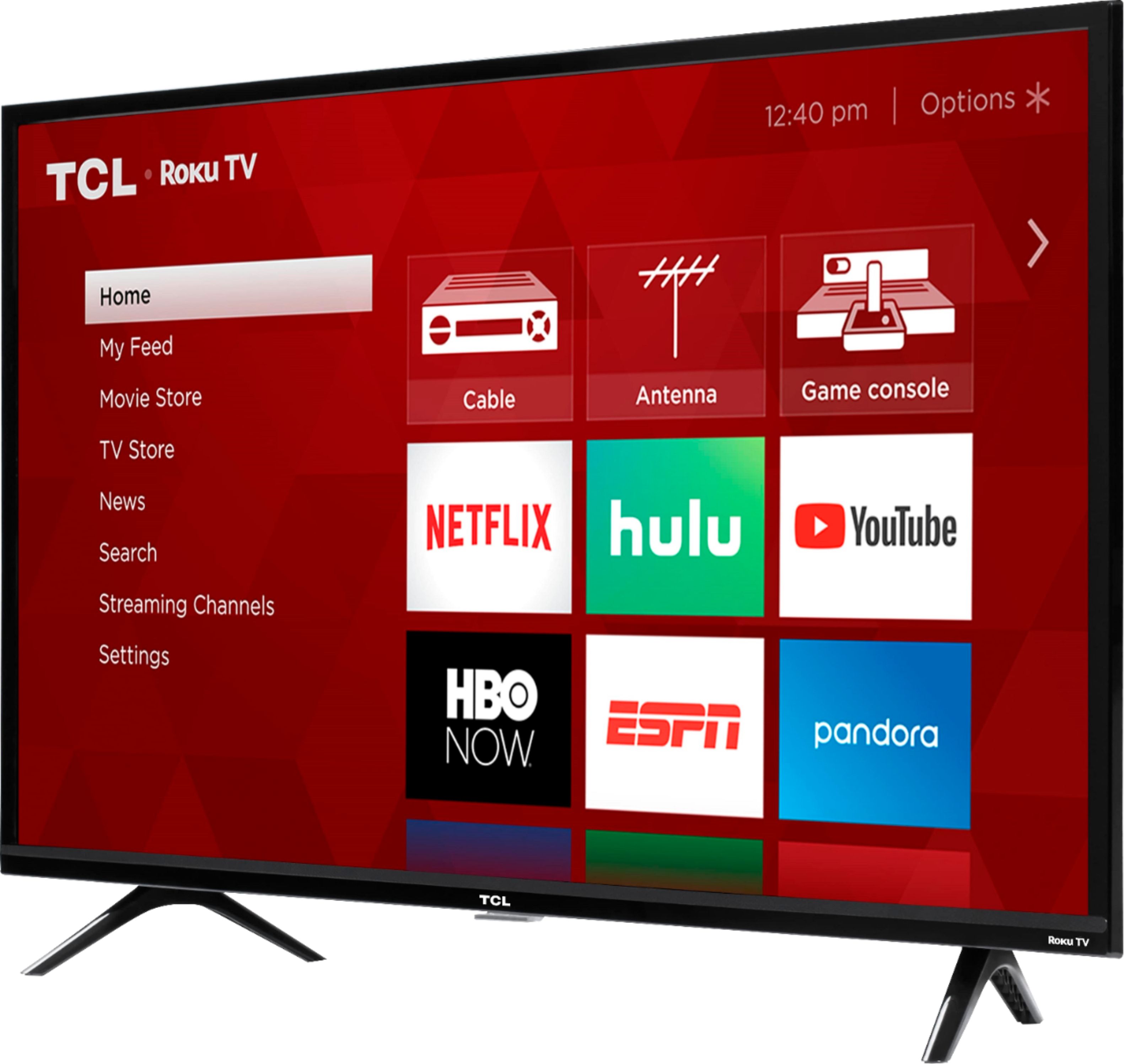
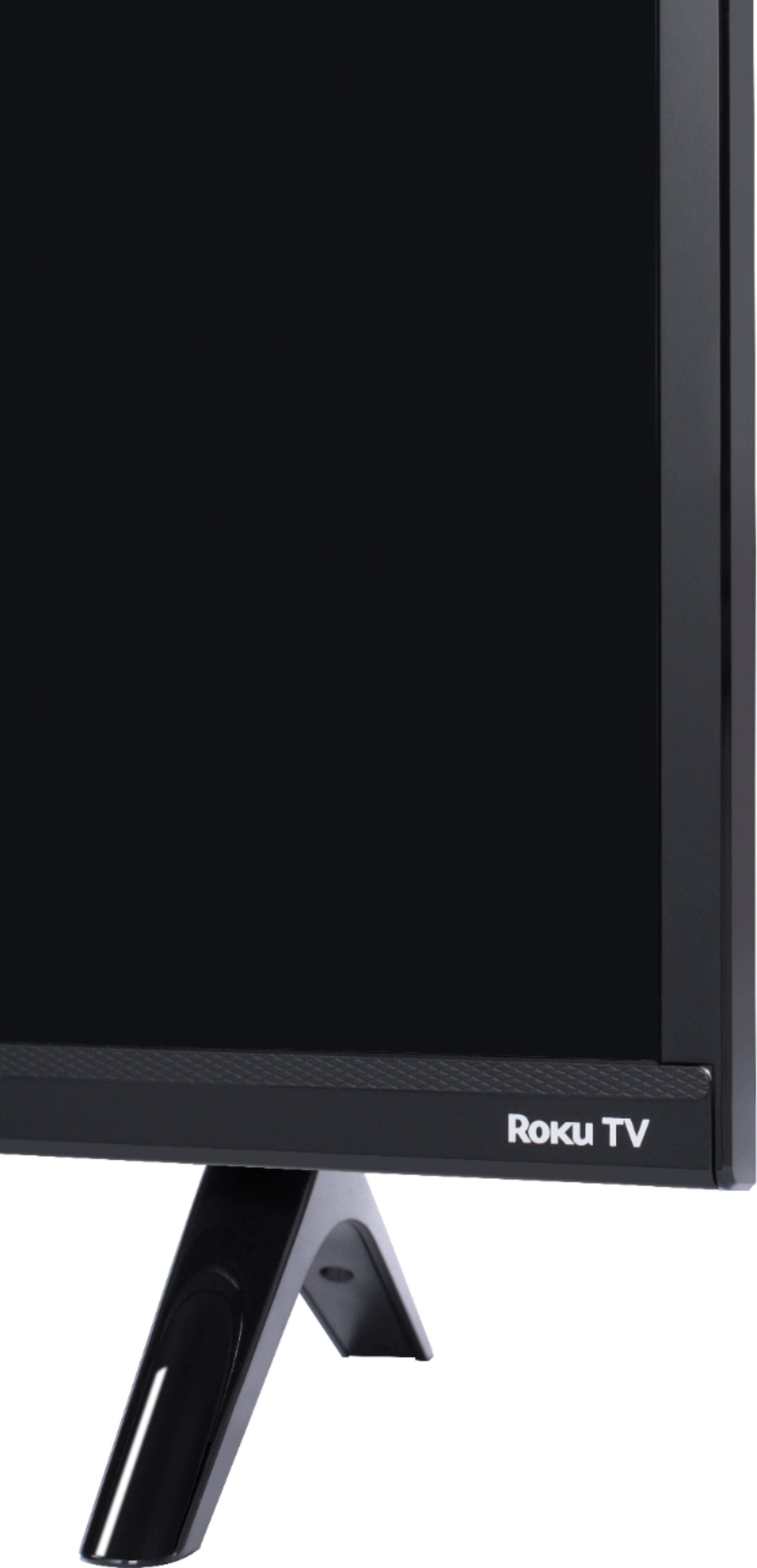
A:AnswerAll of our TCL Roku TVs have a Roku operating system built in. Roku is a streaming platform that offers many features, including thousands of streaming channels (apps) and over 500,000 movies and TV episodes. Some content is free while other content is subscription based or pay-per-view. Hope this helps! Thank you, TCL Customer Support
A:AnswerAbsolutely! TCL Roku TVs support screen mirroring with compatible Android and Windows devices. Here is a great article with more details how: https://support.roku.com/article/208754928-how-to-use-screen-mirroring-with-your-android-or-windows-device. Hope this helps! Thank you, TCL Customer Support
A:AnswerYou can always order replacement accessories through any of our authorized resellers. Such as "encompass.com/brands/tcl". Hope this helps! Thank you, TCL Customer Support
A:AnswerThis TCL Roku TV is compatible with most mounts that support a 100mm x 100mm VESA mounting pattern. Hope this helps! Thank you, TCL Customer Support
A:AnswerWhen using the Optical connection, the IR TCL Roku remote can only be used to control one of our TCL Alto soundbars. If you are using a different brand soundbar connected through Optical, you would either need to utilize the soundbar remote or a universal remote. Hope this helps! Thank you, TCL Customer Support
A:AnswerTCL Roku TVs have access to thousands of streaming channels, and over 500,000 movies and tv episodes to fulfill almost any streaming need. This TV also includes 3 HDMI ports to connect external devices, such as that of a Firestick. Hope this helps! Thank you, TCL Customer Support