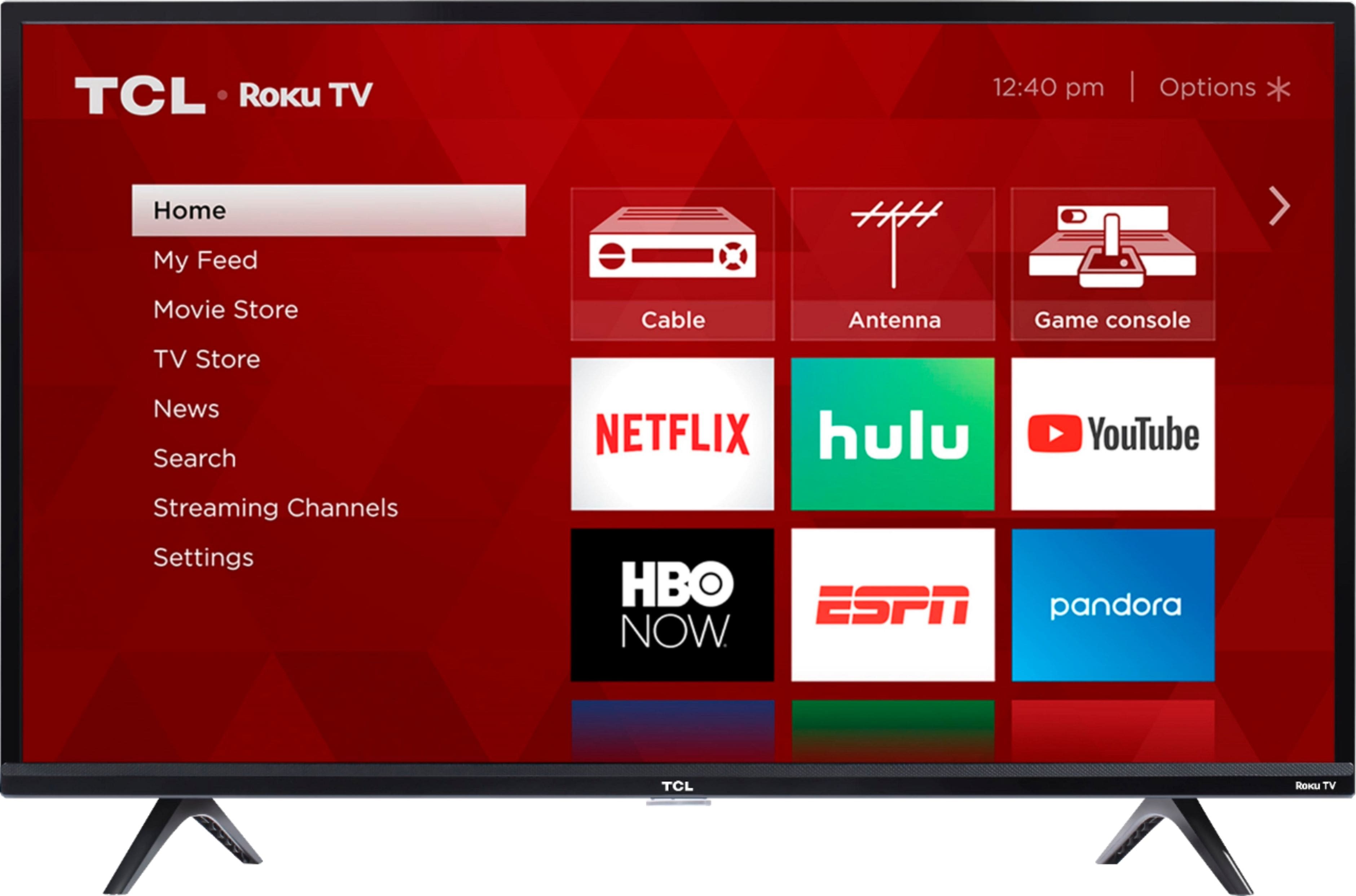
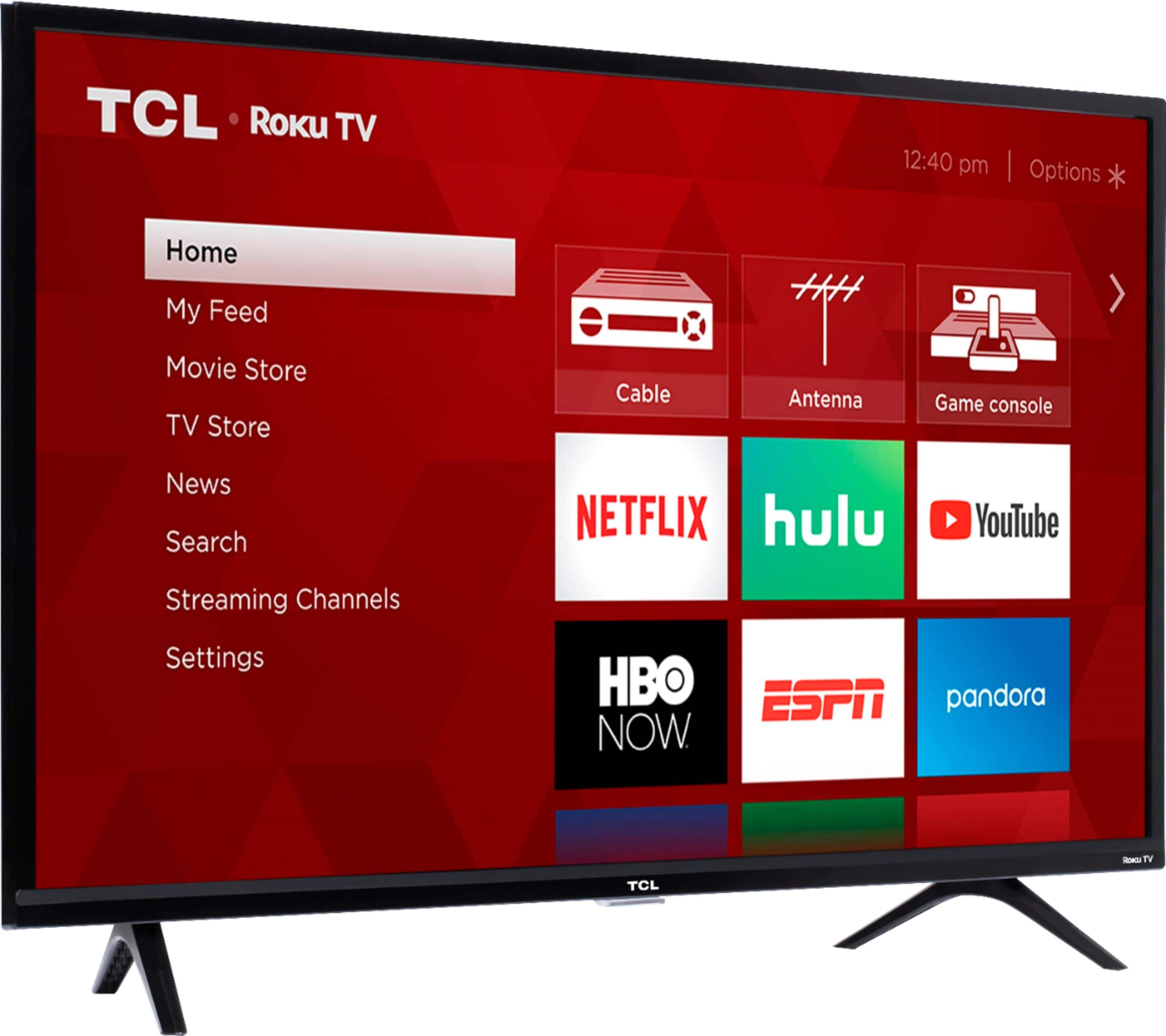
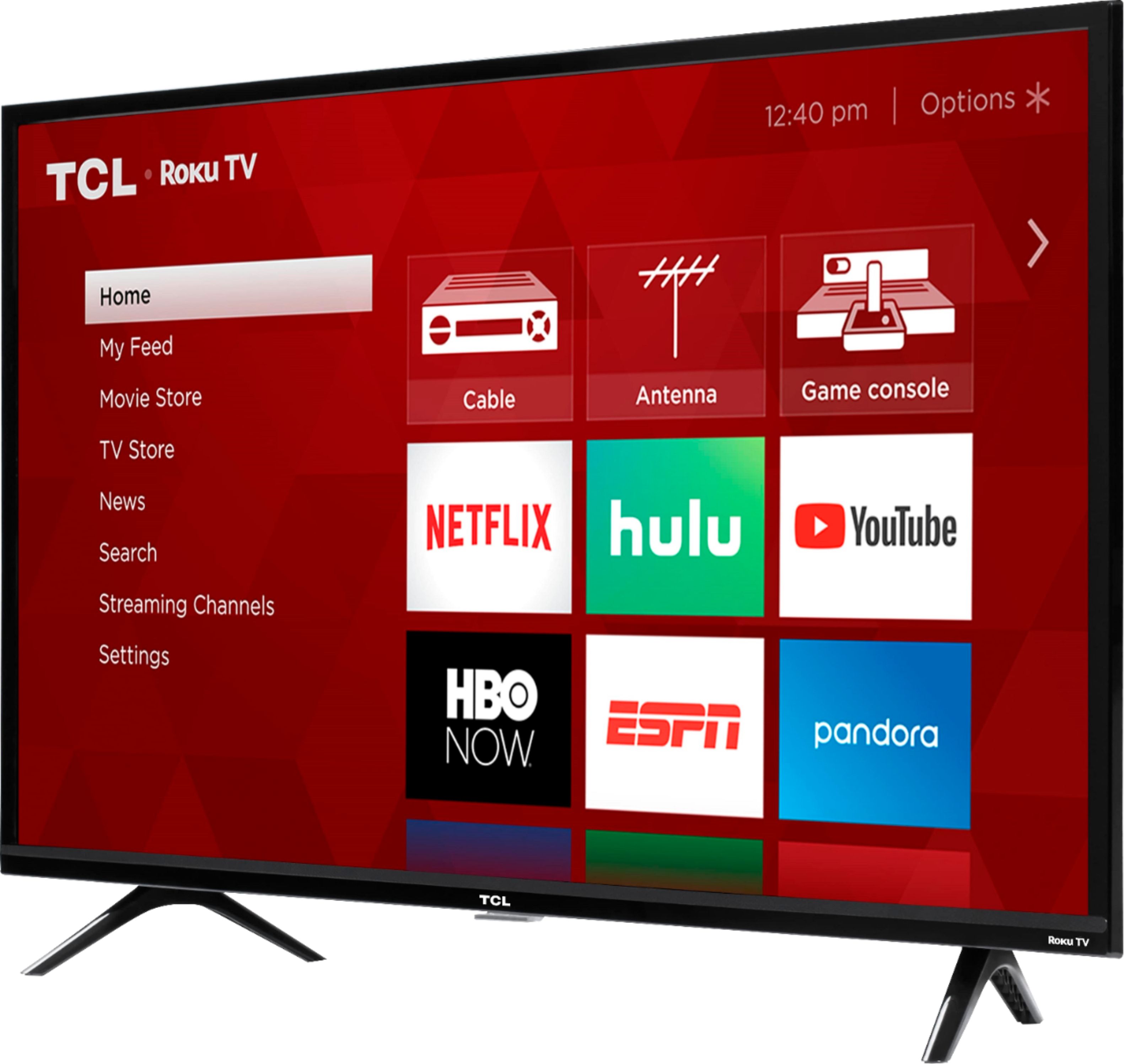
A:AnswerThis TCL Roku TV has a Roku operating system. Roku is a streaming platform that offers many features, including thousands of streaming channels (apps) and over 500,000 movies and TV episodes. By connecting the TV to the Internet, you can access all of the smart features. Additionally, you can elect to not connect to the Internet during initial setup and use it as a traditional TV. Either way, you will still have access to the Inputs, and can use an external device like a Firestick. However, depending on the remote, it may not control all of the functions of the TV. Hope this helps! Thank you, TCL Customer Support
A:AnswerOur TCL Roku TVs do not currently support the direct input of numbers for over the air channels. For cable channels, our TVs are compatible with most Universal and cable remotes. Many Universal and cable box remotes can be programmed to control certain features on the TV. You can visit https://support.tclusa.com/26534-remote-codes/205958-remote-codes for more information. Additionally, you can download the free Roku mobile app on a smartphone or tablet to gain access to voice control, voice search, and private listening. Hope this helps! Thank you, TCL Customer Support
A:AnswerAll of our TCL Roku TVs have a Roku operating system incorporated into the TV. There is no need to purchase an additional device. Hope this helps! Thank you, TCL Customer Support
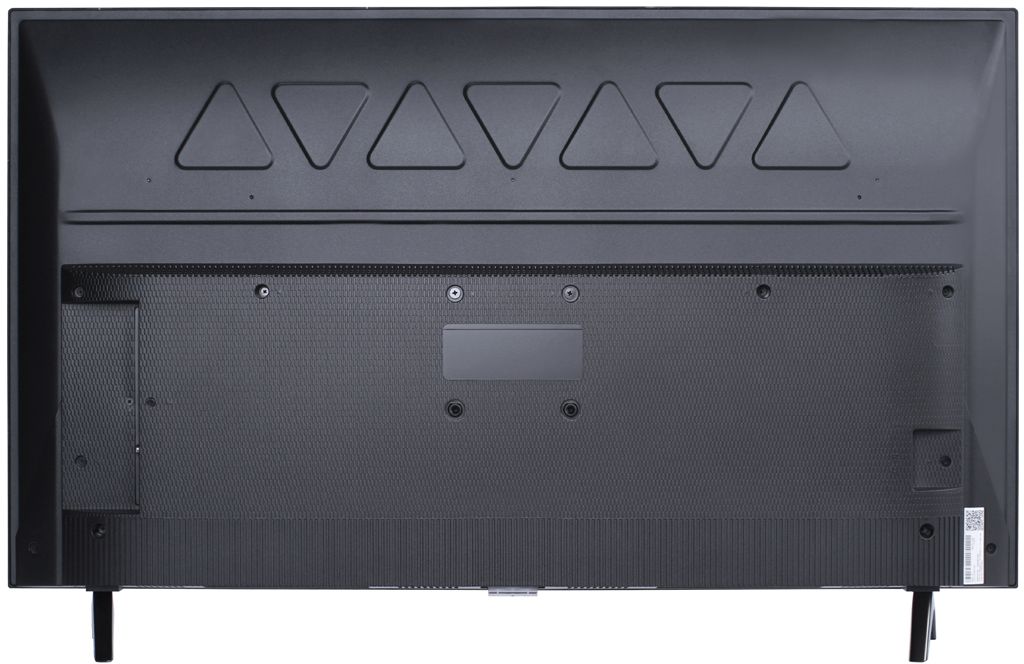
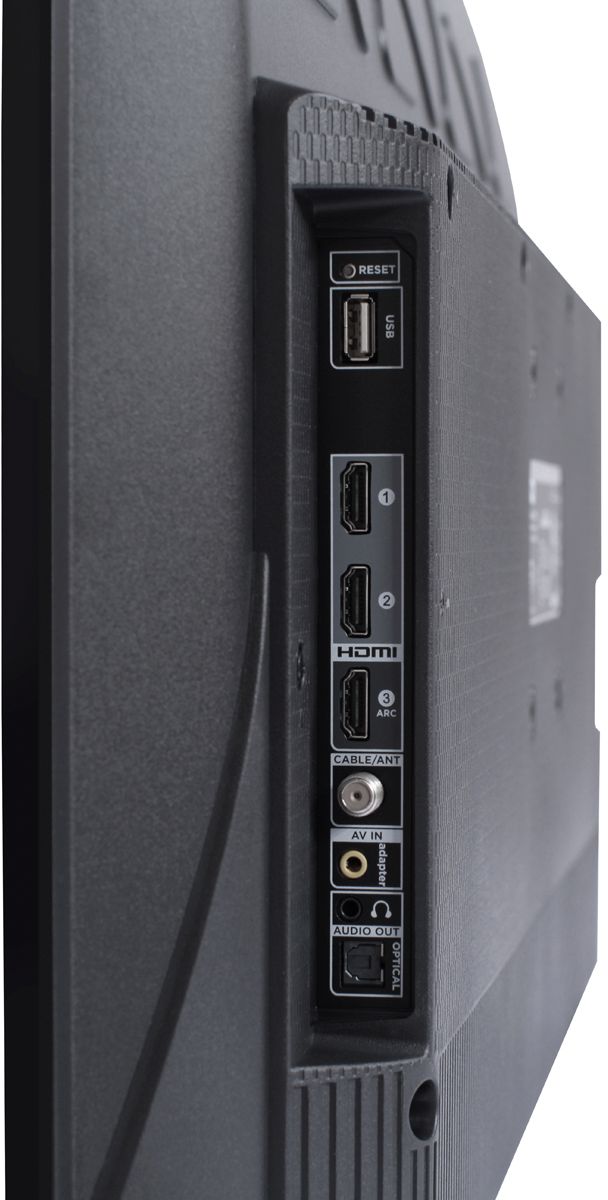
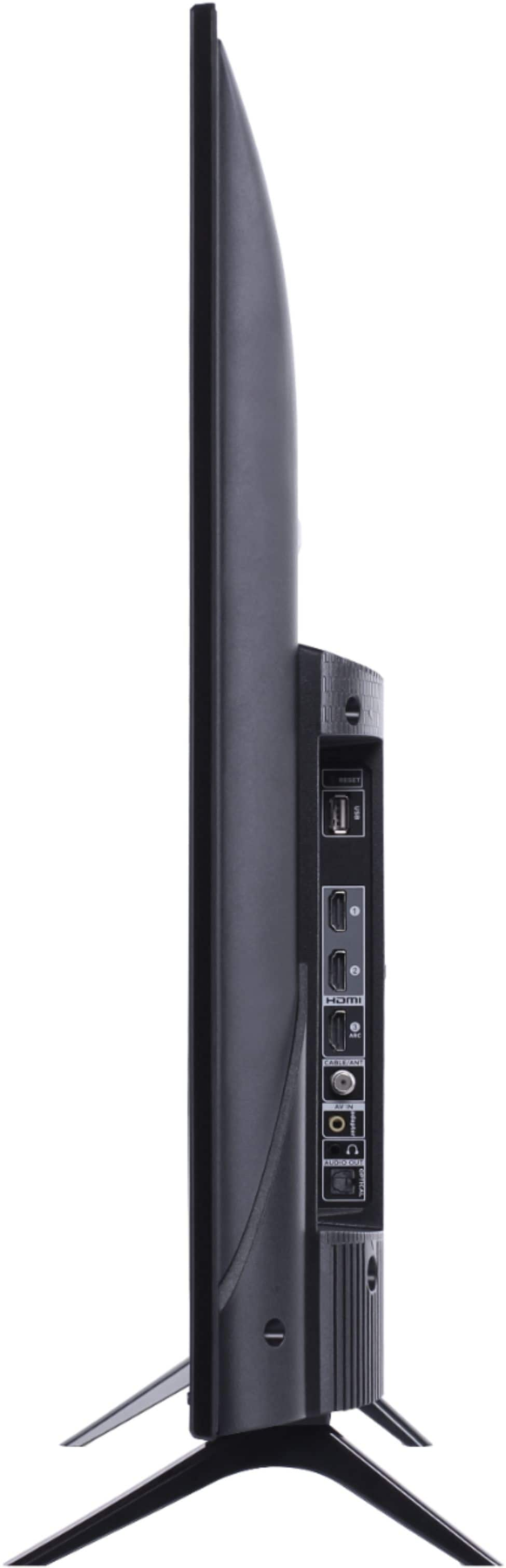
A:AnswerAbsolutely! You will still be able to use this TCL Roku TV as a traditional TV by connecting external devices (such as an antenna, cable box, game system, etc) to the TV via the inputs located on the back. You would simply not be able to access the smart features, such as streaming or screen mirroring. Hope this helps! Thank you, TCL Customer Support
A:AnswerTCL Roku TVs have access to thousands of streaming channels, and over 500,000 movies and tv episodes to fulfill almost any streaming need. This TV also includes 3 HDMI ports to connect external devices, such as that of a Firestick. Thank you, TCL Customer Support
A:AnswerThe remote is about 4-5 inches and has 4 app buttons that include, Netflix, Hulu, Sling, and Amazon. The volume bottons are on the sides. I personally do like it and have no problem with how it’s designed. Although it doesn’t include voice component.
A:AnswerThe 40S325 is a 40 inch TV and the 49S325 is a 49 inch TV. Both of these TVs are 2019 models, and have the same features and capabilities. Hope this helps! Thank you, TCL Customer Support
A:AnswerThere is not a physical button for it, but there is an option for it. Simply press the asterisk (*) button on your TCL Roku TV remote, highlight the sleep time option, and choose how long you want to set it for (30minutes-3hours). Thank you, TCL Customer Support
A:AnswerAbsolutely! This TCL Roku TV has a variety of inputs that can be used to connect external devices, such as cable boxes. You would simply connect it to the TV and select that input on the home screen. Thank you, TCL Customer Support