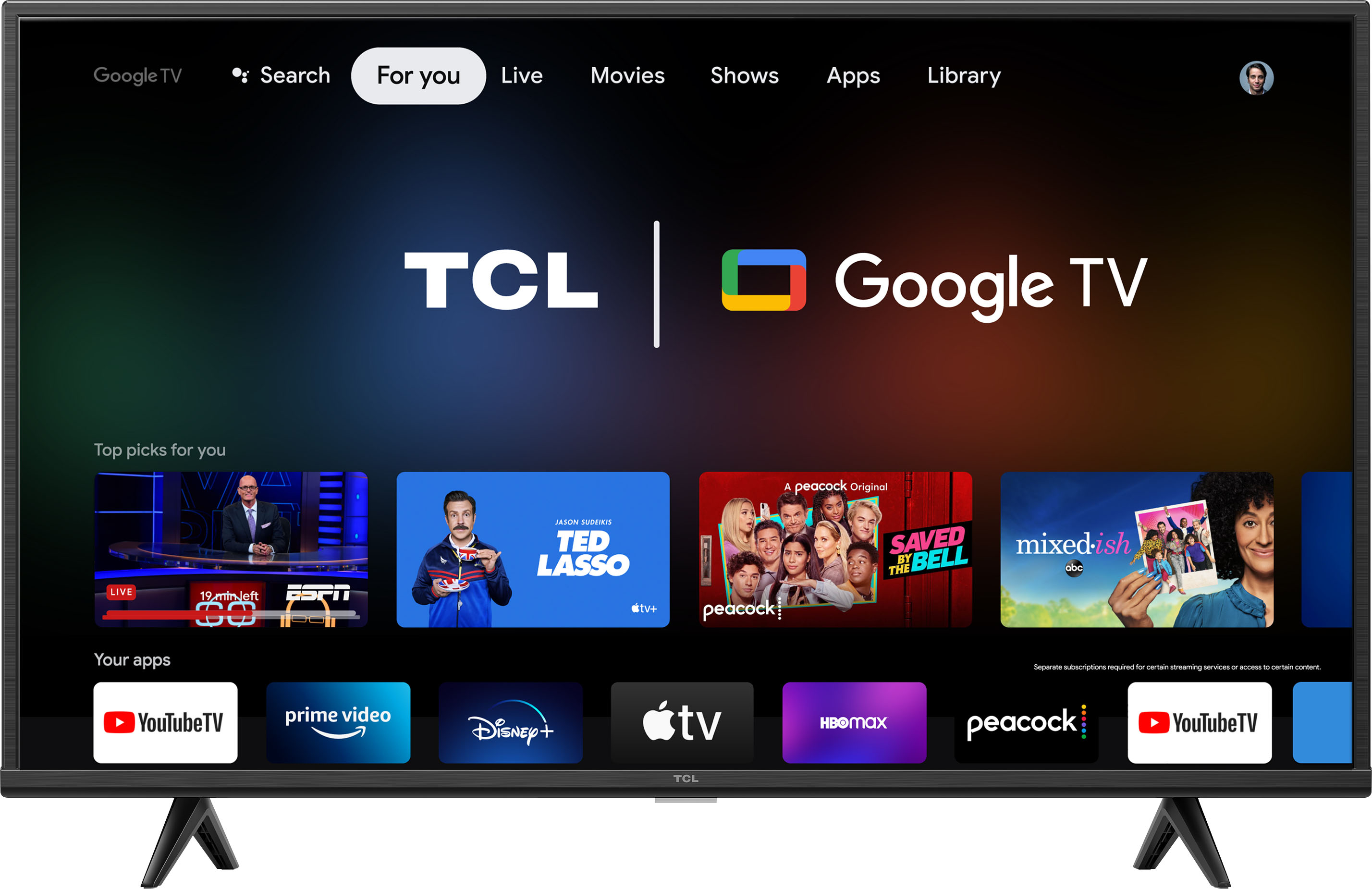
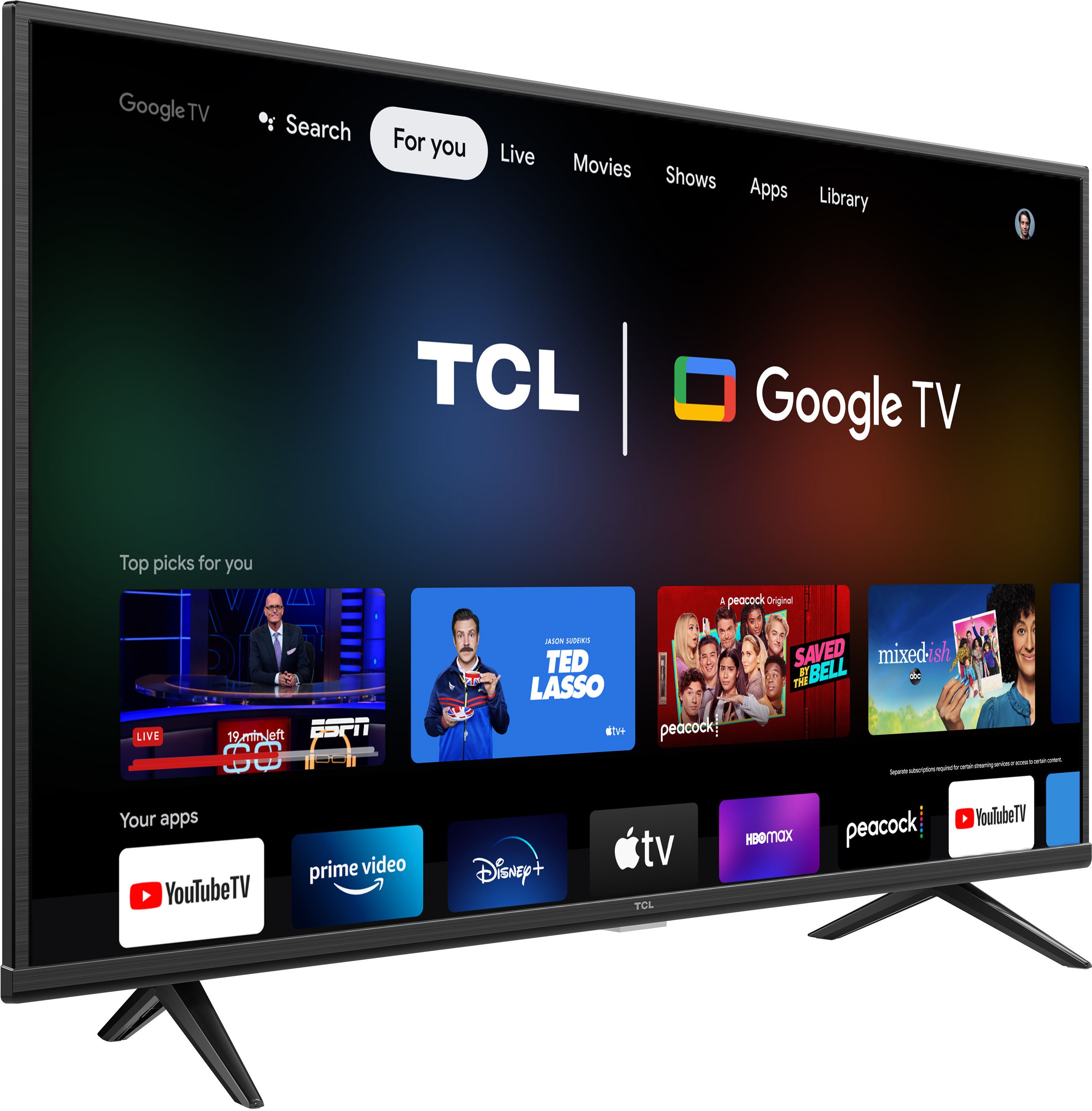
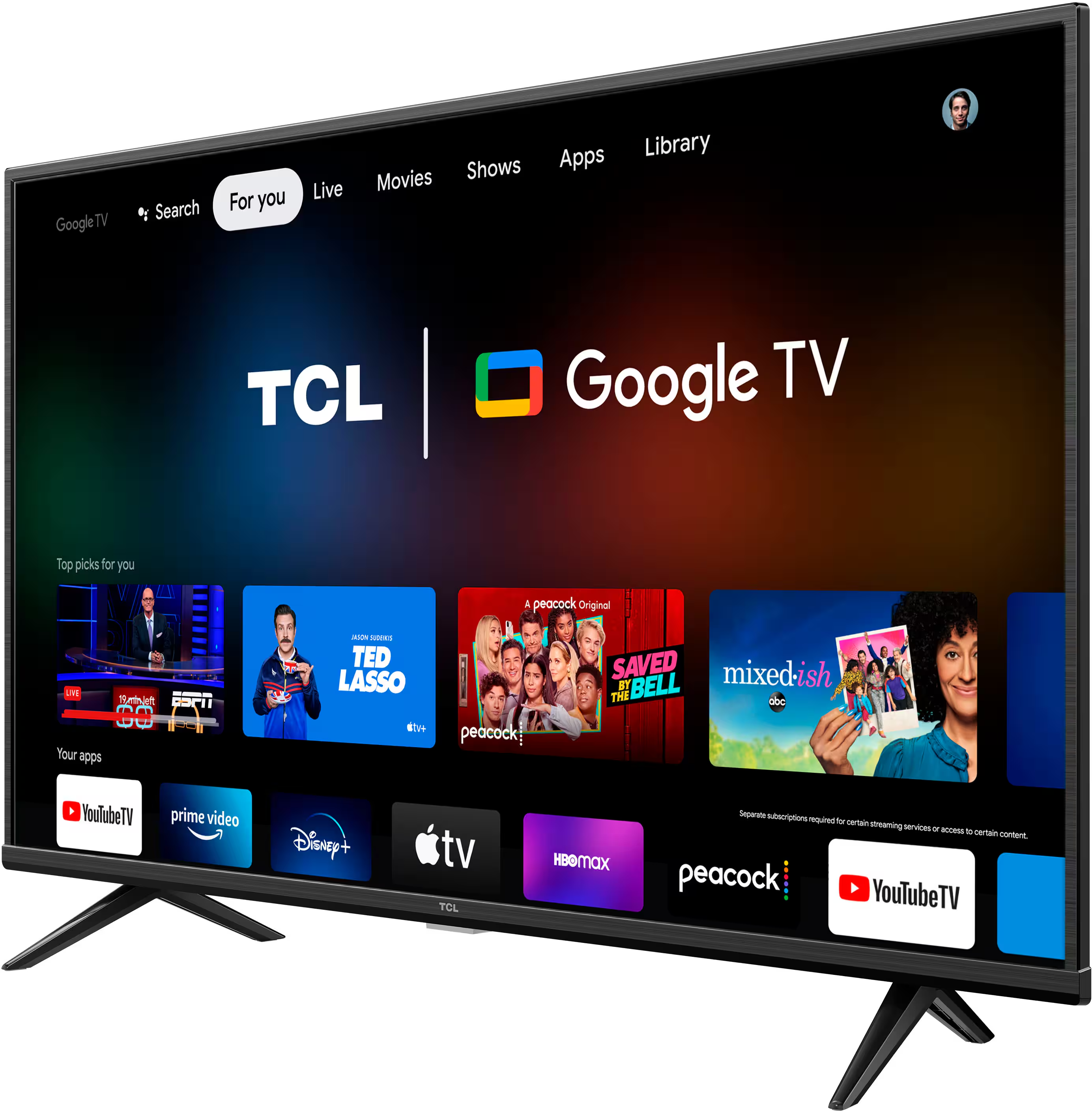
A:AnswerThe DirecTV Stream streaming app is indeed one of the many available streaming apps on this TCL TV featuring Google TV. Hope this helps! Thank you, TCL Customer Support
A:AnswerThe AppleTV streaming app is indeed one of the many available streaming apps on this TCL TV featuring Google TV. Hope this helps! Thank you, TCL Customer Support
A:AnswerTCL proudly uses high performance VA Panels on all of our sets to deliver the striking contrast our sets are known for. In fact, being vertically integrated means that not only are the VA panels ours, but nearly everything on the set is TCL, ensuring great quality and performance! Hope this helps! Thank you, TCL Customer Support
A:AnswerThe Google Duo streaming app is indeed one of the many available streaming apps on this TCL TV featuring Google TV. However, we cannot guarantee support for all webcams. Hope this helps! Thank you, TCL Customer Support
A:AnswerIf it’s not there the Google Play Store would have it or you can sideload it because this version of the TCL with Google TV allows sideloading rather easily through the USB port so one way or another I think you can get it! Check the side loading video on TCL‘s support website to understand what that’s all about.
A:AnswerHello Uyi,
You can download Stadia from the Google TV play store along with a paired gamepad to enjoy streaming games on this TV.
Hope this helps,
TCL Social Support
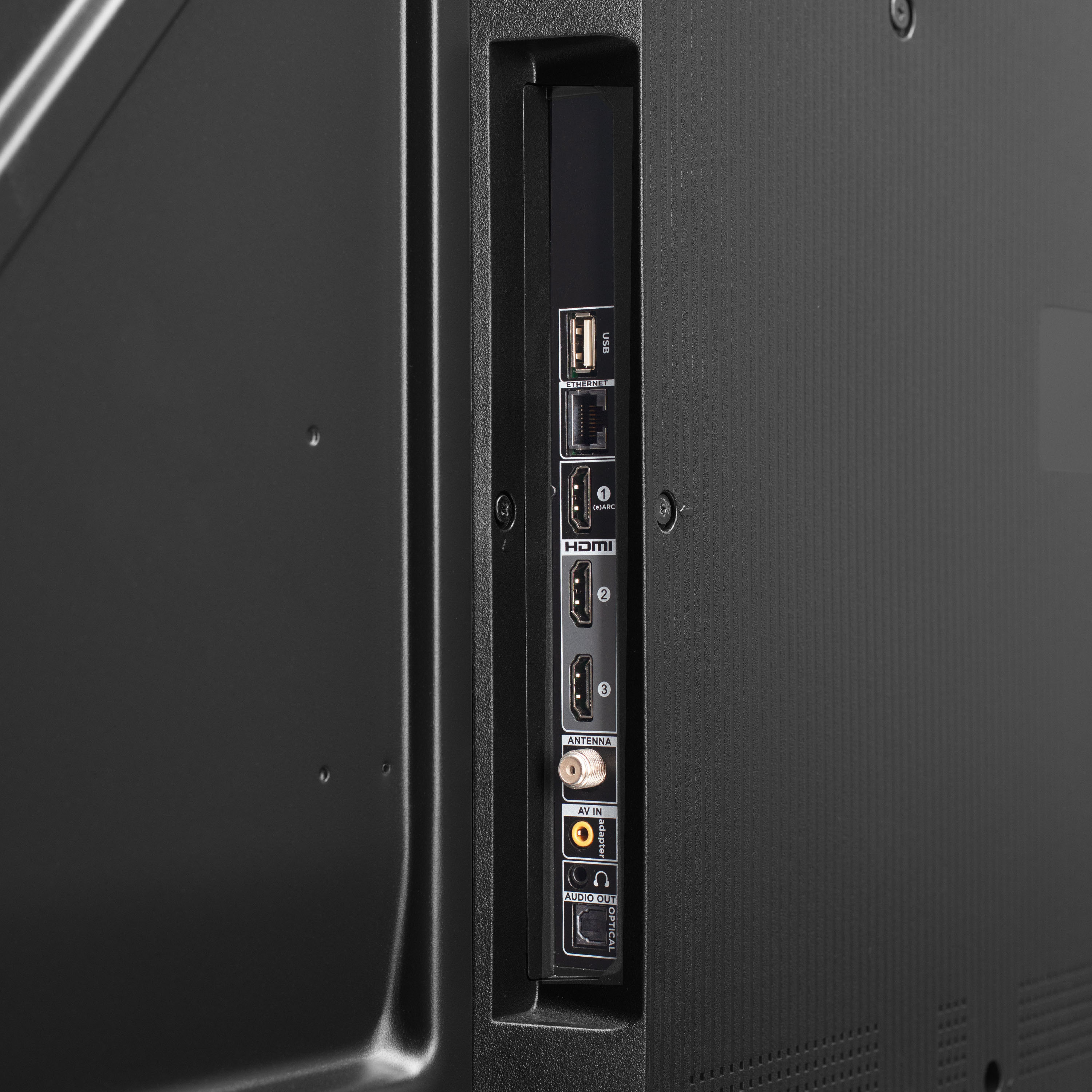
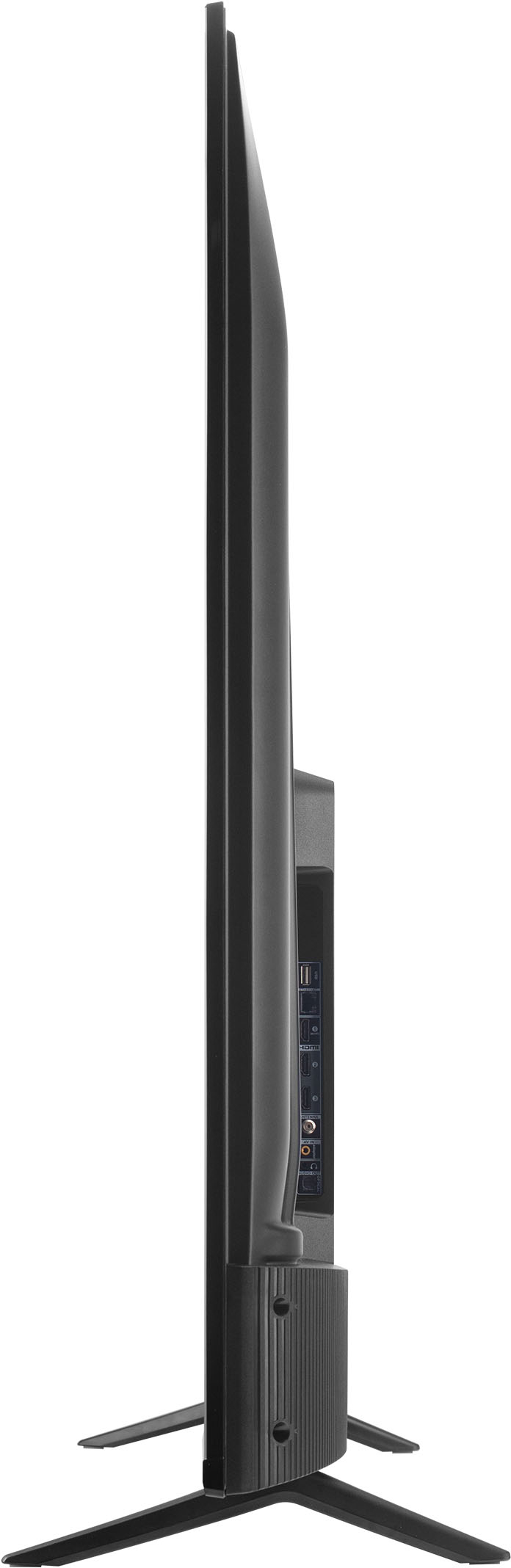
A:AnswerI believe it only runs on 60 fps. It only has one hdmi e/arc 2.1 port, and the advanced options aren’t as details with supporting that frame rate as other TVs are.
A:AnswerWhile we can not recommend a specific web browser, there are various web browsers that can be downloaded through the Play Store. Hope this helps! Thank you, TCL Customer Support
A:AnswerOn our TVs featuring Google TV you can create a kids profile. On the kids profile, you can set various limitations. You can learn more at https://support.google.com/families/answer/10491112?hl=en#:~:text=Add%20and%20manage%20apps%3A%20You,profile%20lock%20on%20Google%20TV.. Hope this helps! Thank you, TCL Customer Support
A:AnswerOur TCL TVs featuring Google TV come with Chromecast built-in. Casting to your TV is a simple way to enjoy photos, videos, music, and other content on the big screen. You can watch entertainment from a laptop, tablet, or mobile device. As long as the application you are using supports Chromecast, it should work fine. Hope this helps! Thank you, TCL Customer Support
A:AnswerHi MarkD,
The only way is to use a wireless headphone is to use one that has an optical input on your docking station. Optical is independent audio so you would have to control the sound of the headphones separately. This would allow, both headphones and tv speakers play at the same time.
This is NOT a recommend setup as there will be a delay between the two different sound outputs.
Hope this answers your question.
Thank you,
Joseph
TCL Customer Support