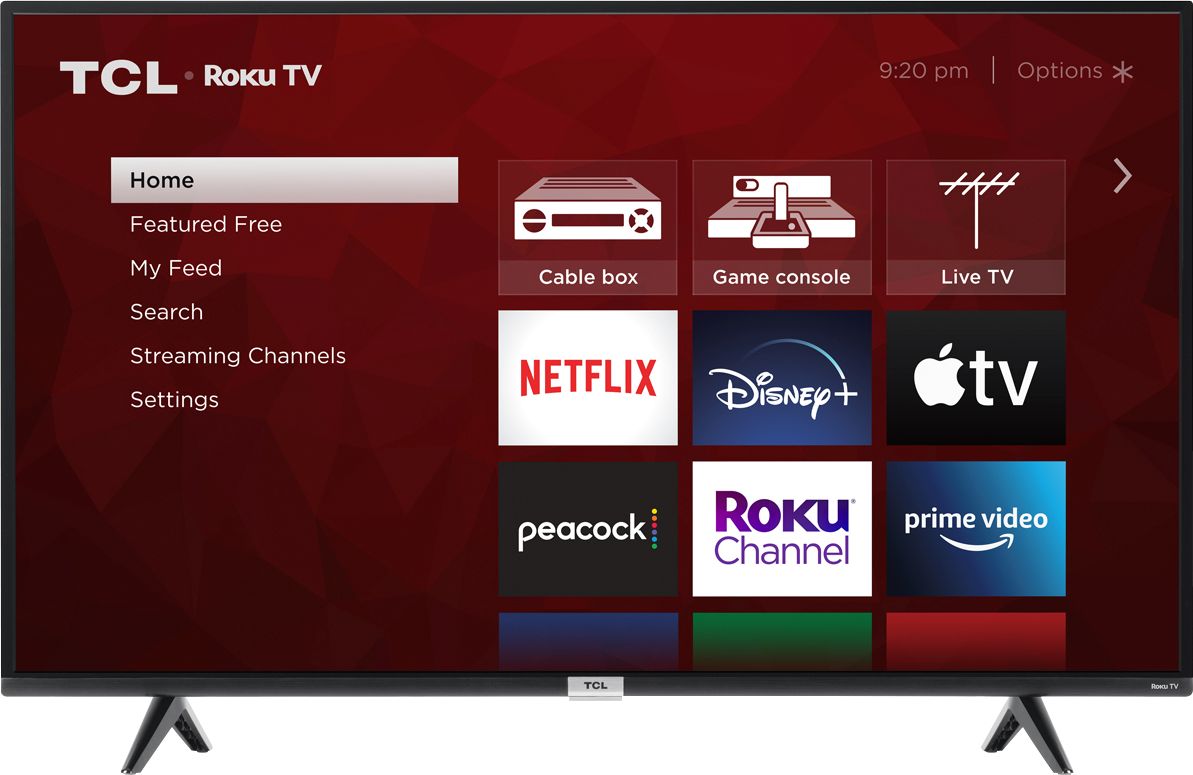
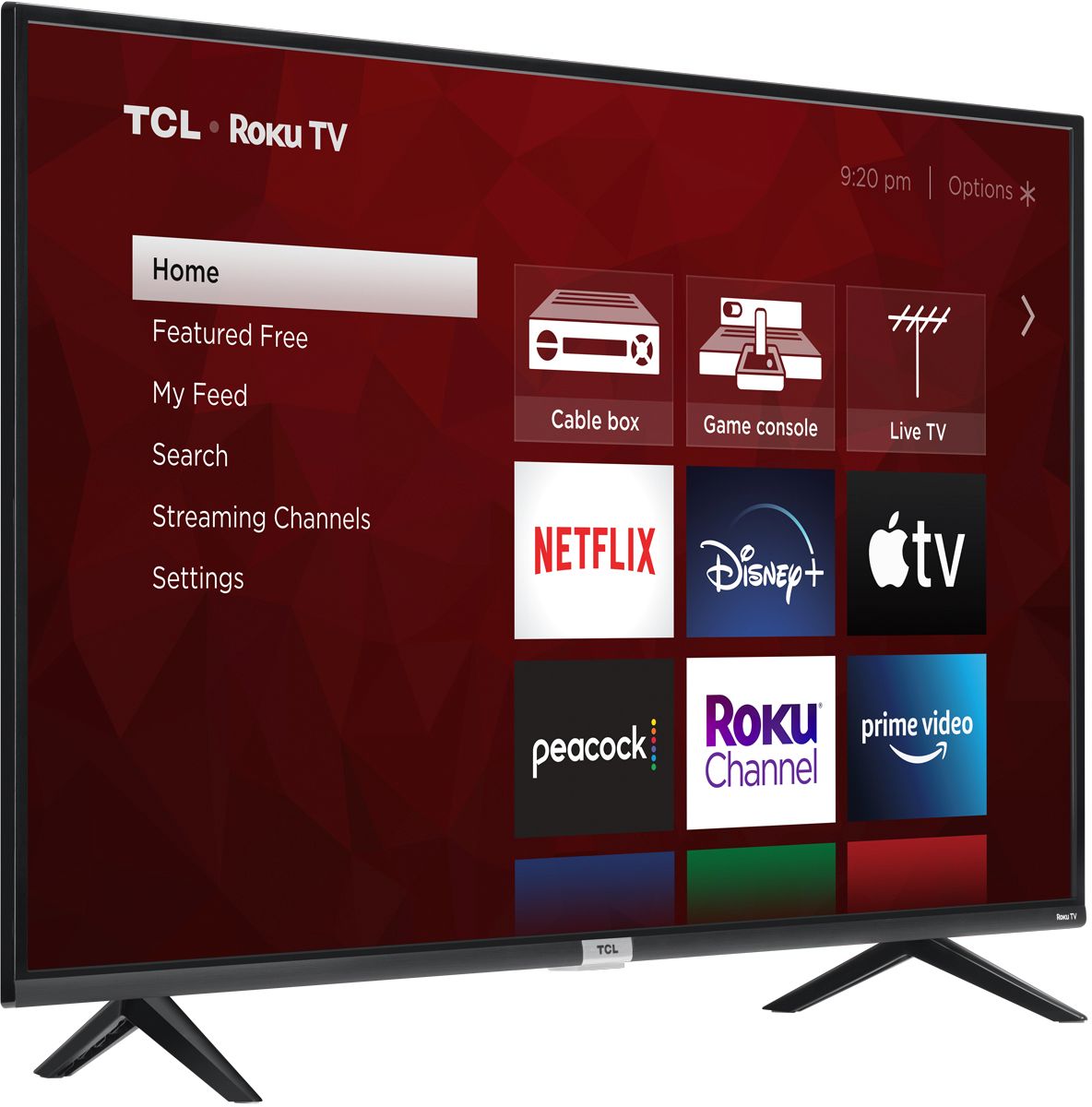
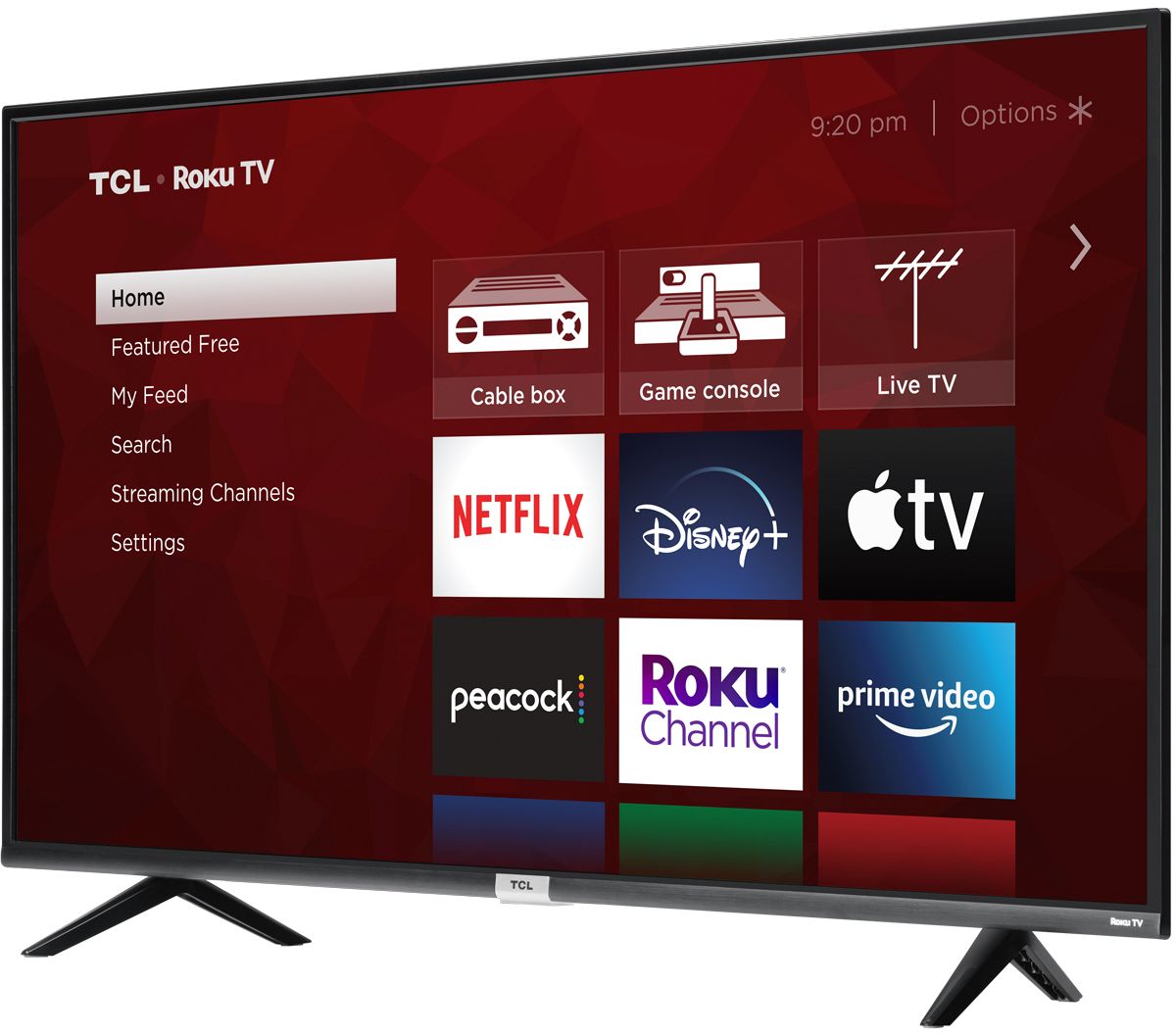
A:AnswerTCL Roku TVs support screen mirroring with compatible Android and Windows devices. Here is a great article with more details on how: https://support.roku.com/article/208754928-how-to-use-screen-mirroring-with-your-android-or-windows-device. Hope this helps! Thank you, TCL Customer Support
A:AnswerIn order for us to better assist, please reach out to us at tclsocial@tcl.com with your contact information and a description of what you need help with. Thank you, TCL Customer Support
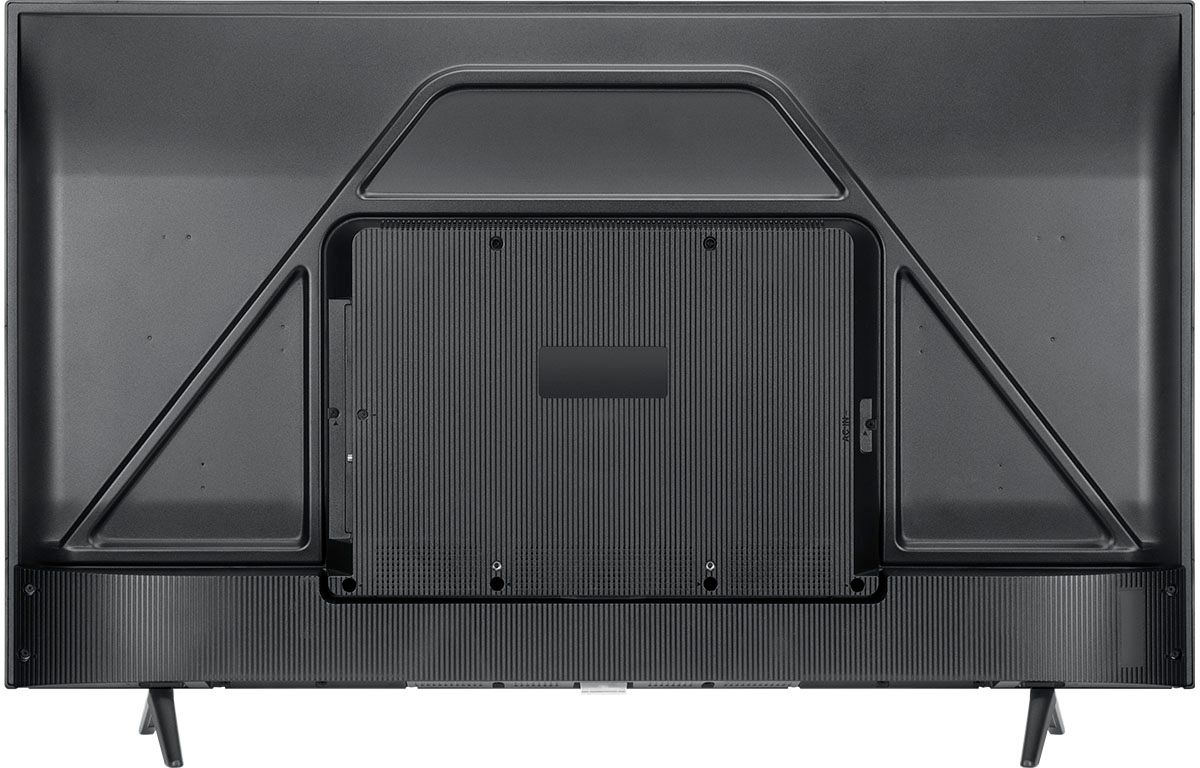
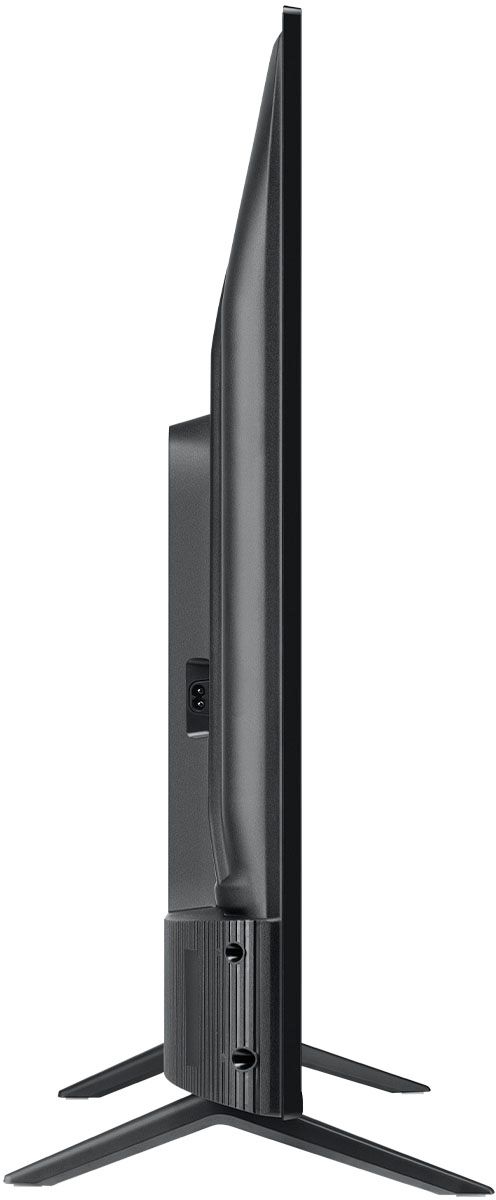
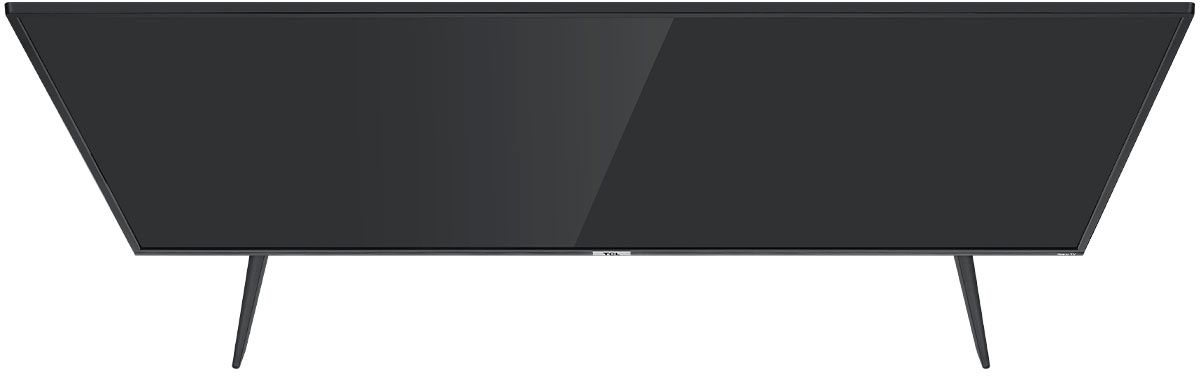
A:AnswerWithout the feet attached, the dimensions of this TV are as follows: (W x H x D) 44.2" x 25.8" x 3.3". Hope this helps! Thank you, TCL Customer Support
A:AnswerThe YouTubeTV streaming channel is one of the thousands of streaming channels offered through the Roku Channel Store. You can also visit www.roku.com/whats-on to see other streaming channels Roku offers. Hope this helps! Thank you, TCL Customer Support
A:AnswerWithout the feet attached, the dimensions of this TV are as follows: (W x H x D) 44.2" x 25.8" x 3.3". Hope this helps! Thank you, TCL Customer Support
A:AnswerYou can go to www.Roku.com/whats-on to see what streaming channels and apps are offered through the Roku Channel Store. To search for a specific channel you would simply want to enter that information into the search section. Hope this helps! Thank you, TCL Customer Support
A:AnswerWithout the feet attached, the dimensions of this TV are as follows: (W x H x D) 44.2" x 25.8" x 3.3". Hope this helps! Thank you, TCL Customer Support
A:AnswerYou can go to www.Roku.com/whats-on to see what streaming channels and apps are offered through the Roku Channel Store. To search for a specific channel you would simply want to enter that information into the search section. Hope this helps! Thank you, TCL Customer Support
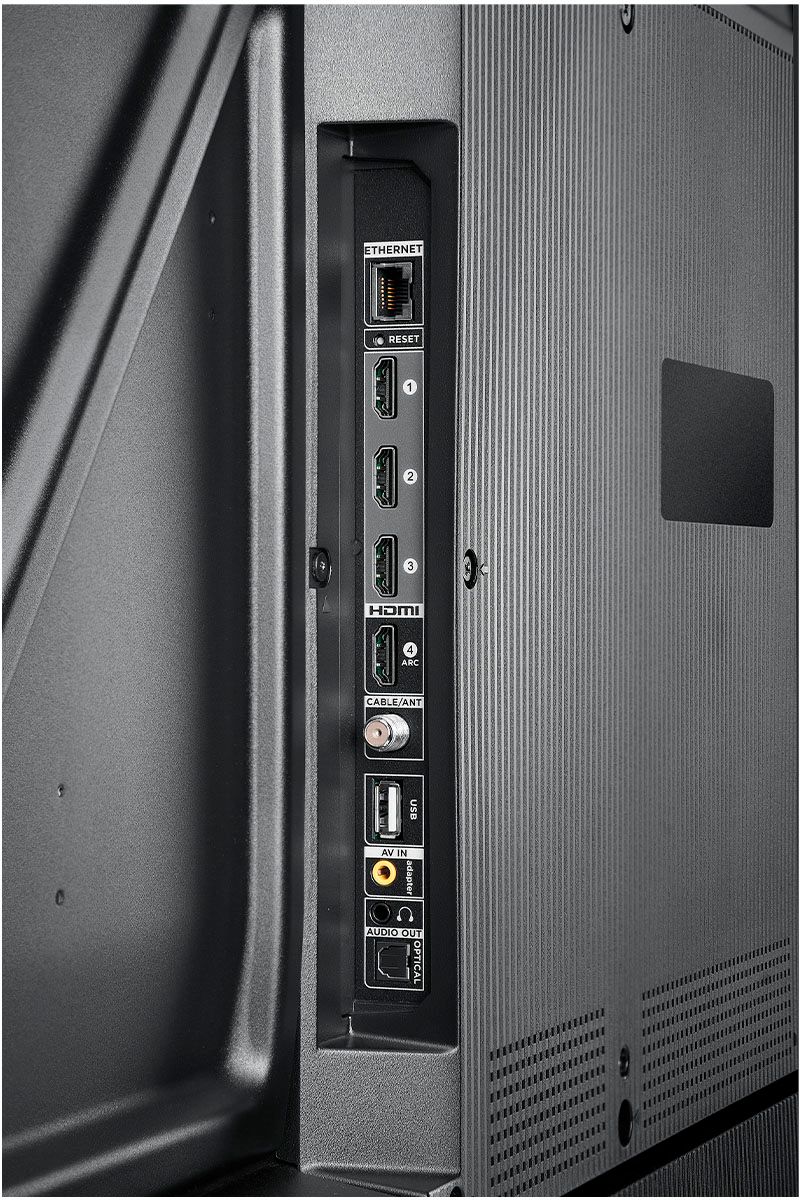
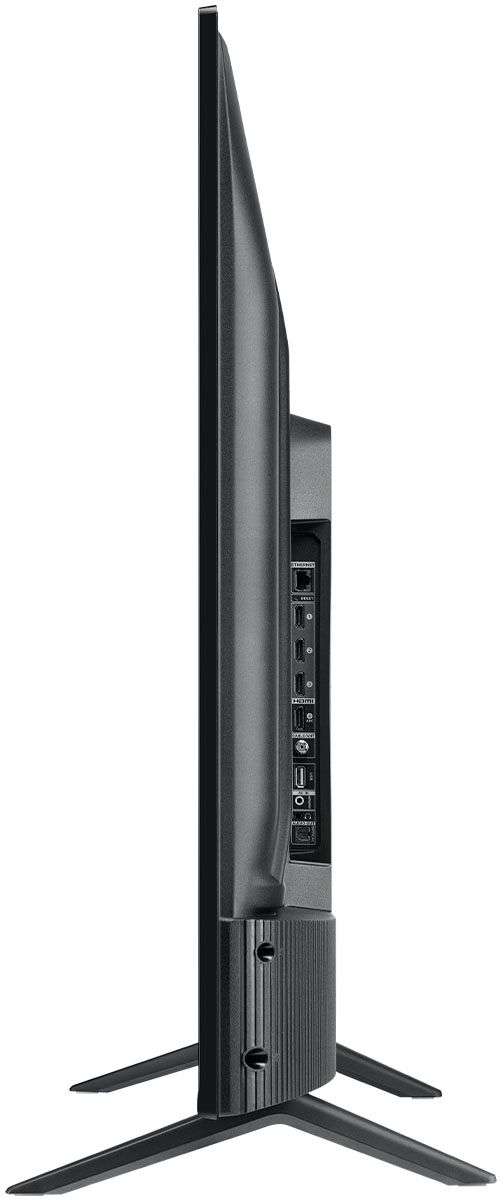
A:AnswerAlthough this TCL Roku TV is designed with the primary role of television in mind, it does come with several HDMI ports. Any of these ports can be used to connect the TV to external devices, such as a PC. Hope this helps! Thank you, TCL Customer Support
A:AnswerWith the new update, this TV should indeed soon support AirPlay and HomeKit. You can visit https://support.roku.com/article/360057488733 for more information. Hope this helps! Thank you, TCL Customer Support
A:AnswerWithin each TV series there are different sizes and models available. These models can have differences in their physical/cosmetic design or remote controls. However, the features and capabilities remain the same. Additionally, the new version of 4-Series TVs offers the same great performance and features as the previous versions. Hope this helps! Thank you, TCL Customer Support
A:AnswerThe Xfinity streaming channel is one of the thousands of streaming channels offered through the Roku Channel Store. You can also visit www.roku.com/whats-on to see other streaming channels Roku offers. Hope this helps! Thank you, TCL Customer Support
A:AnswerHello Voice Activated,
Yes you can either download the Roku app and use the voice search options in the Roku app to control the TV via the remote tab. Or you can set up a Google Mini or Amazon Dot to control your TV via Voice.
Hope this helps,
TCL Customer Support
A:AnswerWith the new update coming out, this TV should indeed soon support AirPlay and HomeKit. You can visit https://support.roku.com/article/360057488733 for more information. Hope this helps! Thank you, TCL Customer Support
A:AnswerOur TCL Roku TVs do not currently support Bluetooth. However, you can download the free Roku app on your smart phone or tablet to use voice search, voice control, and experience private listening. To enjoy private listening you simply click private listening in the app, and attach headphones to your smart phone or tablet. Or you can use the 3.5 mm headphone jack in the back of the TV to connect standard headphones. Hope this helps! Thank you, TCL Customer Support
A:AnswerWith the feet attached, the dimensions of the TV are as follows: (W x H x D) 44.2" x 27.8" x 11.8". Hope this helps! Thank you, TCL Customer Support