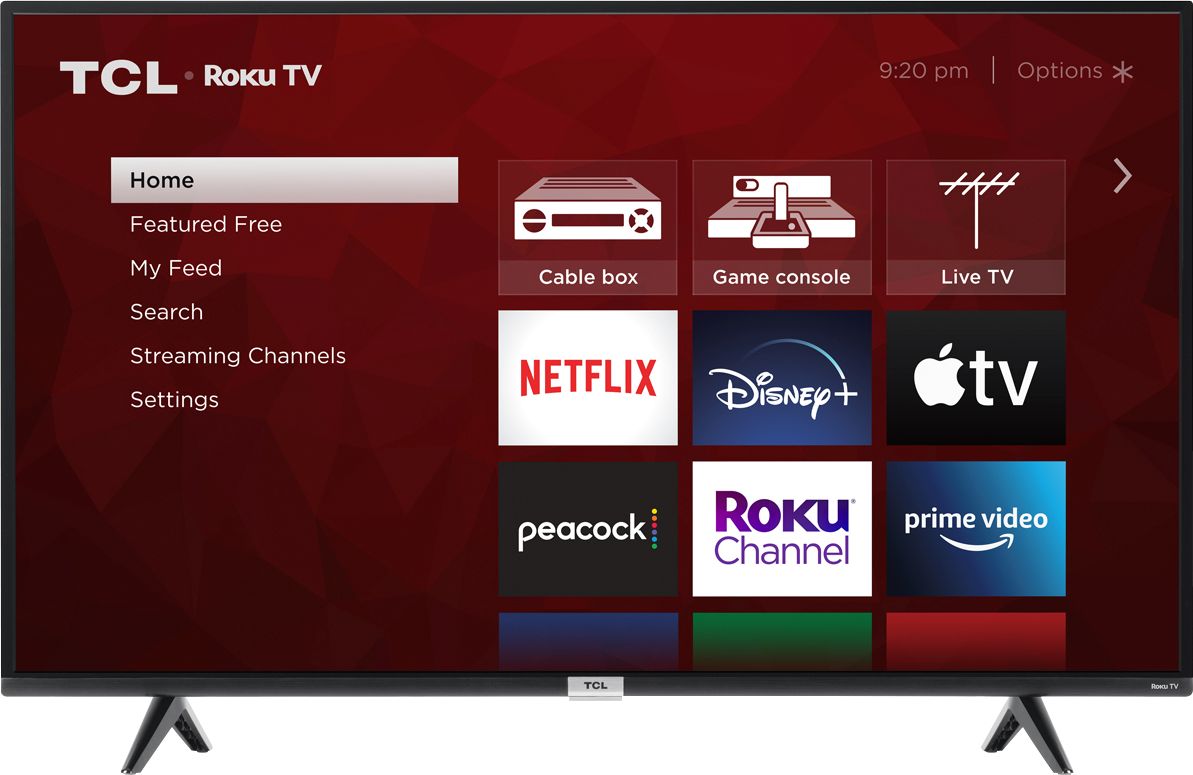
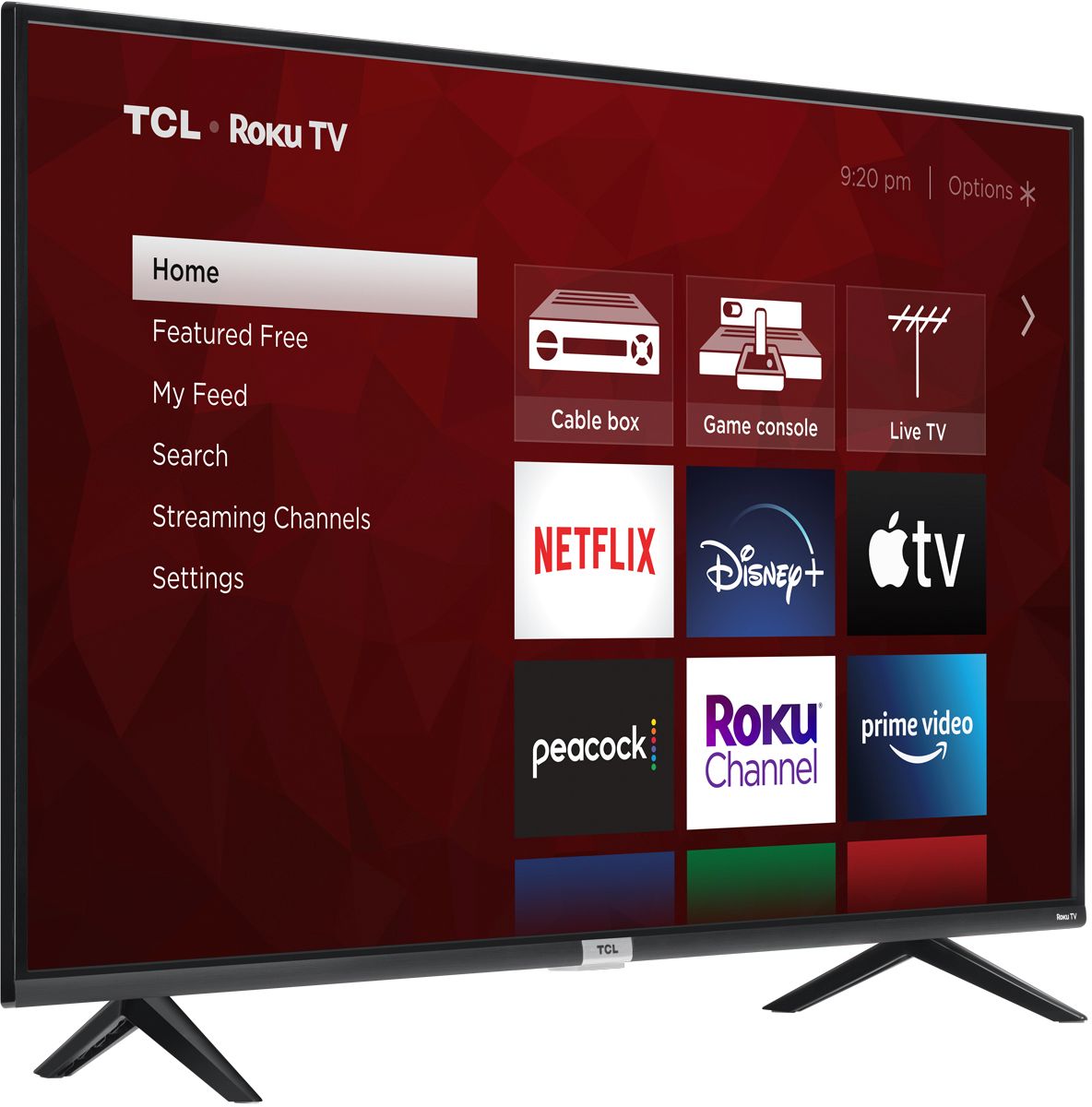
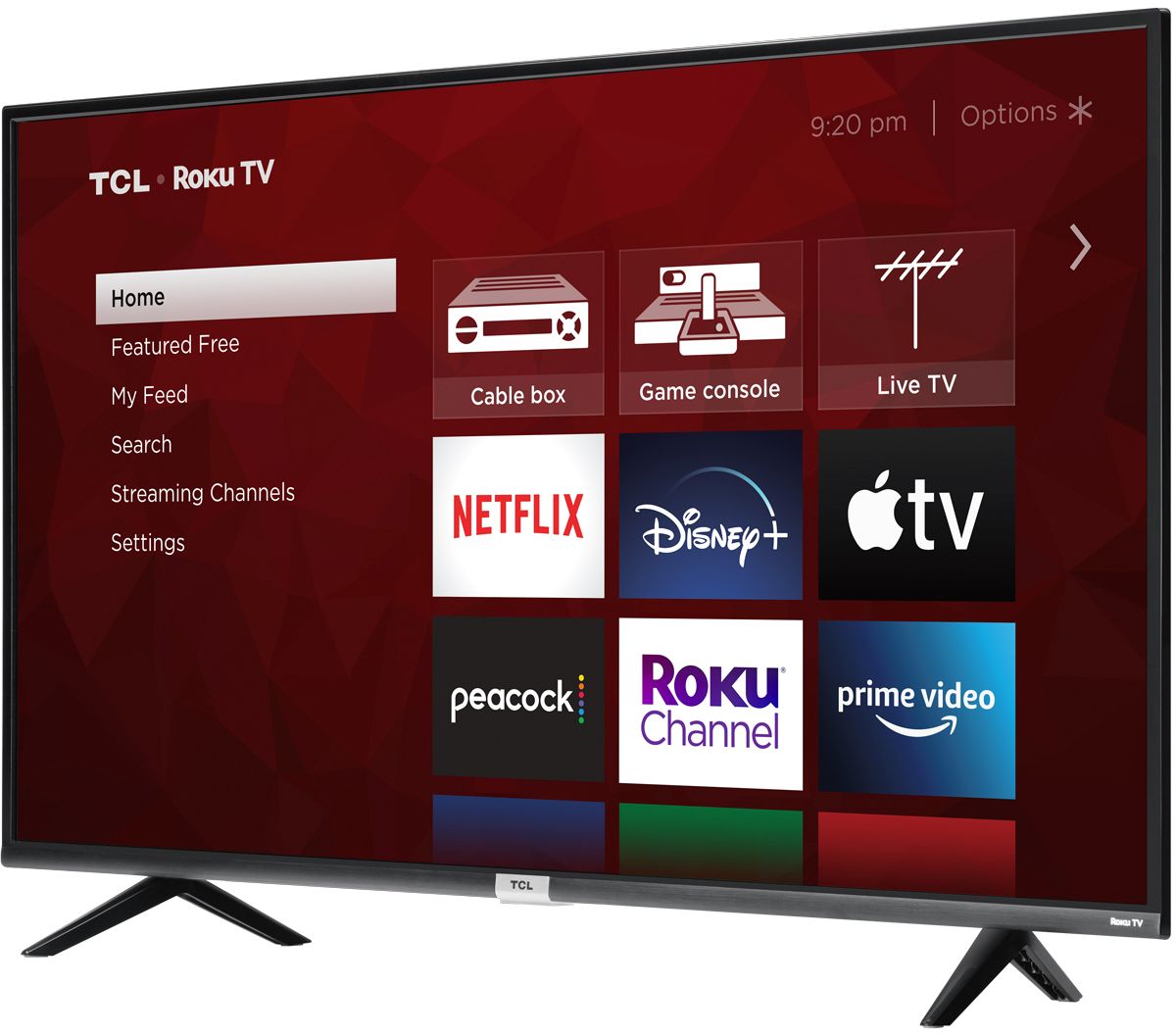
A:AnswerTCL Roku TVs support screen mirroring with compatible Android and Windows devices. Here is a great article with more details on how: https://support.roku.com/article/208754928-how-to-use-screen-mirroring-with-your-android-or-windows-device. Hope this helps! Thank you, TCL Customer Support
A:AnswerThis TCL Roku TV does not currently feature a web browser. However, there are thousands of streaming channels and over 500,000 different movies and TV episodes available through the Roku streaming system. Additionally, you can screen mirror compatible Android and Windows phones to the TV. This way you can search on your phone, but view on the TV. Hope this helps! Thank you, TCL Customer Support
A:AnswerYes I've purchased the voice control remotes for my TCL TV's (one for my 80 year old father and two for our other sets) Works perfectly and easy set up.
A:AnswerOur TVs are compatible with most Universal and cable remotes. Many Universal and cable box remotes can be programmed to control select features on the TV. You can visit https://support.tcl.com/us-remote-codes for more information. If you do not see your specific remote, you would need to contact the remote's manufacturer to obtain the remote code from them. Hope this helps! Thank you, TCL Customer Support
A:AnswerYou can go to www.Roku.com/whats-on to see what streaming channels and apps are offered through the Roku Channel Store. To search for a specific channel you would simply want to enter that information into the search section. Hope this helps! Thank you, TCL Customer Support
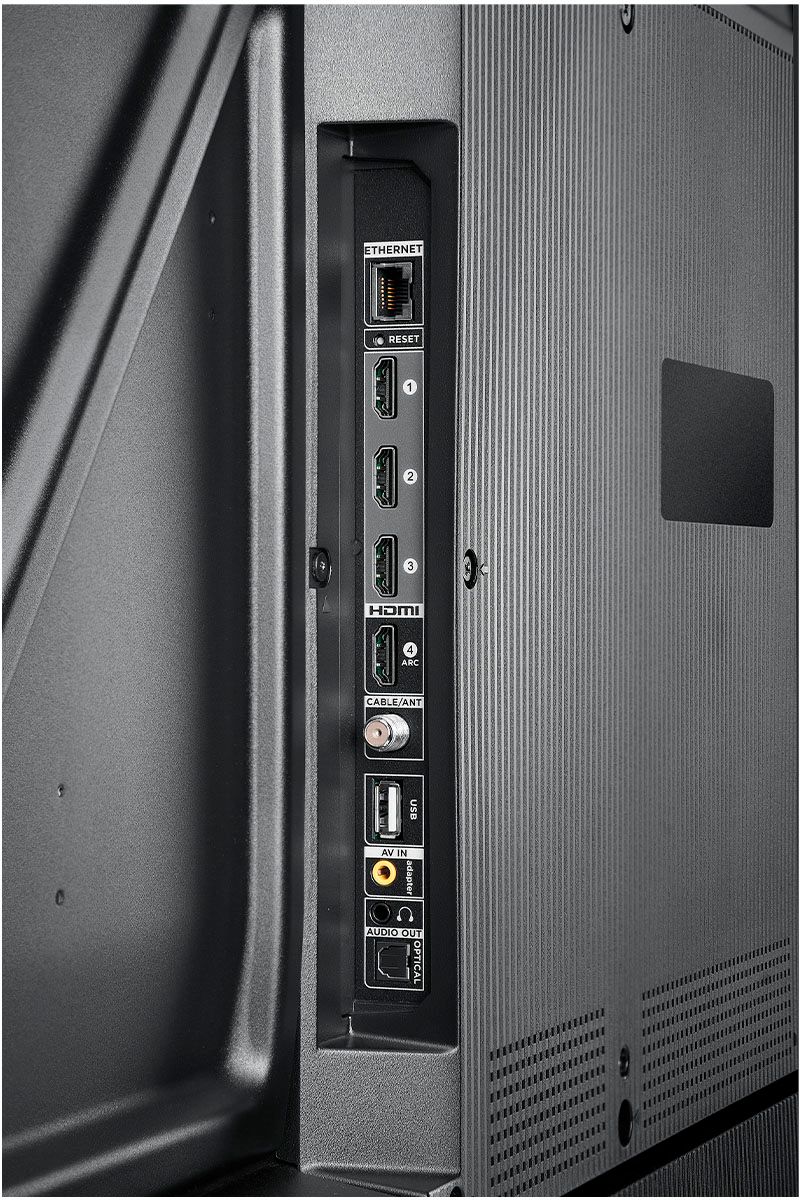
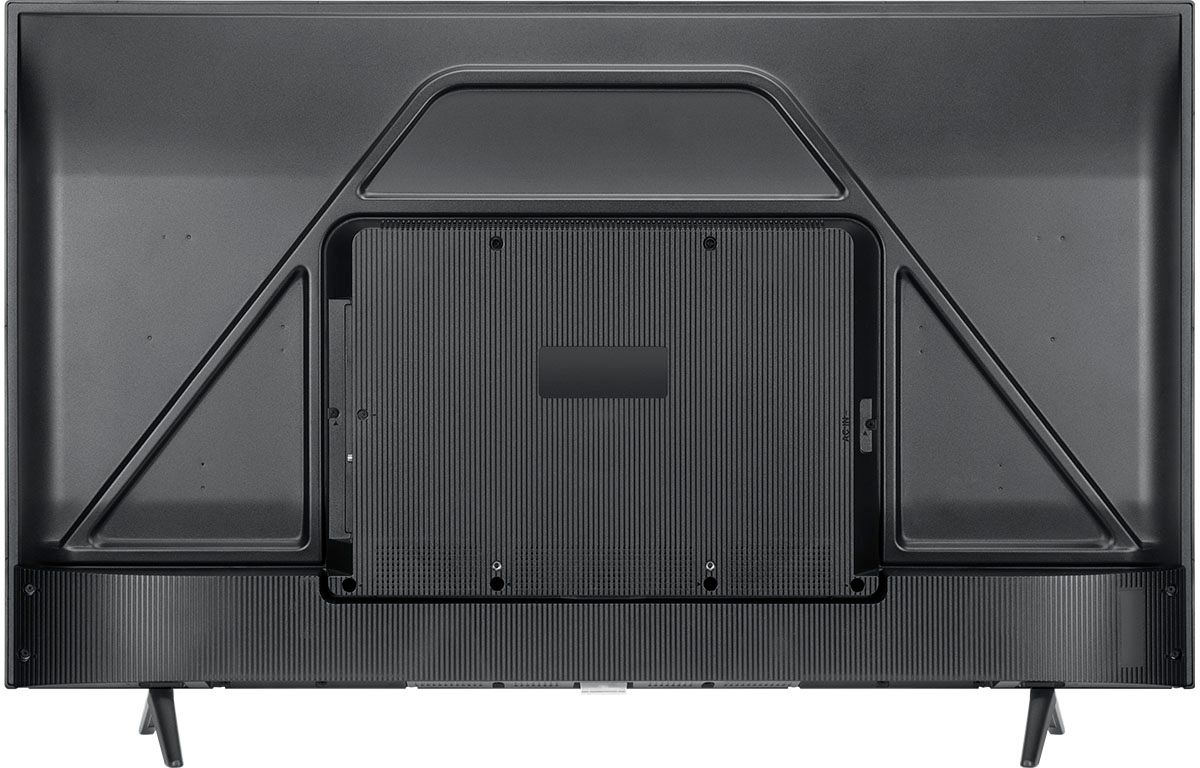
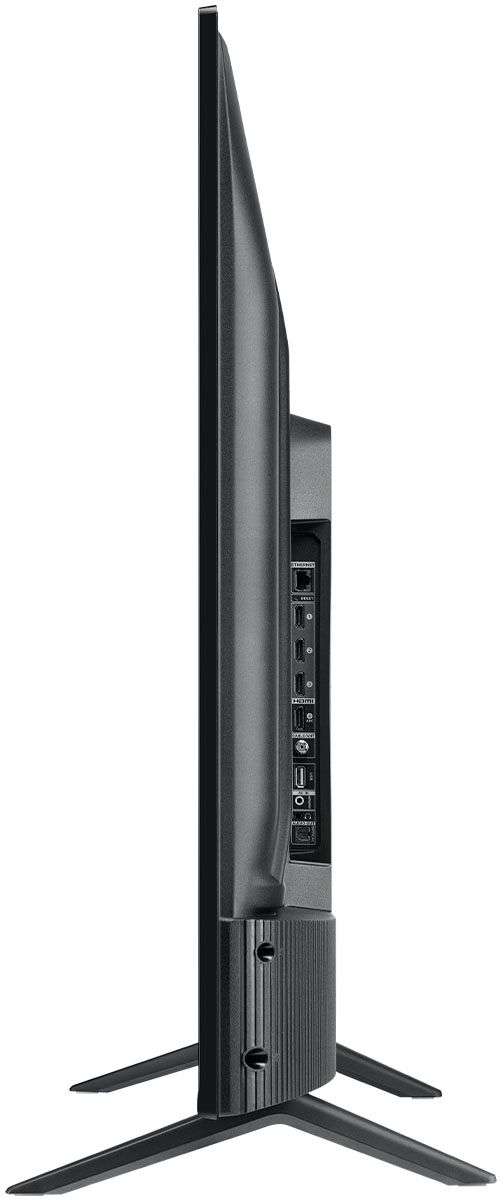
A:AnswerThis TCL TV features various inputs that can be used to connect external devices like a DVD player or DVR. Hope this helps! Thank you, TCL Customer Support
A:AnswerThe 50S434 features an Android Operating System, and the 50S435 features a Roku Operating System. TCL has proven to deliver what consumers seek out in their quest for premium entertainment – high quality, simplicity and content at a great value - with strategic partners like Roku and now Google. As such, all of the models in both lineups offer distinct features for those looking for the best TV to not only complement their entertainment systems but also their smart home setups. Each platform has its particular strengths and we are confident that each will find fans. Hope this helps! Thank you, TCL Customer Support
A:AnswerFor inquiries concerning stock and availability, you would want to contact your local Best Buy or Best Buy Customer Support as they would be best equipped to further assist you. Hope this helps! Thank you, TCL Customer Support
A:AnswerYou can go to www.Roku.com/whats-on to see what streaming channels and apps are offered through the Roku Channel Store. To search for a specific channel you would simply want to enter that information into the search section. Hope this helps! Thank you, TCL Customer Support
A:AnswerTCL has proven to deliver what consumers seek out in their quest for premium entertainment – high quality, simplicity and content at a great value - with strategic partners like Roku and now Google. As such, all of the models in both lineups offer distinct features for those looking for the best TV to not only complement their entertainment systems but also their smart home setups. Each platform has its particular strengths and we are confident that each will find fans. Hope this helps! Thank you, TCL Customer Support