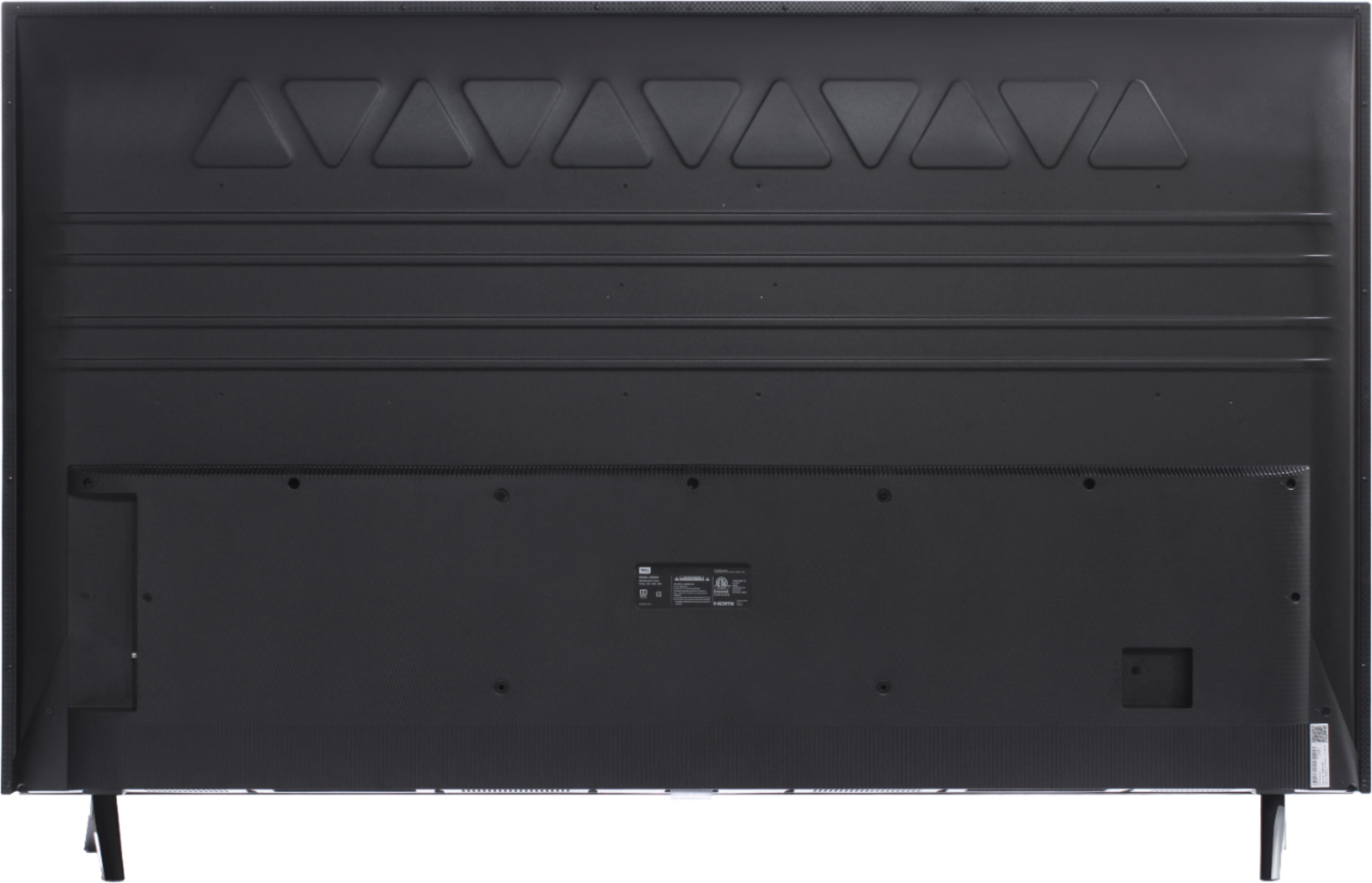
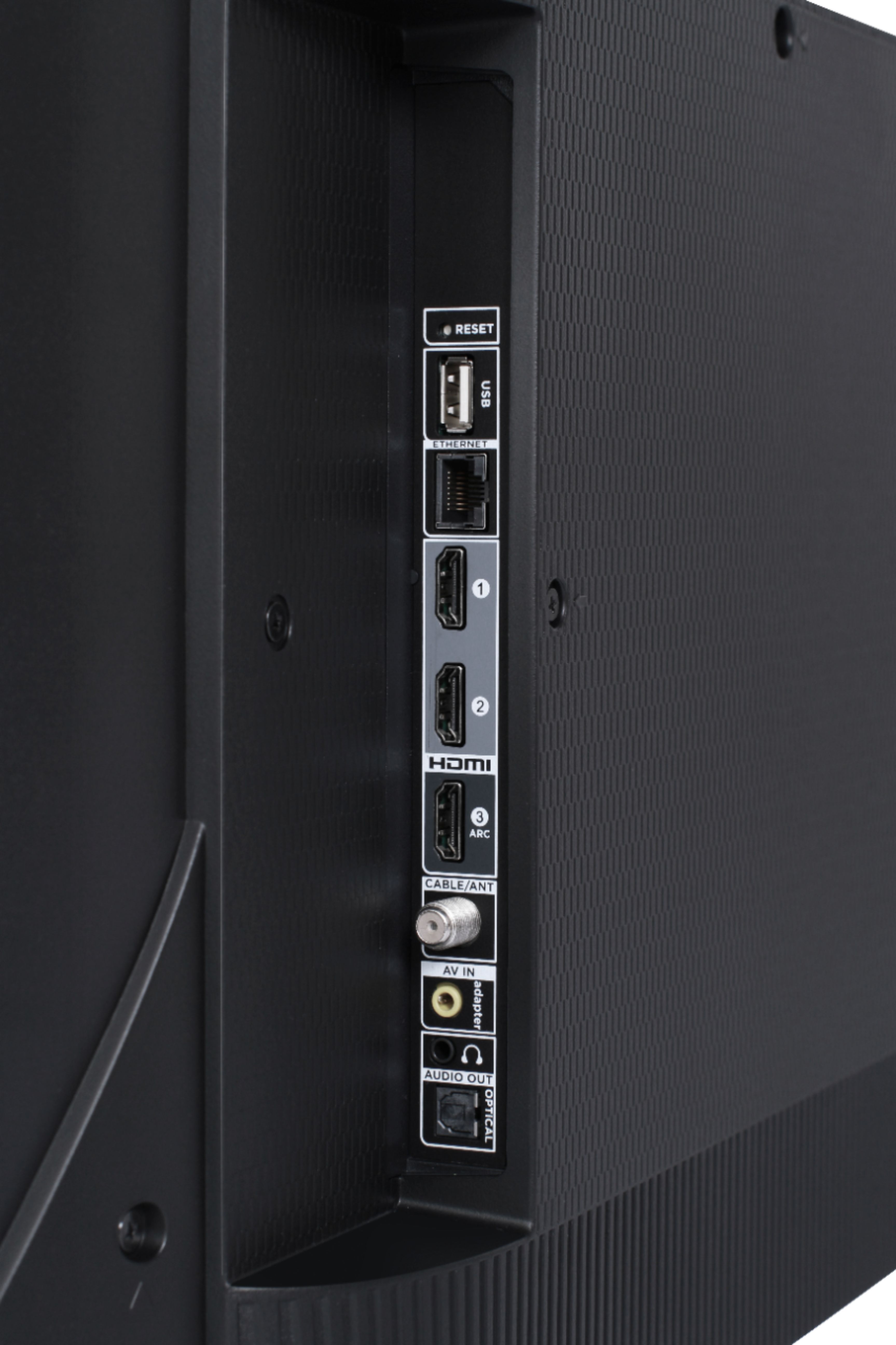
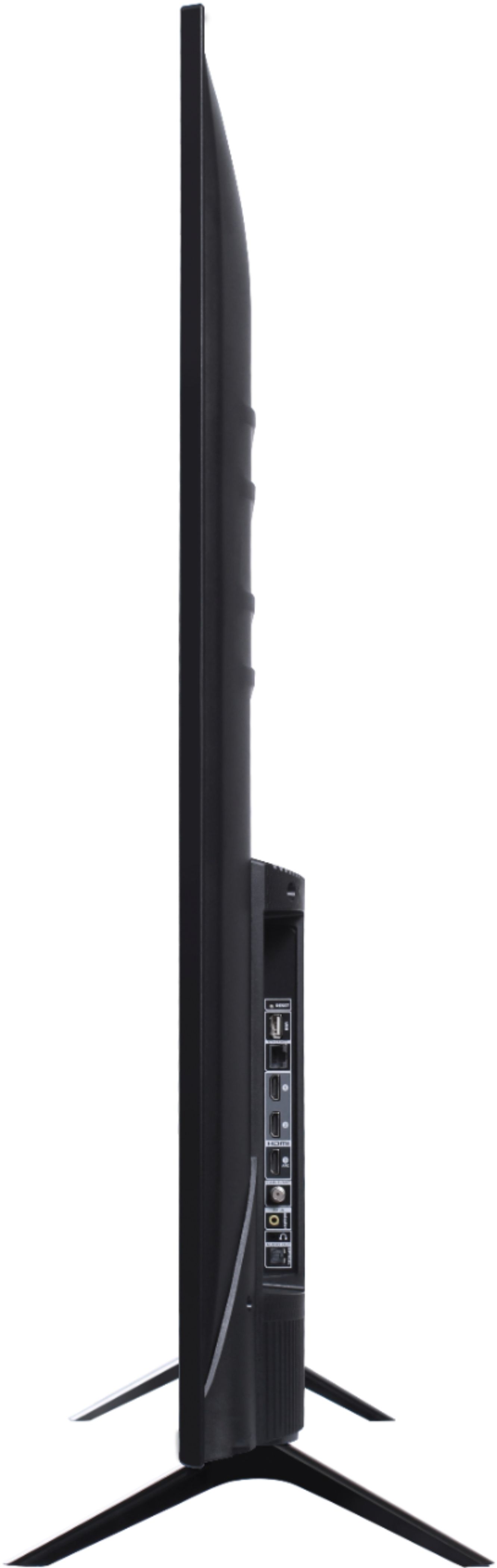
A:AnswerThis TCL Roku TV has a coaxial located on the back of the TV near the other inputs. By connecting an antenna you can receive over-the-air channels. However, the reception depends on the signal strength. Hope this helps! Thank you, TCL Customer Support
A:AnswerIf you connect a USB Drive to your TV you can access Live TV Pause. You can visit https://support.tclusa.com/20272-roku/209528-what-is-live-tv-pause?from_search=29855470 for more information about this. Hope this helps! Thank you, TCL Customer Support
A:AnswerYou can connect an audio system via HDMI, optical, or the 3.5mm audio jack. If your existing system supports one of these methods you should be fine. If not we would recommend going with a newer soundbar.
-TCL Customer Support
A:AnswerOur TCL Roku TVs are now compatible with both Alexa and Google voice assistants. You can visit https://support.tclusa.com/televisions-setup-configurations/using-amazon-alexa-to-control-your-tcl-roku-tv for more information about Alexa, and https://support.tclusa.com/tcl-roku-tvs-now-work-with-google-assistant for more information about Google Assistant. Hope this helps! Thank you, TCL Customer Support
A:AnswerThis TCL Roku TV does not currently feature a web browser. However, there are thousands of streaming channels and over 500,000 different movies and TV episodes available through the Roku streaming system. Additionally, you can screen mirror compatible Android and Windows phones to the TV. This way you can search on your phone, but view on the TV. Hope this helps! Thank you, TCL Customer Support
A:AnswerOur TCL Roku TVs do not currently support Bluetooth. However, you can download the free Roku app on your smart phone or tablet to use voice search, voice control, and experience private listening. To enjoy private listening you simply click private listening in the app, and attach headphones to your smart phone or tablet. Or you can use the 3.5 mm headphone jack in the back of the TV to connect standard headphones. Hope this helps! Thank you, TCL Customer Support
A:AnswerTCL Roku TVs support screen mirroring with compatible Android and Windows devices. Here is a great article with more details on how: https://support.roku.com/article/208754928-how-to-use-screen-mirroring-with-your-android-or-windows-device. Hope this helps! Thank you, TCL Customer Support