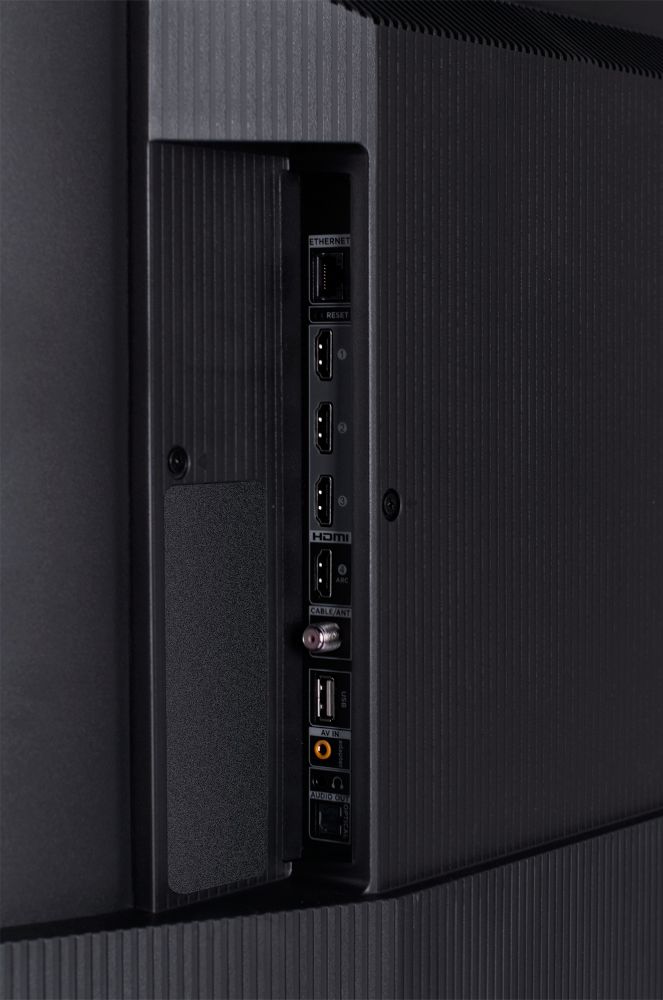
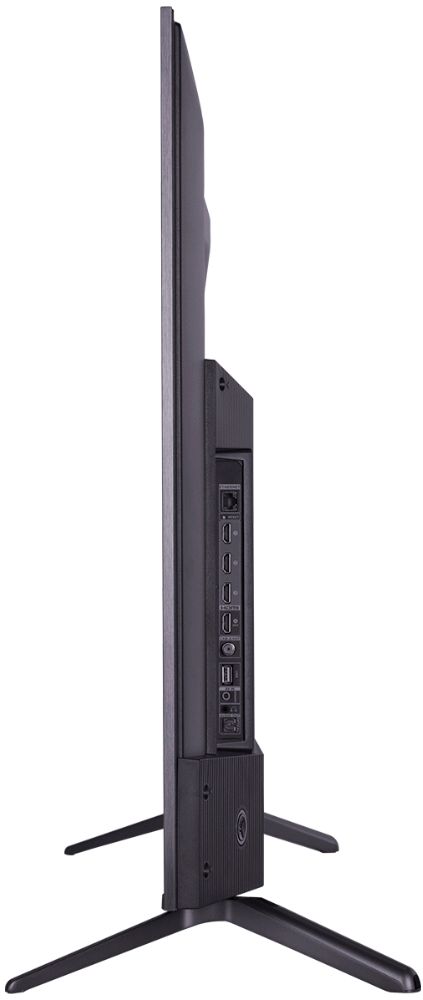
A:AnswerCurrently, our Roku based TVs do not support Bluetooth. If you are trying to connect a sound bar or speakers you can use the Optical port, or the HDMI ARC port. The Free Roku app for private listening is only for the built in streaming channels. Hope this helps! Thank you, TCL Customer Support
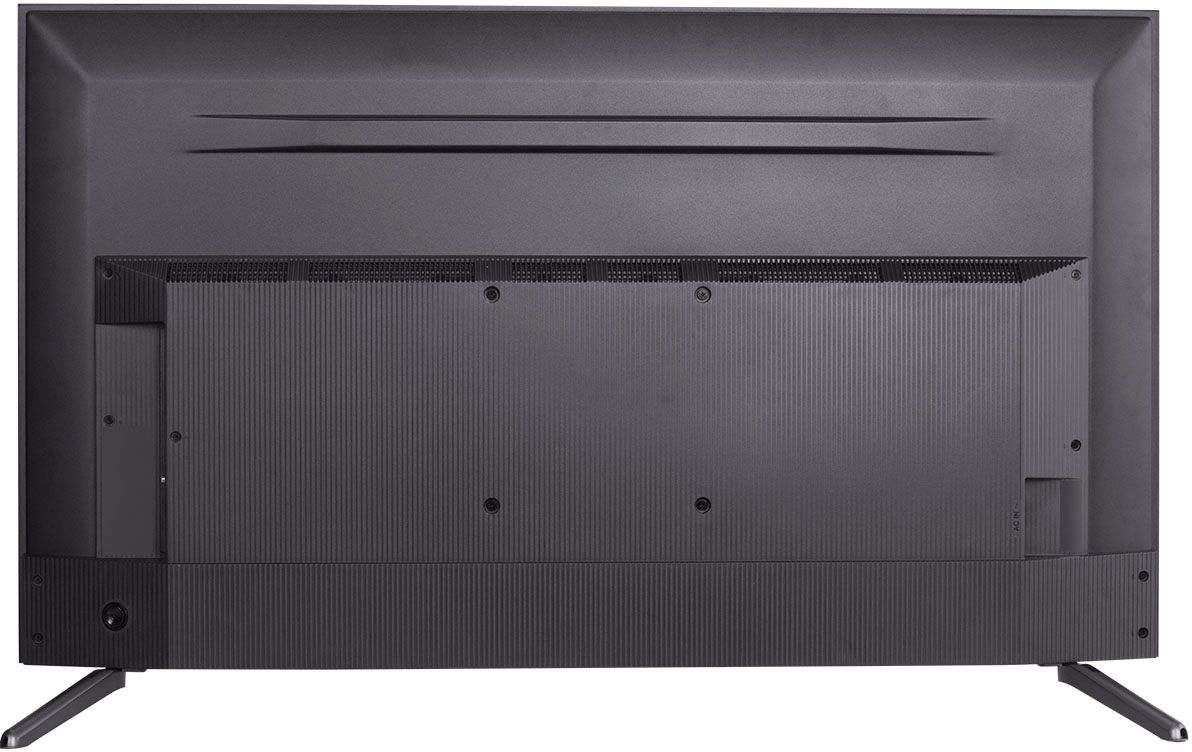
A:AnswerThe composite connection for this TCL TV is a single input located between the coaxial input and the Headphone Jack. You would need to use an adapter to connect the traditional red/white/yellow cables you are used to seeing. Hope this helps! Thank you, TCL Customer Support
A:AnswerFor the 50S535, the feet spacing to fit on a stand is 42.8 inches. Our 5-Series TVs do indeed feature an Ethernet port. Hope this helps! Thank you, TCL Customer Support
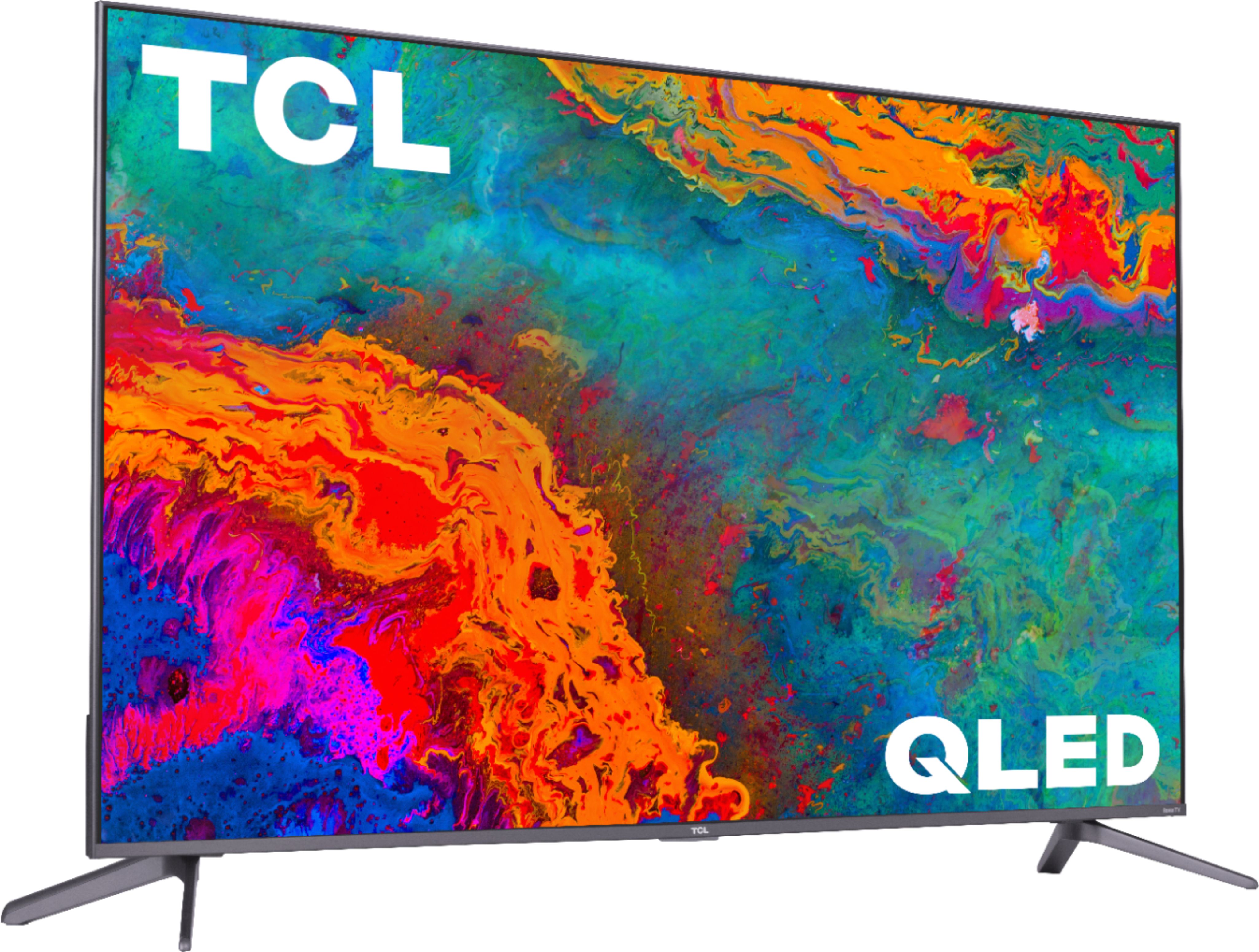
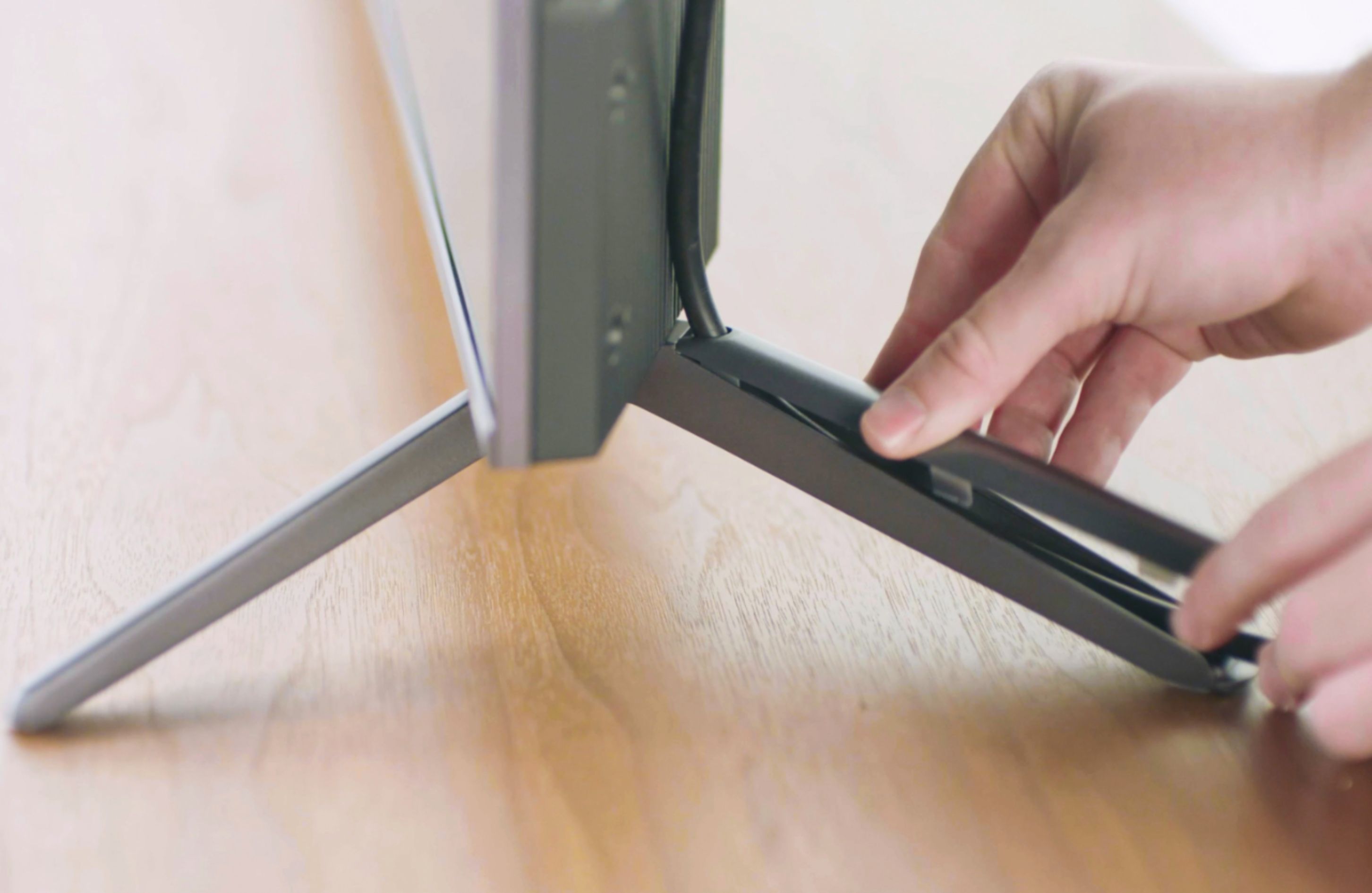
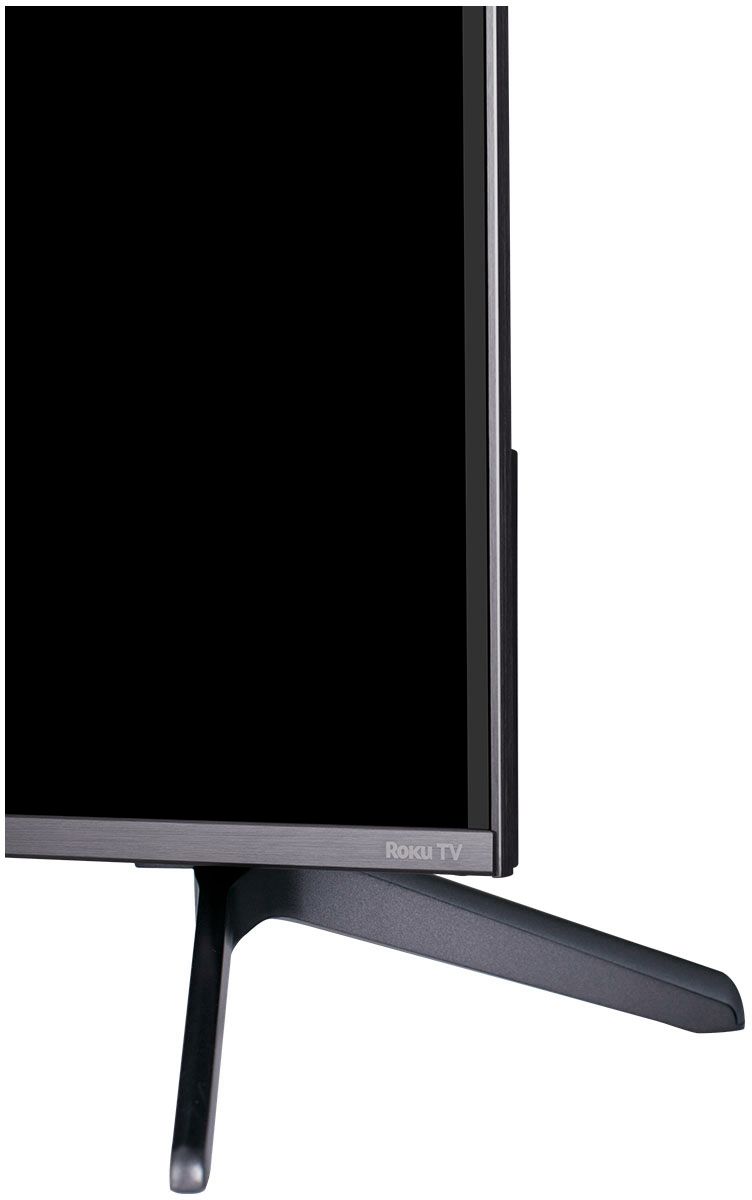
A:AnswerFor this 55 inch TCL Roku TV, the feet spacing to fit on a stand is 47.3 inches. The feet are not adjustable. Hope this helps! Thank you, TCL Customer Support
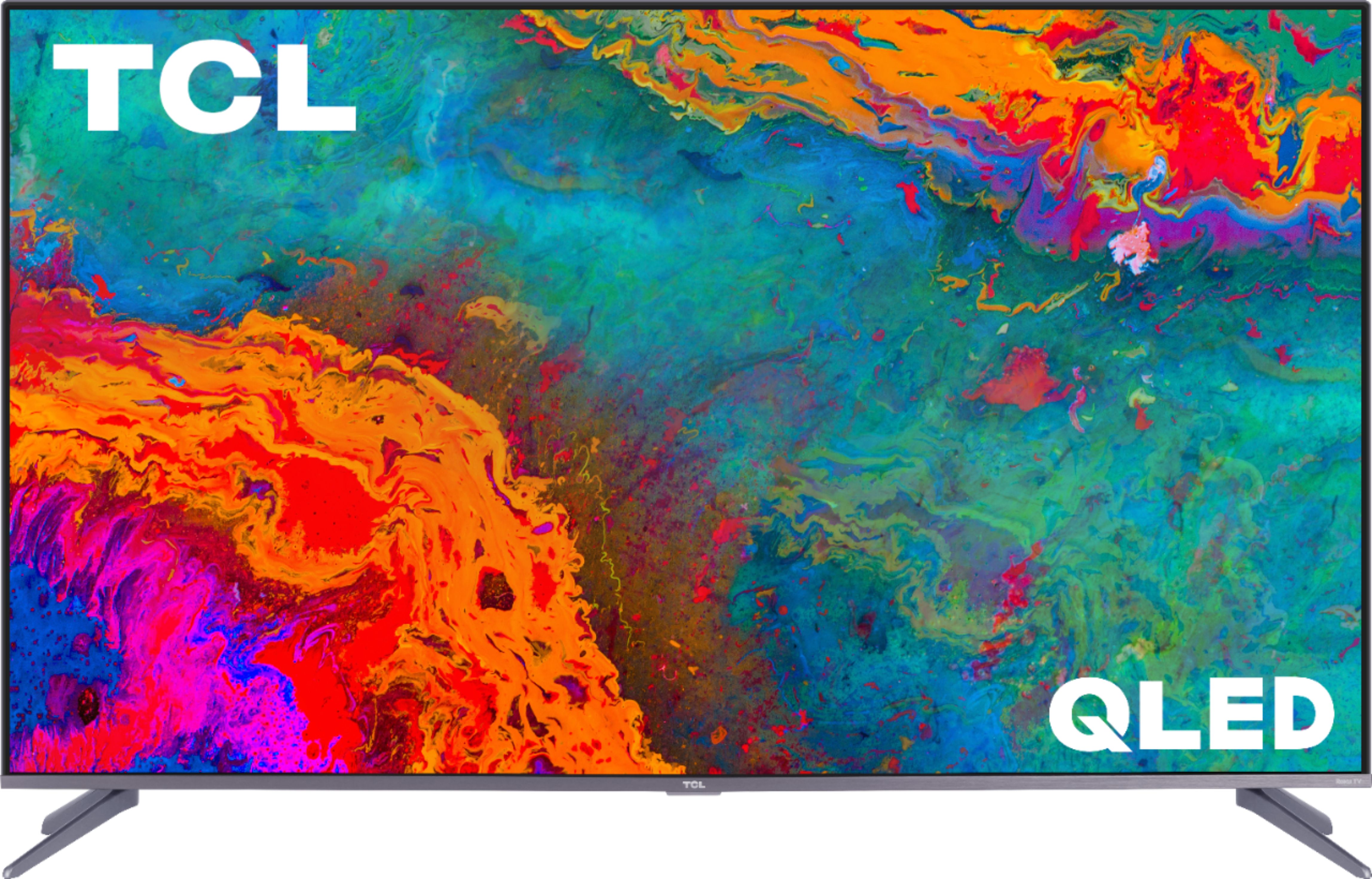
A:AnswerWith the feet attached, this TV is approximately 30.1 inches tall. Without the feet attached, the TV is approximately 28.1 inches tall. Hope this helps! Thank you, TCL Customer Support
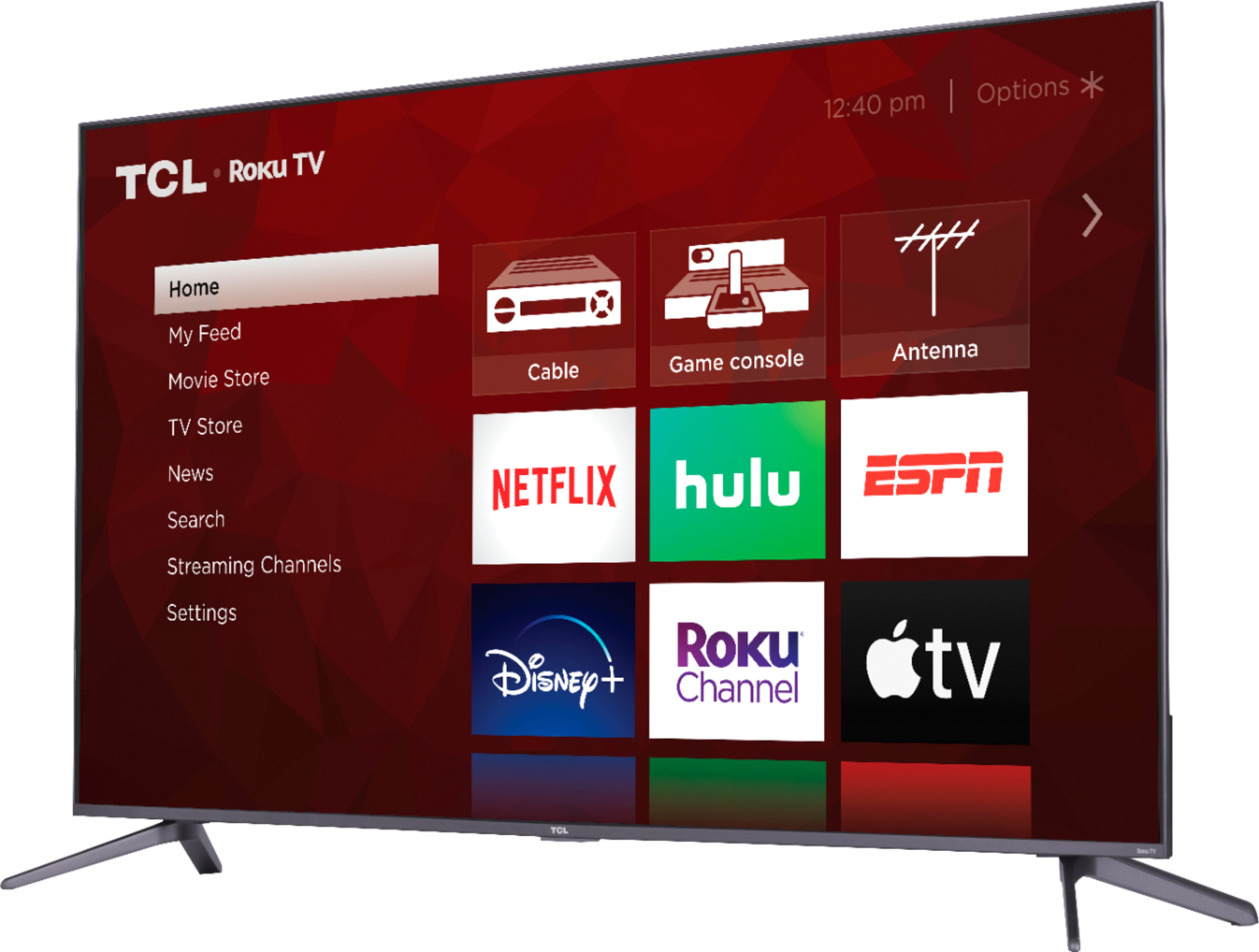
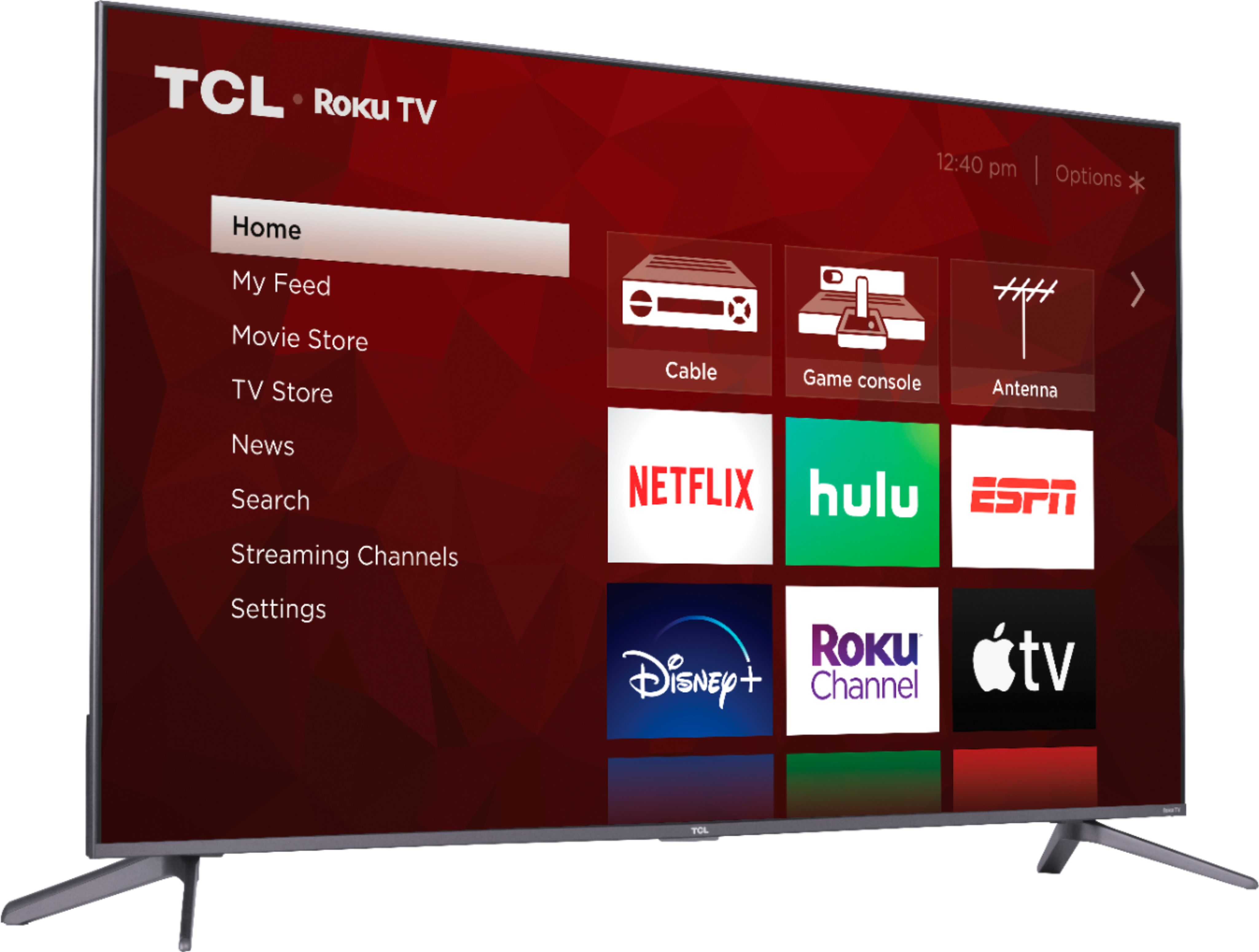
A:AnswerThis TCL Roku TV does not currently feature a web browser. However, there are thousands of streaming channels and over 500,000 different movies and TV episodes available through the Roku streaming system. Additionally, you can screen mirror compatible Android and Windows phones to the TV. This way you can search on your phone, but view on the TV. Hope this helps! Thank you, TCL Customer Support
A:AnswerYes it does and it’s a beautiful picture. I have been highly impressed with it. I’m also going to say that I have a OLED in my living room and the TCL in my bedroom so I can honestly say that even after watching my OLED, I am not disappointed in the picture quality when I switch rooms.
A:AnswerThe s535 automatically passes the highest bandwidth 4k signal it receives including HLG, HDR 10, and Dolby Vision. It will display text in the upper right corner indicating it’s displaying either HDR or Dolby Vision depending on what you’re viewing. No text means you’re viewing non-HDR 4K.
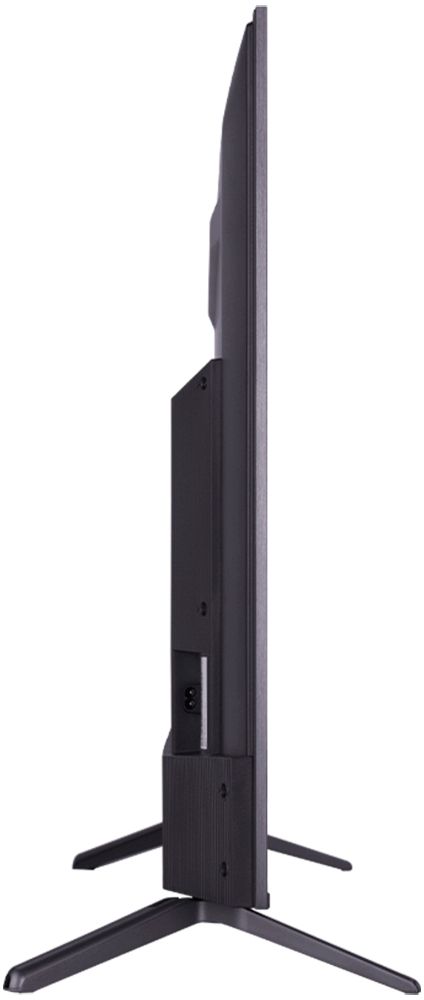
A:AnswerThe TV is approximately 47.5" wide x 27.5" high x 3" deep. The feet will add approximately 2" to the height from the top of your TV cabinet to the top of the TV.
A:AnswerIn order to use the smart features of this TCL Roku TV, you would need to complete the guided setup. This includes connecting to the Internet via WiFi, creating a Roku account (completely free), and activating the TV (completely free). Additionally, this TV has various inputs that can be used to connect external devices. However, it is not required to use the TV. Hope this helps! Thank you, TCL Customer Support
A:AnswerFor this 55 inch TCL Roku TV, the feet spacing to fit on a stand is 47.3 inches wide and 11.6 inches deep. Hope this helps! Thank you, TCL Customer Support
A:AnswerThis TCL Roku TV is designed and engineered to be used within the US. As such, it supports 120V. Hope this helps! Thank you, TCL Customer Support
A:AnswerTCL Roku TVs support screen mirroring with compatible Android and Windows devices. Here is a great article with more details on how: https://support.roku.com/article/208754928-how-to-use-screen-mirroring-with-your-android-or-windows-device. Hope this helps! Thank you, TCL Customer Support
A:AnswerThe composite connection for this TCL Roku TV is a single input located between the coaxial input and the Headphone Jack. You would need to us an adapter to connect the traditional red/white/yellow cables you are used to seeing. Hope this helps! Thank you, TCL Customer Support