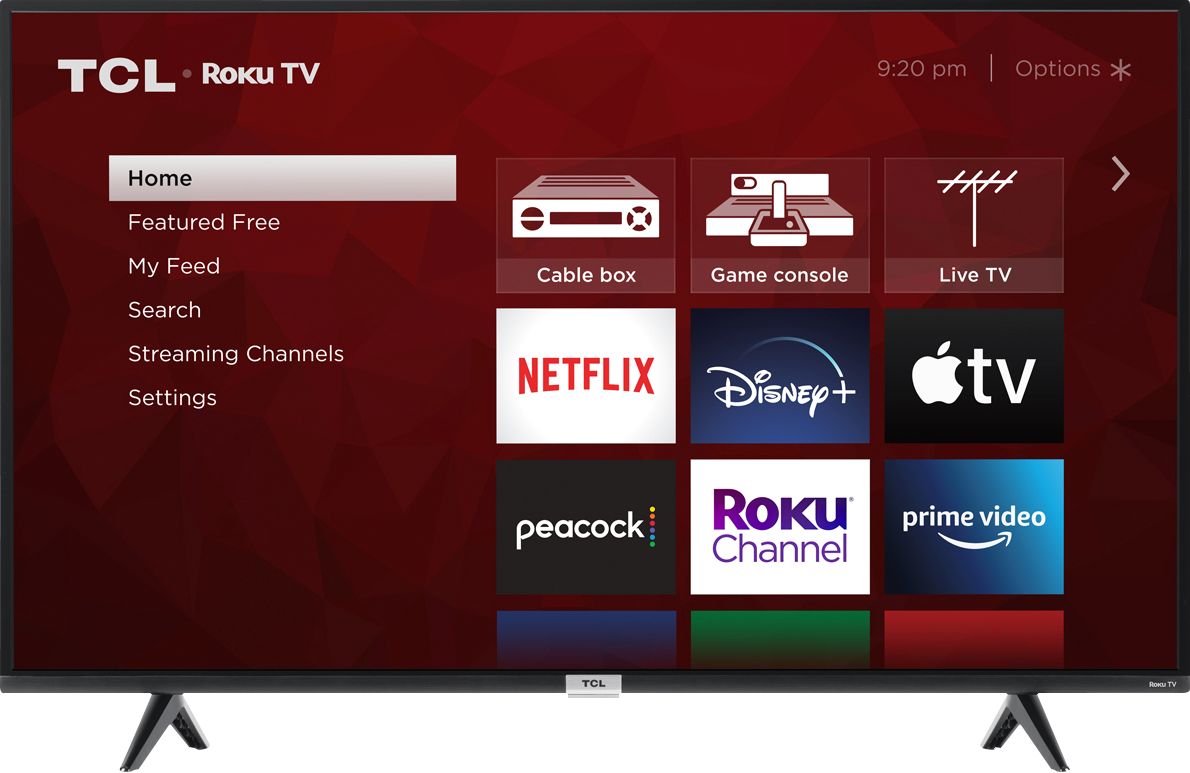
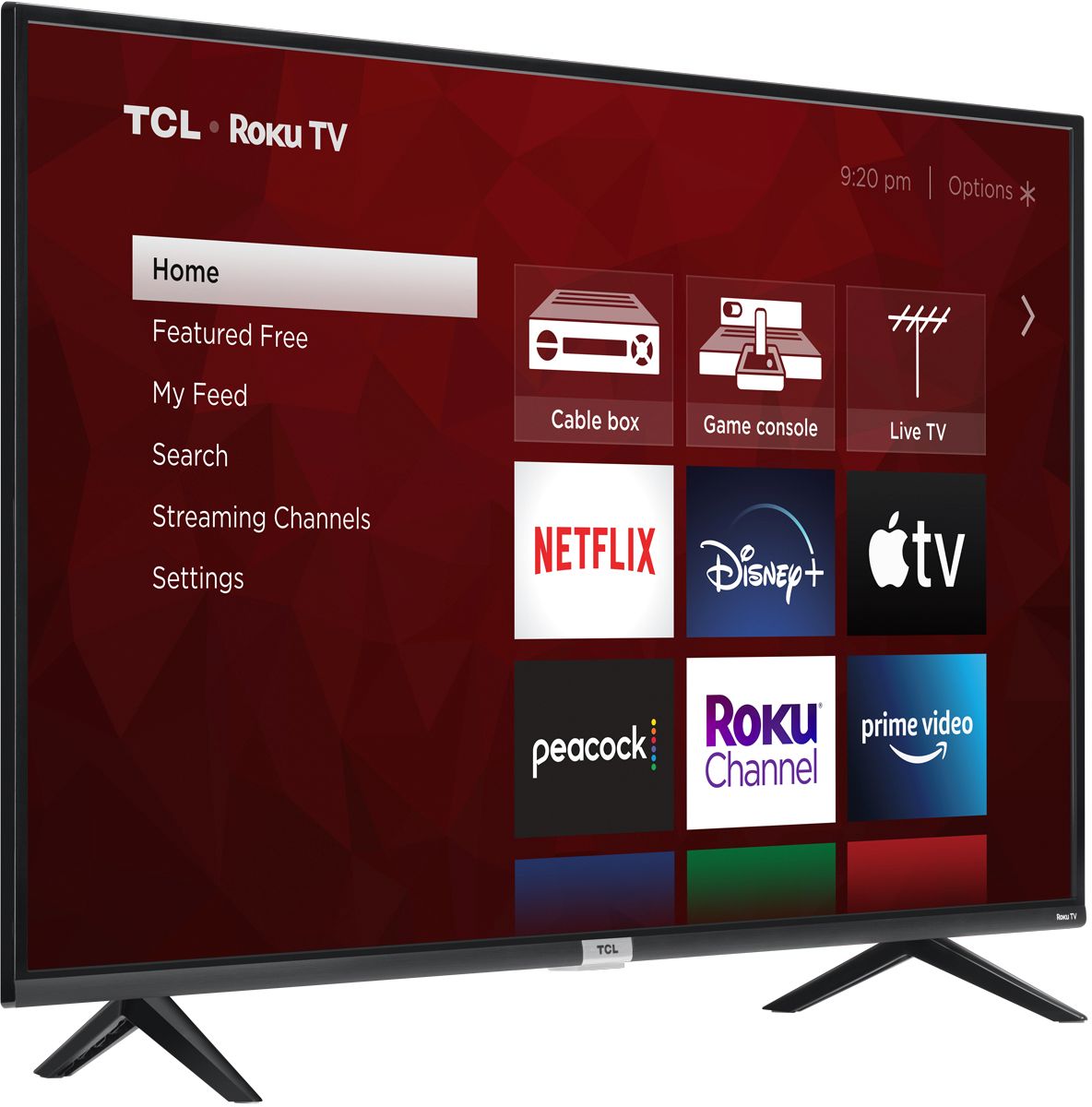
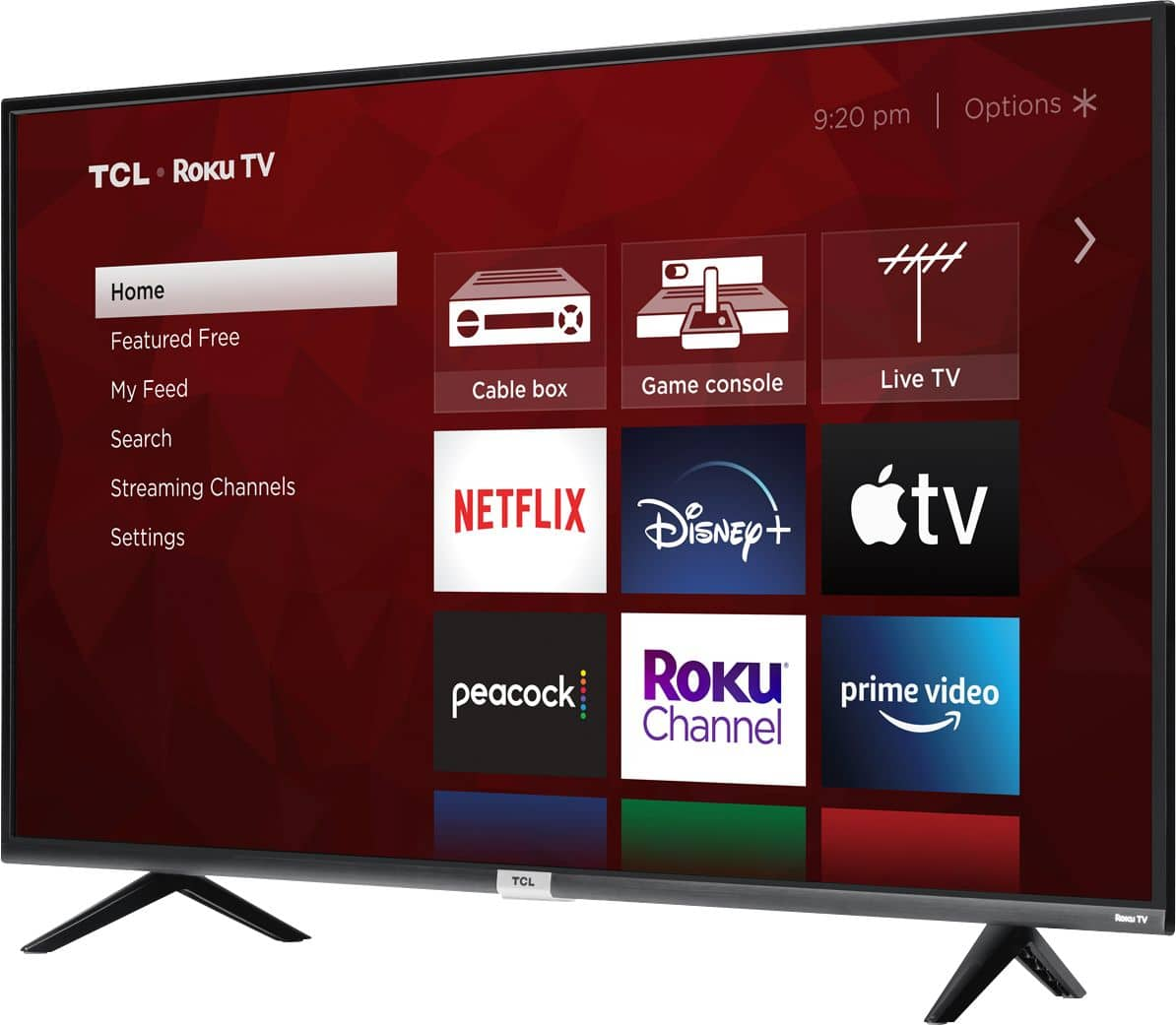
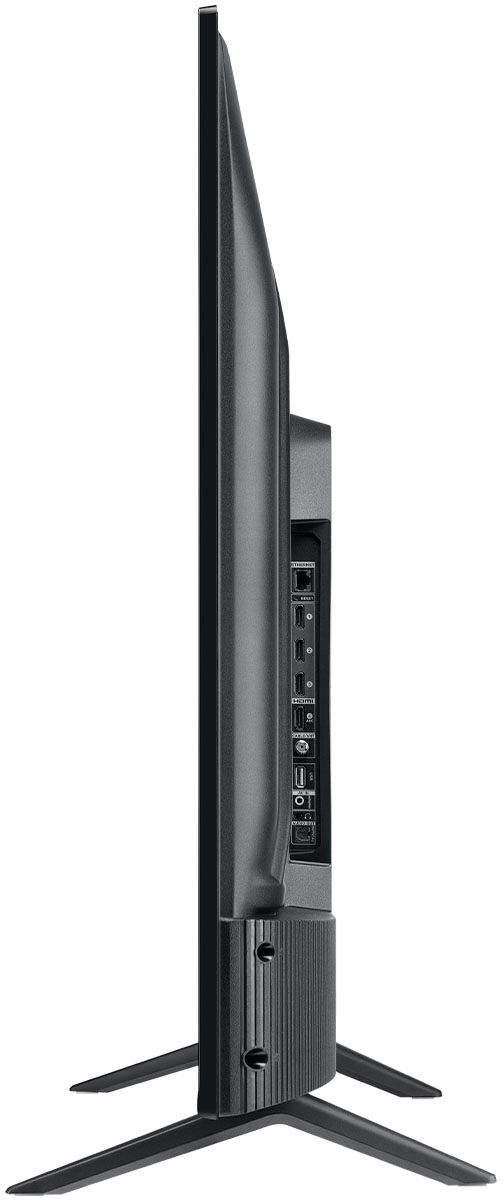
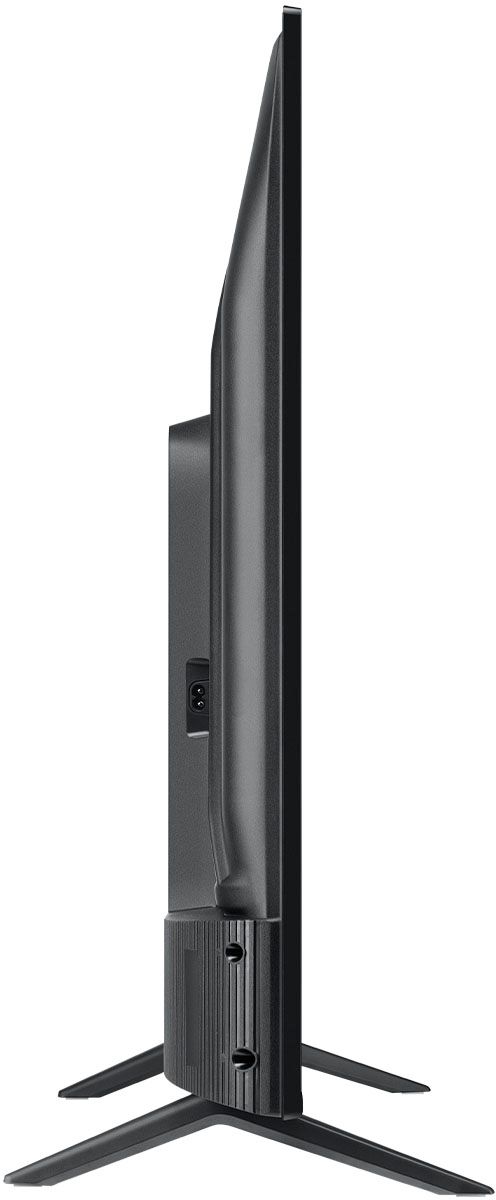
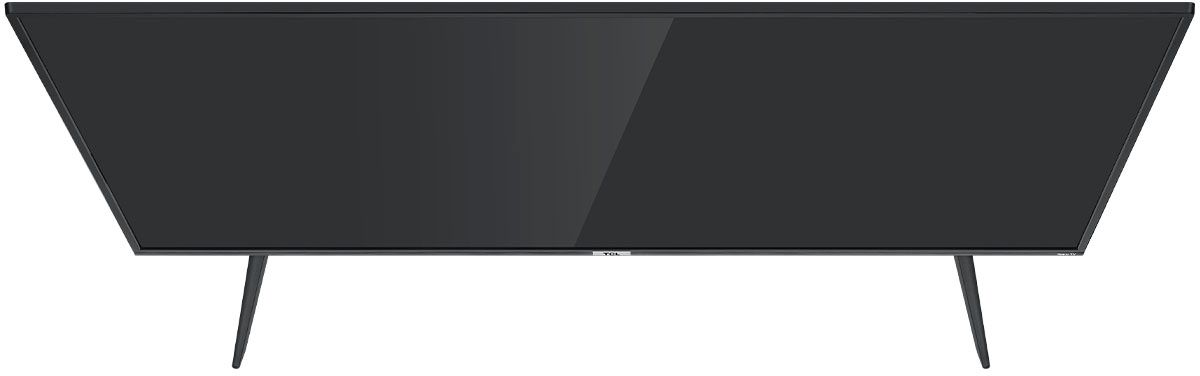
A:AnswerWithout the feet attached, the dimensions of this TV as follows: (W x H x D) 57.4" x 33.2" x 3.3". Hope this helps! Thank you, TCL Customer Support
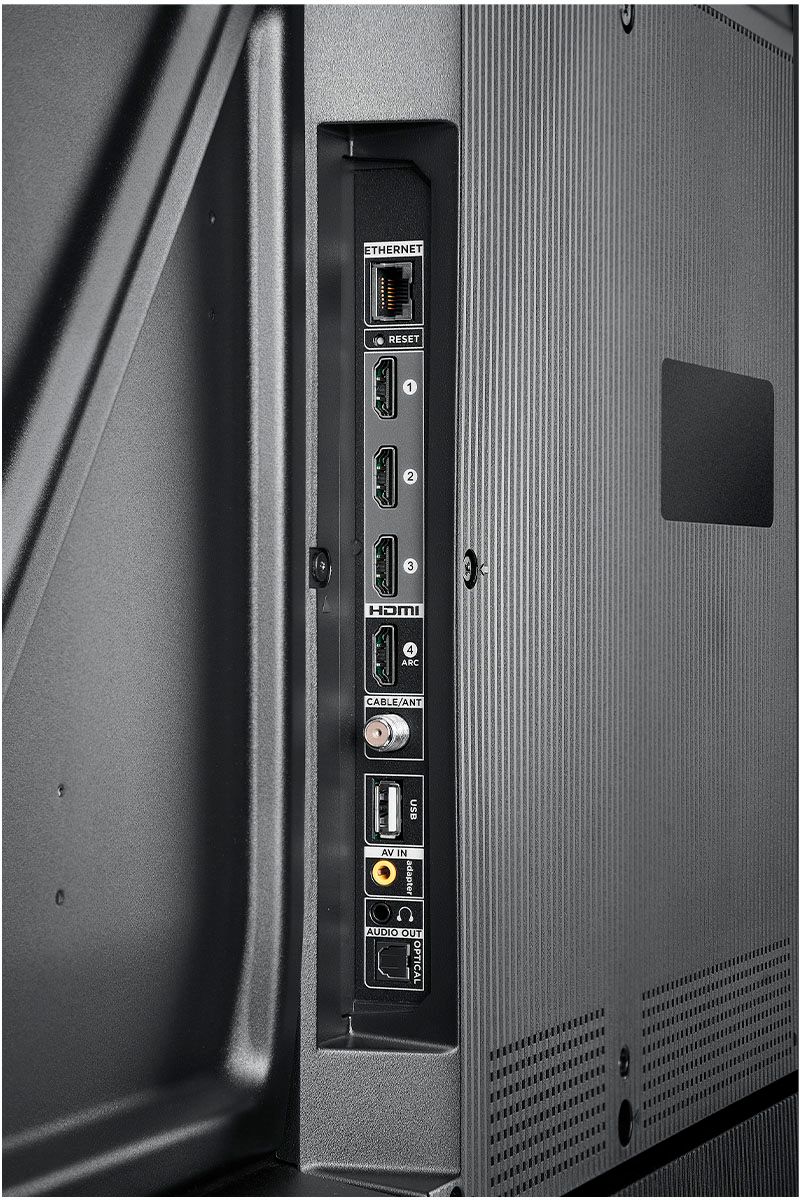
A:AnswerOur TCL Roku TVs are compatible with both Alexa and Google Assistant. However, there may be limitations to what specific content can be launched via voice. TCL Roku TVs have access to thousands of streaming channels, and over 500,000 movies and tv episodes to fulfill almost any streaming need. This TV also includes 3 HDMI ports to connect external devices, such as that of a Firestick. Hope this helps! Thank you, TCL Customer Support
A:AnswerYes, the 65" TCL, Series 4 does have a headphone jack, however access is located at the back of TV, 18" in from right side of the screen. I have the TV sitting on a table with several inches of clearance from the back wall and still find it inconvenient to access the jack. If the TV were wall mounted, accessing the jack could pose a real challenge.
A:AnswerYou can go to www.Roku.com/whats-on to see what streaming channels and apps are offered through the Roku Channel Store. To search for a specific channel you would simply want to enter that information into the search section. Hope this helps! Thank you, TCL Customer Support
A:AnswerFor inquiries concerning pricing, you would want to contact your local Best Buy or Best Buy Customer Support as they would be best equipped to further assist you. Hope this helps! Thank you, TCL Customer Support
A:AnswerWe have DirecTV (instead of cable) and once you set your TV to the correct HDMI port your cable is connected to, it comes up on the main screen. You must also have your cable box turned on. Yes, we get Amazon Prime and utube. You just have to set them up by entering your sign in/passwords.
A:AnswerYou can download it but I highly suggest never buying this tv. It has a lot of issues that the manufacturer is aware of and they make the tv unusable