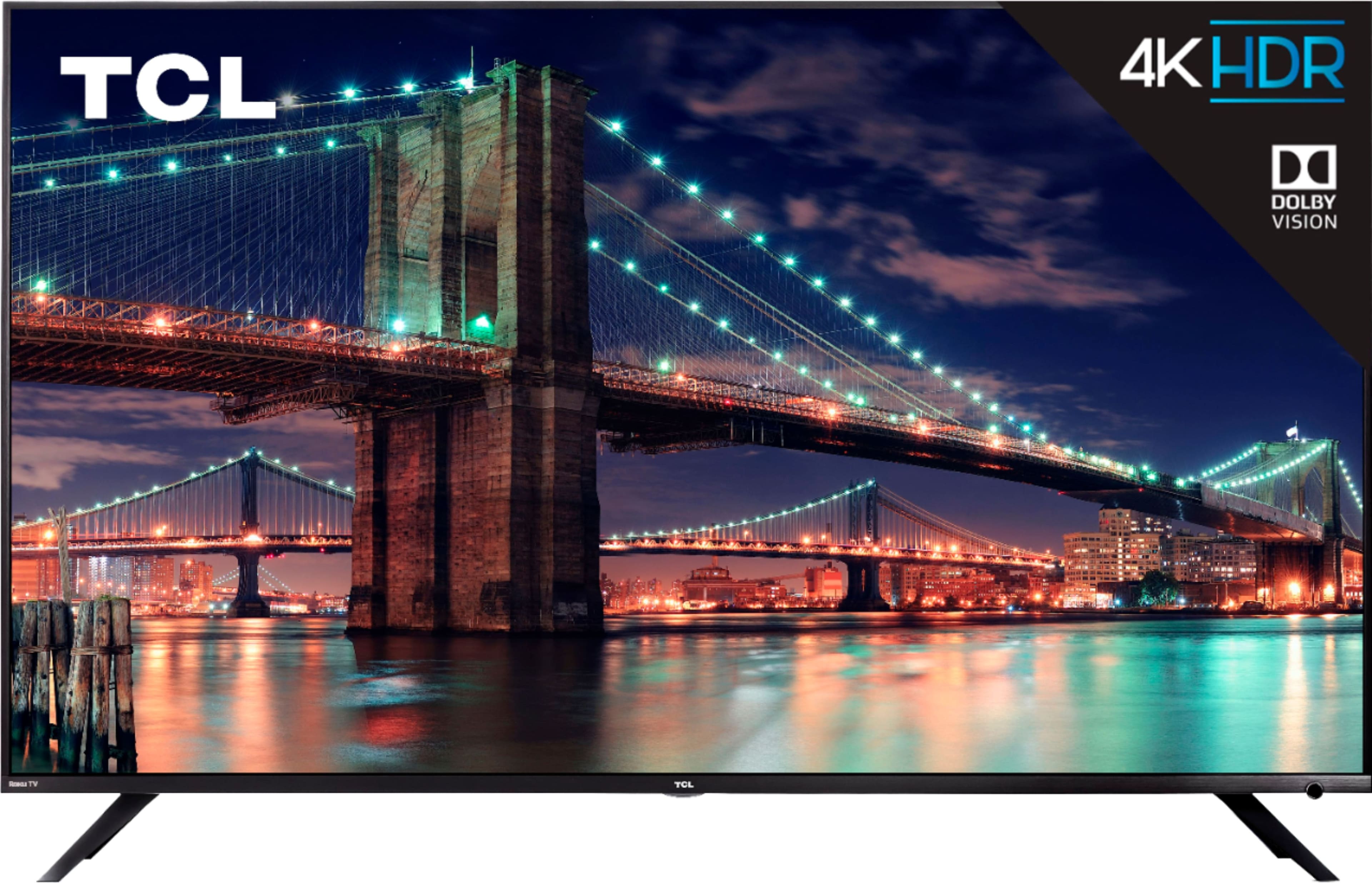
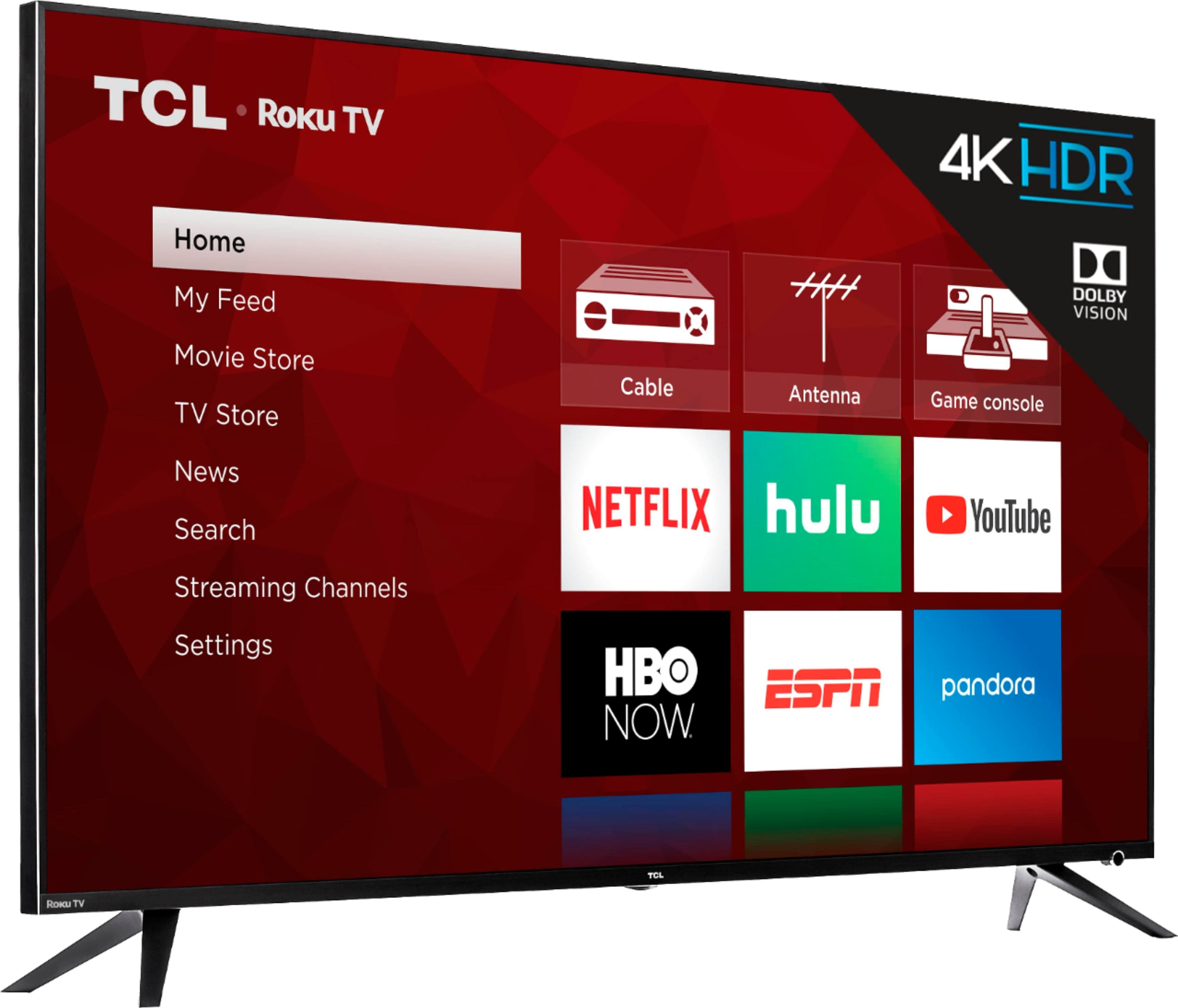
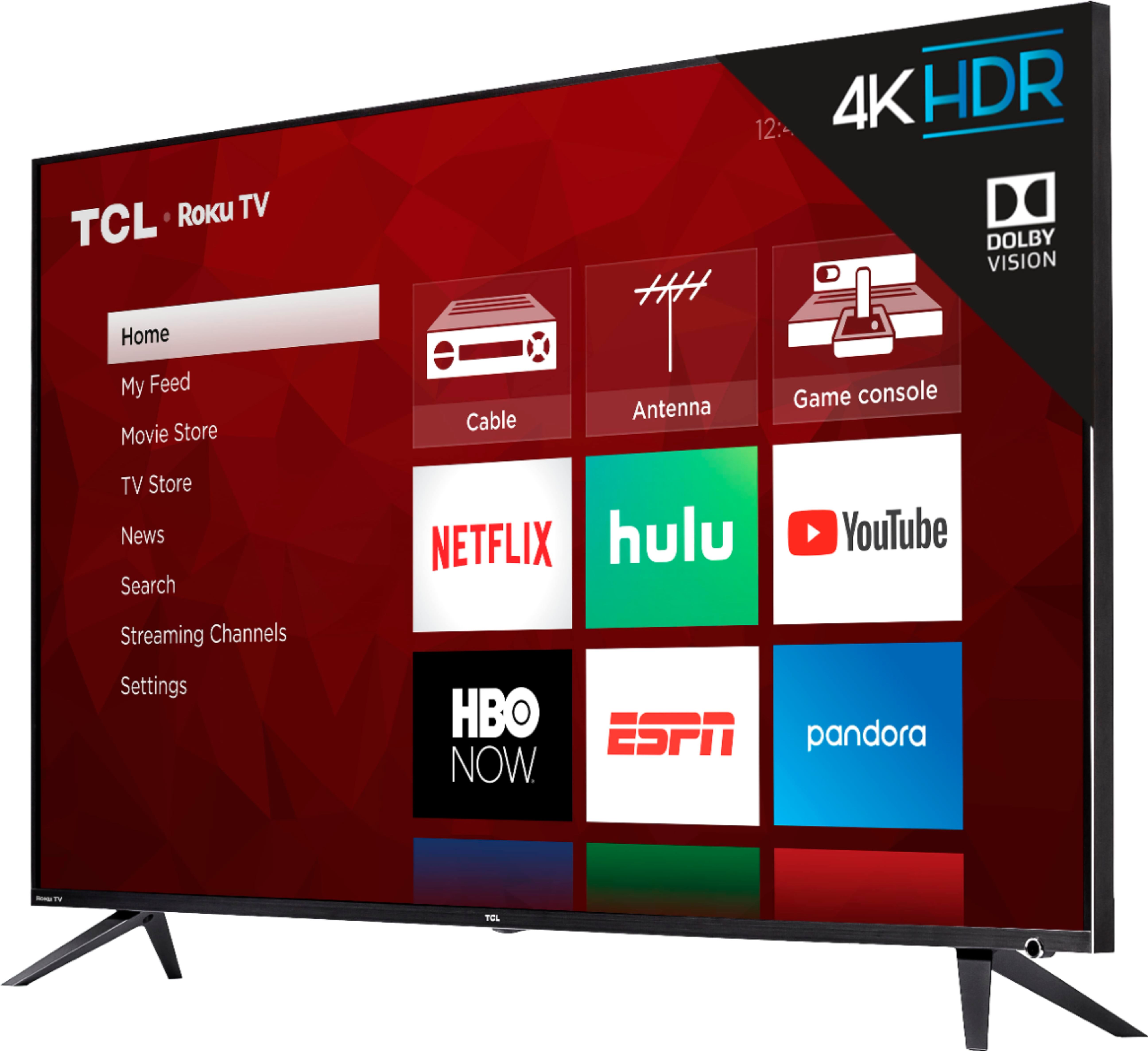
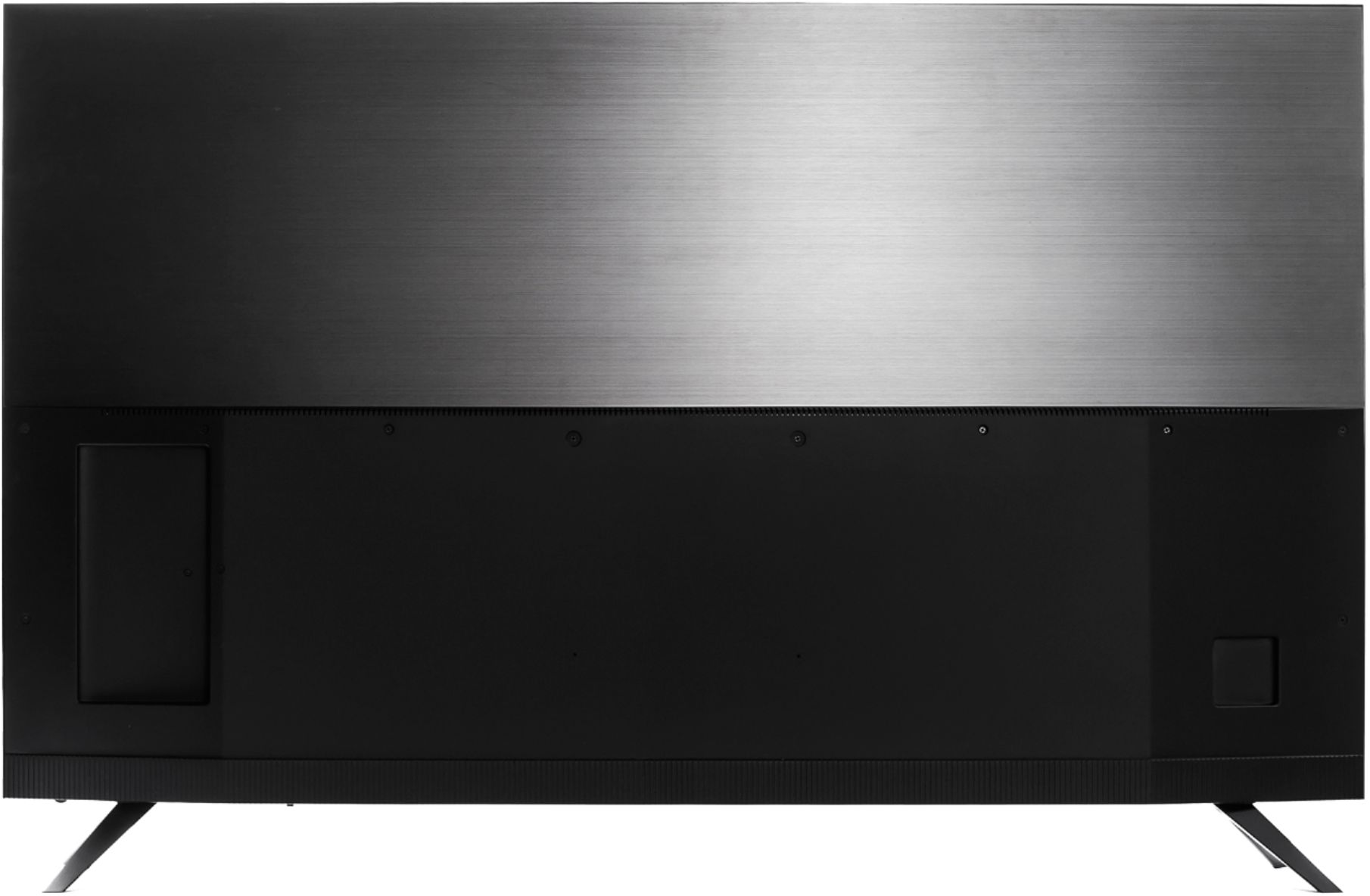
A:AnswerTommy I bought the top selling desk mount from Amazon and it worked out awesome! Brand is FITUEYES universal TV stand 7002GB model and held the 65 inch 65r615 with the screws you take off from the back panel of the TV and simply use those with a washer to connect those to the back of the tv.
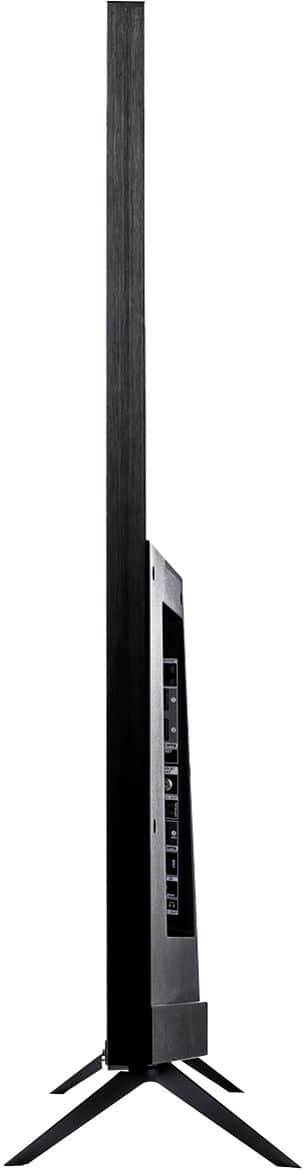
A:AnswerInverting or turning the feet is not recommended. The feet on the TV are designed to be attached to the TV as stated in the directions. In order to maintain stability and safety, the feet should be attached as instructed. Hope this helps! Thank you, TCL Customer Support
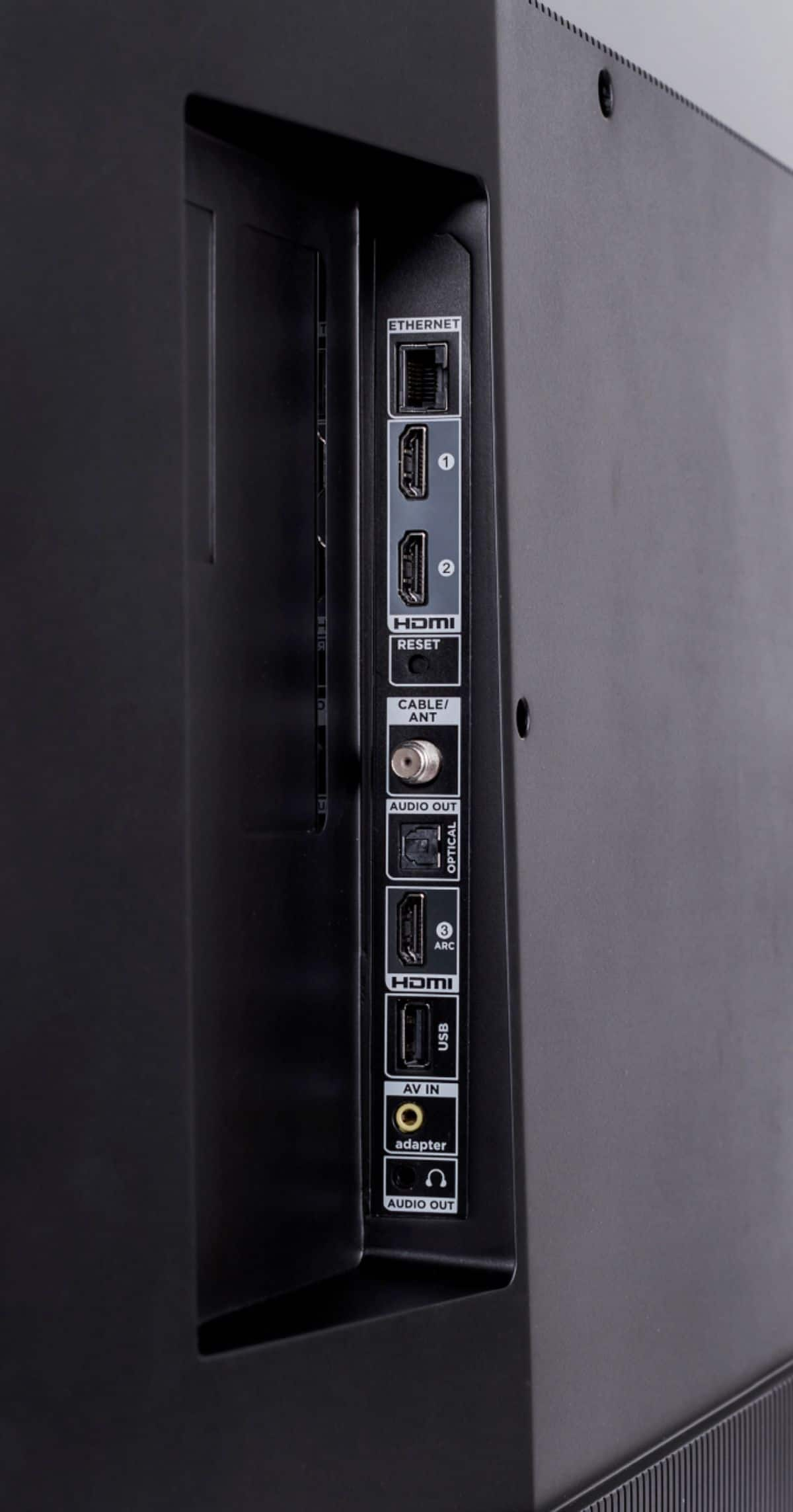
A:AnswerOur TCL Roku TVs do not currently support Bluetooth. However, you can download the free Roku app on your smart phone or tablet to use voice search, voice control, and experience private listening. To enjoy private listening you simply click private listening in the app, and attach headphones to your smart phone or tablet. Or you can use the 3.5 mm headphone jack in the back of the TV to connect standard headphones. Hope this helps! Thank you, TCL Customer Support
A:AnswerAccording to CNET: "The 55- and 65-inch models also tout a "120Hz clear motion index," but as usual, that's a made-up number. The 6 series has a 60Hz native panel and can't match the motion performance of true 120Hz TVs"
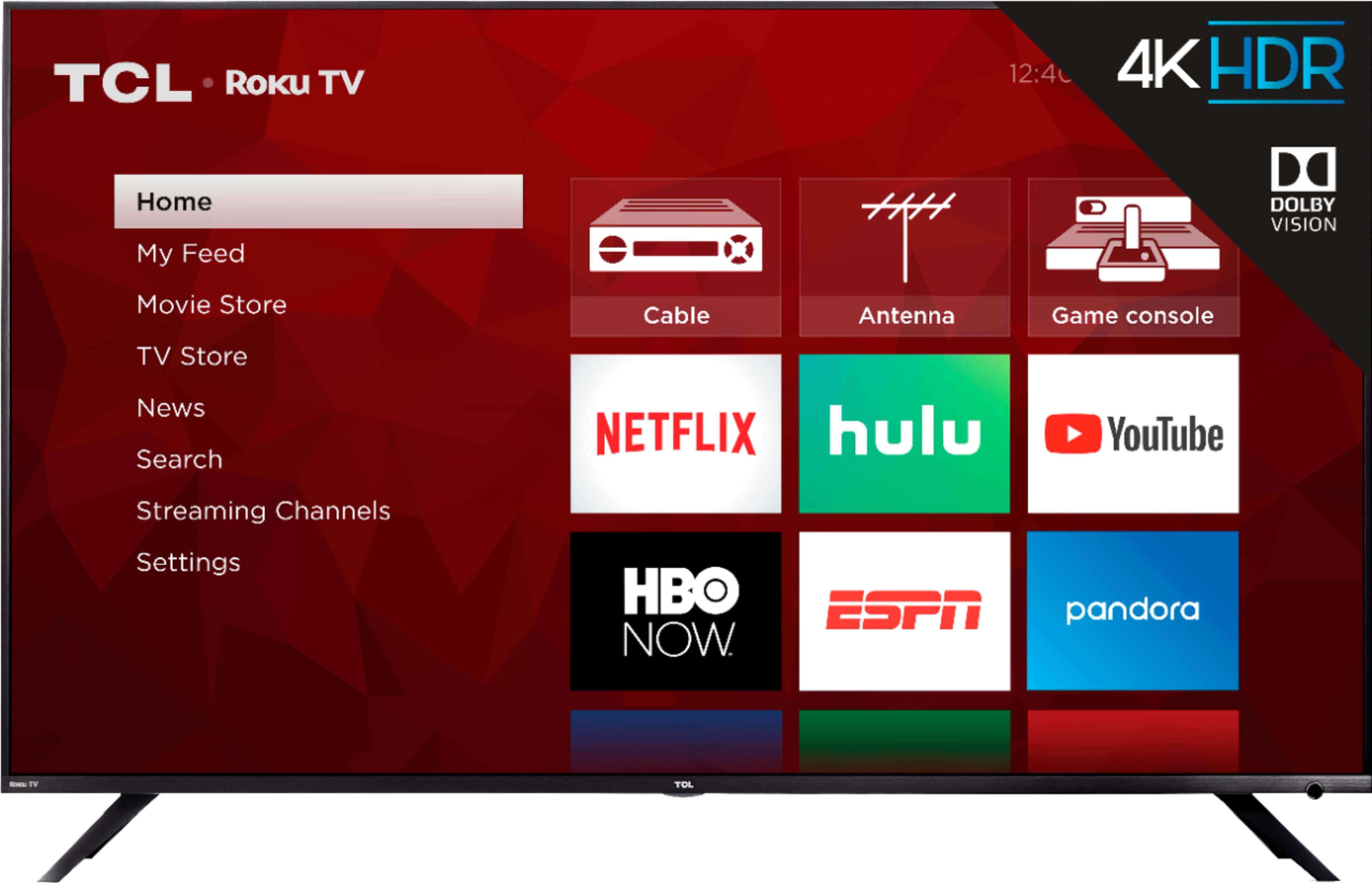
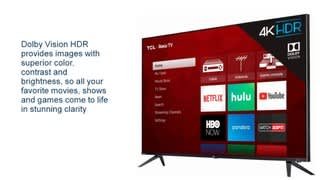
A:AnswerOur TCL Roku TVs are indeed compatible with Alexa and Google voice assistants. All of our TCL Roku TVs have a Roku operating system built in. Roku is a streaming platform that offers many features, including thousands of streaming channels (apps) and over 500,000 movies and TV episodes. Some content is free while other content is subscription based or pay-per-view. Thank you, TCL Customer Support
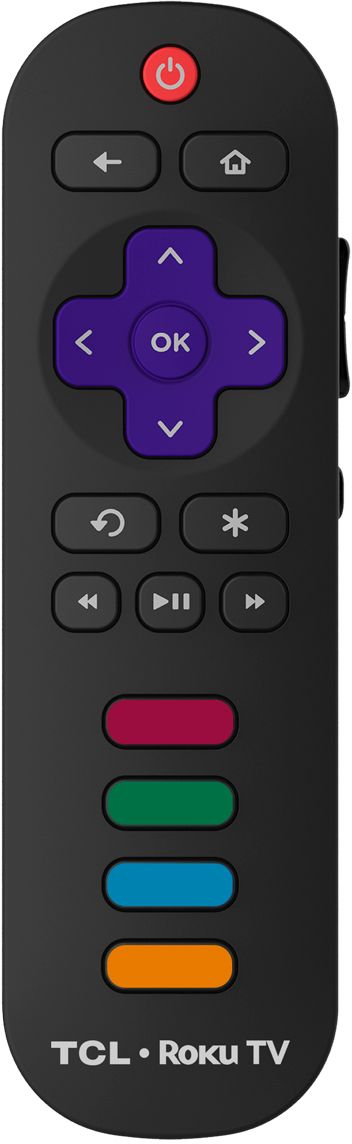
A:AnswerA YouTube reviewer also said the BestBuy remote uses an IR or infra red blaster to change the channels which requires line of sight, whereas the other model has a WiFi remote that doesn’t need an unobstructed view.
A:AnswerPress star on the remote when you are in a show or movie. This should pull up a window on the left side of the screen. Scroll down until you see “Sleep Timer”. Press the left and right buttons until it says the sleep time you prefer.