A:AnswerGet TCL's IPQ engine app for all that own you can get it at Google Play store and Apple store doesn't work with all phones but was really easy to do it shows what your TV was calibrated at and if it's better or not I did mine about three times and got it to the best. I'd recommend maybe once a year to recalibrate it this is one of TCL's plus things they've done to keep happy customers for years.
A:AnswerIn order for us to better assist, please reach out to us at tclsocial@tcl.com with your contact information and a description of what you need help with. Thank you, TCL Customer Support
A:AnswerIn order for us to better assist, please reach out to us at tclsocial@tcl.com with your contact information and a description of what you need help with. Thank you, TCL Customer Support
A:AnswerHello Trish,
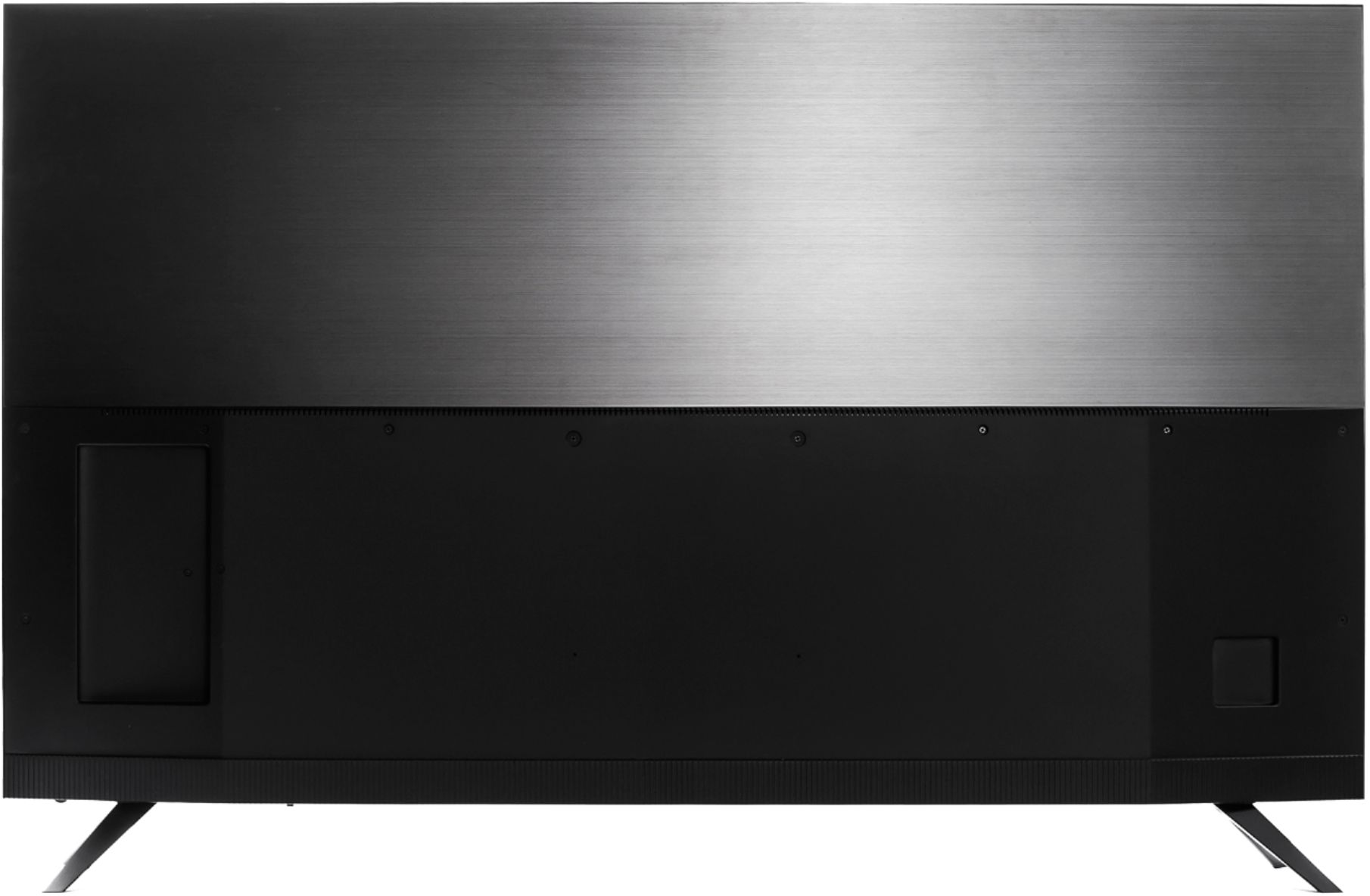
The best wall mount would be a 300mm x 300mm VESA pattern. Anything that can fit that pattern and hold about 65 pounds or more should be great!
Hope this helps,
TCL Customer Support
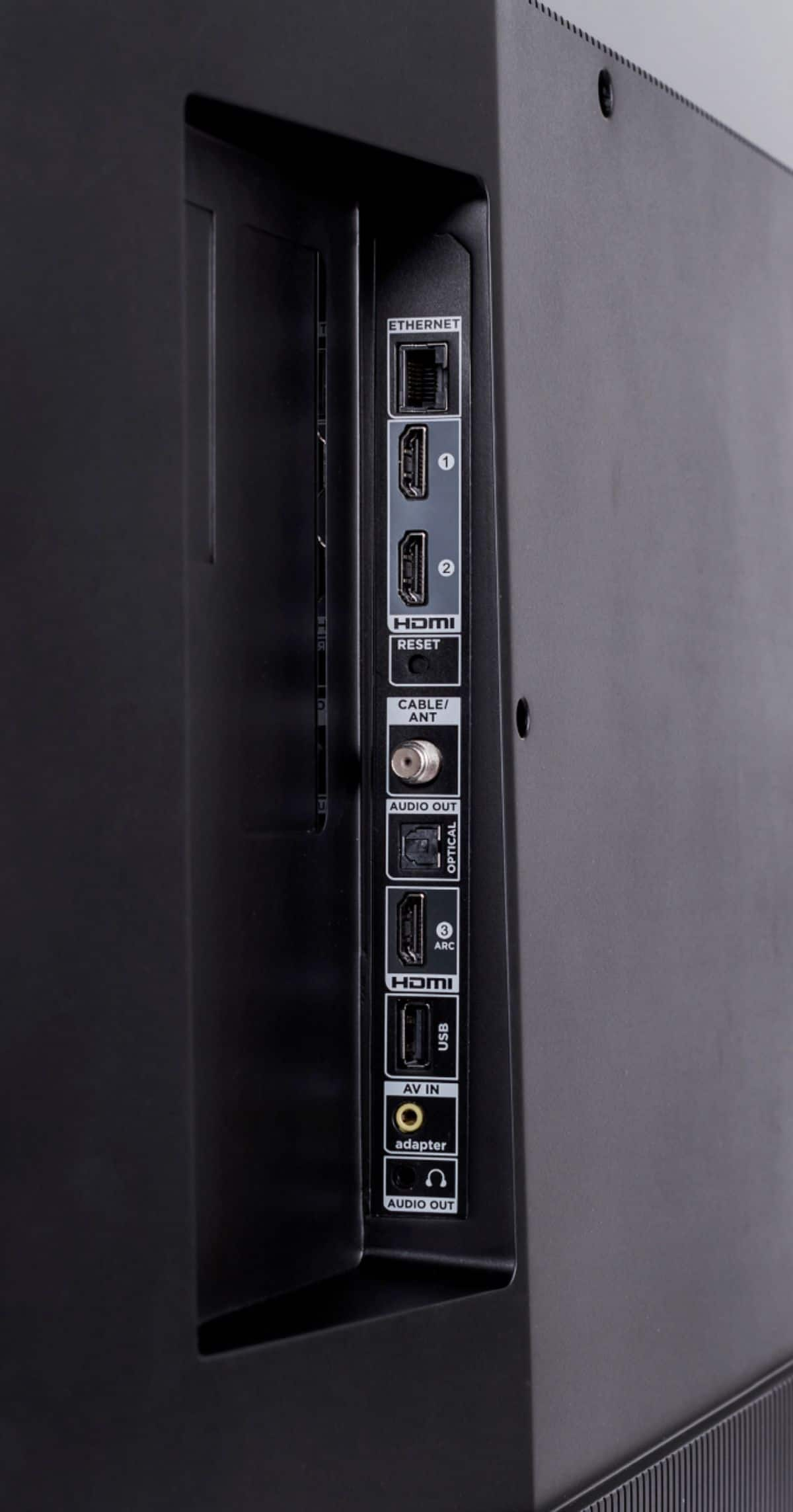
A:AnswerCurrently, our Roku based TVs do not support Bluetooth. If you are trying to connect a soundbar or speakers you can use the Optical port, or the HDMI ARC port. For Headphones, there is a Headphone jack on the back of the TV, or you can download the Free Roku app for private listening. Hope this helps! Thank you, TCL Customer Support
A:AnswerIf you connect headphones to the TV, it will automatically disable the built-in TV speakers. Alternatively, you can download the free Roku app on your smart phone or tablet to use voice search, voice control, and experience private listening. To enjoy private listening you simply click private listening in the app, and attach headphones to your smart phone or tablet. Hope this helps! Thank you, TCL Customer Support
A:AnswerIn order for us to better assist, please reach out to us at tclsocial@tcl.com with your contact information and a description of what you need help with. Thank you, TCL Customer Support
A:AnswerThis TCL Roku TV is compatible with most wall mounts that support a 300mm x 300mm VESA mounting pattern. Without the feet attached, this TV weighs approximately 51.2 lbs. Hope this helps! Thank you, TCL Customer Support
A:AnswerIn order for us to better assist, please reach out to us at tclsocial@tcl.com with your contact information and a description of what you need help with. Thank you, TCL Customer Support
A:AnswerThis TCL Roku TV is compatible with most sound systems and can be connected via HDMI ARC, Optical, or the 3.5mm headphone jack. Hope this helps! Thank you, TCL Customer Support
A:AnswerThis TCL Roku TV is compatible with most wall mounts that support a 300mm x 300mm VESA mounting pattern. The mount or stand you are using should come with instructions on how to use it. Hope this helps! Thank you, TCL Customer Support
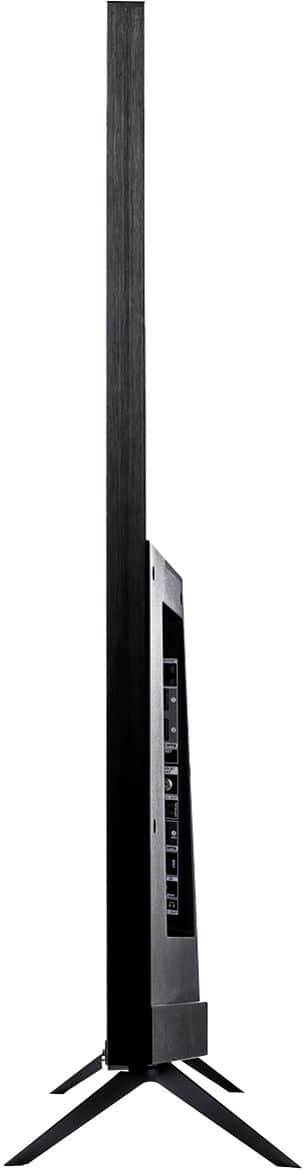
A:AnswerFor this 65 inch TCL Roku TV, the feet spacing to fit on a stand is 55.5 inches. Additionally, this TV is indeed full array. Hope this helps! Thank you, TCL Customer Support
A:AnswerOur TCL Roku TVs are compatible with Google Voice Assistant. You can visit https://support.tclusa.com/televisions-setup-configurations/tcl-roku-tvs-now-work-with-google-assistant for more information. Hope this helps! Thank you, TCL Customer Support
A:AnswerCurrently, our TVs do not support Bluetooth. If you are trying to connect a sound bar or speakers you can use the Optical port, or the HDMI ARC port. For Headphones, there is a Headphone jack on the back of the TV, or you can download the Free Roku app for private listening. Hope this helps! Thank you, TCL Customer Support
A:AnswerPricing is controlled by the retailer. For better assistance, you would want to contact your retailer's customer support, or contact your local Best Buy. Hope this helps! Thank you, TCL Customer Support
A:AnswerYes but your max will be 100 mbps on ethernet.WiFi is up to i think 1000 mbps.My older Tcl s405 had Ethernet to 1000 mbps i wish Tcl kept that.Because i use to like to turn off my Wi-Fi antenna at night and now i have to leave it on till i turn tv off.Don't want Emfs when i sleep.