Questions & Answers
- Model:
- CD-RW890MKII-B
- |
- SKU:
- 5029601
Highly rated by customers for: Ease of use, Recording Quality
Page Showing 41-51 of 51 questions
Q: QuestionCan you record a cd from a live piano/vocal performance? Does it play as well as record?
Asked by Sammy.
- A:Answer Yes, you can record a cd from a live piano/vocal performance from this item.
Answered by CommunityAnswer
Q: QuestionI'm looking for a cd to cd recorder/
Asked by Anonymous.
- A:Answer You can!...just hook up a CD player to it.
Answered by Snoopdigg32
Q: QuestionHow does the TEAC playback sound compare with that of the Pioneer or Yamaha CD players?
Asked by Anonymous.
- A:Answer Playback is great. Just lacks the features you want.
Answered by Bear
Q: QuestionI can record with my teac recorder, but the volumn is very low when played on other devices
Asked by Even.
- A:Answer I can't answer this question because it is illogical. I have produced many recordings on my machine and I can discern little if any difference between the original music source and the copy. I would suggest that you ensure that the recording level is properly set when you begin recording. Be sure that you have reviewed the owner's manual and fully understand the instructions. Another thing you should look out for. I believe that the heat and humidity conditions in the space where you record would have some bearing on the finished product. High heat and humidity can destroy sound.
Answered by blessedbettor
Q: QuestionCan you transfer music from eight tracks to CDs?
Asked by PedrosRedhead.
- A:Answer Yes,the CD recorder records beautifully. And very clear. Truly glad that I invested in it
Answered by LINDSAY
Q: Questionwhat if the Source has low volume, can you still record at higher volume like the Panasonic Recorder that came out around 2004 ?
Asked by Innercity.
- A:Answer The TEAC has an analog level control, so that will let you increase the recorded volume somewhat.
Answered by musicfan
Q: QuestionWhen recording, does this device record CD or voice as an MP3 file?
Asked by contessa85.
- A:Answer Not as far as I can tell. It makes a playable audio C.D. that has to be "Finalized" before it can play in any normal C.D. player. Once you make the normal audio C.D., it can be placed in a computer and an .MP3 file "ripped" from the C.D. using Windows Media Player or other software. Our church uses this recorder to make a master C.D. of our Sunday services and we then us a C.D. duplicator to make copies of the master.
Answered by Curt
Q: Questioncan I connect this to my Bose bookcase powered speakers
Asked by tiggercat.
- A:Answer No you need a reciever
Answered by craftylady
Q: QuestionLike Mark I would like to make 1 cd with songs from various others. So you say I could record 15 songs from 15 different cd's onto 1 cd? Also are there instructions on how to do this as it was said you need to hook it up to a cd player.
Asked by oldschool.
- A:Answer The TEAC should be just what you need to do this. But yes you'll need an additional CD player to record from.
Answered by musicfan
Q: QuestionI have a lots of songs on my computer (downloaded purchases) I would like to record on CDs, but the cd drive doesn't work, says insert blank cd. (I tried several) Can this device be connected to my laptop (has windows 10) to record my songs?
Asked by MUSICLESS.
- A:Answer I record tons of music on CDs from my computer and on this CD Recorder. The best us for this device is to either copy other CDs or recording from the microphone, etc. The best option for what you are trying to do, is to either have your drive fixed or purchase a usb dvd recorder (no need for a blue ray recorder). The dvd recorder can also record on blank CDs. So you need to buy some blank, recordable CDs, the DVD recorder and, well, the most popular software for recording music is Nero. This software also can transform your mp3s into a playable CD format that would be able to play in a player. Hope this helps.
Answered by GRBrown
Q: QuestionIS IT A DOUBLE DECK RECORDER
Asked by LAW.
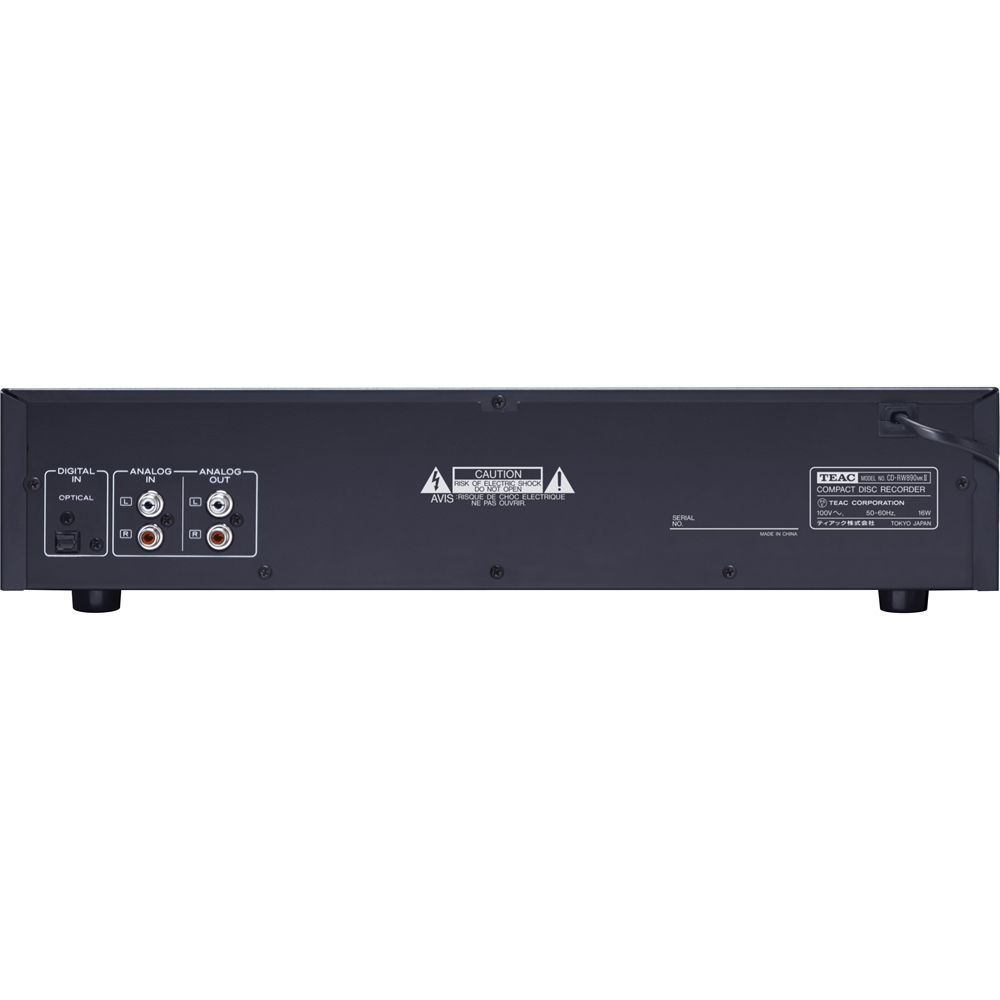
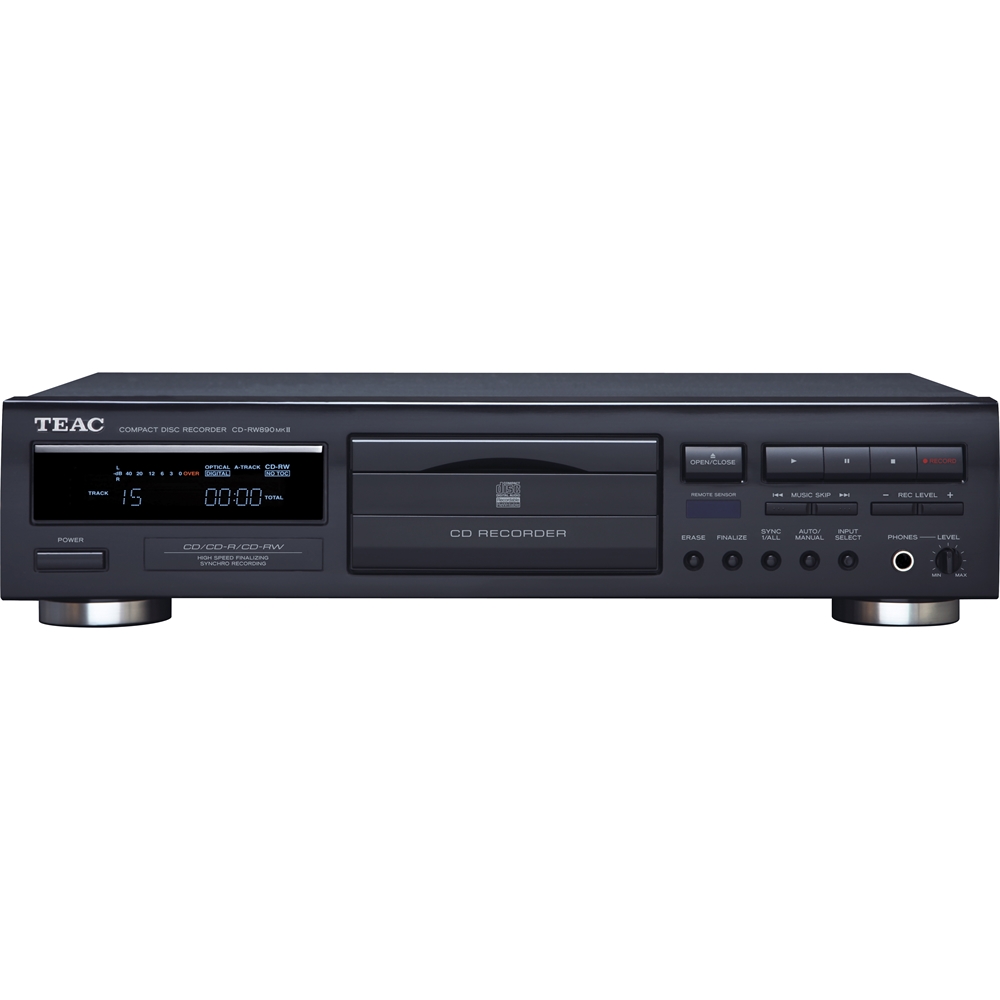
- A:Answer This particular TEAC model recorder only plays or records 1 disk at a time. You cannot stack multiple disks into this unit for continuous play.
Answered by Wayne
Page 3, Showing 41-51 of 51 questions
Top Rated
- $299.00$299.00The price was $349.00
- $249.99$249.99The price was $379.99
- $99.99$99.99The price was $129.99
- $299.00$299.00The price was $349.00