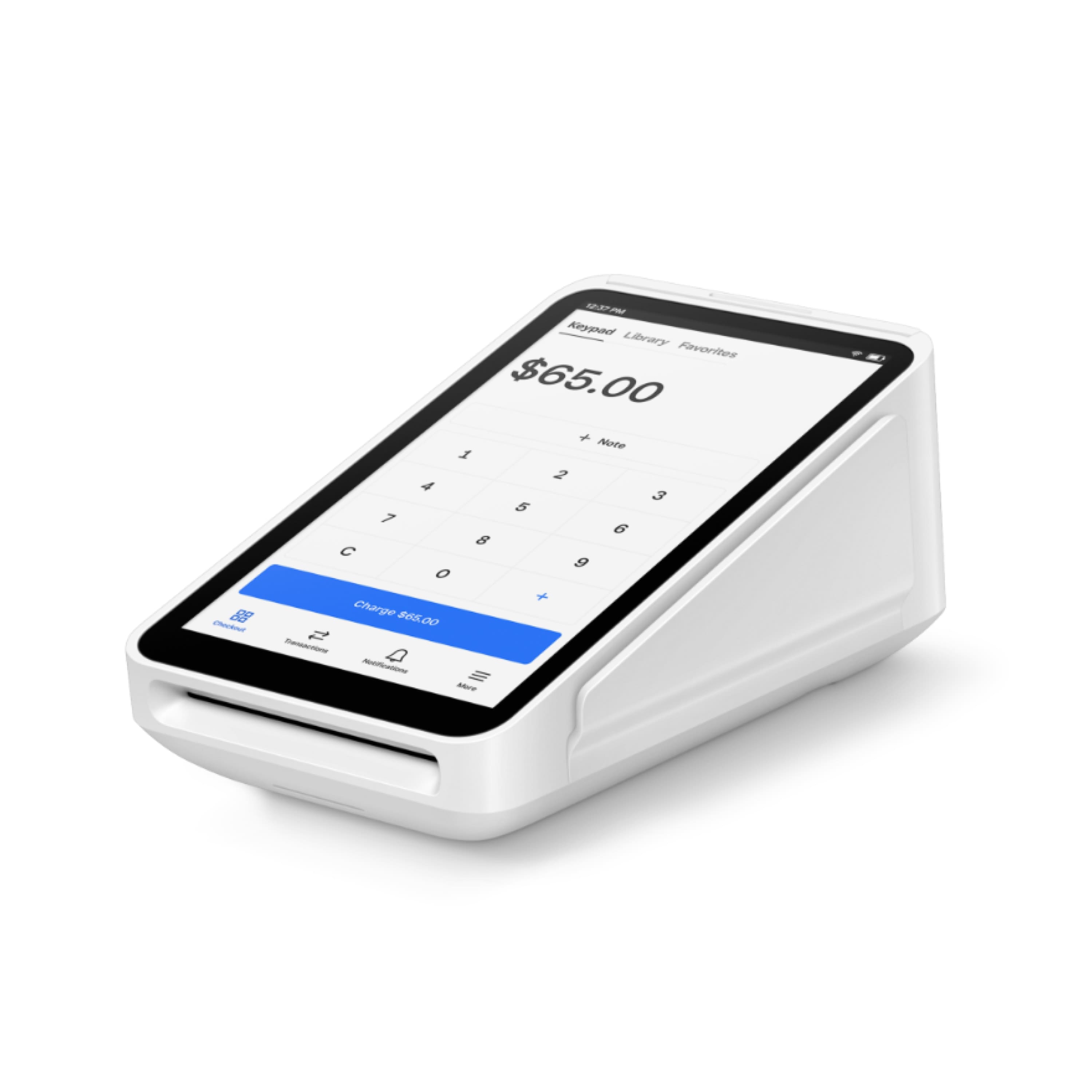
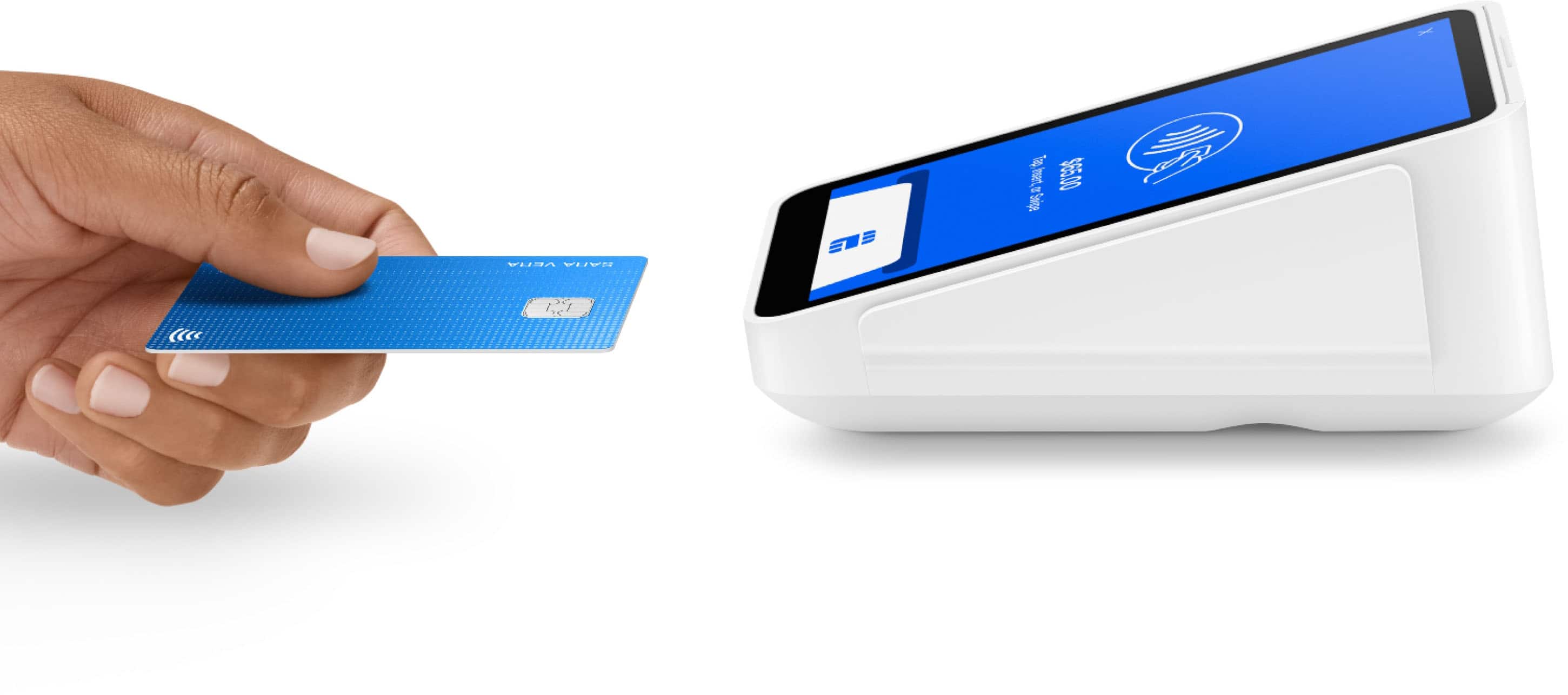
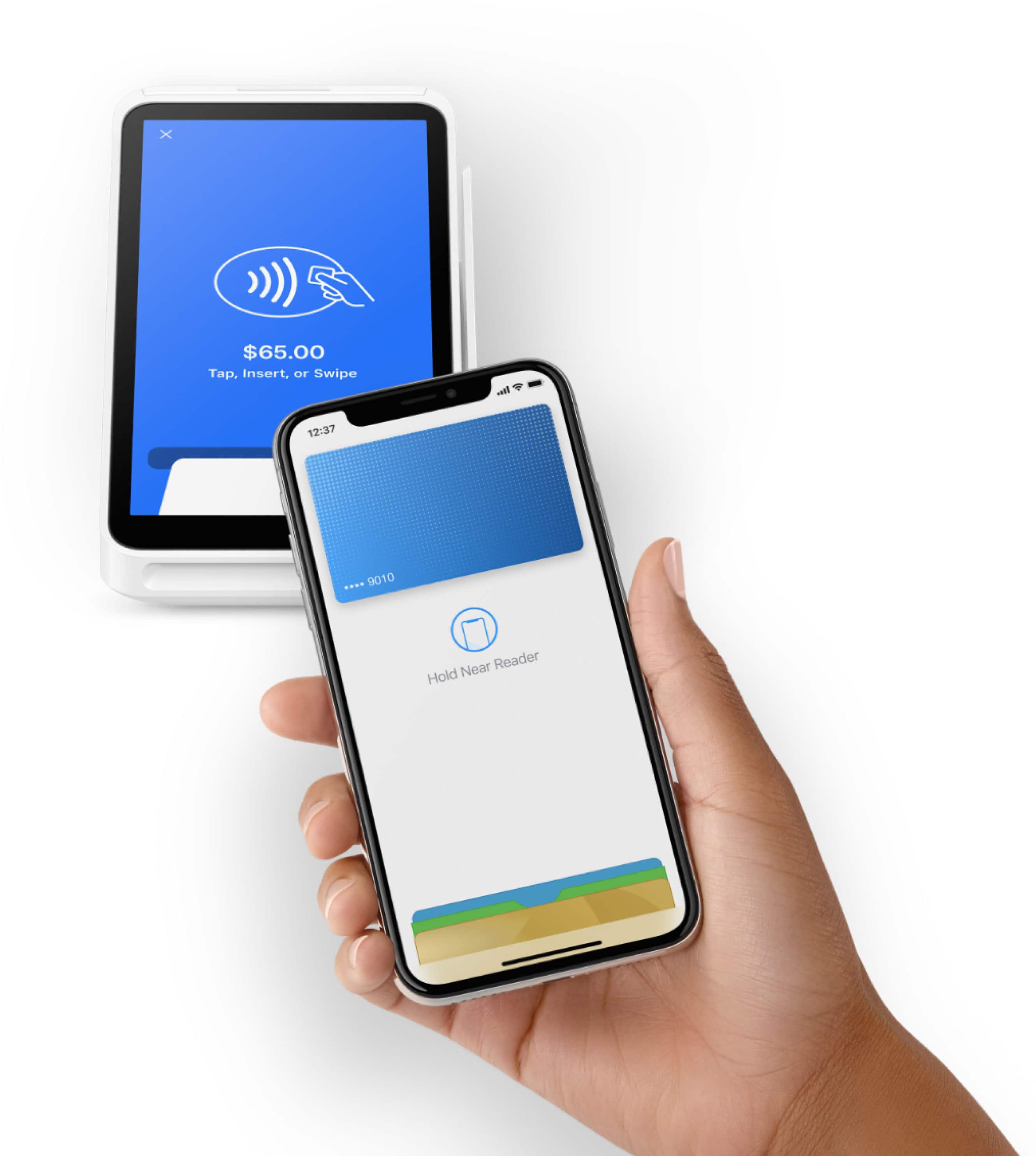
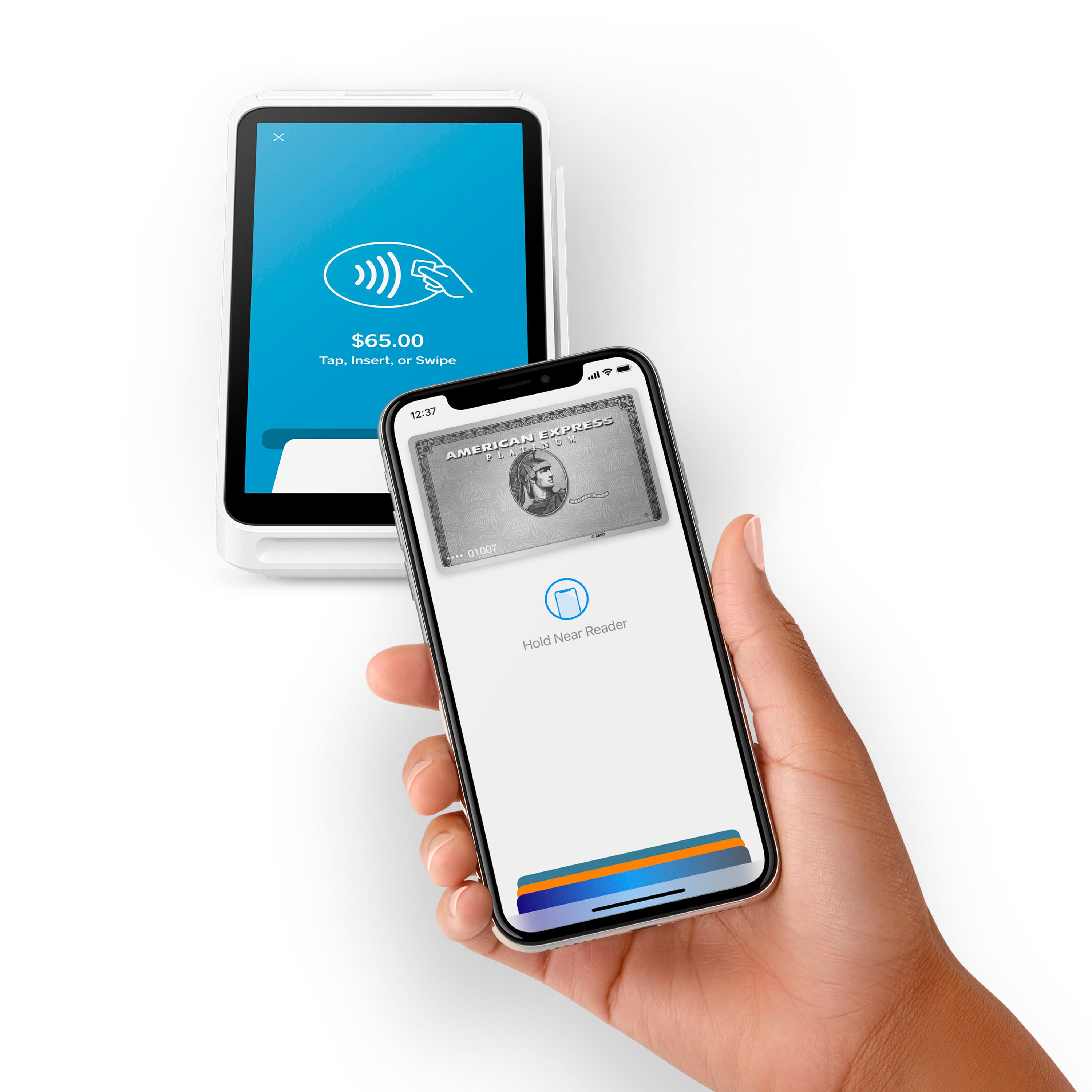
A:AnswerHey Pitmaster! The Square Terminal is a standalone device, and can't be paired with the Stand. You can enable offline mode on the terminal. Learn more here: https://squareup.com/help/us/en/article/6540-square-terminal-payments-faq.
A:AnswerYou can enter a clients or customers info and keep their card info on file if needed. If necessary, you can also send an invoice or email/text pay link.
A:AnswerIf you have set menu items and prices on your square app, than yes. If you don’t, you can add them in with the app or on the terminal. You would simply press the key for the set menu item(s) on the terminal and charge to complete it.
A:AnswerUnfortunately there isn't a way to pair the Contactless Chip Reader and the Square Terminal together. If you have any questions about this please email us: squ.re/contact.
A:AnswerHi, Michelle! You can run as many as you like, but you will need to sign in/out of the Terminal to switch to a different account, location, or business.
A:AnswerIf you’ve set it up appropriately beforehand it will work. It just stores the information to charge later. You run the risk that a card will be denied later however.
A:AnswerYou can run the terminal in "offline mode," and then take it to a place that has wifi to update transactions. Also, if you have a phone that can be a hotspot, it will run work off that while at the event.
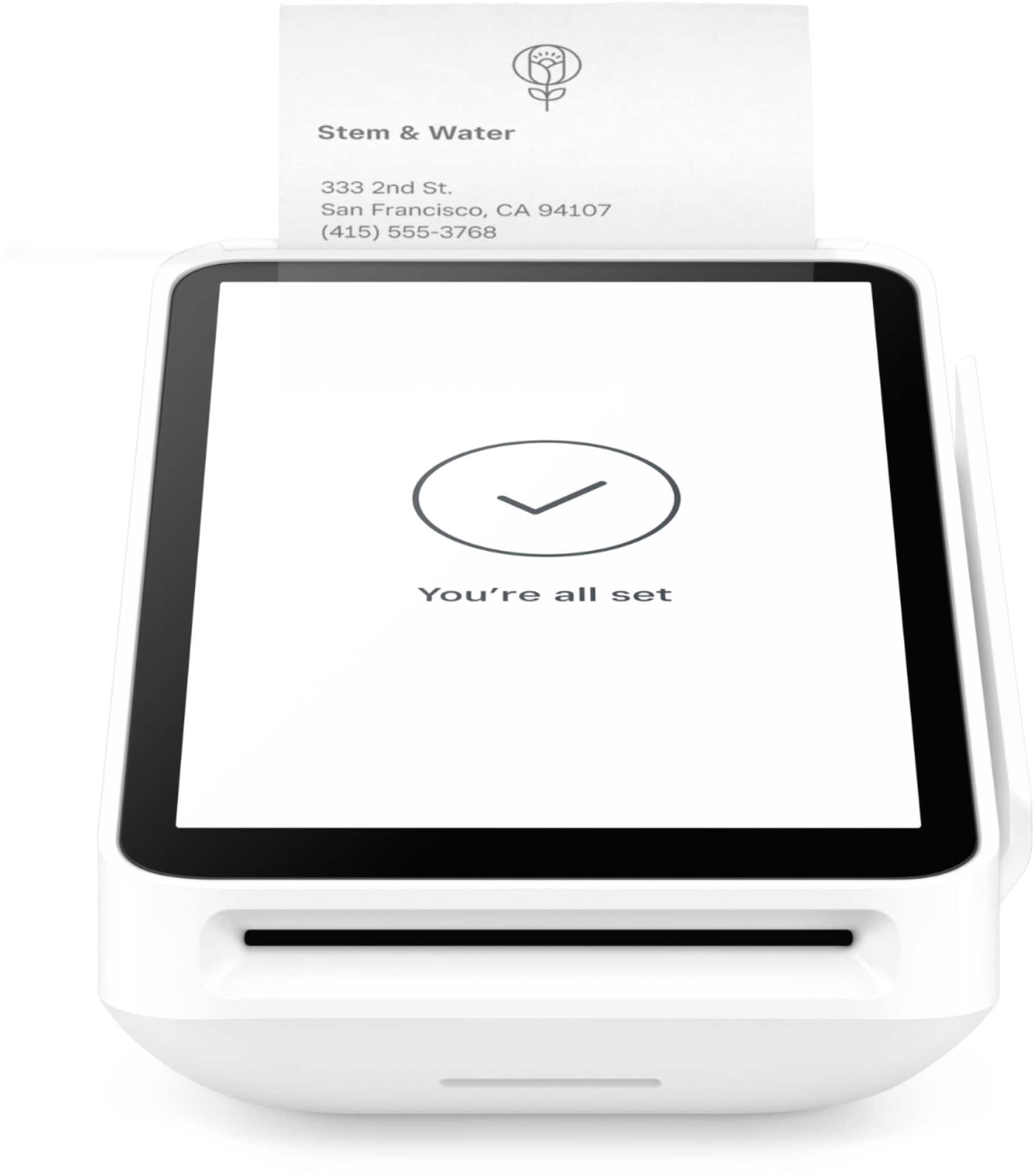
A:AnswerYes the Terminal has the printer included in it! You can check out compatible accessories for the Terminal including cash drawers on our Shop: www.squareup.com/shop.
A:AnswerHi!
1: You do not have to have inventory to take payments. You can accept custom amounts.
2: It will track cash payments!
3: You can see which hardware is compatible here: https://squ.re/3sY5spe
4: You can do cash drawer payouts, which may help you achieve vendor payouts.
Thanks!
A:AnswerYou can check the compatibility of your specific device here: squ.re/compatibility. If you're interested in the Terminal, keep in mind that it's a standalone device and does not connect to other devices or phones.