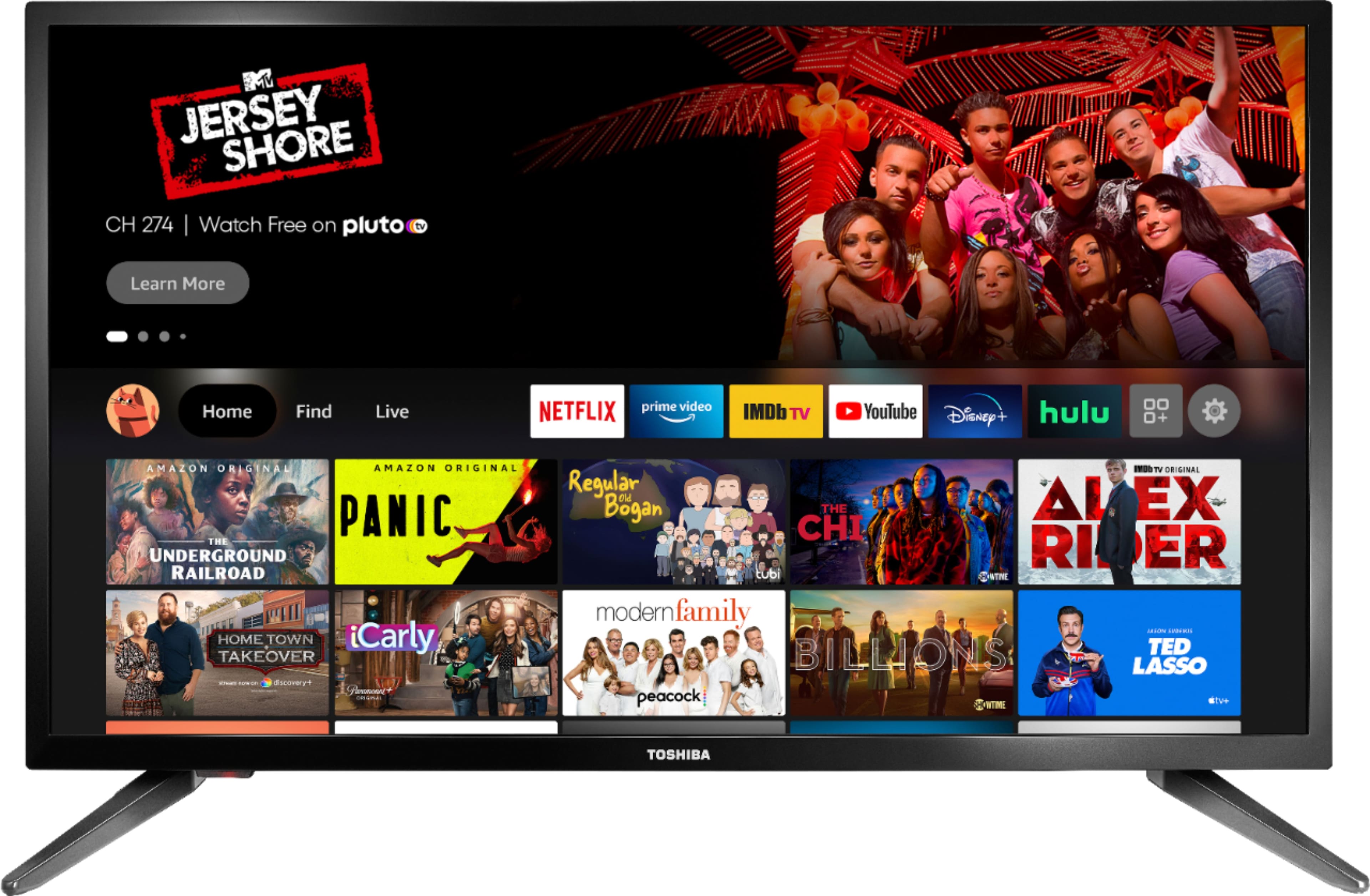
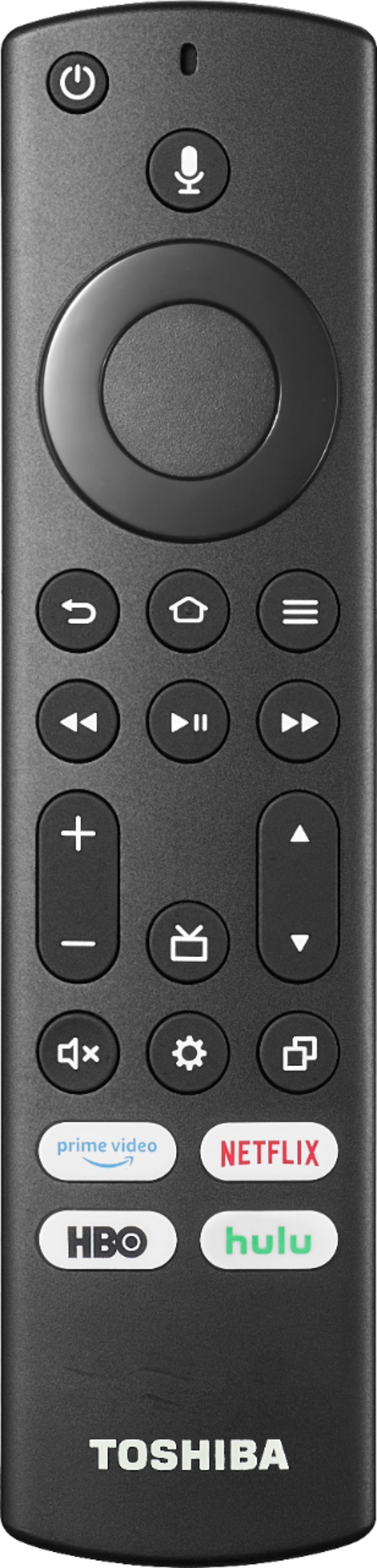
A:AnswerA fire tablet or fire tv is an Amazon based item. You will have the ability to use Alexa, shop Amazon, and stream Amazon Prime Video/music from those devices. You must either have an account already with Amazon or you will be asked to create one to set up your device.
A:AnswerA free Amazon account is required to enjoy the Full Experience the Fire TV Edition TV has to offer. If you do not have an Amazon account you can still use this product as a regular TV.
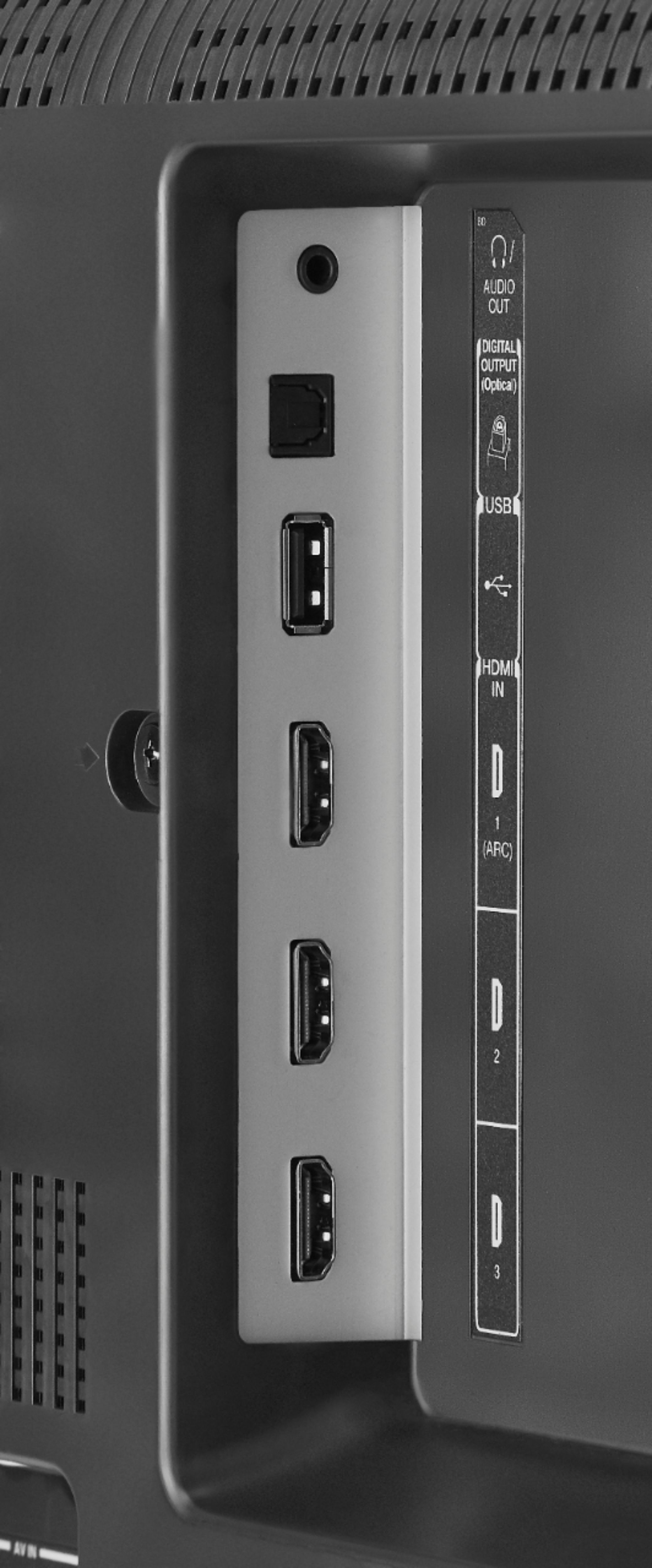
A:AnswerConnect your Dish Satellite Box to one of the HDMI inputs on the TV. Try the Power On feature, When enabled, the TV turns on displaying the last used input. To activate it, go Home > Settings > Display & Sounds > Power On and select Last Input.
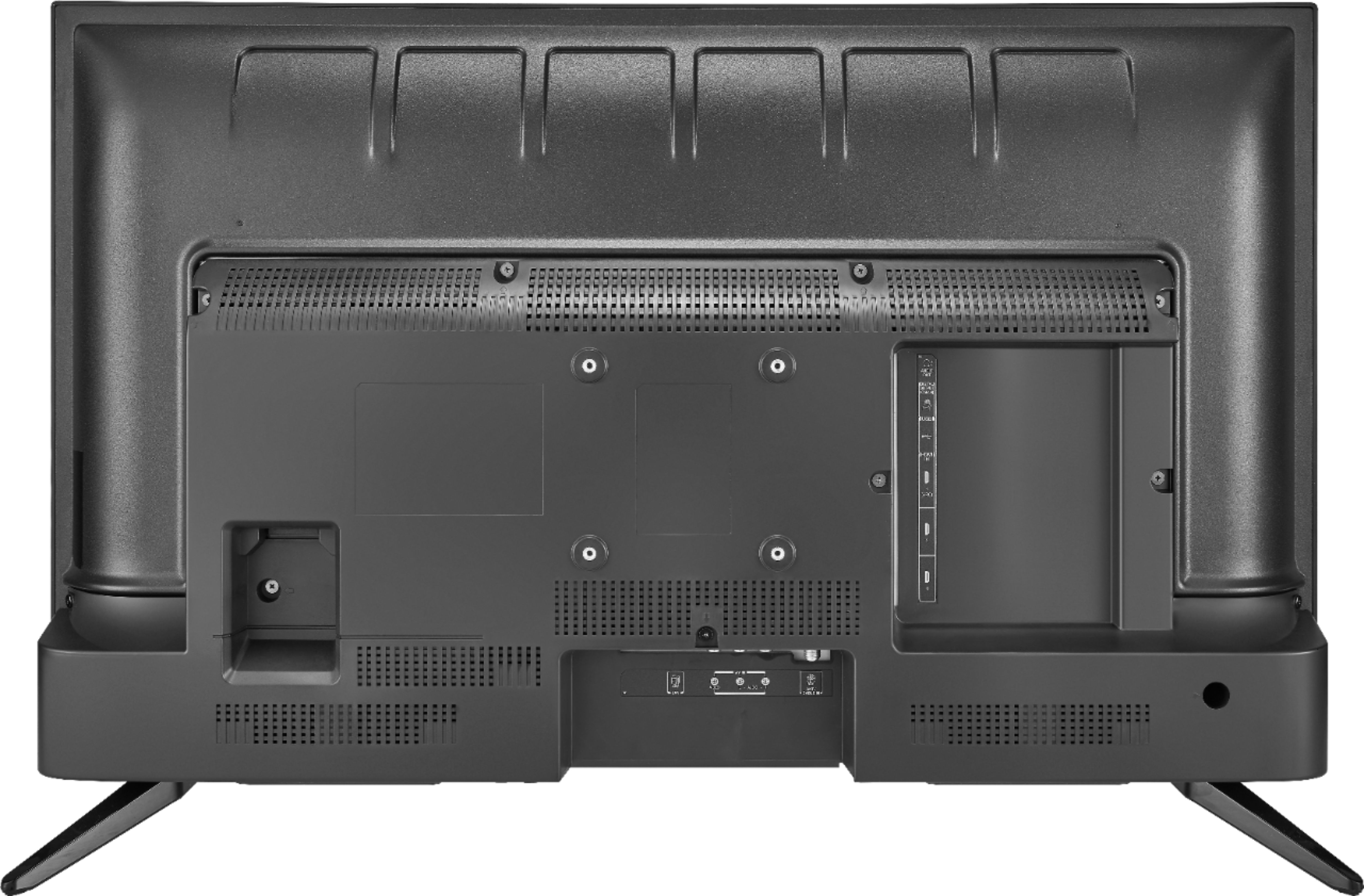
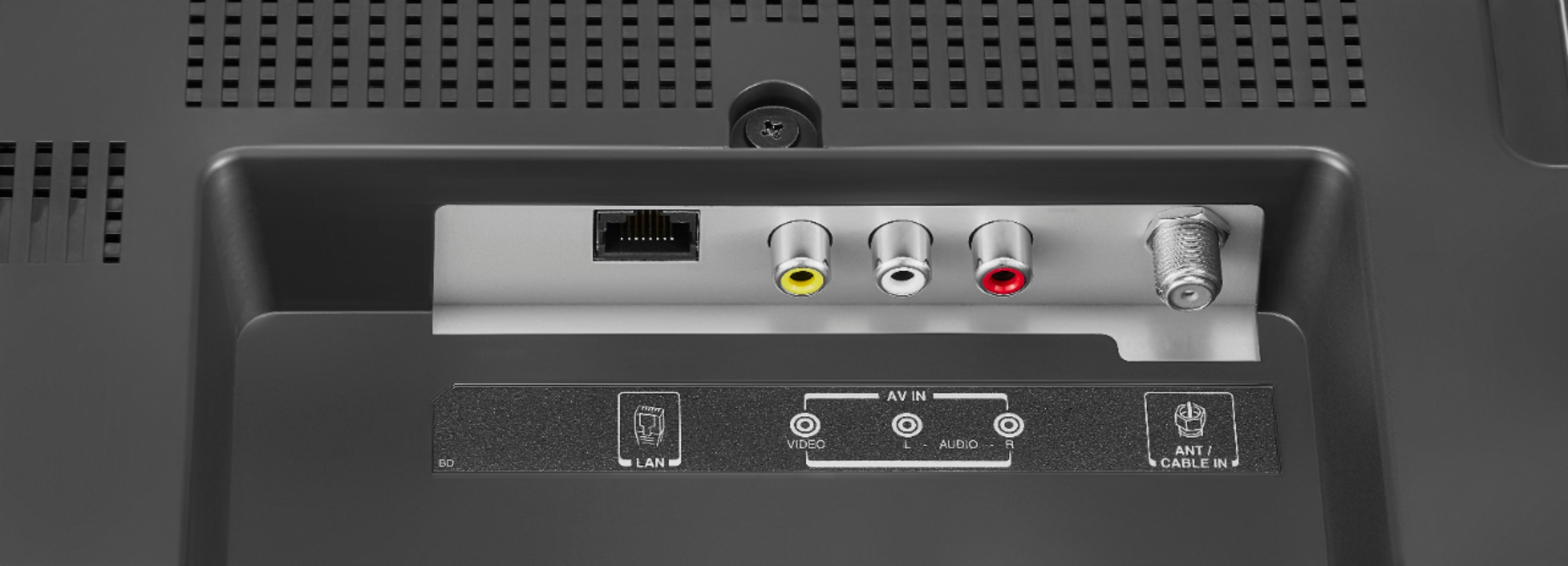
A:AnswerNo, it does not require cable. It does have a jack for a standard cable connection if desired. It is a "smart" tv, and connects to the internet. You can either connect it through ethernet cable (it has a RJ45 network jack) or connects to wireless. It has the Amazon Firestick, and it is pre-loaded with popular apps such as Amazon Video, Netflix, YouTube, Hulu, dozens more. Ours is used in a campus dorm room, connected to the university internet by ethernet cable. It works great for it's purpose. The one thing that we do not believe that it can do is have you "throw the screen" wireless from your laptop, smart phone, iPad, etc.... (we tried and the laptop couldn't find it).