Skip to contentGo to Product Search
Main Content

Questions & Answers

Page Showing 21-40 of 42 questions
  • Questioncan this be used as a monitor

    Asked by Drtracr.

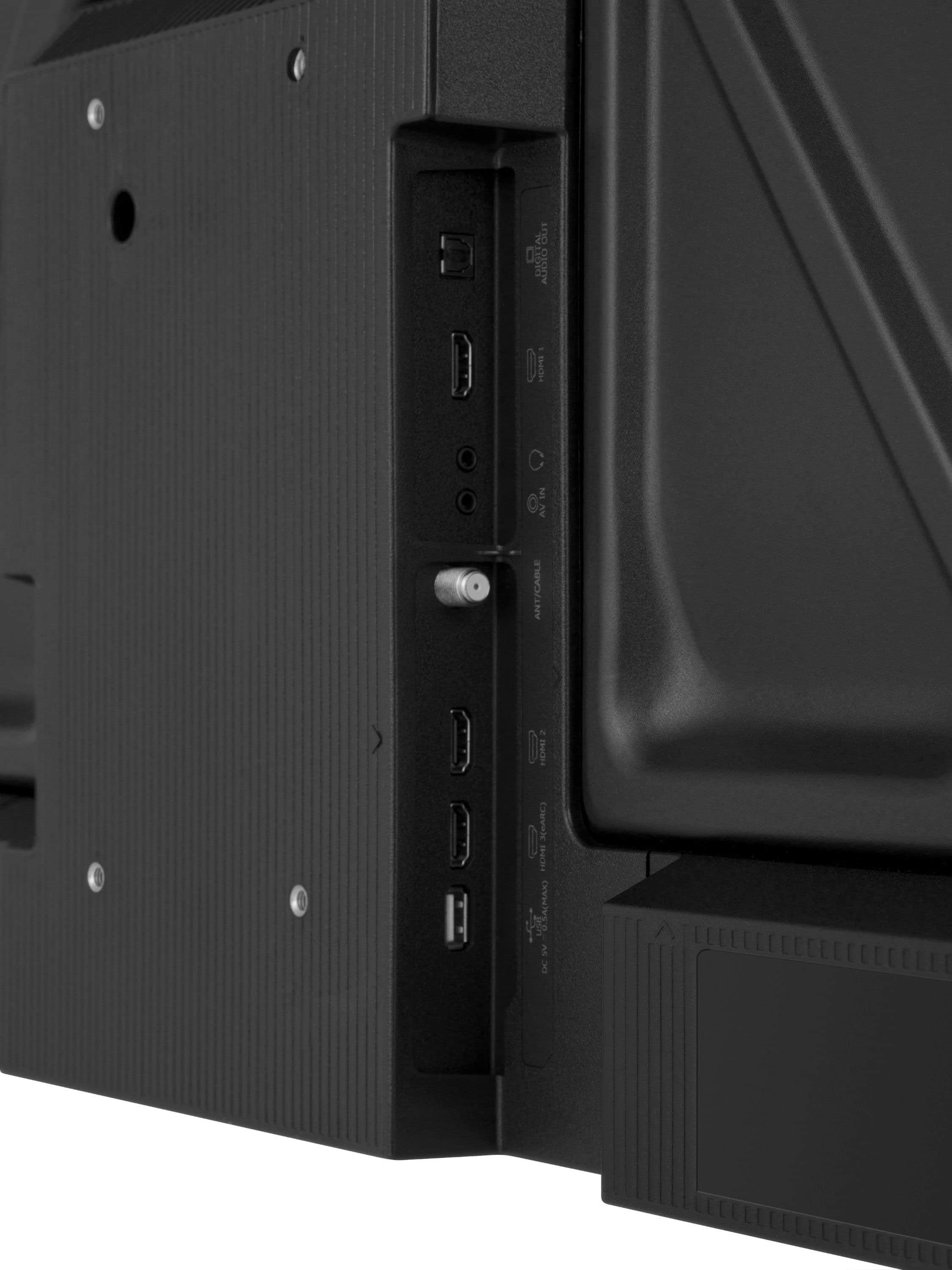
    • Answer Hello! Thank you for your question. The Toshiba 32" Class V35 Series LED HD 720p Smart Fire TV can be used as a monitor, as long as your computer or device supports HDMI output. Just connect it using an HDMI cable and select the correct input on the TV. Darshan | Toshiba

      Answered by Toshiba Customer Care

  • QuestionCan you connect this TV to spectrum.

    Asked by Karen.

    • Answer Yes not only spectrum any other carrier

      Answered by Costa

  • QuestionIs this tv dual voltage

    Asked by Gary.

    • Answer Hi Gary, Thank you for your interests in the Toshiba 32V35RU. Toshiba TV's sold in the US market are designed for North America electricity supply voltage of 120 volts ± 6% only. If you have further questions, please reach out to our dedicated support team directly at 1-888-407-0396 or via email at Support@Toshibatv-usa.com. Thanks again, Toshiba Support Team.

      Answered by Toshiba Product Expert

  • QuestionWhen in stand by does the usb port remain powered

    Asked by Bill.

    • Answer Hi Bill, Thank you for your interests in the Toshiba 32V35RU. The USB port remains powered on while in standby. However, it may eventually power down after a long period of inactivity. If you have further questions, please reach out to our dedicated support team directly at 1-888-407-0396 or via email at Support@Toshibatv-usa.com. Thanks again, Toshiba Support Team.

      Answered by Toshiba Product Expert

  • QuestionCan this tv also function as a second Monitor for my computer?

    Asked by Jayker.

    • Answer Hello Jayker, Thank you so much for your question. Yes, the Toshiba 32" Class V35 Series LED HD 720p Smart Fire TV (2025) can be used as a second monitor for your computer. You can connect your PC or laptop to the TV using the HDMI input, and once connected, your computer should recognize the TV as an external display. From there, you can choose to mirror your screen or extend your desktop for additional workspace. Thank you again for reaching out, and we hope this helps you get even more use out of your new TV. Narendra| Toshiba

      Answered by Toshiba Customer Care

  • QuestionDoes this television have the capability to connect with DirecTV by hard wire or HDMI connection?

    Asked by CindyLou.

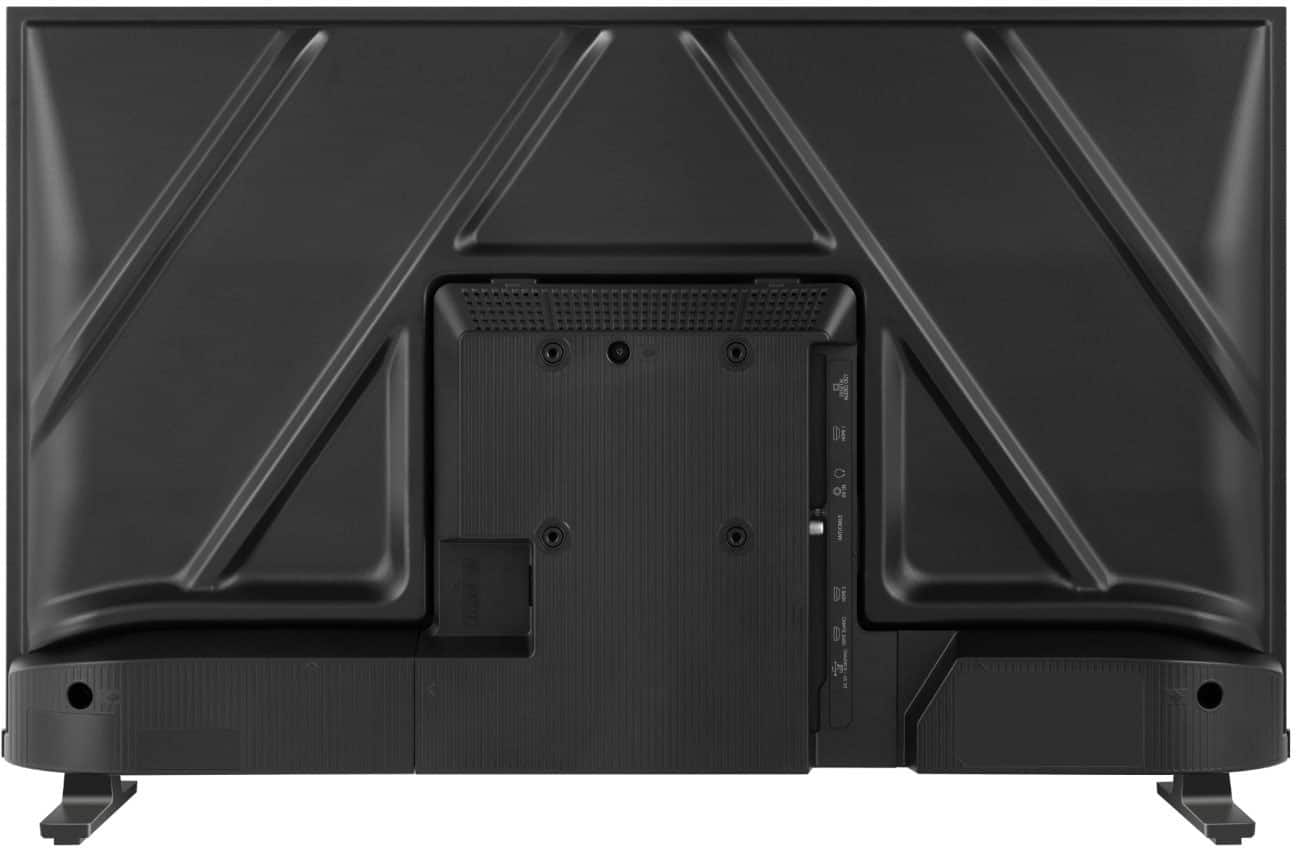
    • Answer Yes you could connect with a hdmi it comes with 3 hdmi ports

      Answered by Costa

  • QuestionDoes it get the Spectrum app.?

    Asked by Me.

    • Answer Hi Toshiba Customer, Thank you for your interest in the Toshiba 32V35RU. The Spectrum app is not supported. A third-party device will be required if you wish to use the app with the TV. If you have further questions, please reach out to our dedicated support team directly at 1-888-407-0396 or via email at Support@Toshibatv-usa.com. Thanks again, Toshiba Support Team.

      Answered by Toshiba Product Expert

  • Questiondoes this tv have an on and off button

    Asked by CarlandDot.

    • Answer Yes

      Answered by James

  • QuestionCan I download apps to the tv?

    Asked by ToeSheba.

    • Answer Yes, just go to the TV menu to add your wi-fi source and it should go ahead and connect.

      Answered by RonaldW

  • QuestionDoes this tv have mirroring capabilities with samsung phones

    Asked by Jeff.

    • Answer I believe so, on your Android go to the tethering menu and imput the device and you should be good to go

      Answered by RonaldW

  • QuestionDoes this TV have a wired ethernet port? It is hard to tell in the pictures.

    Asked by JSap.

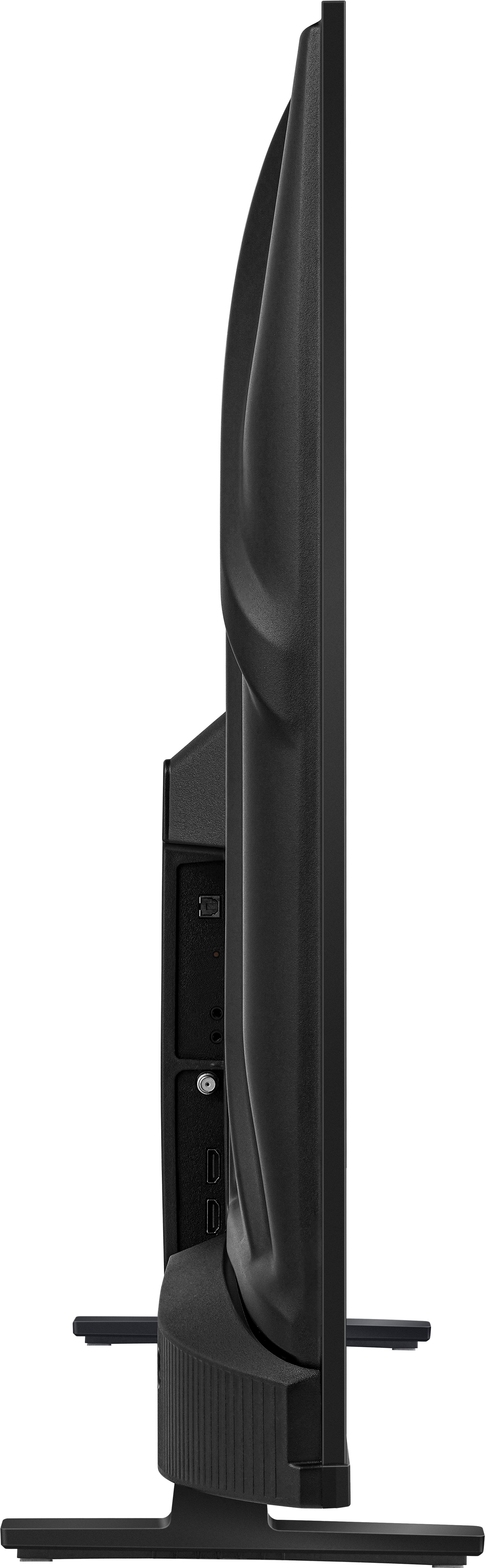
    • Answer Hi JSap, thank you for your interest in the Toshiba 32V35RU. The TV does not have an ethernet port. If you have further questions, please reach out to our dedicated support team directly at 1-888-407-0396 or via email at Support@Toshibatv-usa.com. Thanks again, Toshiba Support Team.

      Answered by Toshiba Product Expert

  • QuestionCan this tv pair with wireless earbuds

    Asked by Mike.

    • Answer No, but you can get an after market Bluetooth HDMI products.

      Answered by RonaldW

  • QuestionWhere are the speakers located?9

    Asked by Har.

    • Answer Inside the cabinet but you can add external speakers via the HDMI points

      Answered by RonaldW

  • QuestionDoes this come with an HDMI Cable?

    Asked by Toshiba32TV.

    • Answer no, you will need to purchase one.

      Answered by RonaldW

  • QuestionCan you use as a monitor for Apple Macbook?

    Asked by EMP.

    • Answer Hi EMP, thank you for your interest in the Toshiba 32V35RU. Yes, the TV can be used as a monitor for an Apple Macbook. If you have any further questions or concerns, please give us a call at 1-888-407-0396 or email us at Support@Toshibatv-usa.com. Thanks again, Toshiba Support Team.
      Answered by Toshiba Product Expert

  • QuestionIs this tv include Amazon fire stick

    Asked by Matt.

    • Answer No, but you can get one from Amazon

      Answered by RonaldW

  • QuestionWith Bluetooth connectivity can you connect wireless Bluetooth headphones to listen. I see where it has the wired headset connectivity

    Asked by GIG.

    • Answer Hi GIG, thank you for your interest in the Toshiba 32V35RU. The TV supports Bluetooth so you can connect your headphones. If you require technical assistance, please give us a call at 1-888-407-0396 or email us at Support@Toshibatv-usa.com. Thanks again, Toshiba Support Team.
      Answered by Toshiba Product Expert

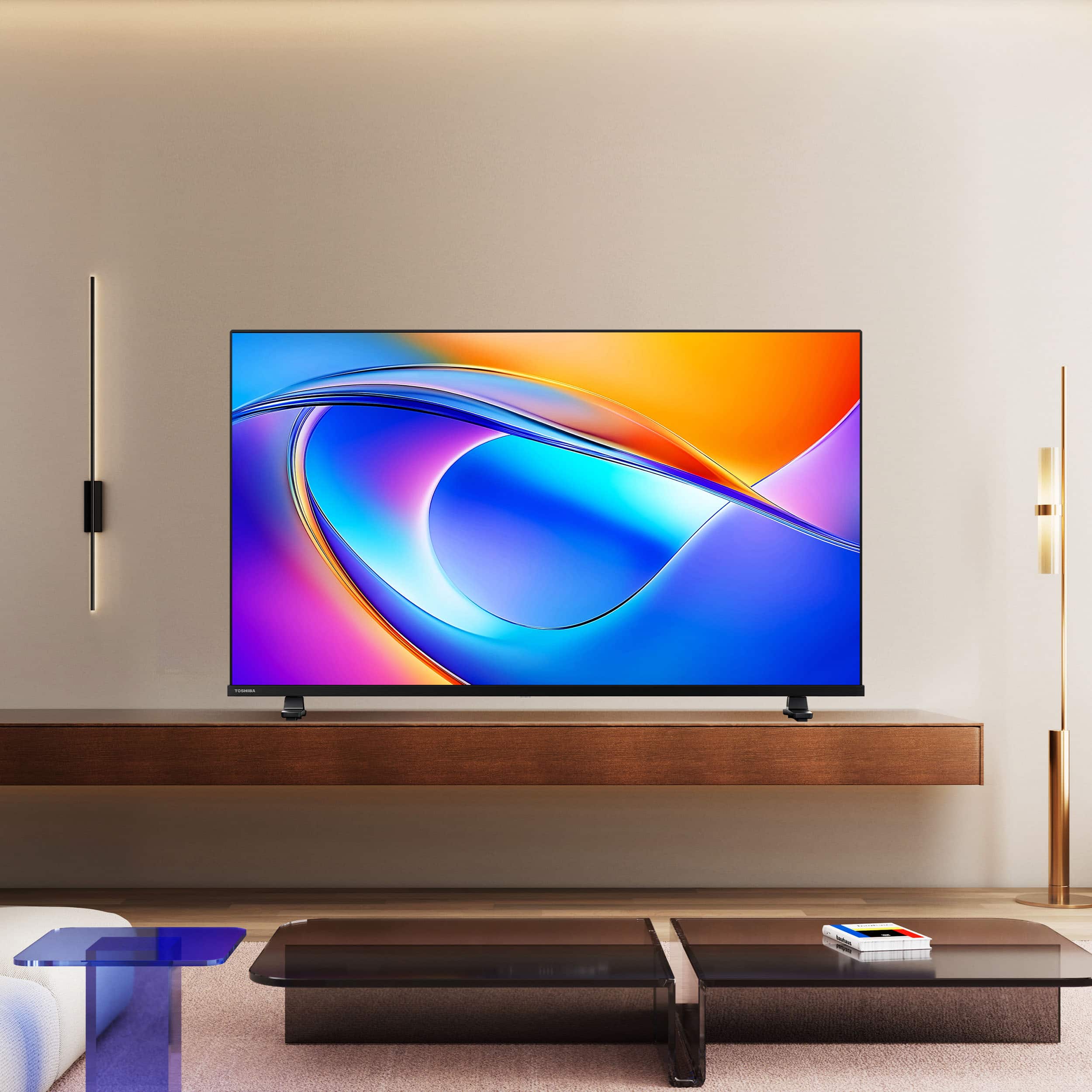
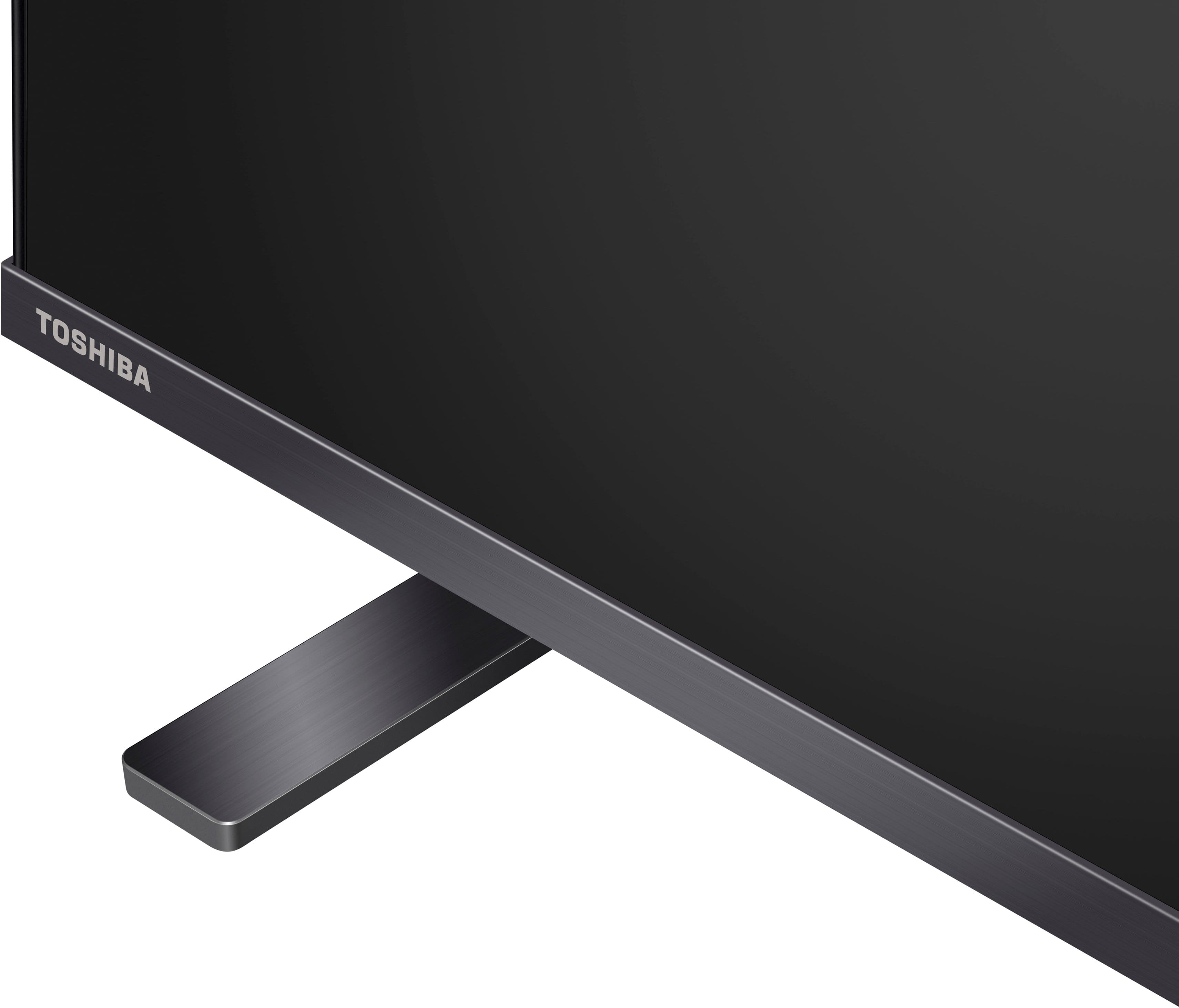
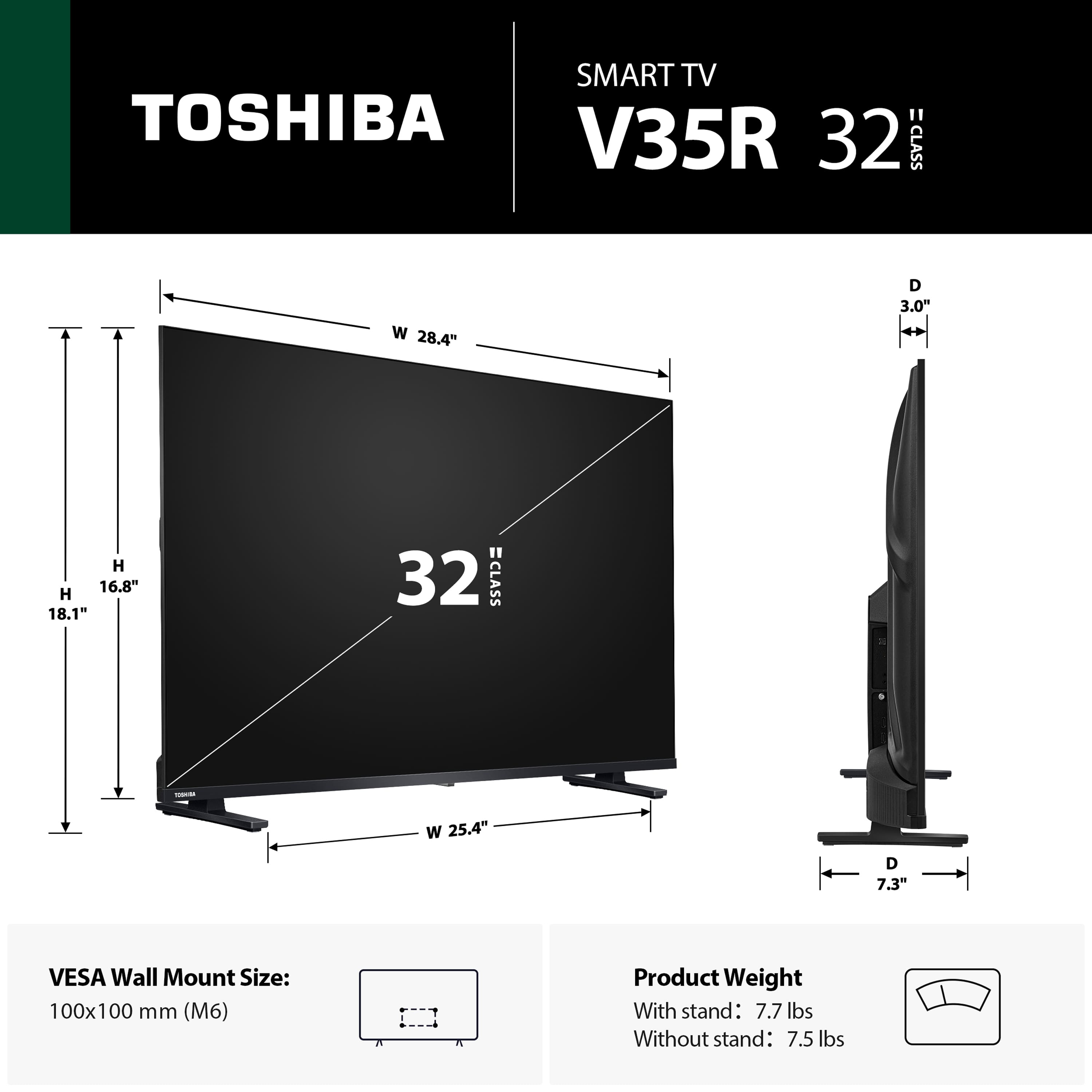
  • QuestionDoes this tv have a stand or does this need to be mounted on a wall?

    Asked by Sam.

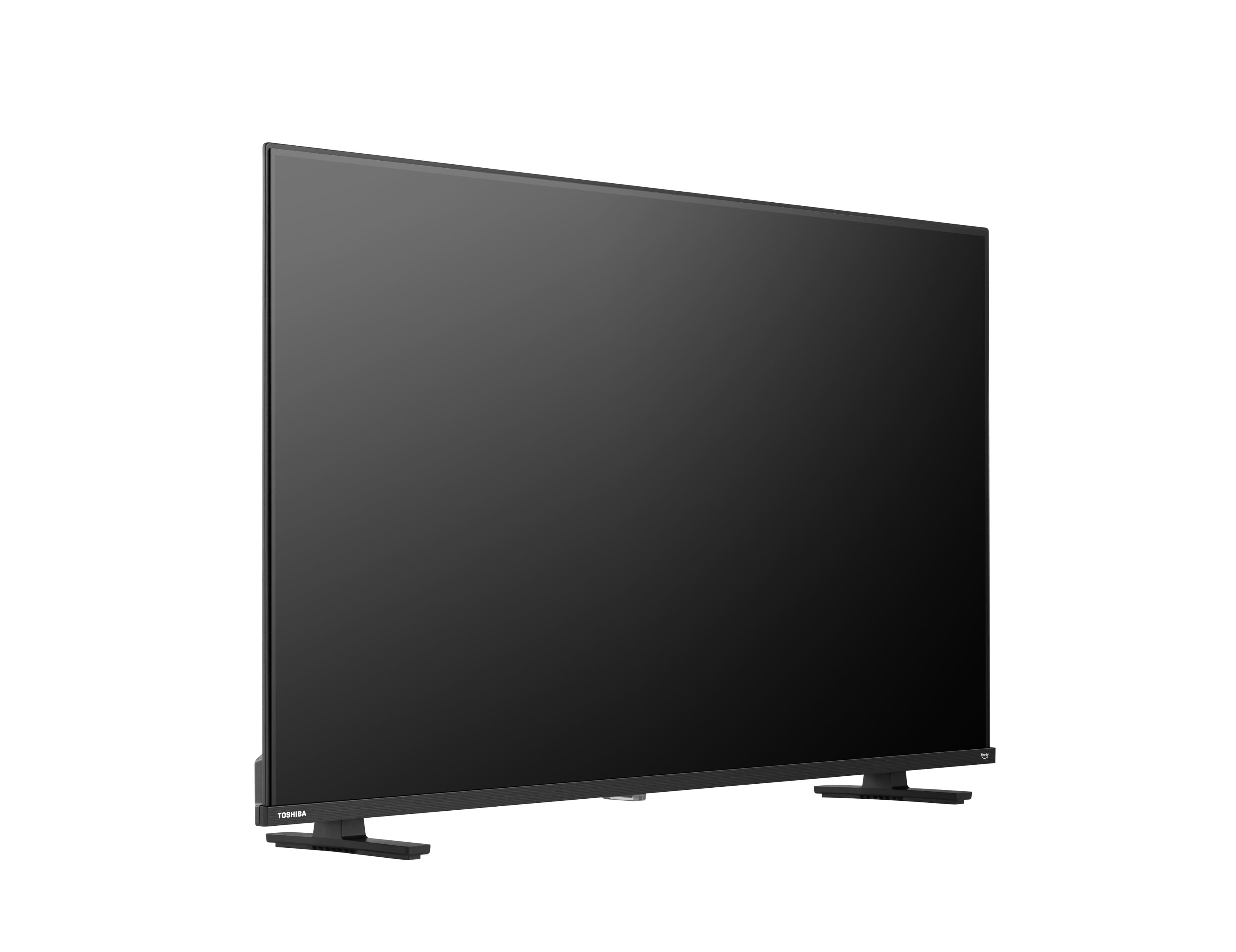
    • Answer You can do wither option

      Answered by RonaldW

  • QuestionAre the TV stands adjustable? Will I be able to move them in a little closer to the middle?

    Asked by Anonymous.

    • Answer No, they are set at particular points.

      Answered by RonaldW

  • QuestionI see this Tv has internal speakers, but could it benefit from a soundbar or can one be installed?

    Asked by CuriousGal.

    • Answer absolutely, Soundbars really improve the sound.

      Answered by RonaldW