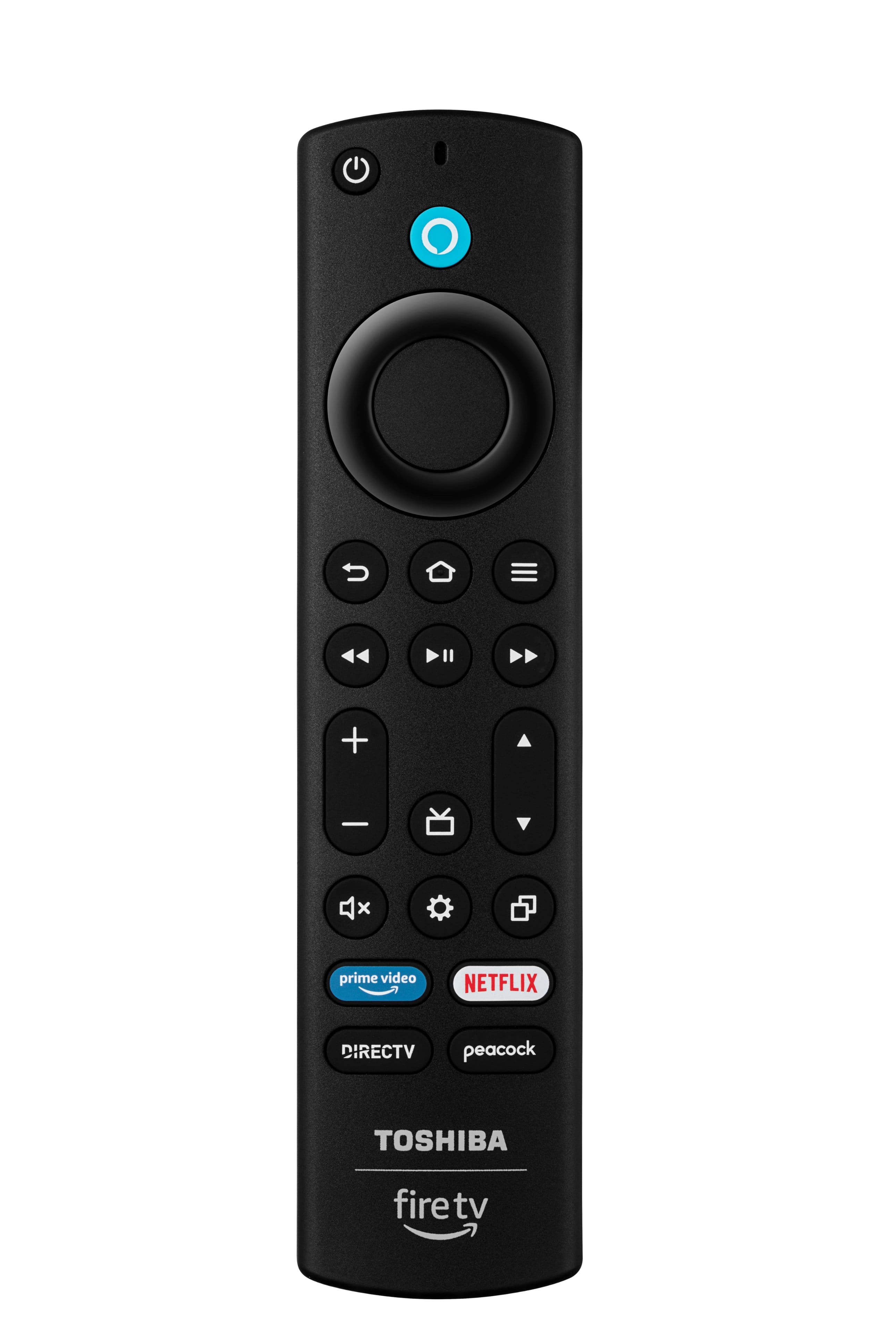
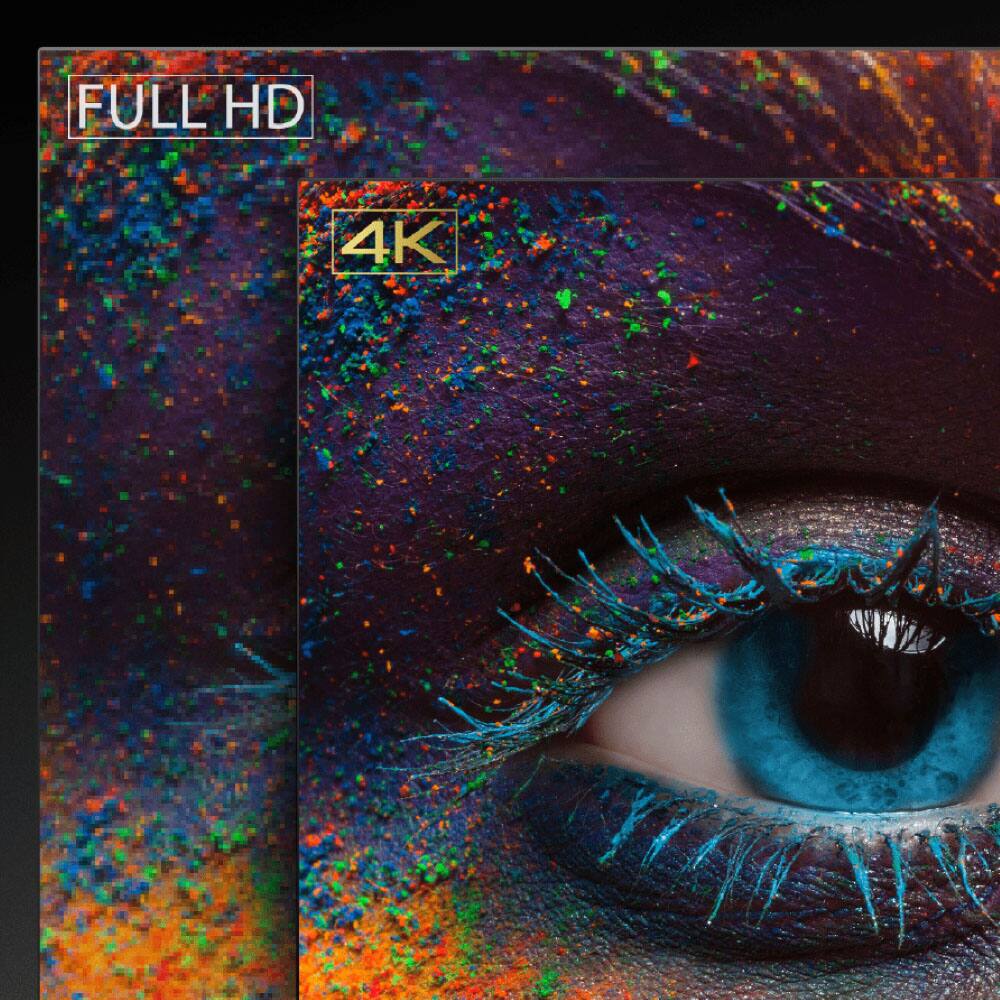
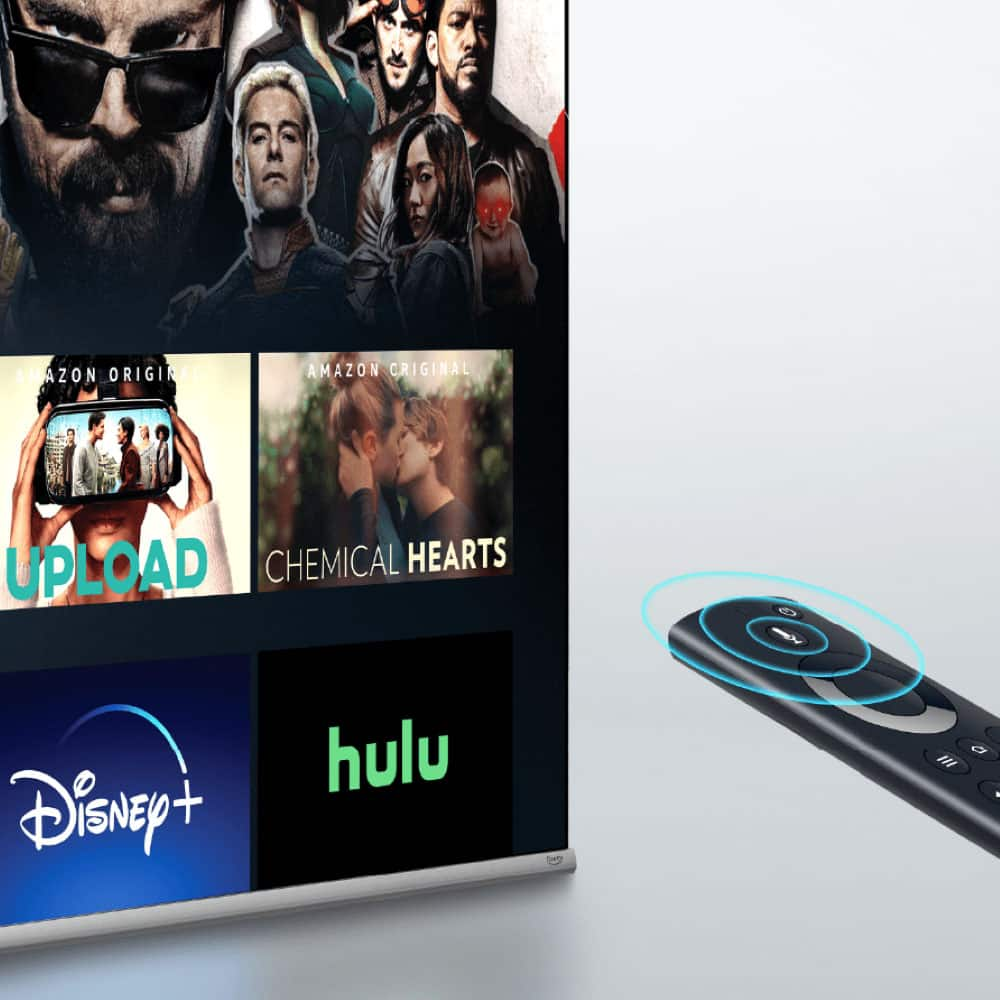
A:AnswerYou have to change the picture setting when watching a program. Watch a show and then hold down the home button. You should then be able to adjust the settings to your liking.
A:AnswerHi Toshiba Customer, Thank you for your interest in the Toshiba 43C350LU. If you wish to use this TV as a monitor and display images in "portrait" style (90 degree rotation), you can connect it with a PC and change the Display Orientation on the computer to Portrait. If you have any further questions or concerns, please give us a call at 1-888-407-0396 or email us at [email protected]. Thanks again, Toshiba Support Team.
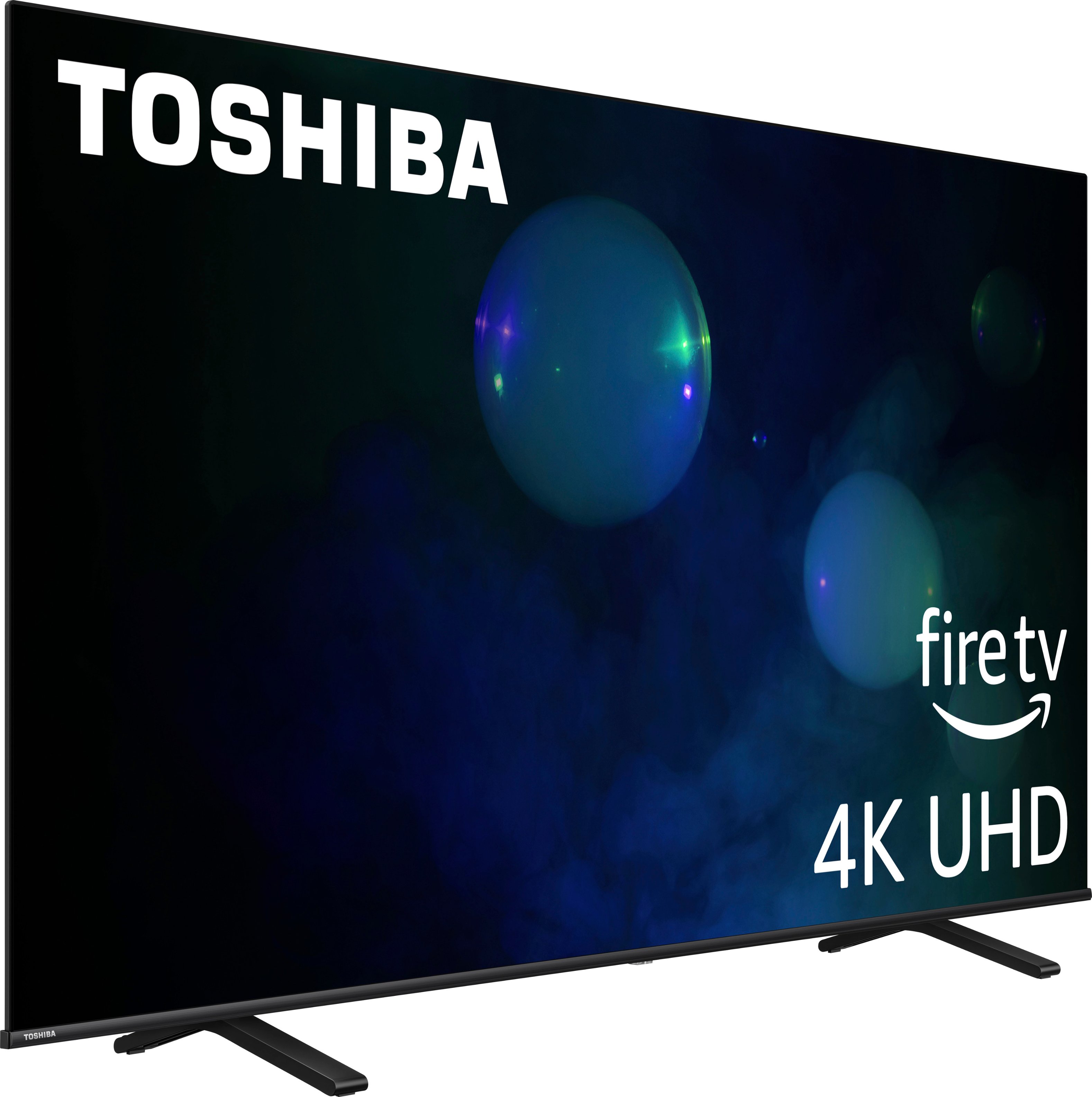
A:AnswerHi Billman98, Thank you for your interest in the Toshiba 43V35MU. If two TVs are in close proximity, using one remote may inadvertently power both TVs on or off. To control only one TV, you can wrap your hand around the head of the remote and point it directly at the desired TV. This helps prevent IR interference and ensures that only the intended TV responds to the remote commands. If you have any further questions or concerns, please give us a call at 1-888-407-0396 or email us at [email protected]. Thanks again, Toshiba Support Team.
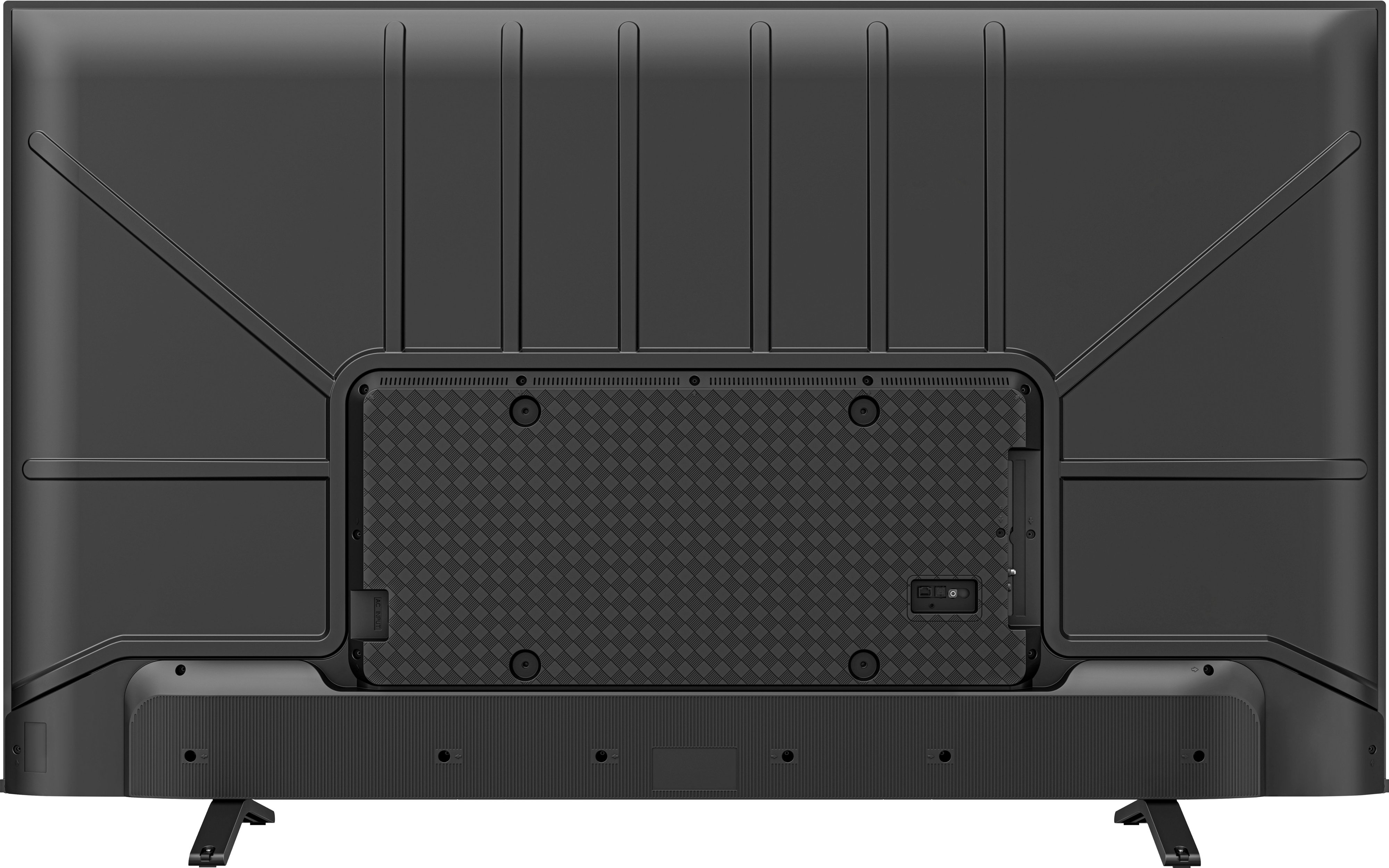
A:AnswerIf you're talking about OTA signal, this TV doesn't have the a very strong OTA tuner...since it is mostly geared towards streaming services/apps!
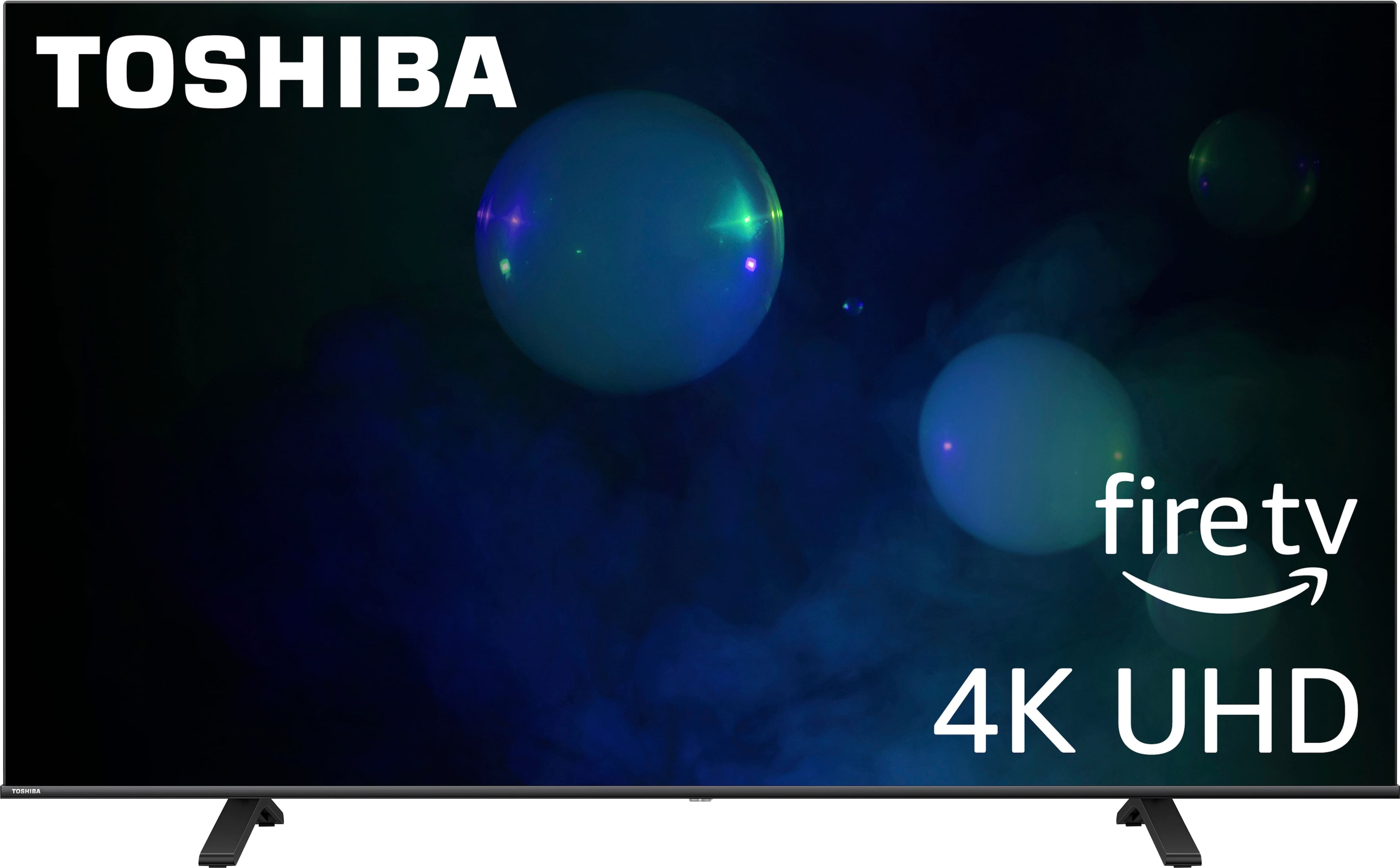
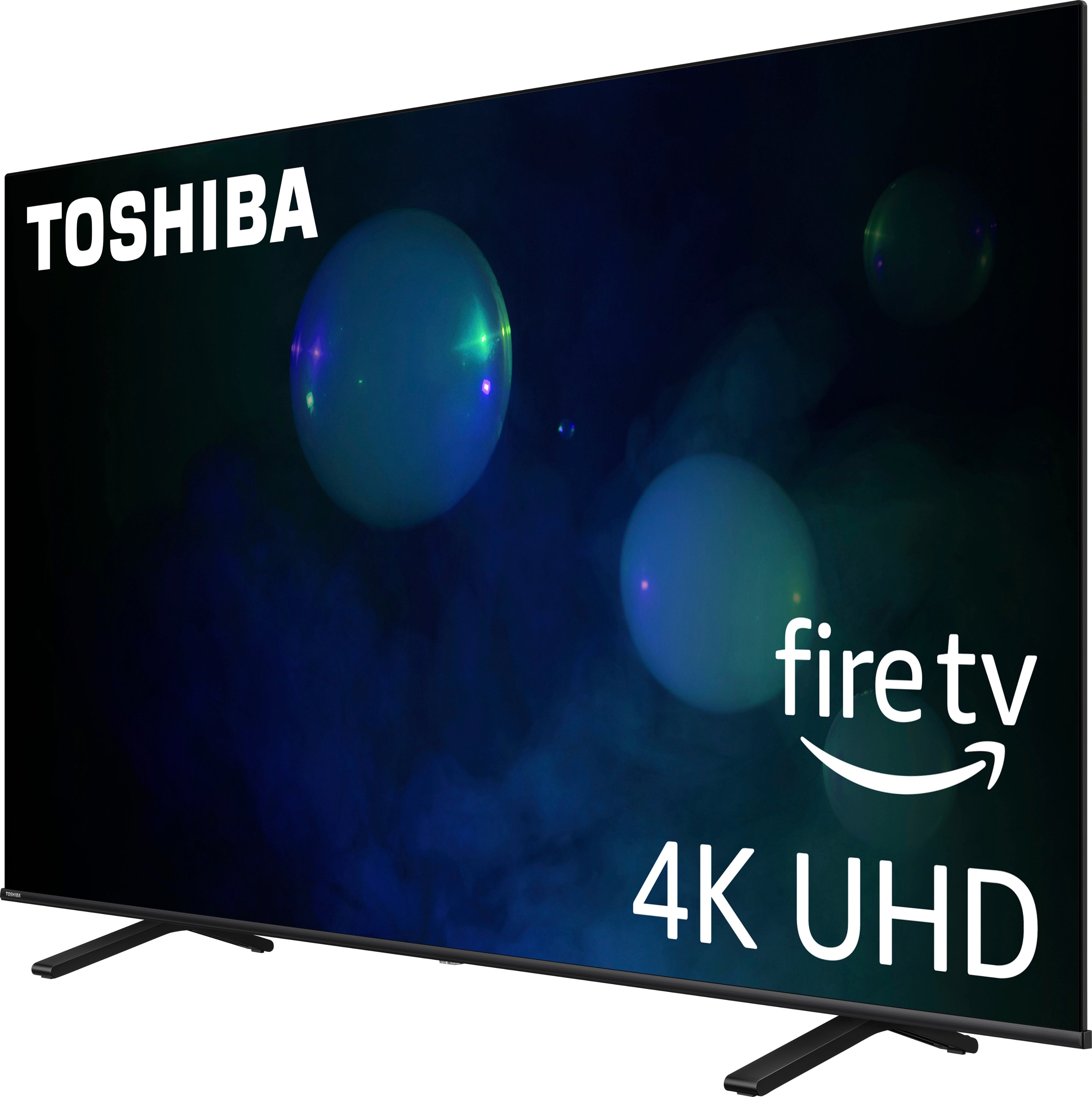
A:AnswerWe measured the outside dimensions of the t.v. support legs; the distance between the outsides was approximately 30.25". So, the basic answer is a 43" screen could "work". But realize that you will only have approximately 1 inch on each edge of your stand. It may be best to have the tv stand against a wall and maybe near a corner, to be out of the way of high traffic paths.