A:AnswerThank you for your inquiry! To use your Toshiba Fire TV in audio-only mode with the display turned off, you will need to navigate to the TV's settings menu and look for an option to disable the display while maintaining the audio output. This feature may be called "Audio Only Mode" or something similar.
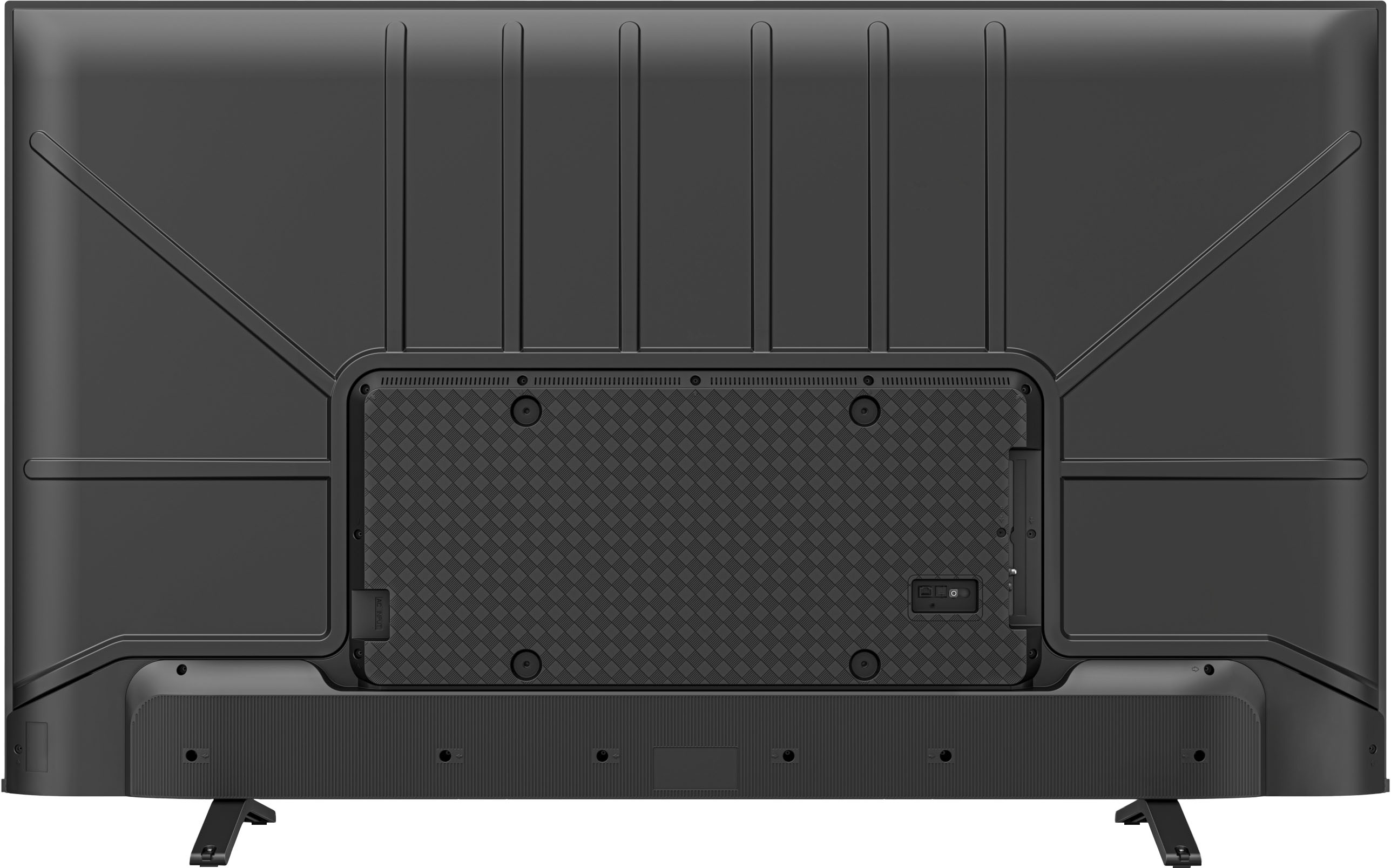
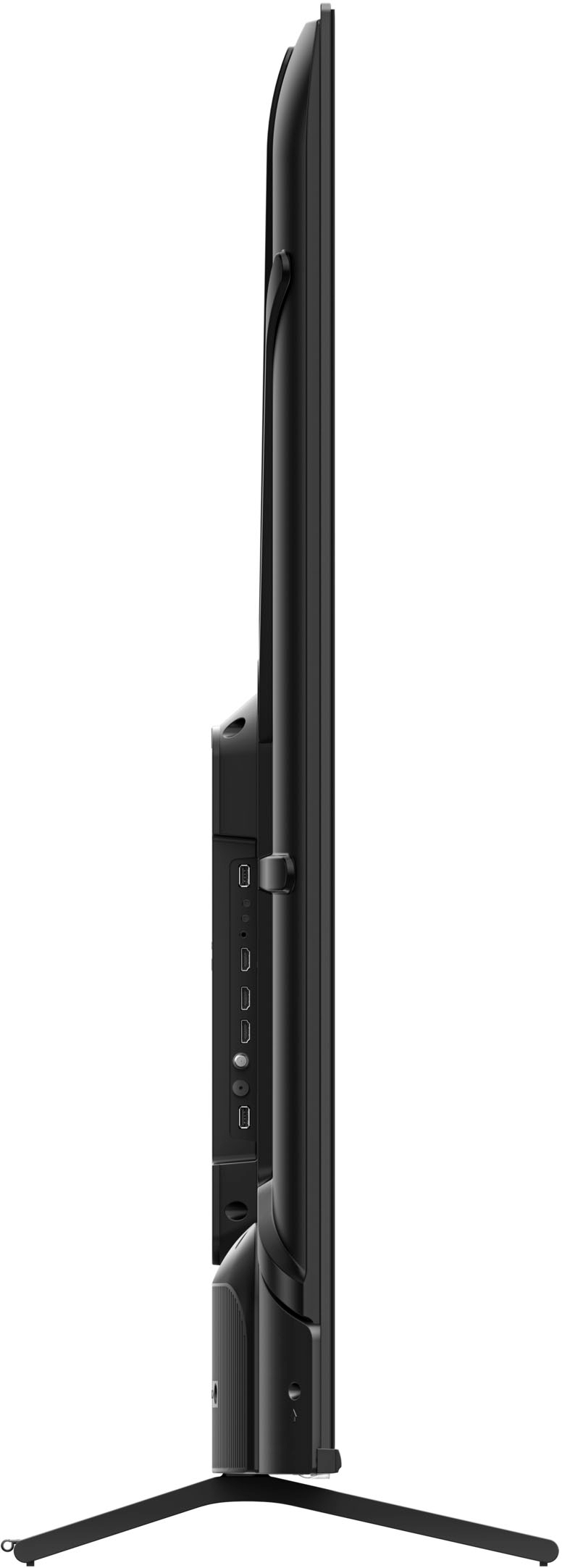
Once you have enabled audio-only mode, you can connect your desired audio output device to the TV's optical link. This could be a soundbar, receiver, or any other audio device that supports optical input.
After connecting your audio device, select the audio source as the optical link on the device. Then, you can stream audio from your TV while the display remains turned off, therefore reducing power consumption and extending the display's lifespan.
If you are unable to find an audio-only mode option in the TV's settings menu, you may need to contact Toshiba customer support for assistance or explore alternative solutions such as using an external streaming device or audio adapter with optical output capabilities. Keith | Toshiba Support https://www.bestbuy.com/site/toshiba-75-class-c350-series-led-4k-uhd-smart-fire-tv/6560922.p?skuId=6560922