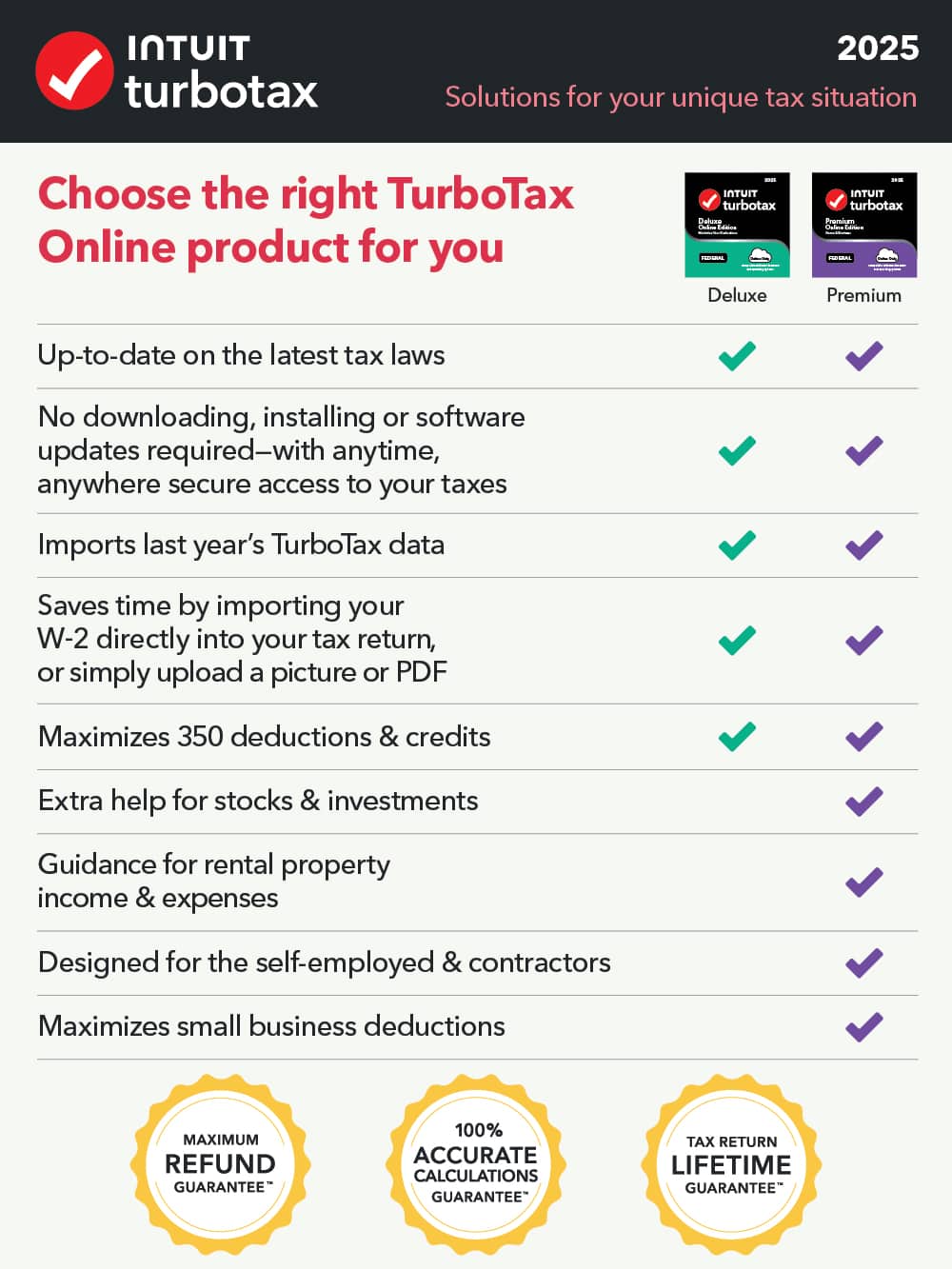
A:AnswerTo report capital gains, you'll need TurboTax Premium Online 2025. Premium is designed to guide you through investment reporting and includes Schedule D and Form 8949.
A:AnswerFor reporting your investment income, such as stocks, bonds, or other investments, you'll want to use TurboTax Premium Online 2025 . Premium is designed for investment reporting including Schedule D and Form 8949.
A:AnswerYes. TurboTax - Online Deluxe 2025 automatically saves your progress as you move from screen to screen. You don't need to press a 'Save' button. You can log out at any time, and when you log back in, you will pick up exactly where you left off.
While your active return is stored securely on our servers (the cloud), you can and should download a copy to your local hard drive for your records. You have two options:
PDF File: Best for reading, printing, or sending to a loan officer.
Tax Data File (.tax2025): This is a digital backup file. You cannot read it, but if you ever need to amend your return using the Desktop software in the future, this file is required.
A:AnswerYes. TurboTax Online and the TurboTax Mobile App work interchangeably as it suits your needs all under your Intuit account. With your TurboTax Online Deluxe 2025 purchase, you will get access to the Deluxe product through our website and your mobile device as well as the option to print your return as PDF.
A:AnswerWith TurboTax Online Deluxe 2025, you can file one federal tax return per Intuit account and include up to five state returns. The cost to add a state return with TurboTax Online Deluxe 2025 is currently $39 and can be added at the end when completing your federal return.
A:AnswerTurboTax Online Deluxe 2025 can be used on Windows 10 through a supported wed browser. However, TurboTax Desktop 2025 requires Windows 11 64-bit or macOS Sonoma 14 or later.
A:AnswerFor reporting your capital gains, TurboTax Premium Online 2025 is needed. Premium is designed for investment reporting including Schedule D and Form 8949.
A:AnswerThe cost to add a State return using TurboTax Online Deluxe 2025 is currently $39. The state return purchase can be added on at the end after completing your federal return in the TurboTax Online product.
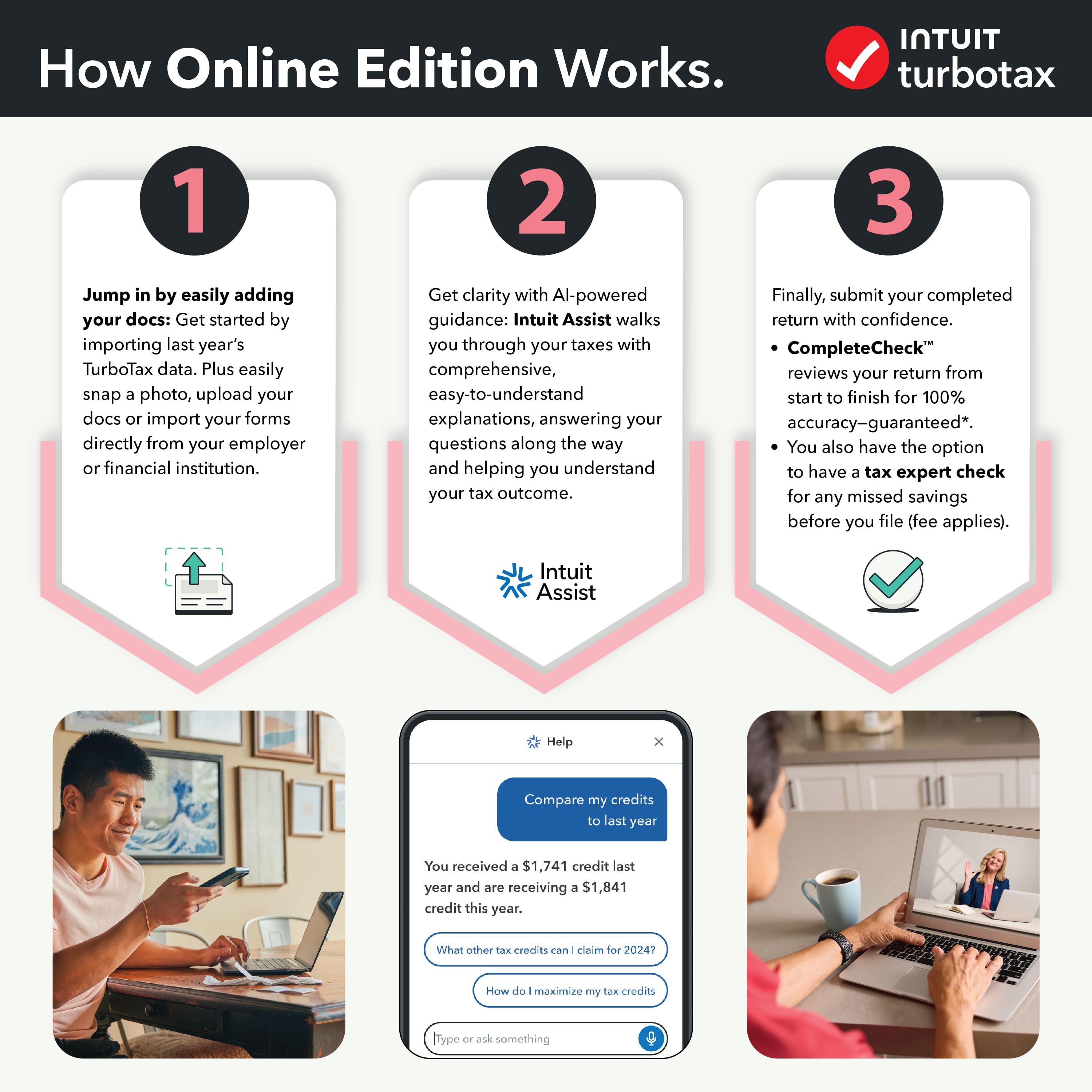
A:AnswerTurboTax Online Deluxe 2025 allows you to prepare and e-file your tax return easily from any computer with internet access. There's no software that needs to be installed. After your purchase you'll receive a 16-character activation code on your receipt or email confirmation. The email will provide instructions on how to get started.
A:AnswerWe typically recommend TurboTax Online Premium 2025 for investment activities as it is recommended if you sold stock, bonds or mutual funds, sold employee stock, own rental property or are a trust beneficiary.
If your situation doesn’t involve that but instead investments/dividends, TurboTax Online Deluxe will work for you.
In either case, you will be able to import your brokerage investment activities or choose to manually enter them if you wish.