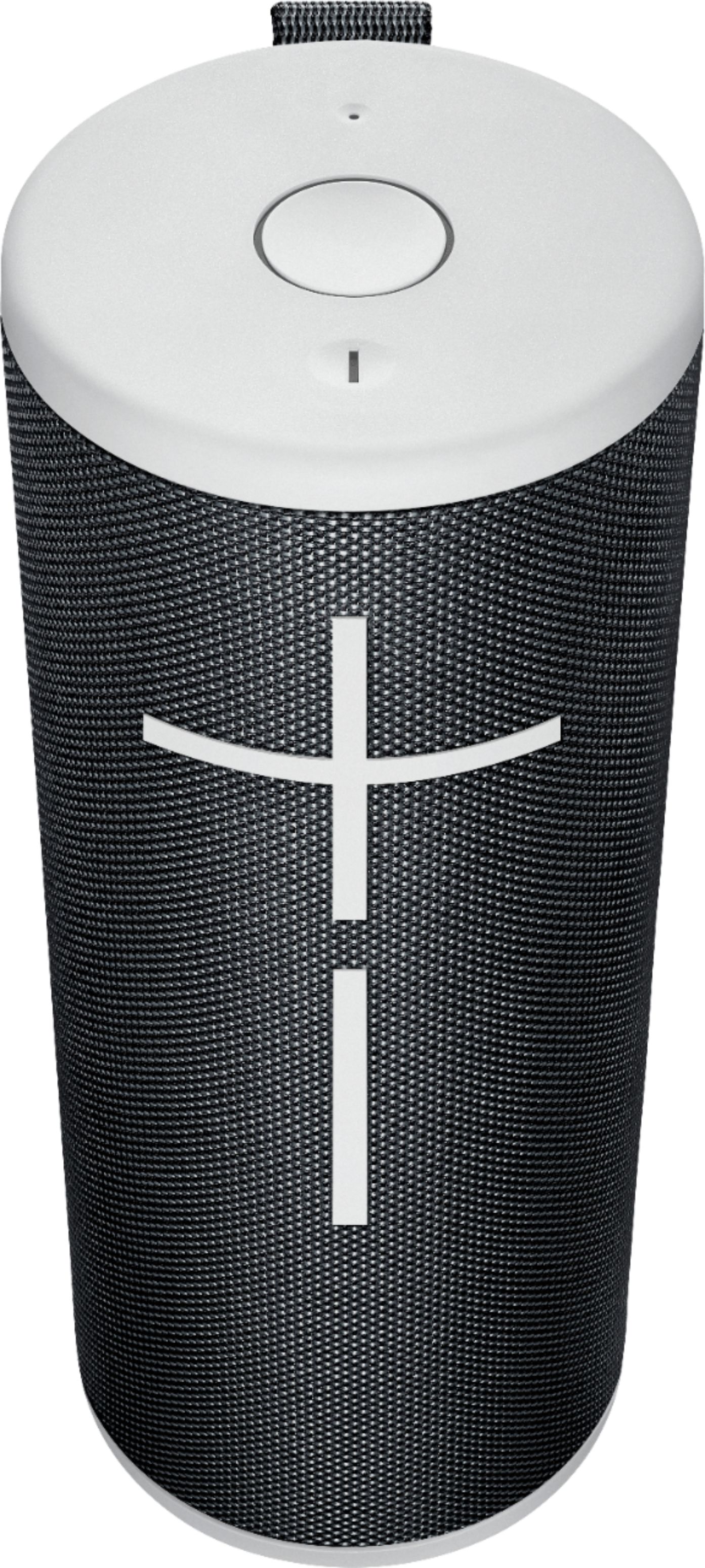
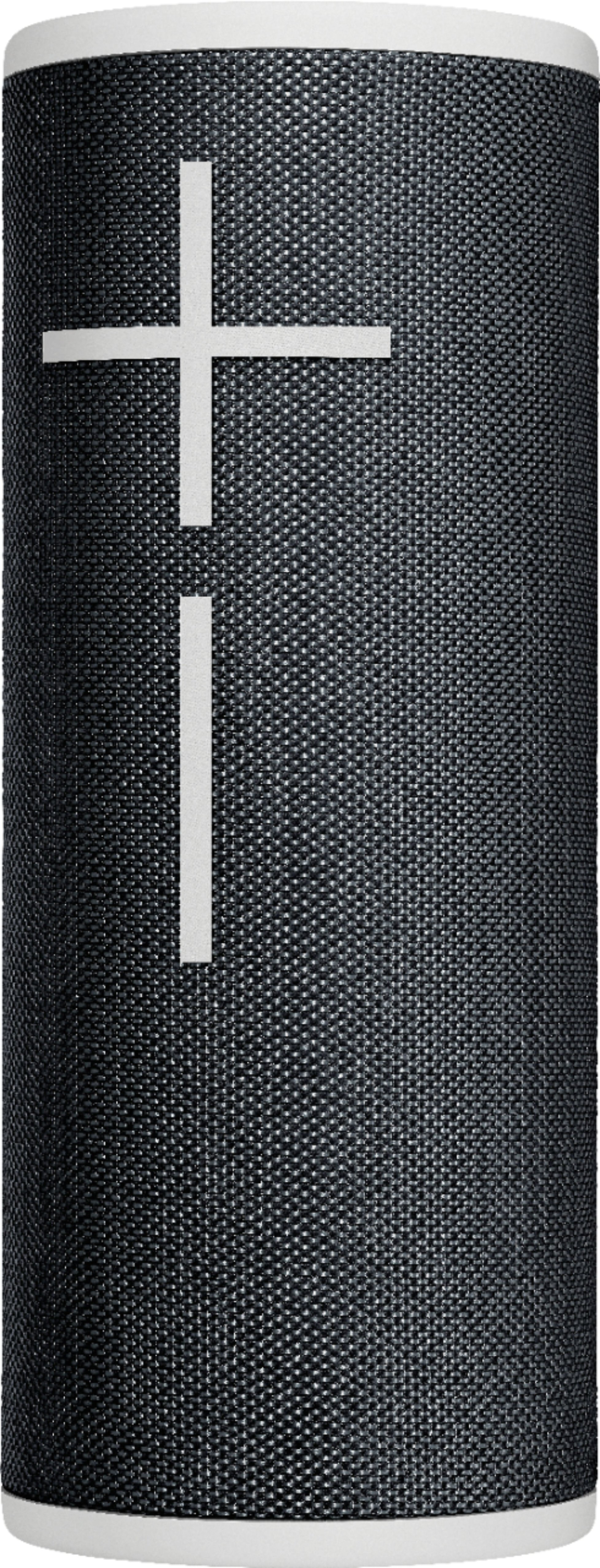
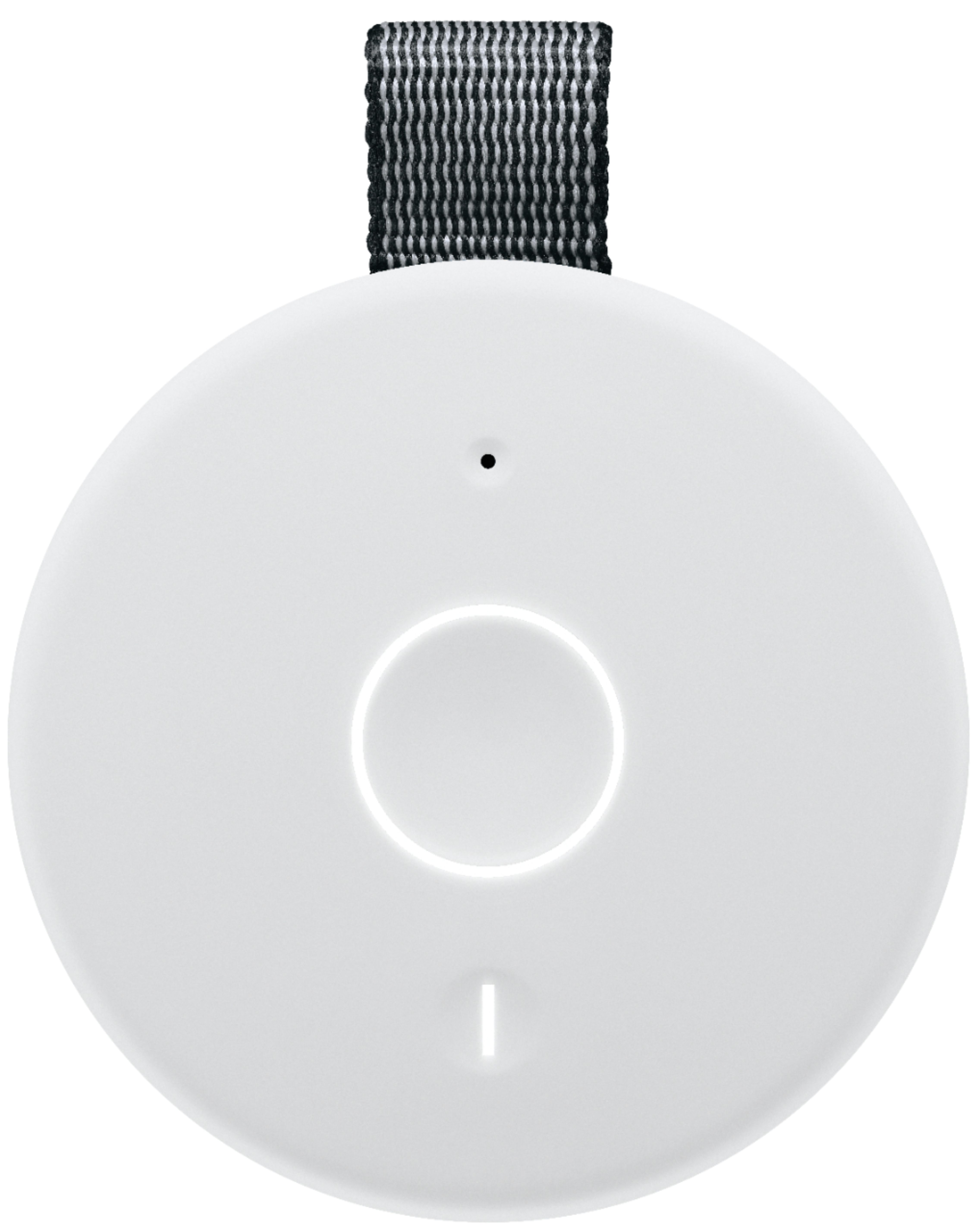
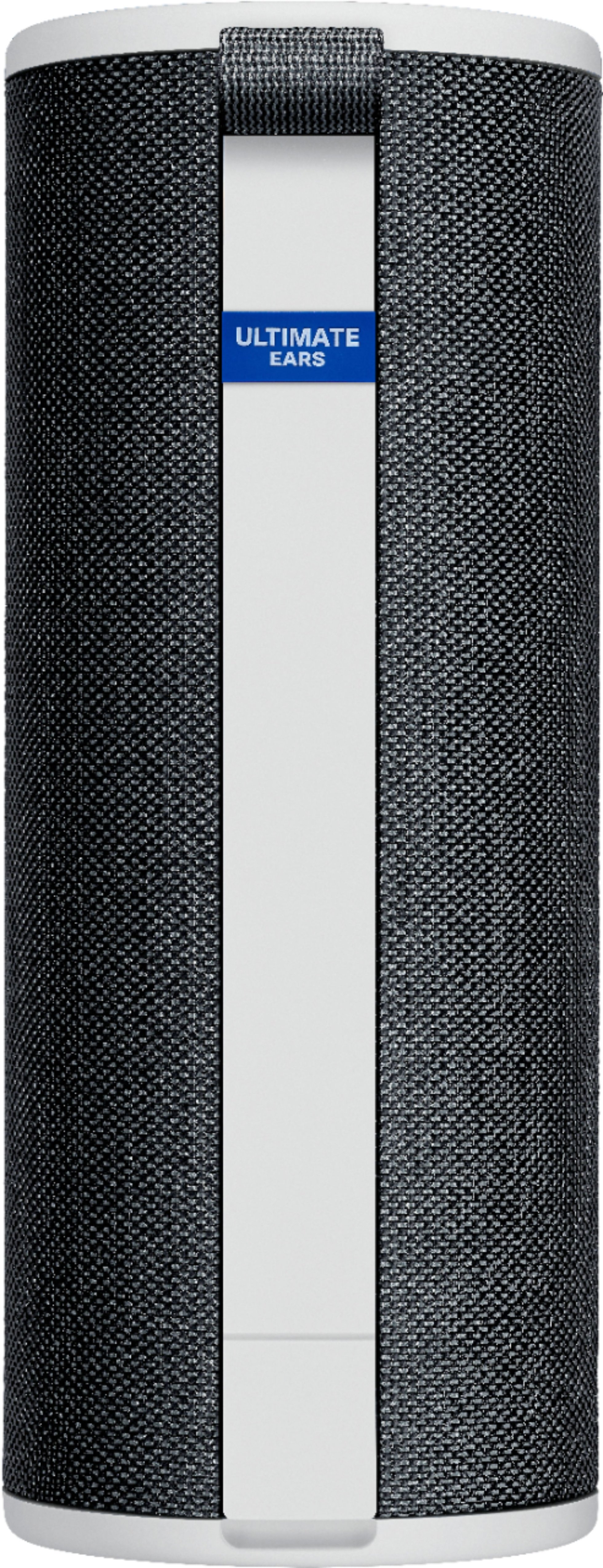
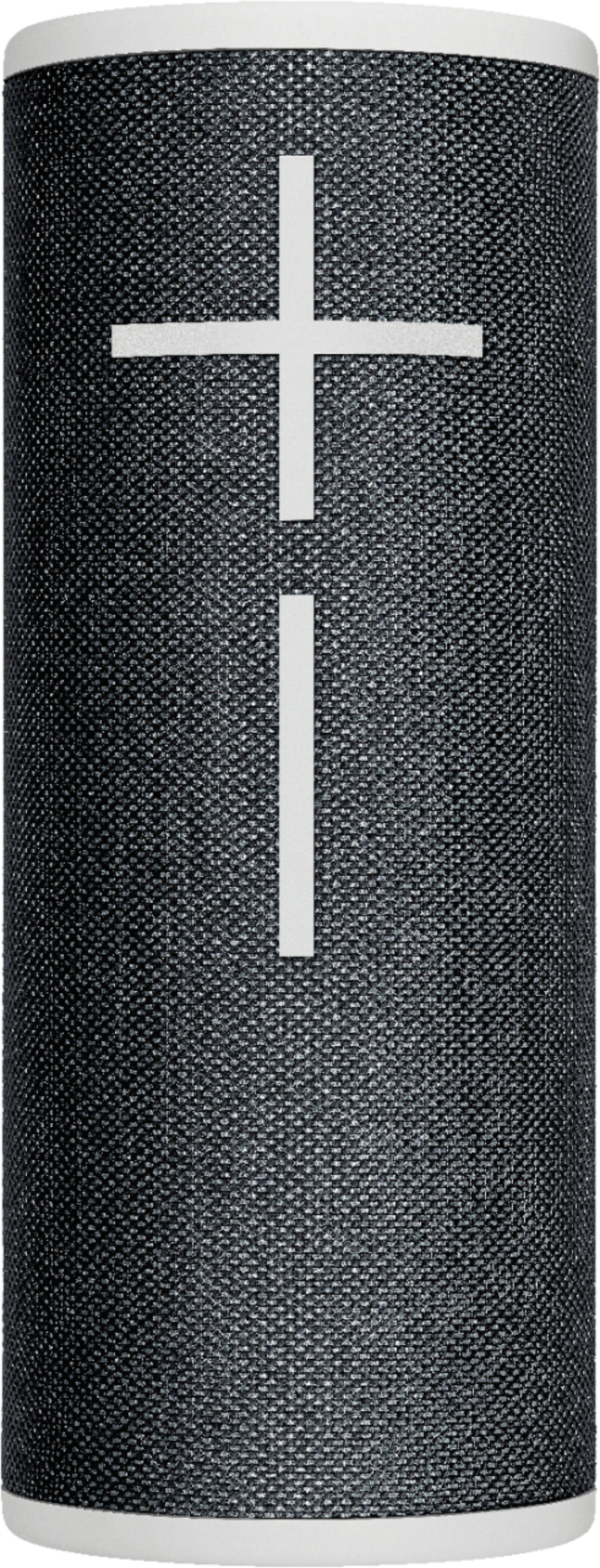
A:AnswerHello Warren. The Boom 3 is a Bluetooth speaker. It does not have an auxiliary input. You may be able to connect a smart TV to the speaker to use, but there is no way to physically connect an Xfinity X1 cable box to the speaker.
A:AnswerI had a hard time myself but press the on button and keep your finger on it as you turn it on for awhile refresh your phone a couple times, it will eventually connect. It just takes a couple tries. Don't give up its worth the sound. Good Luck
A:AnswerHello, no, the Boom 3 speaker will come with its own usb charger. You'll be able to plug it in to any usb brick that you already have. Thanks for the question, have a great day.
A:AnswerHello, you may link two Boom 3, Boom 2 or Boom 1 together to create a stereo setup through our Ultimate Ears app for iOS or Android. The app will let you control mono/stereo and has other features such as EQ.
If you ever have any feature/settings questions, please visit us for support at https://ultimateears.com/support
A:AnswerHey there! You should be able to pair all three of your speakers together no problem. Simply download the "Boom and Megaboom" app on your phone and select the party up option to get started!
A:AnswerHello, you'll need a bluetooth adapter to connect the Boom 3 to your outdoor tv. We highly recommend looking into our Hyperboom speaker for TV use. The Hyperboom speaker comes with an optical port, an auxiliary port, and can connect via Bluetooth as well. The boom 3 was built and designed with music portability in mind and would not sound the best for TV use. Thank you for the question, have a great day. https://www.bestbuy.com/site/ultimate-ears-hyperboom-portable-bluetooth-party-speaker-black/6398427.p?skuId=6398427
A:AnswerHello Carly, the Boom 3 has a Maximum Sound Level: 90dBC, Frequency Range: 90Hz - 20kHz, Two 2” drivers and two 2” x 4” Passive Radiators. Have a great day.
A:AnswerHello Lola,
The Boom 3 can connect to a device as an audio output via Bluetooth. There needs to be a master device that receives and sends the audio. The Bluetooth mic would need to connect to the device as an input and the Boom 3 would need to be connected as an output device. The mic cannot connect directly to the speaker via Bluetooth. I am not sure which specific mic and device you are using, so there are other potential considerations. Thank you for considering Ultimate Ears, and for your question. Please download the Ultimate Ears Boom app for best experience. Further support for the Boom 3 is available through the app or through the support website.
Best regards,
John at Ultimate Ears/Logitech
https://support.ultimateears.com/en/guide/boom3/
A:AnswerMake your phone forget the initial connection via your Bluetooth settings. Then press the Bluetooth button on the speaker and attempt the connection again. I would recommend you to download the official app for troubleshooting
A:AnswerHi Bill, The Ultimate Ears Boom 3 uses Bluetooth 4.2. It does have an improved Bluetooth range from it's predecessor the Boom 2. - Richard from Logitech