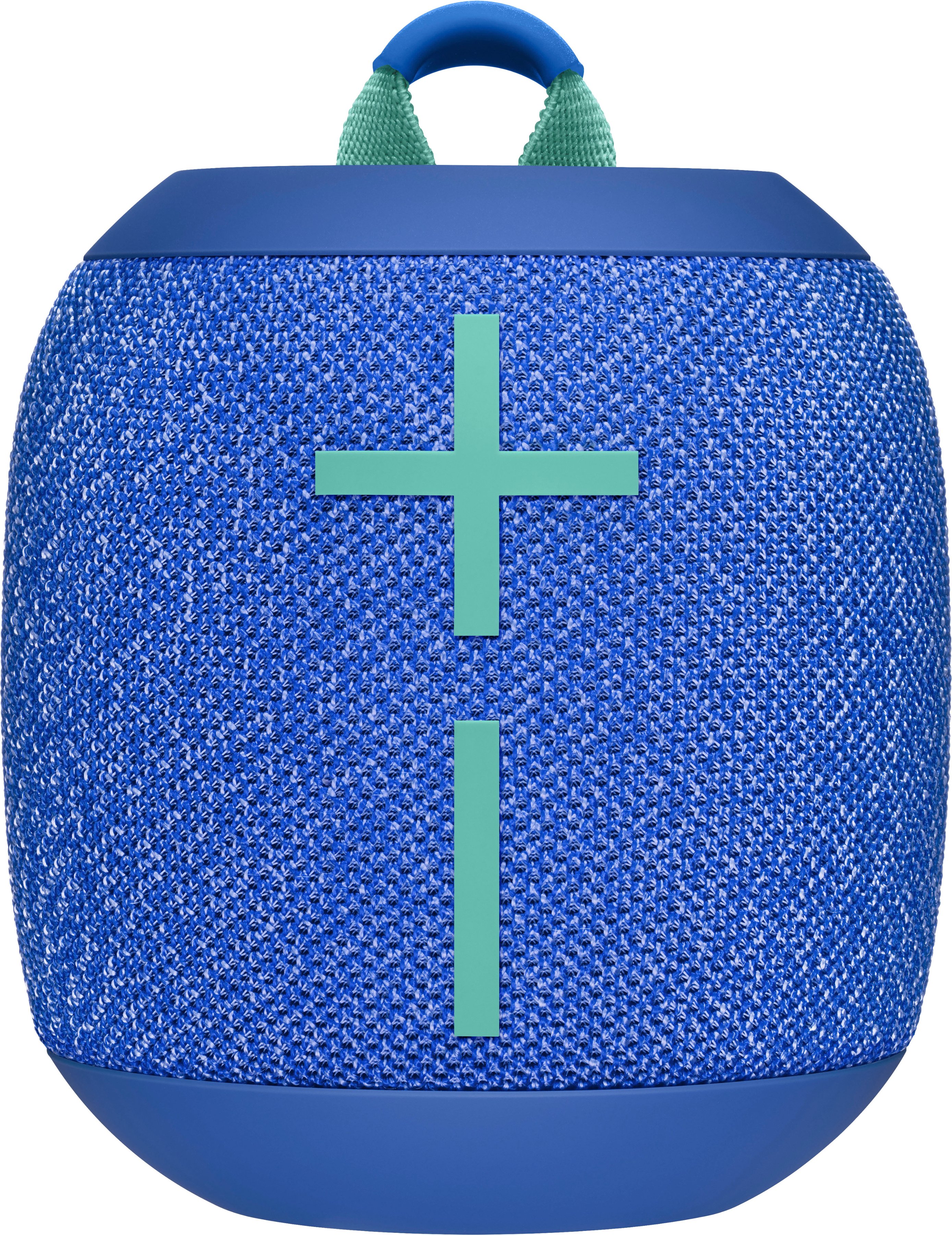
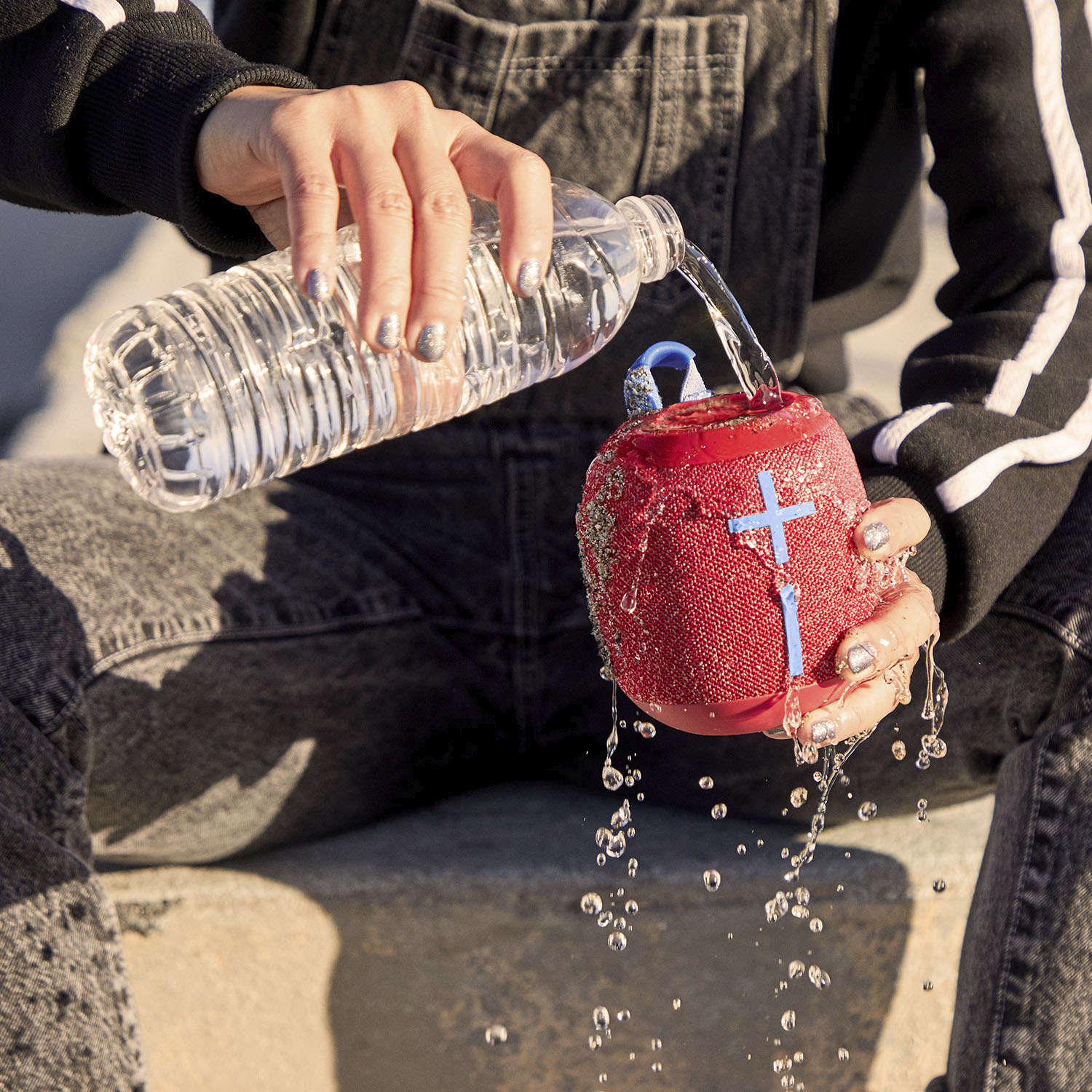
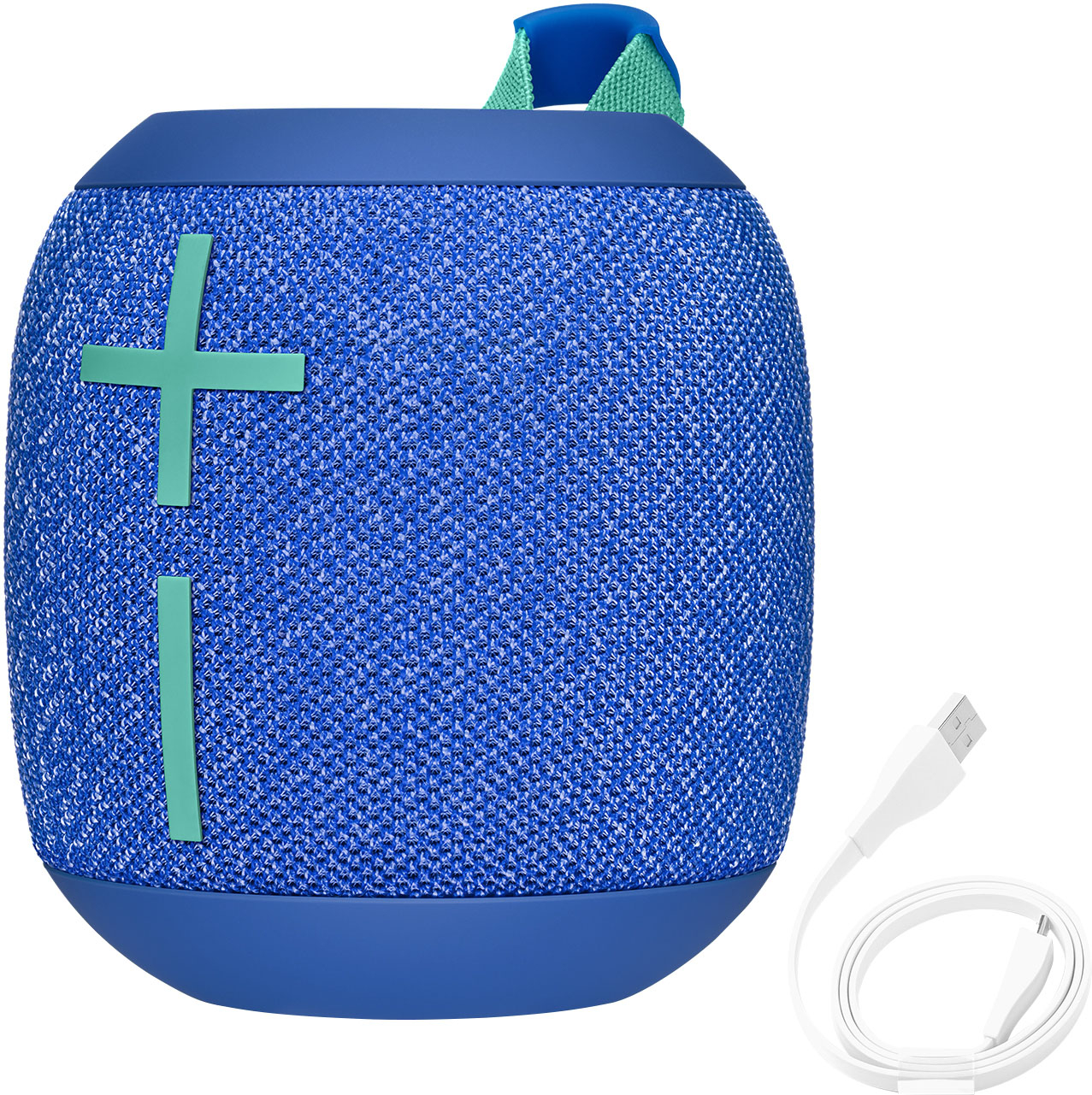
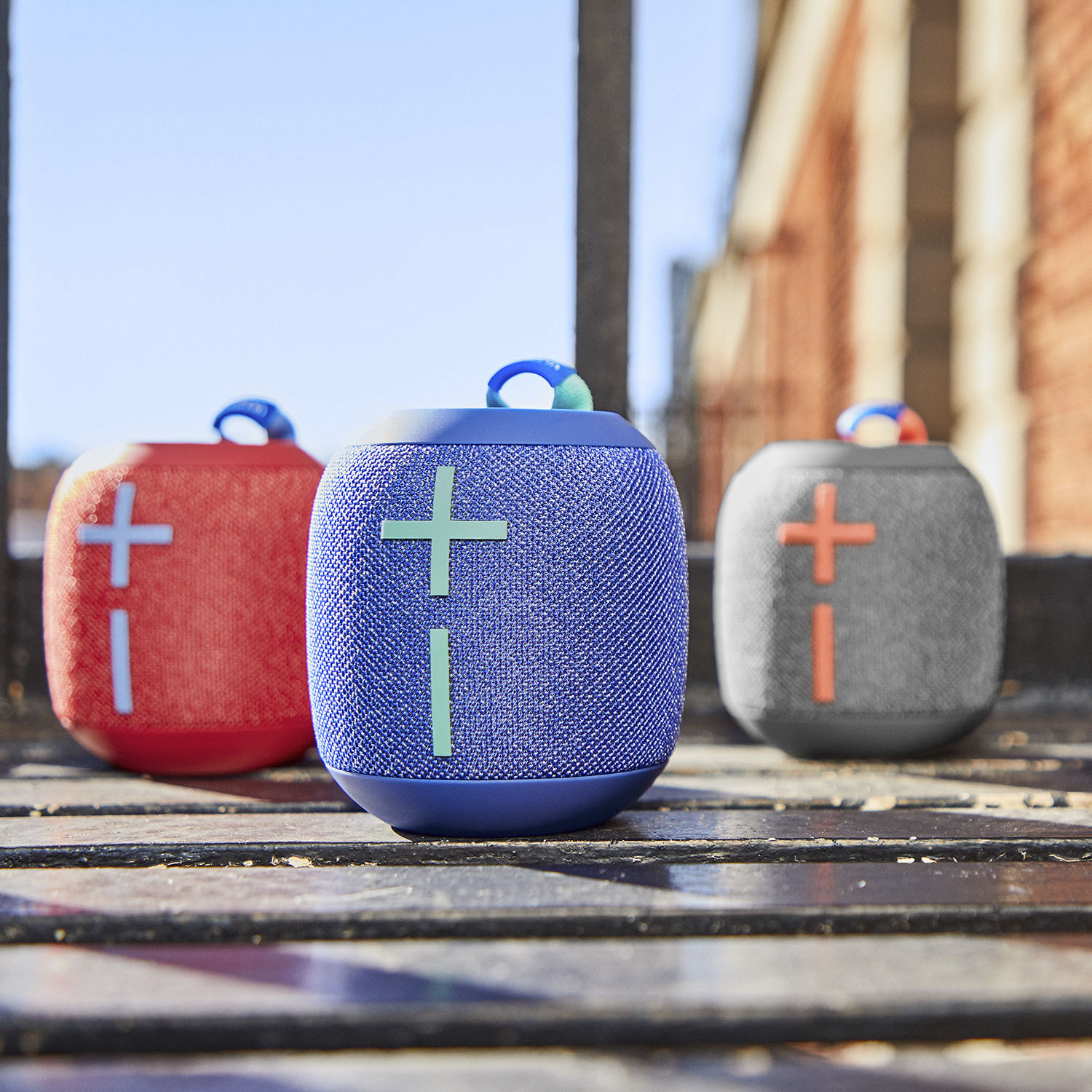
A:AnswerHello Susie2Cute! The WONDERBOOM 2 Portable Wireless Bluetooth Speaker with Waterproof/Dustproof Design will pair via Bluetooth to your computer/phone/tablet, and play music/videos/any sound coming from your device. Do note that the speaker doesn't have a built-in microphone though, so you can't speak to it to talk on a conference call, nor ask Siri to put songs on for you on iTunes. But if you play songs on your device (one paired via Bluetooth with your device), you'll hear them play on the speaker. To put the speaker in pairing mode, first turn on the speaker by pressing the vertical line on the top, then once turned on, press and hold the small round button above the big circle button still on the top of the speaker, and you should see the pairing light start to flash. Once that's done, go to your device's Bluetooth settings, and complete the pairing. - Mathieu from Logitech
A:AnswerHello Cindy! The WONDERBOOM 2 Portable Wireless Bluetooth Speaker with Waterproof/Dustproof Design is compatible with all phones via Bluetooth pairing, but note that it doesn't have any built-in microphone, so you won't be able to use voice commands nor doesn't have any built-in assistant like Alexa. - Mathieu from Logitech
A:AnswerHello, you are only able to pair two wonderbooms together. To do this, you will press and hold the center button until you hear the pairing mode tone. If you would like to pair more than two, you will have to go up to the Boom or Megaboom models. I hope this helps!
-Danielle from Logitech
A:AnswerYou need to pair the speakers each time you turn them on if tou want to use them in stereo. It is not automatic, however it is very easy to do.
A:AnswerYes. It works whether plugged in and charging or if you’re on the go. And the sound quality is the same, either way. This thing packs a punch and is great as a portable unit. Plus, it holds a very long charge which will give you hours of listening to your tunes.
A:AnswerOnly the wonderbooms will connect together I believe. I have the first version and a new one, connect to each other without issue. I tried connecting with a Megaboom but it didn’t work.
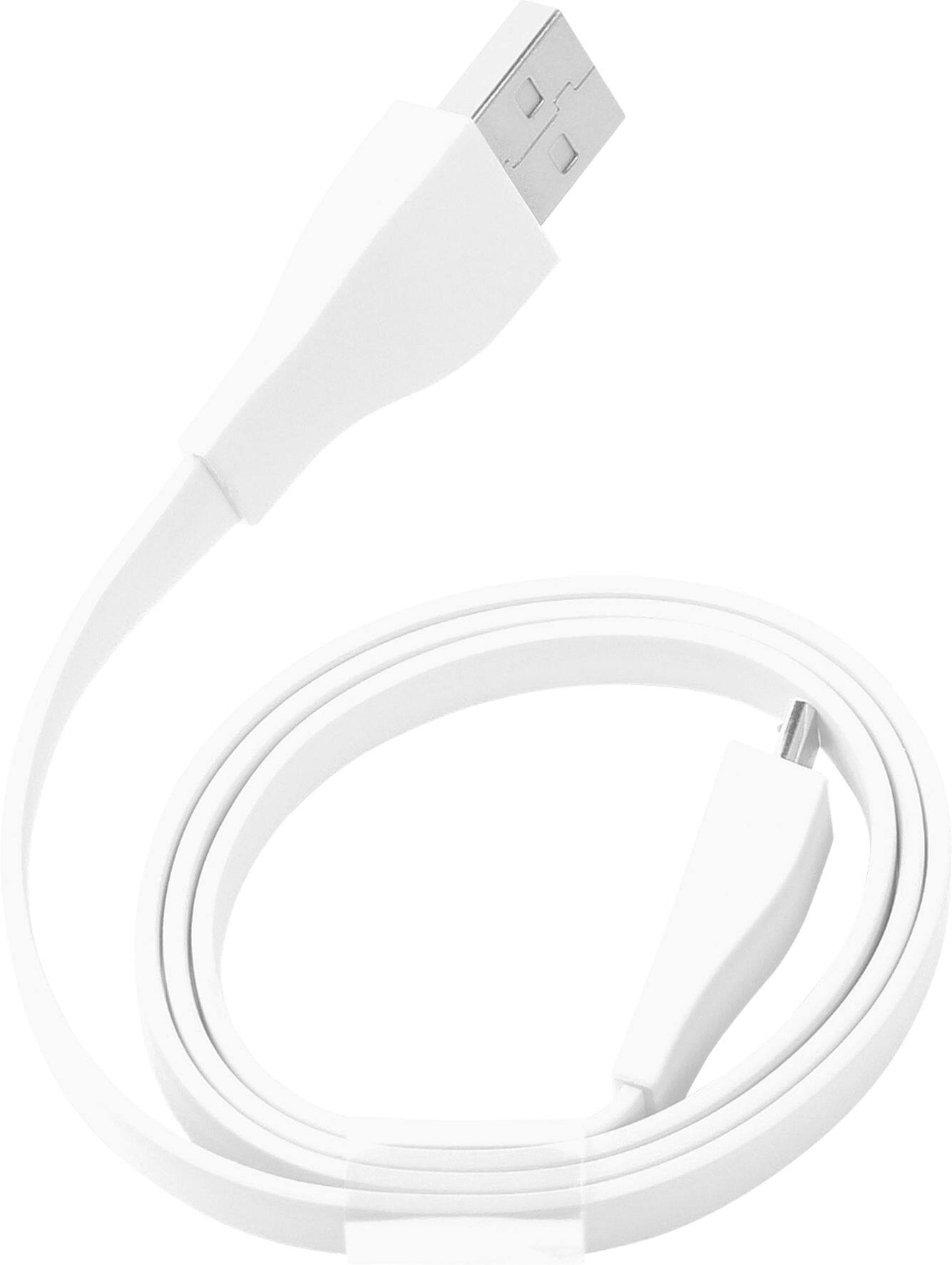
A:AnswerHello SteveO! You can charge your WONDERBOOM 2 Portable Bluetooth Speaker both ways, so by connecting it to one of the USB ports of your laptop, or you can also connect its charging cable to your phone or tablet wall charger.