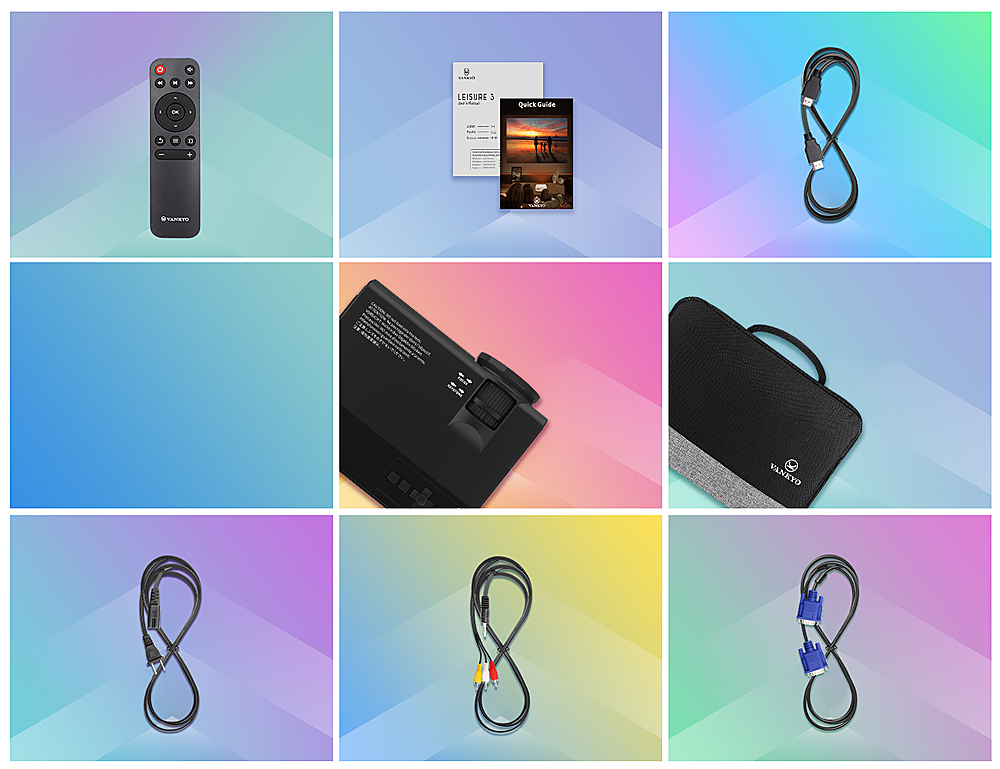
A:AnswerI connect movies all the time with my phone. I recommend using an HDMI cord for the best connection (they should sell adaptors for your specific phone) and then connect your choice of Bluetooth speaker TO YOUR PHONE. I don't think the projector does it alone.
A:AnswerI have the same issue. From everything I’ve been reading, you need an external speaker if you want it louder. I made a home movie from the Clips app on my iPhone, and added songs from my ITunes app, used my Bluetooth speaker, connected to IPad, and it was plenty loud. I had to use IPad, via Bluetooth for sound, and iPhone to watch movie.
A:AnswerHi Lee,
Yes, the projector is compatible with MacBooks. But to connect your MacBook to the projector, you will need an extra USB-C to HDMI adapter.
A:AnswerHi Heather,
Sorry, the brightness of every projector is fixed when we ship it out and there is no way to change the brightness. It's recommended to use it in a dark environment.
A:AnswerHi there,
May I know what kind of cable you are referring to and what device you want to hook up to the projector?
If you need help with setup, please email us at support@ivankyo.com.
Regards,
Aech
- Vankyo Support Team
A:AnswerHello Matt,
Sorry to tell you that the projector lens can not be changed or upgraded. VANKYO provides customers with a one-year 100% money back guarantee and professional customer service and technical support. If you have any questions, please feel free to contact our customer service.
- Vankyo Support Team
A:AnswerHi HeritageTrees. Thanks for asking. Sure, this projector support displaying PowerPoint files when a computer is connected to it, but kindly note that the PowerPoint file is opened on your computer and the remote cannot be used to control it.
Moreover, for presentations that require a bright environment and high resolution, we do recommend our Vankyo Performance V630 series projector.
- Vankyo Support Team
A:AnswerHi, the projector doesn't support opening PowerPoint files directly from your USB drive. But you can connect a laptop to the projector and open your PowerPoint files on your laptop. But please kindly note that the remote control cannot be used to navigate your connected laptop.
A:AnswerThanks for asking. The projector can work with the DVD play if it has an HDMI output port or VGA port. As for the speaker, it can work with speakers with a 3.5 mm audio jack on it.