A:AnswerHi CLEA,
Thanks for asking.
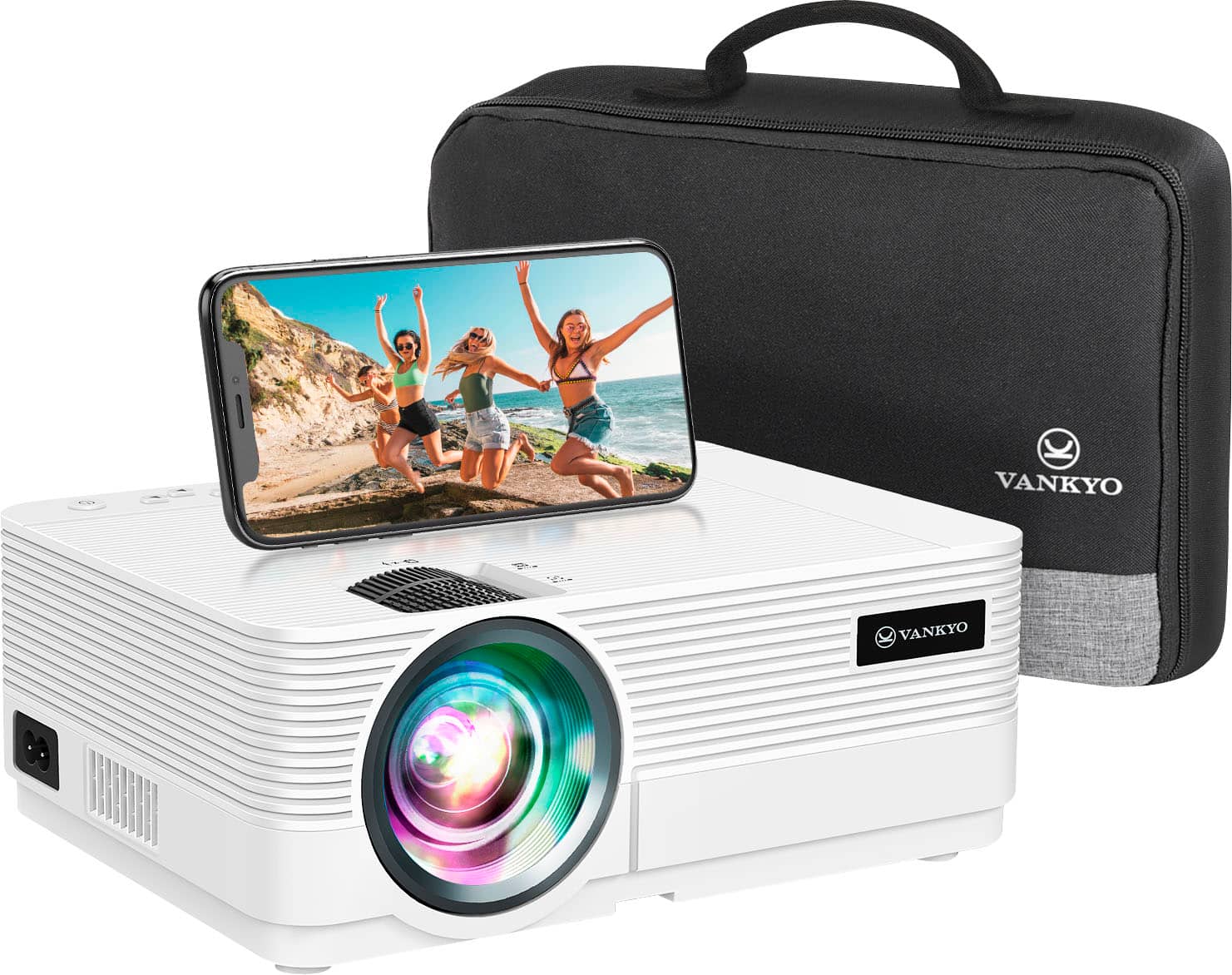
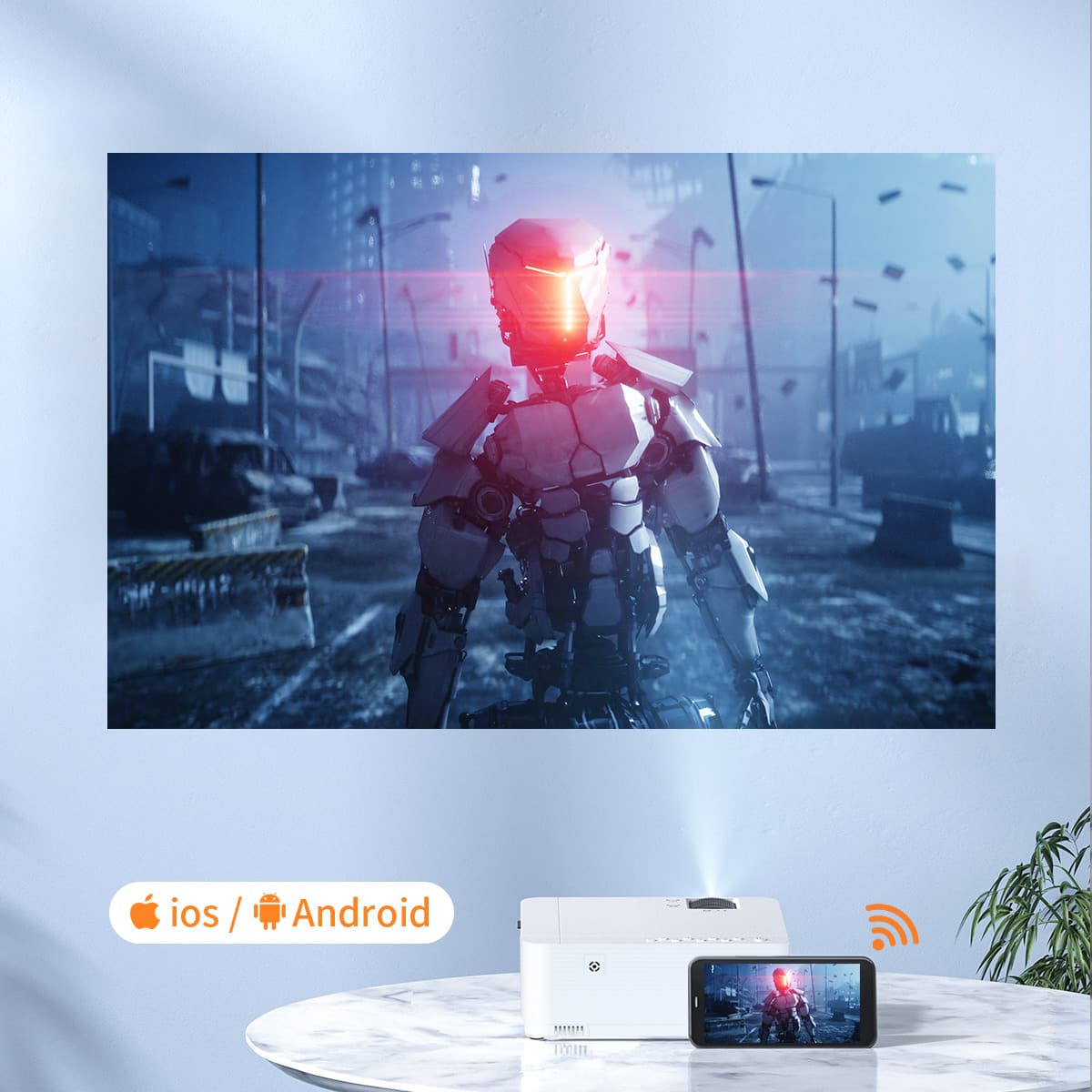
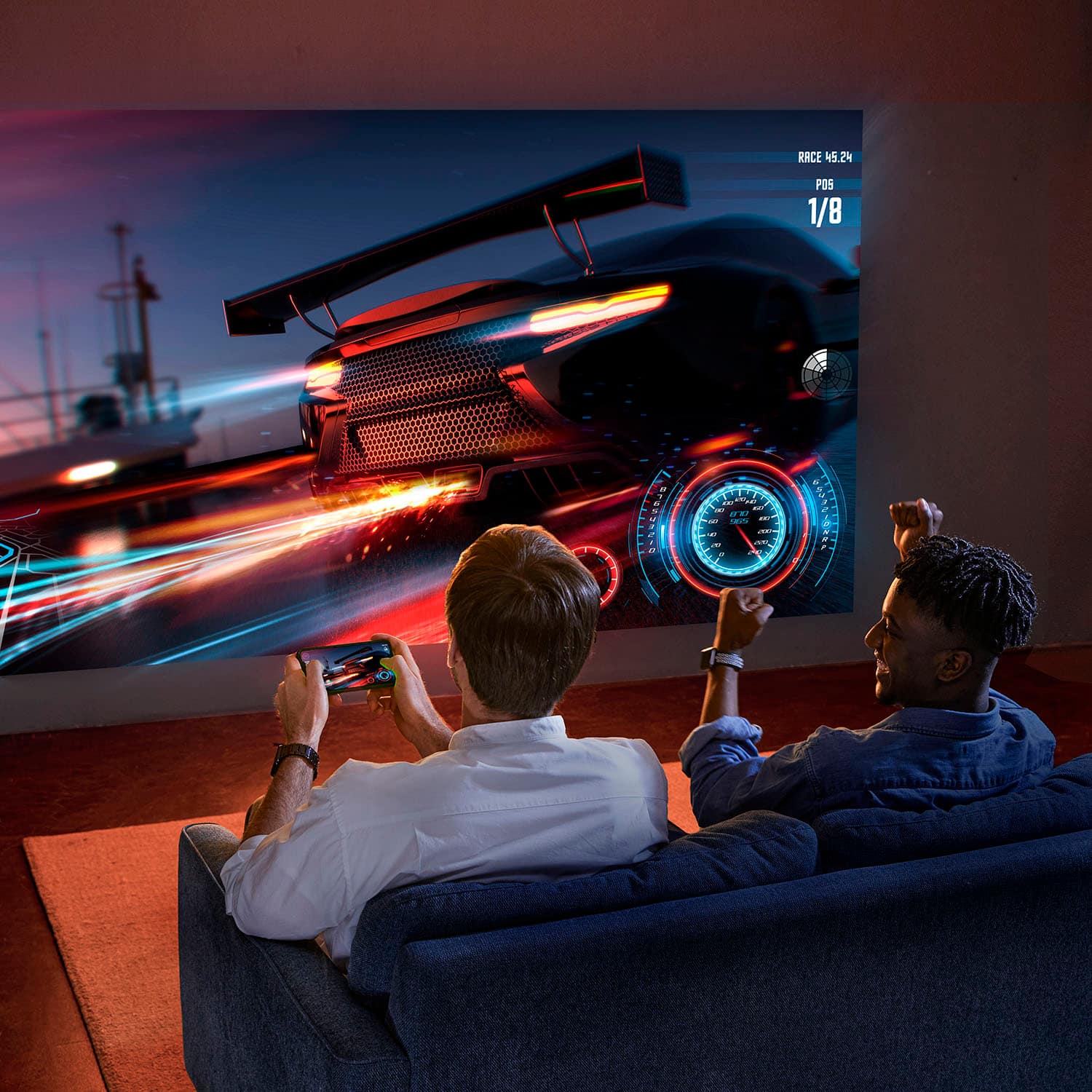
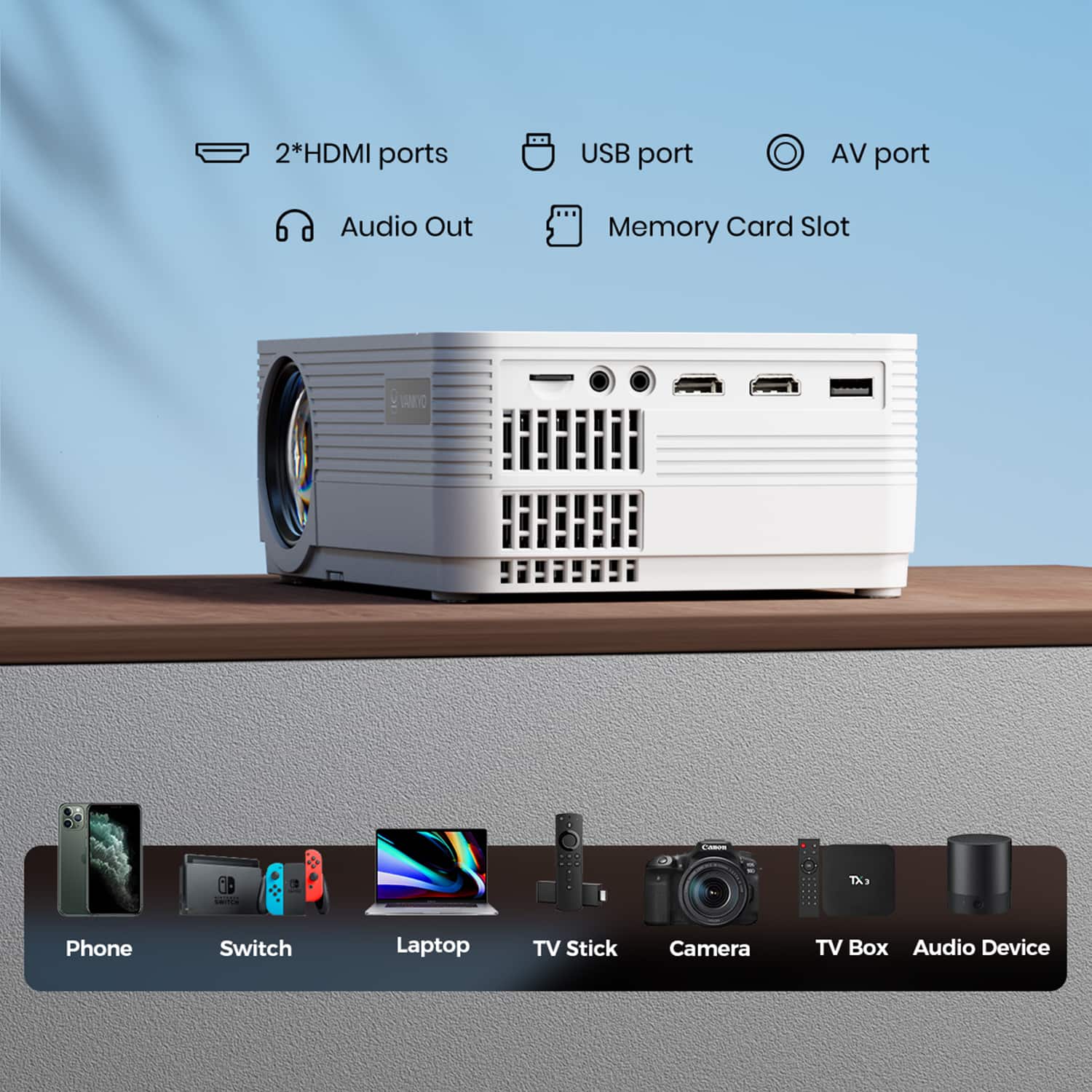
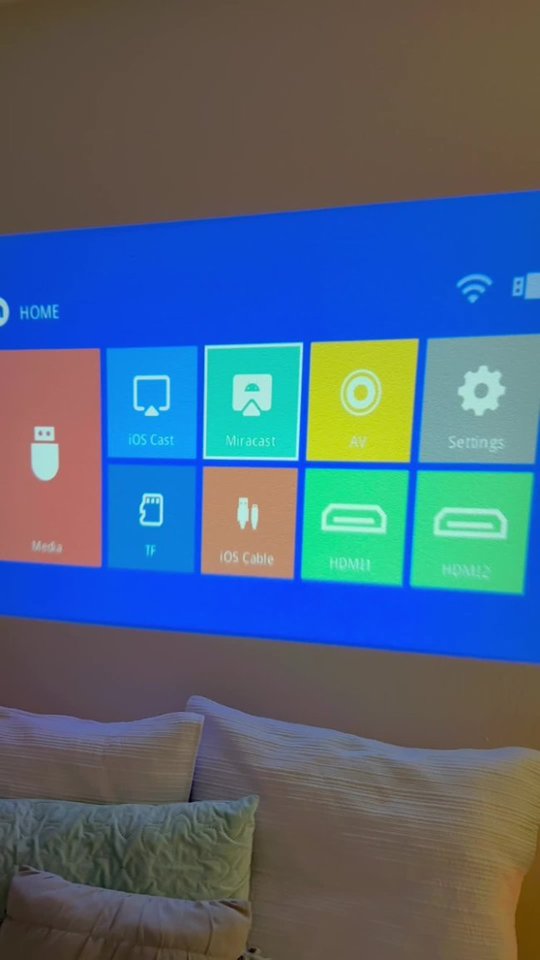
You can connect your iPhone to cast the images or files on it. But please note that the projector cannot pull up the file and open it directly. You need to open it and scroll through the docs on your iPhone to project your presentations.
- Vankyo Support Team
A:AnswerHi there,
Thanks for asking.
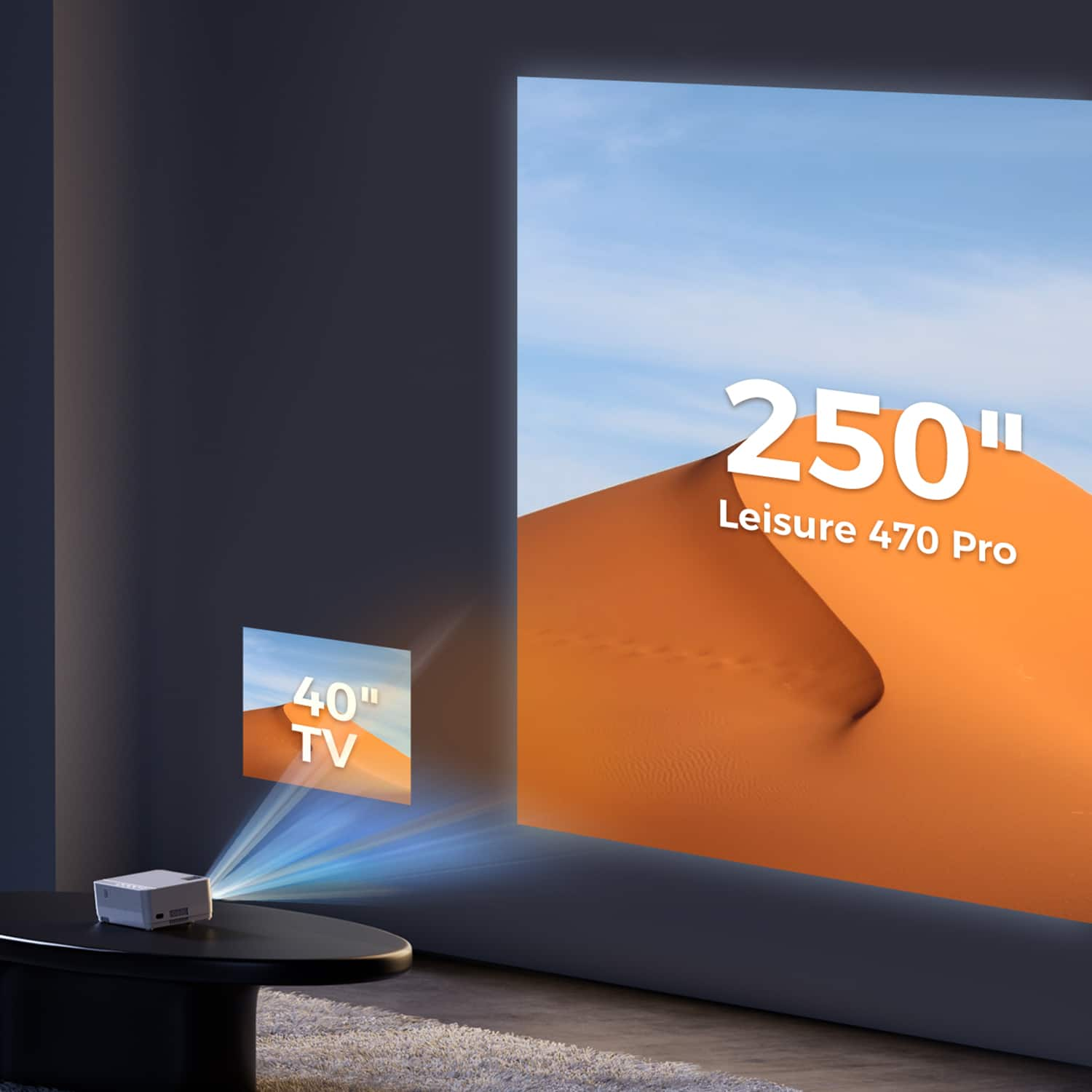
The Vankyo Leisure 470 Pro Native 1080P Projector operates on DC power and requires an input voltage of 100V-240V。
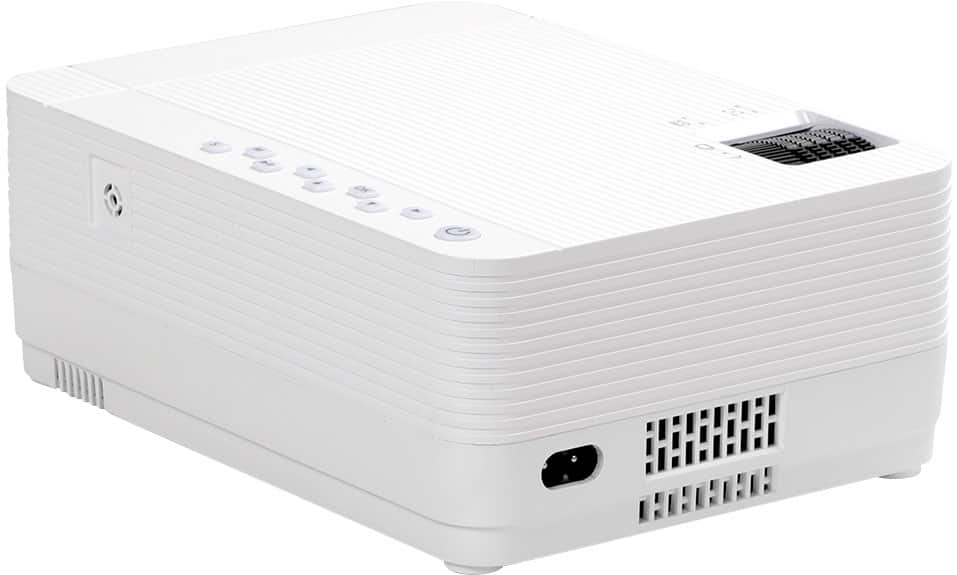
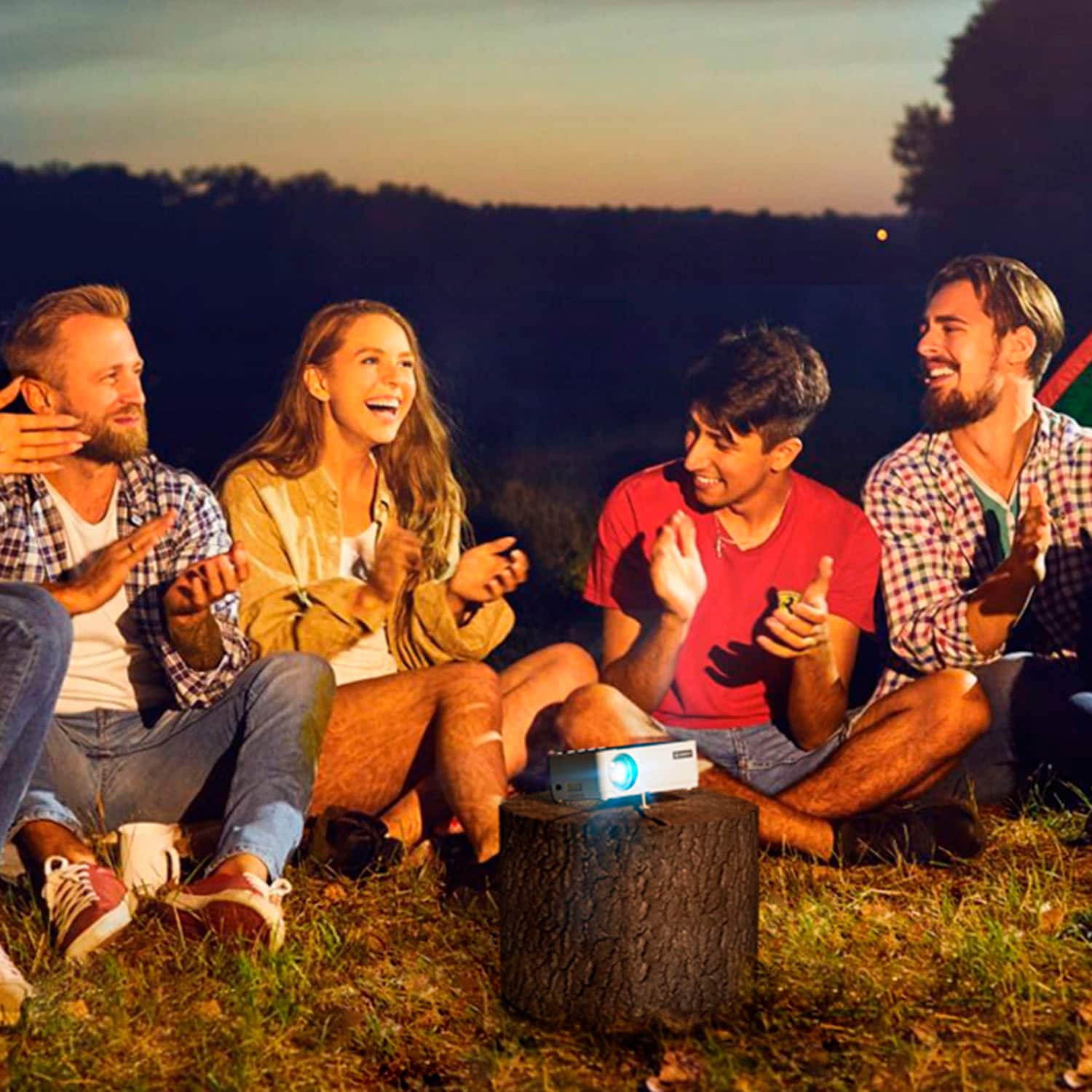
As for using the projector for camping without 110VAC power, the Vankyo Leisure 470 Pro projector can be powered using a portable power source or a compatible power bank. However, please note that the projector does not have an internal battery and needs to be connected to a power source to function. Therefore, you would need to ensure that you have a portable power solution capable of providing the required input voltage to power the projector during your camping trip.
- Vankyo Support Team
A:AnswerYes you’ll need an external speaker which if you plan on mounting it will need additional wiring. It can look a little messy. If you are just planning on putting on a table then it will be easy to plug in a speaker to it. No Bluetooth tho!
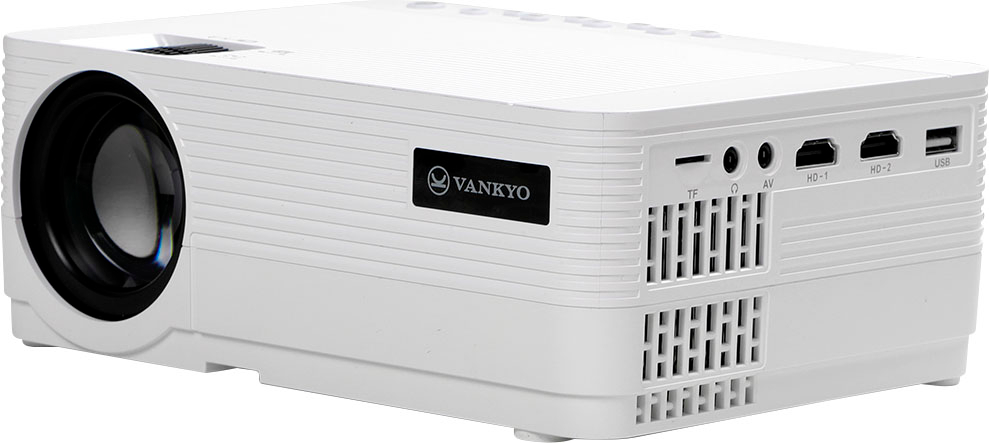
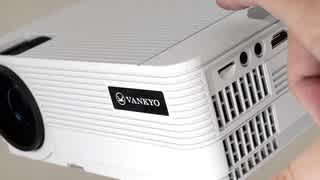
A:Answeryes this projector, along with any other that has hdmi ports, will work for what you want. There's plenty hdmi adapters to connect from your laptop to the projectors hdmi port. once connected it will display anything you are doing on your laptop
A:AnswerHi Lesro,
Thanks for asking. Once your projector and your MacBook is under the same WiFi network and you open iOS Cast on the projector, your Mac should be able to find the projector as a choosable option in Screen Mirroring.