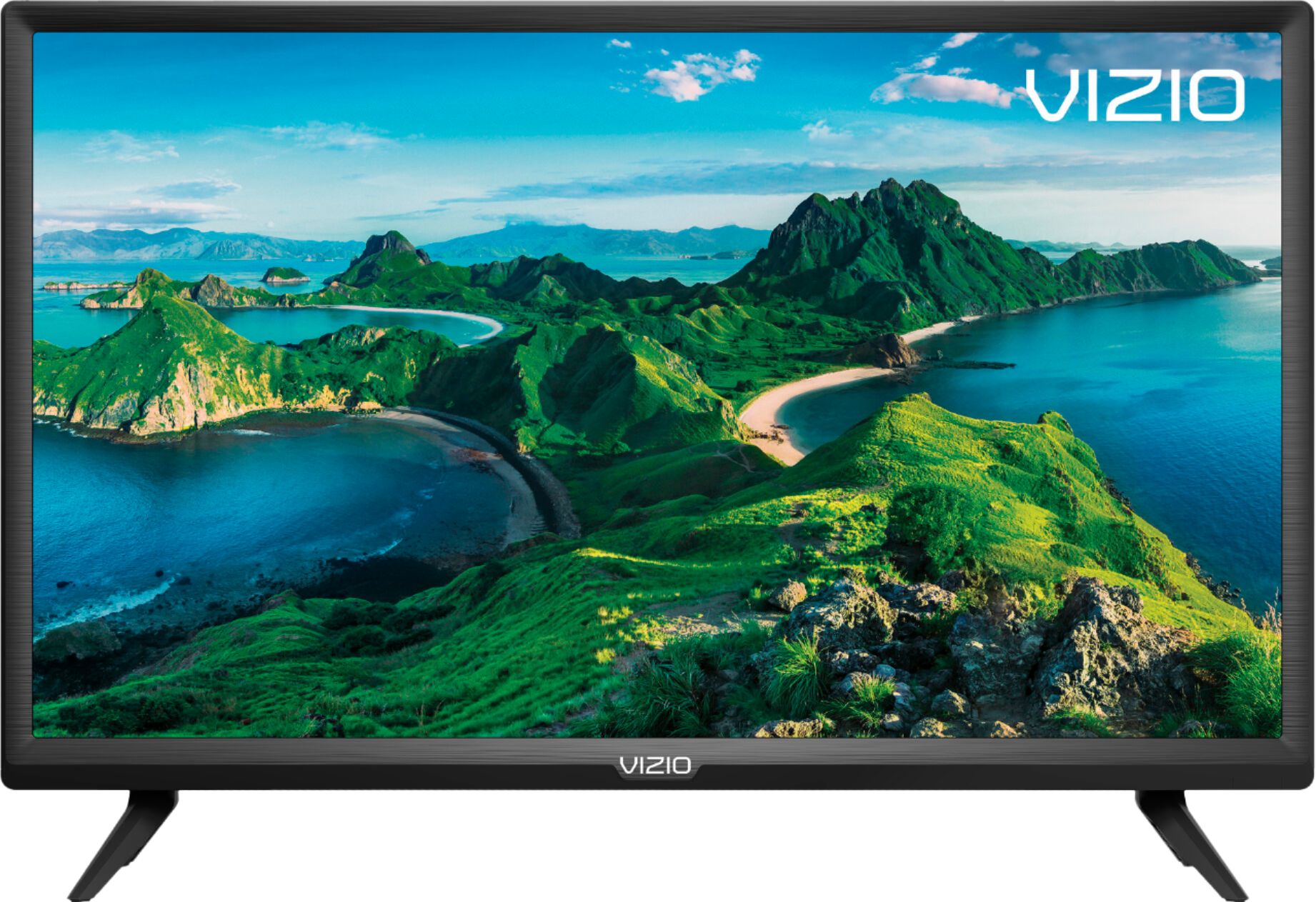
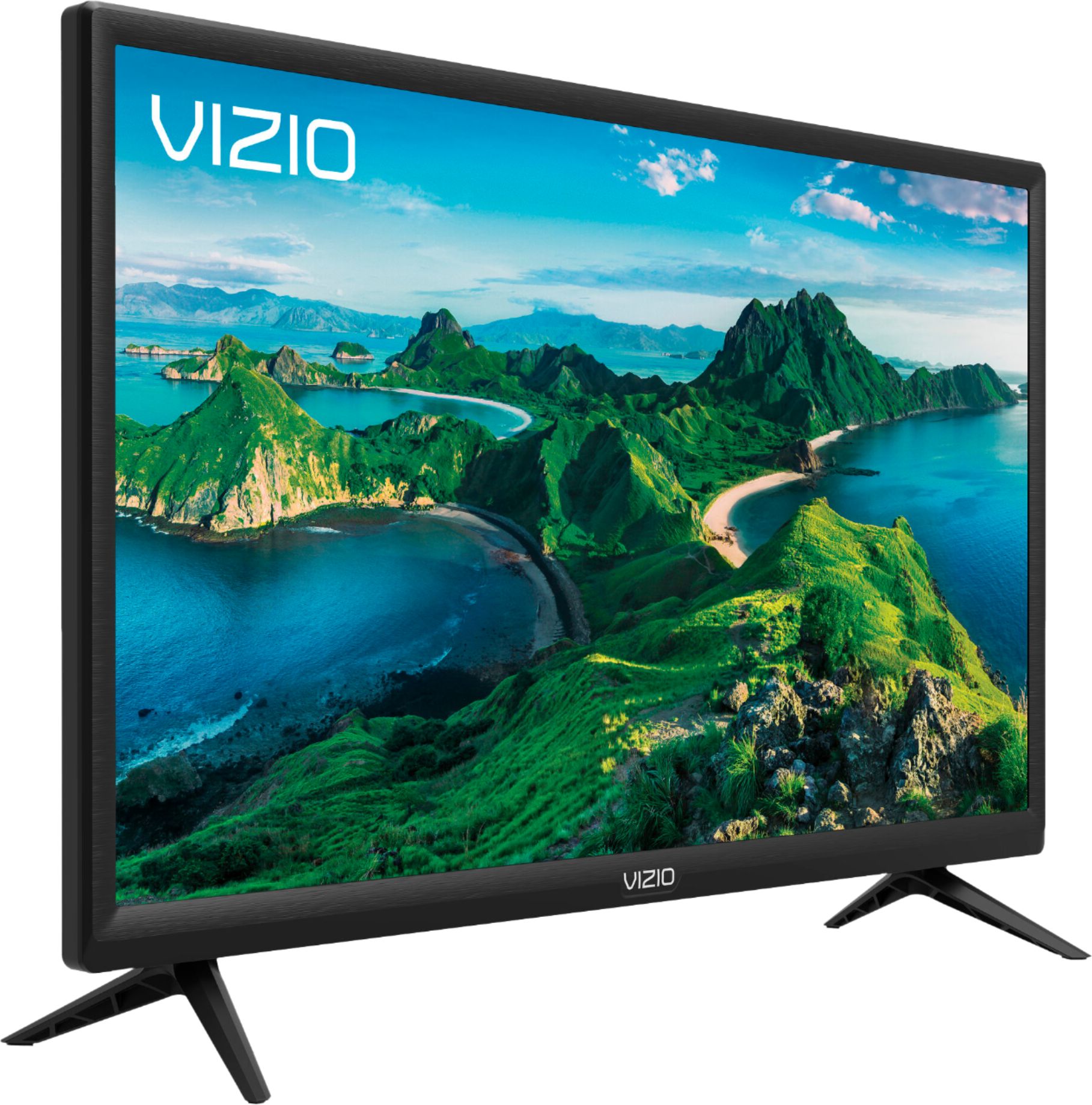
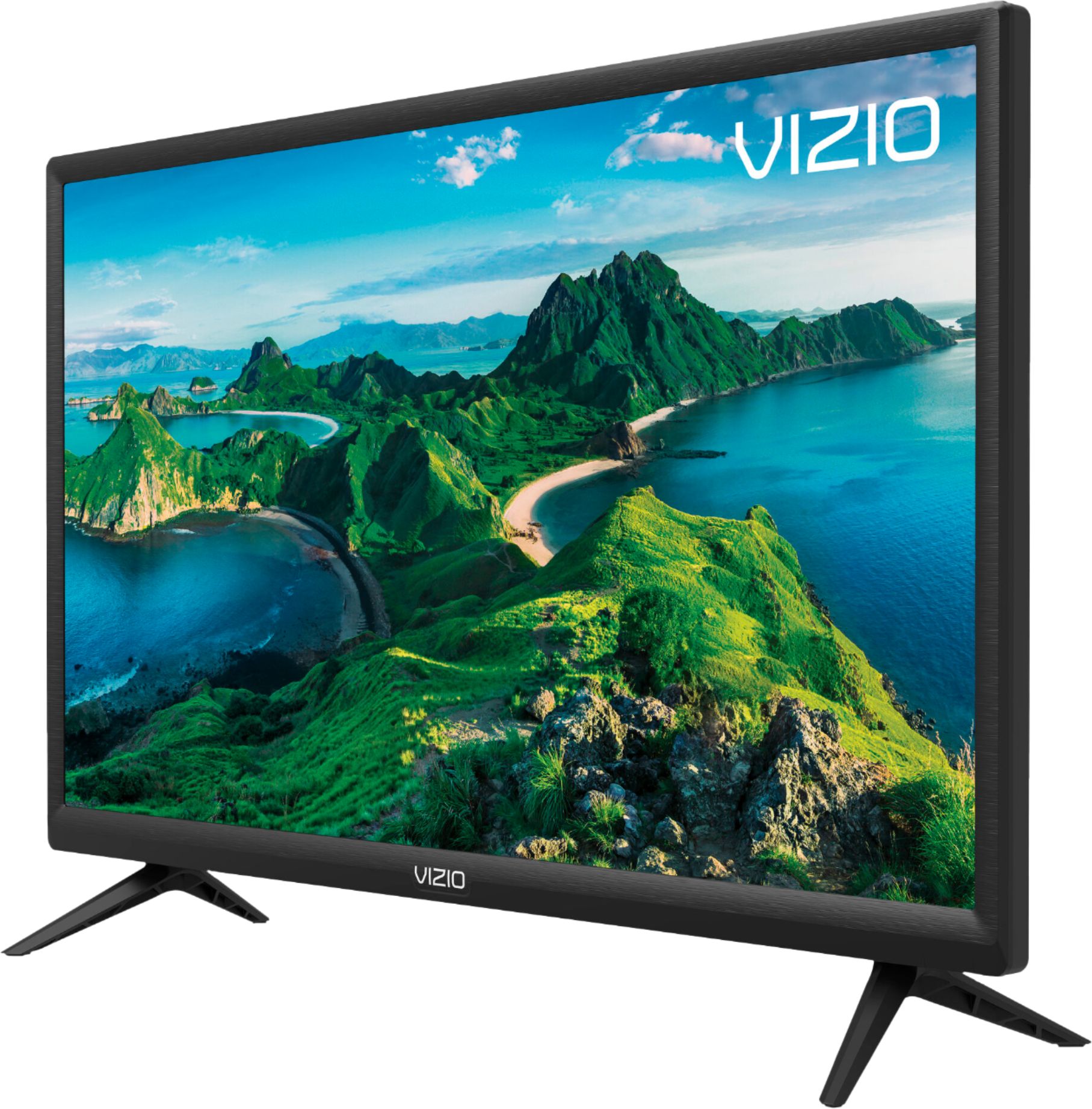
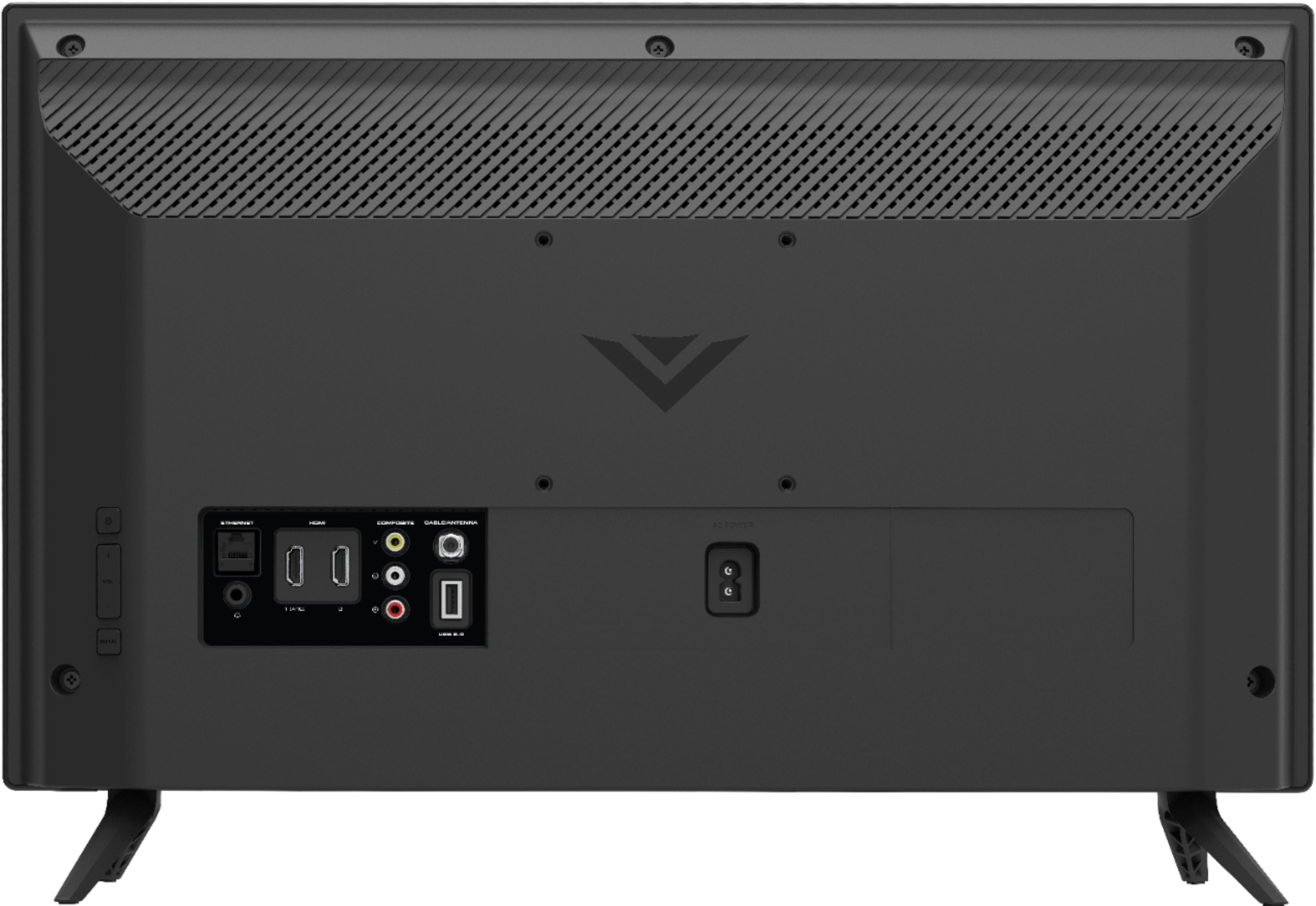
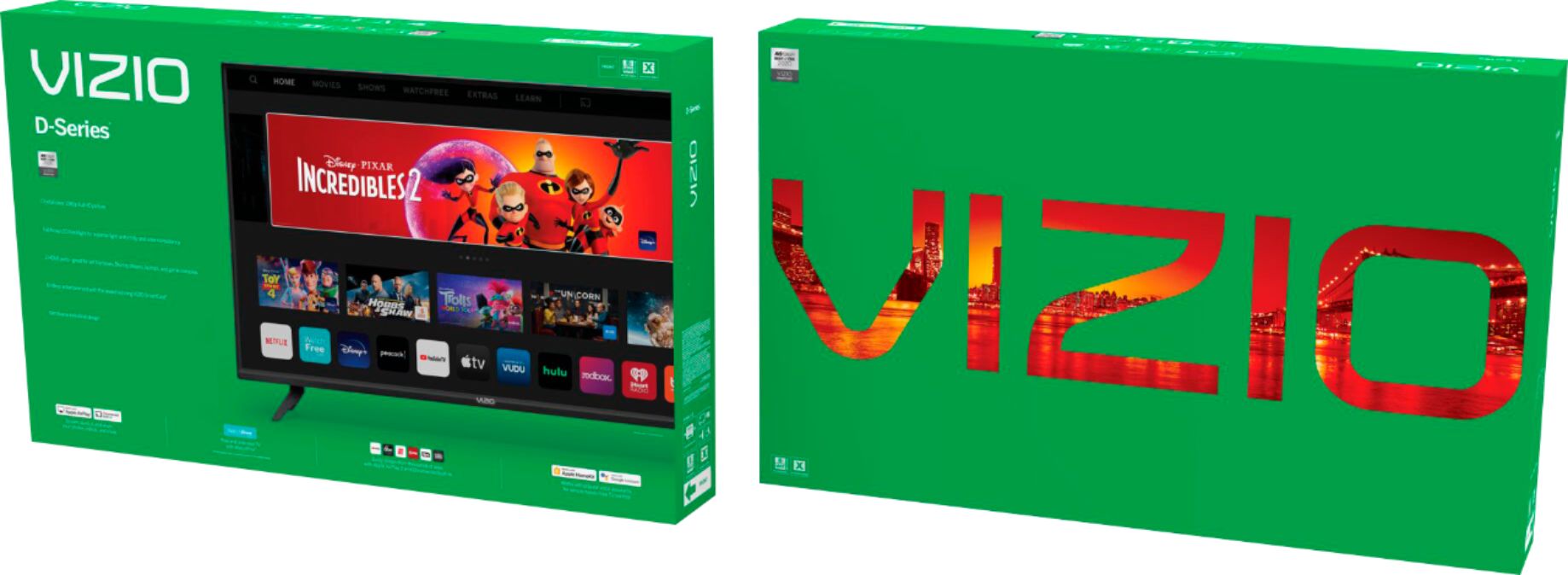
A:AnswerThis TV uses our SmartCast Platform which offers a host of built-in apps, as well as support for Google's Chromecast, Apple's AirPlay 2, and voice support for SIRI, Google Home, and Alexa.
A:AnswerDROFMOT-
I didn't see Discovery+ in the preloaded apps list. However, if you have the app on your phone the TV allows you to stream the content from your phone to your TV using VIZIO's SmartCast feature. Not a huge fan of the Smartcast myself, so I purchased a Roku media stick to use on this TV.
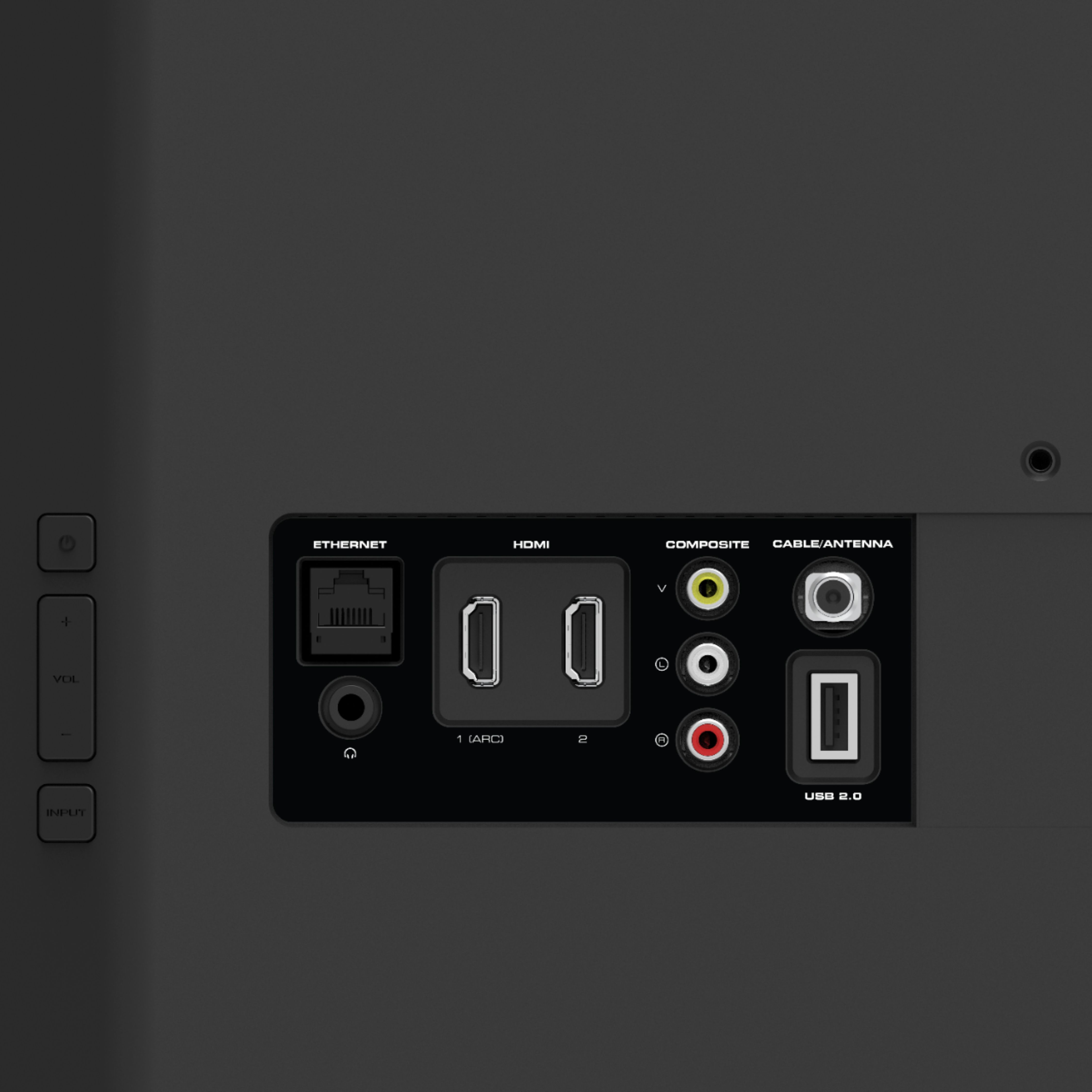
A:AnswerUnfortunately The placement of the speakers make the sound quality terrible I was actually surprised when I first heard it myself. The only other solution I can think of is adding a sound bar or Bluetooth speaker and plugging it into the headphone jack. Or maybe maximize the space between the TV and the wall. So the sound has more room to travel. But I honestly did not expect a tv at this price to have great sounding speakers. I just didn’t expect it to be that bad.
A:AnswerThis TV uses our SmartCast Platform which offers a host of built in apps, as well as support for Google's Chromecast, Apple's AirPlay 2, and voice support for SIRI, Google Home, and Alexa. You are not able to manually download additional apps, however new apps are added to the platform often. If you find there is an app you want to watch that is not on SmartCast you may be able to cast it using Chromecast or Apple AirPlay from your phone or mobile device.
A:AnswerNew televisions may produce an unusual smell or odor when first turned on. This is due in part to the manufacturing process of components. Some of the electronic components are "coated" to prevent corrosion during their journey from the manufacturer to the home. When those components heat up for the first couple of times, depending on how long you leave the device on, an odor can occur. This smell is not harmful to your health and it will dissipate usually between 10 days and 2 weeks and not return. This is normal and occurs with virtually all consumer electronics.
A:AnswerThis TV uses our SmartCast Platform which offers a host of built in apps, as well as support for Google's Chromecast, Apple's AirPlay 2, and voice support for SIRI, Google Home, and Alexa. You are not able to manually download additional apps, however new apps are added to the platform often. If you find there is an app you want to watch that is not on SmartCast you may be able to cast it using Chromecast or Apple AirPlay from your phone or mobile device.
A:AnswerYou are not able to manually download additional apps, however new apps are added to the platform often. If you find there is an app you want to watch that is not on SmartCast you may be able to cast it using Chromecast or Apple AirPlay from your phone or mobile device.
A:AnswerI have the same problem but with only one channel. All other channels seem to be ok. The sound does not fade completely but fades in and out, blasting on both speakers at one time, going to just one speaker at others times, bouncing back and forth. This problem occurred within a week of installation. No solutions.