A:AnswerWhtsnxt-
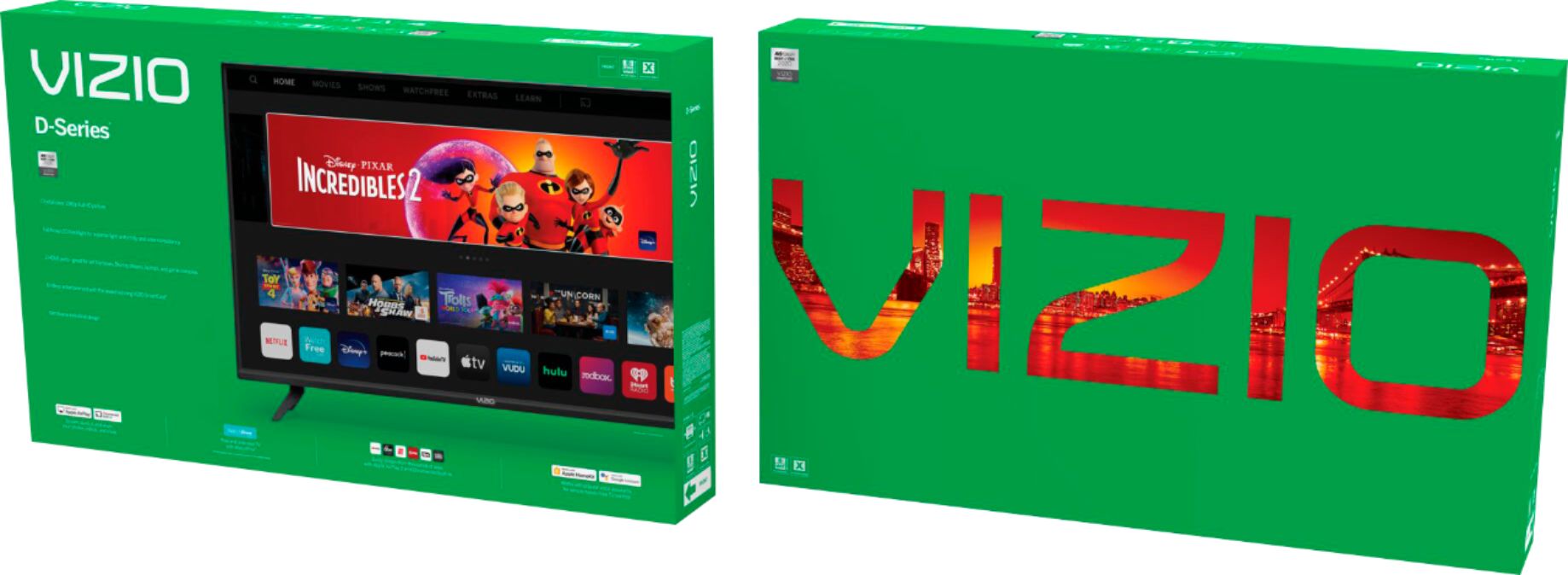
Do not see the spectrum app in the preloaded list, without the ability to download others from an app store. If you purchase this TV and you have the app on your phone you can SmartCast the app to the TV. This is the way Vizio provides ways to view/use apps not preloaded.
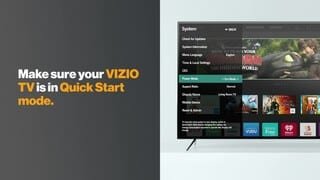
A:AnswerWhen watching older shows and movies sometimes the aspect will be off and the pictures blurry. But when watching more current content it seems fine If you go under Menu and choose System. there is a setting called aspect ratio and mine is set to normal.
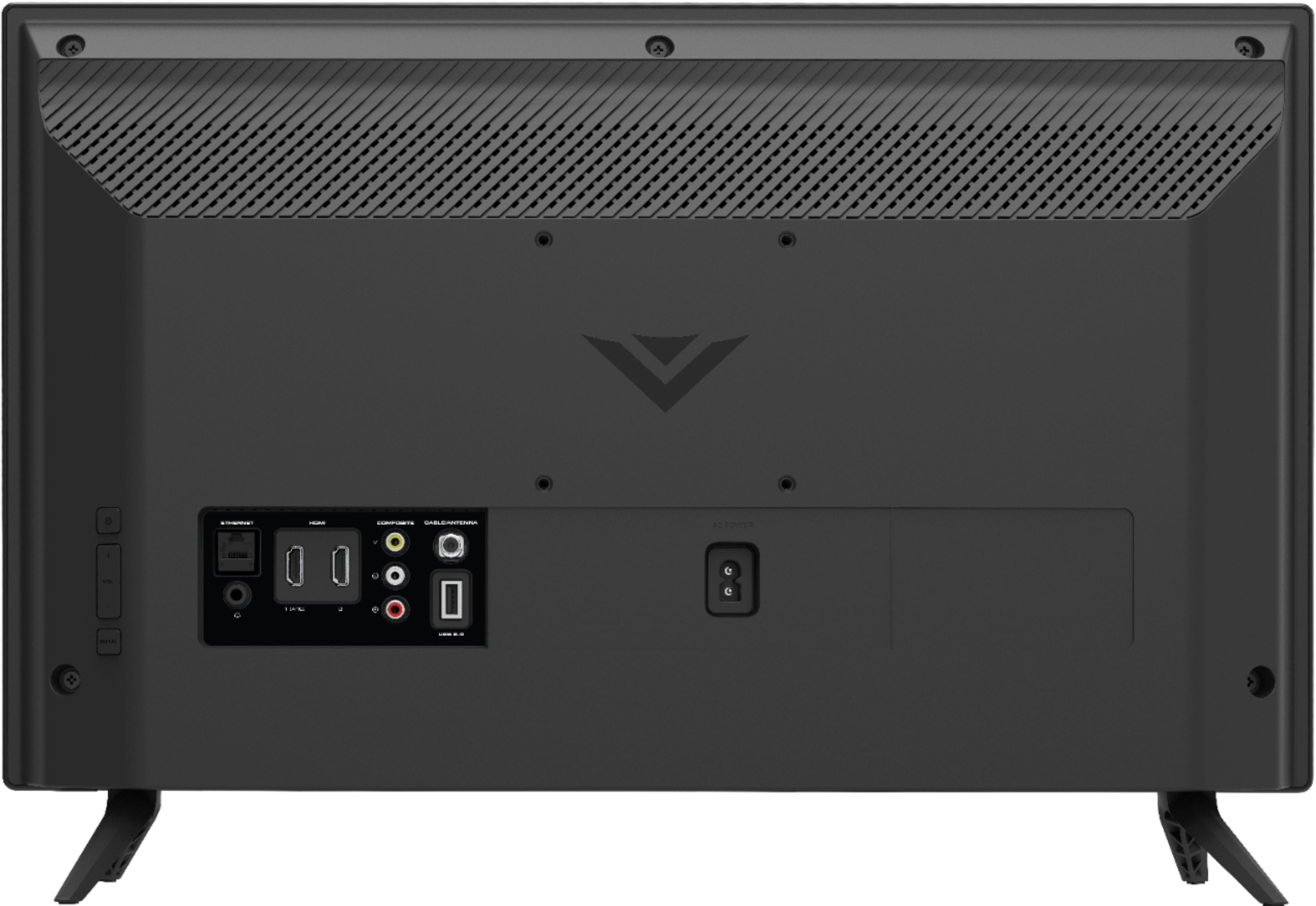
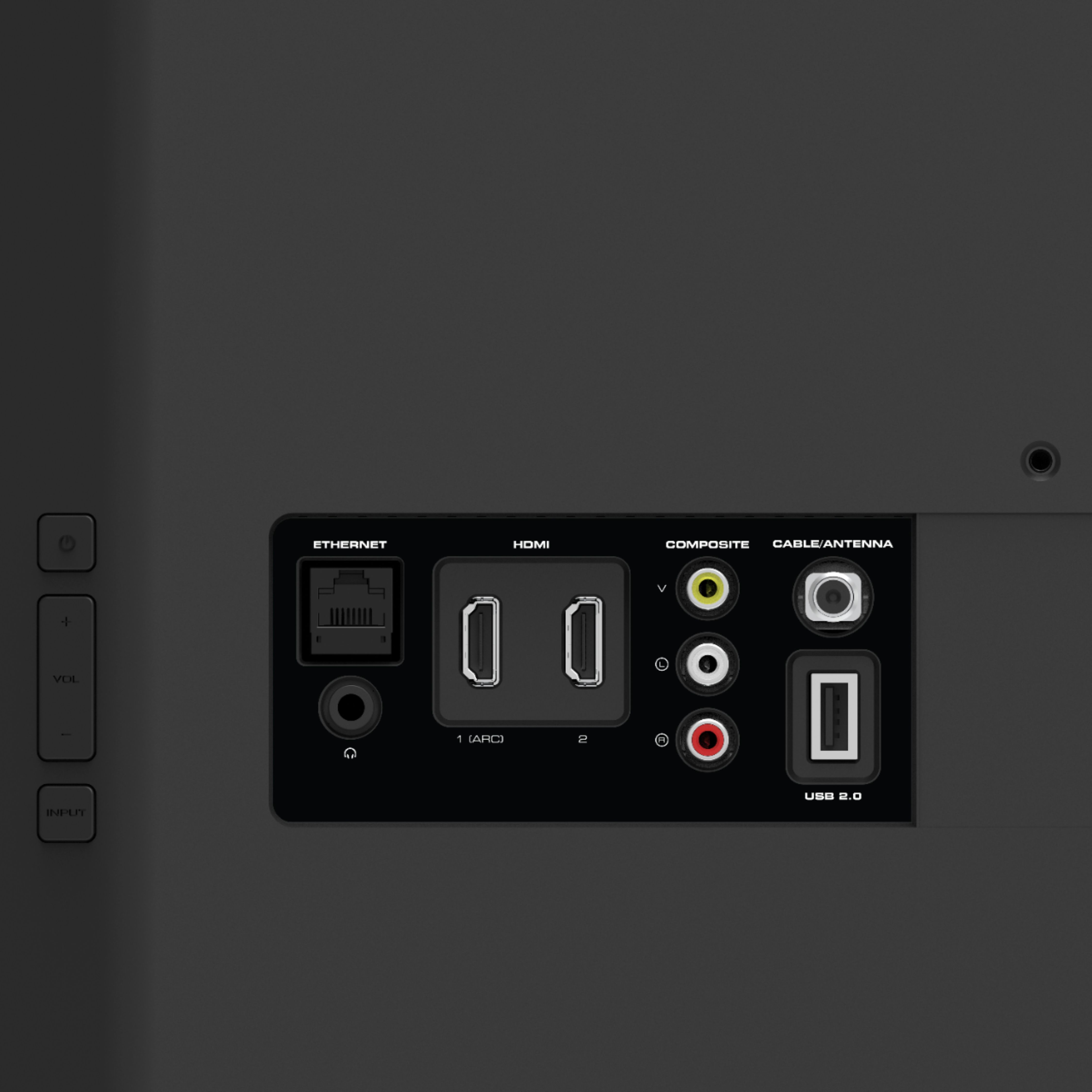
A:AnswerThis TV does not have built in Bluetooth, although it does have a headphone jack. Which, unfortunately, defeats the purpose of using Bluetooth headphones.
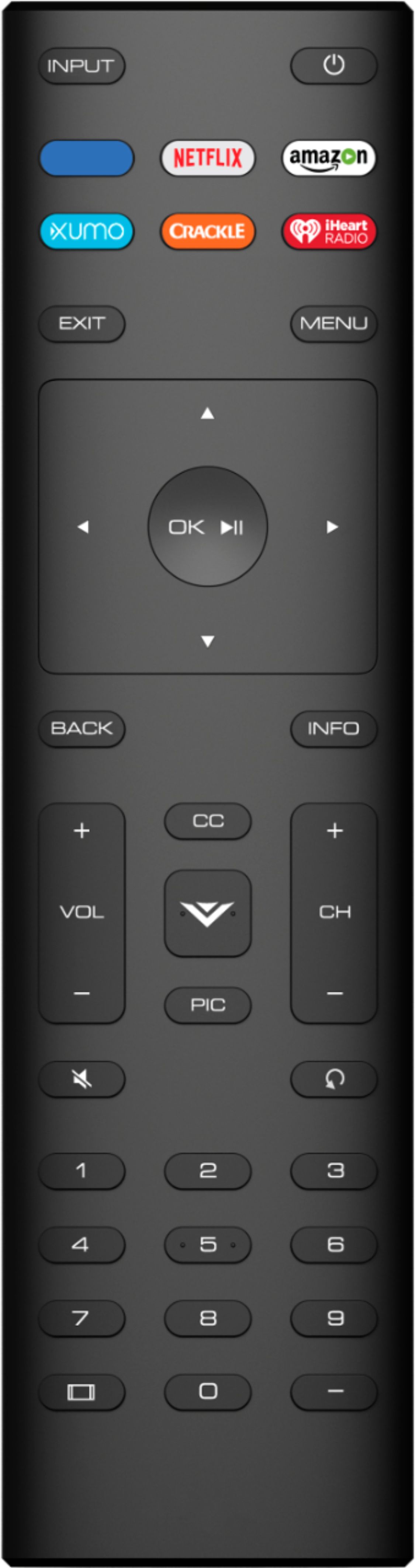
A:AnswerI can't answer your question, but, I can give you 2 "first hand" warnings: Be aware this remote messed with my other TV's. I could not figure out a work-around & had to return mine. I don't know how many brands this messes with. Also, unless you are very quick this remote will not wait for you to make a choice on your inputs. You will need to be very quick. I am not. Good luck...
A:AnswerHello Floyd,
Can you give us some additional details about the issue you are experiencing? This is not typical so I would like to learn more so we can assist with troubleshooting/resolution. Please visit support.VIZIO.com and click on ‘Contact Us’. We’ve got agents ready to chat, text message, or speak with you on the phone.