A:AnswerHello Texassteve,
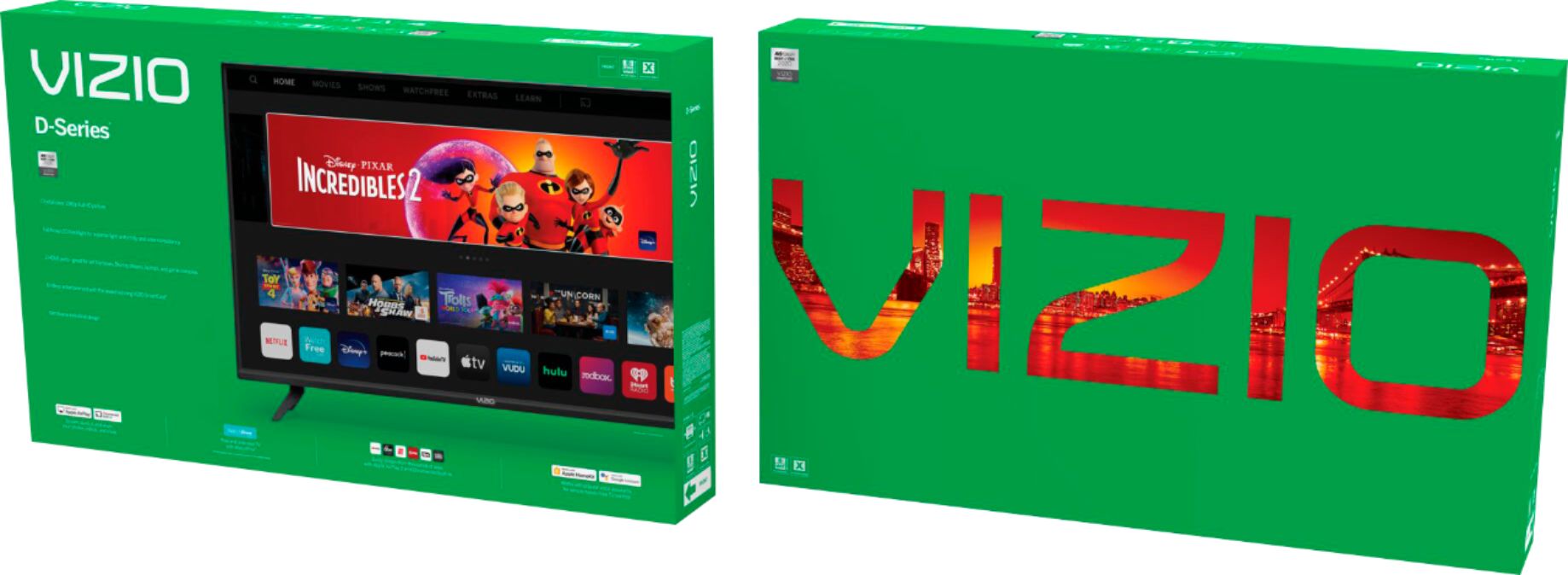
Currently, the Spectrum app is not a part of SmartCast. VIZIO is committed to giving consumers access to as much streaming content as possible. We appreciate your feedback and will make sure to continue adding features and applications in the future.
A:AnswerHello Bagel,
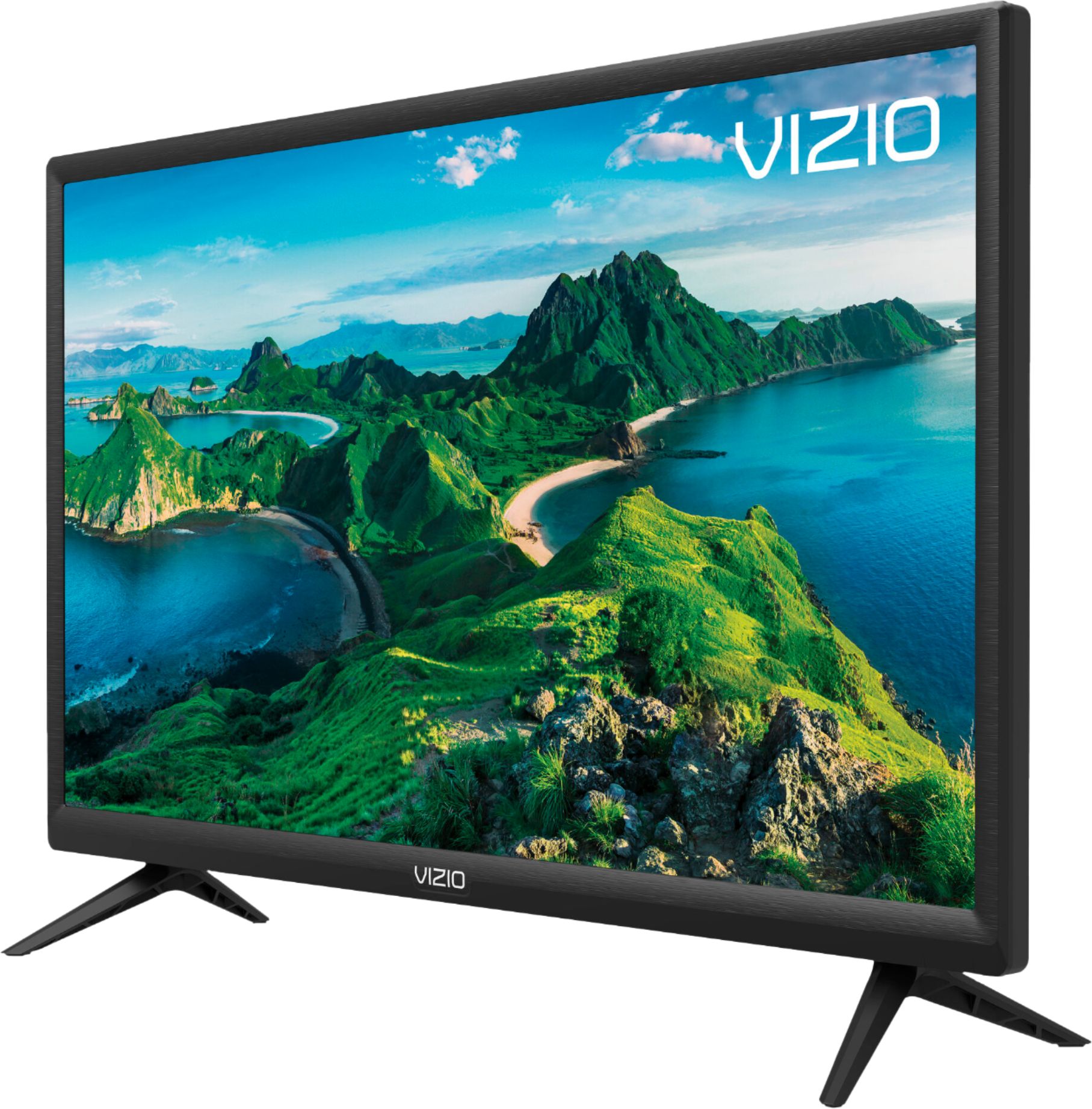
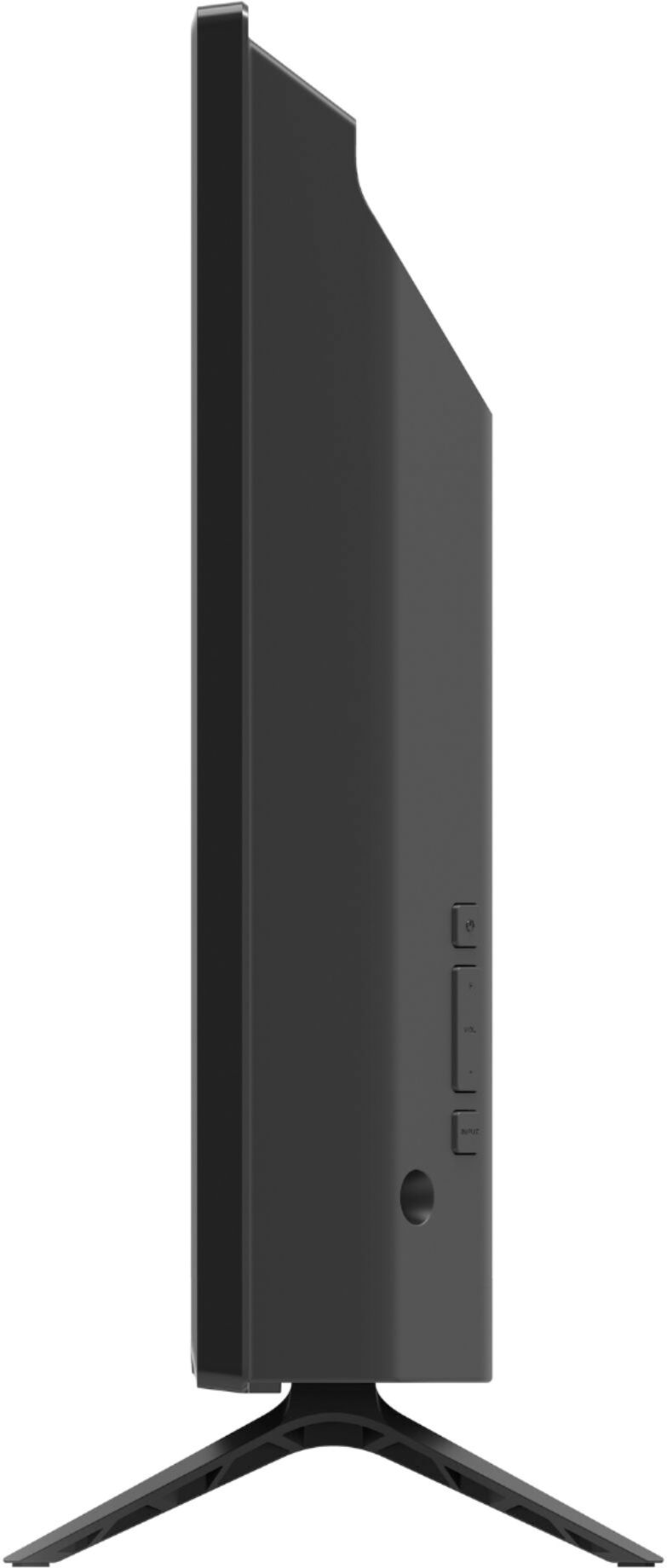
The legs should be in the box, if they are missing for some reason please get in contact with us and we can help get this resolved. When you have a free moment, they’re available through text message, chat, or over the phone. Just go to support.VIZIO.com and click on ‘Contact Us’.
A:AnswerDeb-
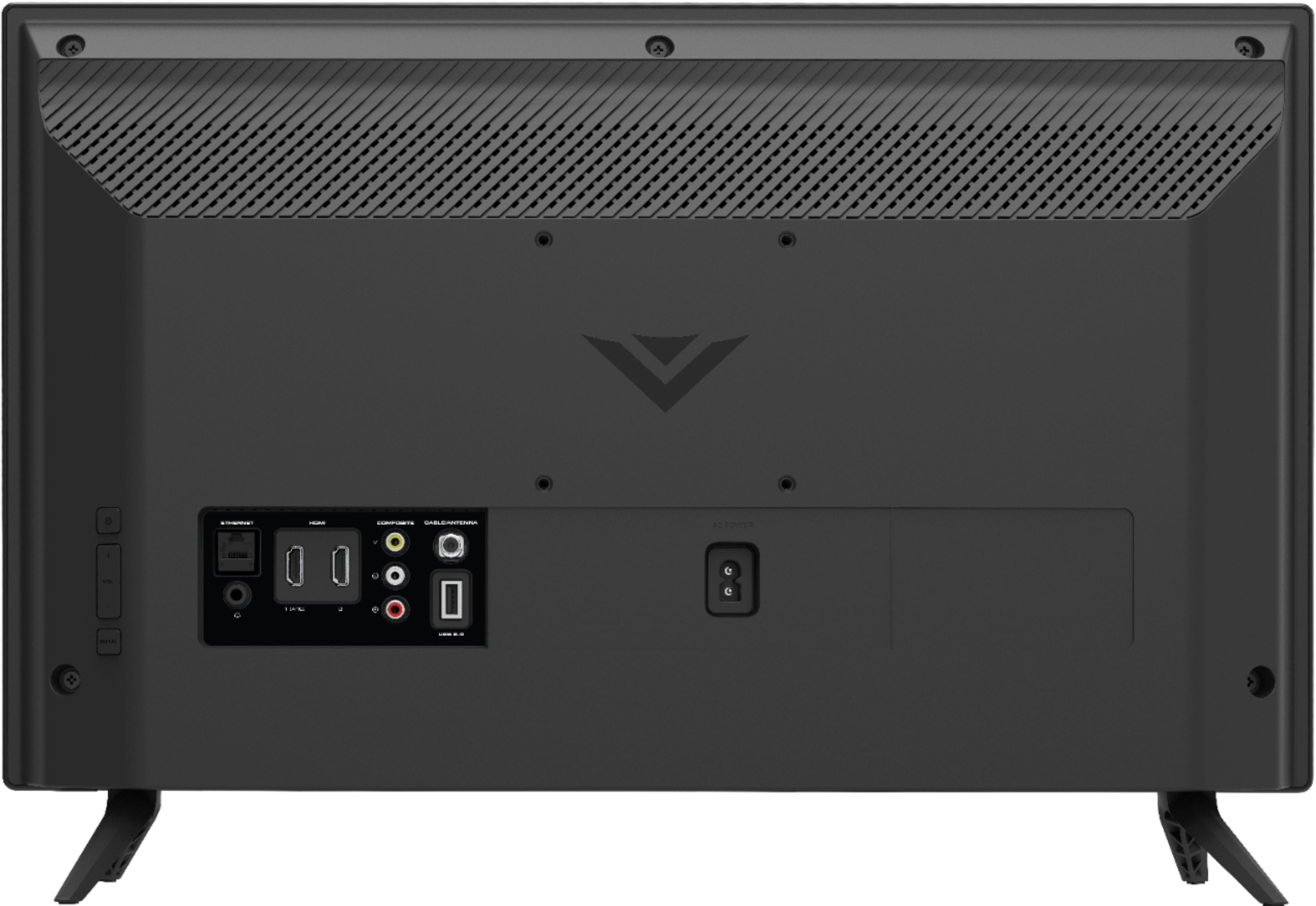
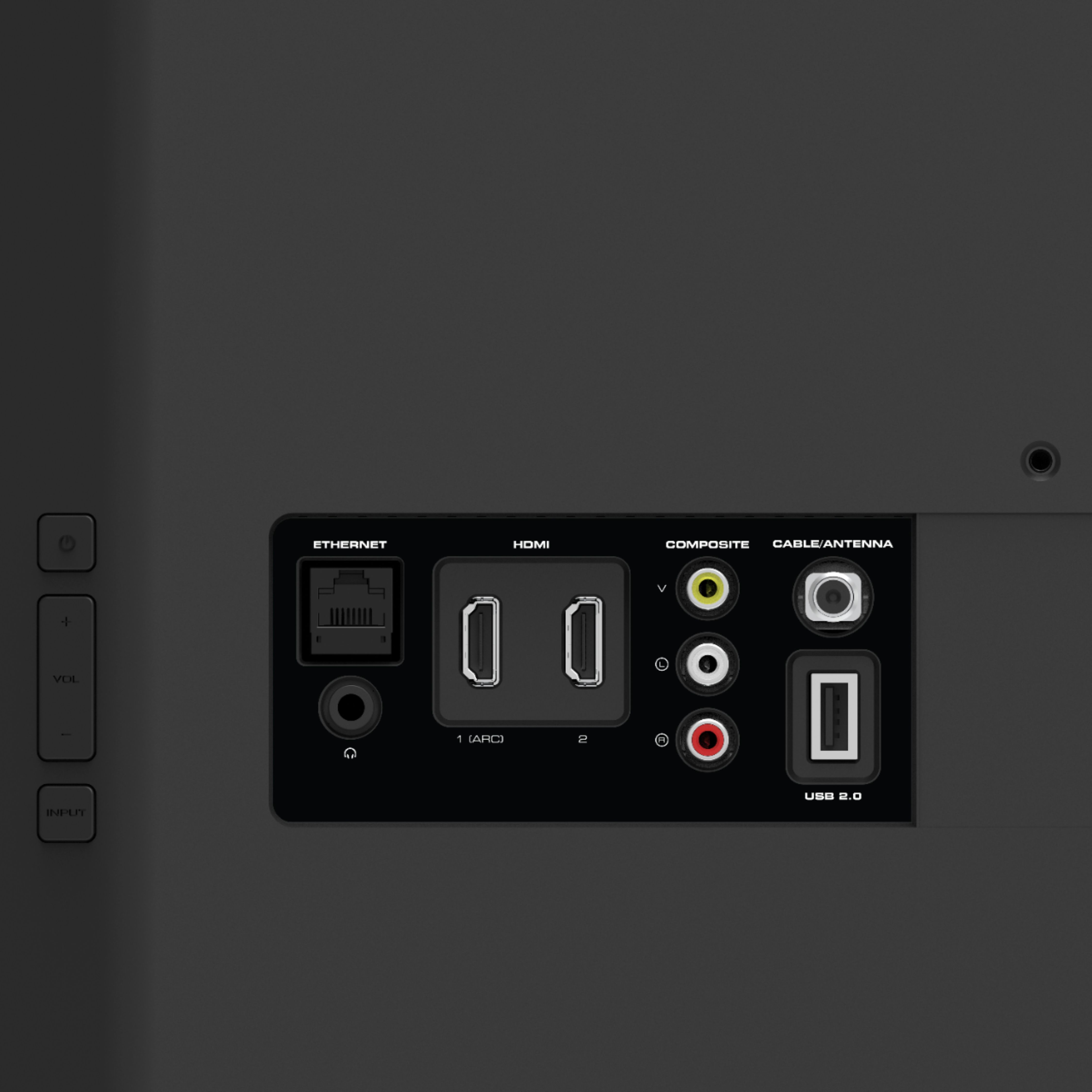
This Visio TV does have one USB port on the back of the TV next to the HDMI ports. I use the built-in USB port to power my Roku media stick.
A:AnswerYes, I love that I can use AirPlay or cast other streaming apps from my phone or iPad to the tv. Follow the instructions and be sure that both devices are on the same Wi-Fi connection, and it should work!
A:AnswerHello Mogs,
There is an input called "SmartCast" which is where the built in apps are accessed. You could plug your Satellite receiver and a Roku in the HDMI ports and simply switch to the one you want to watch.
A:AnswerHello, No unable to download apps but the SmartCast televisions also support Google Chromecast and Apple AirPlay 2 so that you can share content from the latest applications on your phone, tablet, or computer directly to the TV.