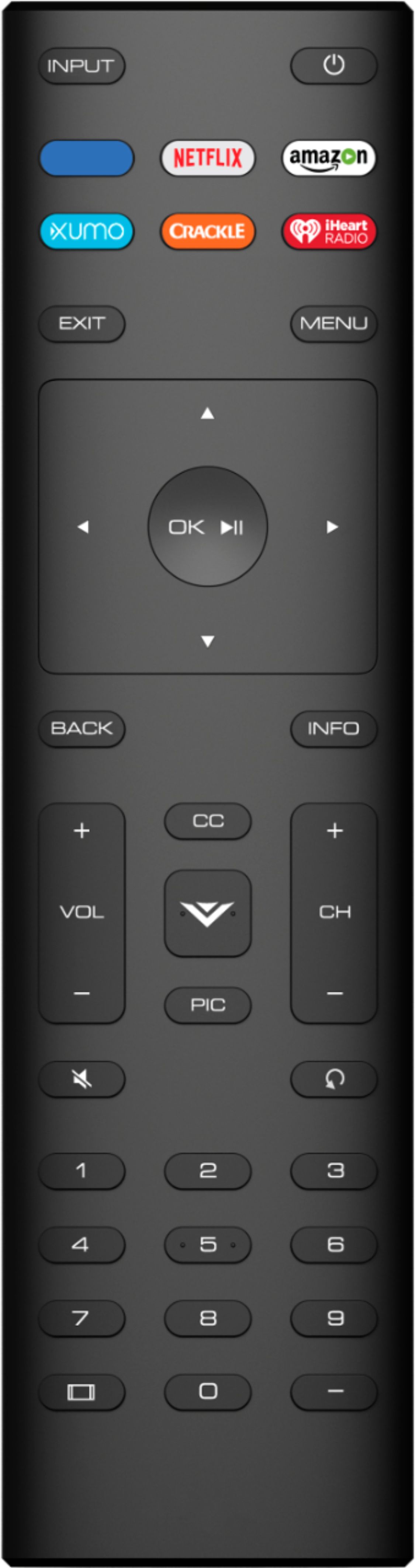
A:AnswerCurrently, VIZIO televisions only support Bluetooth LE, which is a low energy form of bluetooth used to assist in pairing the VIZIO SmartCast Mobile application to use devices like smart phones and tablets as a remote for the TV.
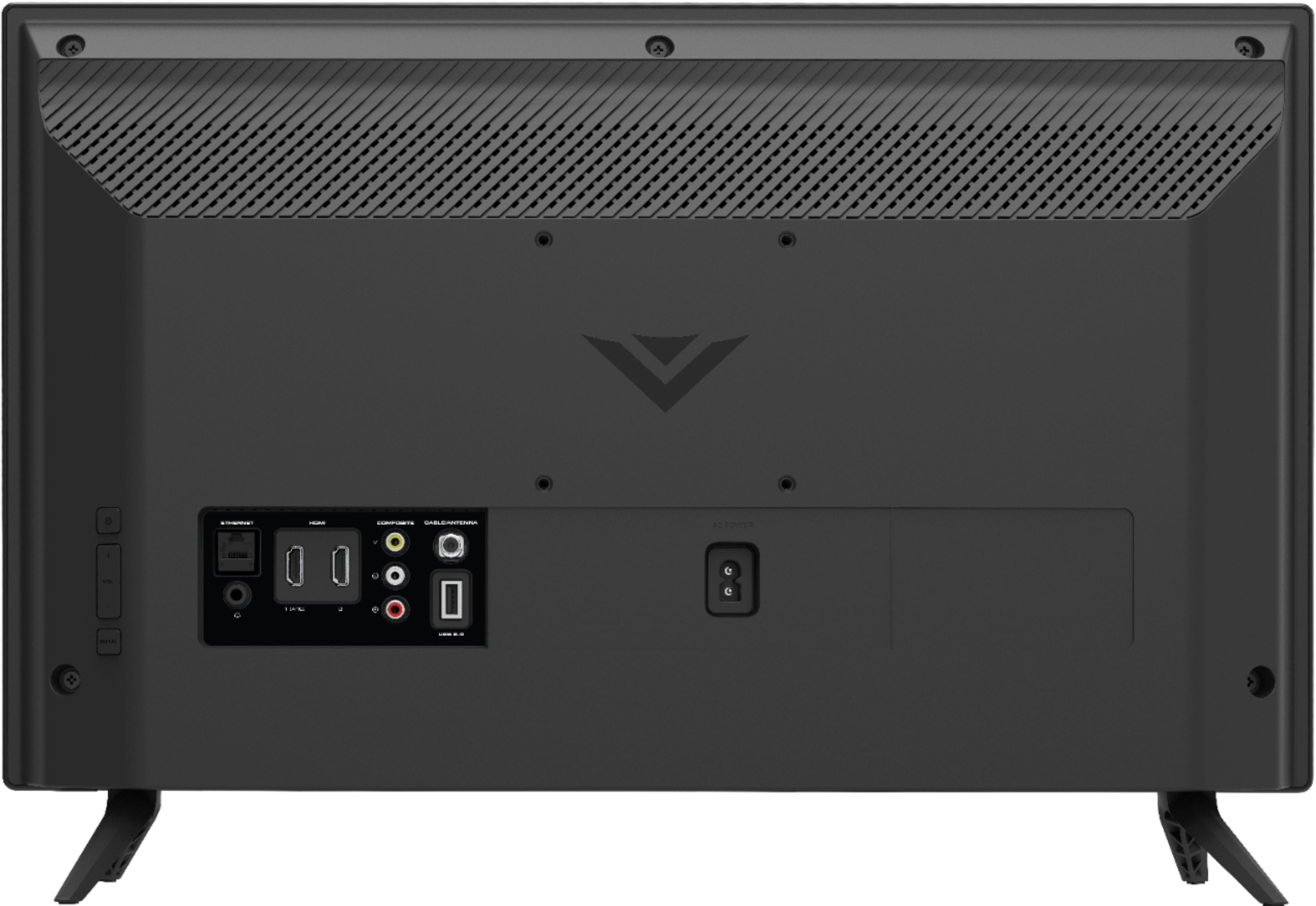
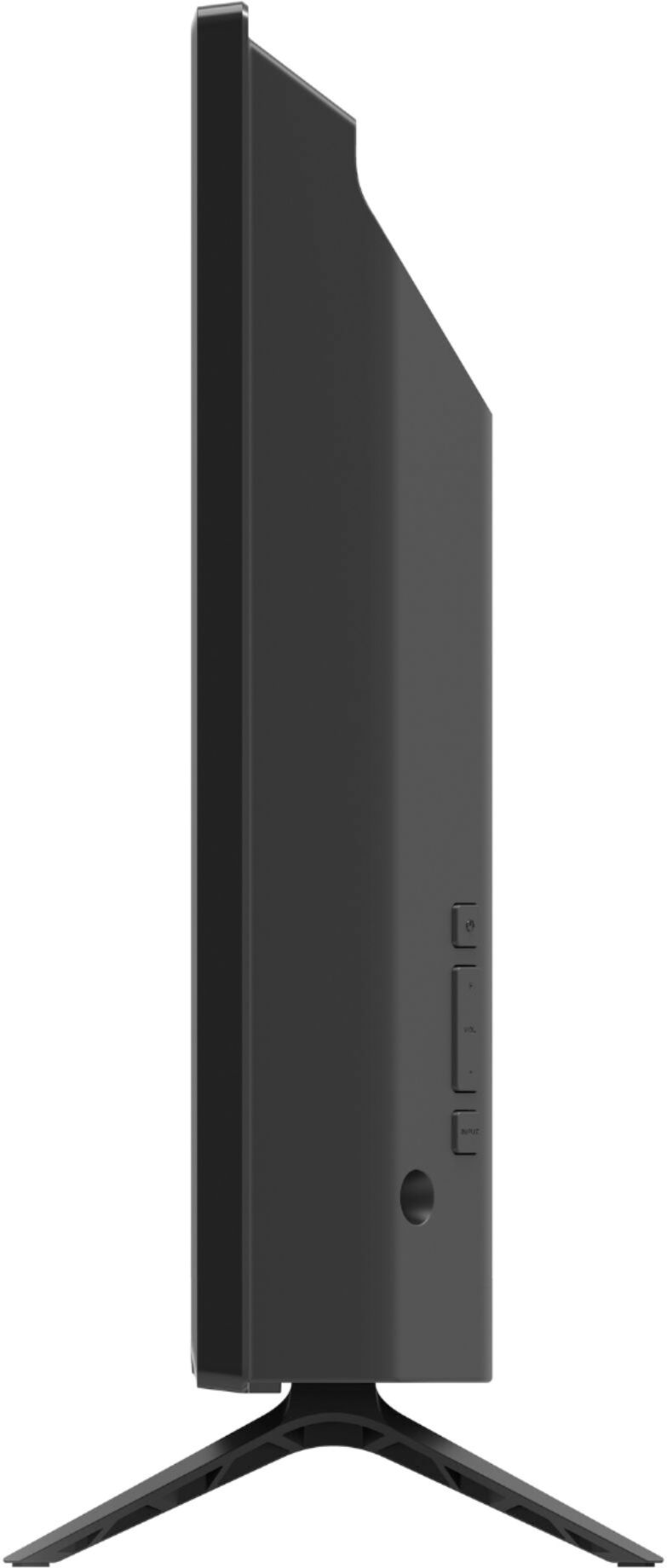
A:AnswerSo long as it is a standard VESA mount that is compatible with the size of this TV, it will work. The VESA standard for this TV is 100mm x 100mm.
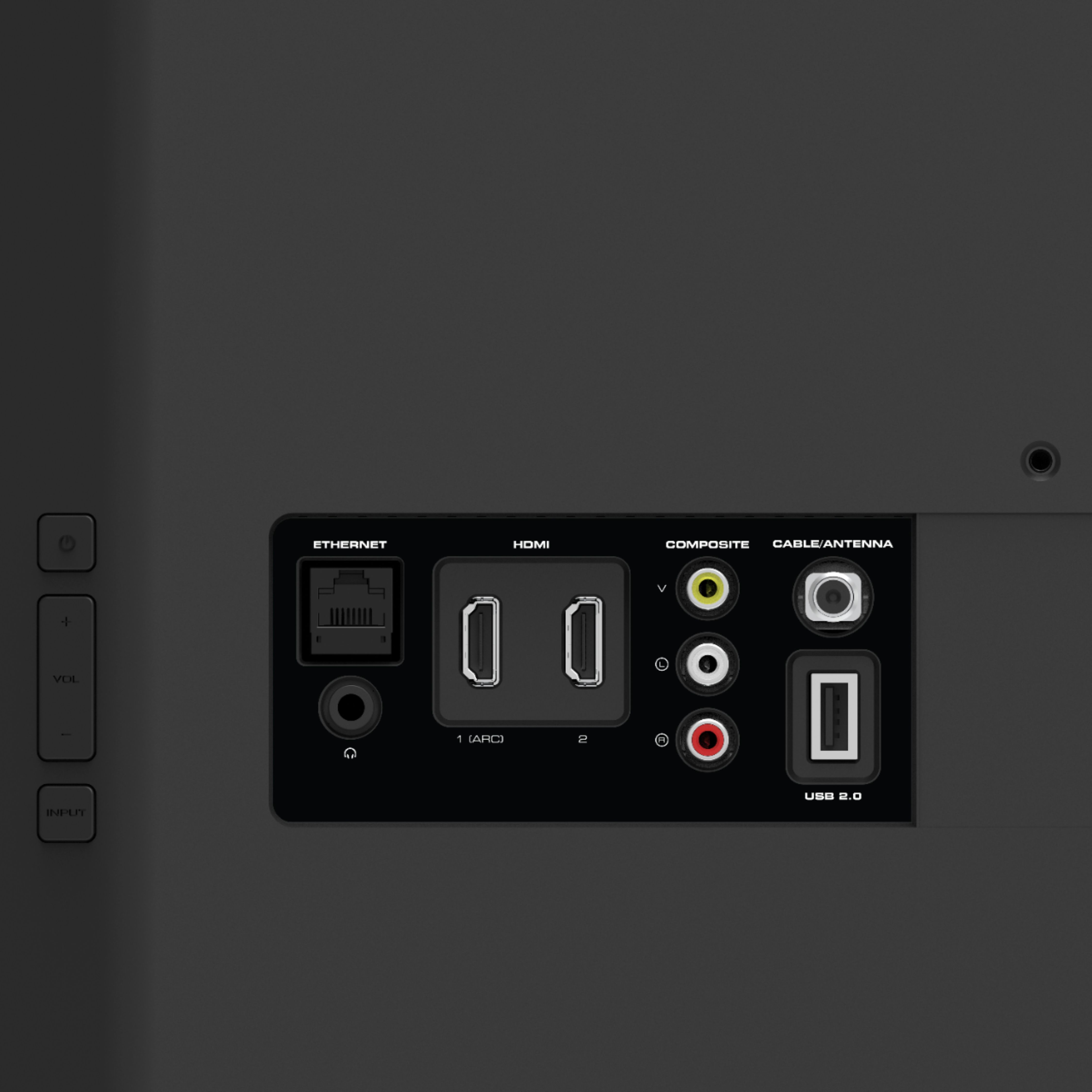
A:AnswerHello Red, Yes the D24F-G1 does have a 3.5mm ear headphone jack available and a total of two hdmi ports. Closed caption is available with the TV when connecting Antenna or coaxial cable direct from wall from cable services, There are internal TV speakers that will work in noisy situation but you may always look into adding a Vizio sound bar to the television.
A:AnswerThe sound isn't BAD, but also not good. For me, it would be ok for news or talk shows, or my grand-daughter asking Alexa for knock-knock jokes (for which you'd need a separate Amazon device). It has a very good picture, and with the HDMI and/or analog sound output pretty easy to plug into any stereo setup. You could also use most types of "computer speakers" which are pretty small.
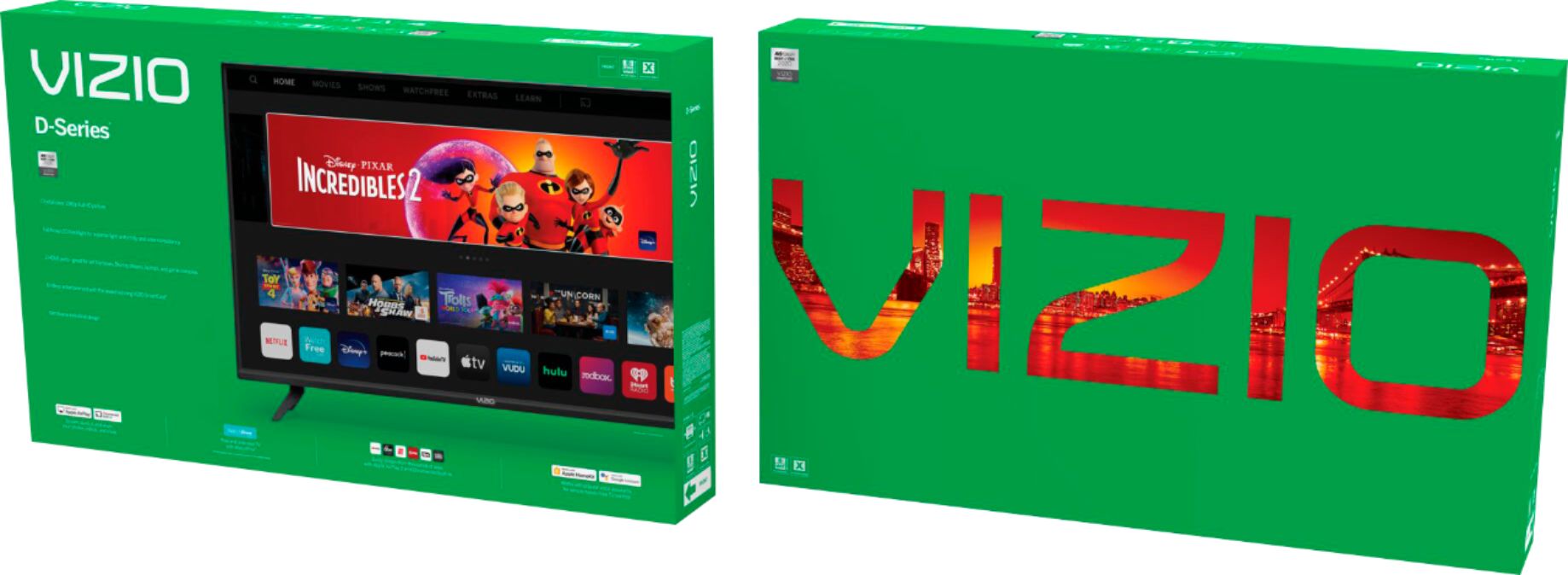
A:AnswerYou can use your phone to play content on your TV using Chromecast as well as AirPlay. For more details check out https://www.vizio.com/en/smartcast.
A:AnswerHey Kat,
If you are having issues connecting your soundbar I would love the opportunity for our technical support team to help with that. They’re available through text message, chat, or over the phone. Just go to support.VIZIO.com and click on ‘Contact Us’.
A:AnswerHello Sandee
To answer your question, I want to gather a bit more information about your specific use. When you have a free moment, we are available through text message, chat, or over the phone. Just go to support.VIZIO.com and click on ‘Contact Us’.