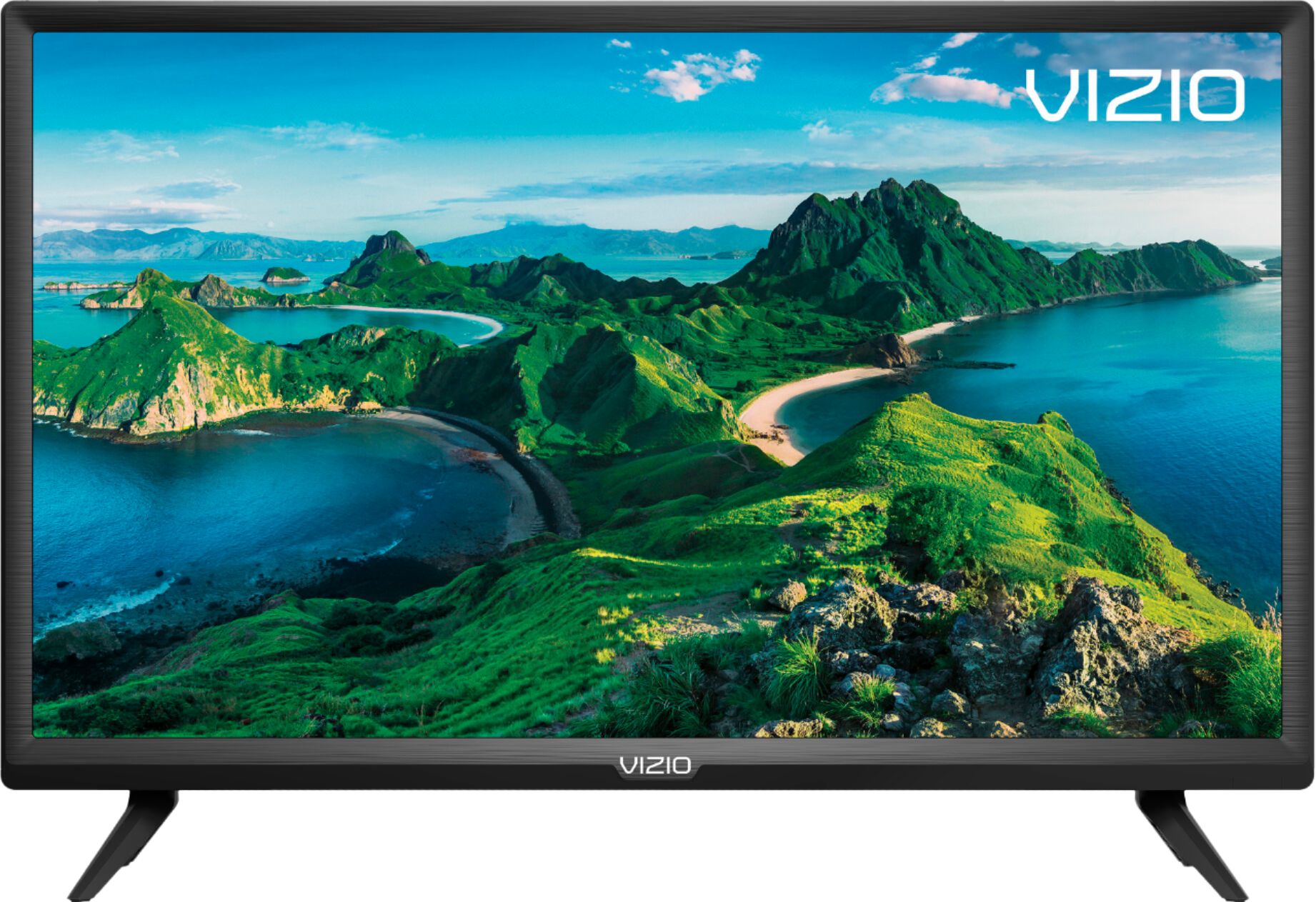
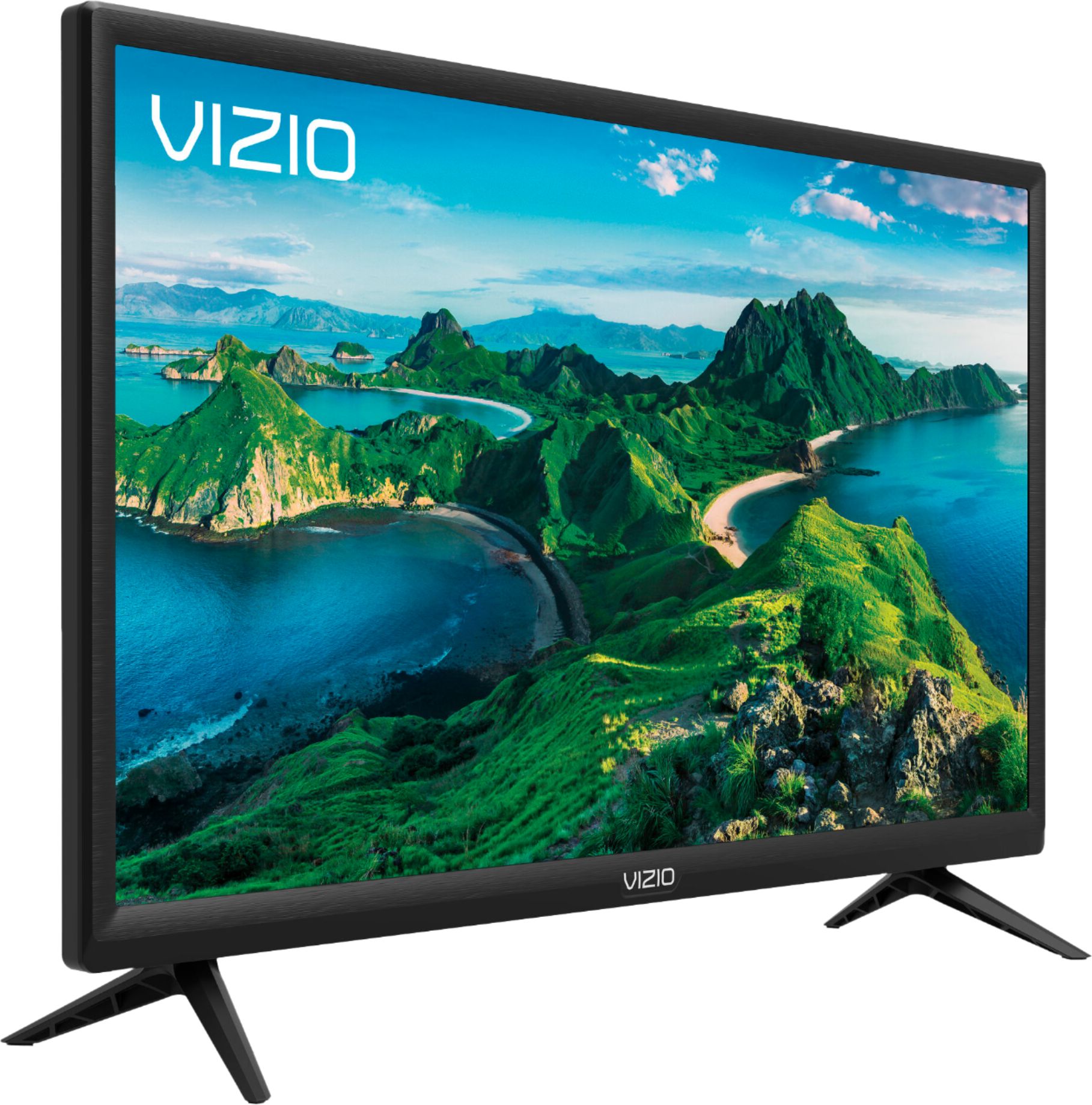
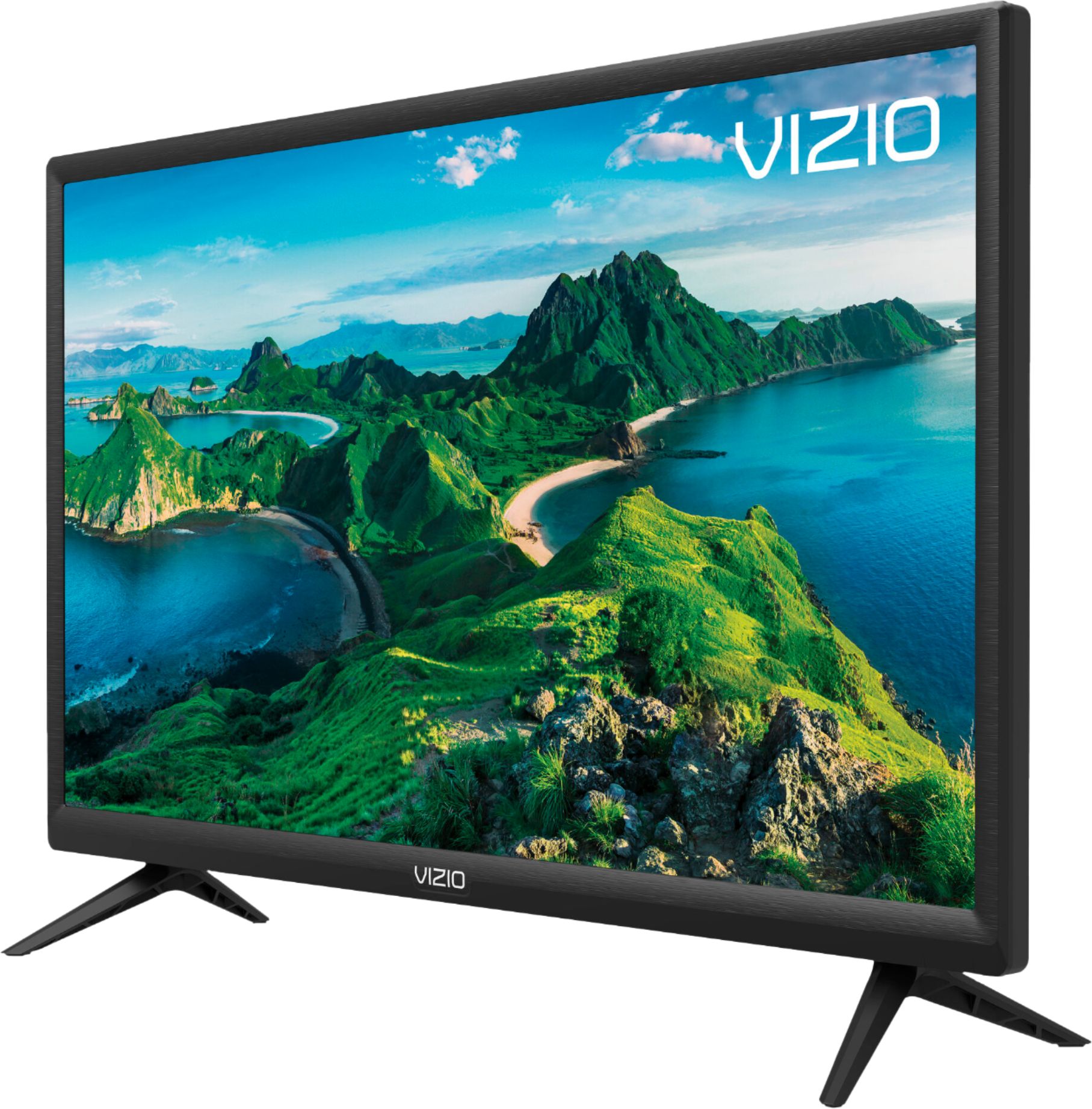
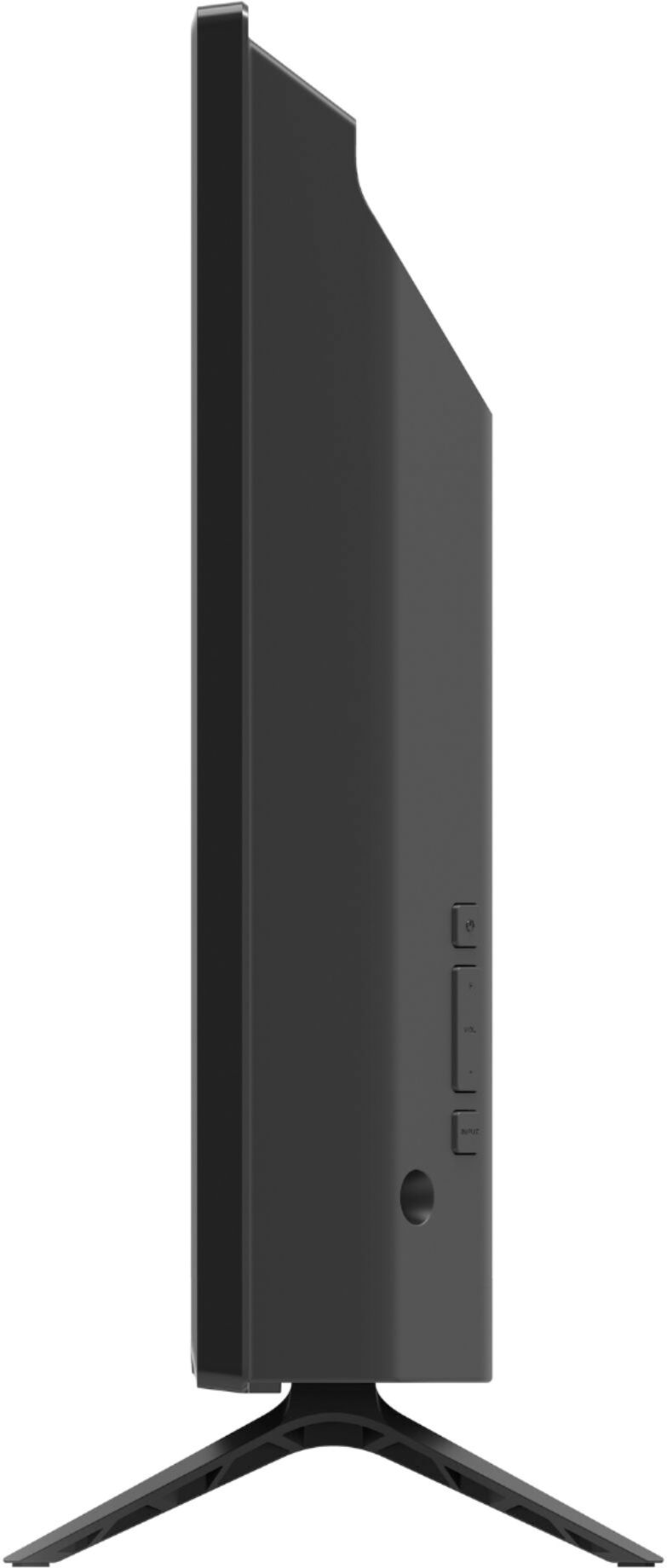
A:AnswerIts overall dimensions are;
Product Height With Stand 14.9 inches
Product Width 22.1 inches
Product Depth With Stand 6.3 inches
Product Height Without Stand 13.3 inches
Product Depth Without Stand 2.9 inches
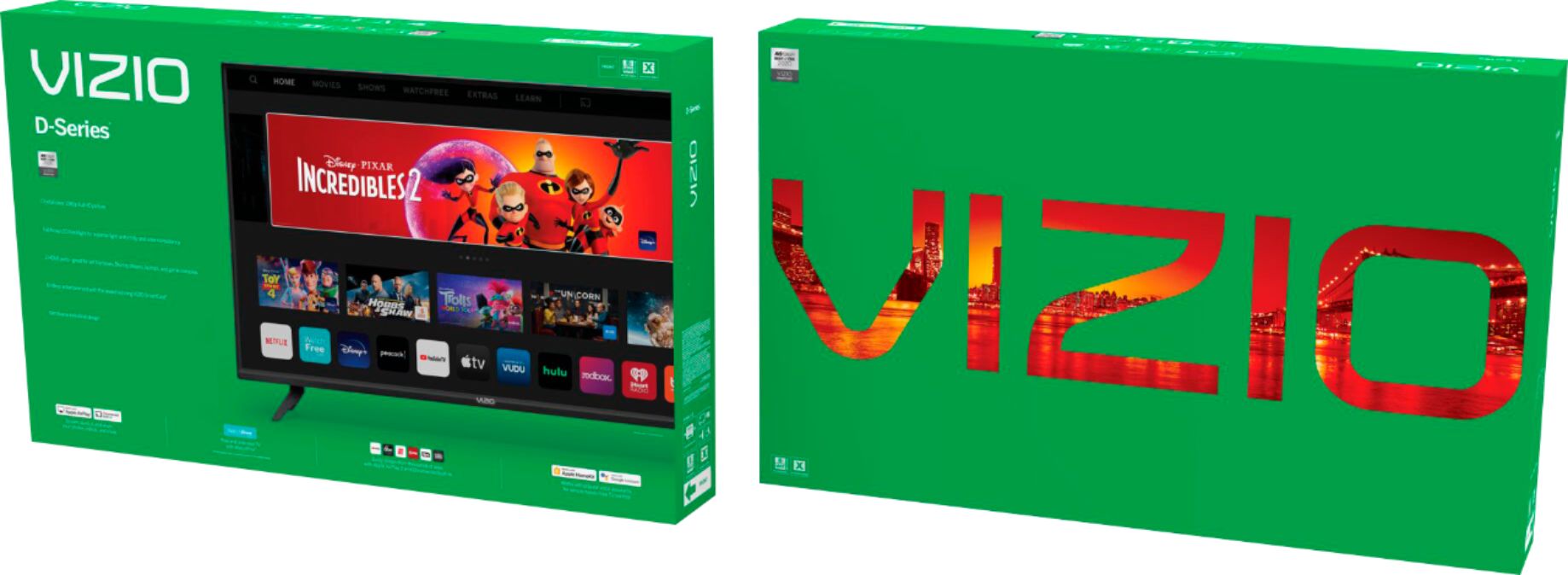
A:AnswerThis television uses a VIZIO SmartCast interface, SmartCast televisions deliver today’s most popular apps like Netflix, Amazon, Hulu, and others on the SmartCast TV home screen. The TVs also come with Watchfree, a no cost service that provides hundreds of channels with no additional purchase or registration requirements. SmartCast televisions also support Google Chromecast and Apple AirPlay 2 so that you can share content from the latest applications on your phone, tablet, or computer directly to the TV.
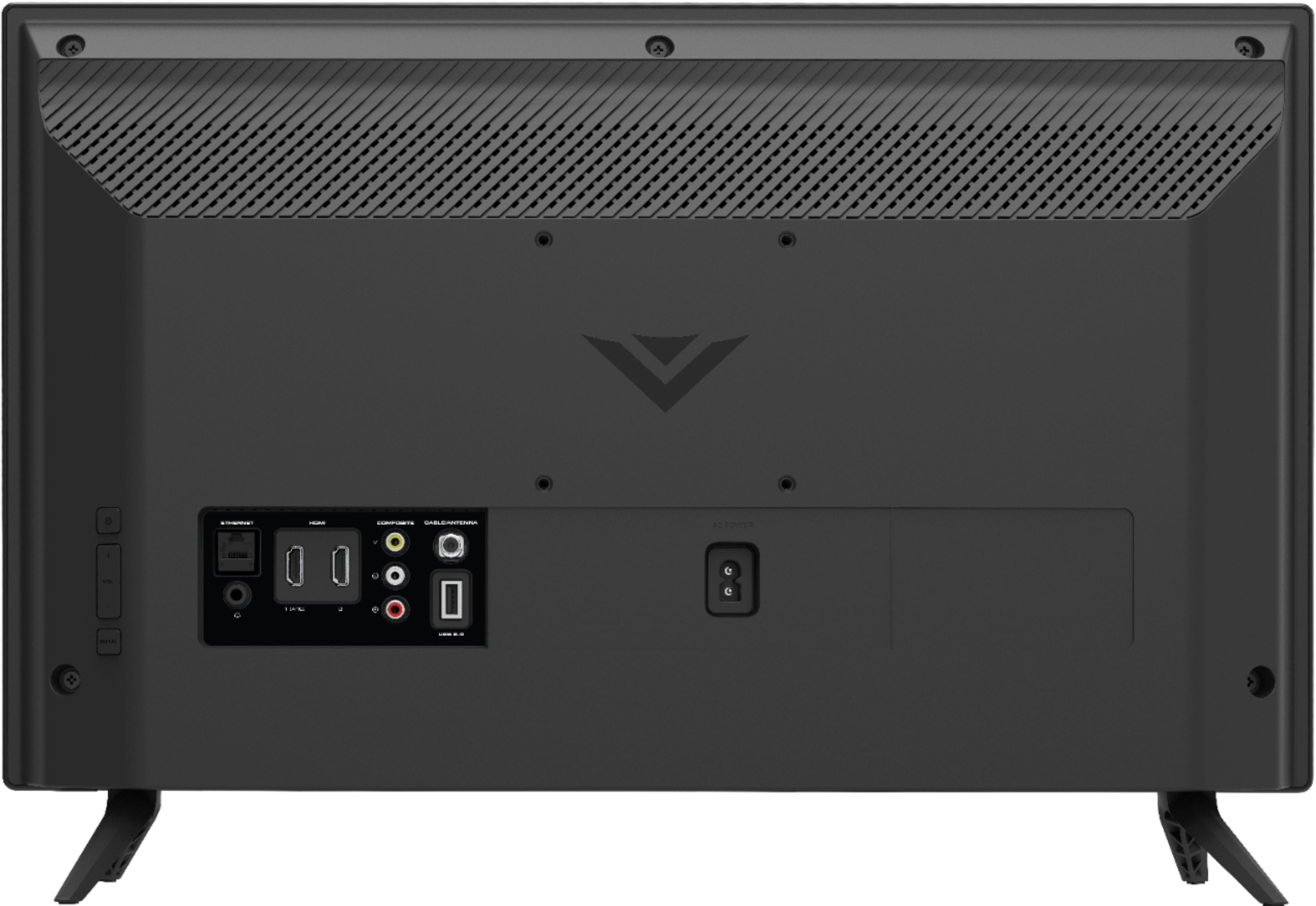
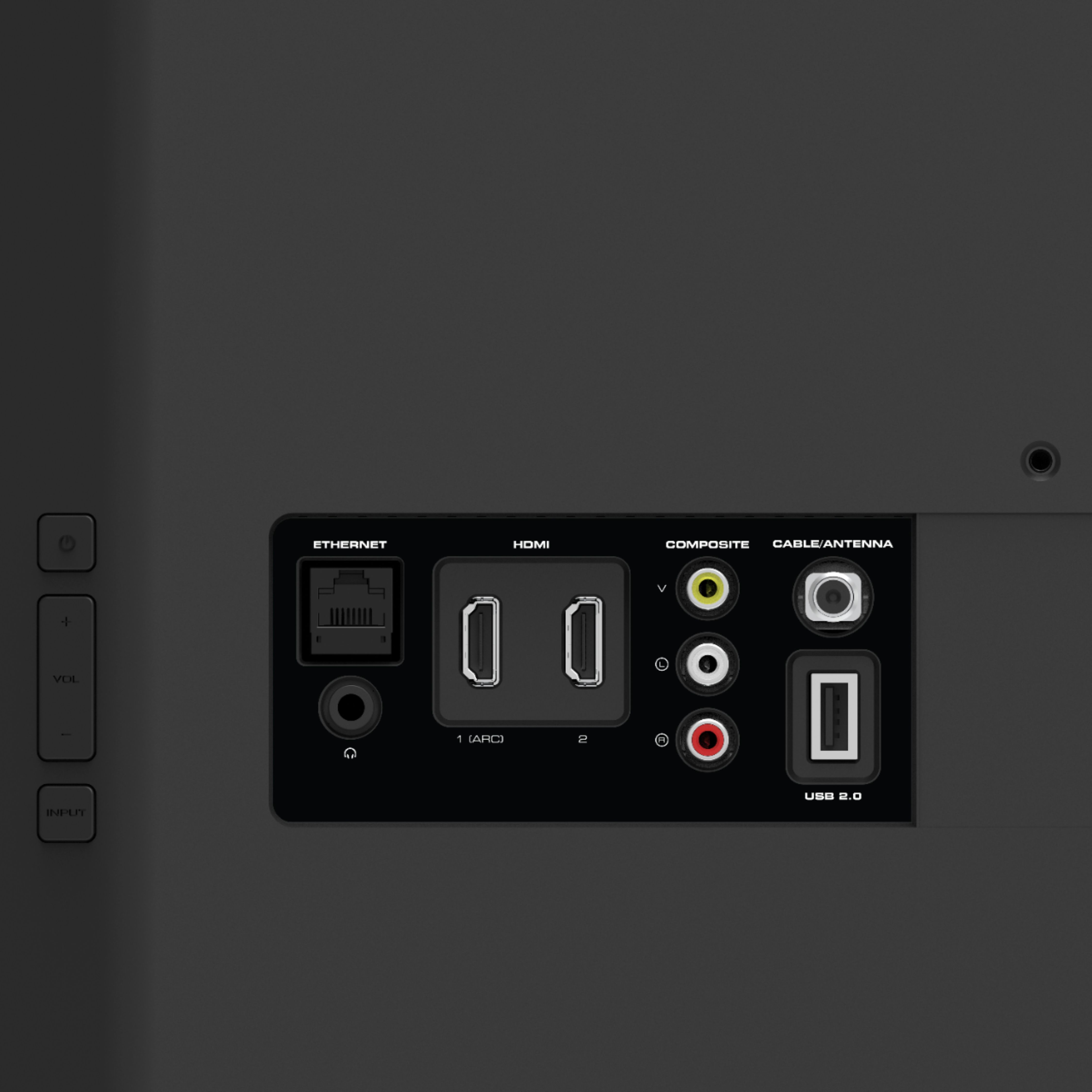
A:AnswerYes this vizio tv has hook ups for aux hdmi optical and rca Jack's.. I bought this tv for my garage and it's not top of the line it does tend to pixelated on occasion but what can you expect for under 100.00. I also went back and bought the vizio 24 inch sound bar .wn for the garage it's great even for a young child it would be good.. it's a smart tv so it connects wireless to the internet which works great for my application. And it has the same stuff pretty installed as like a fire stuck or roku. Maybe not as much but comparable. So overall if say it was worth the money.
A:AnswerI read the manual. Installation is not much more than putting in some codes and plugging it in and making sure you have a strong WiFi signal. I do video editing and production work so plugging in a smart TV is no big deal. I have a 60in Fire in the adjoining room and since installation it has worked excellent and I installed that one along with lots of other video related equipment, etc.
A:Answeryes, it has a headphone jack in the back. I'm using a set of amplified PC speakers which are connected to the headphone jack to improve the sound quality.
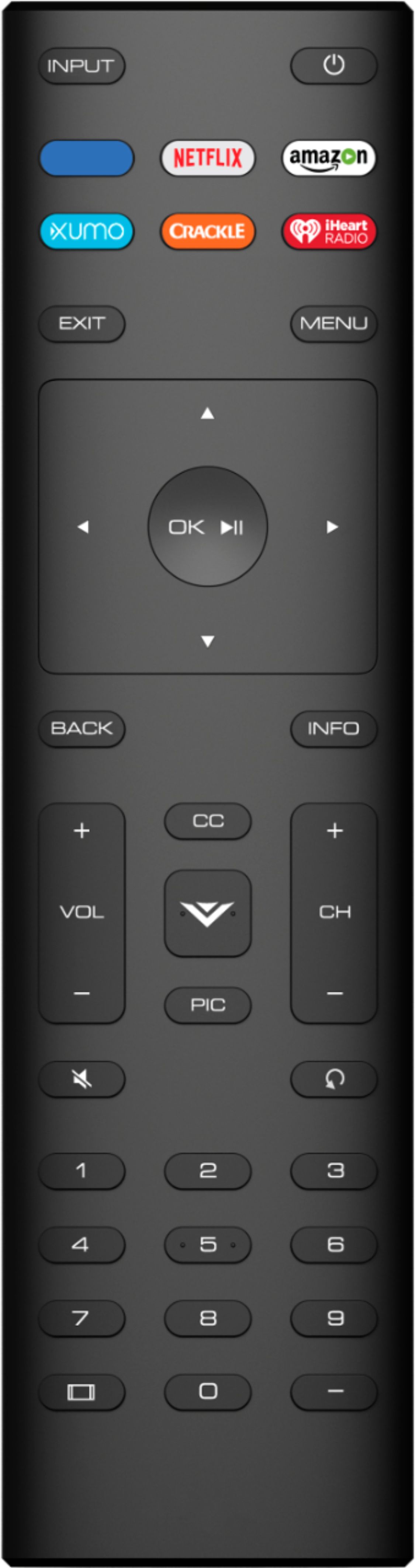
A:AnswerTurn tv on; select ‘input’ on remote; using arrow keys on remote cursor to ‘smartcast’ u should be presented w/ a screen asking for network password; enter it by using arrow keys on remote. Then ‘enter’. Remember u can only access internet thru your router - u cannot access thro LTE