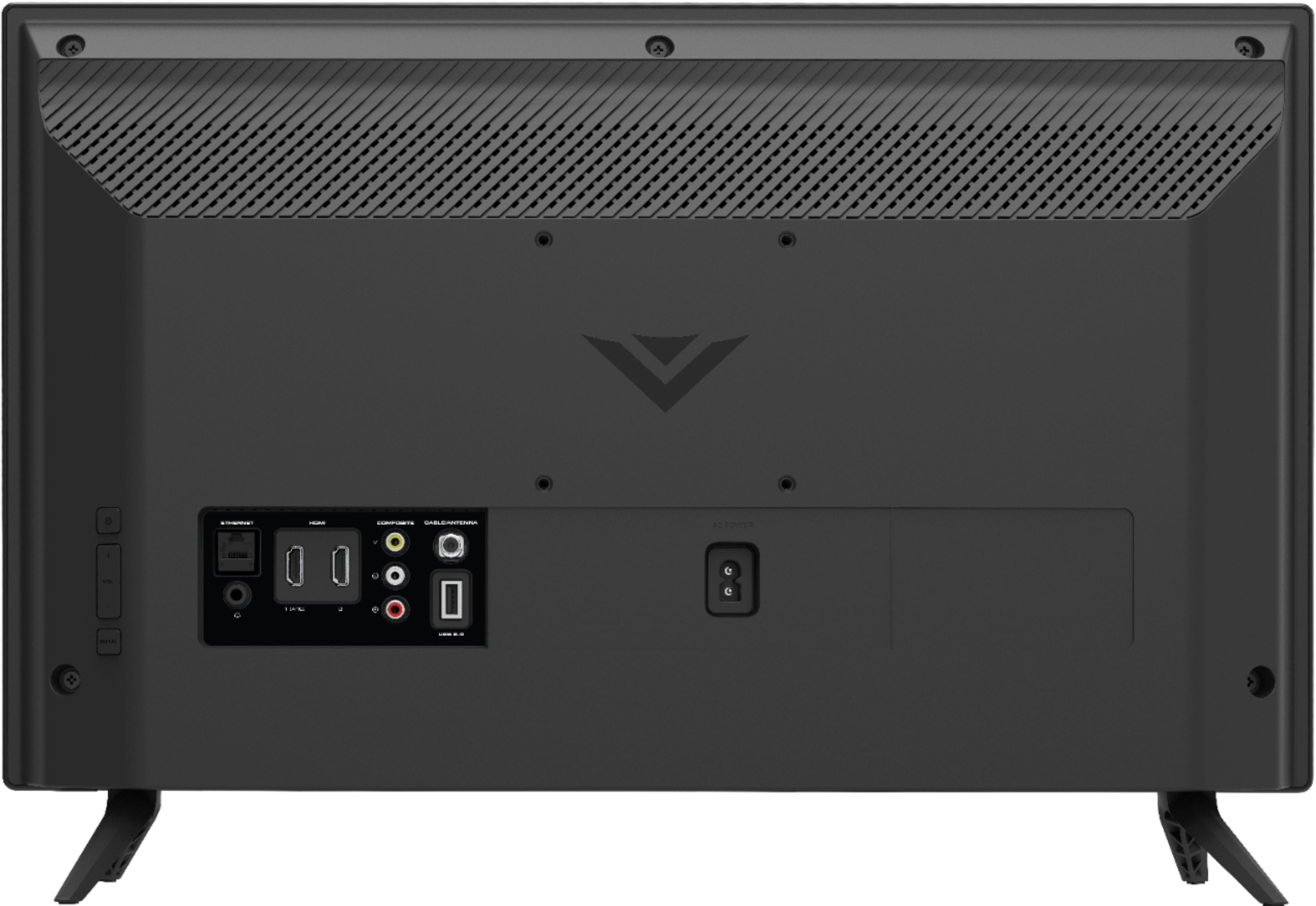
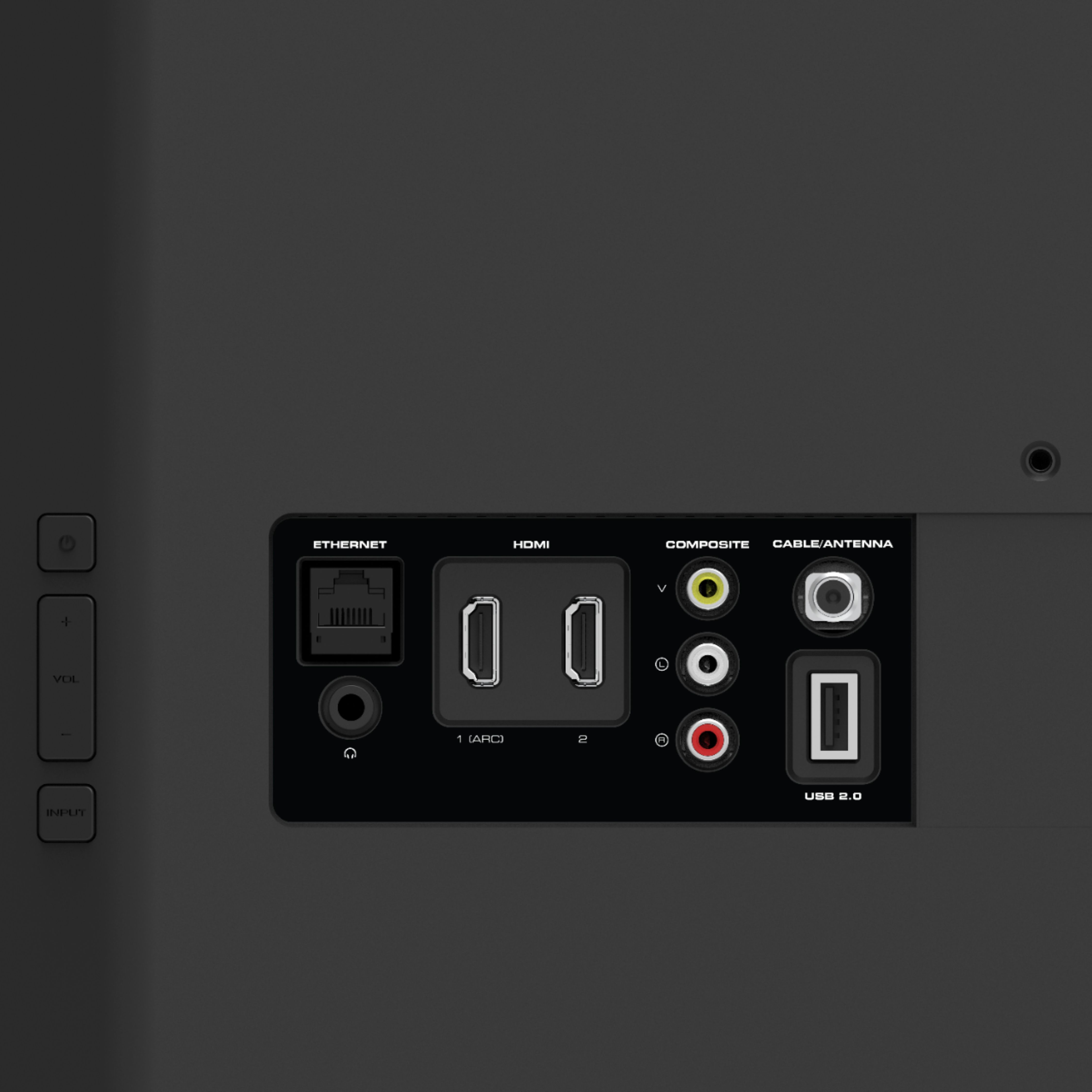
A:AnswerAt VIZIO we pride ourselves on our highly rated picture quality. To make sure you’re getting the most out of your VIZIO TV, we’d recommend making sure your devices are connected with an HDMI cable, and are set to broadcast Full HD (1080p). You can also individually adjust your picture settings in the menu. For brighter rooms try using the ‘Calibrated’ setting, for darker rooms try ‘Calibrated Dark’. If you’d like any assistance adjusting these settings, our customer support team would love to help you dial in the TV to your preference, you can reach them at 877-878-4946.
A:AnswerThis will depend on how the On Air Guide is delivered to the TV. If the guide is delivered to the TV via a cable box or satellite box, you will need to follow the instructions for their services to access the guide.
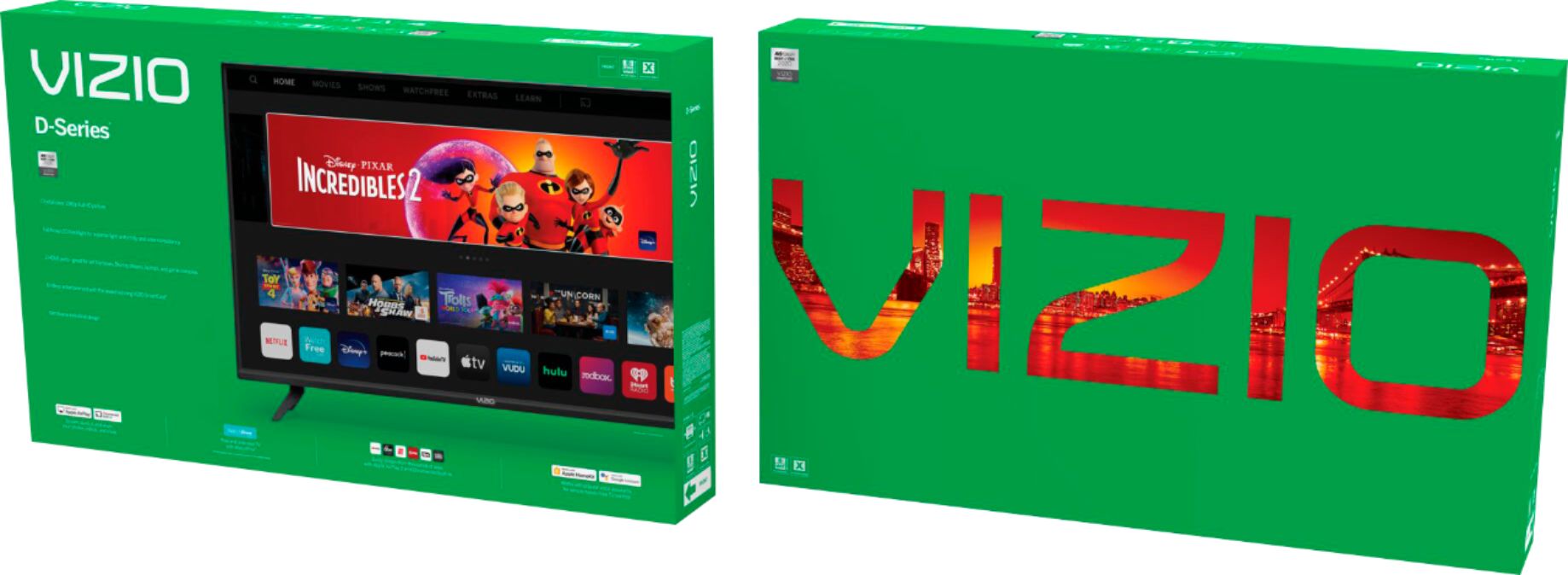
A:AnswerThis TV uses our SmartCast Platform which offers a host of built in apps, as well as support for Google's Chromecast, Apple's AirPlay 2, and voice support for SIRI, Google Home, and Alexa. You are not able to manually download additional apps, however new apps are added to the platform often. If you find there is an app you want to watch that is not on SmartCast you may be able to cast it using Chromecast or Apple AirPlay from your phone or mobile device.
A:AnswerThe picture displayed will depend on the show or movie and how it was recorded, the device or app playing the movie, and the connection used between the source device and the TV.
A:AnswerThis TV uses our SmartCast Platform which offers a host of built in apps, as well as support for Google's Chromecast, Apple's AirPlay 2, and voice support for SIRI, Google Home, and Alexa. You are not able to manually download additional apps, however new apps are added to the platform often. If you find there is an app you want to watch that is not on SmartCast you may be able to cast it using Chromecast or Apple AirPlay from your phone or mobile device.
A:AnswerHello Cathys,
I would like to offer the assistance of our award-winning technical support team with this issue. Please visit support.VIZIO.com and click on ‘Contact Us’. We’ve got agents ready to chat, text message, or speak with you on the phone.