A:AnswerThis model supports Bluetooth LE, which is a low energy form of bluetooth used to assist in pairing the VIZIO SmartCast Mobile application to use devices like smart phones and tablets as a remote for the TV. This TV is not designed to output audio over Bluetooth. You could purchase a Bluetooth transmitter and connect it to this TV to listen over Bluetooth.
A:AnswerThis depends on how you view your content. Individual apps will have their own caption options. When watching the TV on the coaxial input, you will want to enable the captions in the TV's menu at Menu > Accessibility > Captions > Closed Captions > Off/On or you can push the CC button on the remote.
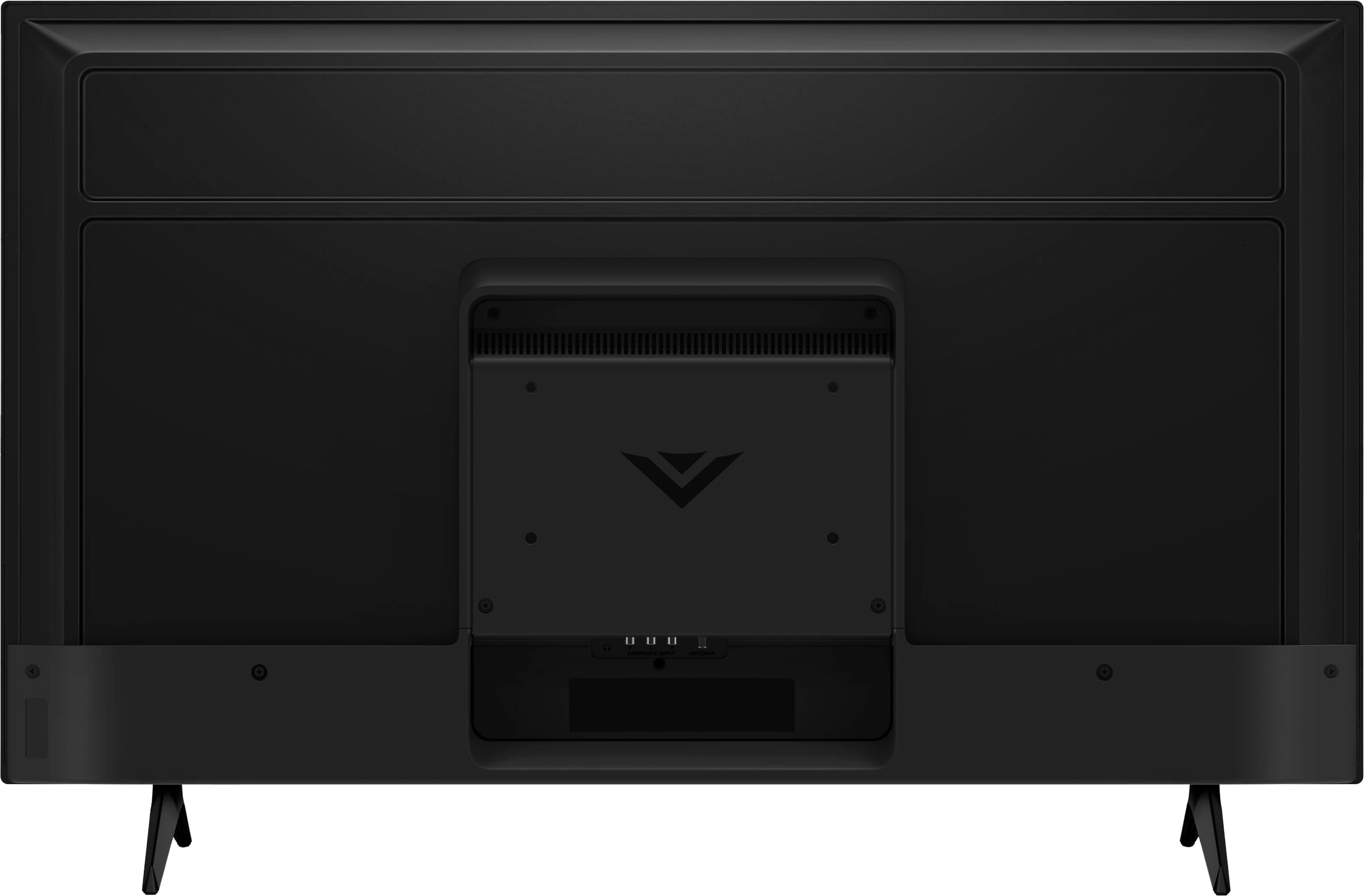
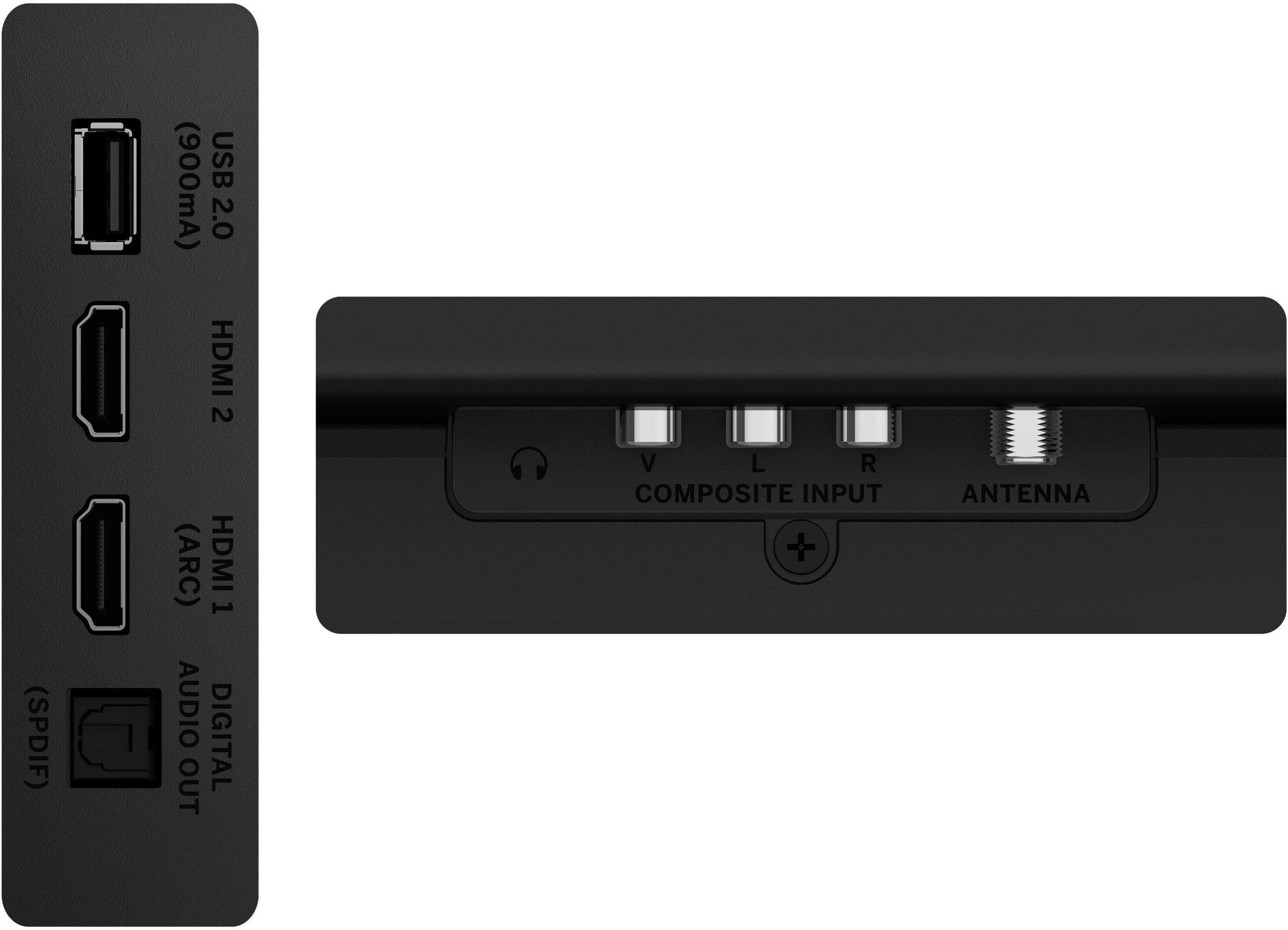
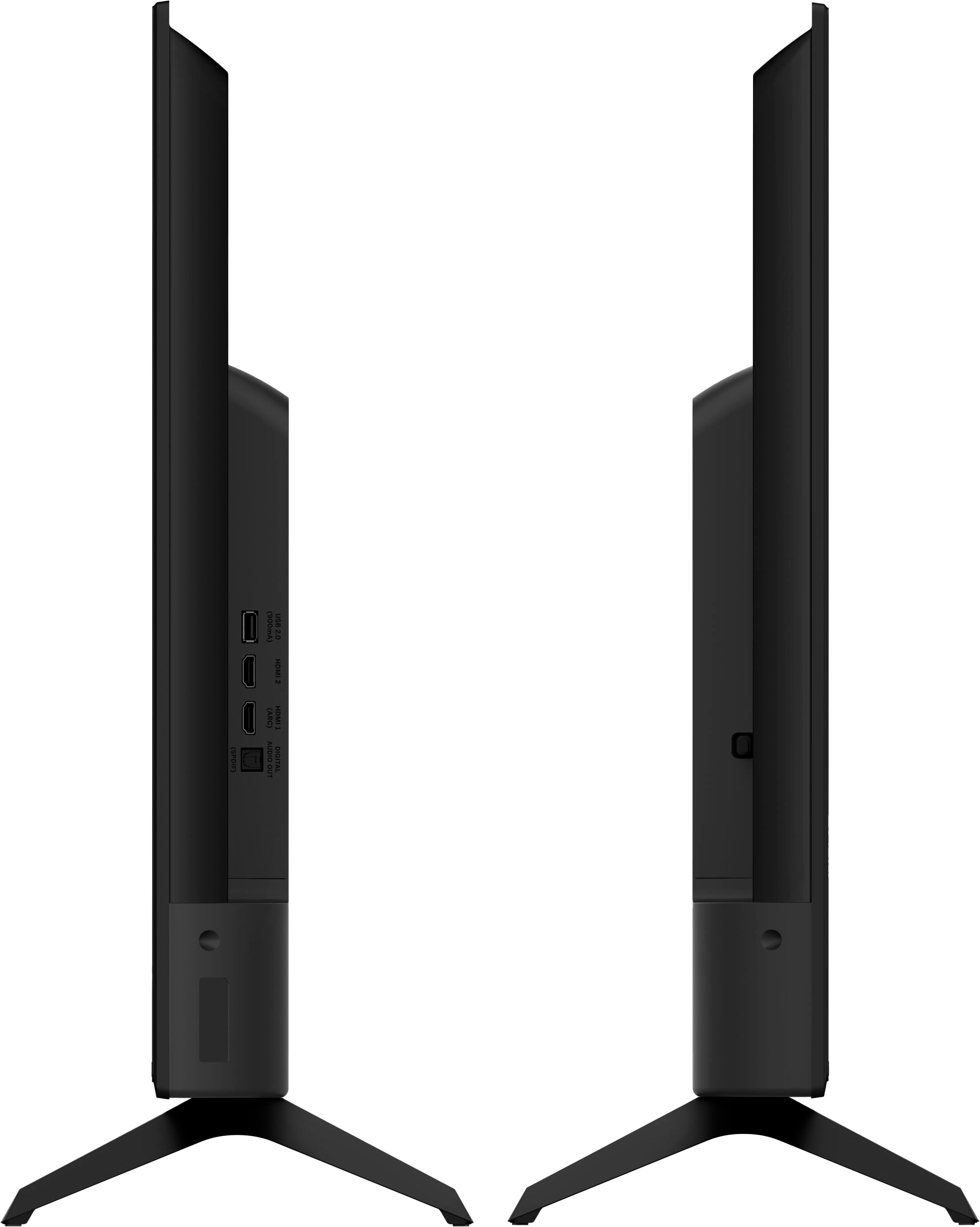
A:AnswerAdd-on streaming devices can be added to the TV with one of the HDMI ports on back of the TV. You will then want to adjust the input on the TV screen as well to the same HDMI port you plug the streaming device in to.
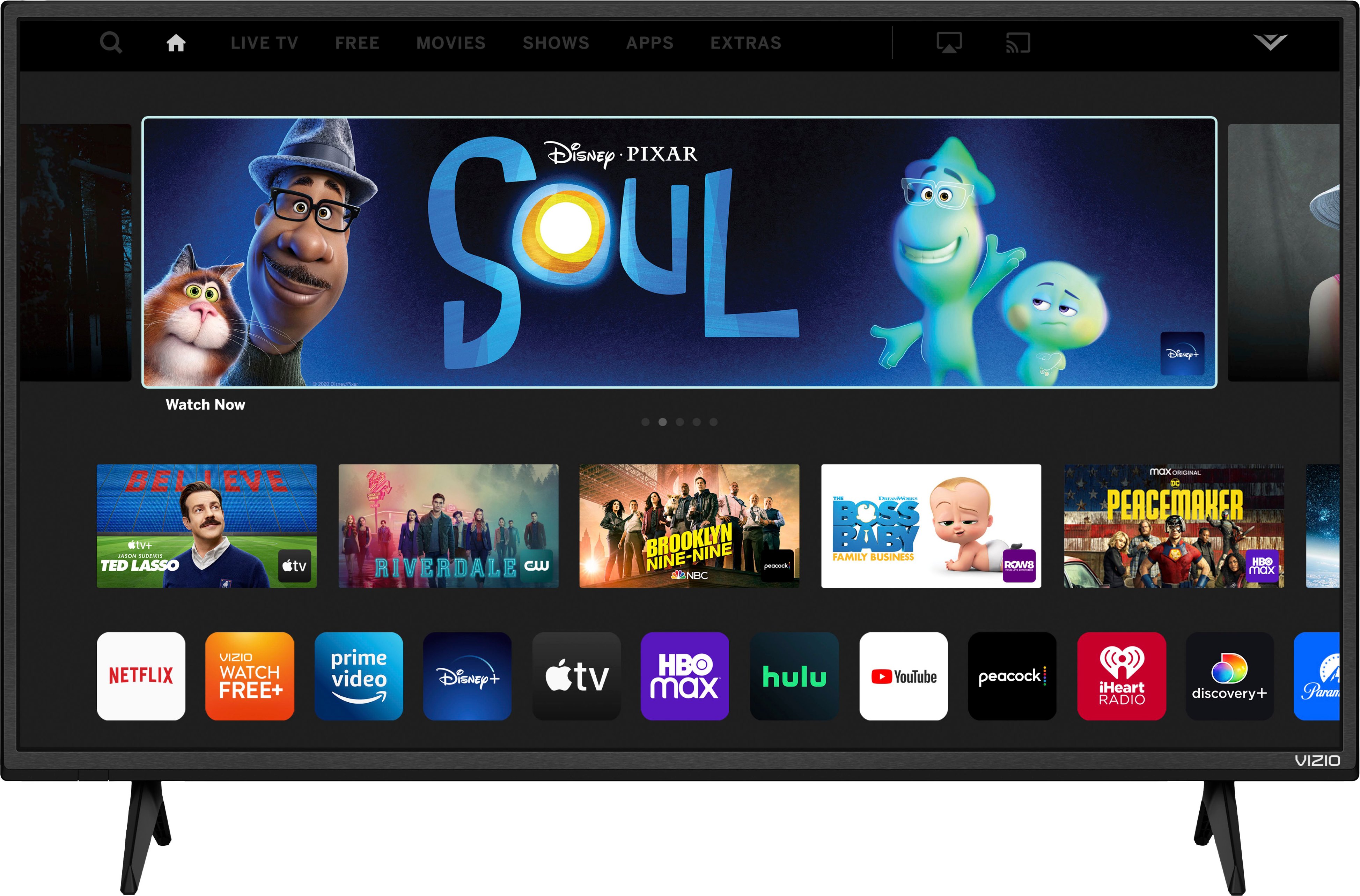
A:AnswerThis TV uses our SmartCast Platform which offers a host of built in apps, as well as support for Google's Chromecast, Apple's AirPlay 2, and voice support for SIRI, Google Home, and Alexa. You are not able to manually download additional apps, however new apps are added to the platform often. If you find there is an app you want to watch that is not on SmartCast you may be able to cast it using Chromecast or Apple AirPlay from your phone or mobile device.
A:AnswerThis TV uses our SmartCast Platform which offers a host of built in apps, as well as support for Google's Chromecast, Apple's AirPlay 2, and voice support for SIRI, Google Home, and Alexa. You are not able to manually download additional apps, however new apps are added to the platform often. If you find there is an app you want to watch that is not on SmartCast you may be able to cast it using Chromecast or Apple AirPlay from your phone or mobile device.
A:AnswerThe TV has a WiFi receiver built in. For the best functionality, you’ll need to download the app for the video service you subscribe to. I have Xfinity so I downloaded the Xfinity app and it works great.
A:AnswerThis TV uses our SmartCast Platform which offers a host of built in apps, as well as support for Google's Chromecast, Apple's AirPlay 2, and voice support for SIRI, Google Home, and Alexa. You are not able to manually download additional apps, however new apps are added to the platform often. If you find there is an app you want to watch that is not on SmartCast you may be able to cast it using Chromecast or Apple AirPlay from your phone or mobile device.
A:AnswerThis TV uses our SmartCast Platform which offers a host of built in apps, as well as support for Google's Chromecast, Apple's AirPlay 2, and voice support for SIRI, Google Home, and Alexa. You are not able to manually download additional apps, however new apps are added to the platform often. If you find there is an app you want to watch that is not on SmartCast you may be able to cast it using Chromecast or Apple AirPlay from your phone or mobile device.
A:AnswerYes it will work but your channel selection will be limited. You would be better off and buying a streaming device because there are so many free channels and the reception is very good.
A:AnswerWhen connecting to a shared network like what is typically found in dorms, barracks, or an apartment complex, you most likely will need to contact your network administrator and provide them with your TV's MAC code found by going to Menu > Network > Manual Setup.
A:AnswerI would like to offer the assistance of our award-winning technical support team with this issue. Please visit support.VIZIO.com and click on ‘Contact Us’. We’ve got agents ready to chat, text message, or speak with you on the phone.
A:AnswerCurrently, the ESPN app is not a part of SmartCast. VIZIO is committed to giving consumers access to as much streaming content as possible. We appreciate your feedback and will make sure to continue adding features and applications in the future. If you find there is an app you want to watch that is not on SmartCast you may be able to cast it using Chromecast or Apple AirPlay from your phone or mobile device.