A:AnswerTo answer your question, I want to gather a bit more information. When you have a free moment, we are available through text message, chat, or over the phone. Just go to support.VIZIO.com and click on ‘Contact Us’.
A:AnswerTo answer your question, I want to gather a bit more information. When you have a free moment, we are available through text message, chat, or over the phone. Just go to support.VIZIO.com and click on ‘Contact Us’.
A:AnswerTo answer your question, I want to gather a bit more information. When you have a free moment, we are available through text message, chat, or over the phone. Just go to support.VIZIO.com and click on ‘Contact Us’.
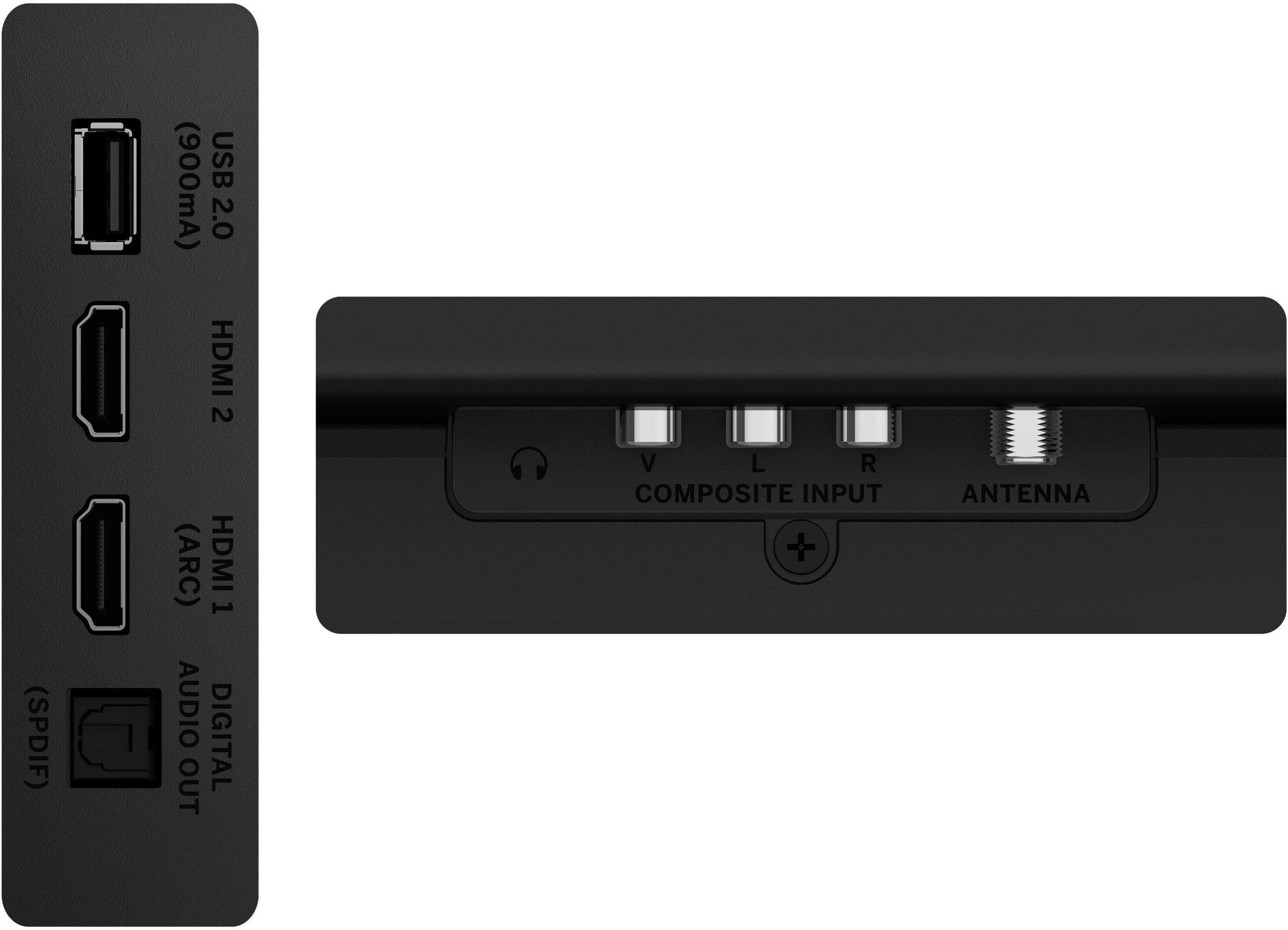
A:AnswerYou will need an antenna attached to your TV for the best reception of local channels. A few things like the placement of the antenna, hills or buildings near your home, and other environmental factors could determine the channels that are and are not found by your antenna as well.
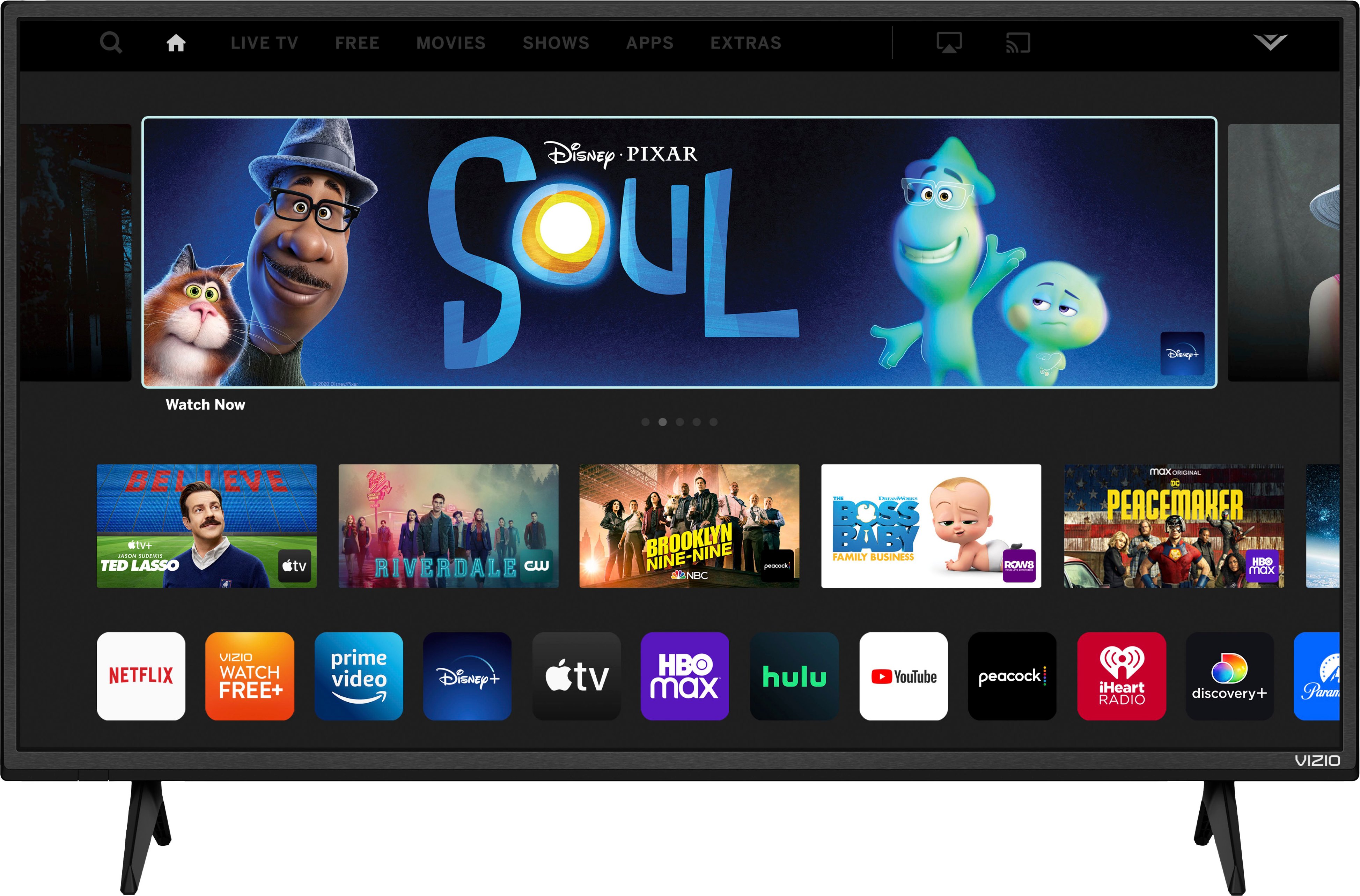
A:AnswerThis TV uses our SmartCast Platform which offers a host of built in apps, as well as support for Google Chromecast, Apple AirPlay 2, and voice support for SIRI, Google Home, and Alexa. You are not able to manually download additional apps, however new apps are added to the platform often. If you find there is an app you want to watch that is not on SmartCast you may be able to cast it using Chromecast or Apple AirPlay from your phone or mobile device. A TV guide is not available.
A:AnswerIt is possible to attach a computer to the TV using an HDMI cord. You will then need to adjust the input on the TV screen to match the HDMI input used on the back of the TV. There is also a possibility that you may need to adjust some computer settings as well.
A:AnswerYes, this TV uses our SmartCast Platform which offers a host of built-in apps, as well as support for Google's Chromecast, Apple's AirPlay 2, and voice support for SIRI, Google Home, and Alexa.
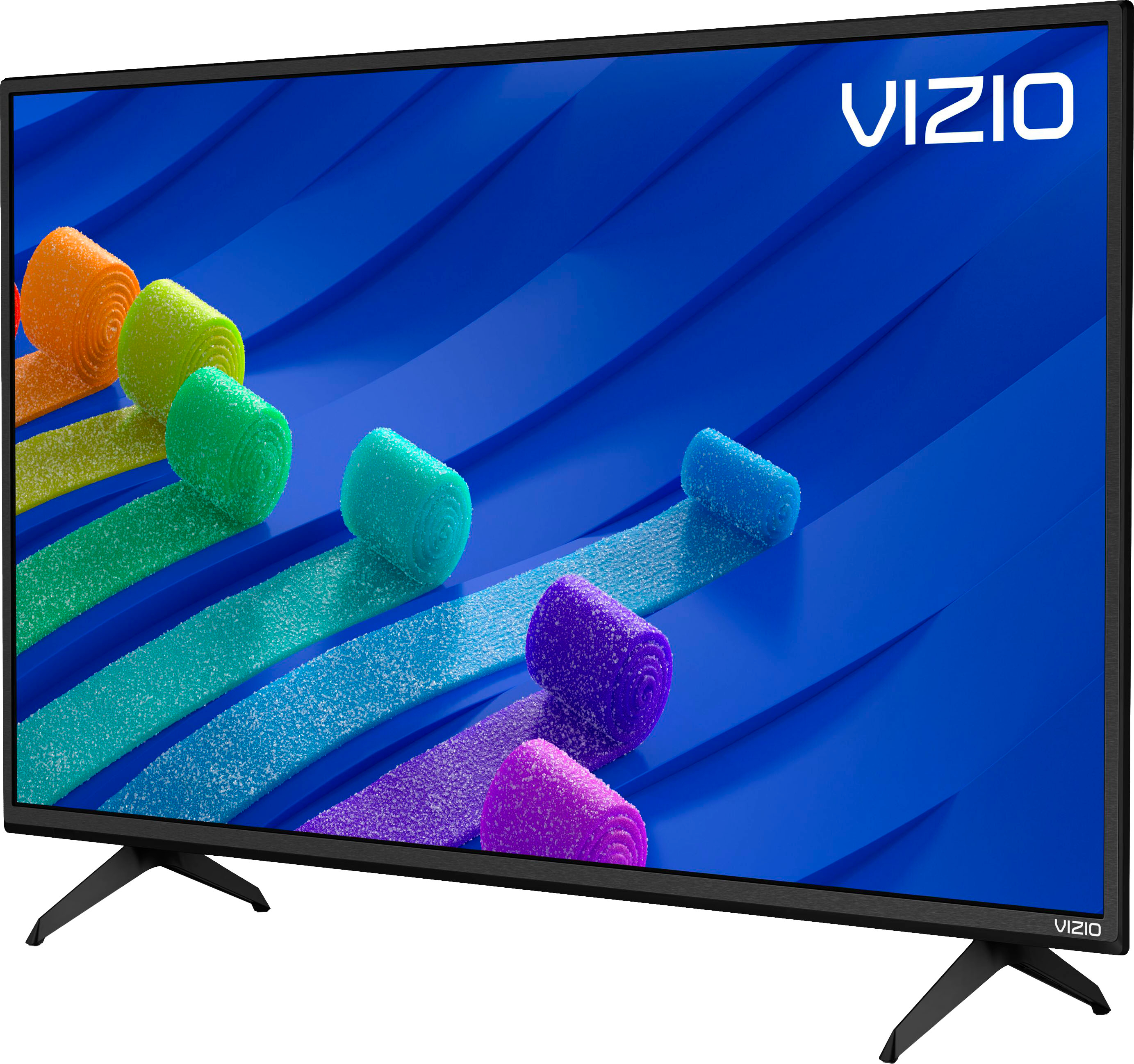
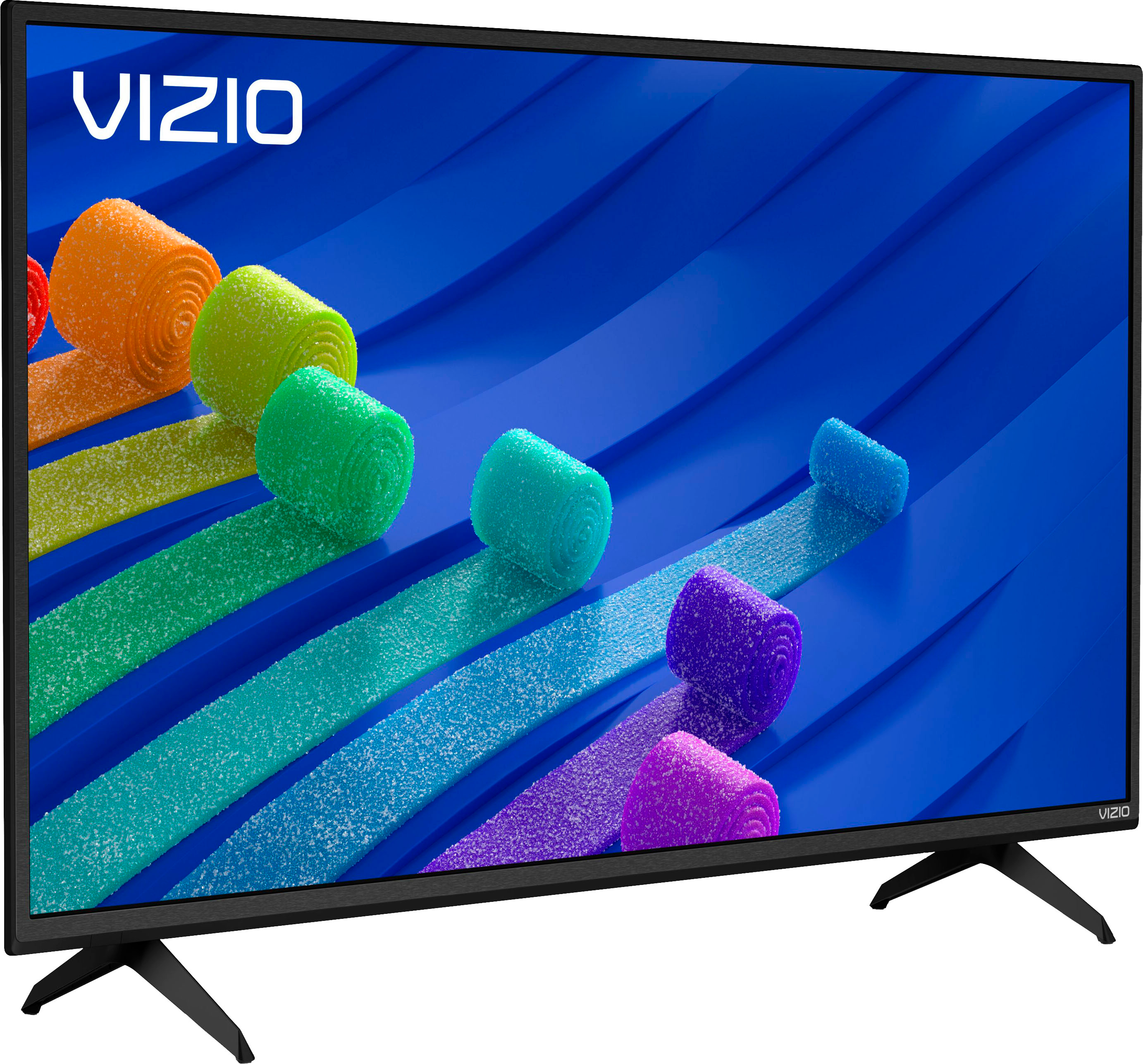
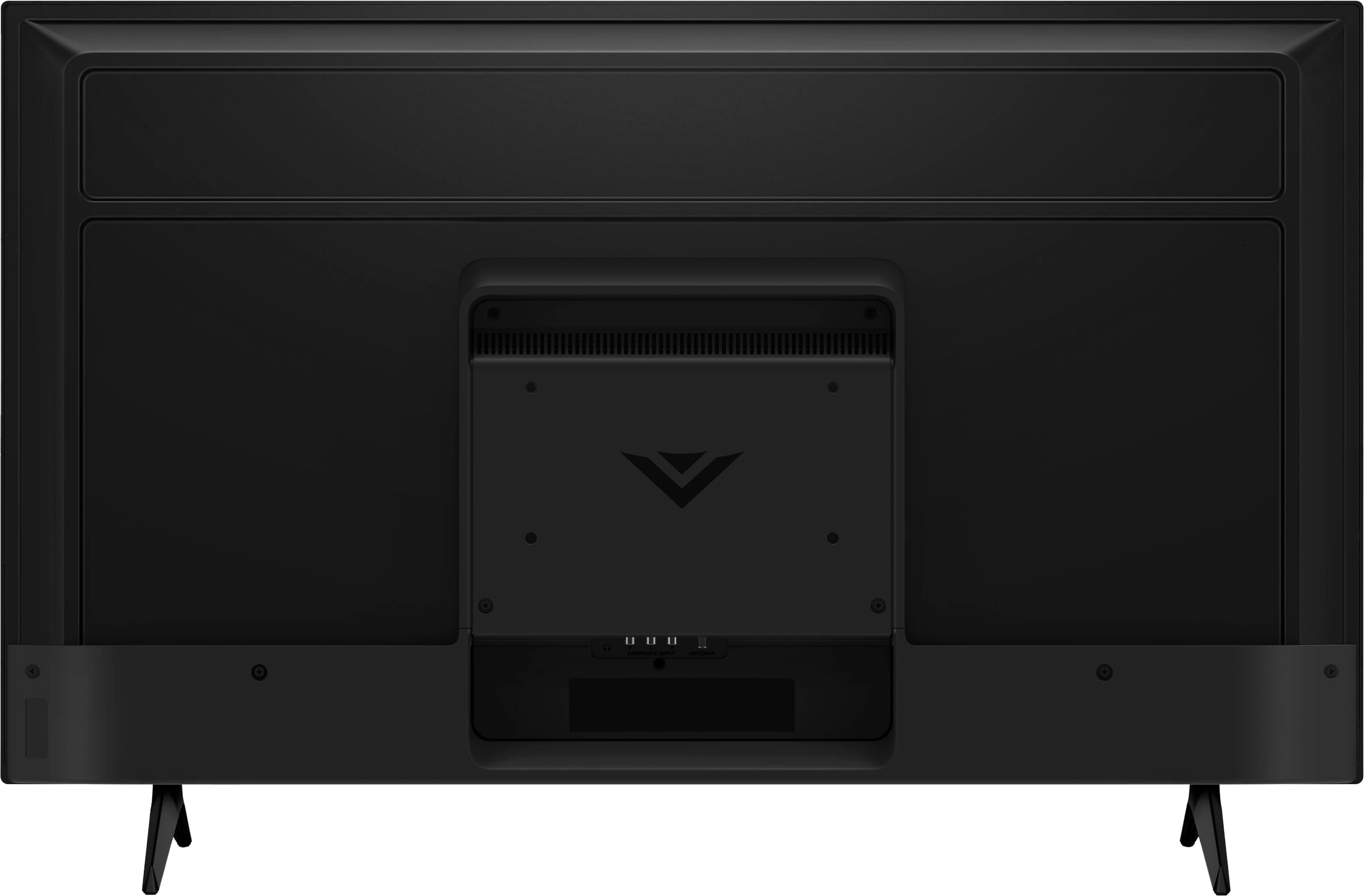
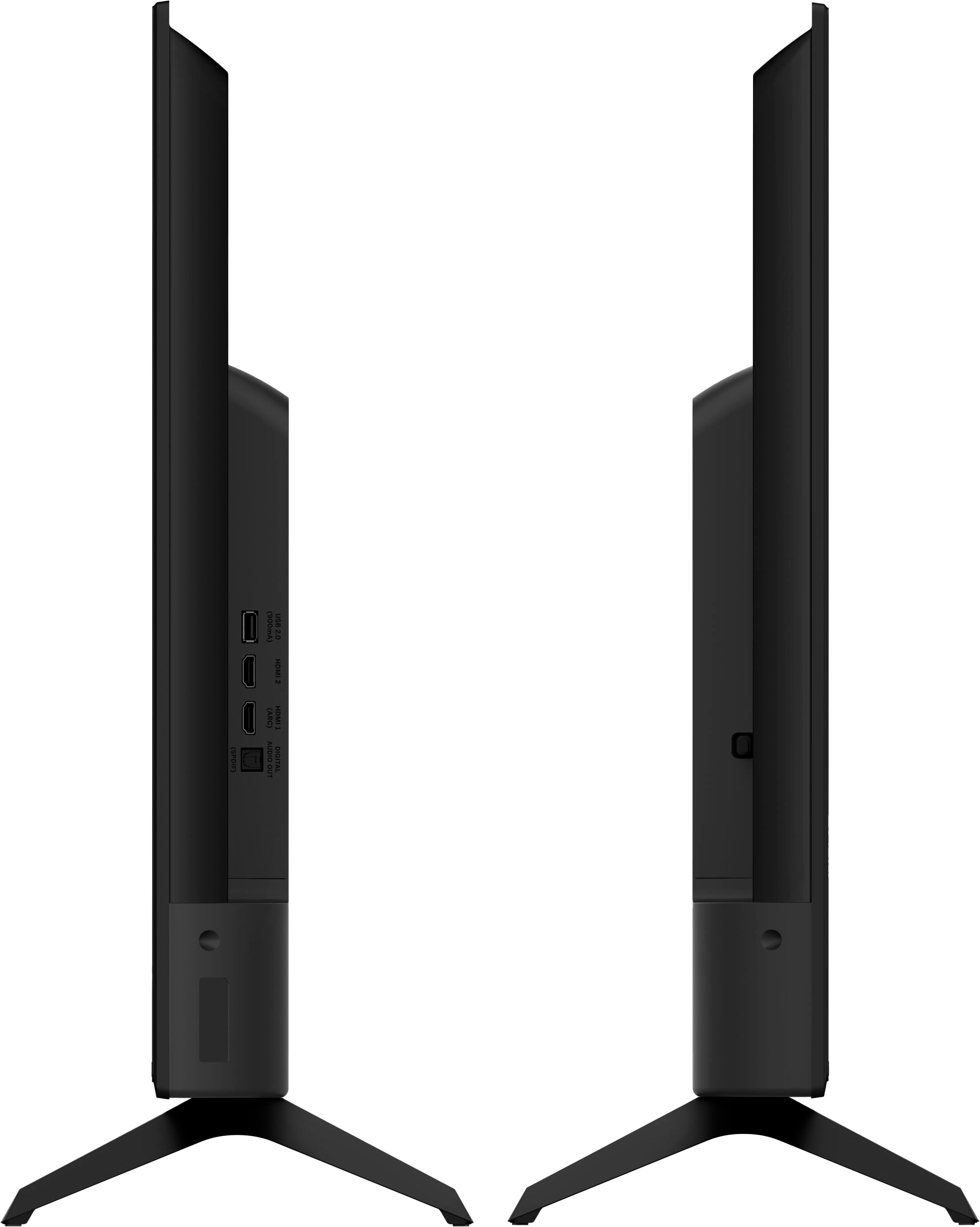
A:AnswerVIZIO does not recommend to use the TV without the stand legs attached, or without being attached to a wall mount. The leg stands are designed to help prevent falls, tipping over, and damage to the TV.
A:AnswerI use the Chromecast feature to stream my tv services wirelessly. I find it easier to use from my IPhone than ApplePlay. It solved my issue of needing an adapter to HDMI and then having my phone across the room.