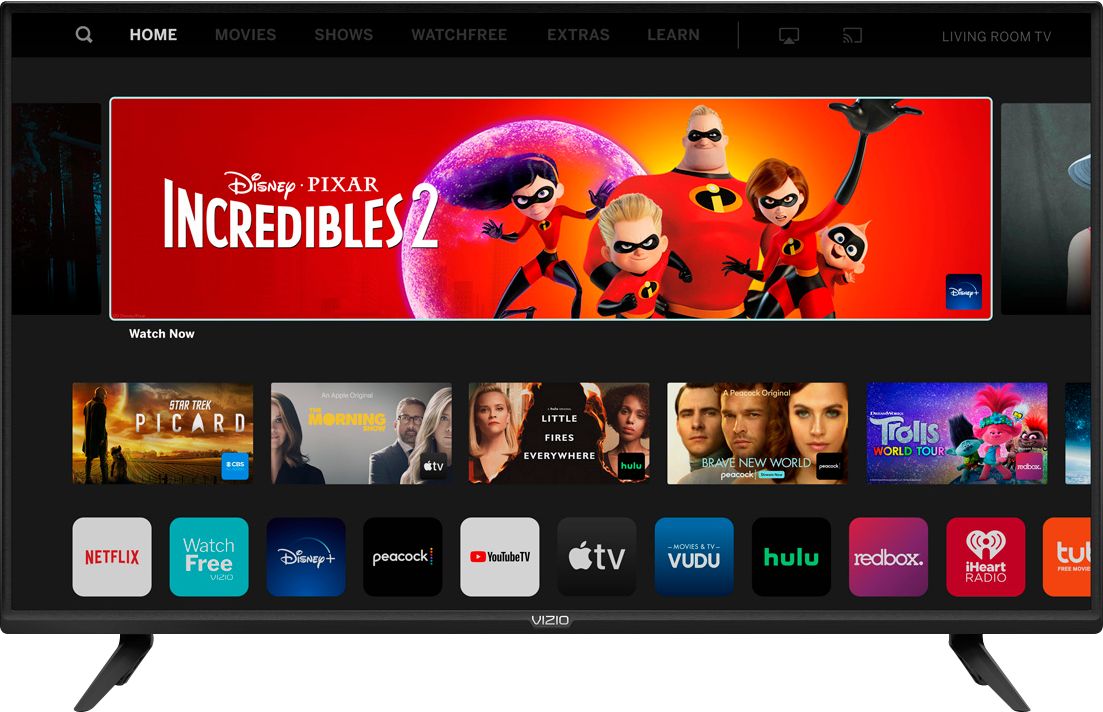
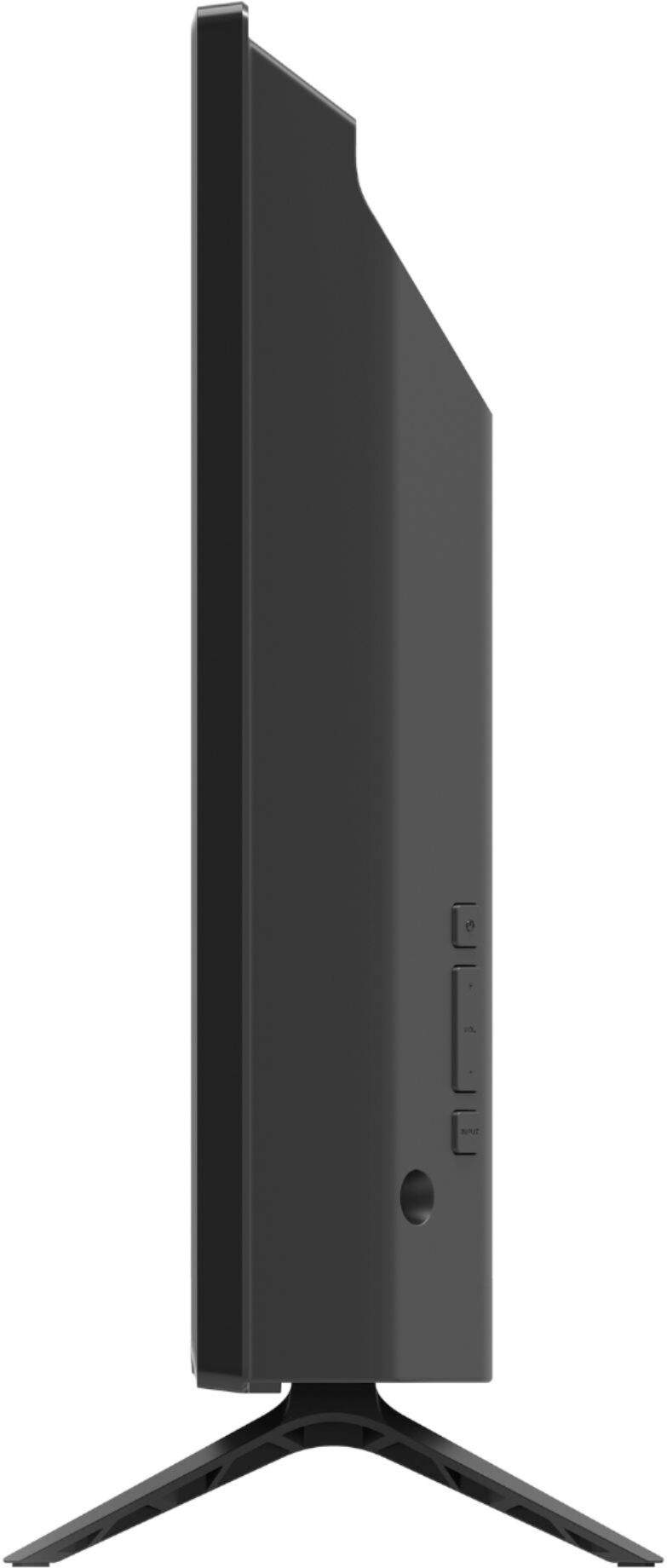
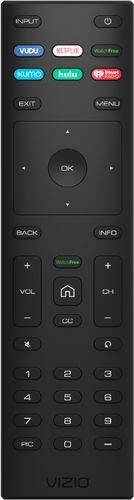
A:AnswerYou can use the SmartCast app for controlling the television or discovering new content but it is not required. The television will come with a fully functional remote and some applications built in.
A:AnswerYes. Depending on your cable service and the receiver/system you have...there are a series of steps you go through which will let you do so in several easy steps,
A:AnswerThis television does not have a Spectrum Cable application built in. We are continually evaluating new applications for addition to the SmartCast screen. In the meantime, you can cast any of the thousands of Chromecast enabled applications to the television from your mobile device.
A:AnswerAs long as the television is on its latest firmware release it should have the Apple AirPlay 2 and HomeKit support. If for some reason it does not please contact our customer support at 877-878-4946
A:AnswerWhat do you mean it is intuitive? It might be for the person that designed the TV. One thing is What is CEC, Eco mode, Quick start. How do you set up a sound bar so that I could change the volume with one control. WHAT IS SO HARD ABOUT INCLUDING A PRINTED MANUAL WITH THE TV. Some of your older customers would love to understand how to operate the TV
A:AnswerThis TV uses our SmartCast Platform which offers a host of built in apps, as well as support for Google's Chromecast, Apple's AirPlay 2, and voice support for SIRI, Google Home, and Alexa. You are not able to manually download additional apps, however new apps are added to the platform often. If you find there is an app you want to watch that is not on SmartCast you may be able to cast it using Chromecast or Apple AirPlay from your phone or mobile device.