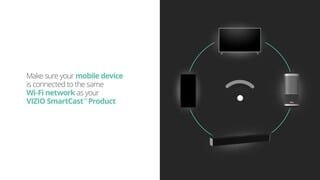
A:AnswerThis television has a built in wireless receiver and should work with your hotspot however, this may not be the most reliable type of connection for the use of the built in applications.
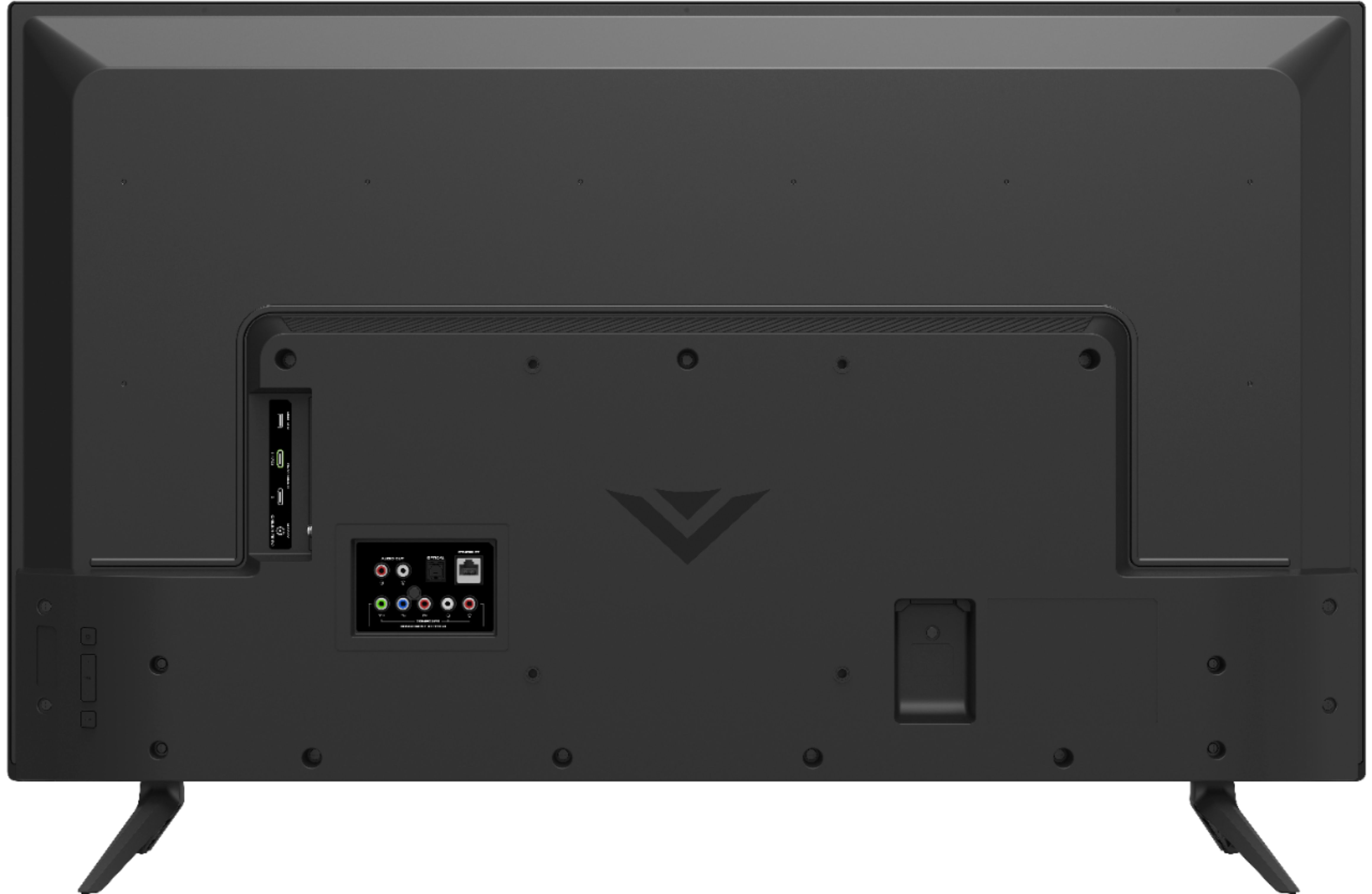
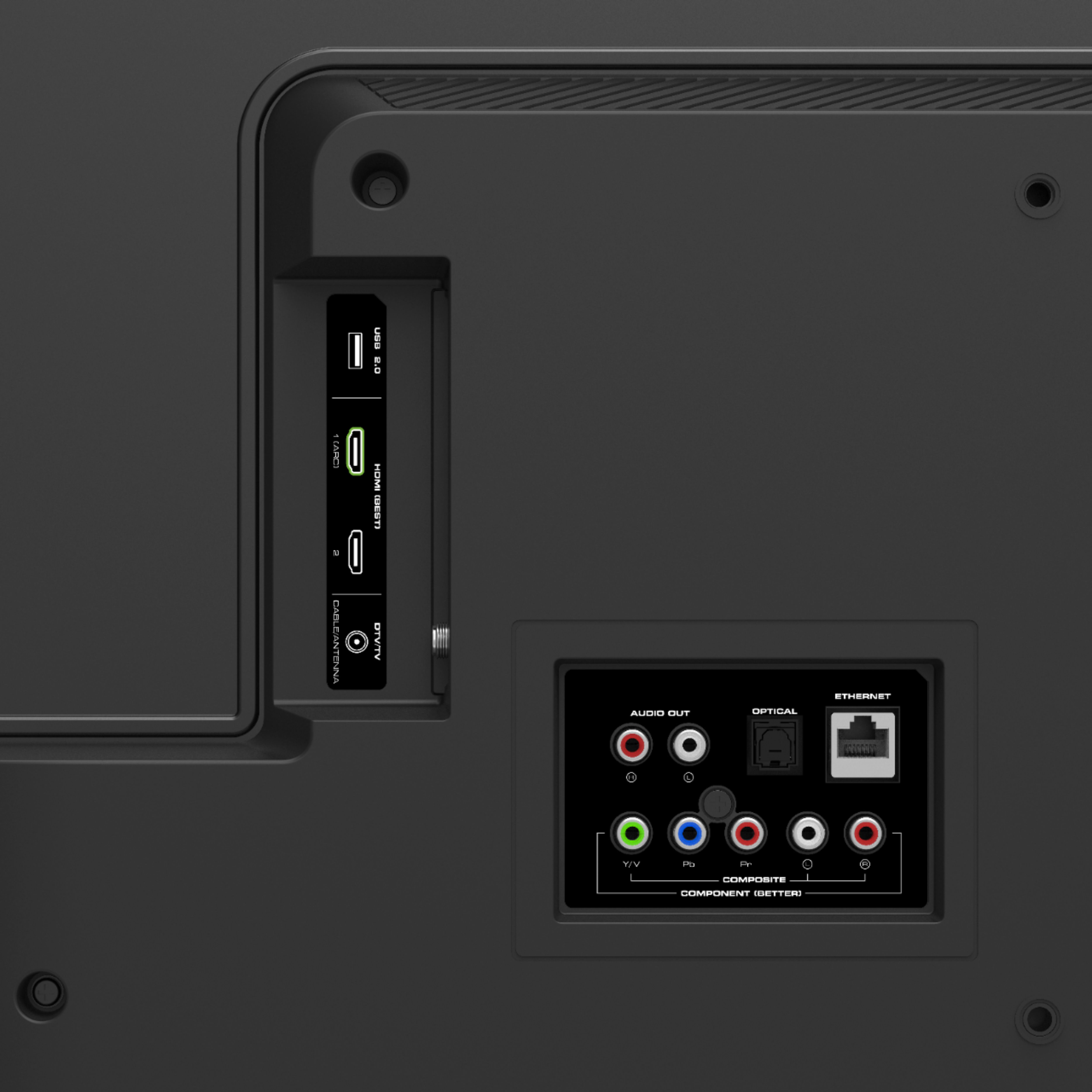
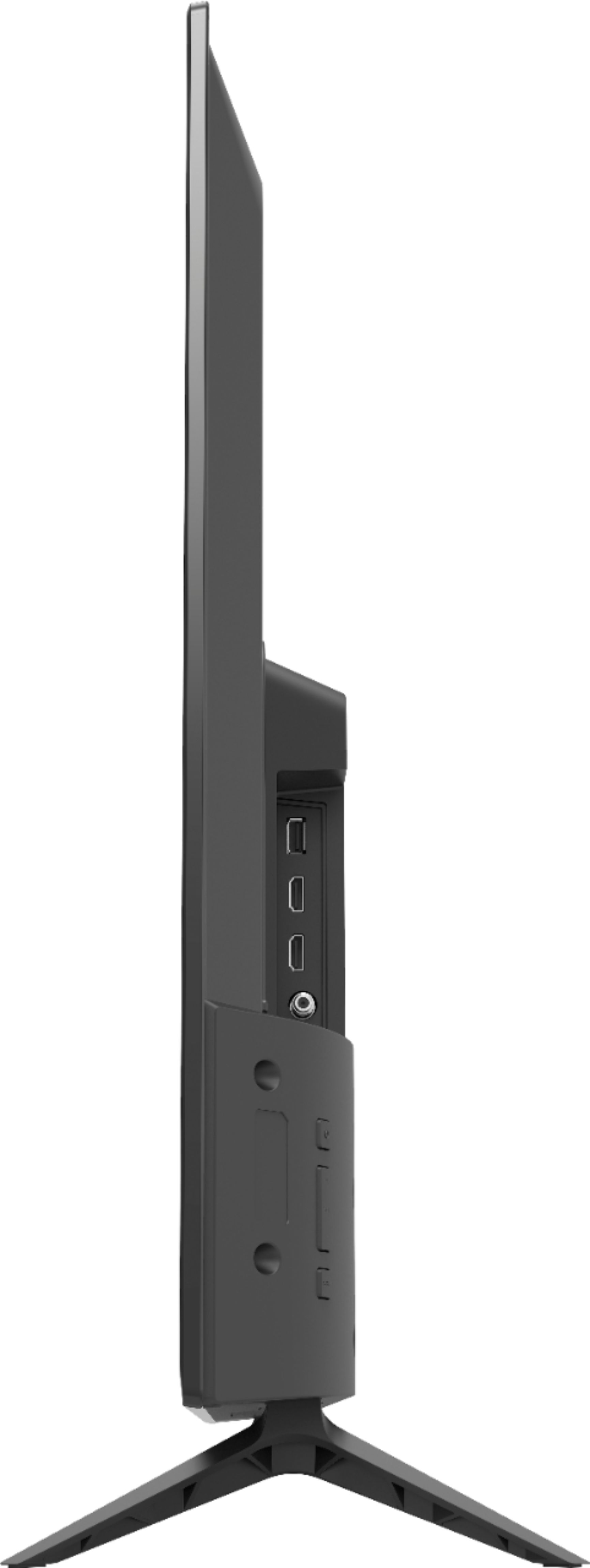
A:AnswerThe television can support multiple files types. If using a USB drive however the drive must be formatted in a FAT32 format for the television to read your files.
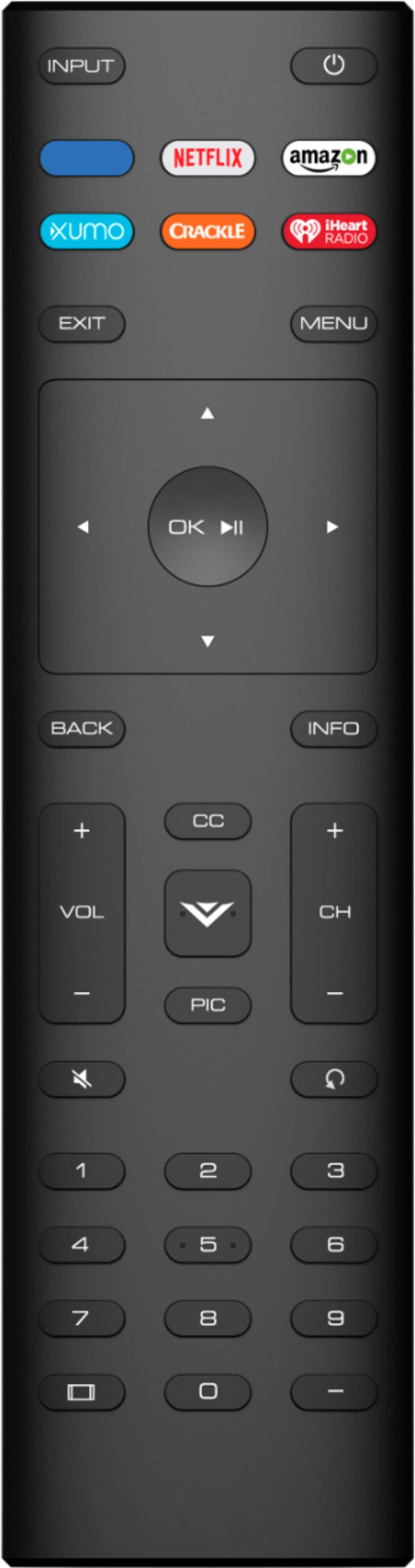
A:AnswerYes. Access is "built in". Tune in, log in once, and go. Can still use chrome cast, but why would you. Only problem, remote does not come with ability to fast forward or back, to pause.
A:AnswerAs a rule, a 42” television should be mounted about 56 inches from floor to TV center, a 55” TV should be around 61 inches, a 65” TV should be around 65 inches' floor to center, and a 70” television should be mounted about 67 inches to the center of the screen.
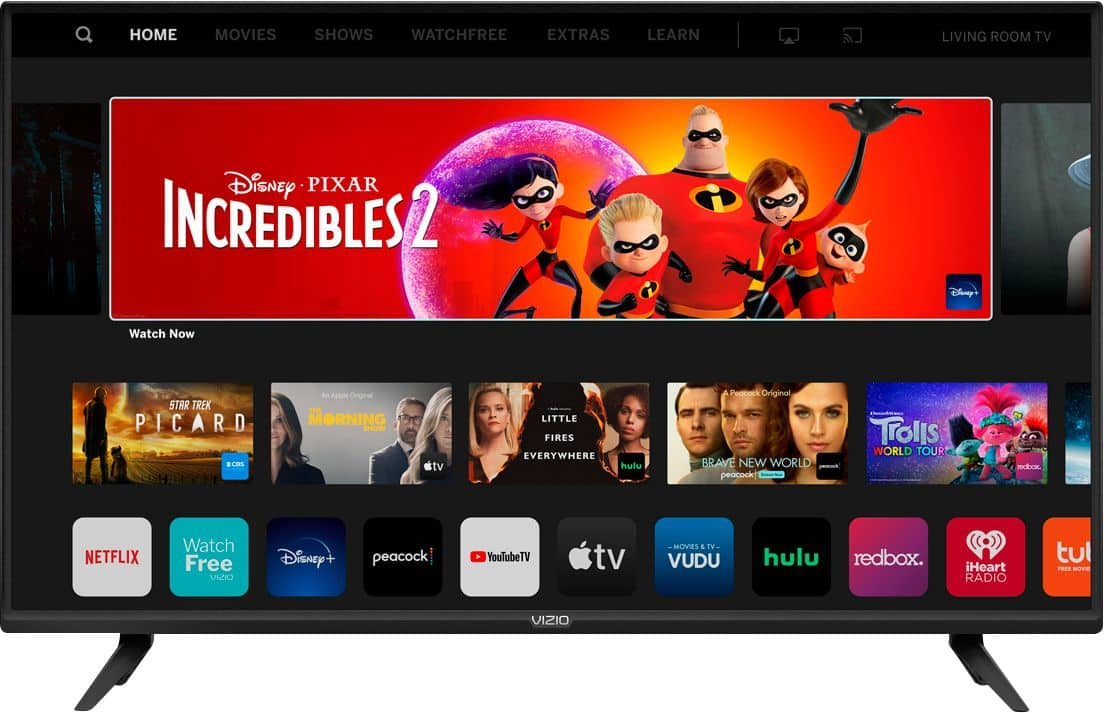
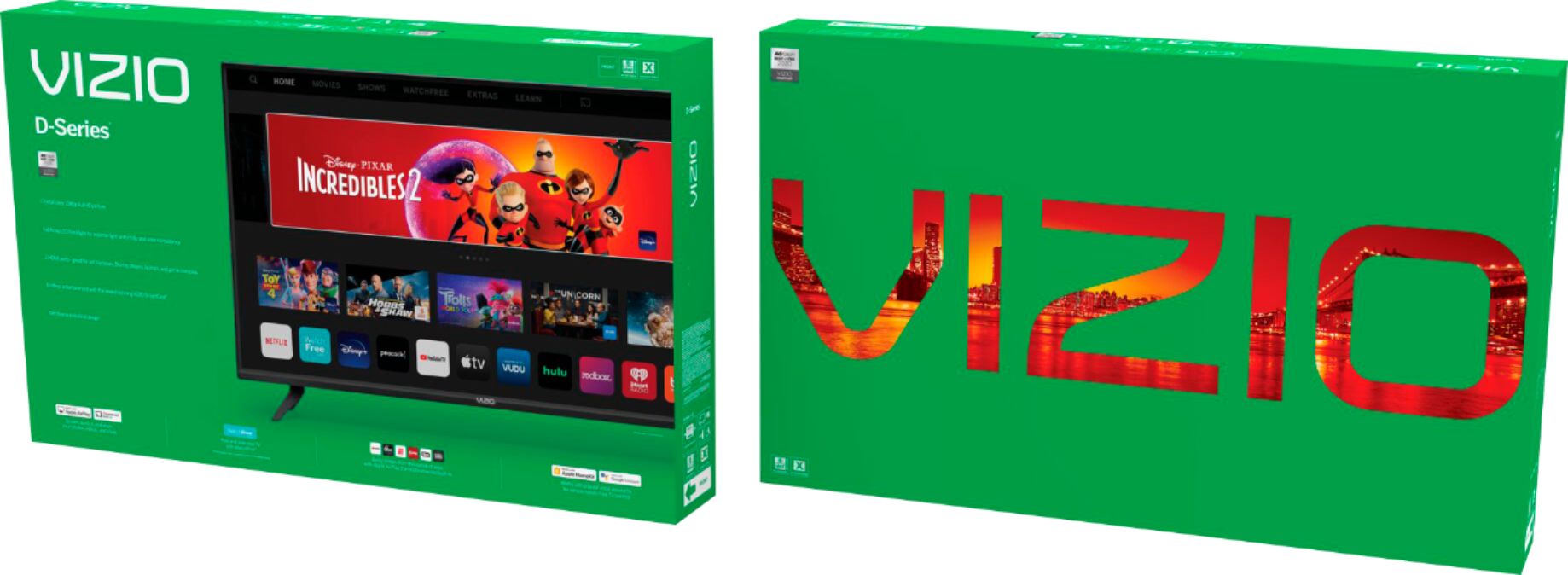
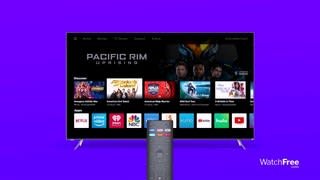
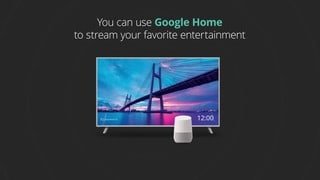
A:AnswerThis television come with built in Netflix, VUDU, Amazon Video, YouTube and many others. You can also cast any of the thousands of chromecast enabled applications to the television.
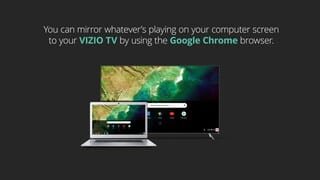
A:AnswerThis television does not currently have a Verizon application built in. We are continuously evaluating new applications for possible addition to this screen. In the meantime you can cast any of the thousands of Chromecast enabled applications to the TV from any mobile device on your network.
A:AnswerThis happened to me. It happened during the set up when my TV just stalled. I had to return it for another Vizio. It was factory defect. Got a new one and worked perfect.