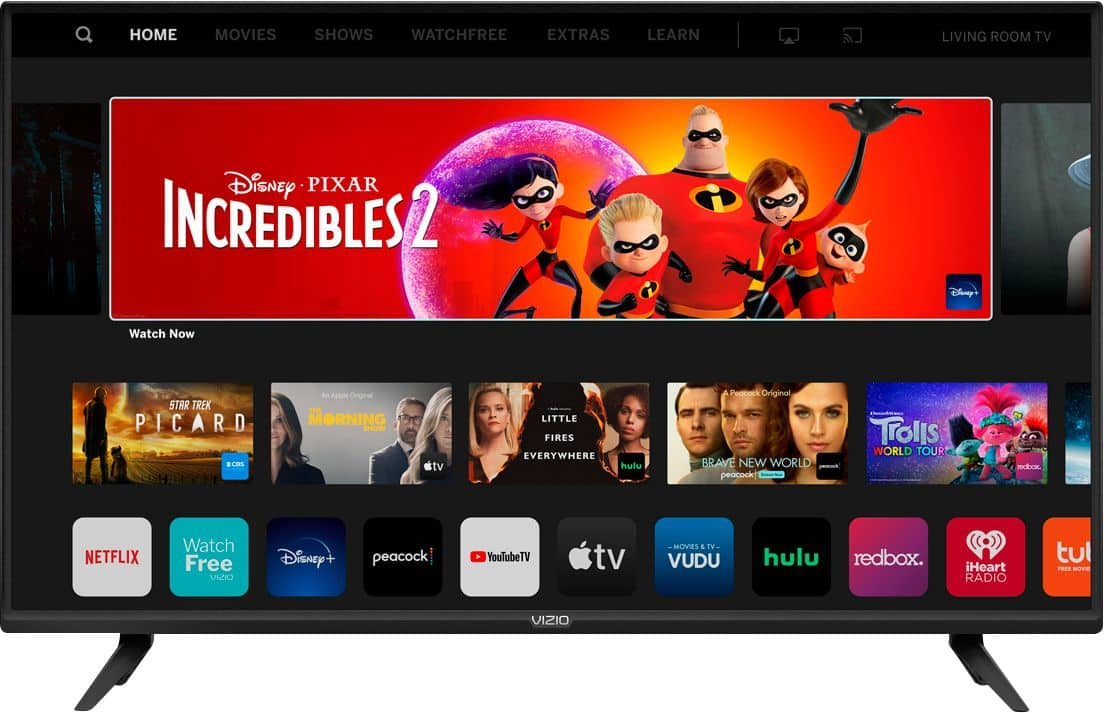
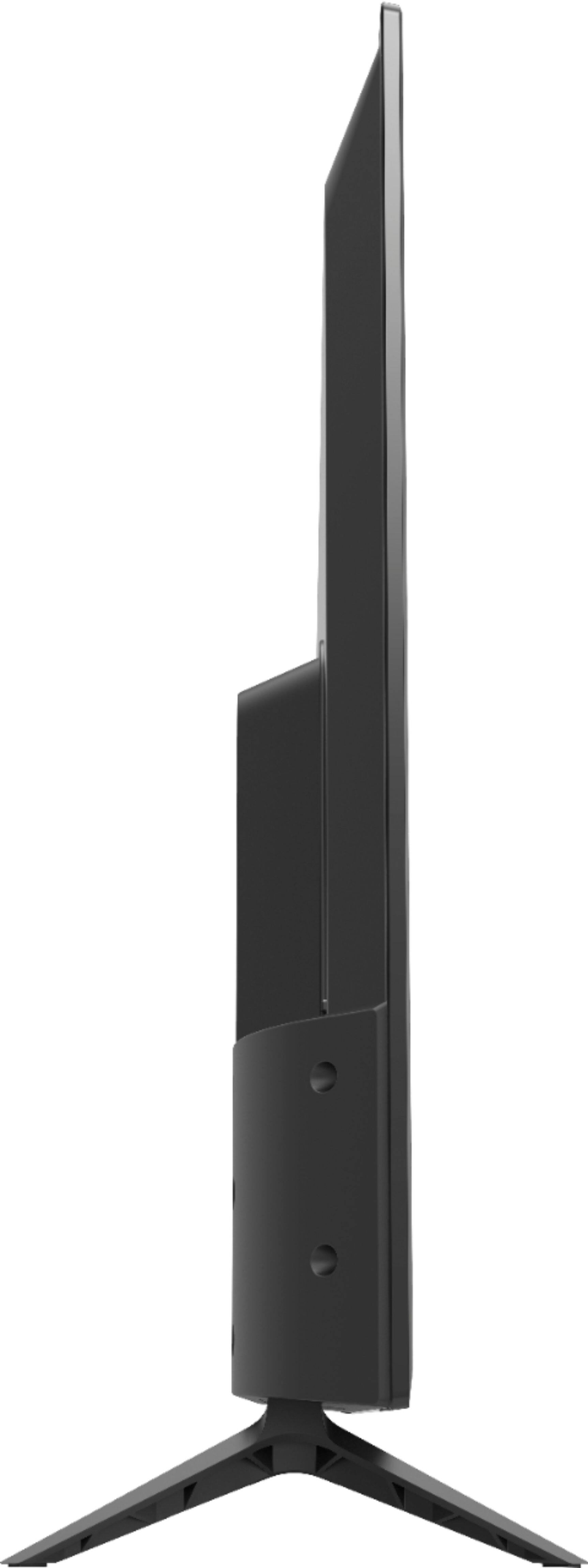
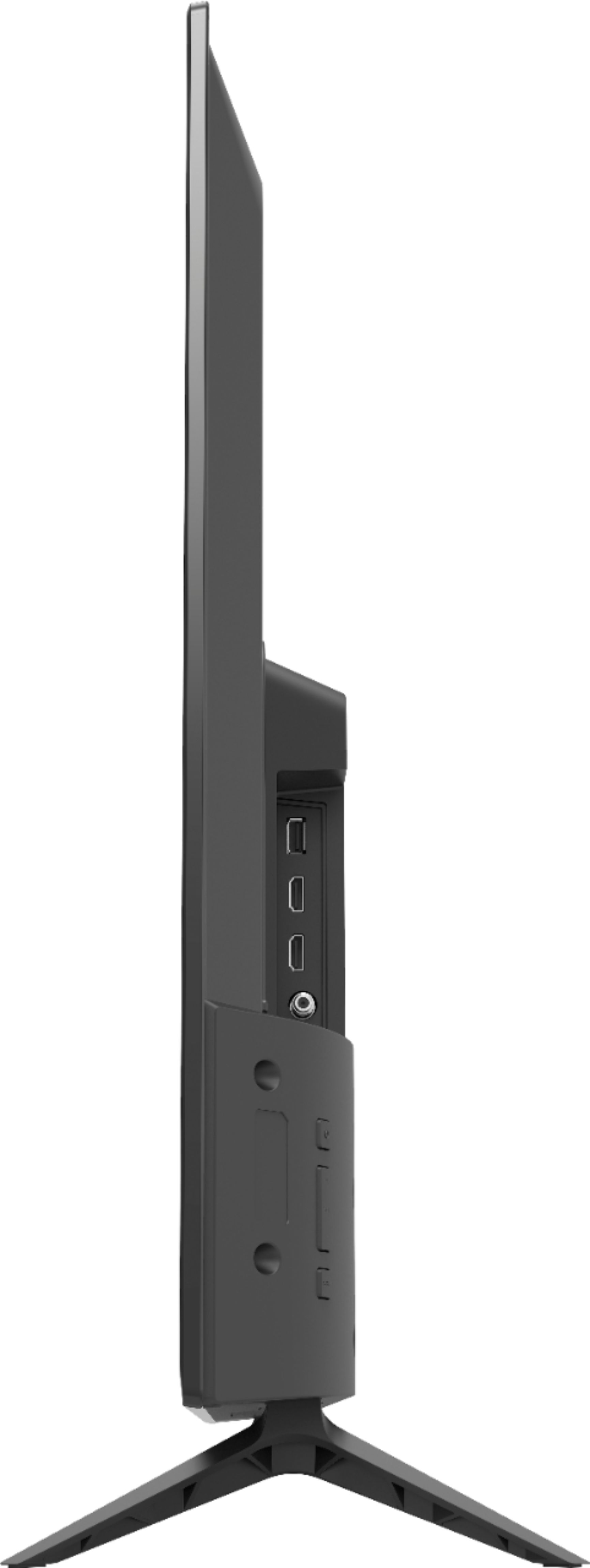
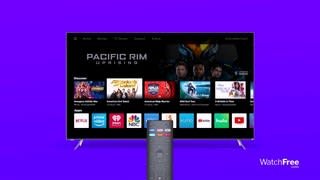
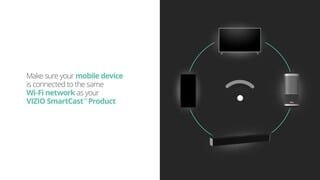
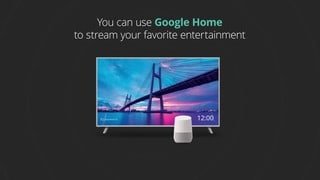
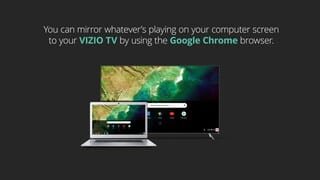
A:AnswerThe SmartCast input does have limited applications installed and you cannot add extra apps to the input. We are continuously evaluating new applications for possible addition to this screen. In the meantime you can cast any of the thousands of Chromecast enabled applications to the TV from any mobile device on your network.
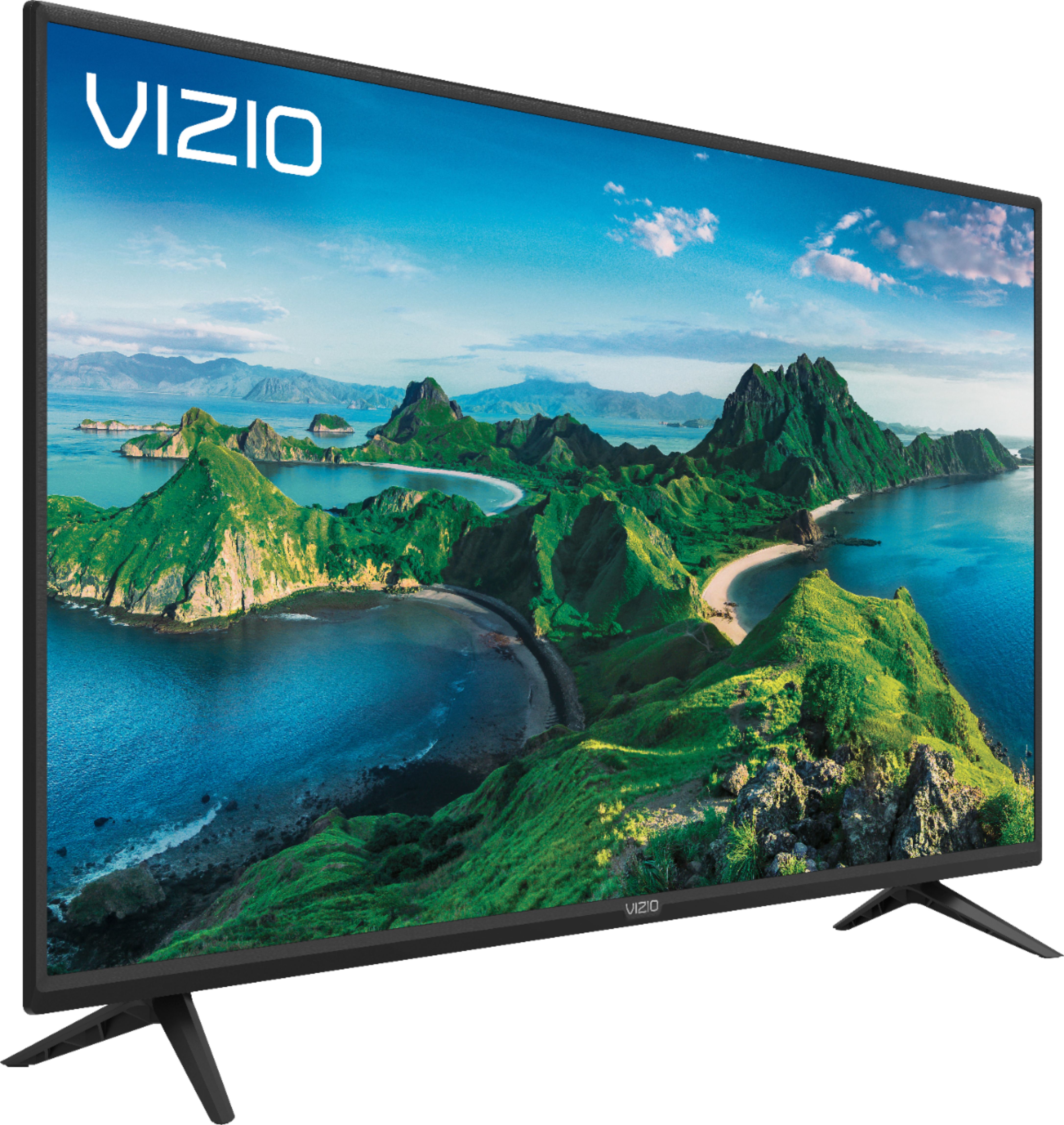
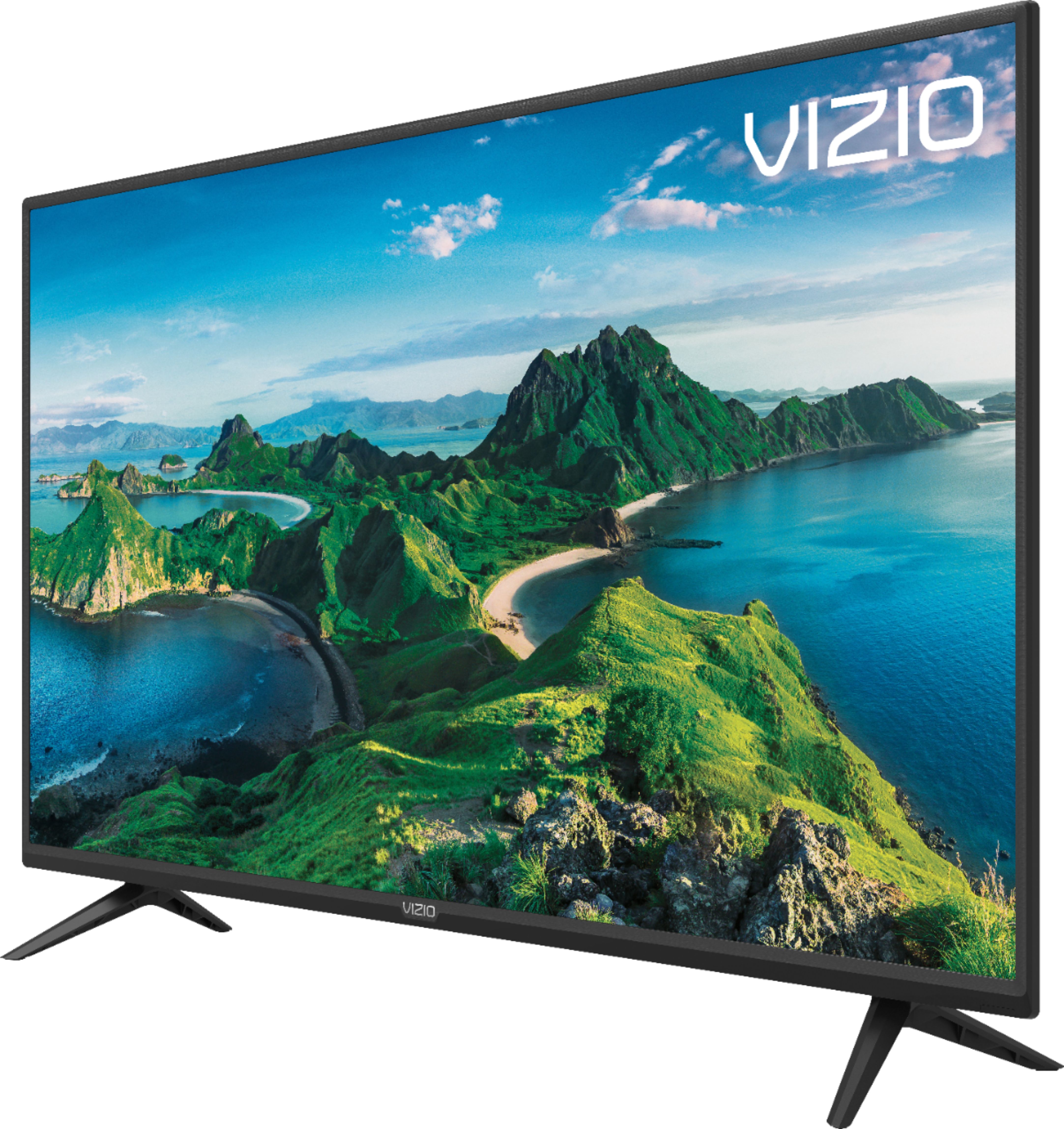
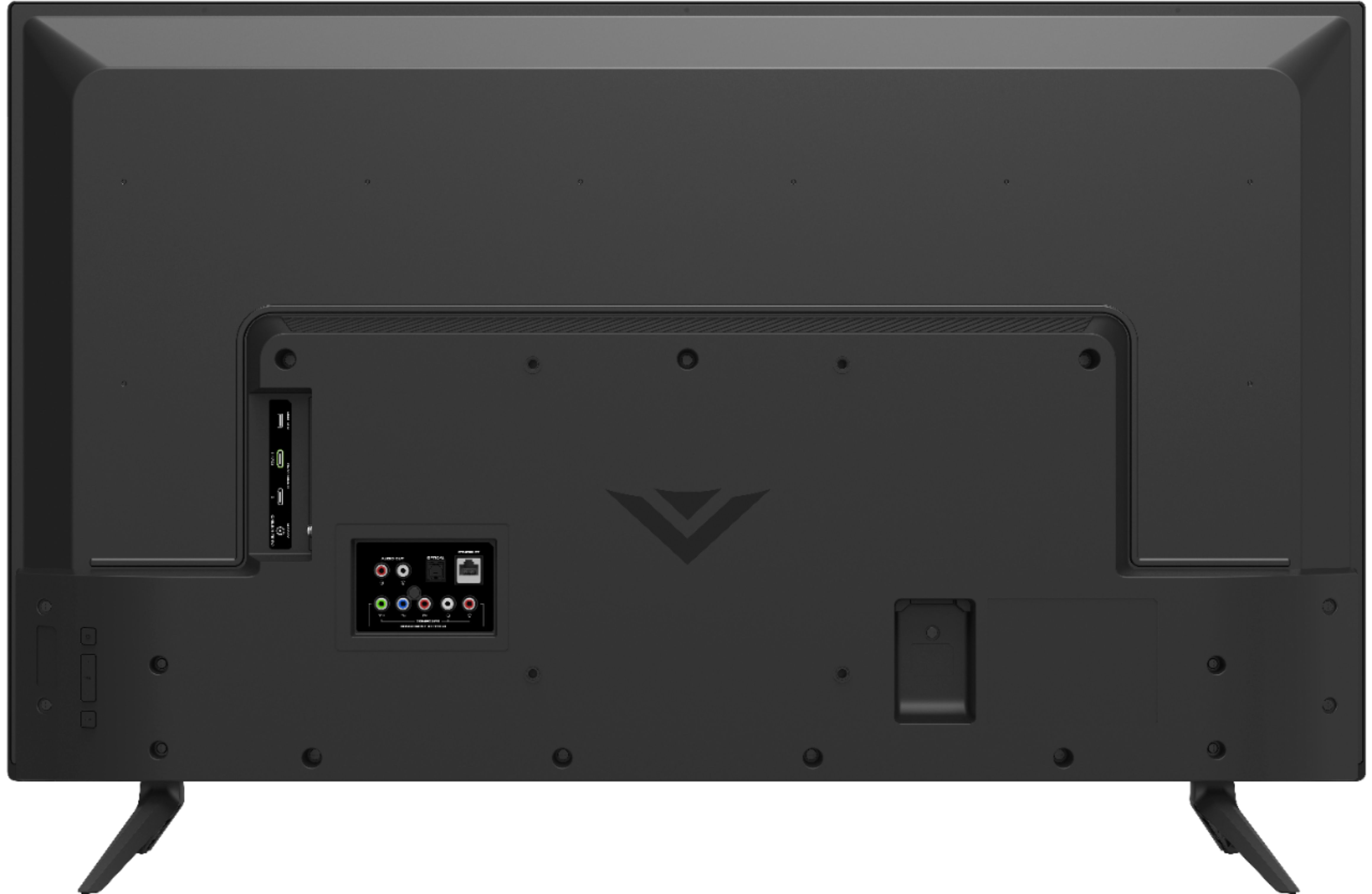
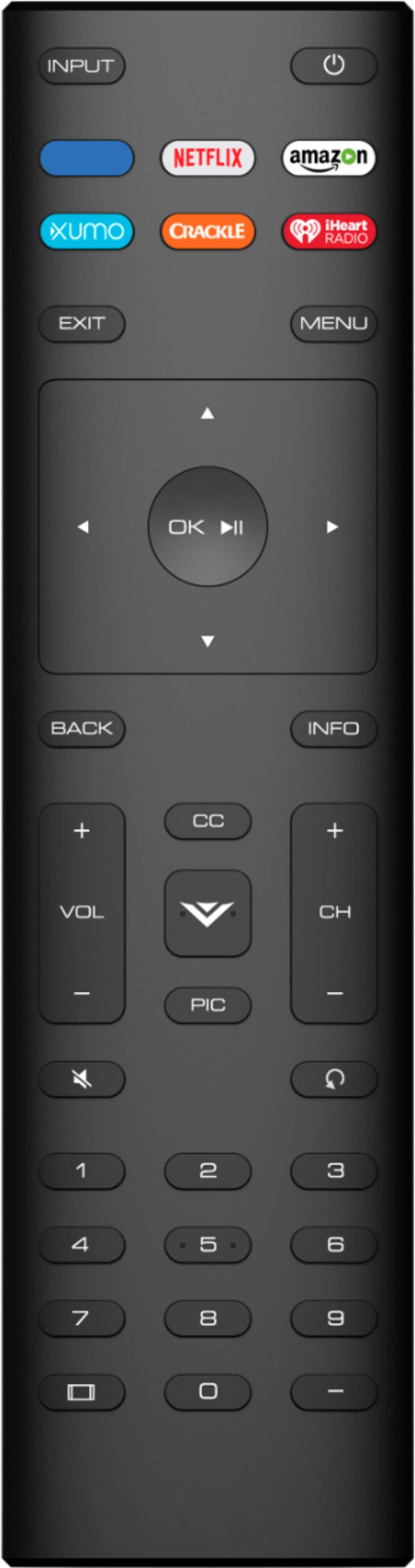
A:AnswerA few things that might help you get the kind of picture quality you are looking for. First, make sure the Display is getting a hi-definition signal. This means making sure that you're source device (like a cable/satellite box) is capable of HD, and that it's connected to your Display with an HDMI cable that can deliver the HD picture. You can also change between pre-set picture modes on the display by pressing the PIC button on your remote. This will toggle between a few picture setting that look good in different situations. If your display is in a bright room try Vivid or Calibrated. If it’s in a dimmer room try Calibrated Dark.
A:AnswerThis TV does use Bluetooth LE for connecting to you TV to a device with the VIZIO SmartCast application. However, this TV does not have Bluetooth audio out support.
A:AnswerThe SmartCast input does have limited applications installed and you cannot add extra apps to the input. We are continuously evaluating new applications for possible addition to this screen. In the meantime you can cast any of the thousands of Chromecast enabled applications to the TV from any mobile device on your network.
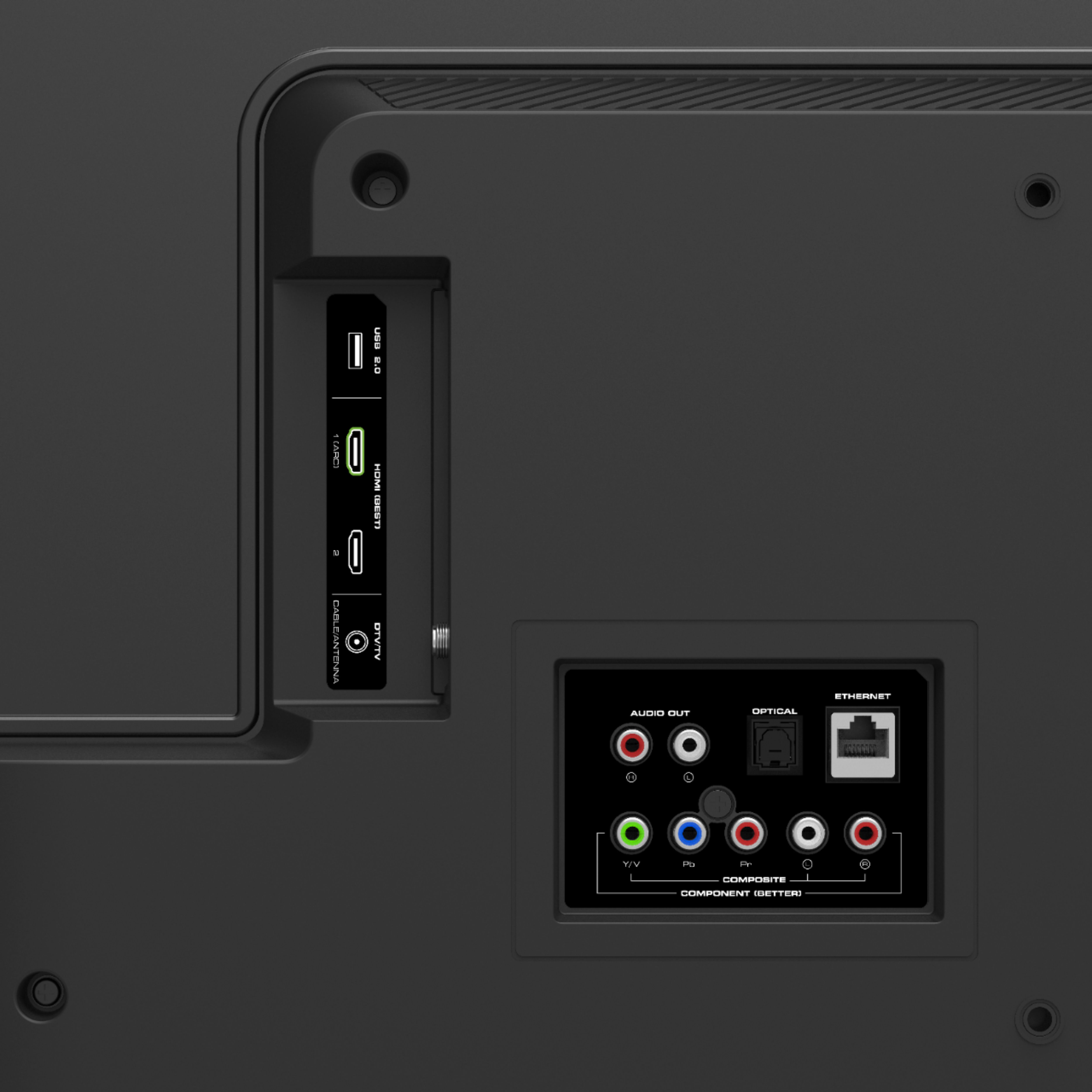
A:AnswerYes, it works with an antenna for regular broadcast TV reception. We got better reception (more channels) with this Vizio TV than the old TV it replaced.
A:AnswerExcellent. I live in the country so I use a roof top antenna with a rotor. The picture is very clear. Scanning for channels can take five minutes or so to complete.