A:AnswerHello,
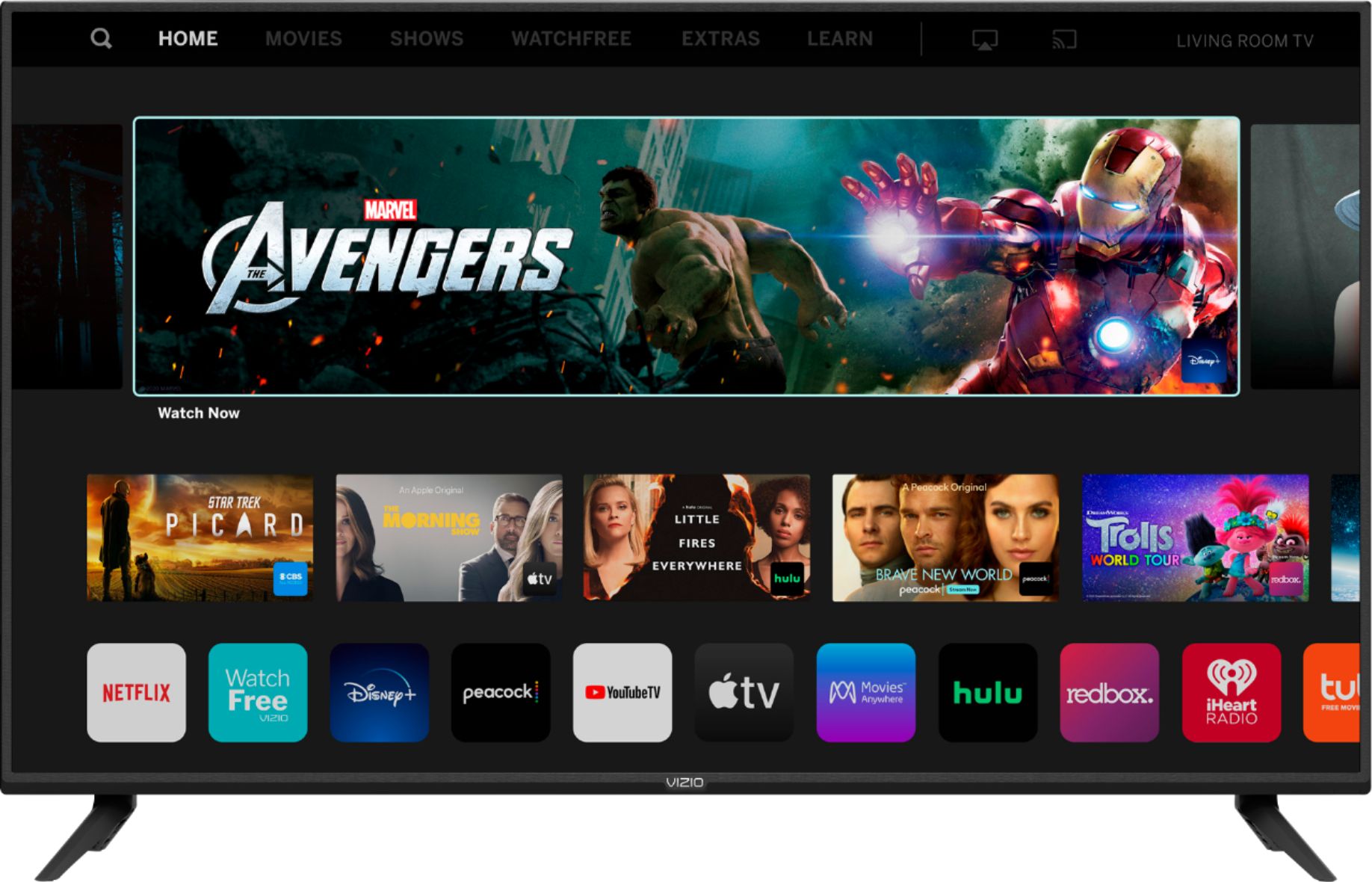
This TV uses our SmartCast Platform which offers a host of built-in apps, as well as support for Google's Chromecast, Apple's AirPlay 2, and voice support for SIRI, Google Home, and Alexa.
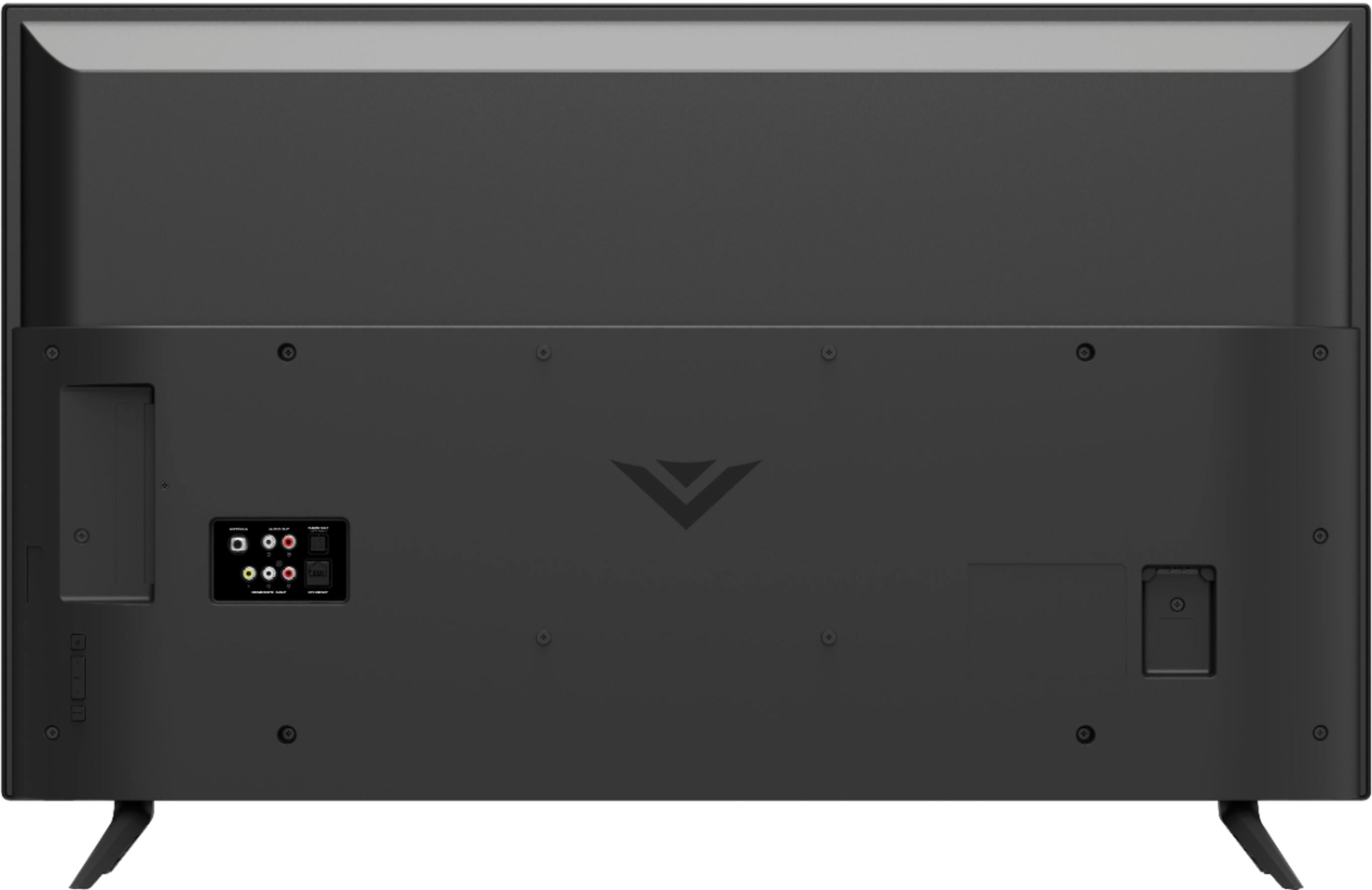
A:AnswerAccording to Vizio, this TV doesn't support Bluetooth so that wireless connection method is out of the question. But more importantly, why would you want wireless audio when you can just connect via HDMI and get a superior sound experience?
A:AnswerYou have to unplug the TV and wait 30 sec and plug it back in. Also, in your audio settings, make sure you have your setting of "analogue audio" at the fixed position and not the variable
A:AnswerNo. Just push the Amazon button on the remote and you’re there. Don’t even need to turn the unit on. It turns it on and connects to the correct input.
A:AnswerYou'll have to jump through some user agreement stuff, but it wasn't too bad. Once that's done, just select the input your console is plugged into and you're good to go. I have a Roku Stick and Xbox One X connected to my TV and I was up and running in less than 10 minutes.
A:AnswerThe native refresh rate does NOT fully describe the TV’s motion clarity technology. The “open cell” or “native” refresh rate describes only the glass panel’s ability to refresh the image on the screen, without taking into account the benefit of the scanning backlight. The “native” refresh rate for this TV is 60. VIZIO’s TVs have a Dynamic Motion Rate, which better describes the TV’s ability to achieve motion clarity through the use of its glass panel and scanning backlight. The Dynamic Motion Rate for this TV is 120.