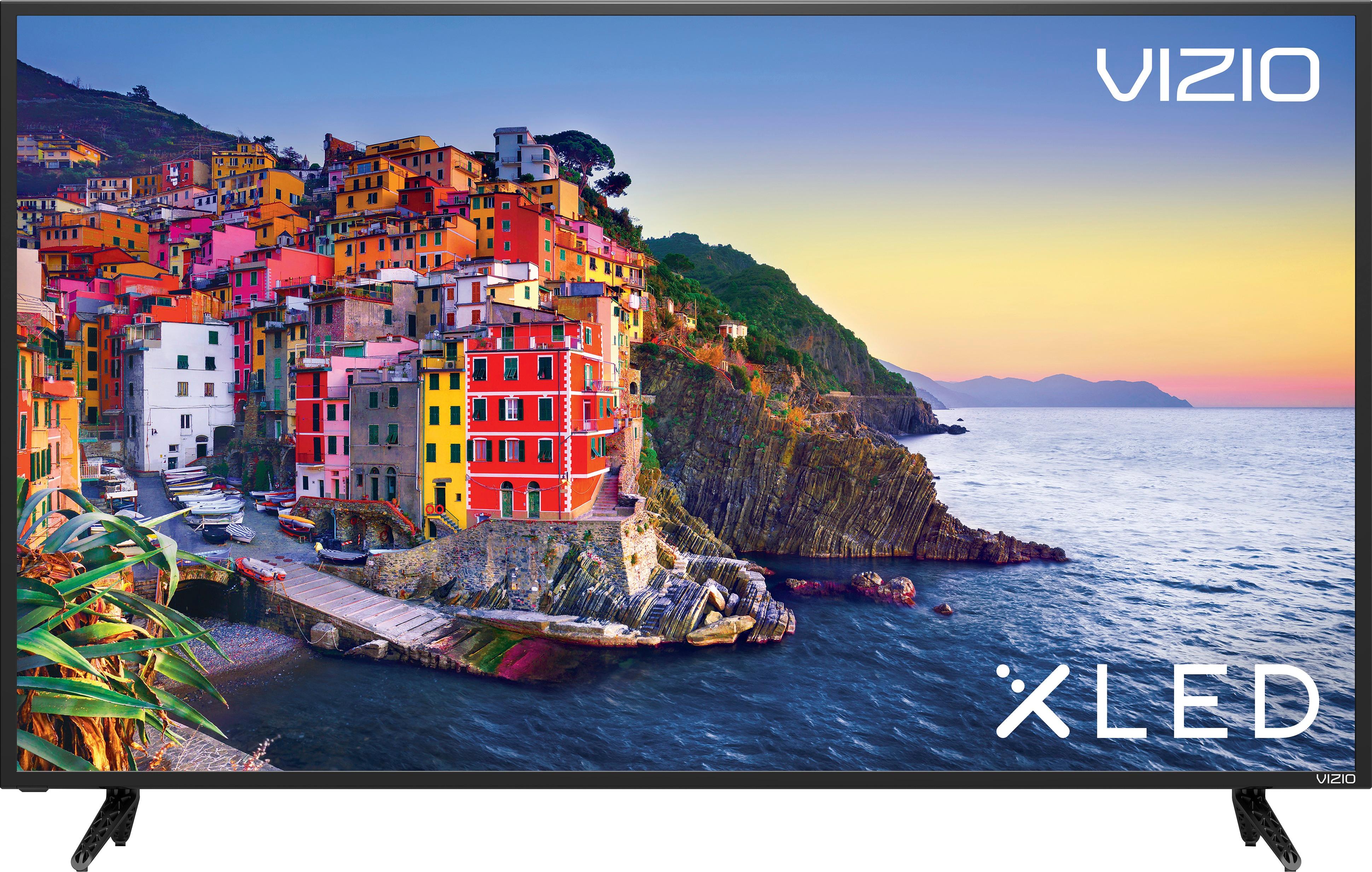
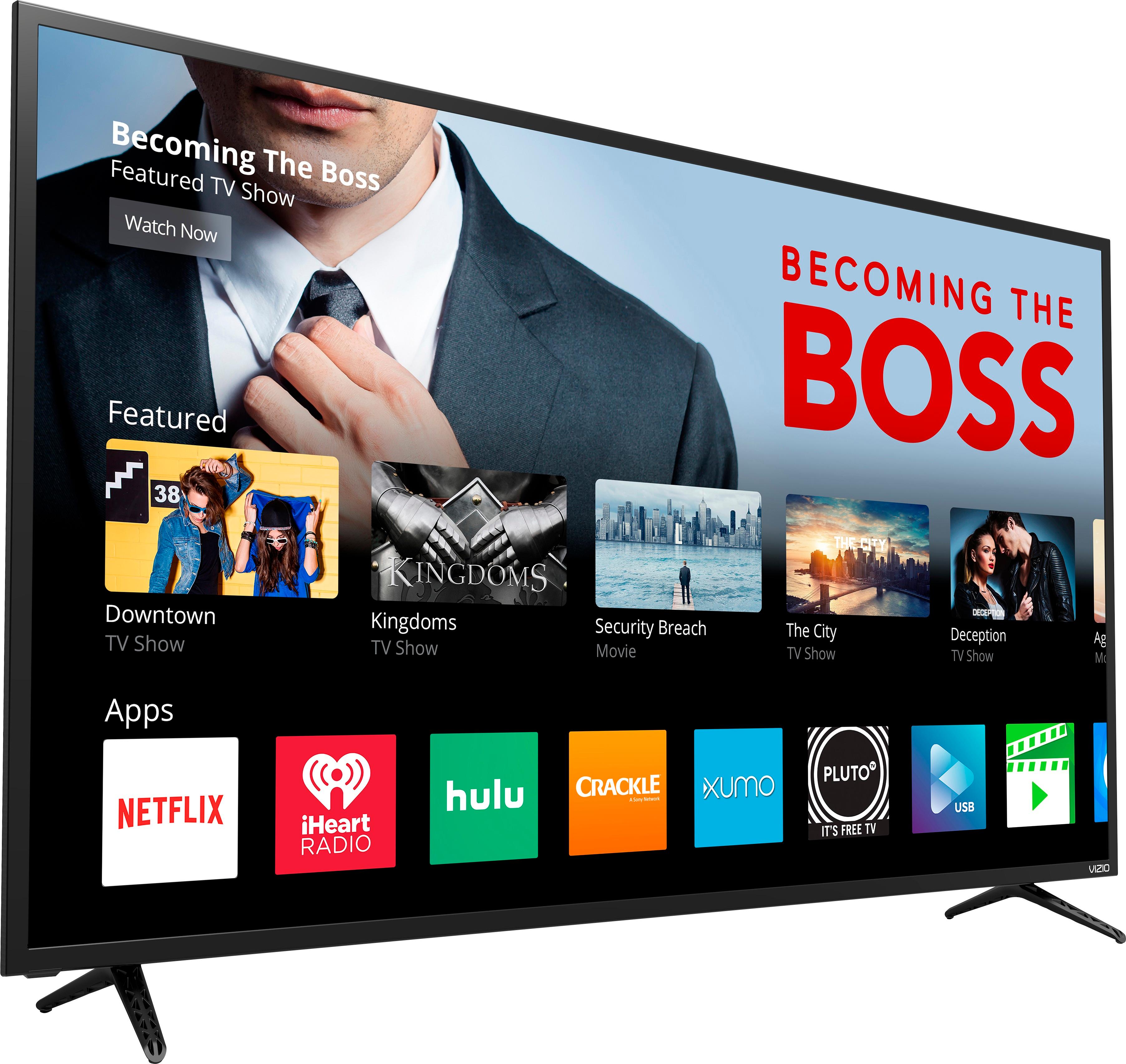
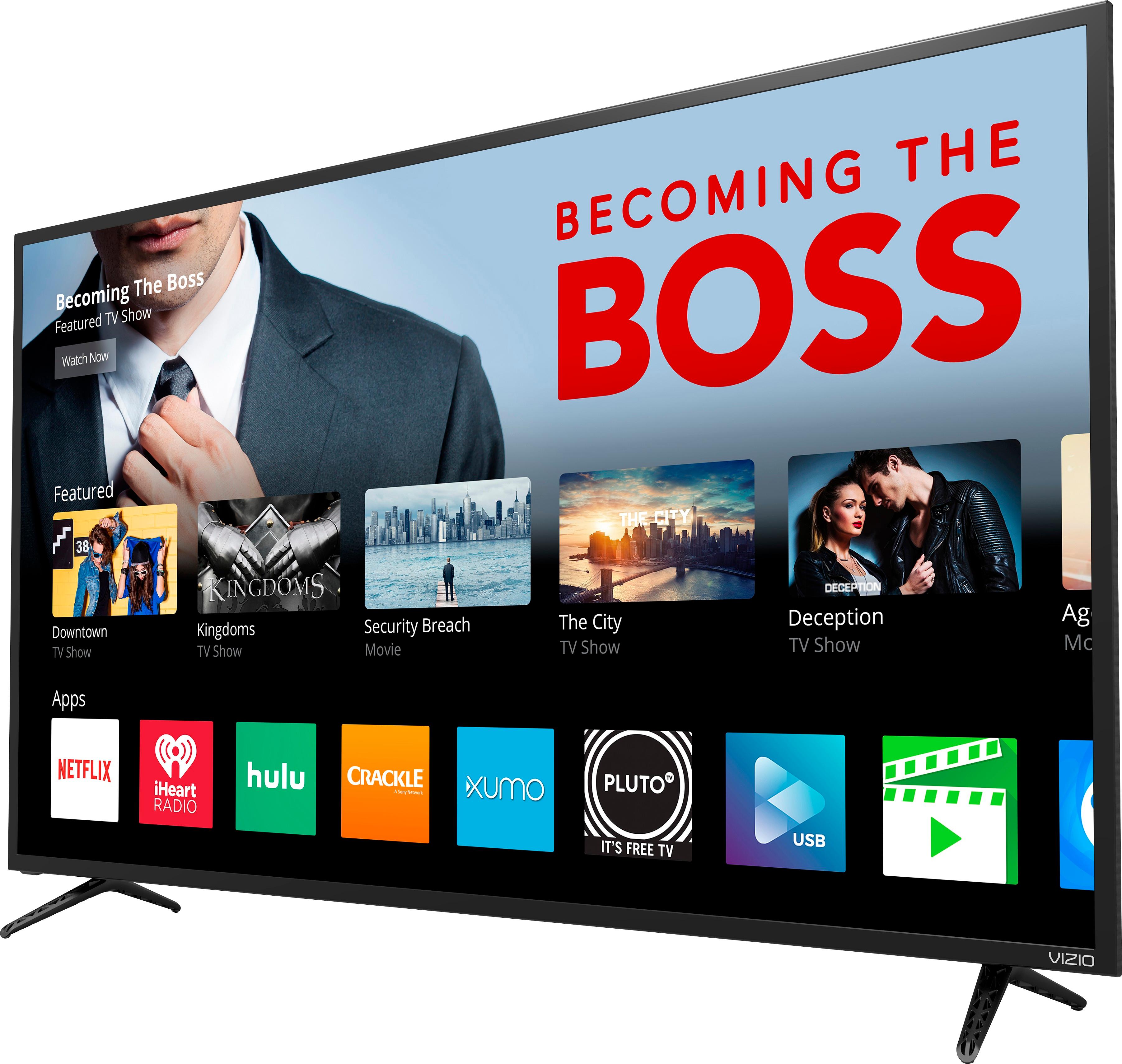
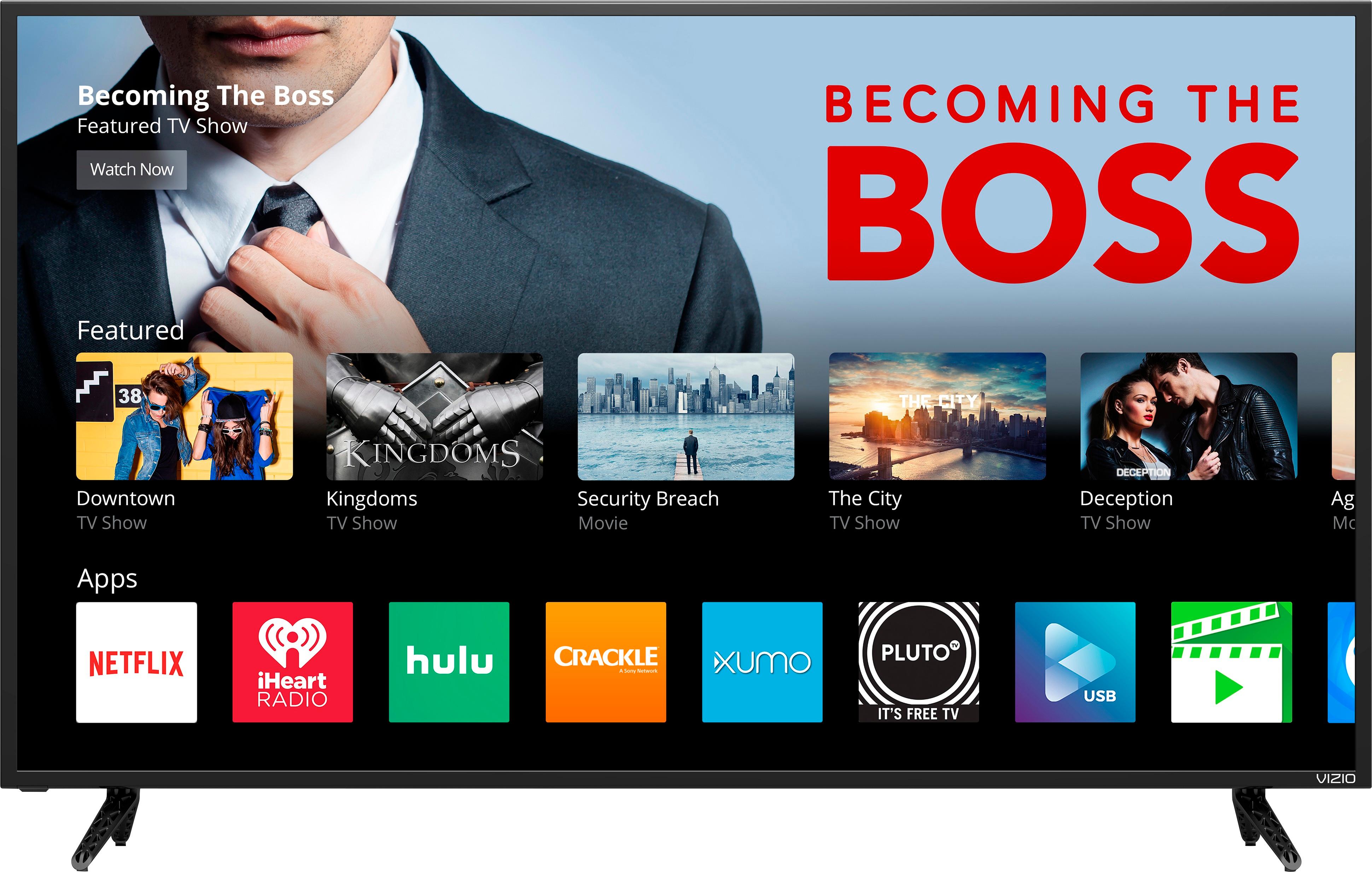
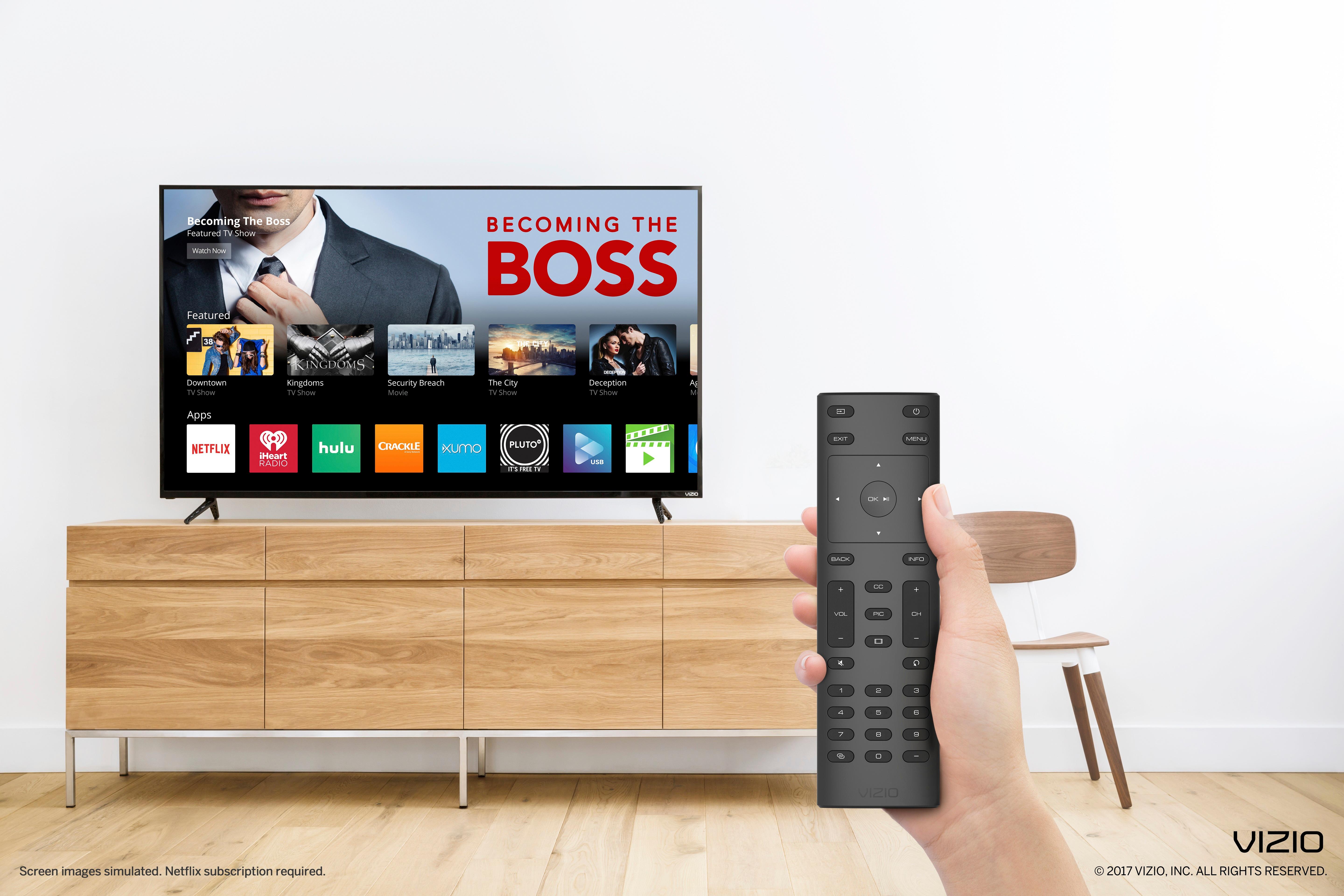
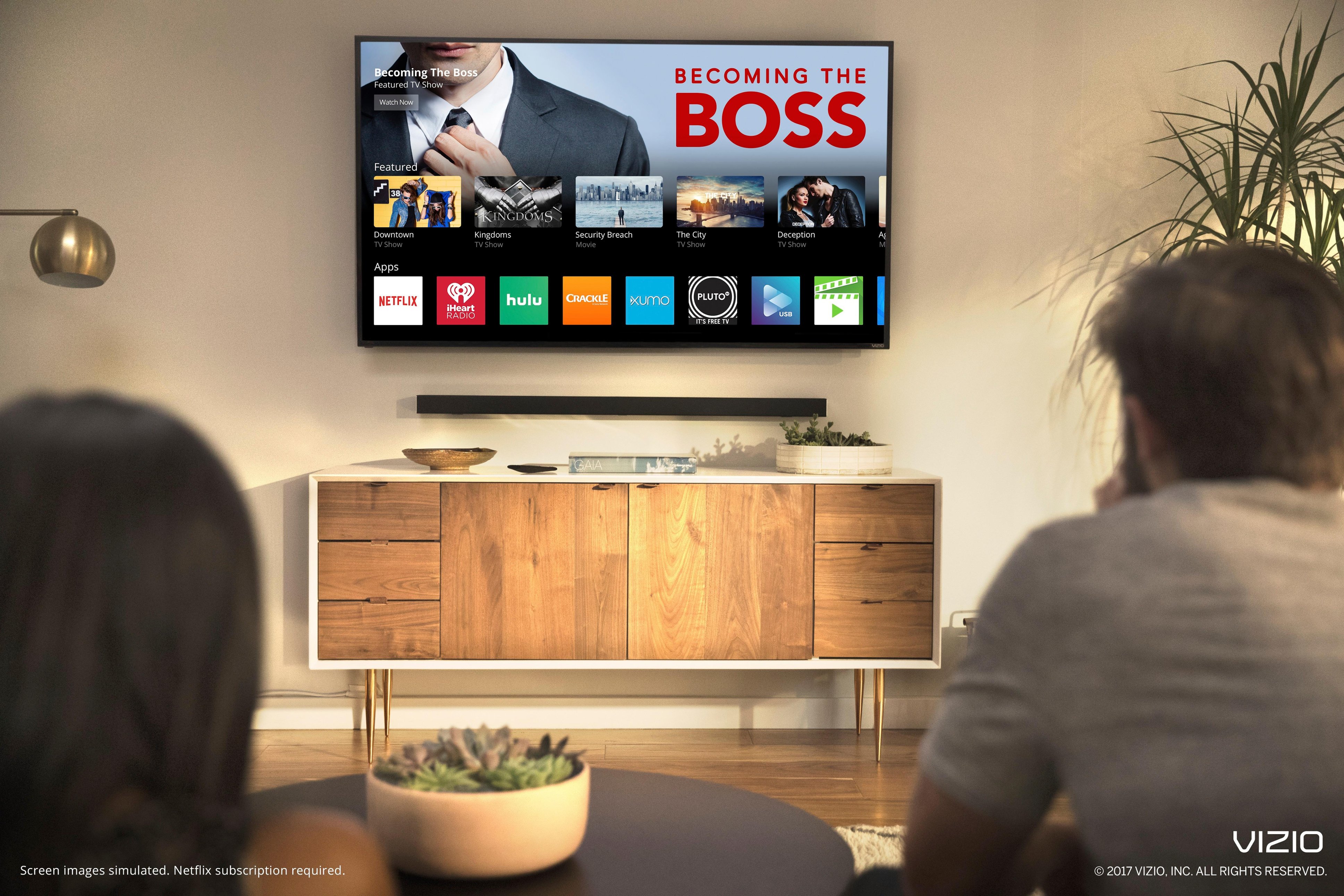
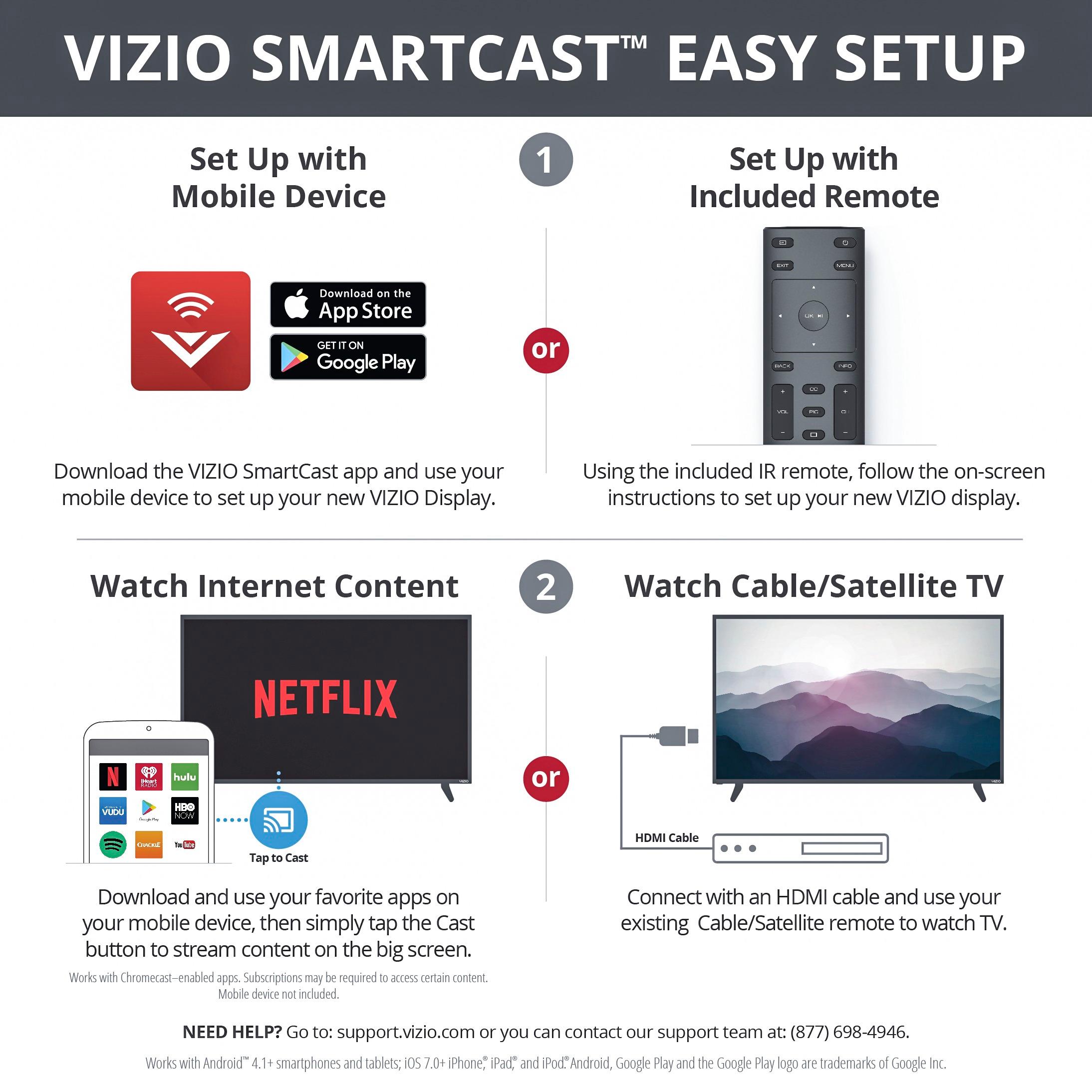
A:AnswerYour cable can be connected with the help of an external tuner. To better serve users who prefer a more traditional app experience, SmartCast TV is now starting to roll out to our SmartCast Home Theater Displays. SmartCast TV makes apps accessible directly from the display as well as adding multimedia functionality to the USB port. This update will download automatically to your display if it’s connected to the internet and let you know with an onscreen message when it’s downloaded. Once the update has been downloaded simply press the ‘Input’ button on your VIZIO remote control, and choose the input labeled ‘SmartCast’. You can also continue to cast your favorite applications directly to the display as well.
A:AnswerPlease contact our customer support team at 877-878-4946 – we’re here Monday thru Friday from 7am to 11pm and Saturday and Sunday from 8am to 6pm CST.
A:AnswerThe press release for the intro of the 2017 model was Feb 28th, 2017 so half these reviews are for the non-HDR 2016 model (Community Answers is WRONG!). So take these Best Buy reviews with a grain of salt (in fact my local BB has YET to get the 2017 models in stock).